

Home Safety in Home Improvement























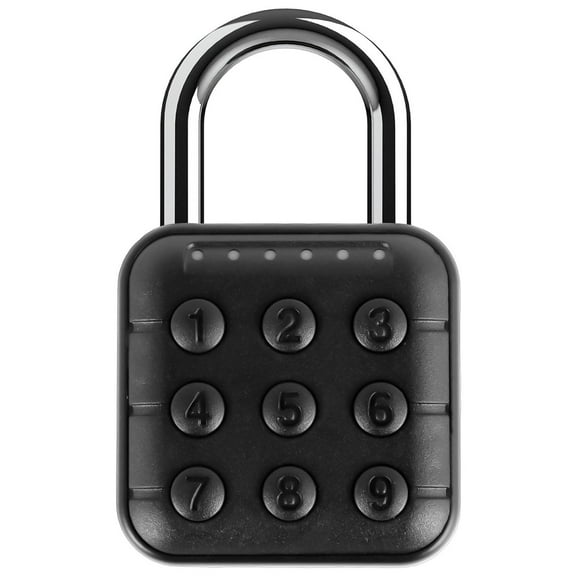


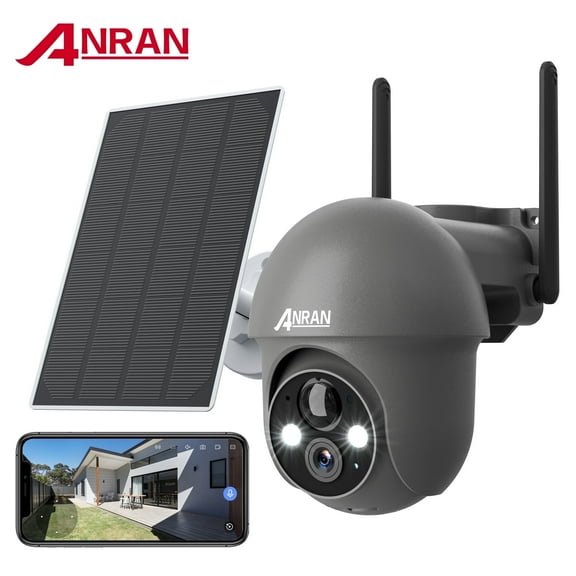
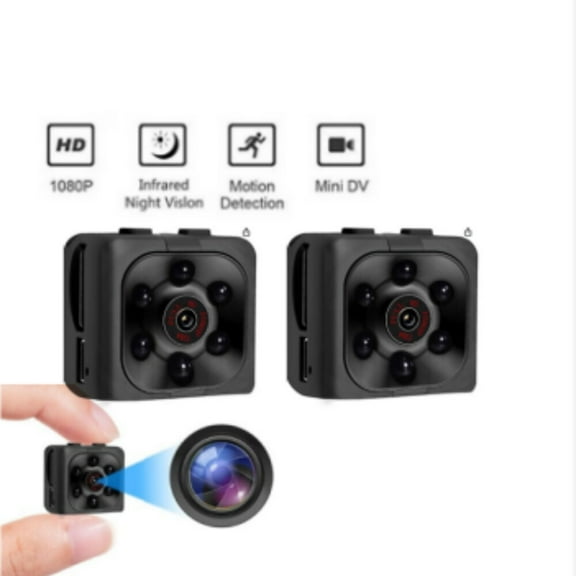
About Home Safety in Home Improvement - Walmart.com
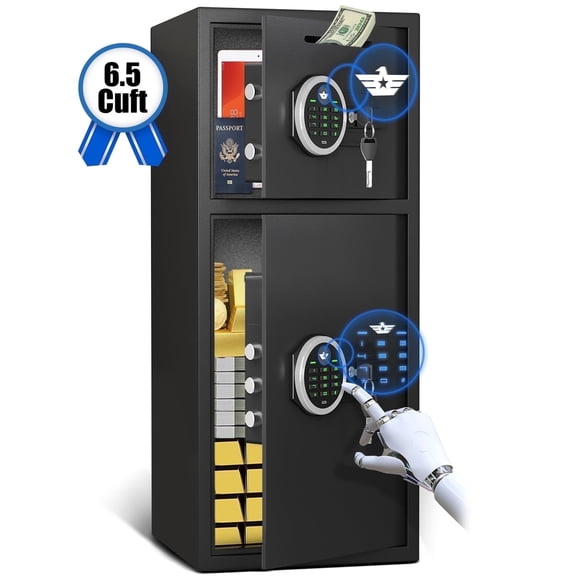
You can compare home security options more clearly when you focus on setup, connectivity, and coverage for your space. You’ll find category choices here that fit houses, apartments, entryways, and multi-room layouts.
If you’re building a first setup or expanding one, you can narrow home security by power source and installation type. You’ll also want to match cameras, sensors, and alarms to how you enter, exit, and monitor your home.
How to choose home security systems
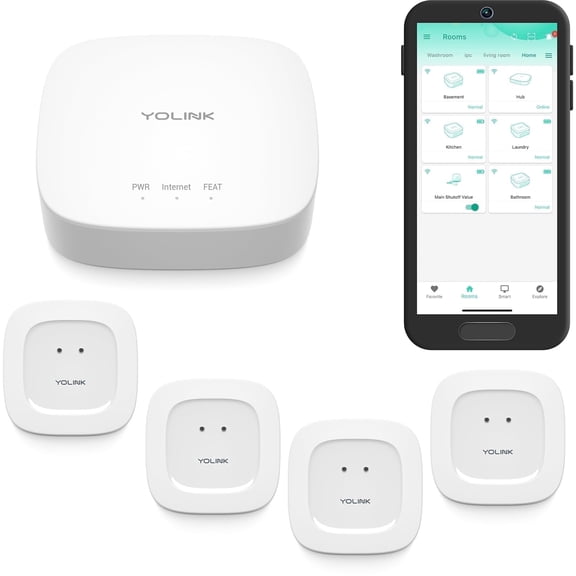
You can start with the layout you want to cover and the alerts you want to receive. You’ll usually compare security cameras, motion sensors, door and window sensors, and alarms as one connected setup.
When you compare home security systems, you should decide whether you want self-monitored alerts or professional monitoring support. You may prefer app alerts, or you may want guided response through a subscription plan.
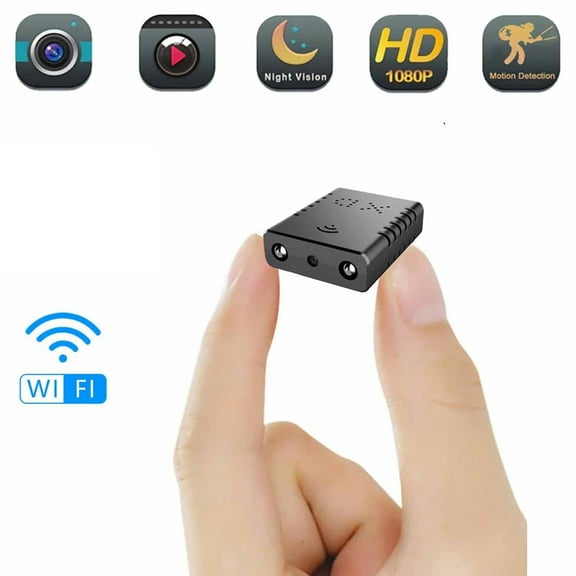
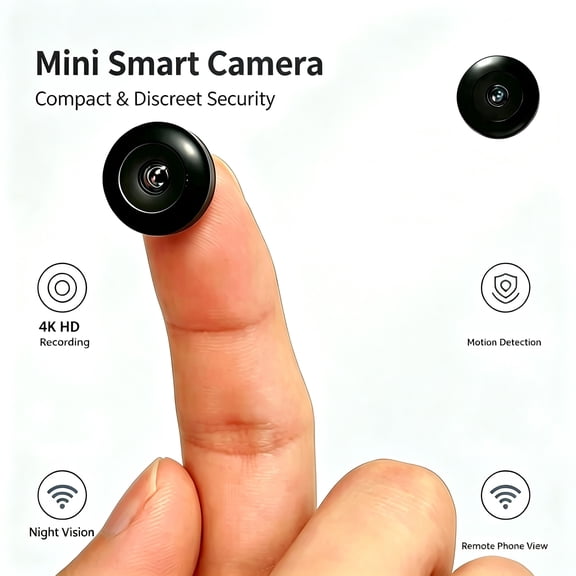
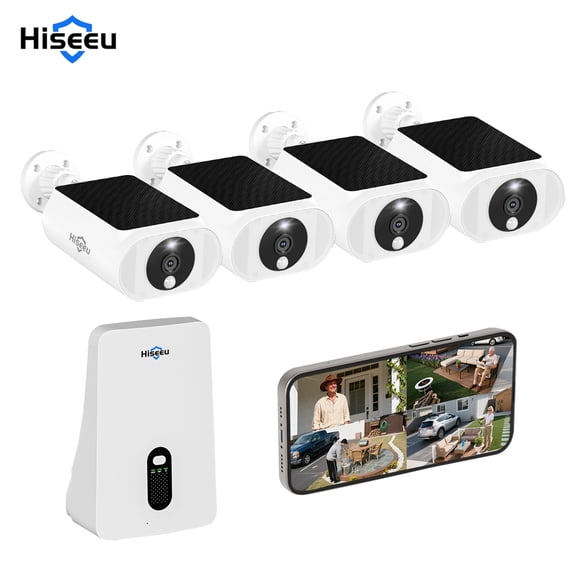
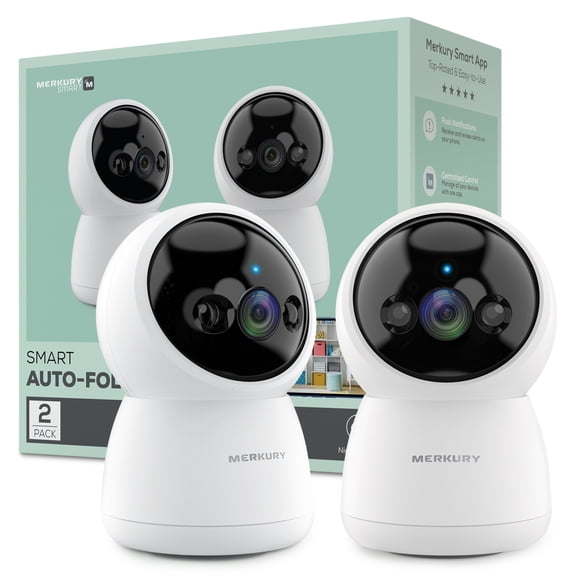
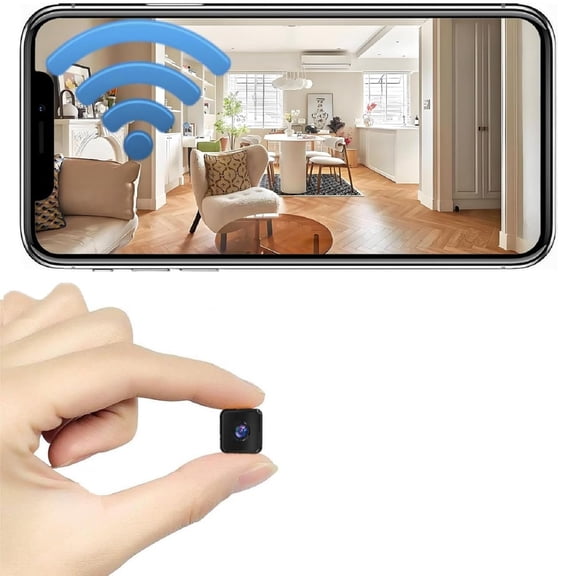
- You can use security cameras to watch doors, driveways, halls, and shared spaces.
- You can add motion sensors when you want activity alerts in rooms, garages, or entry paths.
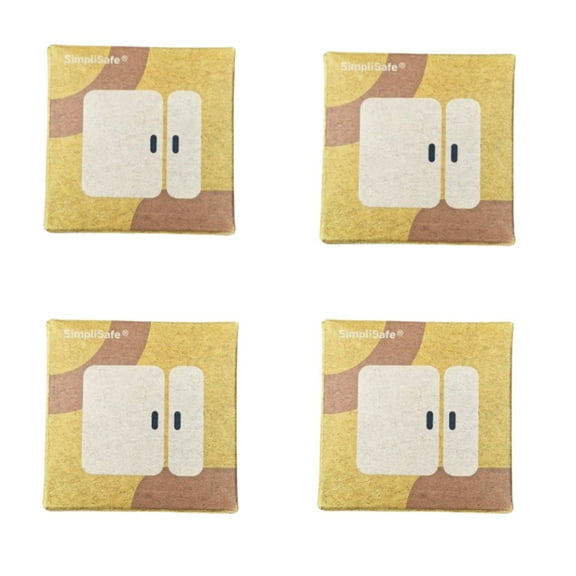
- You can place door and window sensors where you want opening and closing updates.
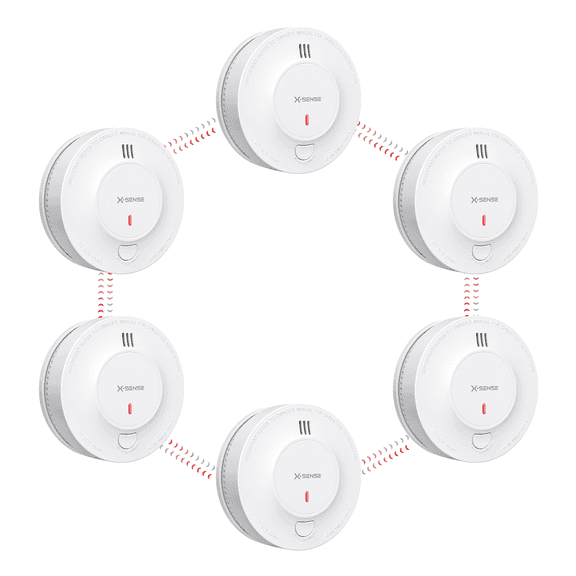
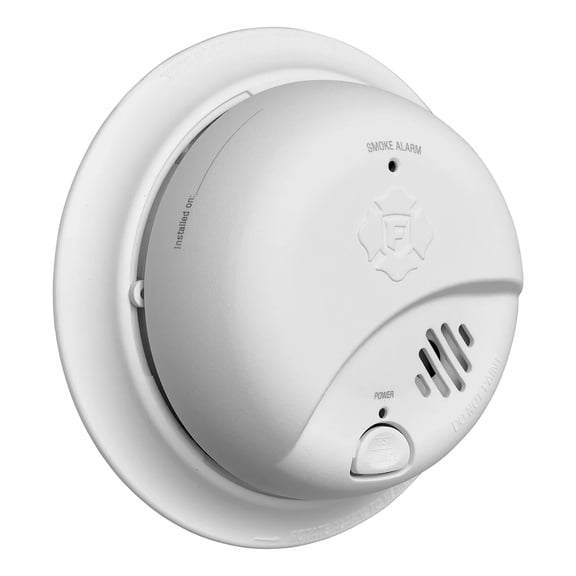
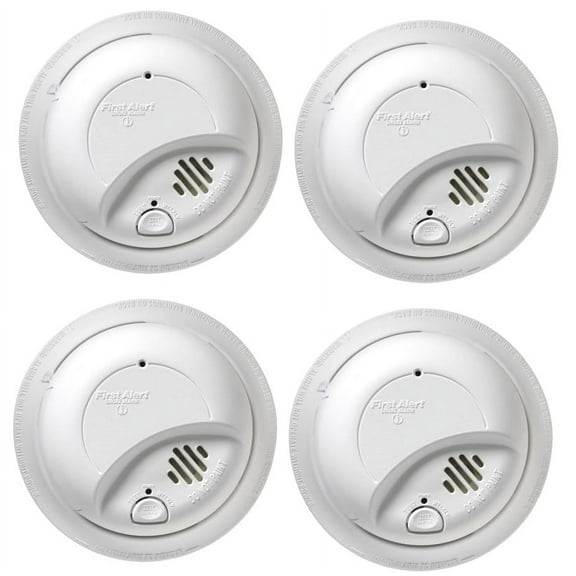
- You can choose alarms when you want an audible signal that gets attention fast.
You’ll often benefit from combining component types instead of relying on one device alone. You can create broader coverage when cameras, sensors, and alarms work together across key access points.
Choosing power and connectivity for smart home security
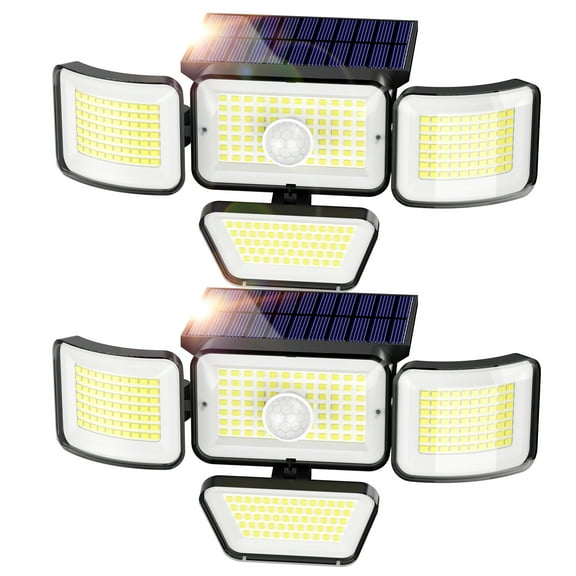
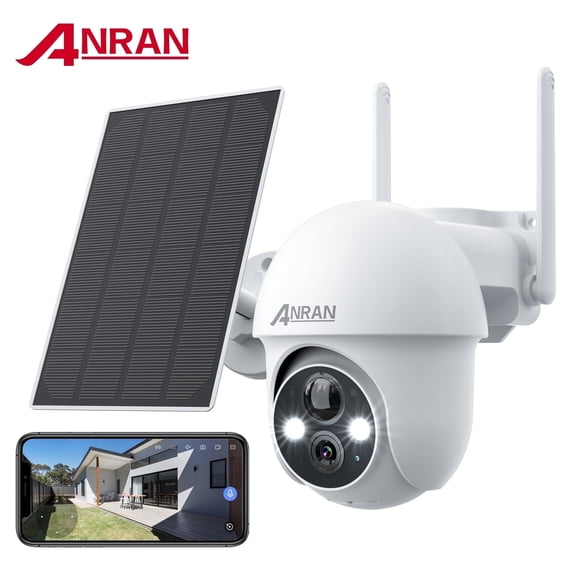
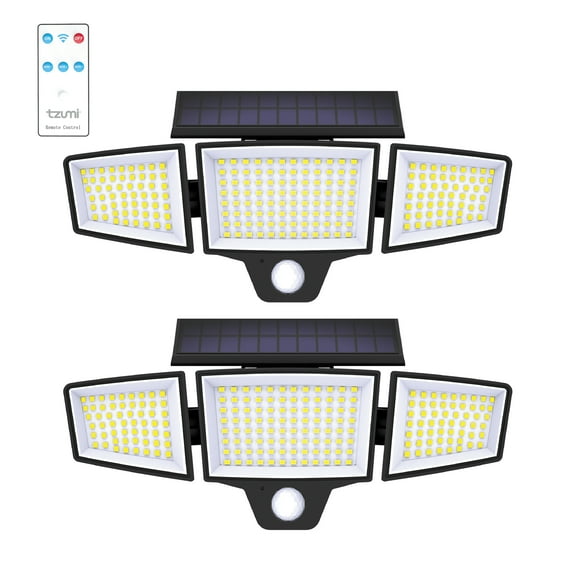
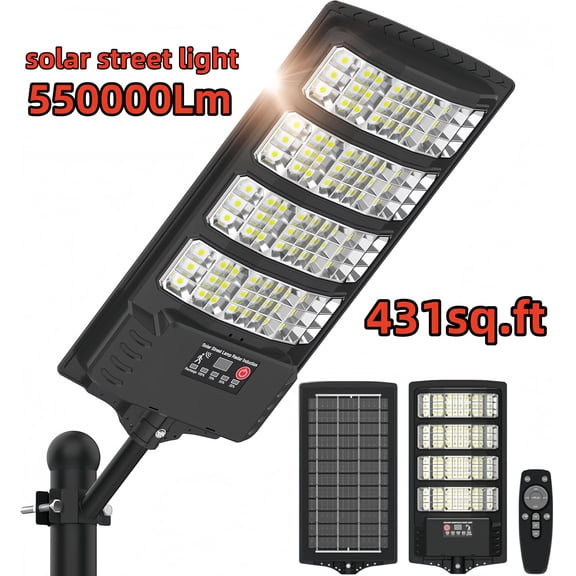
You should compare battery-powered, hardwired, solar-powered, and plug-in options before you commit. You’ll notice each power source changes placement flexibility, upkeep, and how permanent your setup feels.
If you want simpler placement, you may lean toward battery-powered or plug-in devices in wireless security systems. If you want a fixed setup, you may prefer hardwired equipment in a long-term location.
You can also compare Wi-Fi, cellular, Bluetooth, and ethernet connections based on your routine. You’ll want a connection type that matches your network, your signal strength, and your desired app access.
For smart home security, you should check whether your devices support Alexa, Google Assistant, or Apple HomeKit. You can also look for Zigbee or Z-Wave support when you’re adding devices to an existing smart hub.
You’ll usually appreciate easier control when your locks, lights, cameras, and sensors share one platform. You can streamline daily checks when your app shows live views, notifications, and device status together.
Deciding between diy home security and professional installation
You can choose DIY home security when you want faster setup and direct control over placement. You’ll often install peel-and-stick sensors, app-paired cameras, and plug-in hubs with basic tools.
If you want a more hands-off process, you may consider professional installation options. You can benefit from guided placement for cameras, sensors, and alarm components across larger homes.
You should also think about how you want alerts handled after setup. You can monitor events yourself through phone notifications, or you can choose professional monitoring through a separate service plan.
With self-monitoring, you’ll receive app updates and decide how to respond to motion, door activity, or camera events. With professional monitoring, you’ll typically have a service that reviews alerts for you.
Matching home security to your space and routine
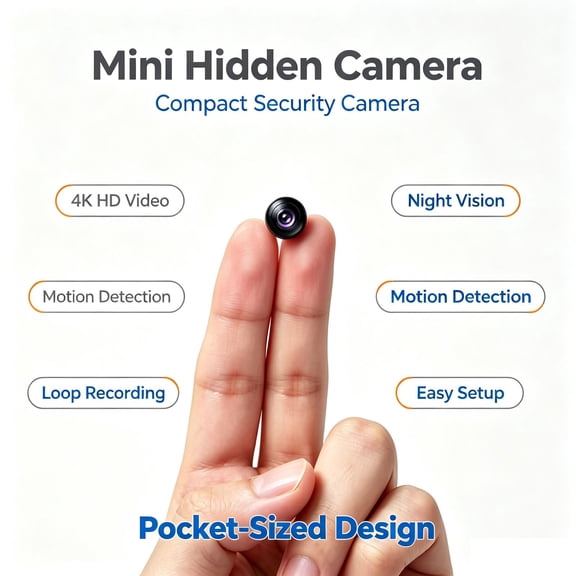
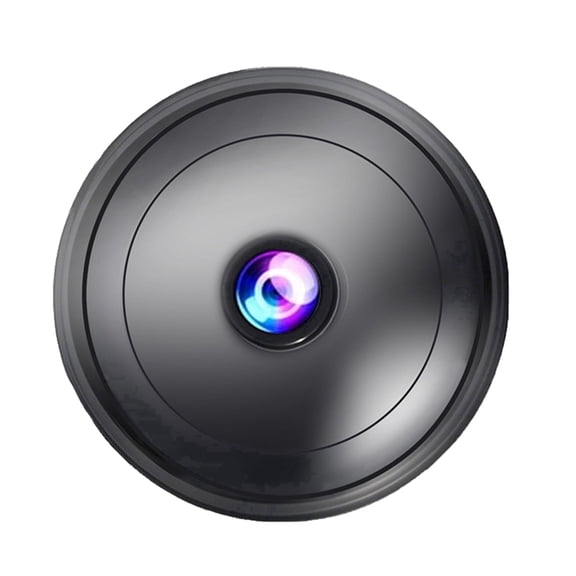
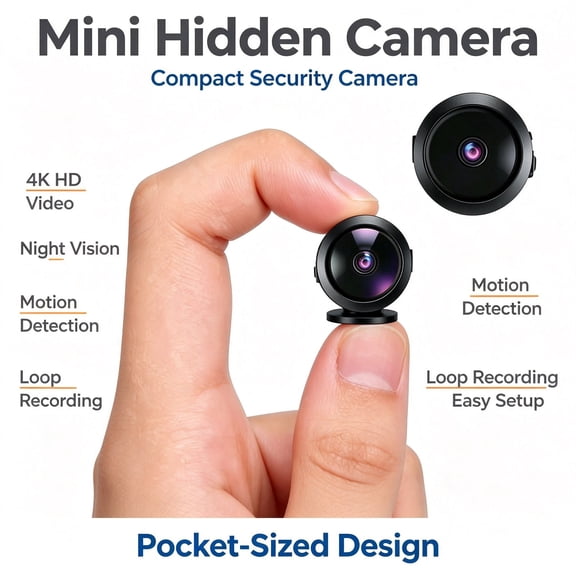
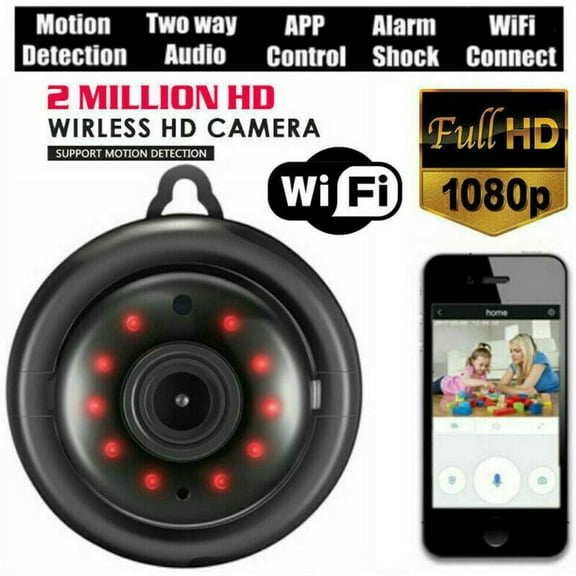
You can tailor apartment security with compact cameras, door sensors, and battery-powered devices that require less permanent mounting. You’ll often prefer flexible placement when you’re covering a front door, hallway, or shared entrance.
For a house, you may want wider coverage across porches, back doors, garages, and upstairs halls. You can combine outdoor cameras, indoor motion sensors, and door contacts to follow daily traffic patterns.
If you’re watching package drop-offs, you can prioritize front-door camera angles and instant phone alerts. If you’re covering pets, kids, or frequent deliveries, you may want app controls and adjustable detection zones.
You can also build around routine entry points instead of trying to cover everything at once. You’ll often start with the main door, then add window sensors, hallway motion detection, and extra cameras over time.
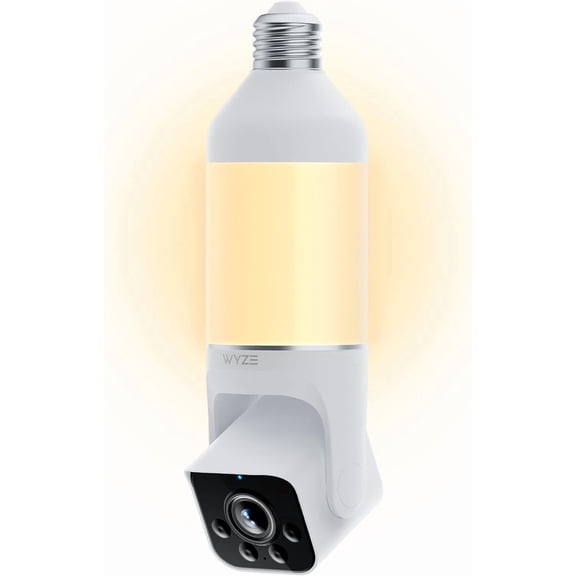
When you compare camera types, you should think about indoor views, outdoor placement, and how often you check footage. You’ll want home security cameras that fit your mounting area and preferred viewing method.
You can make a more confident choice when you compare power, connectivity, installation, platform support, and component type together. You’ll end up with home security that fits your layout, your devices, and your daily routine.