









All Paper & Printable Media in Paper



















About All Paper & Printable Media in Paper - Walmart.com
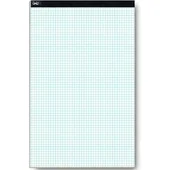
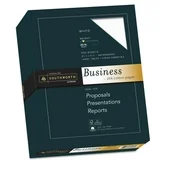
You can choose printable paper for everyday documents, photo prints, labels, and crafts when you need the right weight, finish, and size. You’ll find options for home offices, classrooms, and creative projects, with formats that match common printers and print goals.
How to choose printable paper by paper type
You should start with paper type because each sheet serves a different purpose. You’ll usually want printer paper for everyday pages, cardstock paper for sturdy projects, and photo paper for image-focused printing.
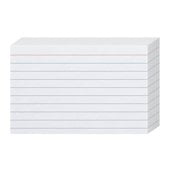
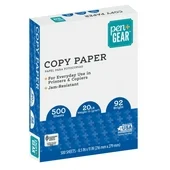
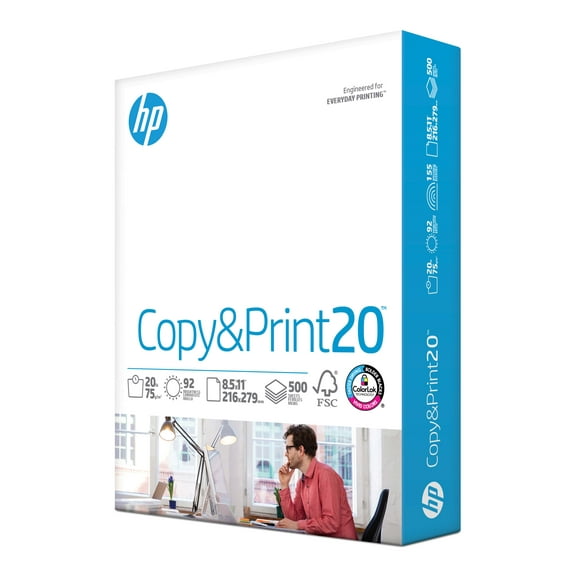
When you print handouts, forms, or drafts, you’ll usually prefer printer paper in standard letter size. When you make invitations, signs, or greeting cards, you’ll want thicker sheets that feel more substantial.
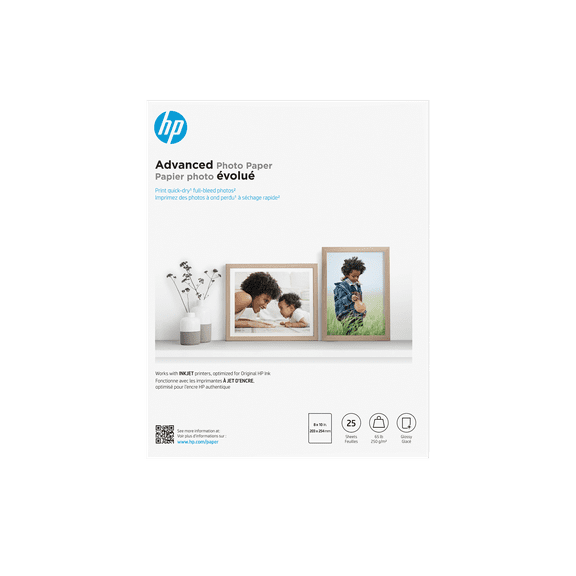
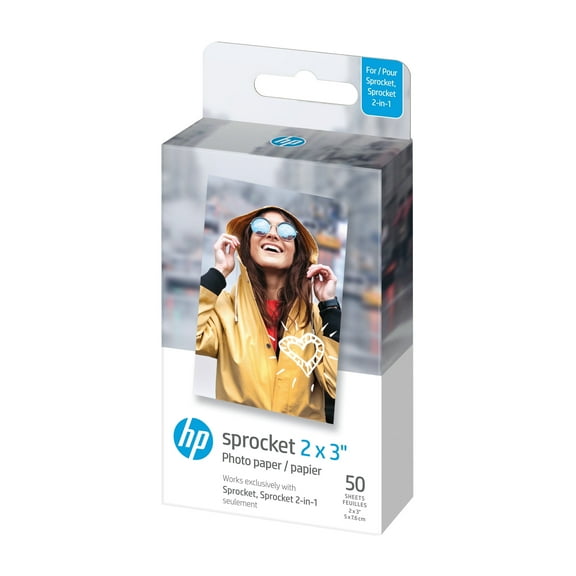
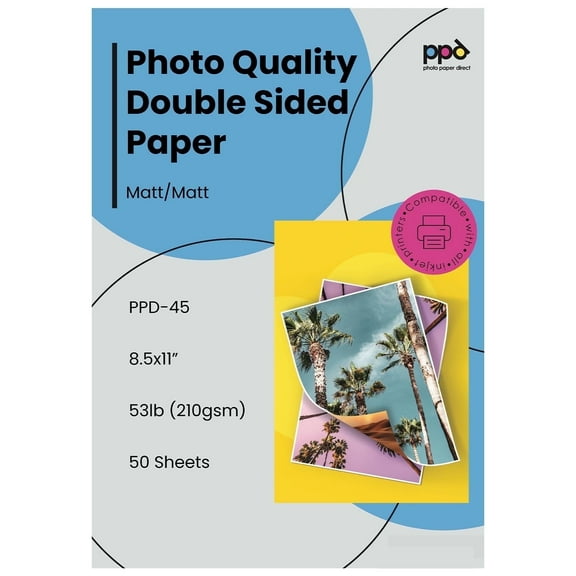
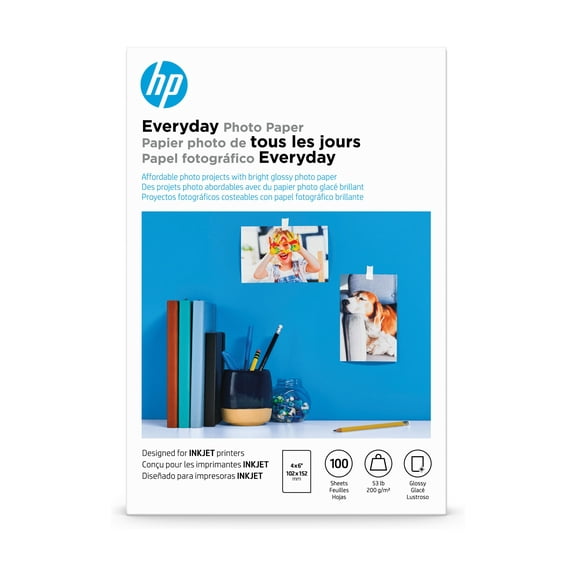
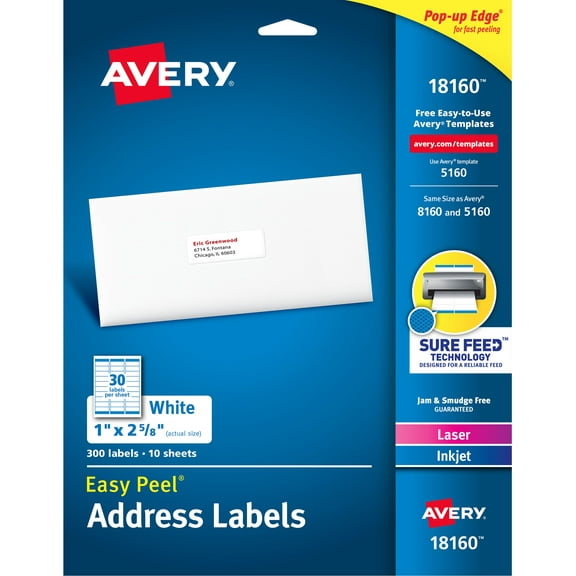
If you print labels, planner decals, or mailing stickers, you may prefer sticker paper that feeds smoothly and peels cleanly. If you print snapshots or display images, you’ll notice photo paper supports sharper color and cleaner contrast.
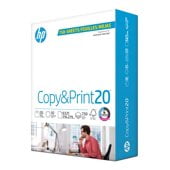
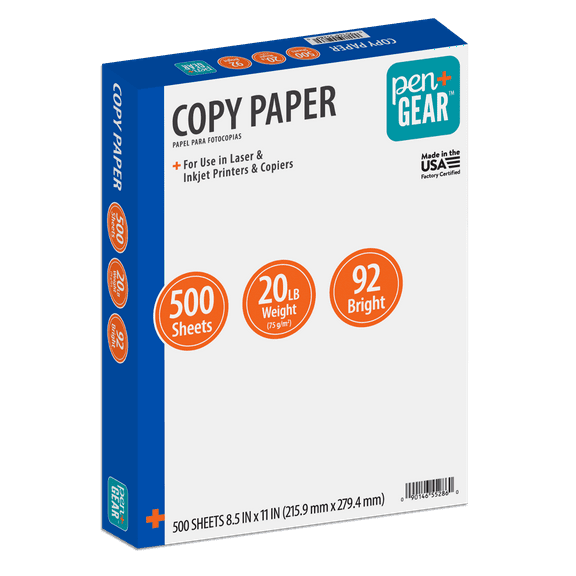
- You can use printer paper for reports, worksheets, copies, and daily office printing.
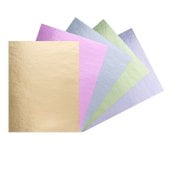
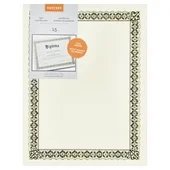
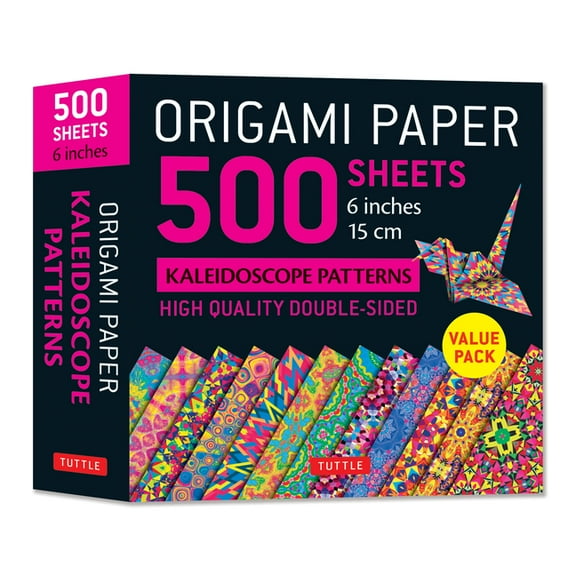
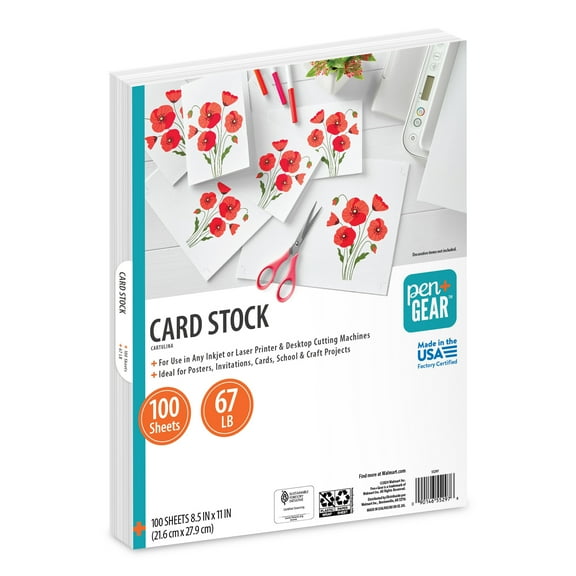
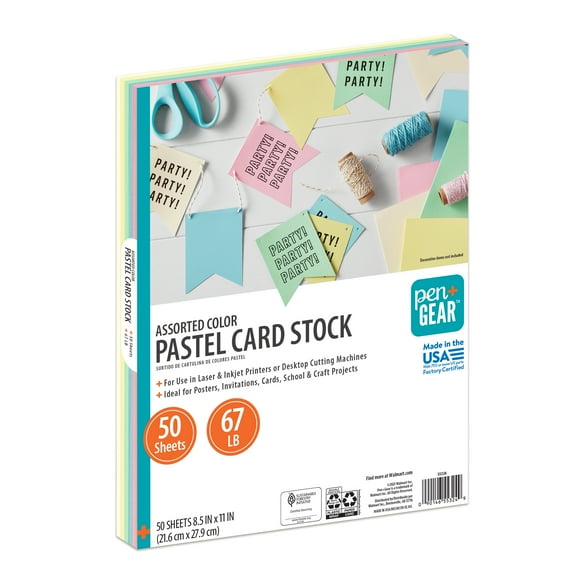
- You can choose cardstock paper for menus, invitations, covers, tags, and craft projects.
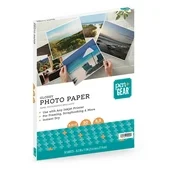
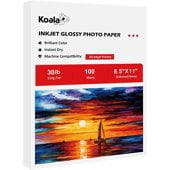
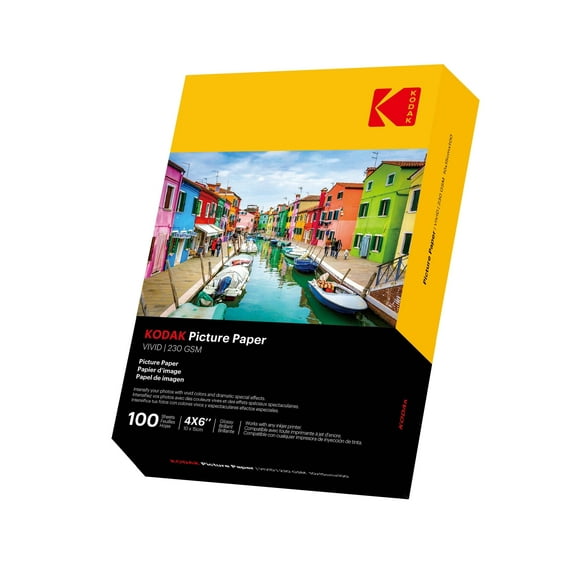
- You can pick photo paper for family pictures, presentations, and colorful display prints.
- You can select sticker paper for labels, organization, packaging, and custom decals.
Choosing the right sheet size for your printer and project
You should check sheet size before you print, because your tray and project both affect what fits. You’ll often use 8.5 x 11 for everyday pages, while 4 x 6 fits many photo prints.
When you need posters, spreadsheets, or larger layouts, you may want 11 x 17 sheets for extra room. If your printer uses international sizing, you can compare A4 options for a closer match.
You’ll get cleaner results when your paper size matches your file settings from the start. You can avoid awkward borders and wasted sheets when you measure first and confirm tray compatibility.
Comparing paper weight and thickness
You should compare paper weight because it changes how each page feels, feeds, and presents your work. You’ll usually see 20 lb and 24 lb for everyday printing, while 65 lb and 110 lb suit heavier uses.
If you print school papers, office documents, or instruction sheets, you may prefer 20 lb paper for routine jobs. If you want a slightly sturdier feel, you can move to 24 lb for resumes or handouts.
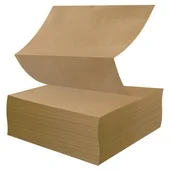
When you create invitations, covers, or classroom crafts, you’ll likely want 65 lb cardstock for added body. When you need extra stiffness for signs or display pieces, you can consider 110 lb sheets.
You should also think about feed performance when you compare thickness. You’ll want to check whether your machine handles heavier cardstock, especially for specialty trays and manual feed slots.
Picking matte, glossy, or satin finishes
You should choose finish based on what you print and how you want it to look. You’ll often want matte for text and graphics, glossy for vivid photos, and satin for a balanced surface.
If you print reports, flyers, or lesson materials, you may like matte because it keeps text easy to read. If you print colorful pictures, you’ll often prefer glossy paper for a brighter appearance.
When you want photo paper with a softer sheen, you can look at satin finishes. You’ll get a middle-ground option that works well for albums, presentations, and printed displays.
Understanding printer paper compatibility
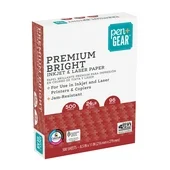
You should confirm printer compatibility before you choose printable paper, because inkjet and laser printers handle media differently. You’ll get more consistent output when you match the sheet to your printer type.
If you use an inkjet machine, you may want inkjet paper that supports sharp text and strong image detail. If you use a laser model, you can look for laser printer paper that suits heat-based printing.
You should also check whether specialty sheets list both printer types on the packaging. You’ll make selection easier when you compare compatibility notes for cardstock, sticker paper, and photo paper.
Matching quantity to your printing routine
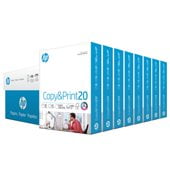
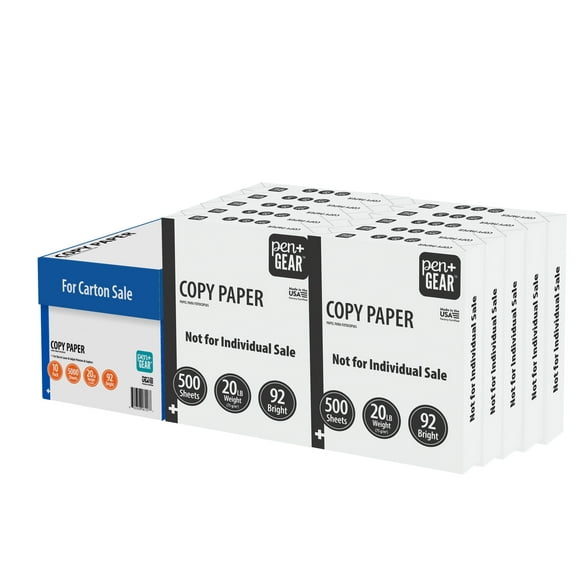
You should think about quantity after you choose size, weight, and finish. You’ll often want a ream for regular home printing, while bulk cartons help with classrooms and busy offices.
If you print occasional labels, crafts, or photos, you may prefer smaller packs that match short projects. If you print packets, forms, or weekly handouts, you can keep larger counts ready for repeat use.
You’ll spend less time reordering when you match pack size to your routine. You can also keep different paper types on hand for documents, cards, labels, and photos without mixing uses.
Using printable paper for everyday work and creative projects
You can use printable paper for homework packets, business forms, family photos, holiday cards, and classroom signs. You’ll have more control when you match paper type, sheet size, and finish to each task.
For office printing, you may pair printer paper with 8.5 x 11 sheets and standard weights. For crafts, you can combine cardstock paper with heavier weights for cards, tags, and display pieces.
For image printing, you’ll usually match photo paper with glossy or satin finishes and common photo sizes. For labels and planners, you can choose sticker paper that works with your machine and layout.
You can feel more confident when you compare printable paper by type, size, weight, finish, and compatibility. You’ll get pages that look right, feed smoothly, and suit your project from the first print.