


Find auto parts that fit
Let’s search for parts that fit your vehicle.Code Readers and Scan Tools in Diagnostic and Test Tools










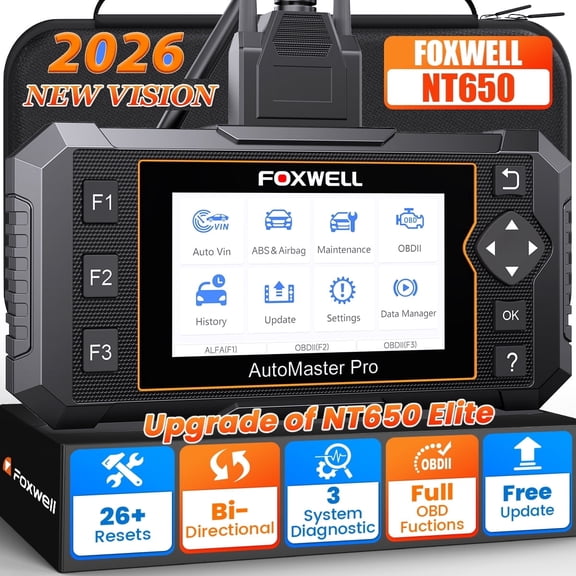
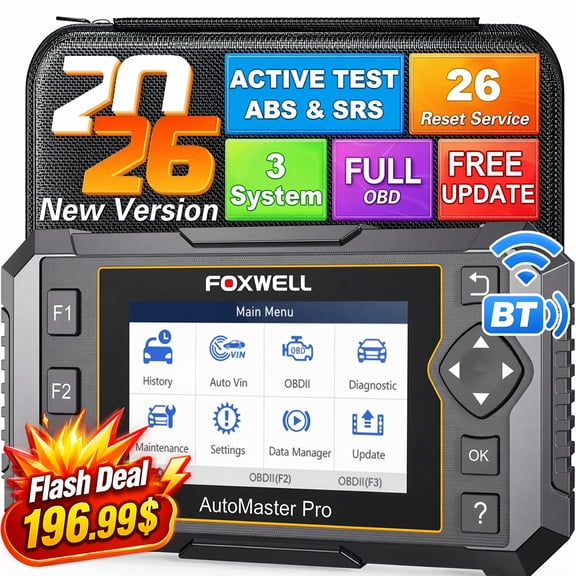
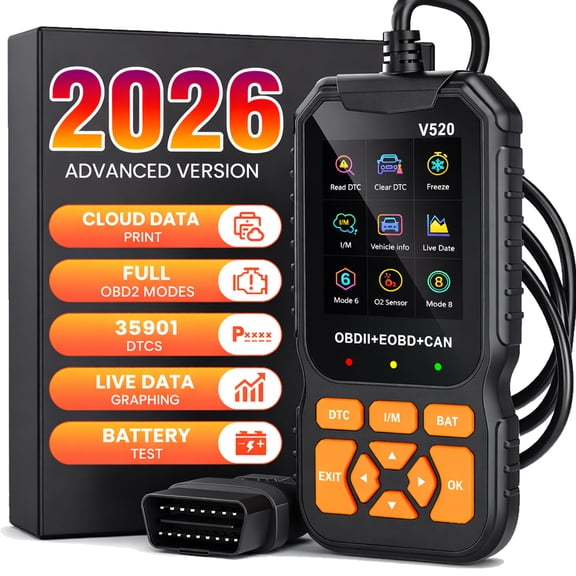
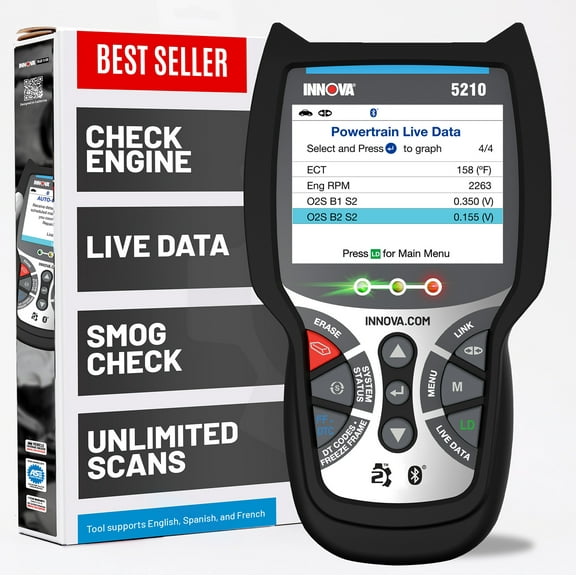






About Code Readers and Scan Tools in Diagnostic and Test Tools - Walmart.com
You can compare code readers scanners efficiently when you focus on compatibility, diagnostic depth, and connection style. You should also weigh update options around how often you service your car, truck, or fleet.
Choosing code readers scanners by vehicle compatibility
Start with compatibility, because you need a tool that matches your vehicle’s protocol. You should check whether your vehicle uses OBD2, OBD1, or heavy duty systems.
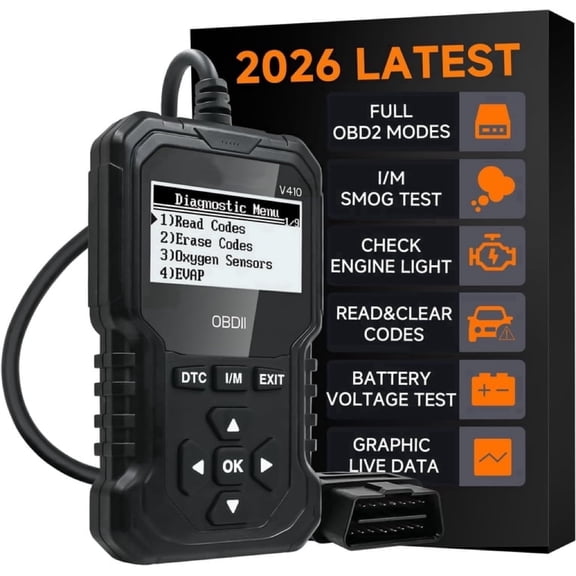
If you drive a 1996 or newer gas vehicle, you’ll often consider an obd2 scanner first. You can use OBD2 support for common powertrain codes, readiness monitors, and many check engine reads.
If you work on older vehicles, you may need OBD1 support or brand-specific adapters. You should compare coverage notes carefully, because older systems don’t share one universal connector standard.
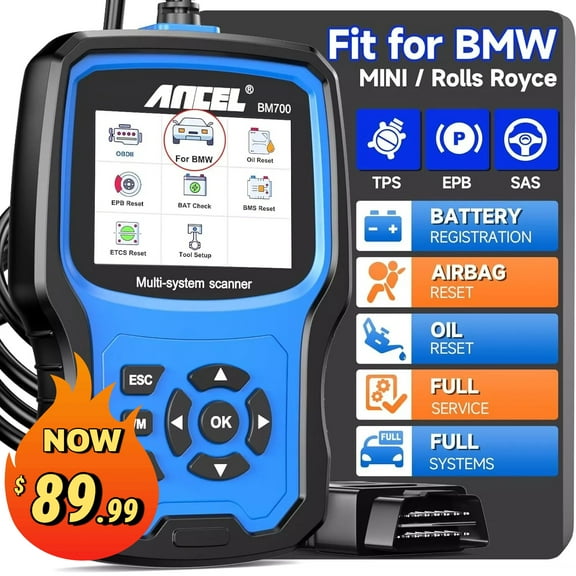
Manufacturer-specific coverage matters when you want access beyond generic emissions codes. You can often view multiple modules when your car diagnostic tool supports brand-level communication and CAN bus details.
How to compare scanner type and diagnostic depth
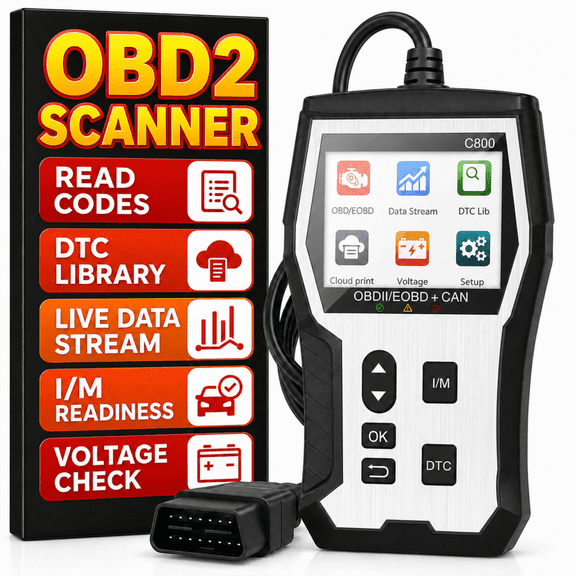
You should match scanner type to the systems you want to check. You can choose basic OBD2 units, ABS and SRS tools, or full system models.
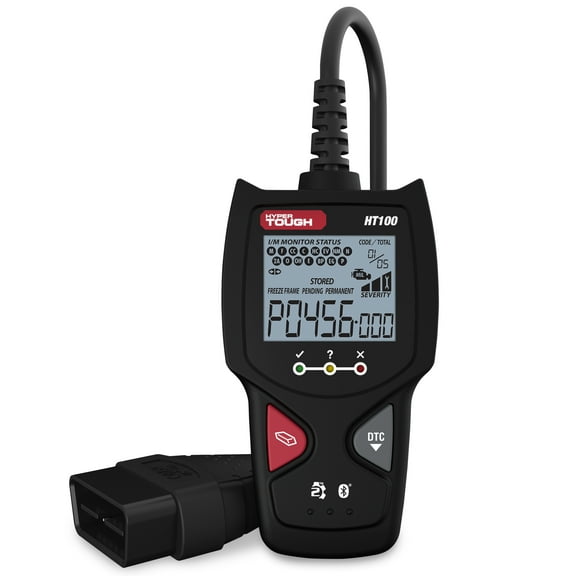
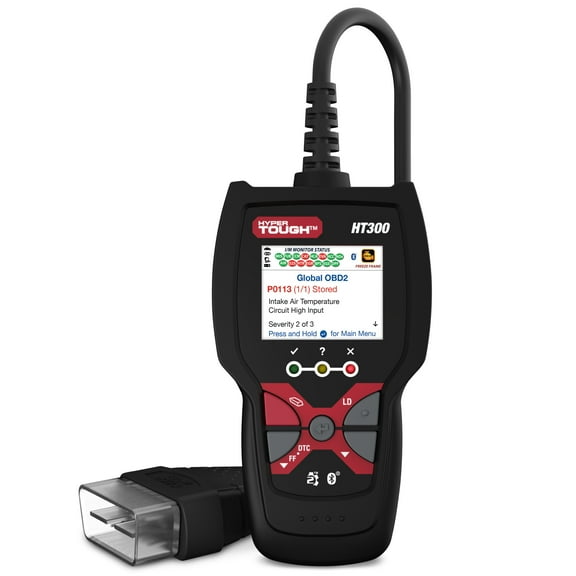
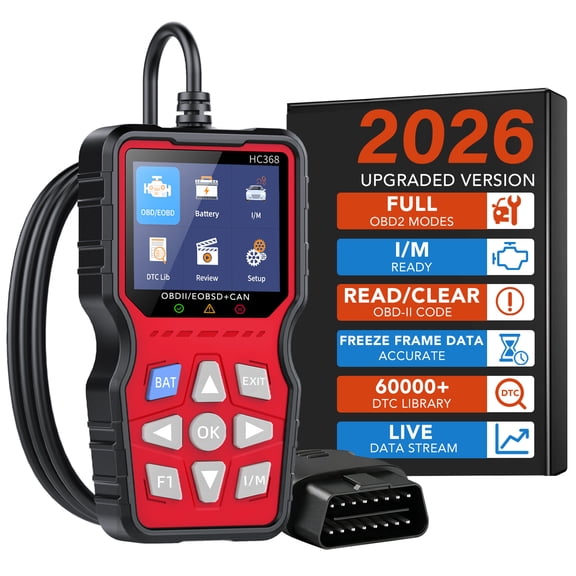
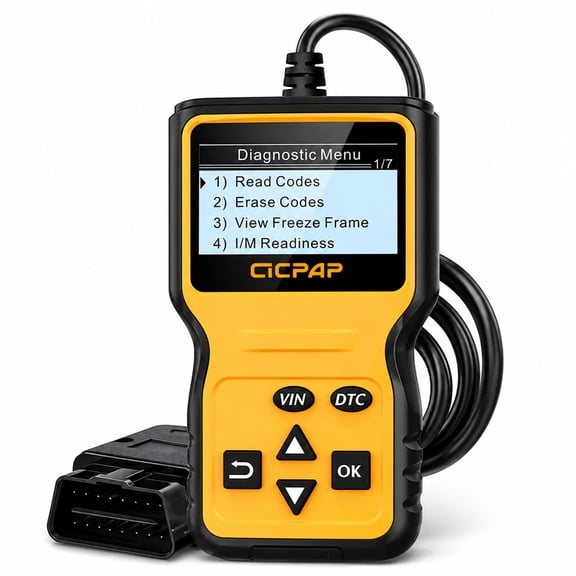
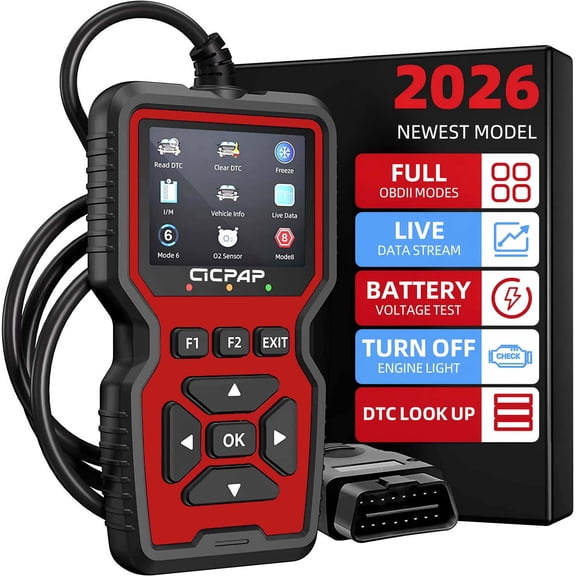
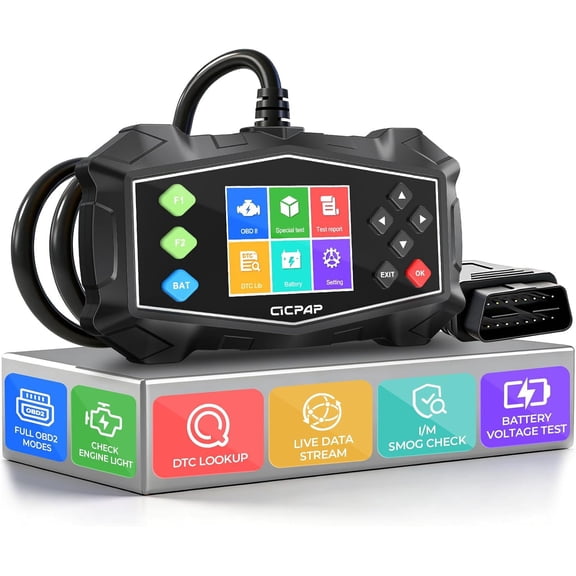
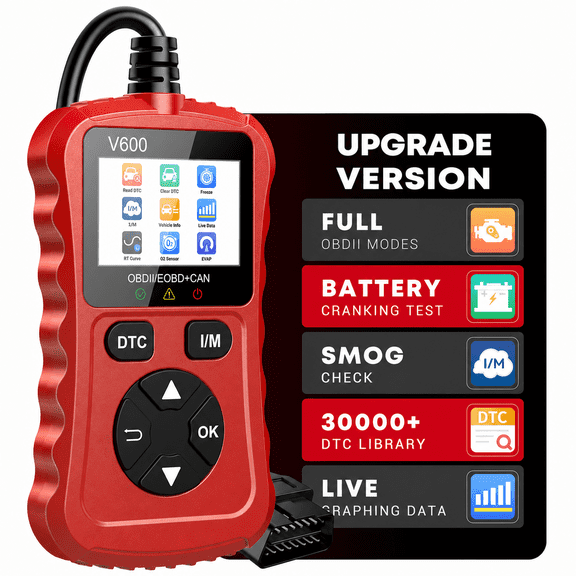
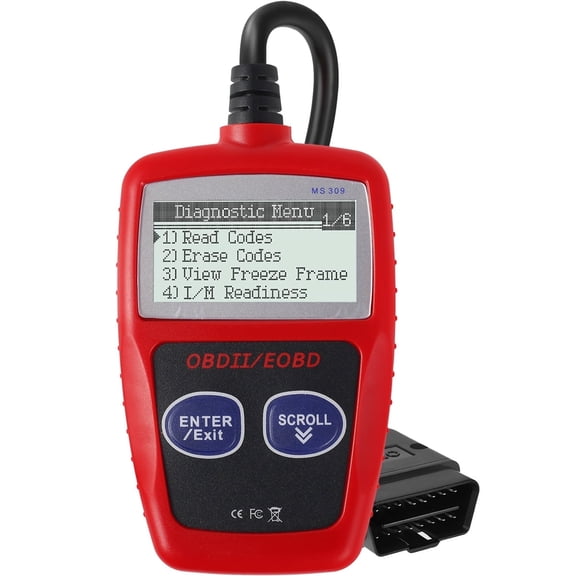
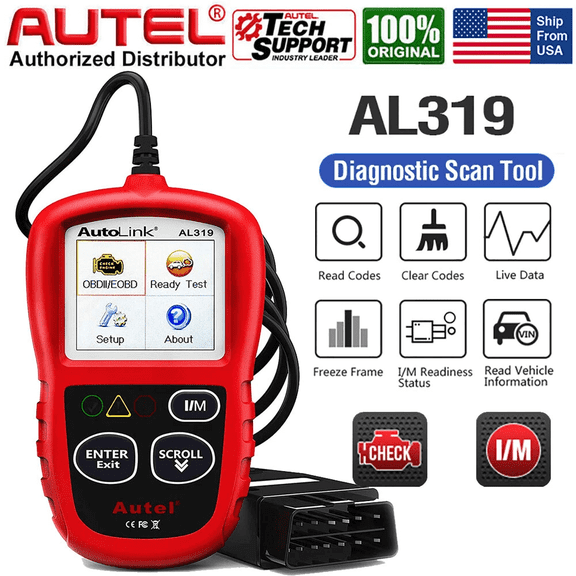
A basic automotive code reader usually focuses on engine and emissions codes. You can use it for quick fault reads, code clearing, and readiness checks before inspection planning.
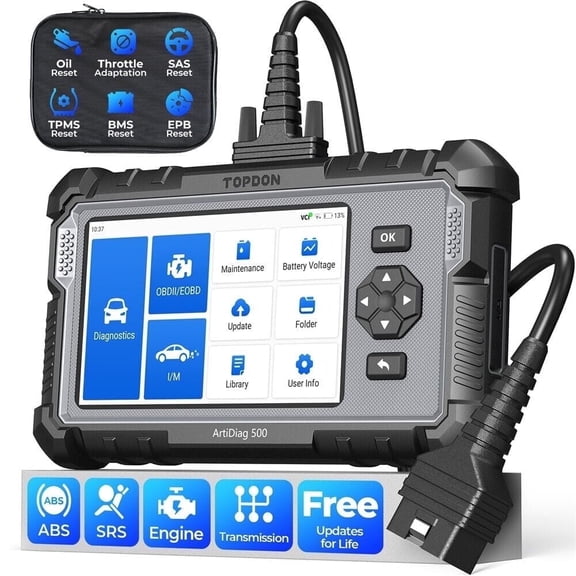
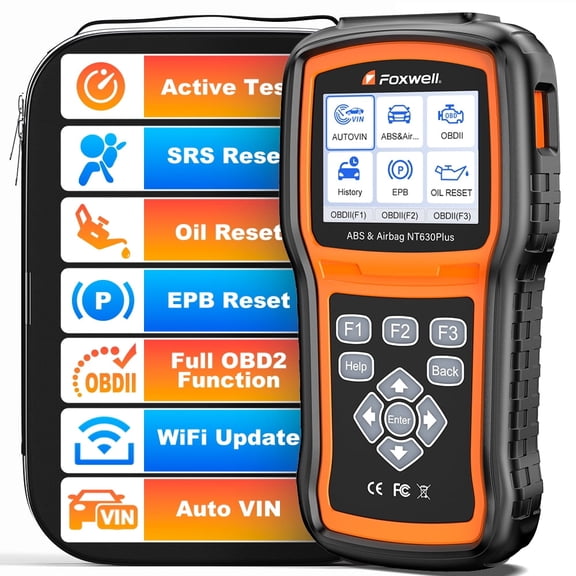
An ABS and SRS model gives you access to brake and airbag related modules on supported vehicles. You’ll want that extra coverage when your dashboard warning goes beyond the engine light.
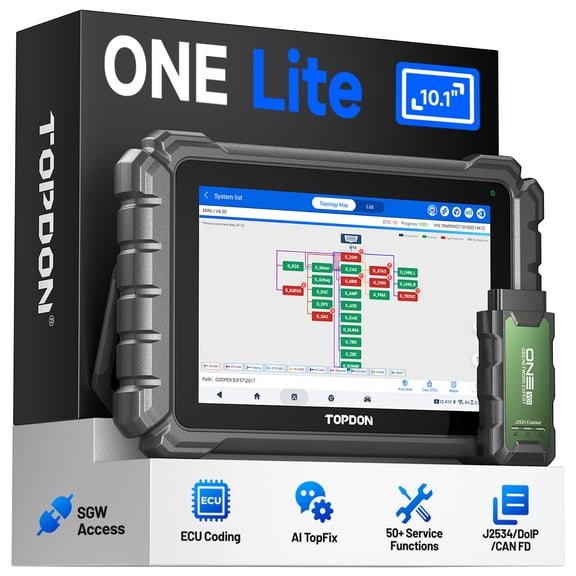
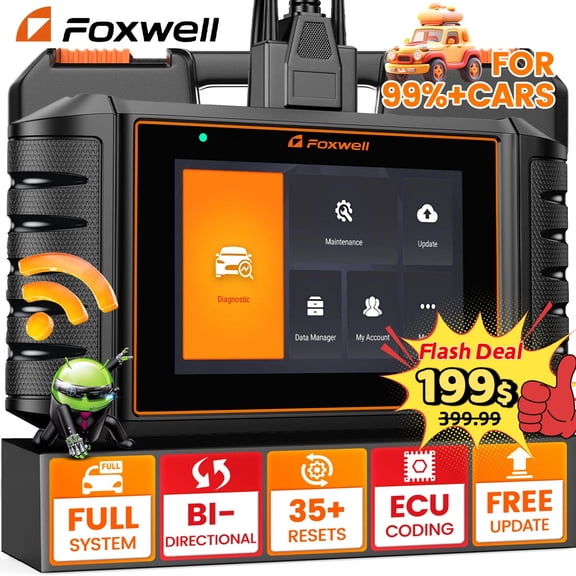
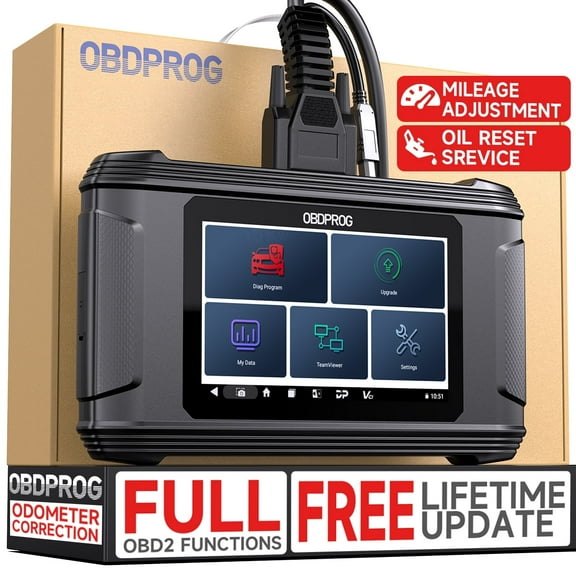
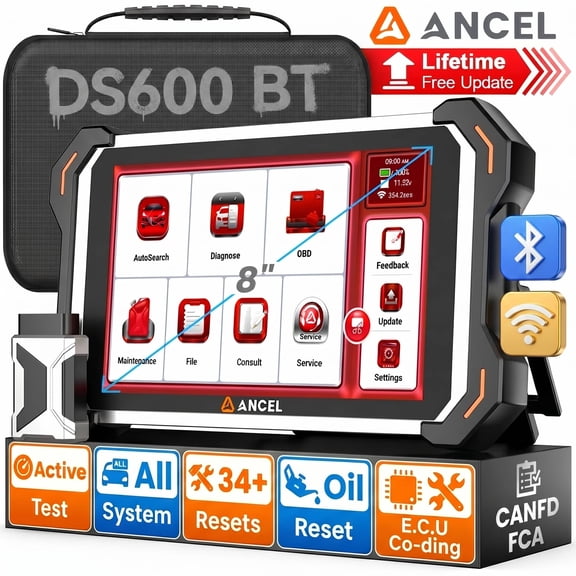
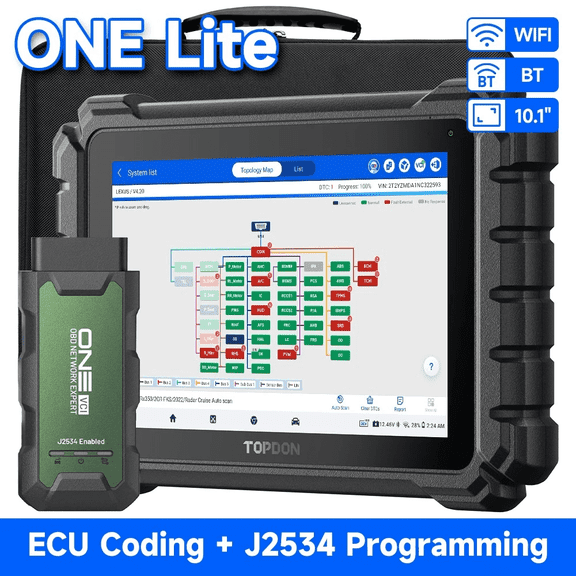
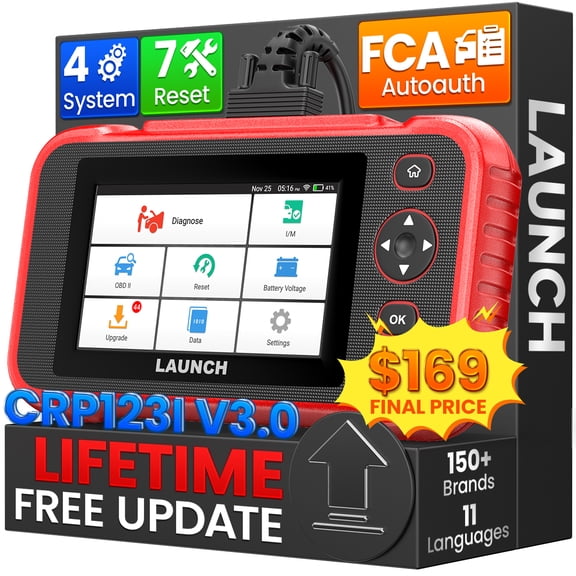
Full system scanners can access transmission, battery, charging, steering, and body modules on supported vehicles. You can use that comprehensive coverage when you want one tool for several shop tasks.
- You can choose OBD2 models for everyday engine code checks.
- You can select ABS and SRS support for brake and airbag module access.
- You can compare full system tools when you want wider vehicle coverage.
- You can look for live data if you want readings while the vehicle runs.
- You can consider bi-directional control when you need active tests on supported systems.
Choosing the right obd2 scanner connection
You should decide whether you want Bluetooth, Wi-Fi, or a handheld corded unit. You can base that choice on how you like to view data and where you work.
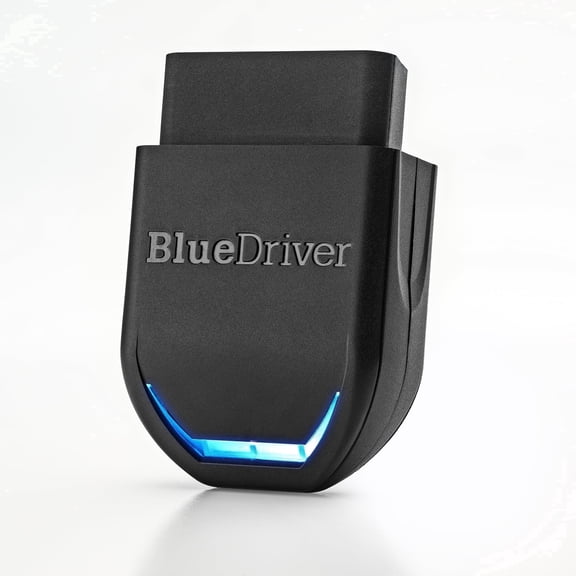
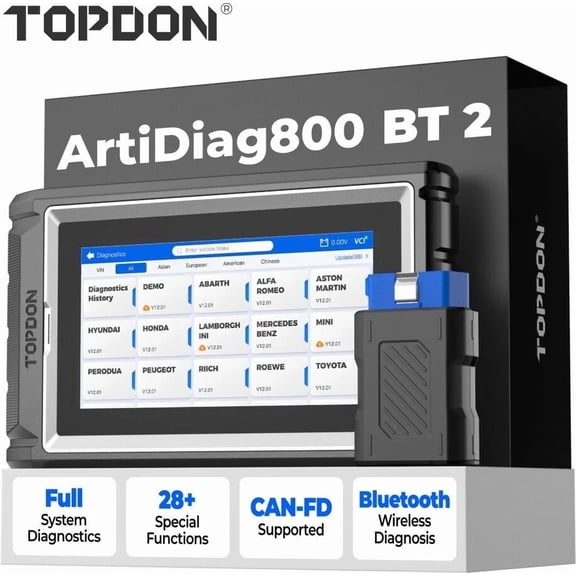
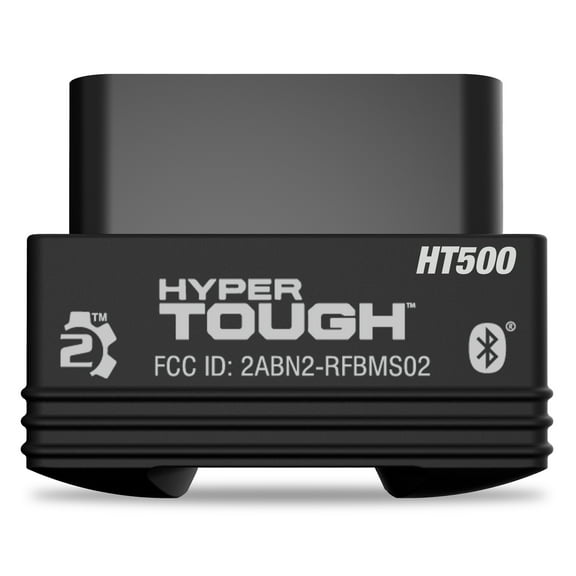
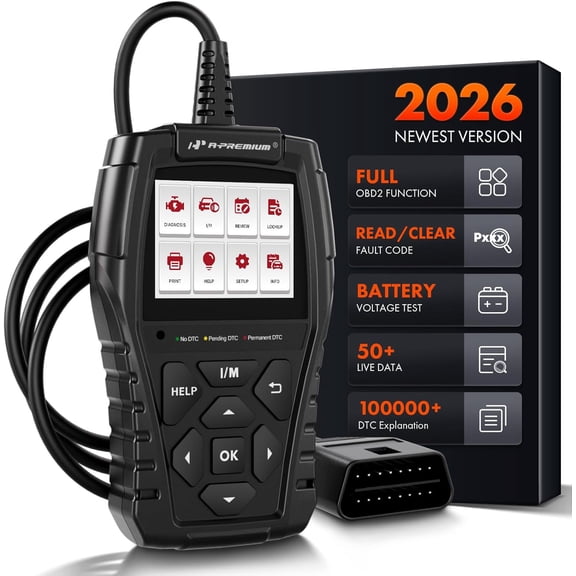
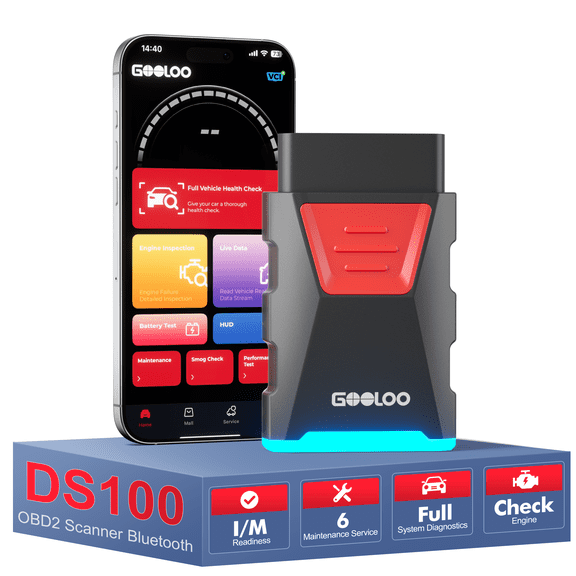
An obd2 bluetooth scanner pairs with your phone or tablet for portable viewing. You can keep your cabin less cluttered while you read codes, freeze frame data, and app dashboards.
Wi-Fi models can give you a similar app-based experience with different device support. You should check whether your phone, tablet, or operating system matches the scanner’s app requirements.
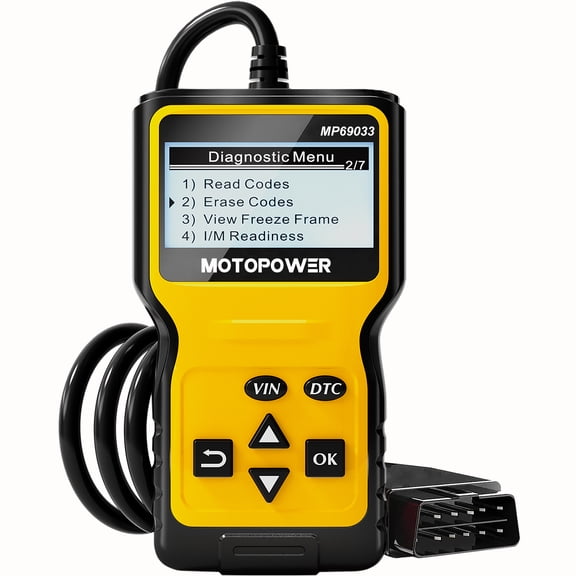
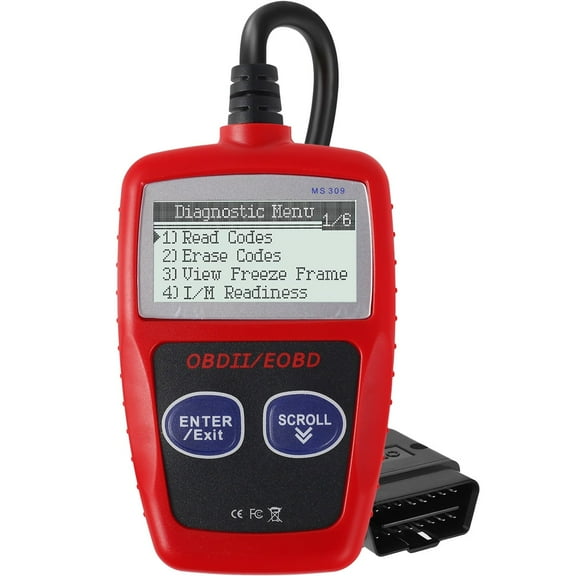
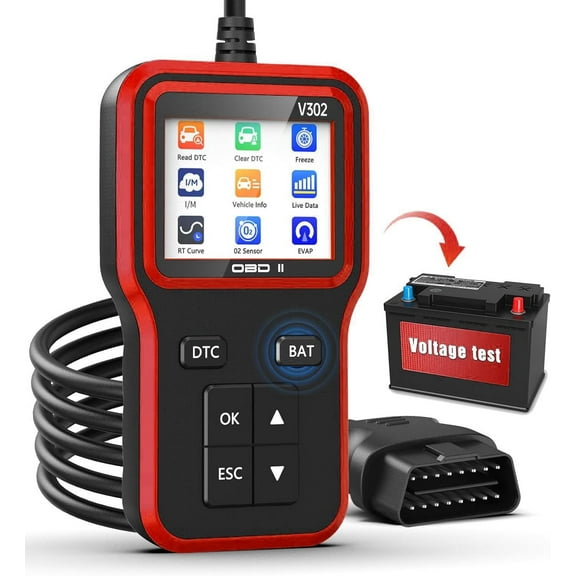
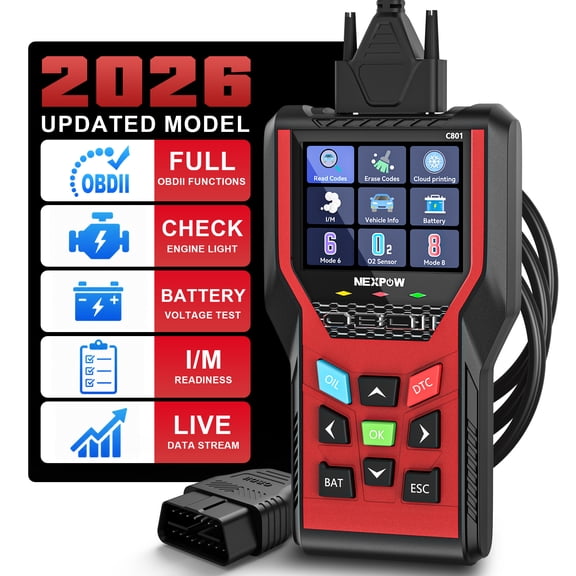
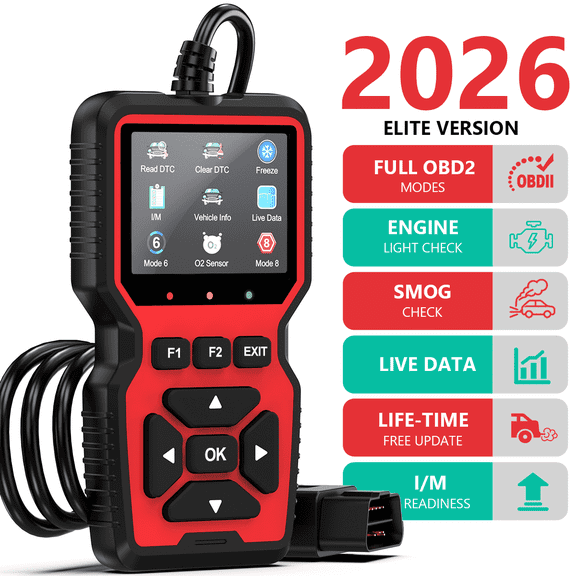
Handheld corded units keep everything in one device, so you won’t rely on a separate screen. You may prefer that setup when you want direct menus, physical buttons, and quick startup.
What to look for in functions and updates
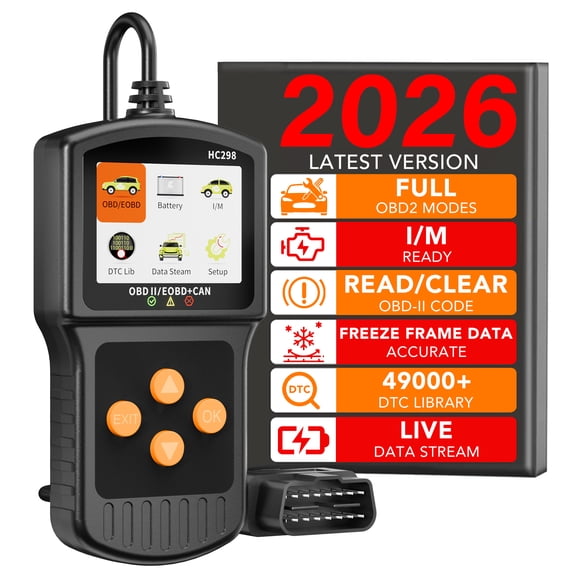
You should compare features based on what you plan to diagnose at home or in a shop. You can start with code clearing, live data stream, and bi-directional control.
An engine light code reader helps you pull stored codes and clear them after repairs on supported vehicles. You can also review freeze frame details that show conditions when a fault appeared.
Live data stream lets you watch sensors and system values while the vehicle runs. You can compare readings over time when you’re tracking changes or confirming a repair.
Bi-directional control gives you command functions on supported vehicles and systems. You can use those tests to cycle components, verify responses, and narrow down your next repair step.
Updateability matters because vehicle coverage changes as new models arrive. You should check whether the manufacturer includes updates, how often they release them, and whether access requires a subscription.
Some shoppers want a simple car code reader with stable basics and minimal setup. You may need comprehensive software support instead when you work across several makes and newer vehicle systems.
Matching a car diagnostic tool to how you work
You should think about where, when, and how often you diagnose vehicles. You can choose differently if you’re a weekend DIYer, a multi-car household, or a working technician.
If you handle routine maintenance, you may want a compact unit for engine codes and inspection readiness. You can plug in quickly, check the issue, and move to the repair with less guesswork.
If you maintain several vehicles at home, you may want Bluetooth access and wider make coverage. You can move between cars, compare data, and keep records inside a connected app.
If you service newer vehicles with multiple warning lights, you’ll likely want ABS, SRS, and full system access. You can check more modules without switching tools for each dashboard alert.
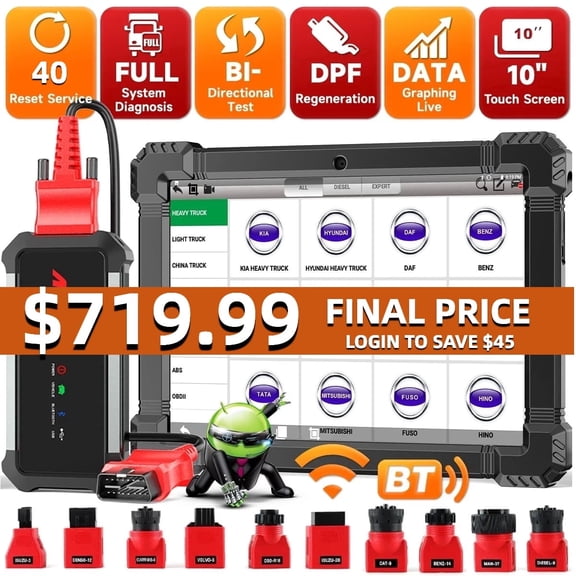
If you work on work trucks or larger vehicles, you should review heavy duty compatibility before you choose. You can avoid mismatches by confirming connector type, protocol support, and software coverage first.
When you compare code readers scanners with these decisions in mind, you can narrow choices with less trial and error. You’ll end up with a tool that fits your vehicle, your workflow, and your diagnostic routine.