









Laptops in Electronics






































About Laptops in Electronics - Walmart.com
You can compare laptops more clearly when you focus on operating system, screen size, processor, and form factor. Your choice matters because notebook computers handle school, work, streaming, and gaming in very different ways.
You’ll also find a wide range of setups for daily tasks or demanding projects. Your filters can narrow options fast when you know which specs match your routine.
Choosing laptops by operating system
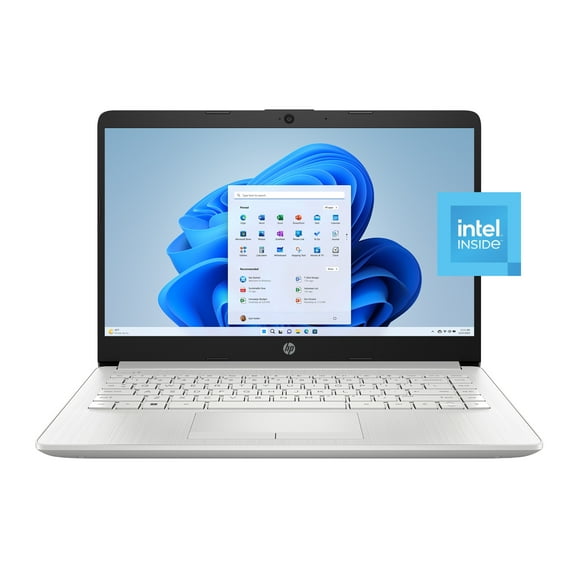
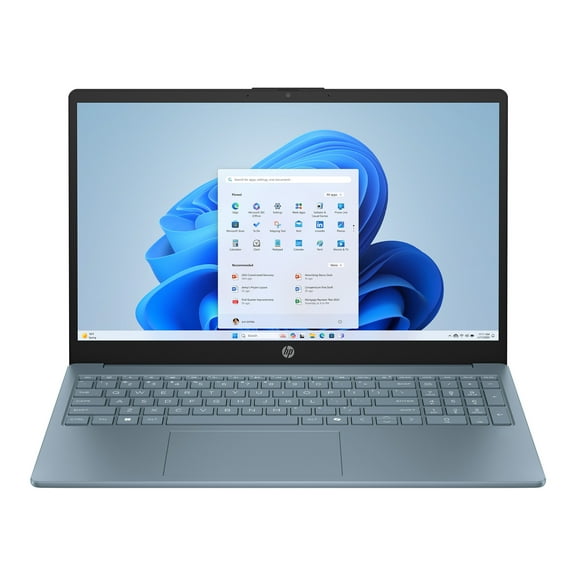
You should start with the operating system because it shapes your apps, file sharing, and accessories. Your choice between Windows, ChromeOS, and macOS affects how familiar your setup feels each day.
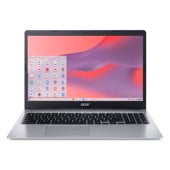
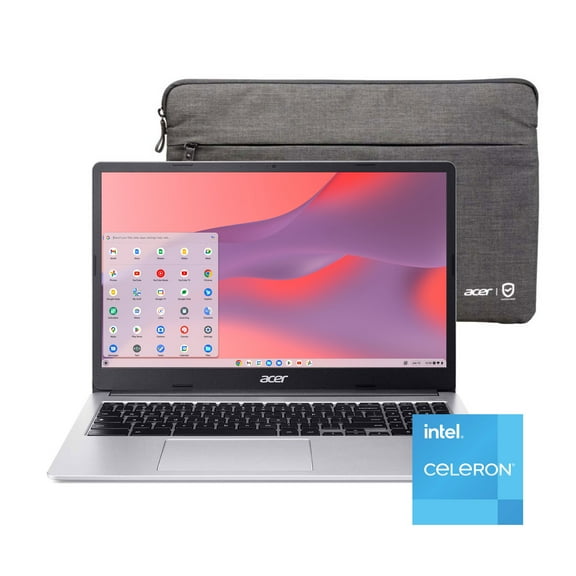
If you use many desktop programs, you may prefer Windows for broad software compatibility. If you work mainly online, you may find ChromeOS simple for browsing, documents, and classroom tasks.
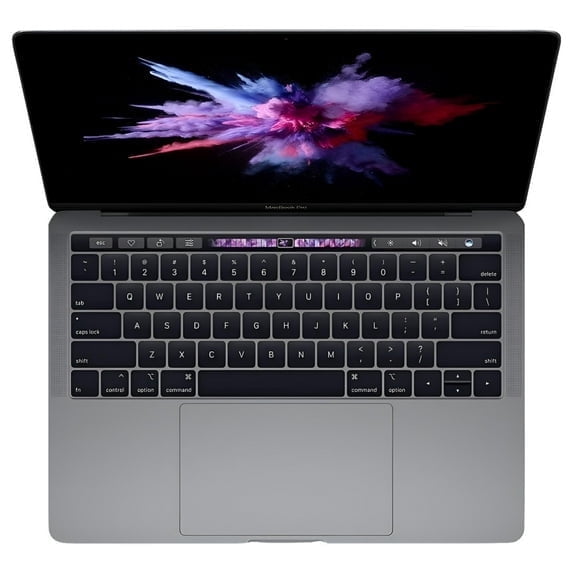
If your other devices already connect through Apple services, you may prefer macOS for a familiar workflow. Your everyday setup feels smoother when your laptop matches the tools you already use.
How screen size changes your day
You should compare screen size before you choose a processor. Your 13-inch or 14-inch laptop usually feels easier to carry through classes, commutes, and shared workspaces.
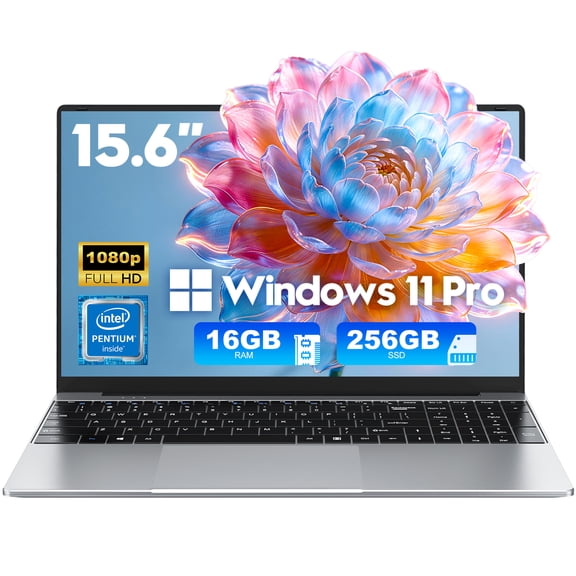
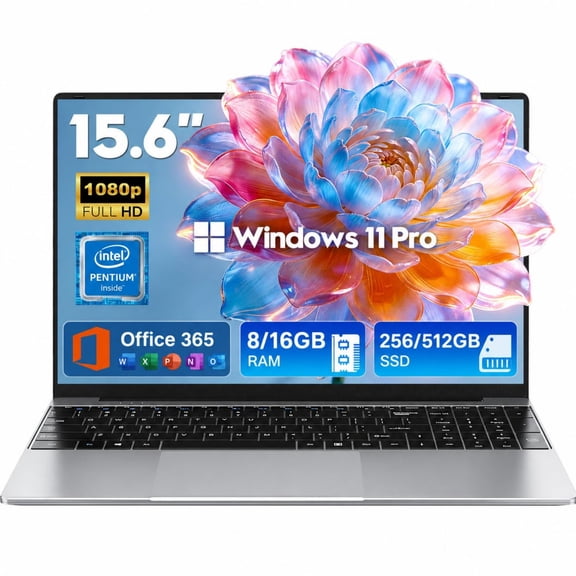
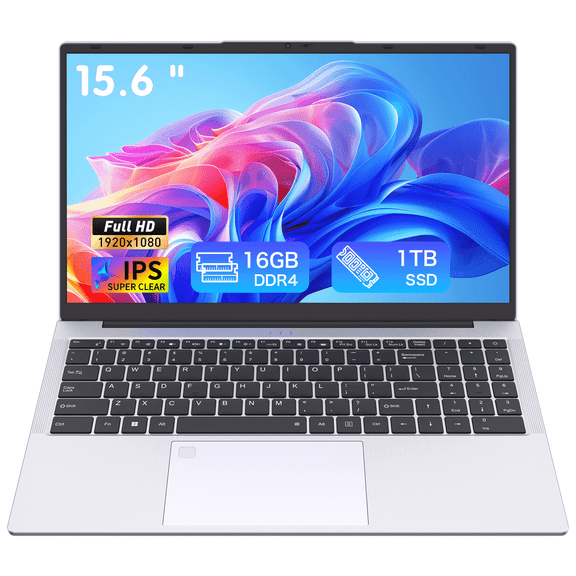
If you edit spreadsheets, stream often, or keep several windows open, you may prefer 15.6-inch screens. Your 17-inch option can give you more viewing space when portability matters less.
You should also consider how screen size affects bag space and desk setup. Your smaller laptop often feels lighter, while your larger screen can reduce scrolling and window switching.
Comparing processors, RAM, and battery life
You can use processor names as a shortcut for expected performance. Your Intel Core i5, Intel Core i7, AMD Ryzen, or Apple M-Series choice should match the tasks you run most.
If you handle email, web browsing, and documents, you may find a midrange chip fits everyday computing. If you edit media, multitask heavily, or play demanding games, you may want more processing headroom.
You should check RAM with the same care because it affects how smoothly your laptop handles multiple apps. Your 8GB setup can suit lighter use, while your 16GB setup supports heavier multitasking.
You should also compare battery life in terms of active hours, not just a spec line. Your longer-lasting battery helps when you move between classes, meetings, or rooms without hunting for an outlet.
Key laptop benefits to compare
You can narrow choices faster when you match features to your daily routine. Your needs may center on portability, touch input, gaming speed, or a keyboard layout for long work sessions.
- You get flexible options for school notes, office tasks, streaming, and creative projects.
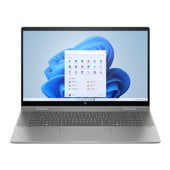
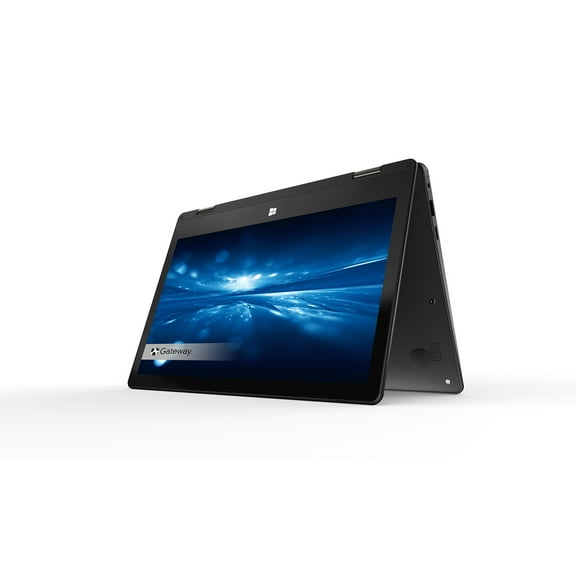
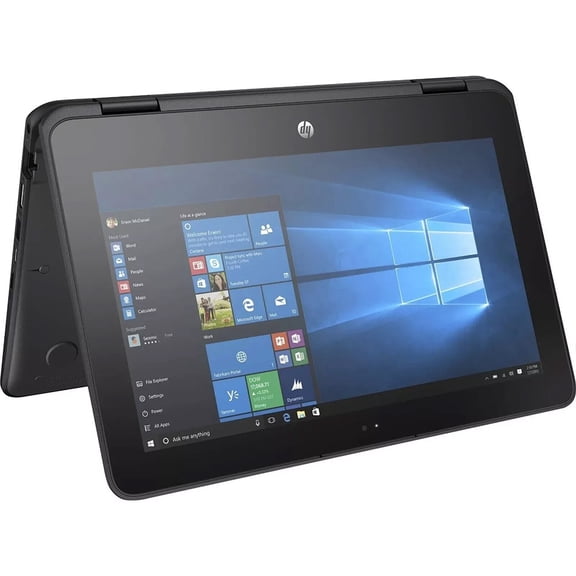
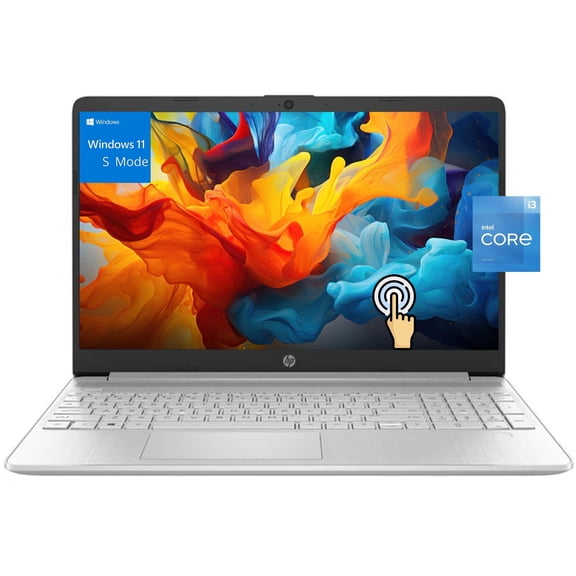
- You can choose touchscreen laptops or 2-in-1 designs for tapping, sketching, and folding between modes.
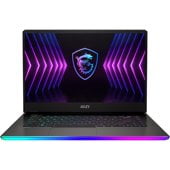
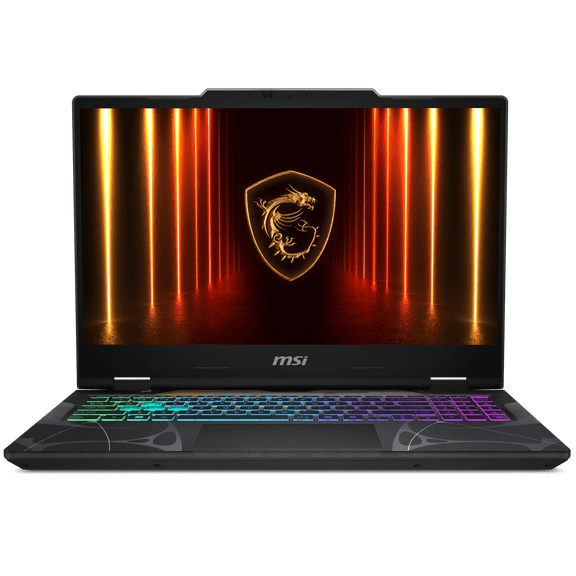
- You can compare gaming laptops with stronger graphics support for fast-moving visuals and larger game files.
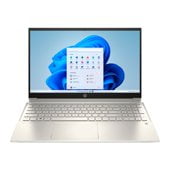
- You can pick work laptops with practical screen sizes and processors for meetings, spreadsheets, and multitasking.
You’ll make a smarter decision when you compare these benefits before brand or color. Your short list becomes more useful when each model fits your actual habits.
Choosing gaming laptops and work laptops
You should separate gaming from general use because the hardware needs are different. Your gaming laptops often call for stronger processors, more memory, and room for larger files.
If you play visually complex titles, you should look for a processor that can keep up with fast action. Your larger screen can also make maps, menus, and scene detail easier to follow.
If your focus is productivity, you may prefer work laptops with balanced performance and practical portability. Your setup for documents, video calls, and browser tabs may not need the same graphics emphasis.
You can also compare keyboard comfort, webcam placement, and port selection for your workday. Your daily experience often improves when your laptop supports monitors, chargers, and accessories without extra hassle.
When touchscreen laptops and 2-in-1 models make sense
You should consider touchscreen laptops if your routine includes tapping, swiping, marking documents, or casual browsing. Your screen interaction can feel more direct during travel, classes, or couch use.
If you like flexible viewing angles, you may want a 2-in-1 convertible design. Your device can shift between laptop and tablet-style use for notes, presentations, or streaming.
You should compare hinges, keyboard layout, and screen size together in this group. Your convertible model needs to feel comfortable both on a desk and in your hands.
Matching laptops to school, business, and everyday use
You can choose laptops for school by prioritizing carry-friendly sizes, dependable battery life, and simple app access. Your class schedule often works well with a 13-inch or 14-inch system.
If you need a device for business, you may focus on multitasking, video calls, and file handling. Your business setup may benefit from 15.6-inch screens, solid battery life, and 16GB memory.
If you want a machine for browsing, streaming, and household tasks, you can keep your specs straightforward. Your everyday computing needs may fit a practical processor and a screen size that suits your space.
You’ll shop with more confidence when you compare laptops through these decision points instead of guessing from looks alone. Your final choice can feel easier to use every day because it matches how you actually work, learn, and play.