

Free Baby Boxes & Baby Registry | Walmart
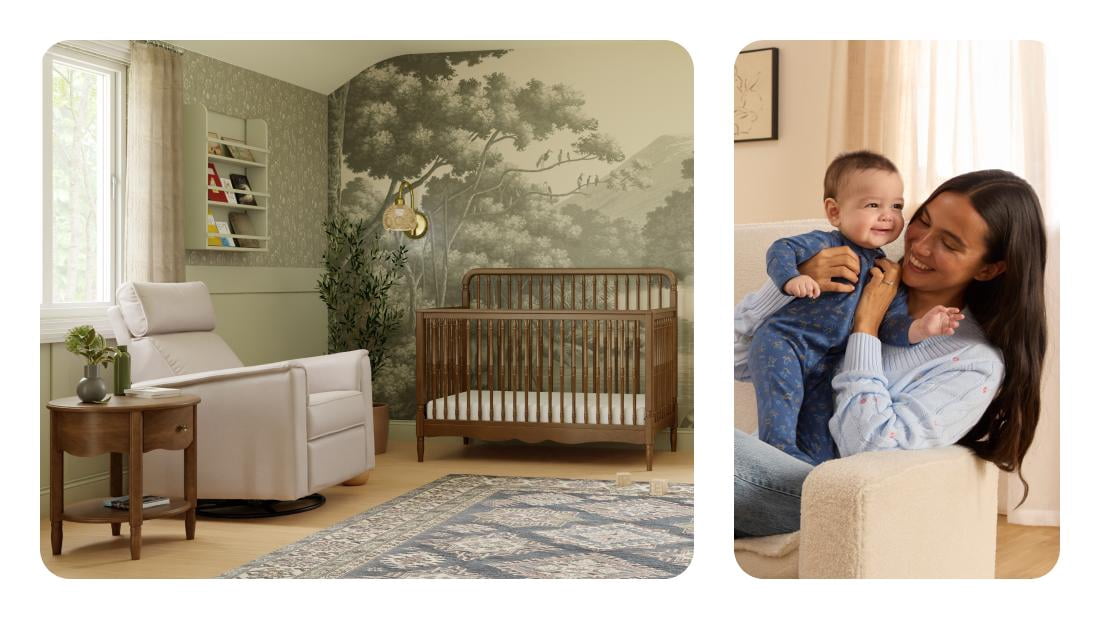
Let's get you started


Reasons to register with Walmart
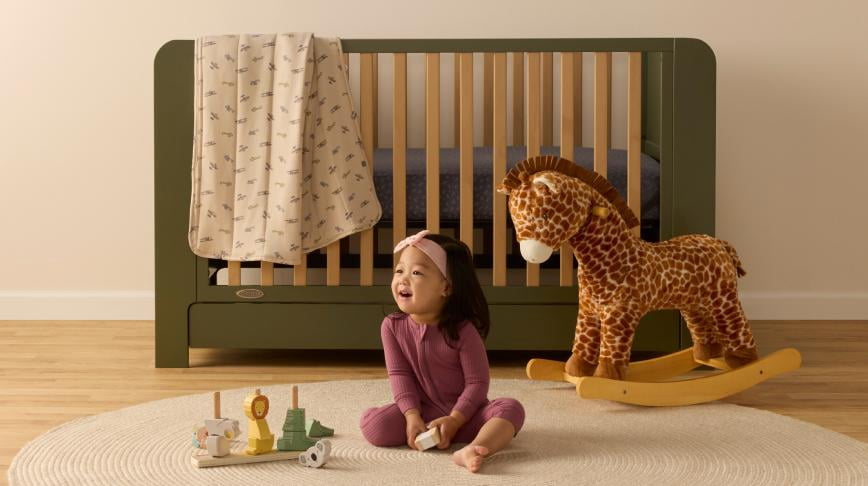
Everyday low prices & free 1-year returns
Do it all wherever, whenever
Get a free welcome box
Baby registry checklists
Gift tracking
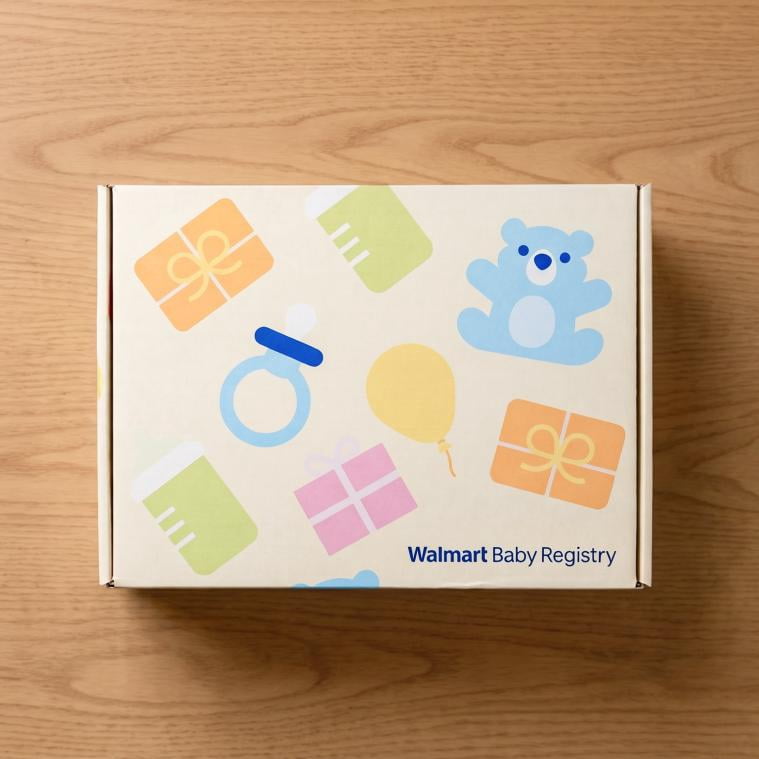
Get a free welcome box!
Create a registry to get samples of top essentials for you & baby.
- Create your baby registry
- Ensure your registry has been active for seven days
- Add a minimum of 20 items to your registry
- Have over $25 of purchases from your registry, either by you or others
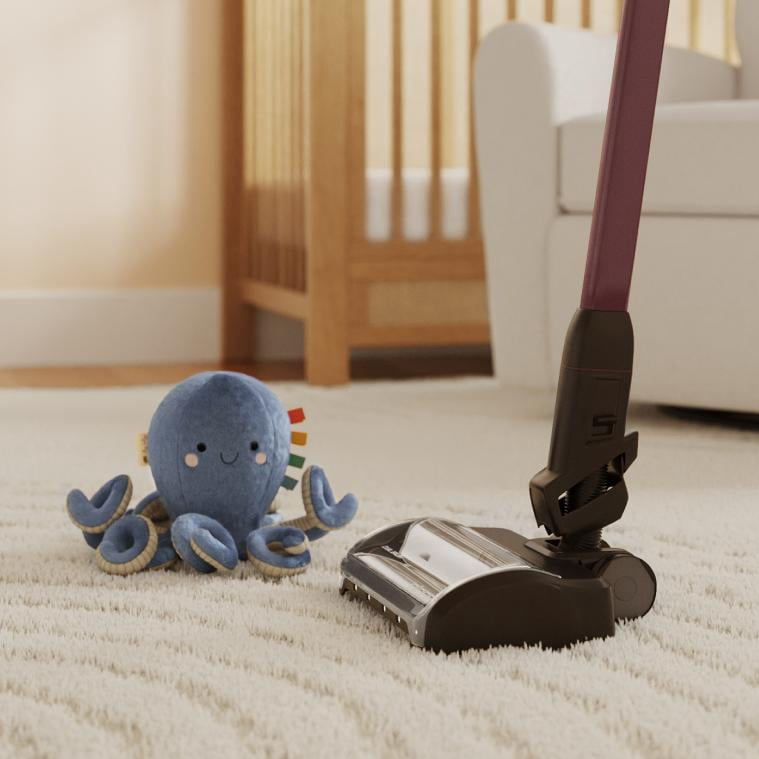
Get a free cleaning service
It's easy with your baby registry.
Free cleaning is from a trusted partner & good for 1 bedroom, 1 bathroom, kitchen & common areas in a single home (a $99 value). Here's how to redeem:
- Maintain your registry for at least 7 days.
- Add 20 or more unique items to your registry.
- Spend $300 on items from your registry (this can be you or someone you've invited).
Brands we love











Baby Registry FAQs

Ready, set, celebrate!



FAQ
About Free Baby Boxes & Baby Registry | Walmart - Walmart.com
Free baby boxes help you start your baby registry with a clear plan and a useful welcome perk. You can use Walmart’s baby registry tools to track essentials, organize gifts, and share one list easily.
How free baby boxes fit your baby registry
When you create your baby registry, you can focus on gifts you’ll actually use in the first months. You can also follow eligibility steps that connect your registry activity to a free baby welcome box.
As you compare box type options, you’ll notice each one serves a different purpose. You may see a welcome box, a registry gift box, or milestone box language across baby registries.
For most shoppers, a welcome box matters because you can explore sample-size baby basics before guests send larger gifts. You’ll also get a clearer picture of what formats fit your routine.
- You can use a baby registry to keep diapers, wipes, feeding gear, and nursery items in one place.
- You can share your baby shower registry with family and friends through simple digital links.
- You can review welcome box eligibility before checkout steps so your expectations stay clear.
- You can compare sample categories, which may include bottles, pacifiers, wipes, diapers, and skincare items.
Choosing the right registry type
As you build a registry for baby, you’ll want the list format that matches how you plan to receive gifts. You can choose a baby shower registry, a gift registry, or a wish list style.
If you’re planning a shower, you’ll likely want group-friendly sharing tools and broad item categories. If you’re keeping plans simple, you may prefer a wish list that you can update anytime.
You’ll also want a registry that lets you manage must-haves and nice-to-haves separately. That approach helps your guests spot everyday essentials, nursery pieces, and feeding items fast.
What to look for in a free baby registry box
When you review a free baby registry box offer, you should check the eligibility details first. You’ll want to confirm registry creation, active status, and any minimum purchase requirement.
Those steps matter because you need clear expectations before you count on a free baby box. You can avoid confusion by checking the terms tied to shipping, purchase thresholds, and account activity.
As you compare included samples, you should think about daily routines instead of brand names. You may receive free baby samples from categories like diapers, wipes, bottles, pacifiers, and skincare.
These sample types help you test common baby care formats without guessing where to start. You can use that early trial experience to refine your full registry list.
Understanding eligibility and shipping details
If you want a free baby welcome box, you should look for the qualification steps on the registry page. You’ll usually need registry creation, an active registry, and completion of any listed purchase step.
You should also check whether shipping fees apply before you finalize your plan. If a minimum purchase is required, you can factor that into essentials you already intend to add.
That practical review helps you align your registry activity with the free baby registry box terms. You’ll know what actions count and what timing to expect after qualification.
Planning your baby shower registry
When you plan a baby shower registry, you should group items by stage and room. You can keep newborn feeding, diapering, sleep space, travel gear, and bath items easier to review.
That structure helps your guests choose gifts without scrolling through one long list. You’ll also spot missing basics sooner, especially for stroller, car seat, and nursery furniture needs.
As your list grows, you can balance everyday supplies with larger essentials for later milestones. You may start with wipes and bottles, then add nursery storage, monitor options, and feeding accessories.
How to share your registry with guests
Once your list is ready, you’ll want easy ways to share it with shower guests and relatives. You can send a direct link, update item priorities, and keep gift tracking more organized.
That visibility matters when you want fewer duplicate gifts and more useful essentials. You can guide guests toward sizes, categories, and quantities that fit your home and routine.
If you’re coordinating with a co-parent or family helper, you can keep one central list current. You’ll spend less time answering repeated questions about what you still need.
Using box types and samples to refine your list
As you compare box type language, you should think about timing and purpose. You may use a welcome box for early discovery, while a milestone box may connect to later stages.
A registry gift box can also signal a different reward structure tied to registry activity. You’ll want to read the page details so the box type matches your expectations.
Sample categories can guide your next edits after you review what feels practical at home. You can remove extras, increase core items, and make your baby registry more useful for gift givers.
With free baby boxes and a well-planned registry, you can organize must-haves, understand eligibility clearly, and share one list that supports every stage of early baby prep.