



Streaming Devices
















About Streaming Devices - Walmart.com
Streaming devices help you turn almost any TV into an app-ready entertainment hub. You can compare smart tv sticks, streaming boxes, and puck designs for your screen and viewing habits.
If your TV feels slow or limited, streaming devices can give you fast menus and broad app access. You can also choose models with 4K support, voice remotes, and ecosystem features for your home.
How to choose streaming devices for your TV
You should start with TV compatibility before you compare apps or remotes. You’ll want to check your TV’s HDMI port and confirm HDCP 2.2 support for 4K playback.
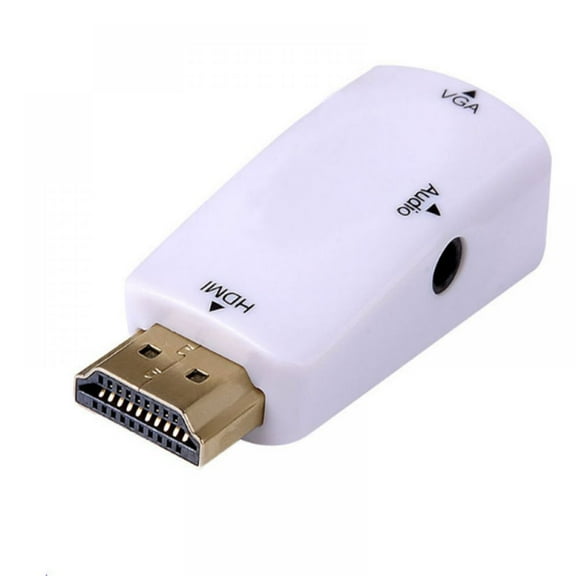
If you use an older TV, you can still choose many hdmi streaming devices with simple plug-in setup. You should also measure nearby space if your ports sit close together.
Another key decision is resolution. You can choose 1080p Full HD for everyday viewing, or 4K UHD if your TV supports sharp detail.
If you own an 8K TV, you may still compare streamers that support advanced output options. You should check current app support and your screen’s HDMI specifications first.
Choosing between streaming media players by form factor
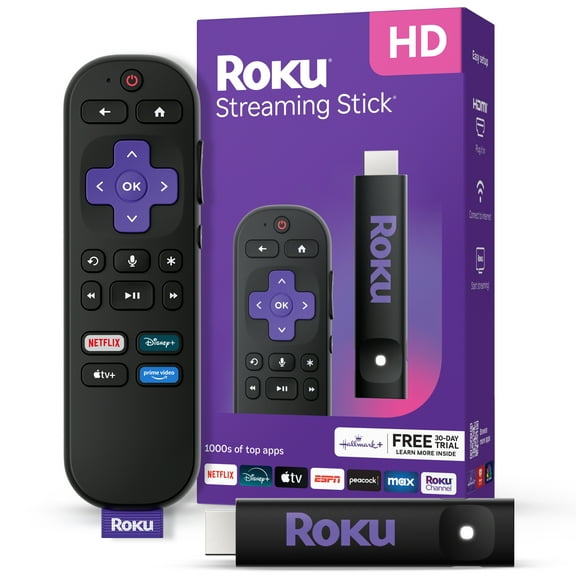
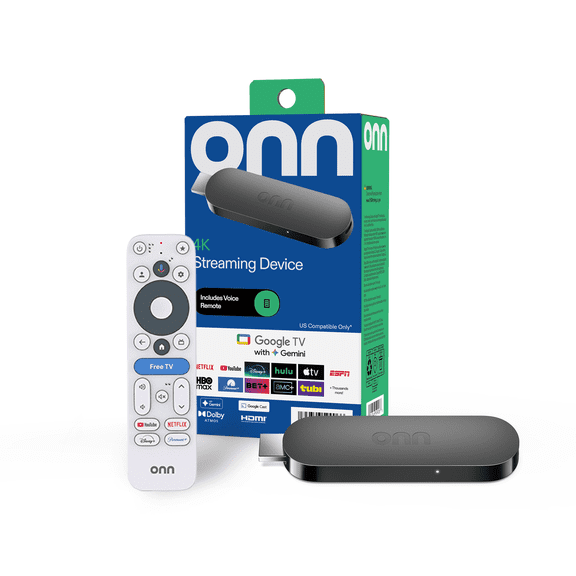
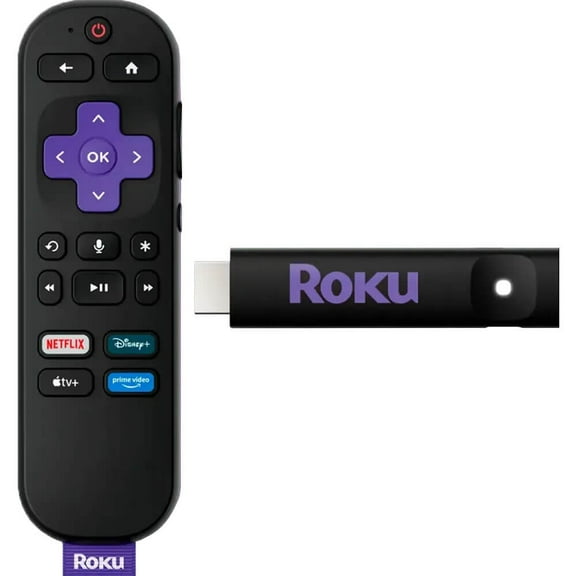
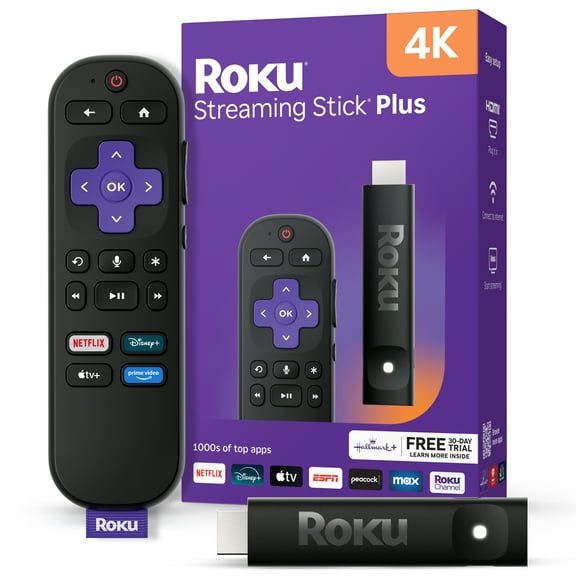
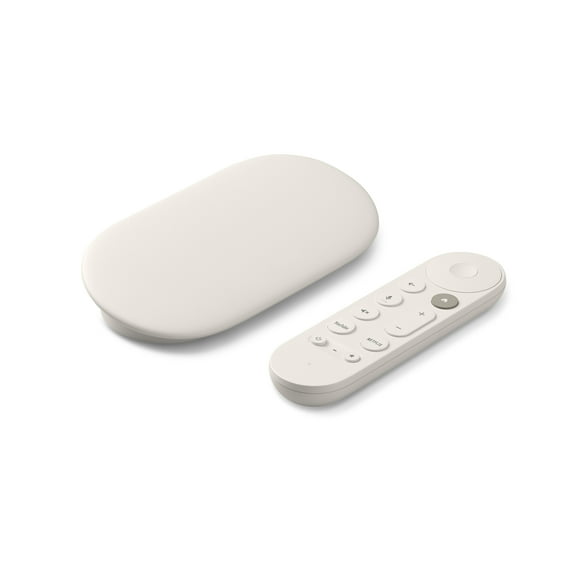
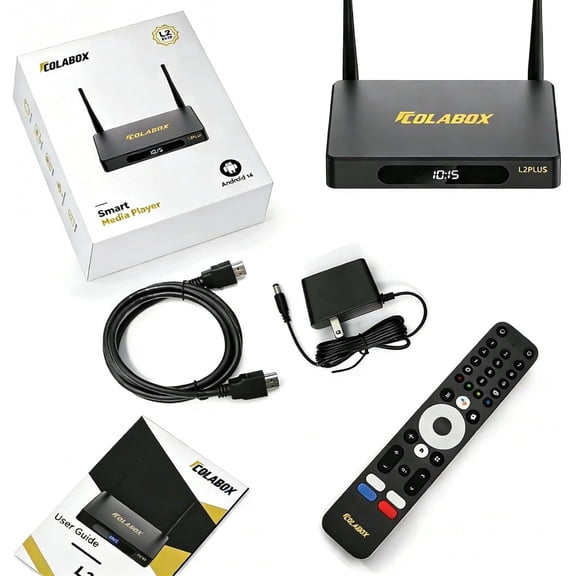
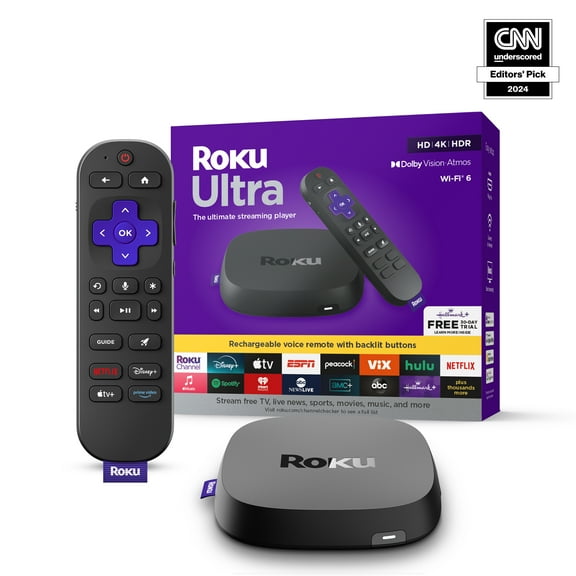
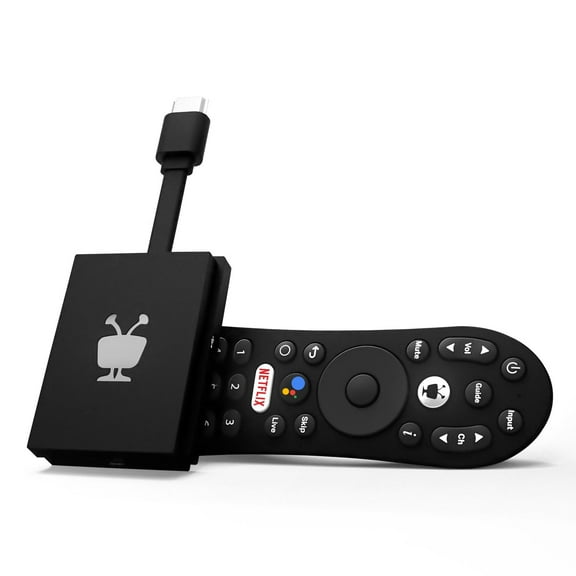
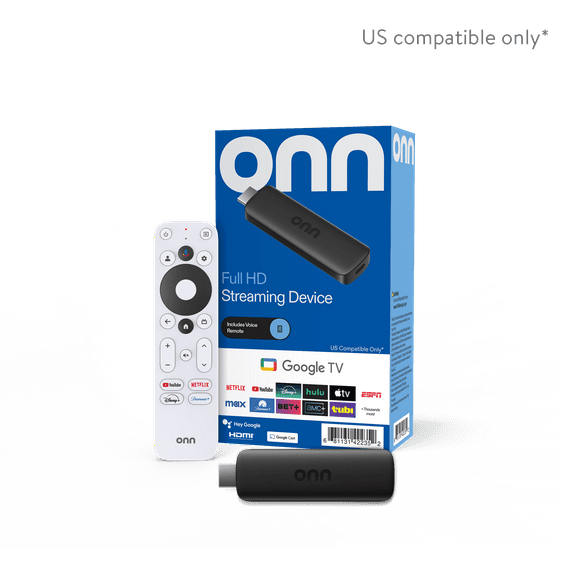
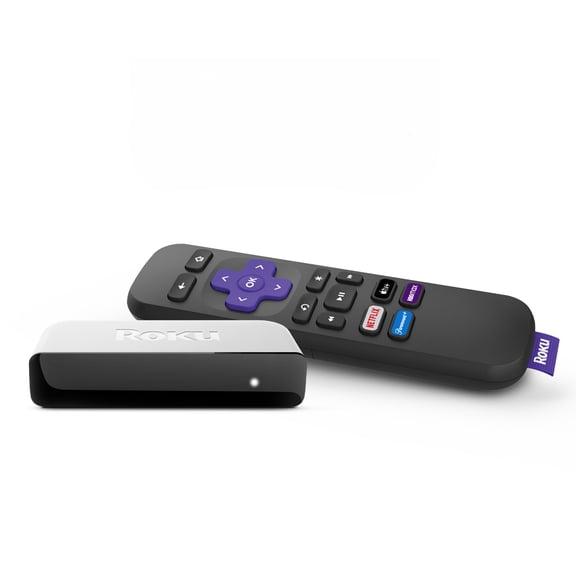
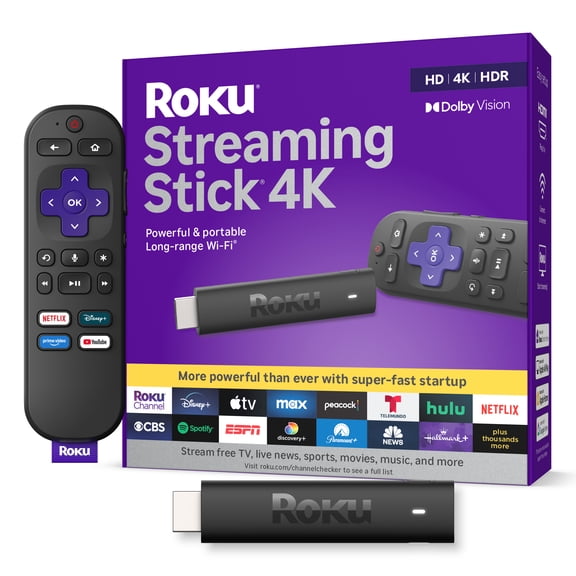
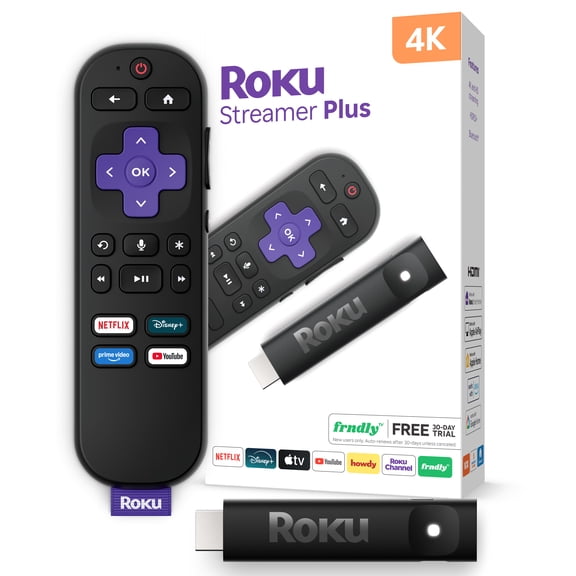
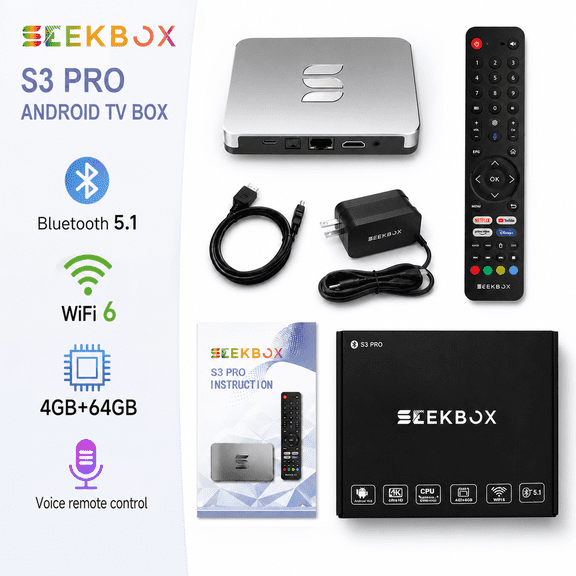
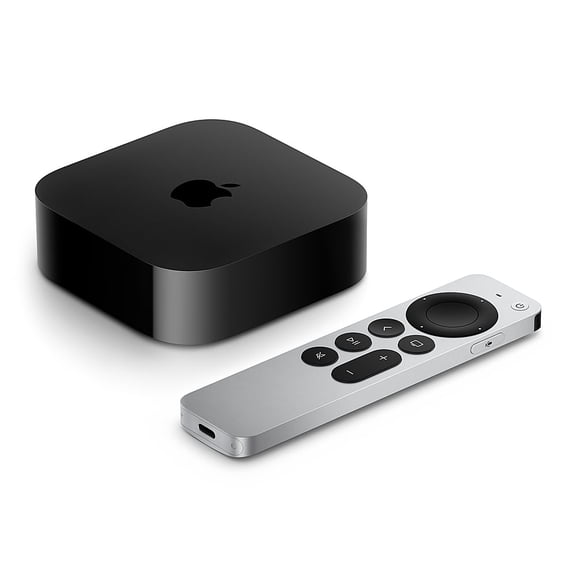
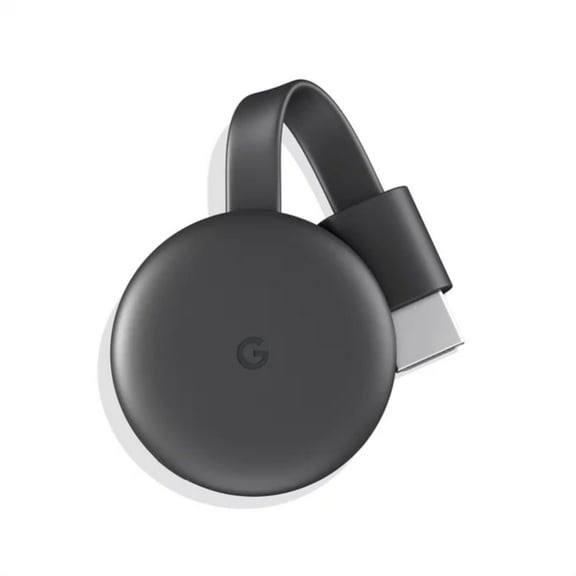
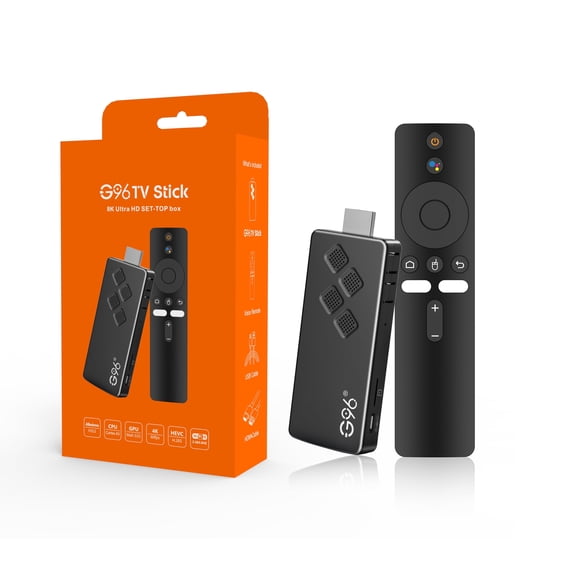
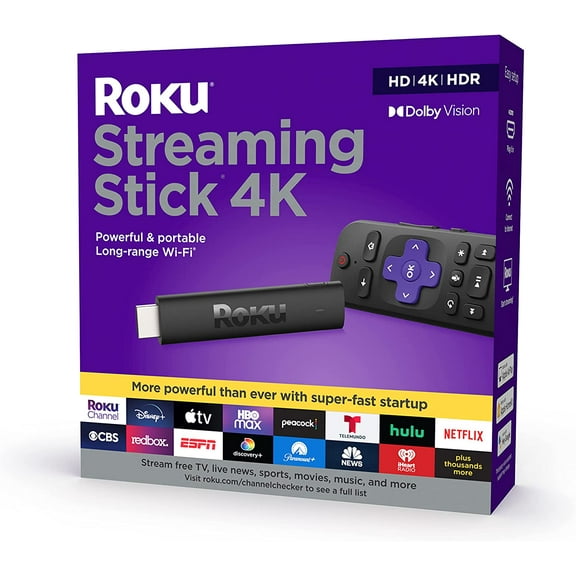
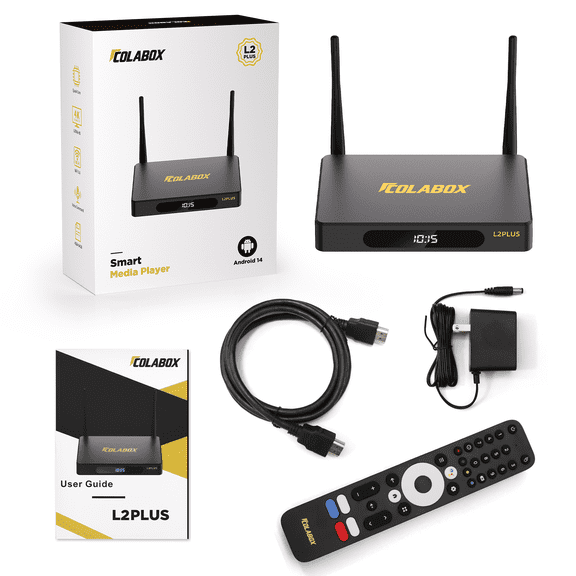
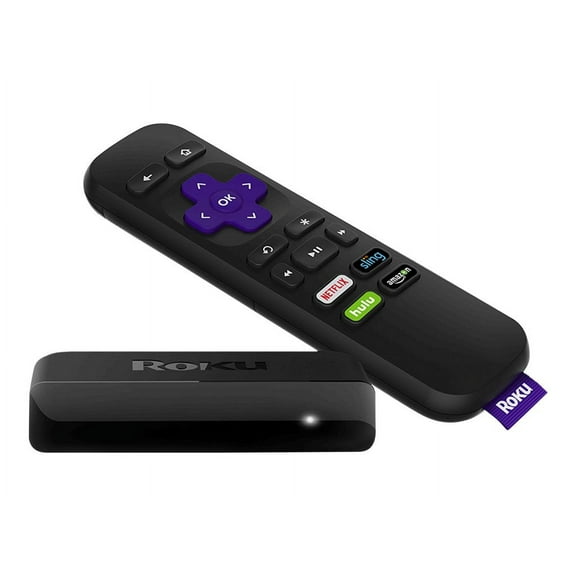
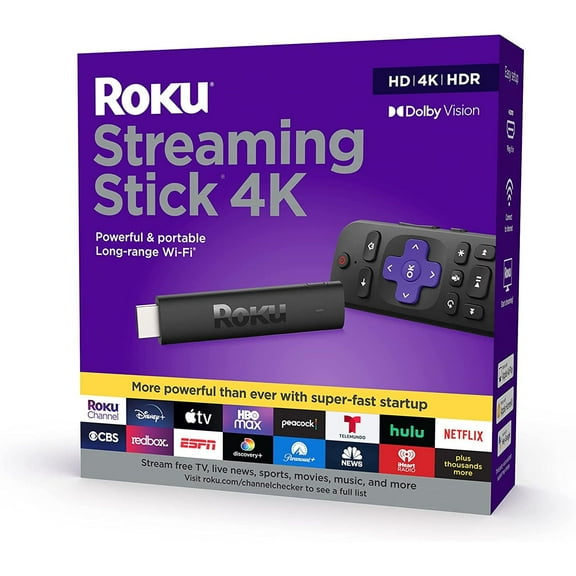
You can narrow your options quickly by comparing form factors. Smart tv sticks plug directly into your TV, while streaming boxes and pucks usually sit on your stand.
If you want a cleaner look, you may prefer a compact streaming stick behind your screen. If you want extra ports, you may lean toward a set-top box.
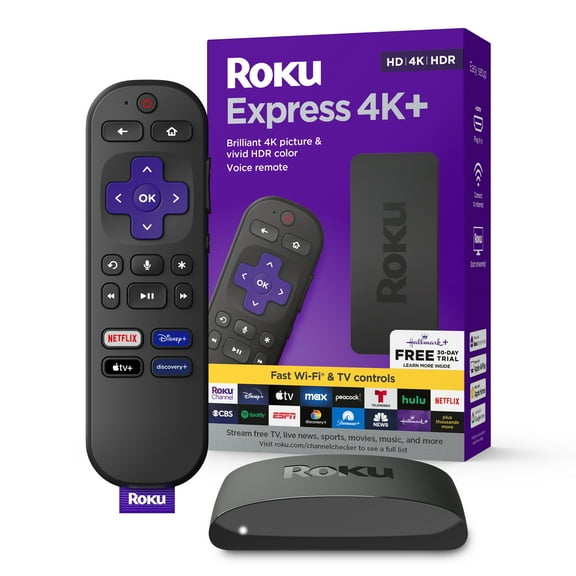
You might also compare airflow, cable reach, and placement convenience. A puck design can work well when you want a small device with easy shelf placement.
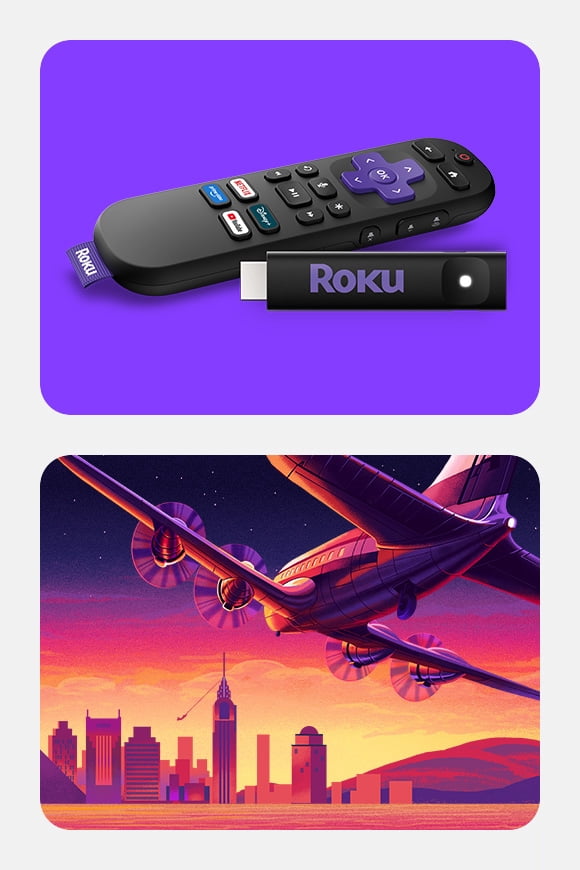
- You can use a streaming stick when you want a hidden setup behind a wall-mounted TV.
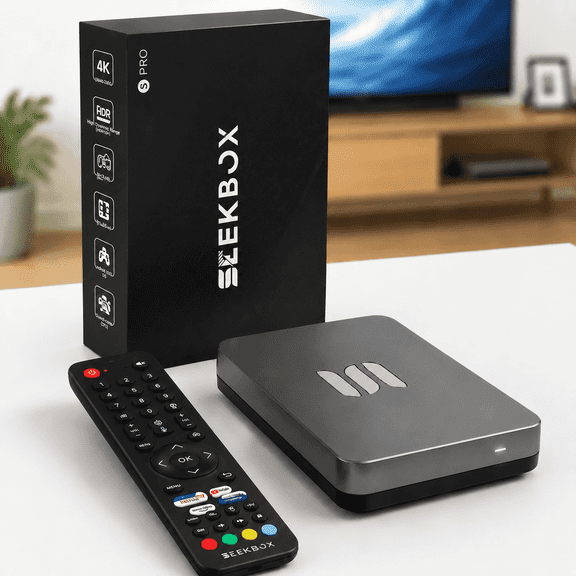
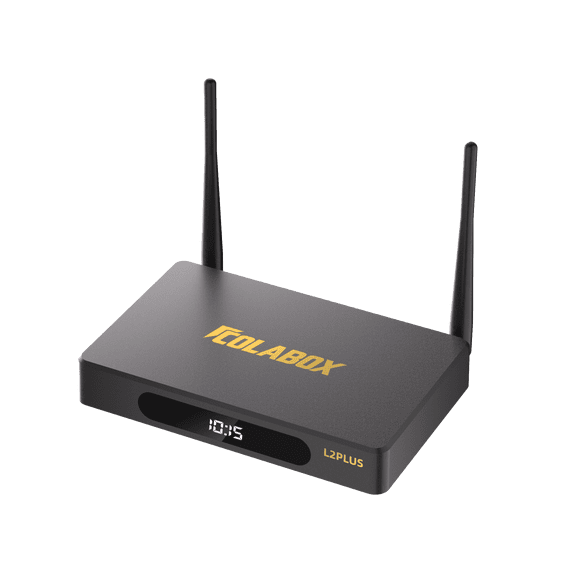
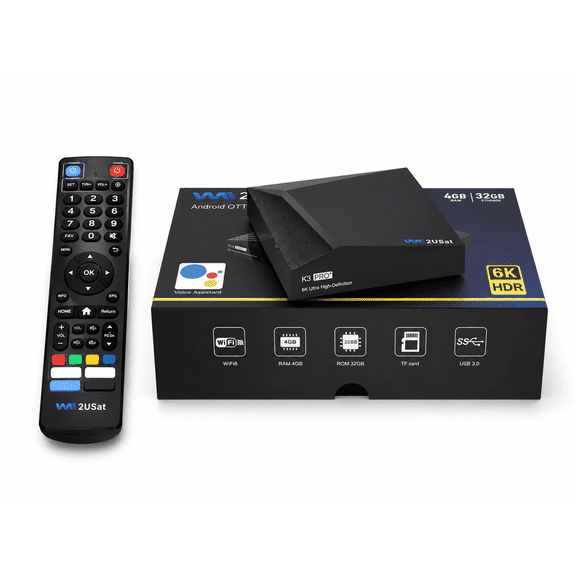
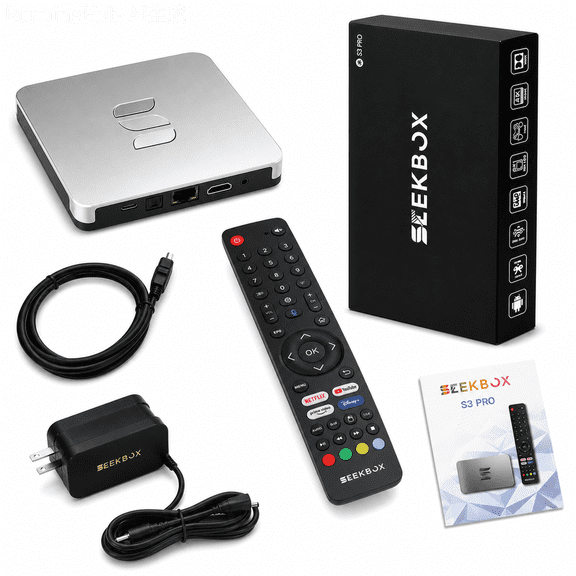
- You can choose a streaming box when you want Ethernet, extra processing power, or easier port access.
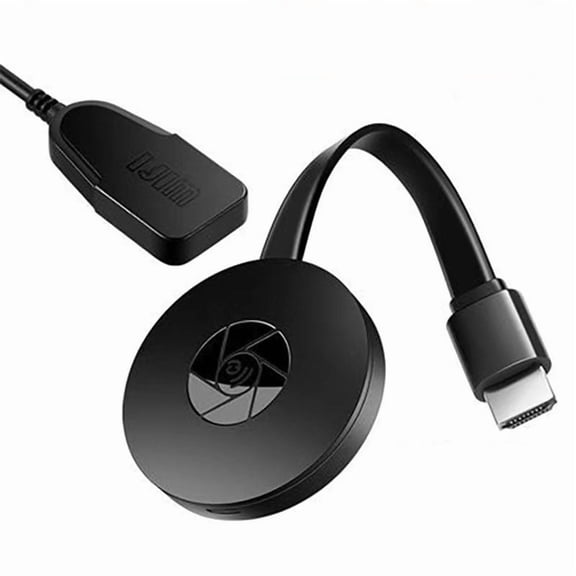
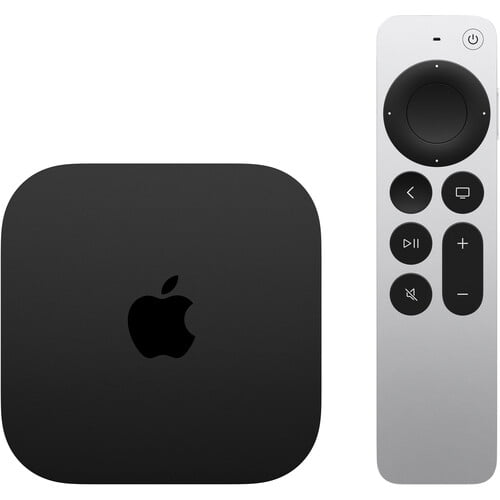
- You can pick a puck when you want compact size with simple placement on a media console.
What to look for in resolution, audio, and connectivity
You should match resolution to both your TV and your internet plan. 4k streaming players can make sense when you stream movies, sports, and nature content often.
If your connection varies, you may prefer 1080p playback for more consistent performance. You can also look for automatic quality adjustment during busy network hours.
Connectivity matters because it affects setup flexibility and day-to-day stability. You can compare Wi-Fi 6, Ethernet, HDMI, and Bluetooth based on your room and router location.
If your router sits far away, you may look for strong wireless support. If you want steady performance, you can consider Ethernet on streaming boxes.
Audio support deserves attention if you use a soundbar or receiver. You can compare Dolby Atmos, Dolby Digital, and DTS support for your home audio setup.
If you watch action movies or concert videos, you may notice rich sound options matter. You should also confirm your TV or audio system supports those formats.
How to compare ecosystems, apps, and remote features
You should compare operating systems based on the devices you already use at home. If your home uses Alexa, Google Home, or Apple HomeKit, matching that ecosystem can simplify control.
You may prefer Roku OS for a straightforward layout and broad app access. You might choose Google TV, Android TV, Apple tvOS, or Fire OS for familiar account integration.
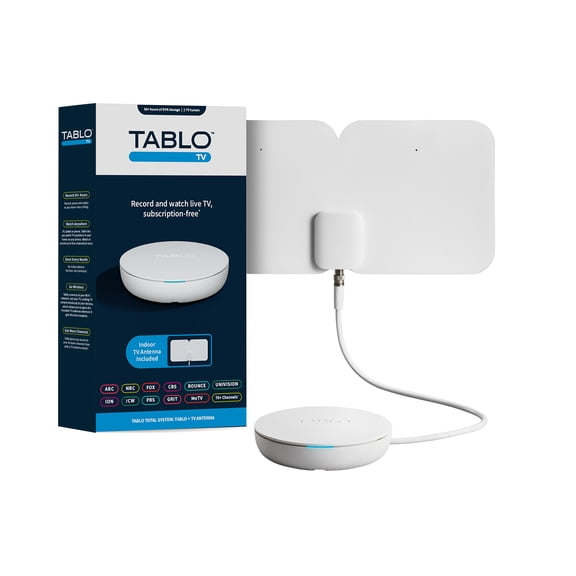
App availability is another decision point that can shape your experience every day. You should check whether the device supports your preferred streaming services, live TV apps, and music apps.
If several people use the same TV, you may want clear menus and easy profile switching. You can also compare search tools that help you find shows quickly.
Remote features can make a big difference in daily use. You can look for voice control streaming devices, TV power buttons, volume controls, and headphone listening options.
If you want fewer remotes on your table, you should check for TV control buttons. If you watch late at night, you may appreciate private listening features.
Streaming devices for everyday setups and viewing habits
You can use streaming devices for tv in several common room setups. If you’re upgrading a bedroom screen, a compact stick can keep installation simple and clutter light.
For a family room, you may want a streaming box with Ethernet and strong audio support. You can benefit from smooth playback when several people stream at once.
If you travel between rooms or homes, you might prefer a smaller device with quick reconnect options. You should compare sign-in convenience and remote size for easier packing.
You can also match features to how you actually watch. If you stream mostly movies, you may prioritize 4K UHD, Dolby formats, and fast app switching.
If you watch news, casual shows, and short videos, you may focus on simple menus and easy search. You can keep your setup straightforward without paying for extras you won’t use.
When you compare streaming devices carefully, you can avoid compatibility surprises and narrow choices faster. This helps you get a TV setup that fits your screen, your apps, and your everyday routine.