

Router




![Straight Talk BLU M100 Hotspot, 5G, 8GB, Black. Prepaid Hotspot [Locked to Straight Talk]](https://i5.walmartimages.com/seo/Straight-Talk-BLU-M100-Hotspot-5G-8GB-Black-Prepaid-Hotspot-Locked-to-Straight-Talk_d973ee60-f96a-4e50-afa5-1955435e11d1.d42e7307c7213f0c3669ebe5bd7dabe5.jpeg?odnHeight=288&odnWidth=288&odnBg=FFFFFF)
![AT&T GoLink 5G Hotspot 32 GB, Black Prepaid Hotspot [Locked to AT&T]](https://i5.walmartimages.com/seo/ATT-GoLink-5G-Hotspot_8ea3a93b-5098-425e-af36-653211534fb3.d416d70036f9f99cbd69e329fdf3dbb6.jpeg?odnHeight=288&odnWidth=288&odnBg=FFFFFF)

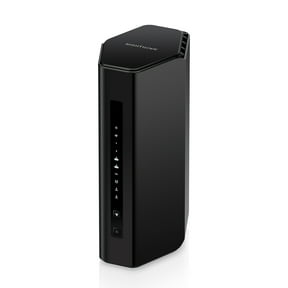

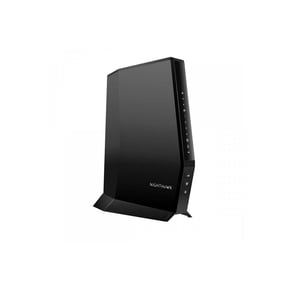
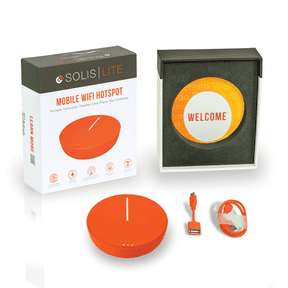
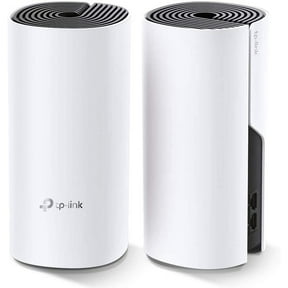
About Router - Walmart.com
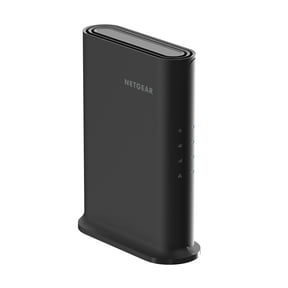
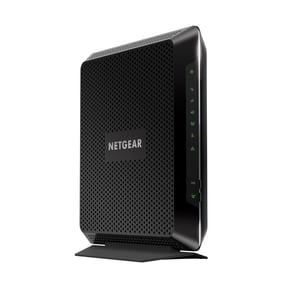
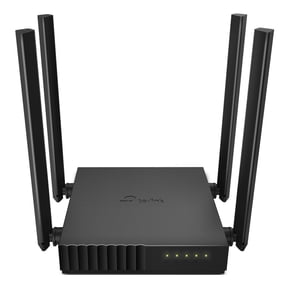
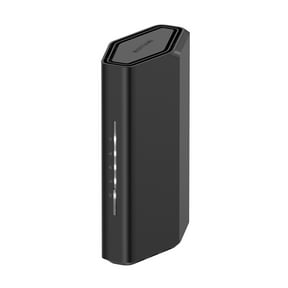
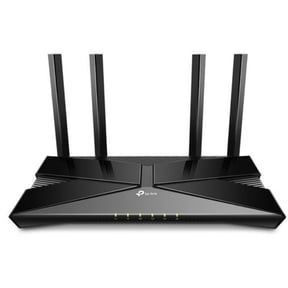
A Walmart router page helps you compare Wi-Fi coverage, speed tiers, and setup options for apartments, family homes, and gaming rooms. This category focuses on wireless networking gear, including dual-band models, mesh systems, and routers with multiple Ethernet ports.
You can quickly narrow choices by internet plan, home size, and connected device count. That makes it easier to match streaming, video calls, and smart home traffic with the right hardware.
Walmart router options for Wi-Fi needs
Routers shape how your wifi feels in daily use. The right model can keep movies smooth, calls clear, and game sessions responsive across busy households.
Newer designs also support Wi-Fi 6 or Wi-Fi 6E standards. Those standards help manage many connected devices at once.
Different homes need different networking layouts. A small apartment may need one compact unit, while a large home may benefit from a mesh setup.
Some shoppers also want a wireless router with parental controls, guest networks, or app-based setup. Those tools make daily management more convenient.
- Dual-band and tri-band options support streaming, gaming, and work devices on separate lanes.
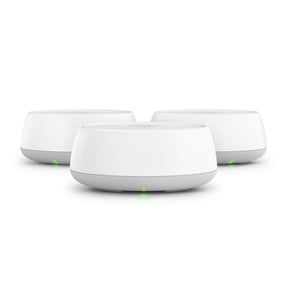
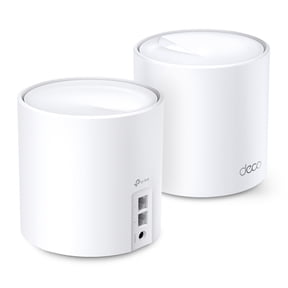
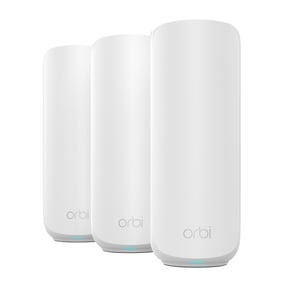
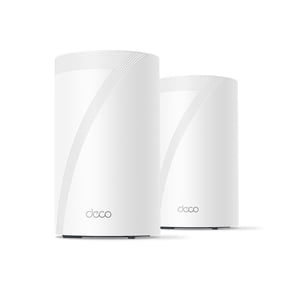
- Mesh systems extend Wi-Fi coverage across larger floor plans with fewer dead zones.
- App-guided setup helps you get connected without a complicated installation process.
- Guest network features let visitors connect without using your main network details.
- Multiple Ethernet ports support consoles, PCs, and smart TVs that need wired connections.
Features that matter in a Wi-Fi router
Speed labels tell only part of the story. Experienced shoppers also check Wi-Fi standards, band support, security tools, and the number of LAN ports.
Wi-Fi 6 models can handle many active devices more efficiently. That matters when phones, tablets, cameras, and TVs all share one network.
Coverage depends on more than advertised square footage. Antenna design, mesh compatibility, and home layout all influence signal reach through walls and across floors.
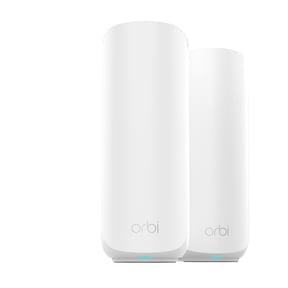
If your modem sits in one corner, a mesh router system can spread coverage more evenly. That category-specific benefit matters in long hallways and multiroom spaces.
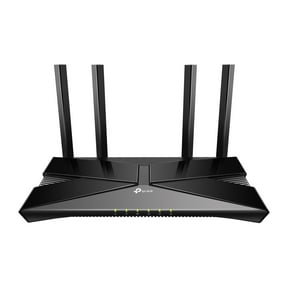
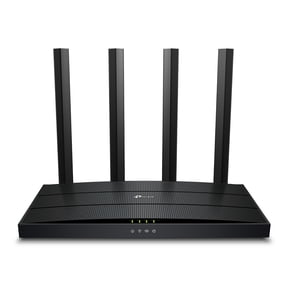
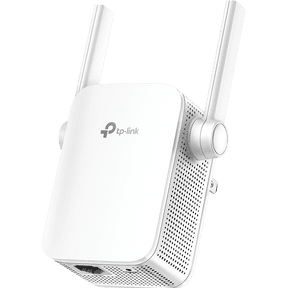
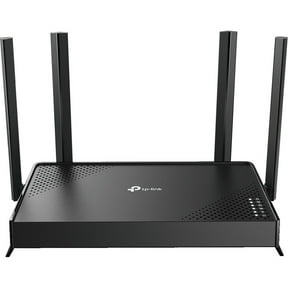
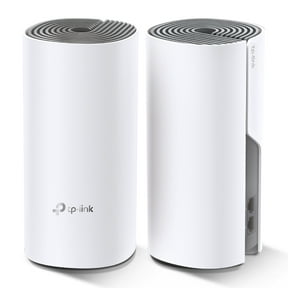
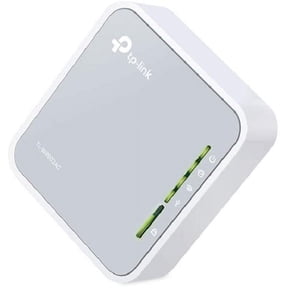
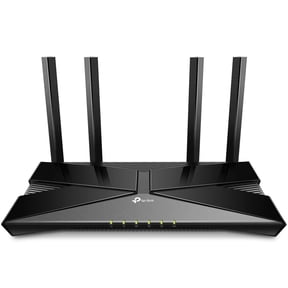
Brand preferences can also guide the decision. Many shoppers look for TP-Link models because they offer familiar interfaces, compact designs, and broad feature choices.
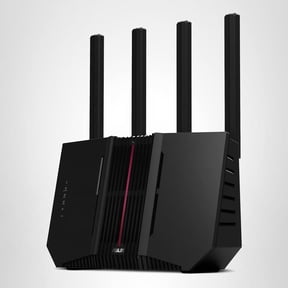
Others may compare NETGEAR, ASUS, or Linksys for gaming ports, USB sharing, or advanced traffic controls. Looking at security standards and firmware support can help you choose a router that stays current longer.
How to choose routers for real-world setups
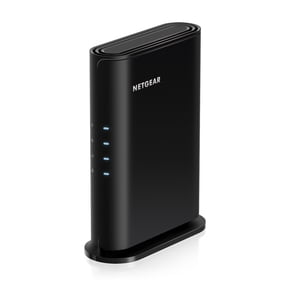
If youu've wondered, can I buy a router for Wi-Fi?, the answer depends on your internet setup. A router creates the local wireless network, while some homes also need a separate modem.
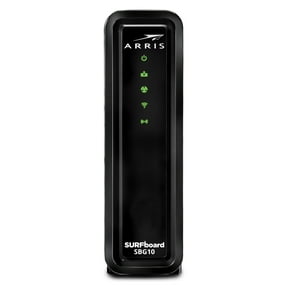
Cable and fiber plans often work with specific modem arrangements. Checking compatibility first helps avoid setup delays.
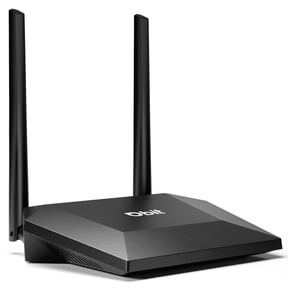
For apartment living, a compact unit with dual-band wifi and app controls often fits nicely. In larger homes, mesh nodes can help carry signal to upstairs bedrooms, offices, and back rooms.
Gamers may prefer models with dedicated gaming ports, quality of service settings, and low-latency traffic controls. Those features are specific to router shopping, not general electronics browsing.
Families with many devices often want parental controls, device prioritization, and easy guest access. Remote workers may focus on stable video calls and dependable coverage in a home office.
Smart home users usually need enough capacity for doorbells, lights, speakers, and cameras running together. Thatu's where Wi-Fi 6 and strong processor performance become useful details.
Some shoppers also compare router price alongside features, but specs should stay central. A lower feature set may fit light browsing, while advanced options suit demanding households and connected entertainment spaces.
Adding Ethernet cables or checking modem compatibility can also round out your setup. Those accessories matter when you want hardwired speed for desktops, consoles, or streaming boxes.
Shop by router type and brand
Category variety helps you compare by performance style instead of only appearance. Youu'll find standalone routers, mesh systems, and models built for gaming-focused layouts.
Standalone units often fit smaller spaces and simpler networks. Mesh systems shine when one router canu't cover the whole home evenly.
Brand-led shopping is also common in this category. TP-Link draws attention for easy setup and broad model coverage, while other brands focus on advanced controls or expanded port options.
If you already know your internet plan speed, device count, and floor plan, choosing becomes much simpler. Those details point you toward a router that feels consistent during everyday use.
A strong router setup supports streaming, video calls, smart devices, and wired connections in one place. With clear comparisons across Wi-Fi standards, mesh coverage, and brand features, you can choose equipment that fits your home and keeps your network running smoothly.