



Windows 11 Upgrade
![Norton 360 Standard, Antivirus Software for 1 Device, 1 Year Subscription, PC/Mac/iOS/Android [Digital Download]](https://i5.walmartimages.com/seo/Norton-360-Standard-Antivirus-Software-for-1-Device-1-Year-Subscription-PC-Mac-iOS-Android-Digital-Download_ff4c7bf1-39b5-4add-9771-34f928df0360.aa703cdc28ffb5d5996e4b57f90ba509.png?odnHeight=576&odnWidth=576&odnBg=FFFFFF)




























About
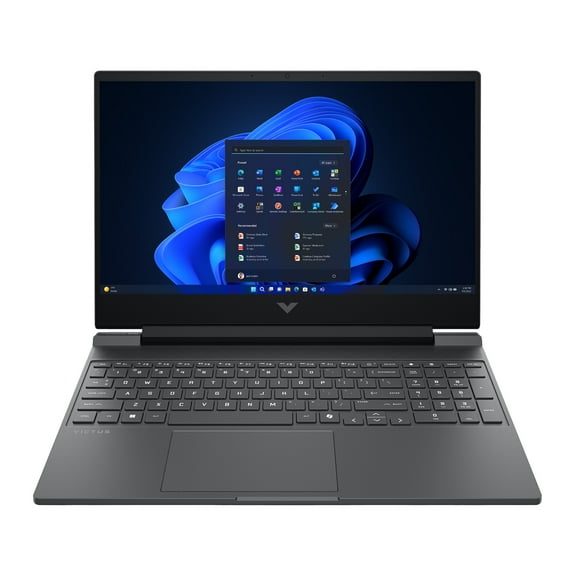
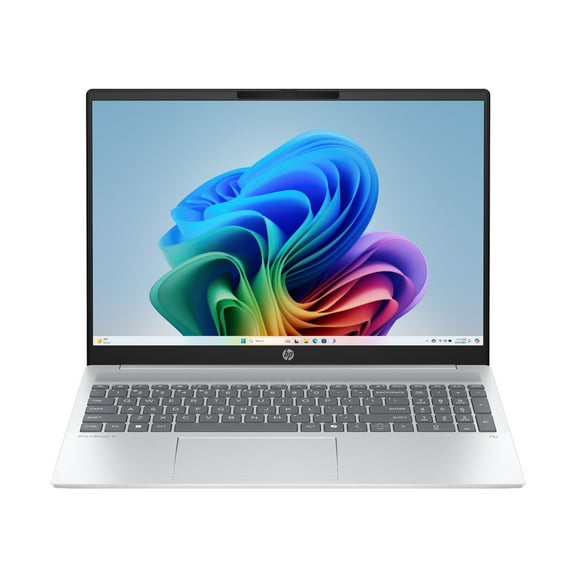
If you need a computer windows 11 setup for work, school, or home, you can compare compatible devices and hardware requirements in one place. You’ll find laptops, desktops, 2-in-1 systems, and all-in-one models built for a smoother transition to Windows 11.
Before you choose, you should focus on compatibility details that matter for this upgrade path. You’ll want support for TPM 2.0, a compatible processor, enough RAM, and solid-state storage for faster everyday use.
Choosing the right computer windows 11 device type
Your device type shapes how you work, stream, study, and move through the day. You should compare portability, screen setup, and desk space before you narrow your options.
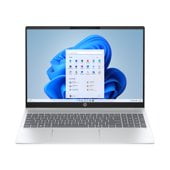
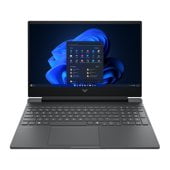
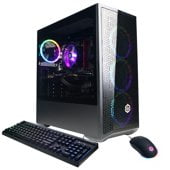
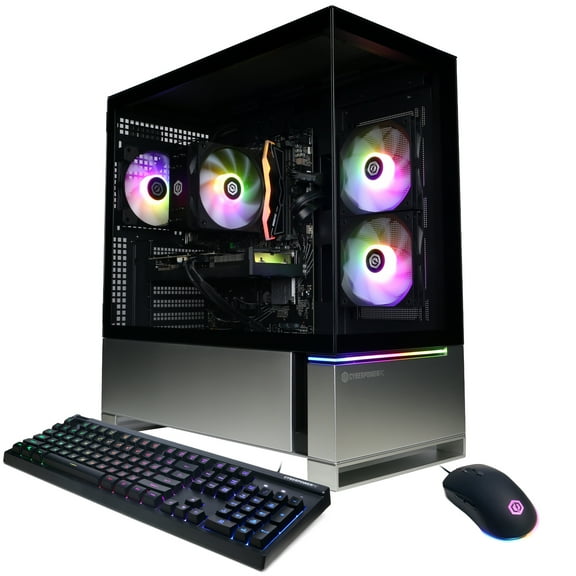
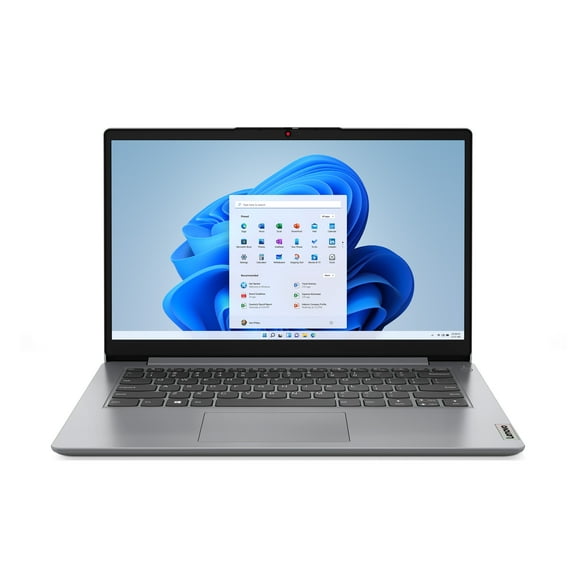
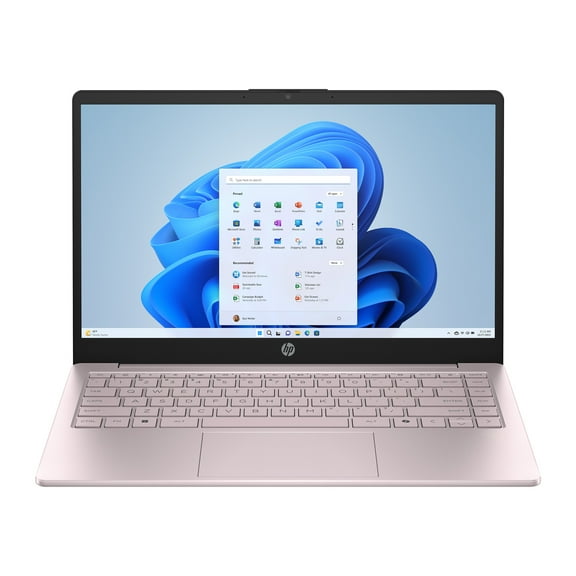
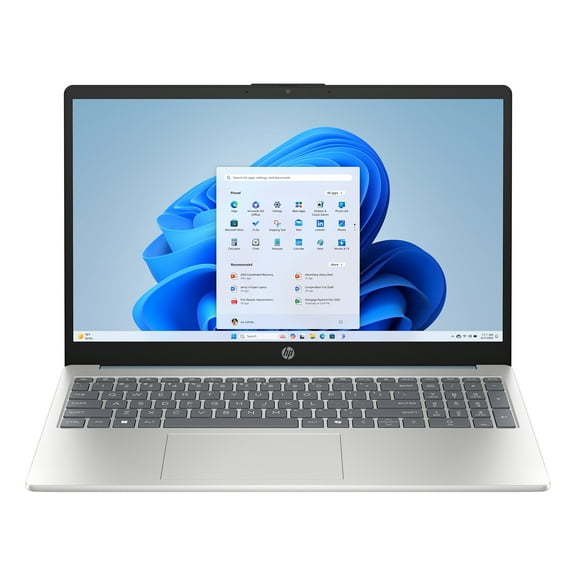
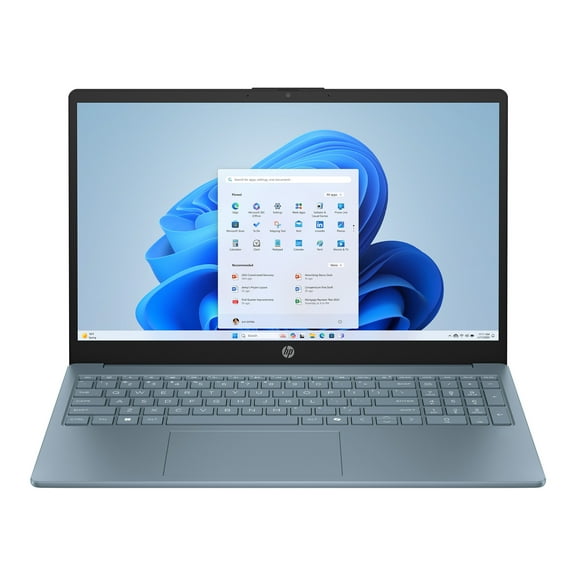
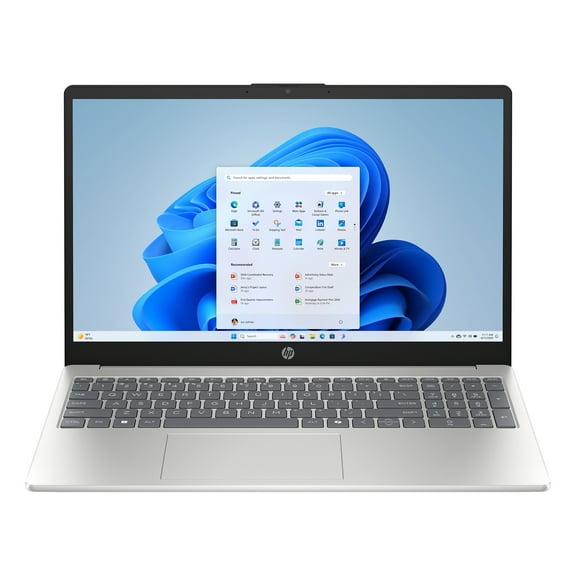
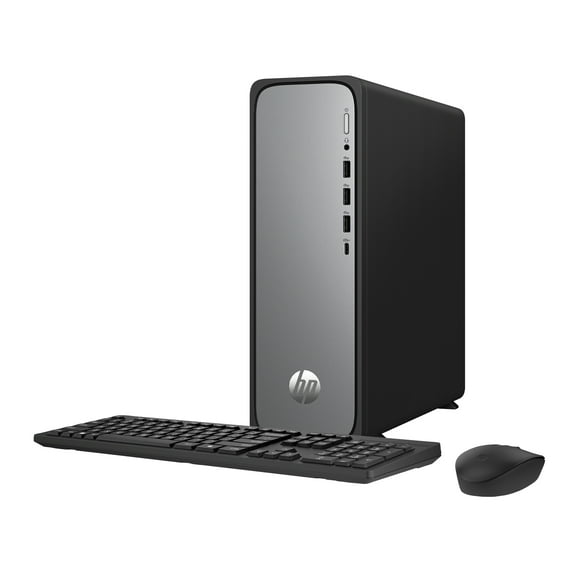
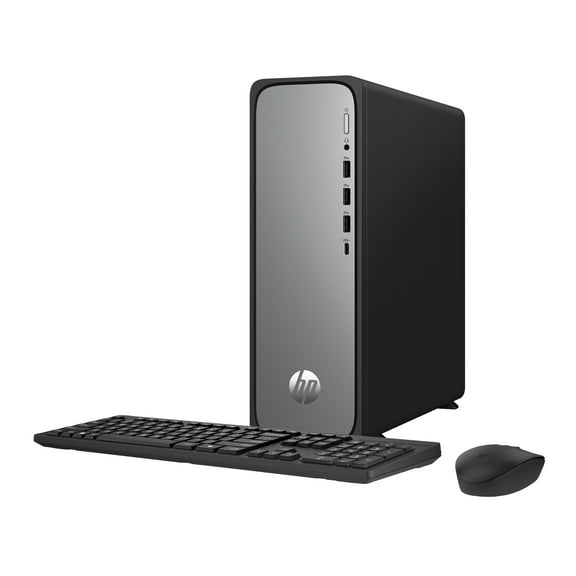
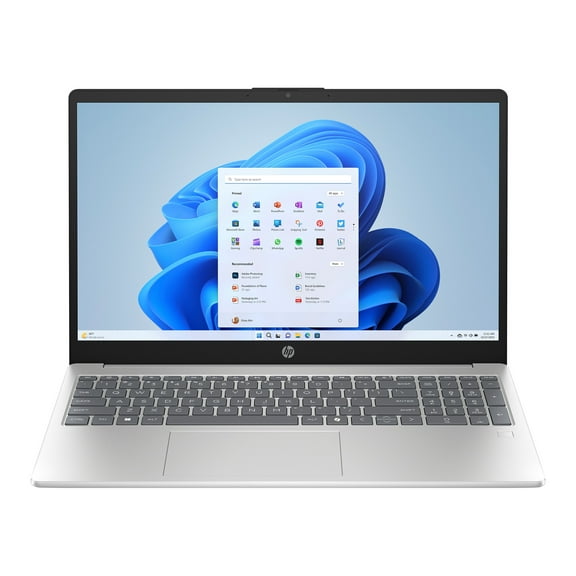
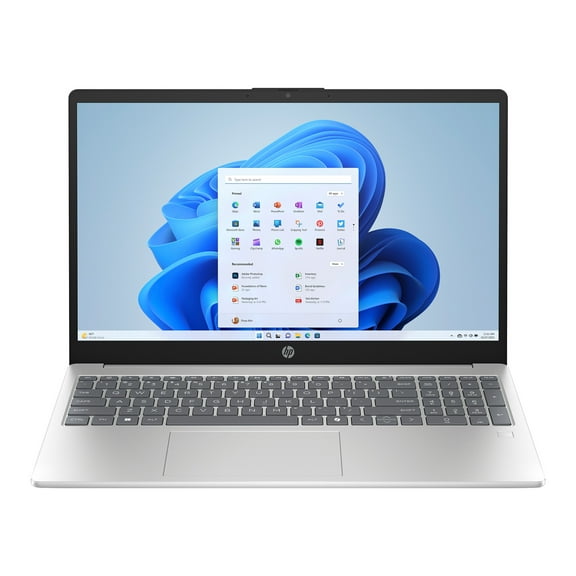
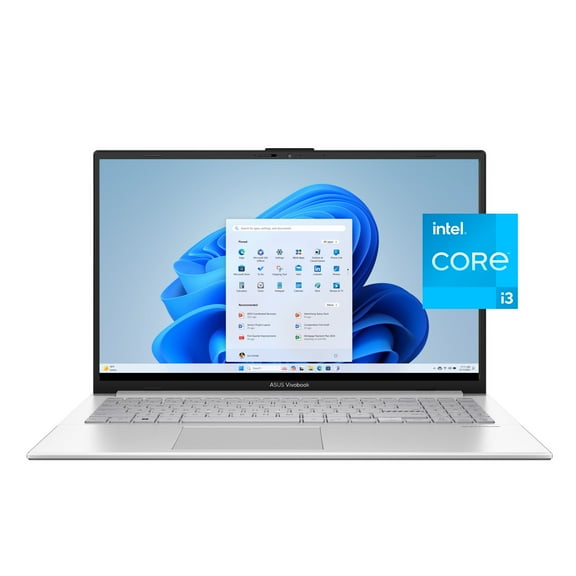
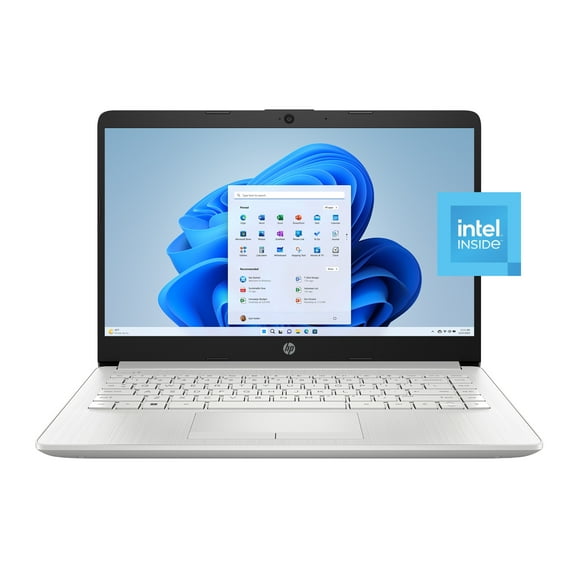
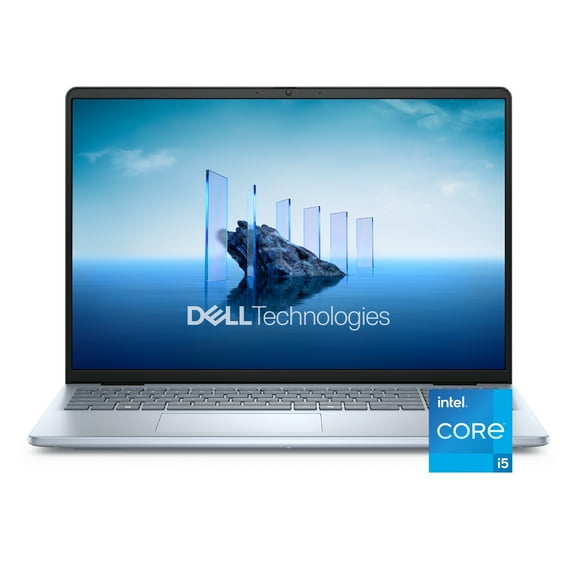
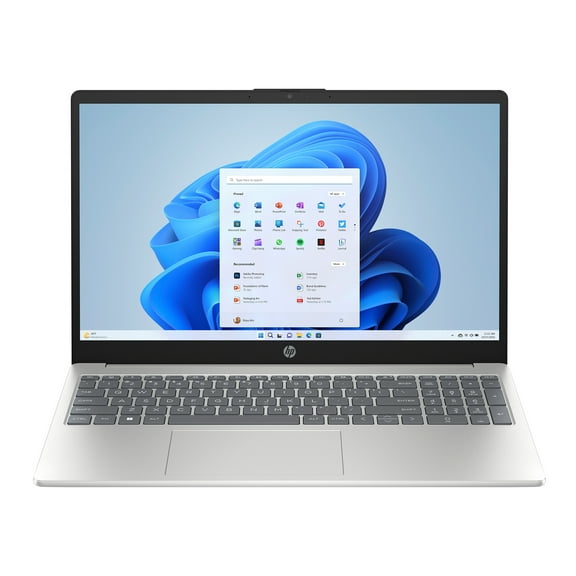
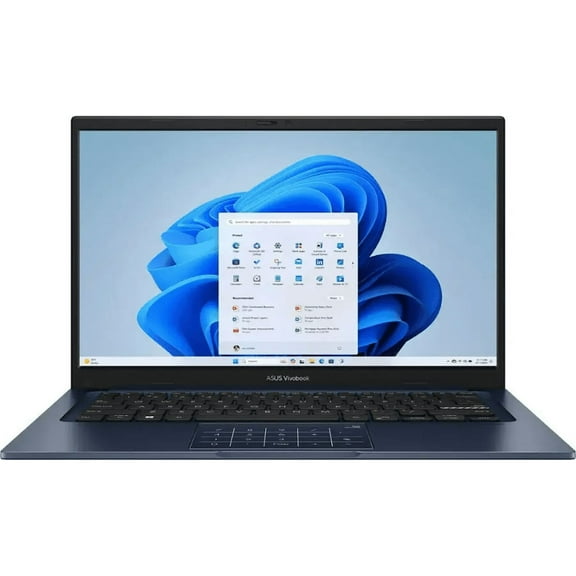
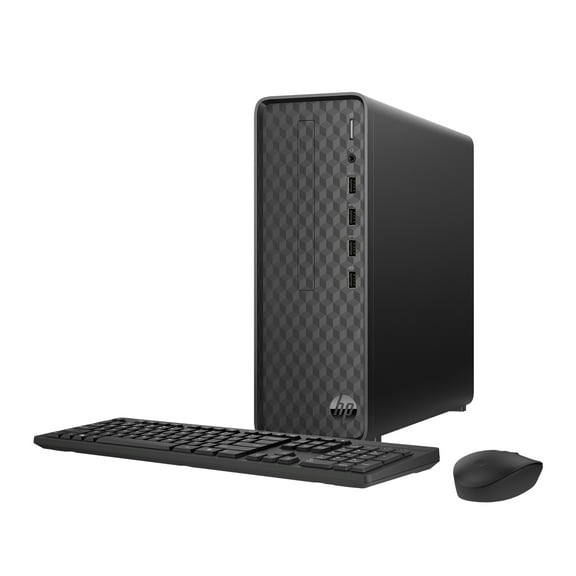
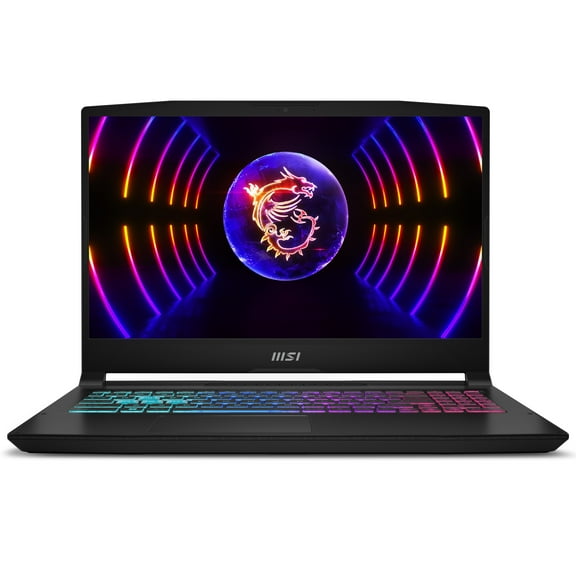
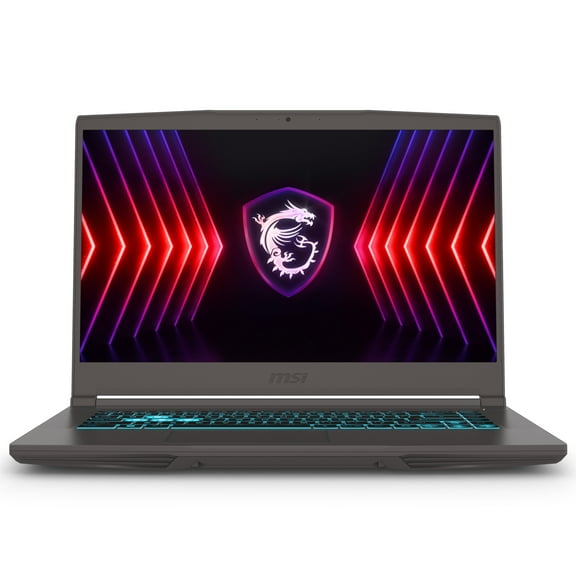
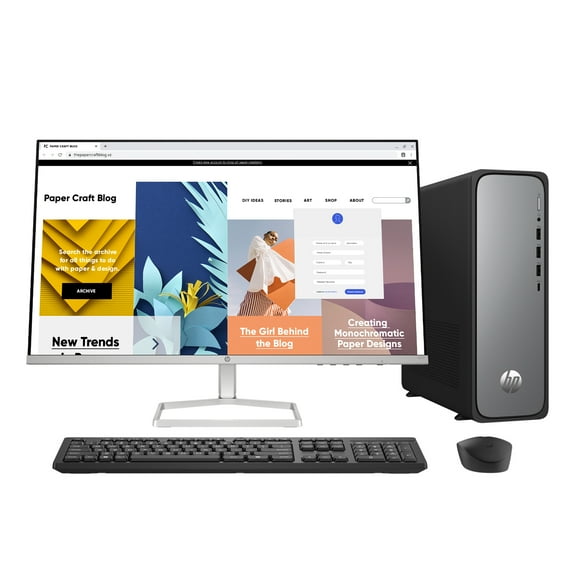
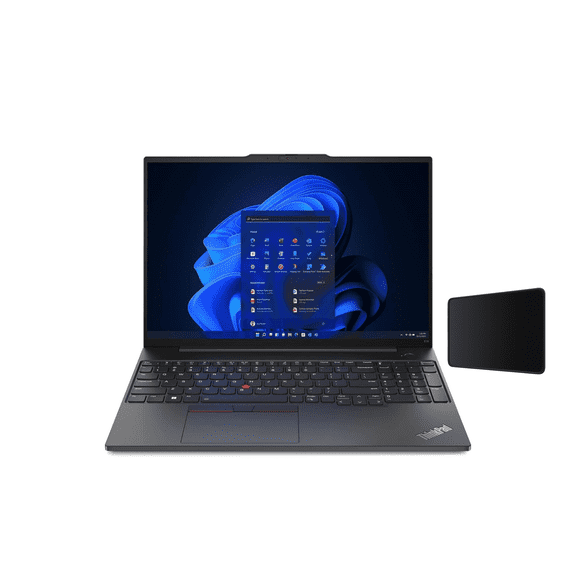
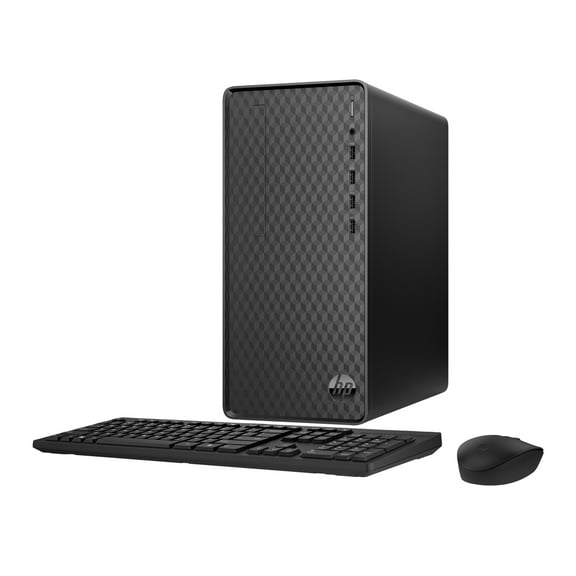
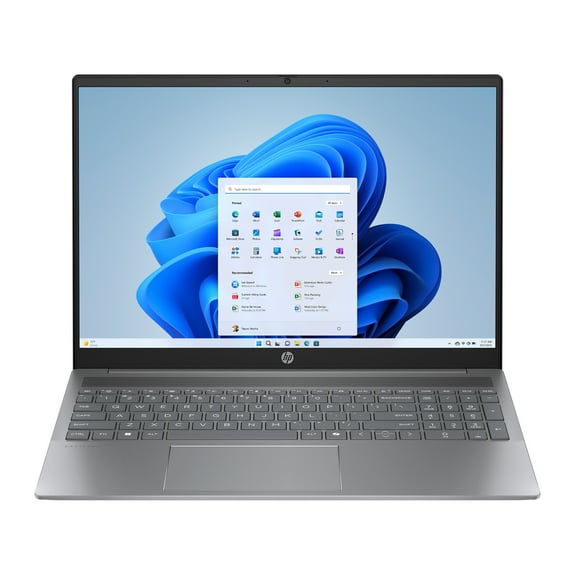
If you carry your device often, you may prefer a windows 11 laptop for lighter travel and flexible use. If you stay at one workstation, you may prefer a windows 11 desktop with room for larger displays.
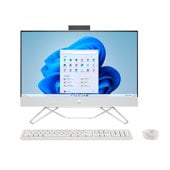
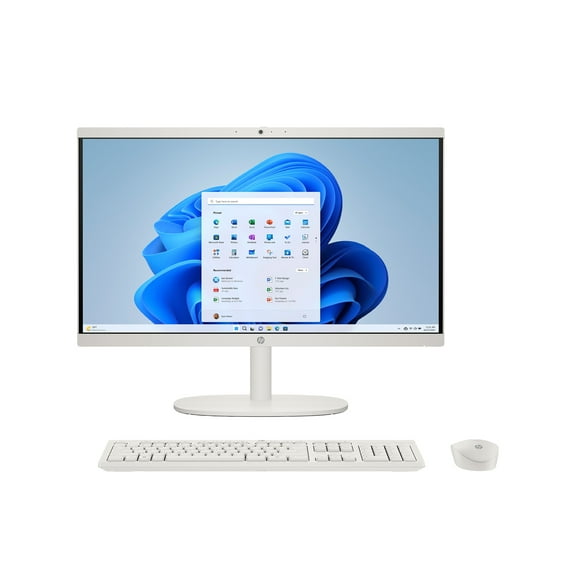
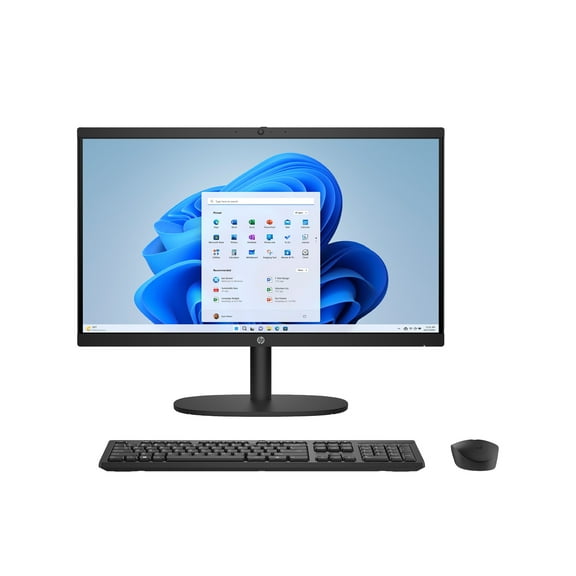
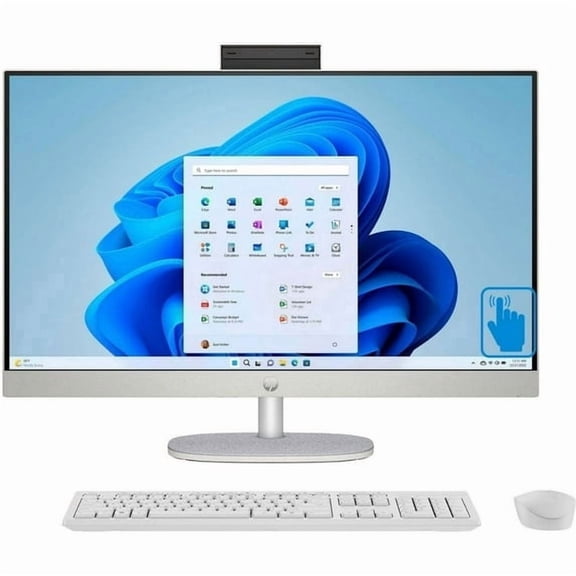
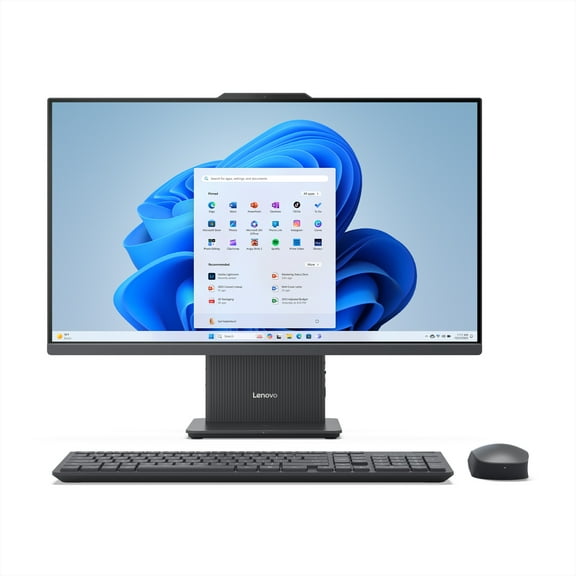
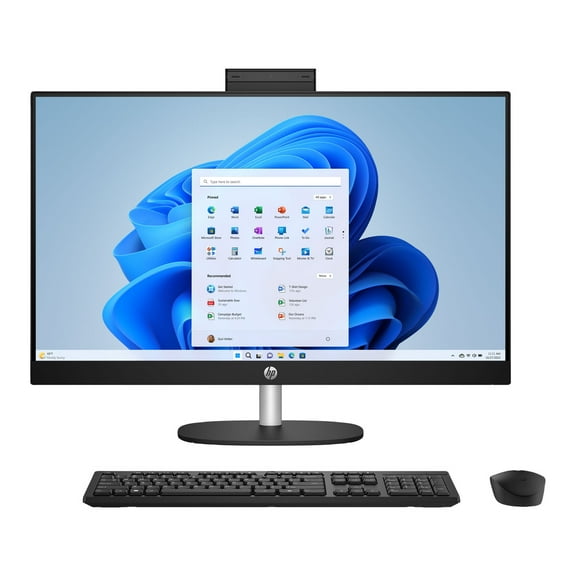
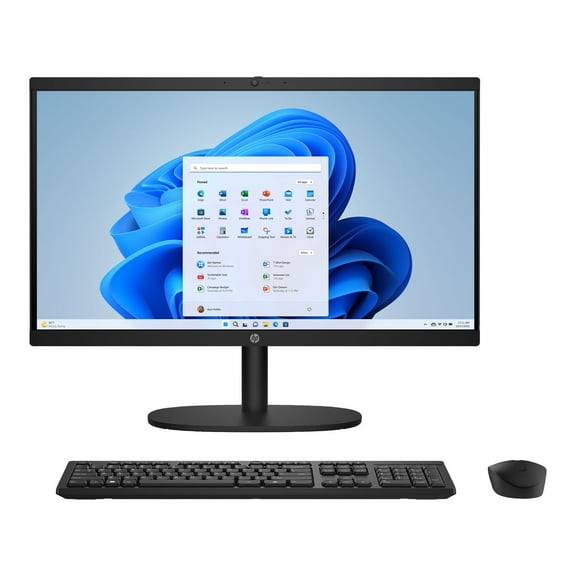
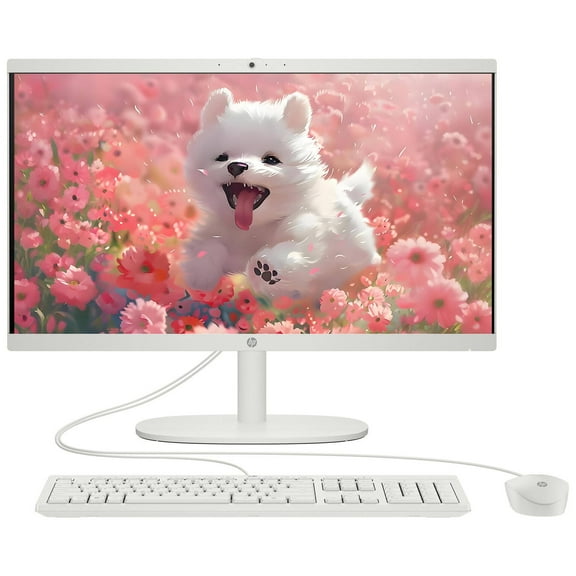
You can also consider a 2-in-1 convertible when your routine mixes typing, tapping, and note taking. If you want fewer separate components, an all-in-one can keep your setup cleaner and easier to place.
What you gain from Windows 11 compatible computers
You’ll notice that a windows 11 compatible PC helps you start with hardware that aligns with current system expectations. That can make your setup process clearer when you’re comparing newer processors, memory, and storage.
Your day can feel more efficient when your computer matches your main tasks instead of forcing compromises. You should look for the right blend of speed, portability, and workspace fit.
- You can choose a form factor that matches travel, desk use, or shared family spaces.
- You can match processor and RAM levels to schoolwork, office apps, gaming, or multitasking.
- You can pick SSD storage that helps your computer boot and open files faster.
- You can compare Windows 11 Home and Pro needs based on personal or business use.
For student use, you may want a lighter system with enough memory for research, video calls, and documents. For business use, you may want stronger multitasking support and room for larger files.
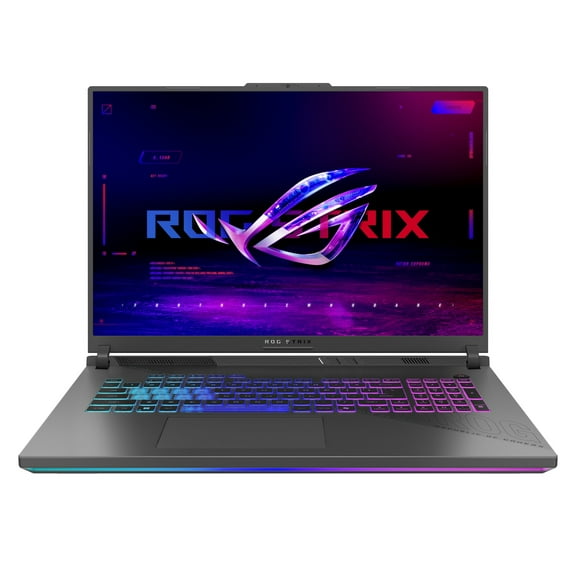
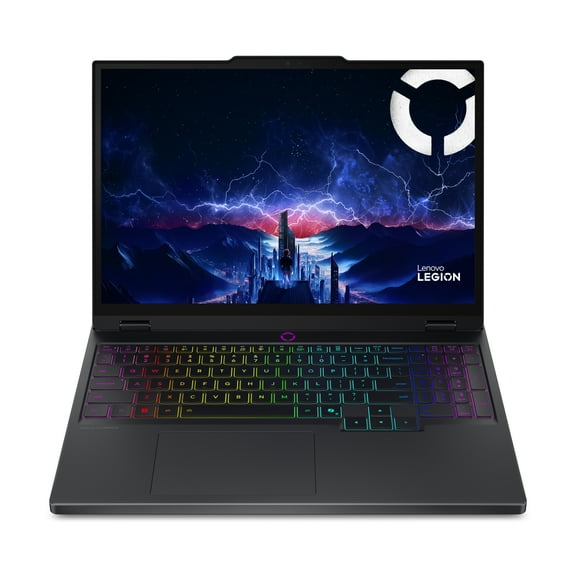
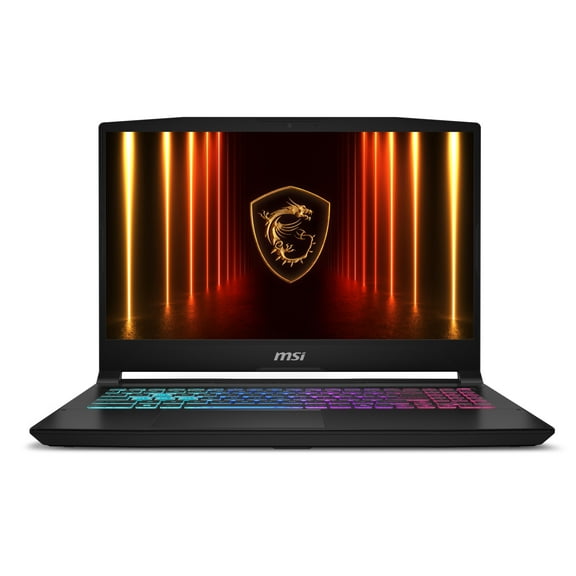
If your routine includes gaming or creative workloads, you should compare higher processor tiers and more memory. For everyday use, you may only need balanced performance for browsing, streaming, and email.
How to compare processors, RAM, and storage
Your processor affects how responsive your system feels during daily tasks and heavier workloads. You should compare Intel Core i5, Intel Core i7, AMD Ryzen 5, and AMD Ryzen 7 based on how much performance you need.
If you handle documents, web browsing, and streaming, you may feel comfortable with an Intel Core i5 or AMD Ryzen 5. If you edit large files or multitask heavily, you may prefer an Intel Core i7 or AMD Ryzen 7.
Your RAM choice affects how many apps and browser tabs you can keep moving smoothly. You should consider 8GB for lighter tasks, 16GB for broader multitasking, and 32GB for demanding workflows.
Storage matters because you want quick startup times and room for your files. You should look for 256GB SSD, 512GB SSD, or 1TB SSD options based on how much space you expect to use.
An SSD helps you open programs and restart your computer faster than older hard drive designs. If you store many games, projects, or large media files, you may want 1TB SSD capacity.
Understanding Windows 11 system requirements
You should check core compatibility points before you choose your next system. Your computer windows 11 search should include TPM 2.0 support, compatible CPU generation, enough RAM, and SSD-based storage.
TPM 2.0 is a hardware security component that Windows 11 commonly requires for supported setups. You don’t need deep technical knowledge, but you should confirm that your device listing includes it.
Your CPU generation also matters because Windows 11 support depends on approved processor families. You should read product details closely when you compare upgrade-ready models and newer systems.
RAM requirements shape how comfortably you can run your everyday programs. You may meet basic needs with 8GB, but you’ll often want more headroom for multitasking.
Windows 11 Home may fit your personal, student, or family setup needs. Windows 11 Pro may suit your workflow if you want business-focused management and work-oriented features.
Matching a windows 11 laptop or desktop to your routine
If you study in different rooms or commute often, you should consider a windows 11 laptop with a size that fits your bag. You may also want battery-conscious portability and enough RAM for classwork.
If your home office stays in one spot, you may prefer a windows 11 desktop with a larger monitor setup. You can often create a more permanent workspace for spreadsheets, video calls, and longer sessions.
For family computing, you might choose an all-in-one that keeps cables simpler on a shared desk. If you switch between tablet-style use and typing, you may prefer a 2-in-1 convertible.
When you game or create content, you should compare stronger processors, more memory, and larger SSD sizes. When you handle everyday tasks, you can focus on reliable speed and practical storage instead.
With the right mix of device type, processor, memory, and storage, you can choose a Windows 11-ready system with fewer surprises. Your setup feels easier when your computer fits your routine from the start.