


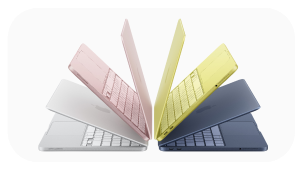
New from Apple
iPhone 17e, MacBook Neo and iPad Air (M4).
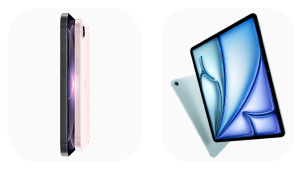
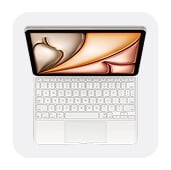



New iPad
















About
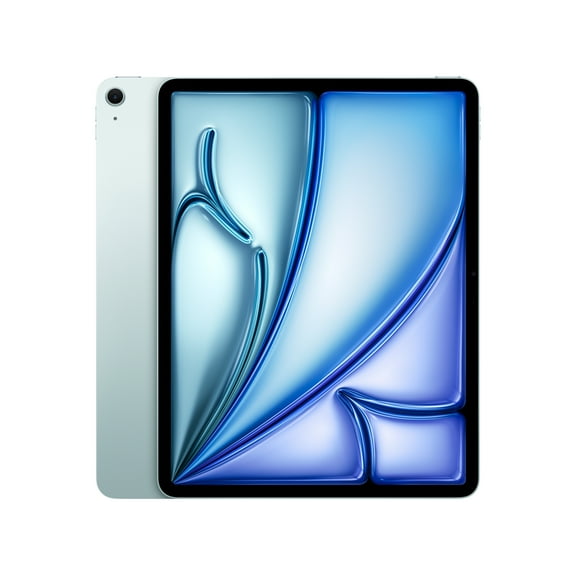
With a new iPad, you can compare Apple tablet options by model series, generation, storage, and connectivity. You can narrow your choice faster when those details match schoolwork, streaming, drawing, travel, or family use.
If you’re replacing an older tablet, you may want clearer differences between iPad Standard, iPad Air, iPad Pro, and iPad Mini. You can also compare storage sizes, Wi-Fi options, and accessory compatibility before you choose.
Choosing the right new iPad for your routine
You should start with how you use your screen each day and where you carry it most. Your routine can quickly point you toward the model series that fits your mix of work and downtime.
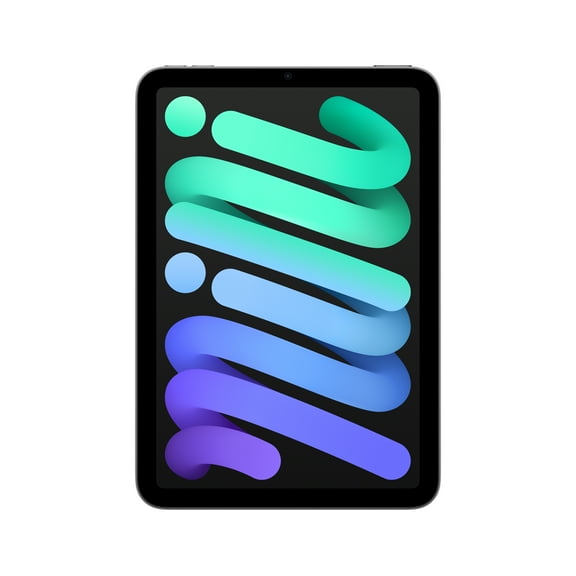
For browsing, streaming, email, and class tasks, you may prefer iPad Standard because it keeps everyday use simple. For reading on trips or one-handed use, you may prefer iPad Mini because it fits smaller bags.
When your schedule includes creative apps and multitasking, you may look at iPad Air for a lighter feel. If your workflow includes larger projects, you can compare iPad Pro models more closely.
- You can choose iPad Standard for streaming, schoolwork, and casual gaming.
- You can consider iPad Air when your day mixes creativity and productivity.
- You can compare iPad Pro when your tasks include editing, sketching, or larger files.
- You can pick iPad Mini when your priority is portability for travel and reading.
How to compare a brand-new iPad by generation
You should check the generation because it affects speed, accessory pairing, and how current the device feels. Your comparison may include 9th Generation, 10th Generation, M2 chip, and M4 chip options.
If you want a newer iPad for smoother multitasking, you may focus on recent generations first. Your daily apps, note-taking, and streaming can feel more responsive when the device matches current demands.
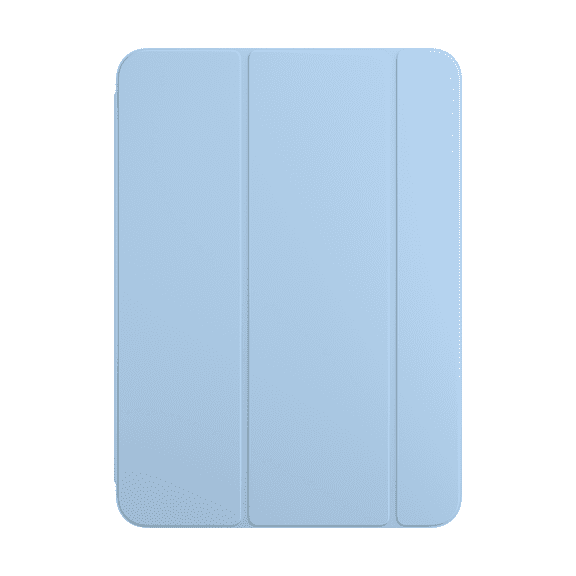
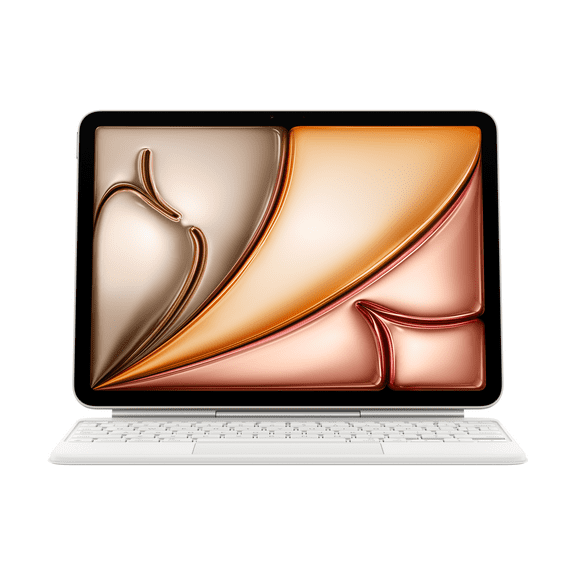
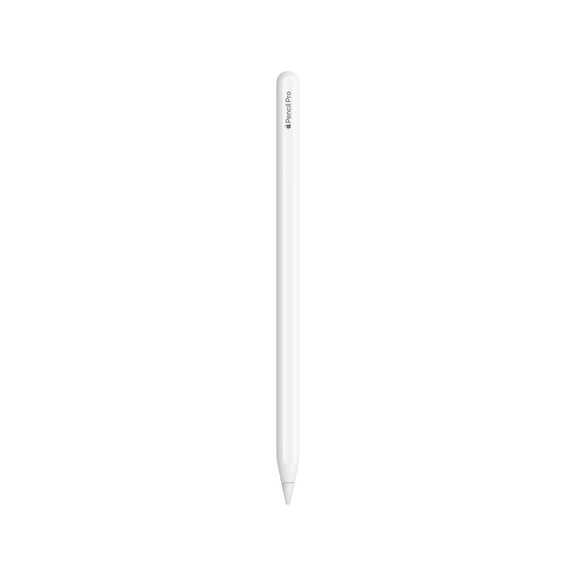
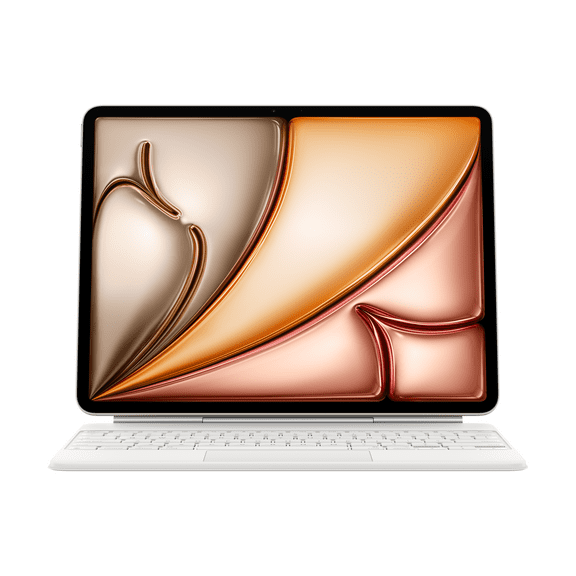
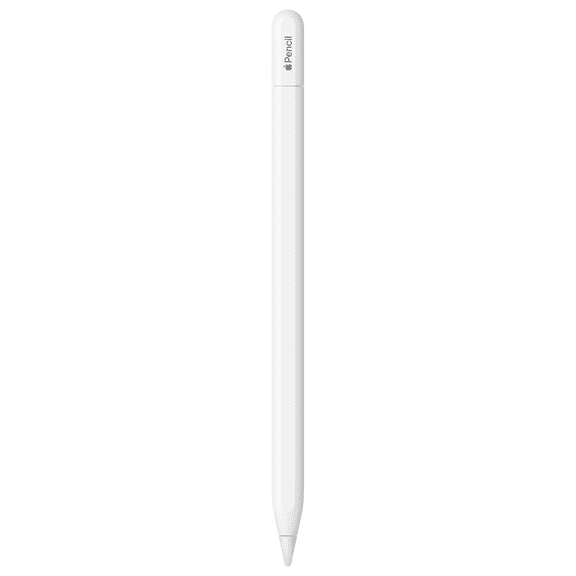
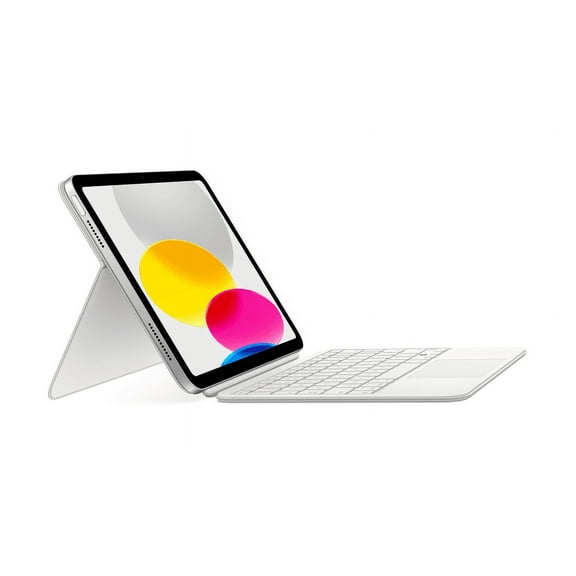
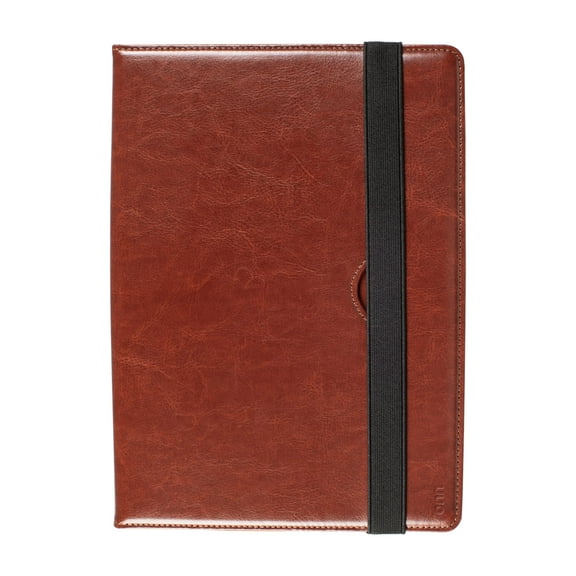
Accessory support also depends on the exact generation you choose, so you should confirm details before deciding. Your Apple Pencil, Smart Folio, or keyboard plans can help narrow the right model year.
Comparing storage and connectivity for your needs
You should choose storage based on how many apps, photos, downloads, and files you keep on the device. Your habits matter here because cloud storage changes how much local space you actually use.
For lighter use, you may feel comfortable with 64GB or 128GB if you mostly stream and store less. For bigger games, photo libraries, or video projects, you can compare 256GB, 512GB, or 1TB.
Connectivity matters just as much, especially when your tablet travels beyond home or office networks. Your setup may be simple with Wi-Fi Only, or you may prefer Wi-Fi + Cellular for flexible use away from Wi-Fi.
At home, in class, or at a desk, you may find Wi-Fi Only fits your daily routine well. During commutes, trips, or mobile workdays, you can stay connected more easily with cellular capability.
Using iPad Air and other models for real-life tasks
Your everyday plans can make the model choice much clearer once you connect each option to real tasks. A lighter tablet may suit classes and meetings, while a compact one may suit flights and quick reading.
For notes, web browsing, streaming, and everyday apps, you may start with iPad Standard. For portable creativity and productivity, you can compare iPad Air when your day shifts between tasks.
If your work includes illustration, editing, or handling larger files, you may compare iPad Pro by storage and generation. For travel, maps, and quick check-ins, you may find iPad Mini easier to carry.
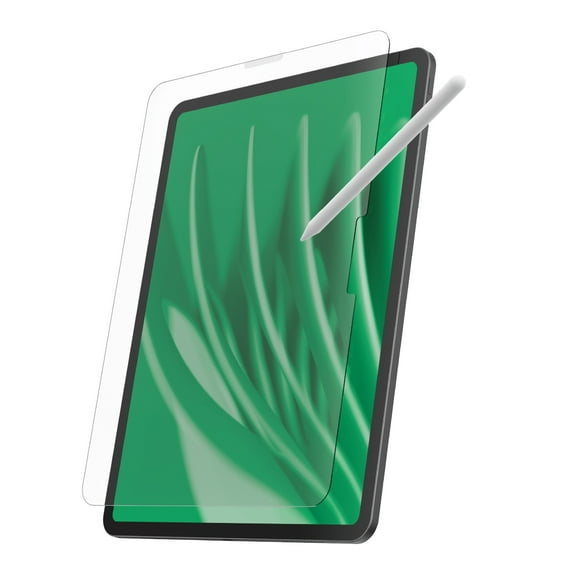
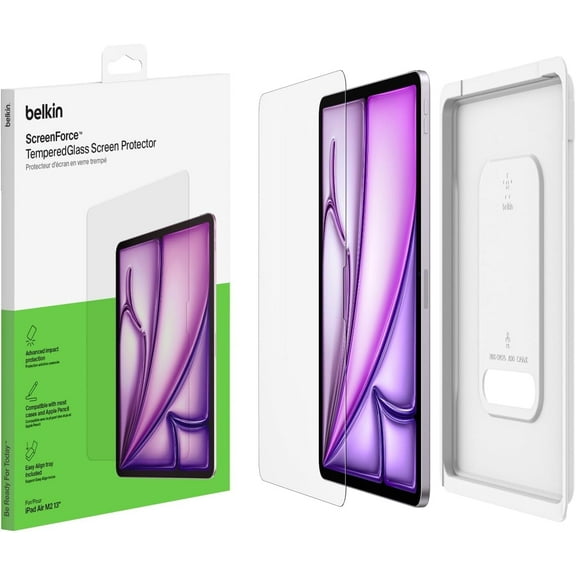
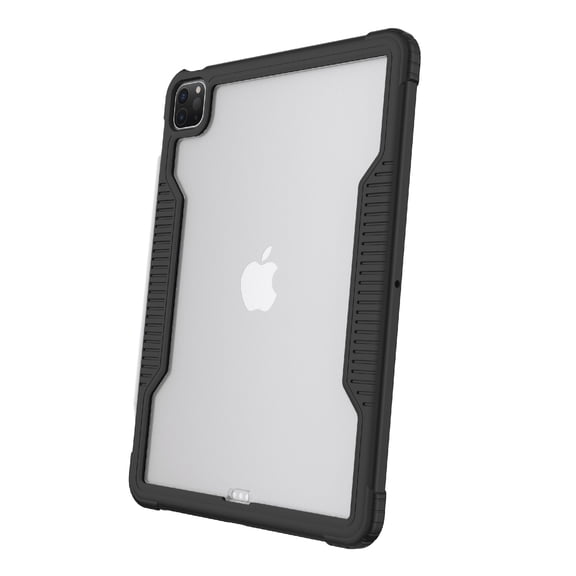
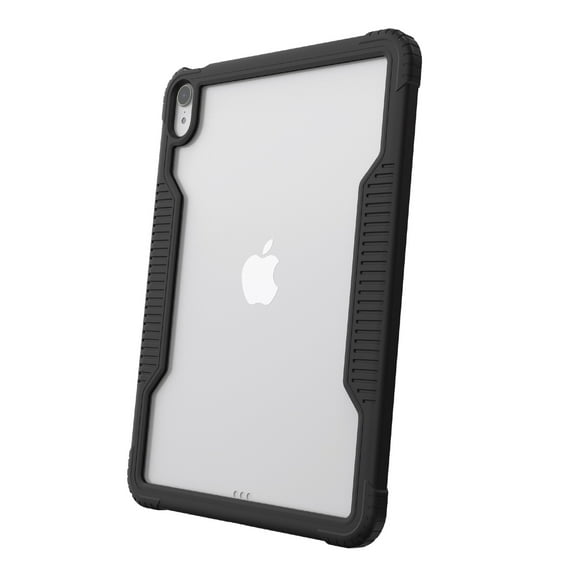
Accessory compatibility matters when you want your setup to work the way you expect. Your decision should include Apple Pencil support, Smart Folio fit, keyboard options, and charging style details.
You may also look for fast fulfillment options when you need a replacement without a long wait. Your timing can matter for school, work, or travel, so convenient delivery can support your decision.
What to look for before you choose a new iPad
You should compare model series, generation, storage, and connectivity before making your final pick. Your choice gets easier when each detail matches how you read, create, stream, travel, or work.
With the right new iPad, you can get a tablet that fits your apps, your schedule, and your accessories. This helps you choose a device that feels practical from the first setup.
Popular in Apple
- iPhone
- iPhone 15
- Apple Watch
- iPhone 13
- iPhone 12
- iPhone 11
- iPhone Charger
- iPhone 14
- iPhones
- iPhone 15 Pro Max
- Apple Pencil
- iPhone 15 Pro Max Case
- iPhone 13 Pro Max
- iPhone 14 Pro Max
- iPhone 12 Pro Max
- Apple Watch Series
- iPhone SE
- Apple Watch Series 9
- iPhone 15 Pro
- iPhone XR
- iPhone 11 Case
- iPhone 14 Pro
- iPhone 13 Pro
- iPhone 13 Case
- Mobile Apple
- Unlocked iPhone