

Tablet Deals & More


























































FAQ
About
You can compare tablets faster when you know how screen size, storage, and connectivity shape daily use. You’ll also find tablet devices for school, streaming, reading, drawing, and travel in one place.
If you’re replacing a laptop companion or adding a family screen, you’ll want a clear buying guide first. You’ll make a smarter choice when you match your routine to the right tablet computer setup.
Choosing tablets for your routine
You’ll notice that tablets fit many moments that phones and laptops don’t cover as smoothly. You can tap through homework, stream on the couch, or sketch ideas with a touchscreen display.
When you compare portable tablets, you should focus on where you’ll use them most often. You may want a lighter device for commuting, or you may want a larger screen for multitasking.
You can narrow your options by thinking about operating system, screen size, storage, and connectivity. You’ll avoid guesswork when you compare those four decisions before you choose a device.
- You can carry smaller screens more easily in a tote, backpack, or travel case.
- You can enjoy bigger displays when your movies, games, and split-screen tasks need more room.
- You can keep favorite apps and offline videos ready when your storage matches your routine.
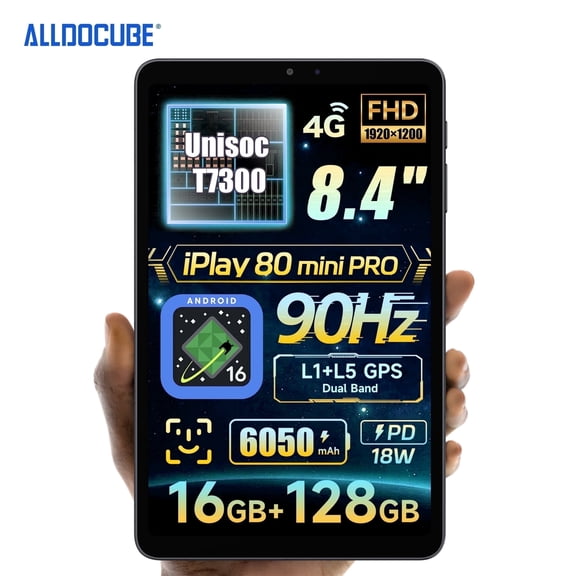
- You can stay connected away from home when your tablet includes Wi-Fi plus cellular access.
How to compare tablet operating systems
You should start with the apps and services you already use every day. You’ll have a smoother setup when your tablet matches your current account ecosystem.
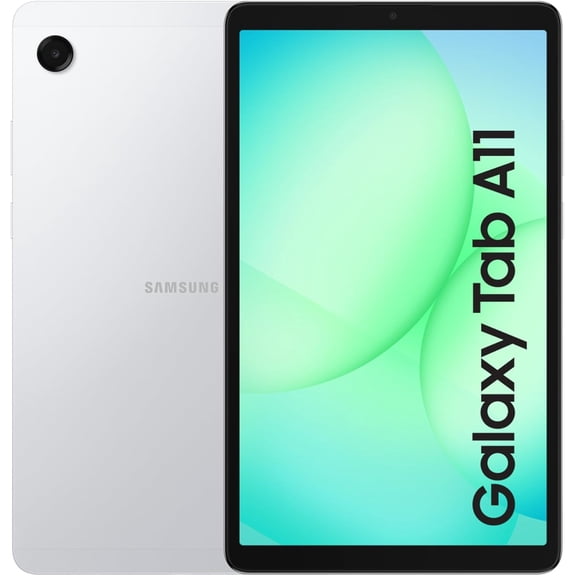
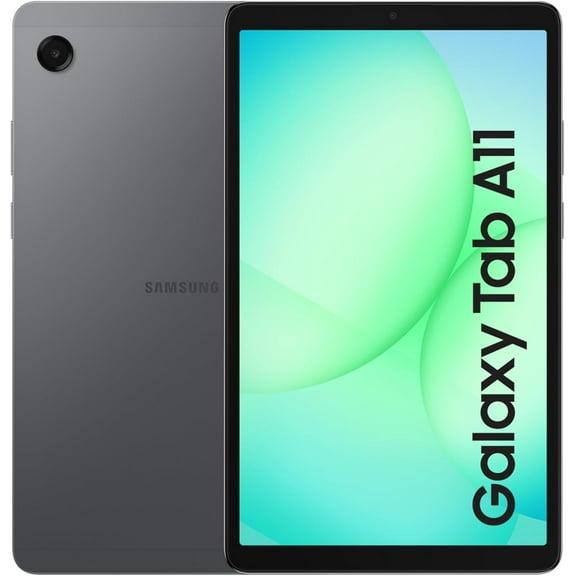
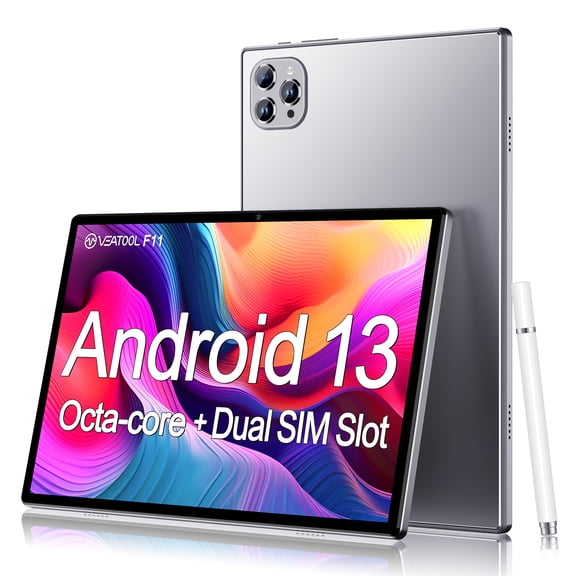
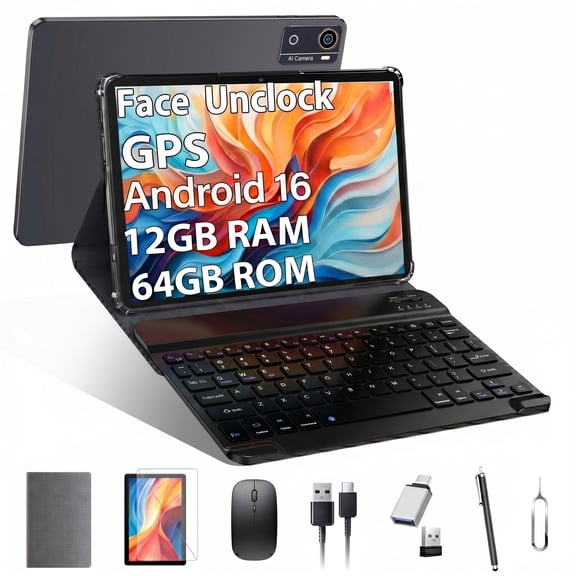
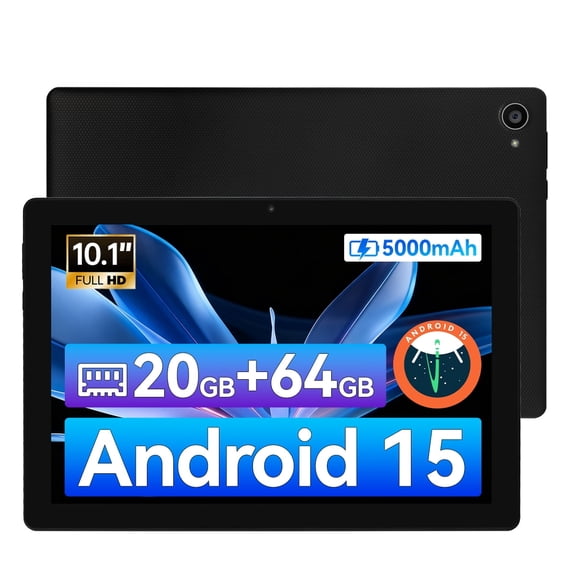
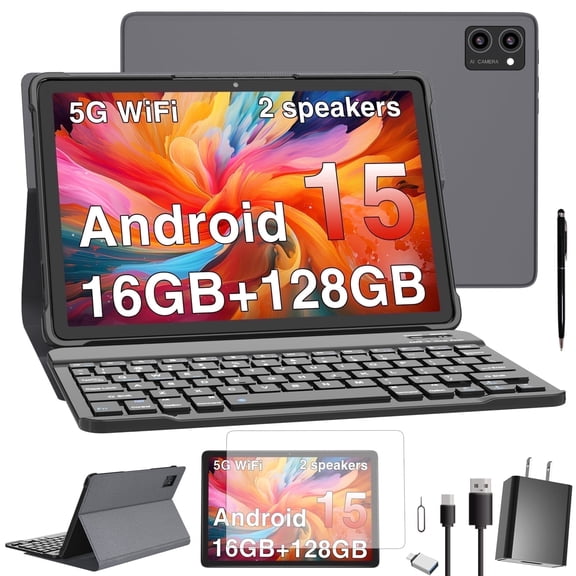
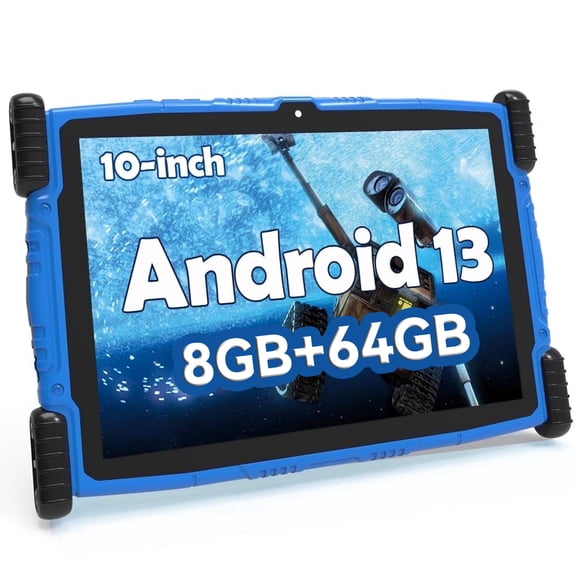
If you’re considering android tablets, you’ll want to check Google Play access and device flexibility. You can often choose from many screen sizes and storage options within that system.
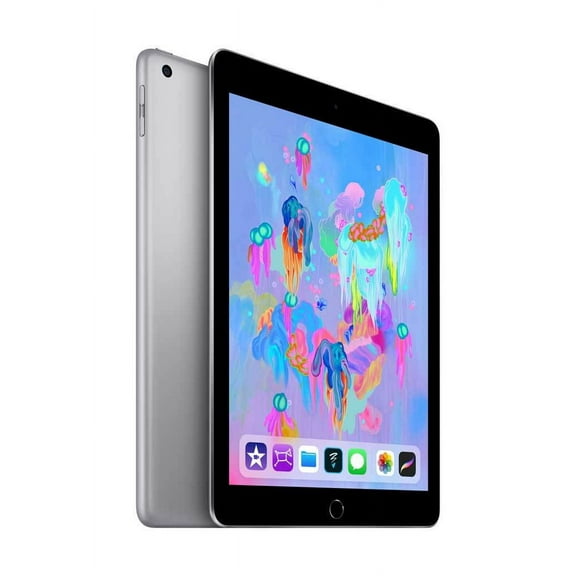
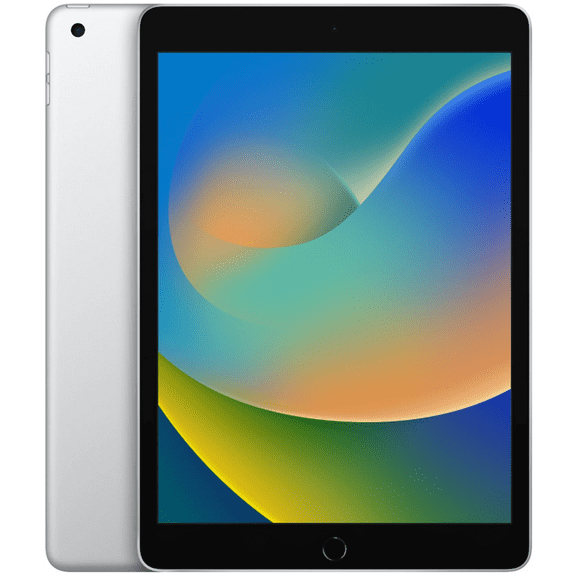
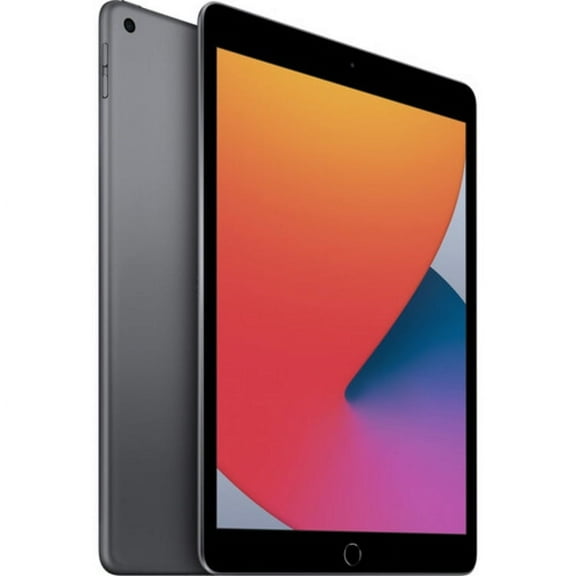
If you prefer iPadOS, you’ll want to confirm compatibility with your existing purchases and shared family services. You can keep your workflow consistent when your phone, tablet, and accessories work together.
If you’re looking at Windows models, you may want a tablet computer that feels familiar for productivity tasks. You can move between touch controls, web tools, and files with a desktop-style experience.
Choosing the right screen size
You should think about where your tablet will spend most of its time. You’ll usually prefer seven to eight inches when you want one-handed reading and easy packing.
If you watch shows, join classes, or browse recipes, you may like 10 to 11 inches. You get more screen space, and you still keep a portable shape.
When your day includes drawing, editing, or side-by-side apps, you may lean toward 12 plus inches. You’ll notice extra room for keyboards, styluses, and split-screen viewing.
You can use screen size as a shortcut for comfort and portability. You’ll often carry smaller touchscreen tablets more often, while larger displays feel steadier on desks and stands.
What storage and battery details mean
You should compare storage before you load games, photos, and downloaded videos. You’ll fill 32GB faster, while 64GB and 128GB give you more everyday breathing room.
If you keep large files or many offline shows, you may want 256GB. You can also check whether your model supports a microSD card for expandable space.
You’ll want battery expectations that match your longest day away from an outlet. You can use continuous video playback hours as a simple guide for flights, classes, and road trips.
When you stream often or keep brightness high, you should expect faster battery use. You’ll get a clearer picture when you compare your habits to the listed playback range.
Picking connectivity for home and travel
You can choose Wi-Fi only when your tablet stays near home, school, or office networks. You’ll often like this setup for streaming, browsing, and everyday app use indoors.
If you work on the go, you may prefer Wi-Fi plus cellular. You can check maps, email, and cloud files without depending on public hotspots.
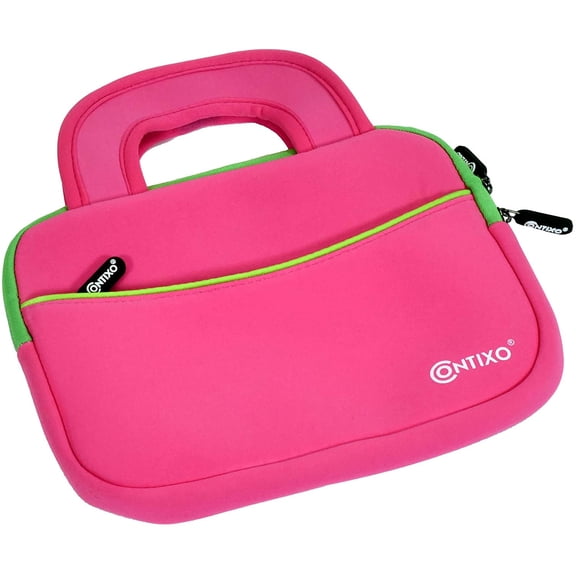
You should also think about accessories that support your routine. You’ll appreciate cases, keyboards, styluses, and screen protectors when you want a more complete mobile setup.
Matching tablets to real-life use
You can pair a smaller screen and Wi-Fi with reading, web browsing, and light travel. You’ll keep your bag lighter while still enjoying a full touchscreen experience.
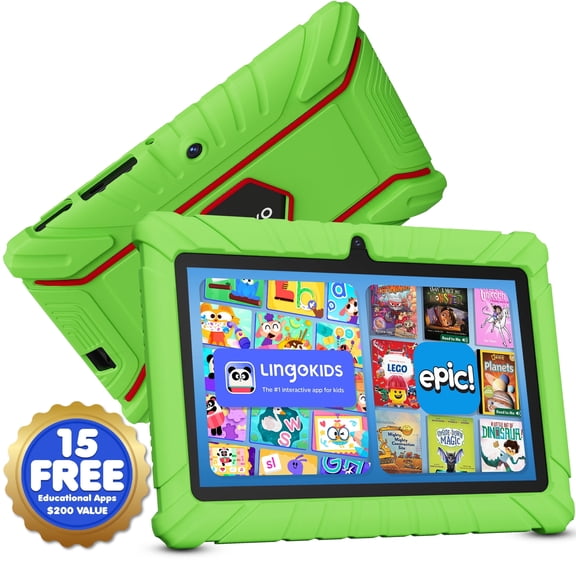
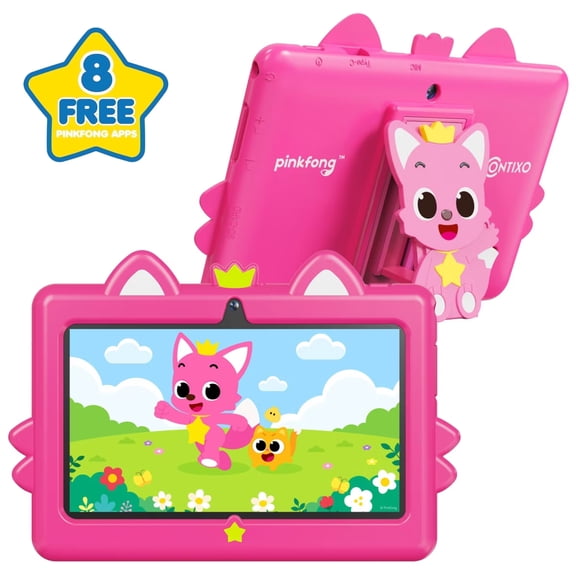
For classes and family use, you may want 10 to 11 inches with 64GB or 128GB. You can handle note-taking, educational apps, and downloaded videos with more flexibility.
If you create, present, or multitask often, you may want a larger display and higher storage. You’ll have more room for files, split screens, and keyboard-friendly work.
You can also compare holiday tablets by the person using them most. You’ll make gifting simpler when you match app needs, carrying habits, and connection preferences.
You’ll shop with more confidence when you compare tablets by ecosystem, size, storage, and connectivity first. You can land on a device that fits your routine, your apps, and your everyday carry.