




Networking deals



About
With wifi router black friday shopping, you can compare coverage, speed, and setup choices that fit your home network. You can narrow options faster when you understand router types, Wi-Fi standards, and compatibility details before you choose.
If you're upgrading an older network, you may want clearer guidance than a simple product grid provides. You can use this page to compare mesh systems, traditional routers, and modem router combos with more confidence.
How to choose wifi router black friday options
When you compare a black friday router, you should start with your home's size and layout. You can avoid weak room-to-room performance when you match coverage to walls, floors, and device count.
You'll also want to compare whether your internet setup uses a separate modem or a combo unit. You can simplify installation when you check ISP compatibility before choosing a modem router combo.
- You can use mesh Wi-Fi for larger homes with multiple rooms and hard-to-reach areas.
- You can choose a traditional router for straightforward layouts and a separate modem setup.
- You can pick a modem router combo when you want fewer devices on your shelf.
- You can compare Wi-Fi 6, Wi-Fi 6E, and Wi-Fi 7 based on your current devices.
- You can match coverage ratings to your square footage for steadier whole-home connections.
Choosing router type for your layout
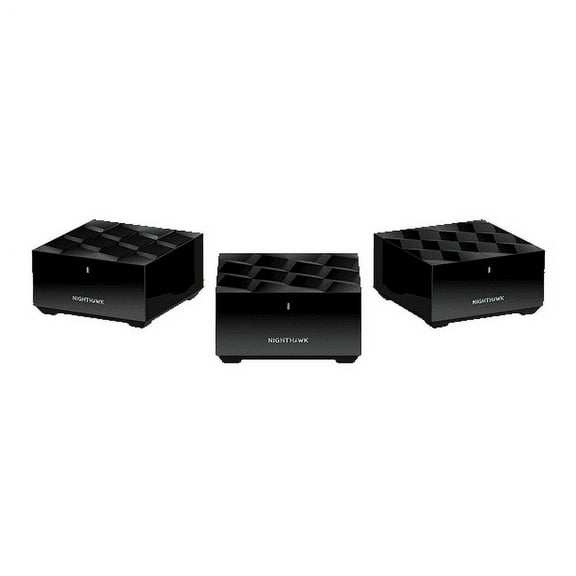
If your signal drops in upstairs bedrooms or back rooms, you may want Mesh Wi-Fi. You can place mesh nodes around your home to reduce signal attenuation across walls and longer distances.
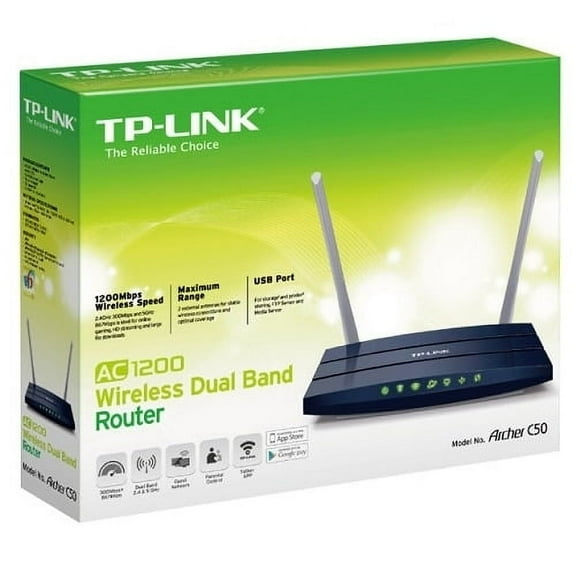
If your space is smaller, you might prefer a traditional router with a separate modem. You can keep your setup simple while still covering apartments or compact homes effectively.
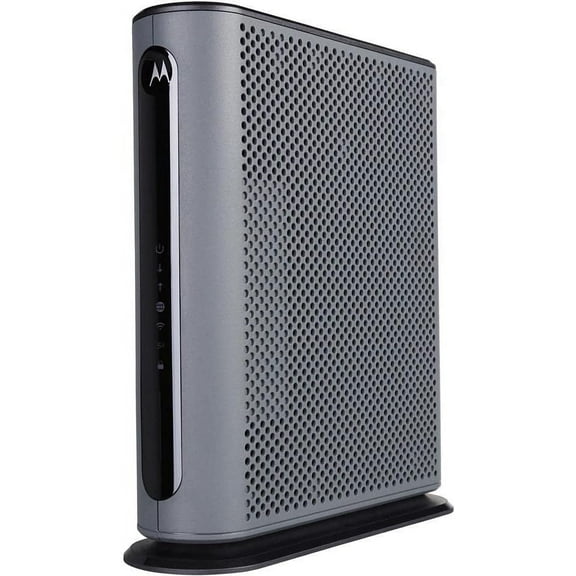
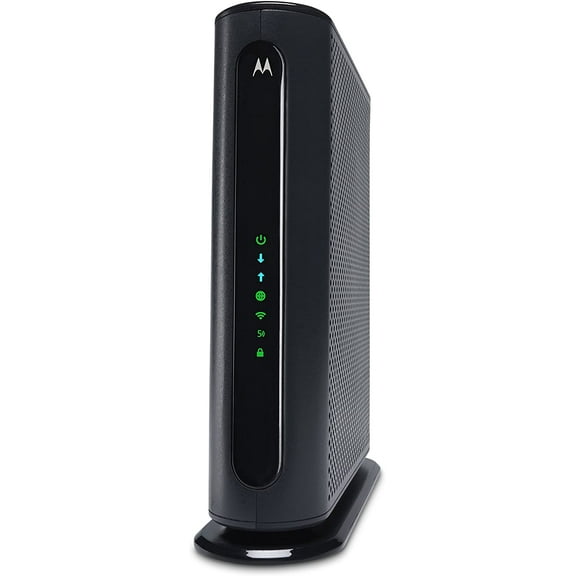
When you want fewer boxes and cables, you may consider a modem router combo. You can check whether DOCSIS 3.1 support matches your internet service before making that choice.
Comparing Wi-Fi standards and speed ratings
When you compare wifi black friday options, you should check which standard matches your devices. You can use Wi-Fi 5 for older hardware, while Wi-Fi 6 supports heavier daily traffic.
If you have newer laptops, phones, or gaming gear, you may consider Wi-Fi 6E or Wi-Fi 7. You can access added capacity, and you can plan for newer devices over time.
You may also notice technical labels like 802.11ax and 6GHz band in product details. You can treat 802.11ax as Wi-Fi 6, and you can view 6GHz as extra wireless space.
Speed ratings also help you sort options quickly during mesh router black friday research. You can use AC1200 for lighter streaming, while AX1800 or AX3000 supports busier households.
If your home runs many connected devices at once, you may want AX6000-class performance. You can support stronger throughput when your network handles gaming, streaming, cameras, and work calls together.
Matching coverage area and device capacity
You should measure your square footage before you choose a router for daily use. You can start with up to 1500 square feet for smaller spaces and larger ratings for broader layouts.
If your home falls between 1500 and 3000 square feet, you may need stronger room-to-room reach. You can often use a capable router there, though thick walls may still favor mesh.
When your home reaches 3000 to 5000 square feet, you may want wider coverage planning. You can reduce dead zones when you use multiple mesh nodes instead of one central router.
If you need 5000 plus square feet of coverage, you should focus on scalable systems. You can expand mesh placement as your layout, office space, or smart home setup grows.
You'll also want to check device handling, not just speed labels and range claims. You can look for MU-MIMO and OFDMA when many devices connect at the same time.
With MU-MIMO and OFDMA support, you can share bandwidth more efficiently across phones, TVs, and tablets. You can notice steadier performance during busy evenings with several active connections.
Using your network for work, streaming, and accessories
If you work from home, you may want a router that handles video calls and uploads smoothly. You can prioritize Wi-Fi 6 or newer standards when several devices stay active all day.
For streaming and gaming, you may prefer wider coverage and stronger speed tiers. You can pair AX3000 or AX6000 with mesh placement when your entertainment setup spans several rooms.
If you live in an apartment or smaller house, you may not need a multi-node system. You can choose a traditional router or compact combo unit that fits a simpler floor plan.
When you build a desk setup, you might also compare networking accessories like a targus hub. You can connect more peripherals while keeping your workspace ready for monitors, storage, and charging.
If your household mixes older and newer devices, you should compare standards with compatibility in mind. You can keep current devices connected now while preparing for future upgrades more smoothly.
With the right mix of router type, standard, coverage, and speed, you can build a network that fits your rooms. You can finish your wifi router black friday search with a setup that feels easier every day.