

Wireless WMC 4



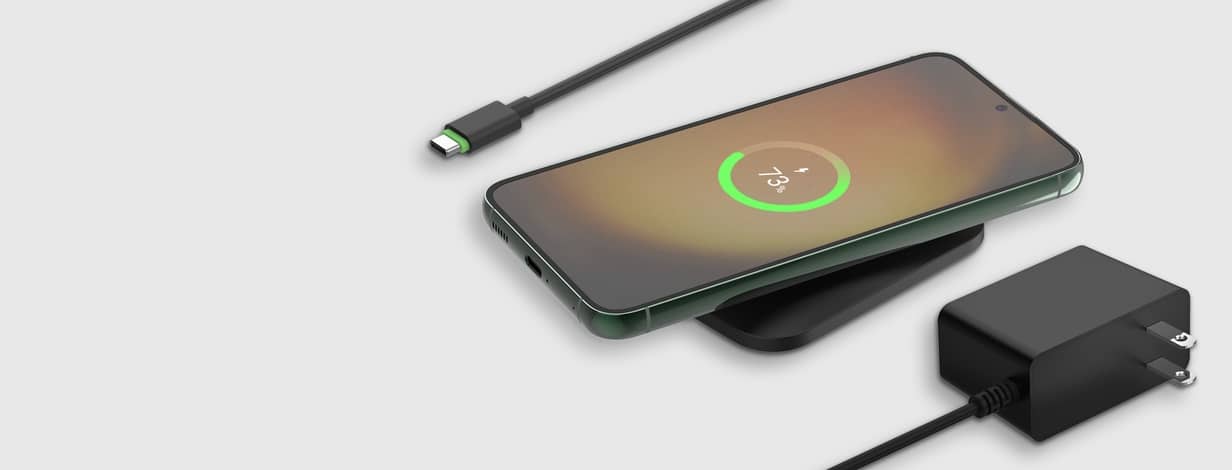

Charge with Belkin


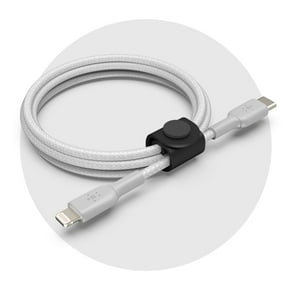
Better with Belkin




Premium cables
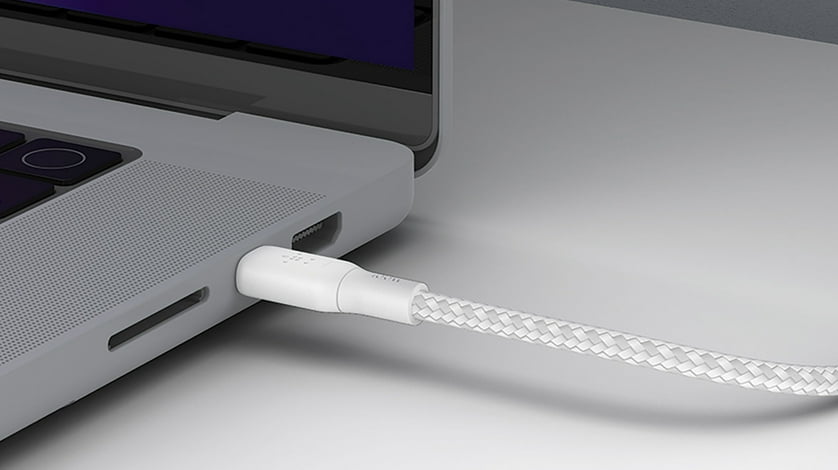
Tangle-free & durable.
Shop nowMade for MagSafe
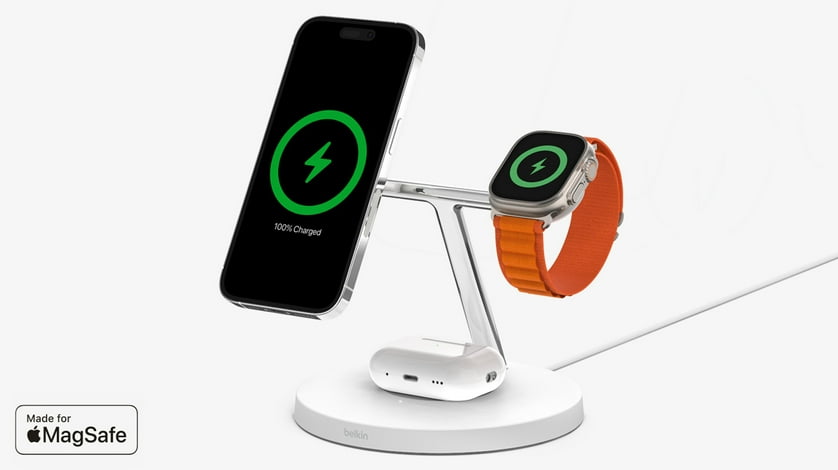
Charge your iPhone.
Shop nowBe charged
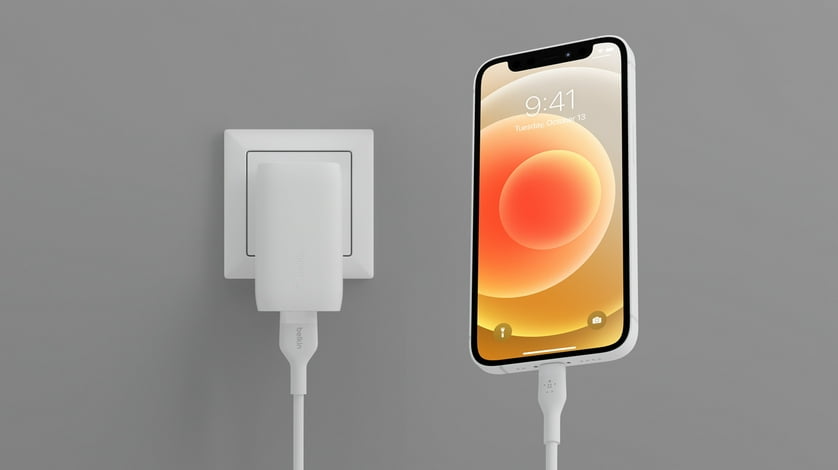
Power up your devices.
Shop nowEarbuds & headphones

Connect with sound.
Shop now
Leaders in corporate sustainability
We’re always looking ahead & reaching for higher standards.FAQ
About Wireless WMC 4 - Walmart.com
Wireless plans give you flexible ways to stay connected, and this guide helps you compare prepaid choices, phone compatibility, and activation steps. On this page, you can focus on no-contract options, bring your own phone support, and 5G coverage before you choose.
How to choose wireless plans by carrier and plan type
Start with carrier and plan type, since each choice shapes how your service renews and how your data works each month. For many shoppers, prepaid phone plans offer a set monthly structure without a long commitment.
Your next decision may be single-line service or family plans for several users on one account. By comparing line counts, data amounts, and refill styles, you can match service to your household routine.
- You can pick prepaid service when your monthly renewals need to stay predictable and simple.
- You can choose no contract wireless plans when your service needs more flexibility.
- You can compare unlimited talk and text options if your calling and messaging stay central to daily use.
- You can review family plan structures when your household needs several lines under one account.
Carrier differences also affect your refill methods, activation flow, and account tools. With those details in mind, your monthly service can feel easier to manage and easier to understand.
Choosing prepaid phone plans by data and coverage
Data rules deserve close attention, because unlimited data can mean different things across prepaid phone plans. Before you activate, check whether high-speed data has a cap before slower speeds begin.
When your plan includes talk, text, and data together, you can match it to streaming, navigation, and everyday messaging. If your routine includes hotspot use or several users, those options deserve a closer look.
Coverage matters just as much as data, so your phone should support the network your carrier uses. A compatibility check can help you confirm 5G coverage or 4G LTE support before setup begins.
Band support is a decision-critical detail because it tells you whether your phone can use specific network frequencies. When your device matches those frequencies, your service setup becomes easier to judge.
What to look for in bring your own phone setup
Bring your own phone service works well when your current device still fits your daily needs. Before you begin, confirm that your phone is unlocked and approved for the carrier you choose.
Compatibility details can differ across carriers, especially when your device uses GSM or CDMA network technology. As you compare options, check whether your phone supports the carrier bands needed for LTE and 5G.
SIM kit requirements also matter, because your device may need a standard, micro, or nano SIM card. If your phone uses eSIM, check whether that setup is supported before activation starts.
Those small compatibility steps can make activation smooth and help your service start with fewer surprises. If you keep your current device, your focus can stay on the right plan and the right network match.
Comparing no contract wireless plans and network generation
No contract wireless plans appeal to shoppers who want service without a long agreement. That setup can suit changing schedules, short-term needs, or households that prefer monthly control.
Your phone's network generation also shapes which plans make sense for everyday use. If your device supports 5G, you can compare plans built for newer speeds and newer coverage maps.
An older unlocked phone may fit 4G LTE service more naturally, especially if your device lacks newer frequency support. By measuring your device against the carrier requirements, you can narrow your options quickly.
Coverage is never just a label, because your phone, your carrier, and your regular travel patterns all work together. A practical comparison helps you choose service that fits your actual routine instead of broad marketing language.
Matching wireless plans to your routine
Your daily habits should guide your plan choice, especially when you switch between work, travel, and home use. A close look at data amounts, line counts, and activation steps can make your choice easier.
If your phone use centers on calls and messages, unlimited talk and text with modest data may fit your routine. That setup can keep your service simple when streaming and app use stay light.
For heavier video, music, or map use, your data terms deserve extra attention before activation. Looking at high-speed limits can help you decide whether an unlimited option fits your daily pattern.
Households with several users may want family plans that organize lines under one account. As you compare those plans, check whether each line uses shared data, separate data, or different refill cycles.
Students, travelers, and light-data users may also prefer bring your own phone support with an unlocked device. In those cases, your decision often comes down to activation steps, SIM setup, and network compatibility.
Why this wireless plans guide helps you decide
This wireless plans guide brings together carrier choices, prepaid structures, BYOP steps, and 5G or 4G LTE considerations in one place. With coverage, compatibility, and data terms aligned to your phone, your final choice becomes more confident and more practical.