

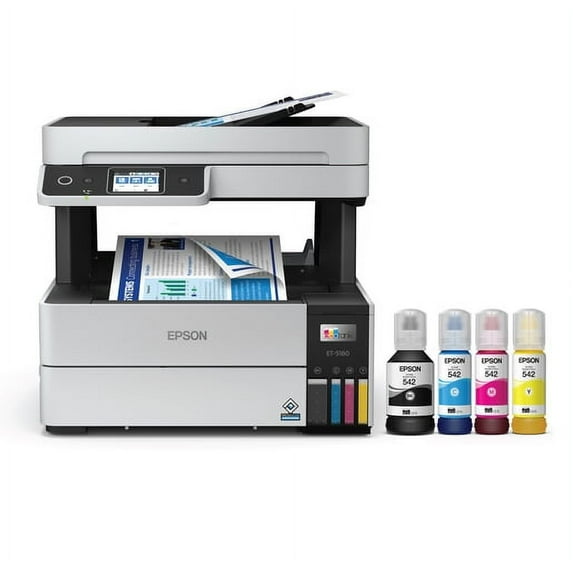
Epson EcoTank Pro ET-5180 Wireless Color All-in-One Supertank Printer with Scanner, Copier, Fax plus Auto Document Feeder and PCL/PostScript
Key item features
- Ink Savings: Save up to 80% on ink costs with low-cost replacement ink bottles compared to standard-capacity color laser toner cartridges.
- Fast Printing: Achieve print speeds of up to 17 black/9.5 color ISO ppm with no warmup time and fast first page out.
- High-Quality Prints: Produce professional-quality color prints with Epson DURABrite ET pigment inks for crisp, vibrant results.
- High-Volume Reliability: Designed for high-volume business environments with a permanent printhead and zero-cartridge waste.
- Productivity Features: Includes auto 2-sided printing, 250-sheet paper tray, 2.4" color touchscreen, fax, Ethernet, and ADF.
- Mobile Control: Use the Epson Smart Panel app to set up, operate, and monitor your printer from your mobile device.
- Space-Saving Design: Compact design with exclusive EcoFit ink bottles for easy filling and auto start/stop functionality.
- Secure Connectivity: Full suite of embedded security features and wireless connectivity with Wi-Fi Direct and voice-activated printing.
Specs
- Printing techInkjet
- Printer functionsPrint, Copy, Scan, Fax
- Pages per min.17 ppm
- Mono colorColor
- Paper sizeA4
- Maximum print resolution4800 dpi
Reviews summary
- : Produces excellent prints with balanced speed.
- : Printer has tanks that allow easy monitoring of ink levels.
- : Requires minimal effort.
- : Scanning function works efficiently.
- : Produces detailed prints with accurate color representation.
- : Can be fast for quality prints, but slower for high-volume use.
- Free shipping
 Free 30-day returns

(Only one option can be selected at a time)

How do you want your item?


About this item
Product details
- Save a ridiculous amount on ink (1) with revolutionary Cartridge-Free printing ? save up to 80 percent with low-cost replacement ink bottles vs. standard-capacity color laser toner cartridges (2)? that?s about 2 cents per color ISO page vs. 14 cents with color laser toner (2)
- Built for speed ? up to 17 black/9.5 color ISO ppm print speed (?); no warmup time; fast first page out; PCL/PostScript support (1)
- Professional-quality color prints ? Epson DURABrite ET pigment inks for crisp, vibrant prints in black-and-white and color
- Engineered for high-volume business environments ? reliability you can count on with a 2-year limited warranty with registration (3); PrecisionCore permanent printhead designed to last the life of the printer
- Less waste ? zero-cartridge waste with high-yield ink bottles
- Fewer out-of-ink frustrations ? each set of replacement bottles includes enough ink to print up to 7,500 pages black/6,000 color (4)
- Get more done with powerful productivity features ? auto 2-sided printing, 250-sheet paper tray, 2.4" color touchscreen, fax, Ethernet, ADF, face-down output
- Easy control from your mobile device ? the Epson Smart Panel app (5) lets you set up, operate and monitor your printer using your mobile device
- Compact, space-saving design, plus exclusive EcoFit ink bottles ? uniquely keyed bottles for easy filling of each color; auto start/stop design
- Security features and easy connectivity ? full suite of embedded features protects your data; connect wirelessly with Wi-Fi Direct (6); also features voice-activated printing (7)
Specifications
Brand
Printing tech
Printer functions
Pages per min.
Warranty
Warranty information
Please be aware that the warranty terms on items offered for sale by third party Marketplace sellers may differ from those displayed in this section (if any). To confirm warranty terms on an item offered for sale by a third party Marketplace seller, please use the 'Contact seller' feature on the third party Marketplace seller's information page and request the item's warranty terms prior to purchase.
Similar items you might like
Based on what customers bought
Epson EcoTank Pro ET-5180 Special Edition All-in-One Supertank Printer $599.00
 $59900current price $599.00
Epson EcoTank Pro ET-5180 Special Edition All-in-One Supertank Printer
663.7 out of 5 Stars. 66 reviewsShipping, arrives in 3+ daysEpson EcoTank ET-4950 Wireless All-in-One Color Supertank Printer – White $478.00
 $47800current price $478.00
Epson EcoTank ET-4950 Wireless All-in-One Color Supertank Printer – White
744.6 out of 5 Stars. 74 reviewsShipping, arrives in 3+ daysEcoTank® Pro ET-5150 Wireless All-in-One Supertank Printer $529.99
 $52999current price $529.99
EcoTank® Pro ET-5150 Wireless All-in-One Supertank Printer
784.2 out of 5 Stars. 78 reviewsSave with Shipping, arrives tomorrow
Epson ET-4950 Wired & Wireless EcoTank Inkjet Multifunction Printer, Color, Black $471.99
 $47199current price $471.99
Epson ET-4950 Wired & Wireless EcoTank Inkjet Multifunction Printer, Color, Black
914.4 out of 5 Stars. 91 reviewsShipping, arrives in 3+ daysEpson EcoTank ET-15000 Wireless Color All-in-One Supertank Printer with Scanner, Copier, Fax, Ethernet and Printing up to 13 x 19 Inches $565.00 Was $699.00
 Now$56500current price Now $565.00, Was $699.00$699.00
Epson EcoTank ET-15000 Wireless Color All-in-One Supertank Printer with Scanner, Copier, Fax, Ethernet and Printing up to 13 x 19 Inches
2504 out of 5 Stars. 250 reviewsShipping, arrives in 3+ daysEpson EcoTank ET-3950 Wireless All-in-One Color Supertank Printer – White $380.00 Was $419.99
 Now$38000current price Now $380.00, Was $419.99$419.99
Epson EcoTank ET-3950 Wireless All-in-One Color Supertank Printer – White
724.6 out of 5 Stars. 72 reviewsShipping, arrives in 3+ daysEpson EcoTank ET-4950 Wireless All-in-One Color Supertank Printer – Black $499.99
 $49999current price $499.99
Epson EcoTank ET-4950 Wireless All-in-One Color Supertank Printer – Black
764.5 out of 5 Stars. 76 reviewsSave withShipping, arrives tomorrowNew Epson EcoTank ET-2850 Wireless Colour All-in-One Cartridge-Free Supertank Printer Scan Copy 2-sided Printing $319.99
 $31999current price $319.99+$46.99 shipping
New Epson EcoTank ET-2850 Wireless Colour All-in-One Cartridge-Free Supertank Printer Scan Copy 2-sided Printing
Shipping, arrives in 3+ daysRestored Epson Expression Home XP-330 Wireless All-in-One Color Inkjet Photo Printer, Scanner, Copier, C11CE60201 (Refurbished) $375.00
 $37500current price $375.00
Restored Epson Expression Home XP-330 Wireless All-in-One Color Inkjet Photo Printer, Scanner, Copier, C11CE60201 (Refurbished)
Shipping, arrives in 3+ daysRestored Lexmark MS610dn Monochrome Laser Printer – 1200 × 1200 dpi, 60 ppm, Automatic Duplex, Network Ready, Professional Features (Refurbished) $528.00
 $52800current price $528.00
Restored Lexmark MS610dn Monochrome Laser Printer – 1200 × 1200 dpi, 60 ppm, Automatic Duplex, Network Ready, Professional Features (Refurbished)
Shipping, arrives in 3+ daysEpson EcoTank ET-2850 Wireless Color All-in-One Cartridge-Free Supertank Printer with Scan, Copy and Auto 2-Sided Printing - White $318.00
 $31800current price $318.00
Epson EcoTank ET-2850 Wireless Color All-in-One Cartridge-Free Supertank Printer with Scan, Copy and Auto 2-Sided Printing - White
Shipping, arrives in 3+ daysHP Laserjet Pro M127fn Networked Black-and-White All-in-One Monochrome Printer, (CZ181A) With Free File Folders $519.95
 $51995current price $519.95
HP Laserjet Pro M127fn Networked Black-and-White All-in-One Monochrome Printer, (CZ181A) With Free File Folders
Shipping, arrives in 3+ daysOpen Box Epson WorkForce Pro WF-7840 Wireless All-in-One Wide-format Printer with Auto 2-sided Print up to 13" x 19", Copy, Scan and Fax, 50-page ADF, 500-sheet Paper Capacity, and 4.3" Color Touchscreen $418.00
 $41800current price $418.00
Open Box Epson WorkForce Pro WF-7840 Wireless All-in-One Wide-format Printer with Auto 2-sided Print up to 13" x 19", Copy, Scan and Fax, 50-page ADF, 500-sheet Paper Capacity, and 4.3" Color Touchscreen
Shipping, arrives in 3+ daysRestored Lexmark MS610de Monochrome Laser Printer (P/N: 35S0500) – 60 ppm, 1200 × 1200 dpi, Automatic Duplex, Network Ready (Refurbished) $550.00
 $55000current price $550.00
Restored Lexmark MS610de Monochrome Laser Printer (P/N: 35S0500) – 60 ppm, 1200 × 1200 dpi, Automatic Duplex, Network Ready (Refurbished)
Shipping, arrives in 3+ daysEpson EcoTank ET-2980 Wireless All-in-One Color Supertank Printer with up to 3 Years of Ink, Refillable Tanks, Perfect for Home, 15 PPM, 1.44" Color Screen, Auto 2-Sided Printing - Black $329.99
 $32999current price $329.99
Epson EcoTank ET-2980 Wireless All-in-One Color Supertank Printer with up to 3 Years of Ink, Refillable Tanks, Perfect for Home, 15 PPM, 1.44" Color Screen, Auto 2-Sided Printing - Black
1054.3 out of 5 Stars. 105 reviewsSave withShipping, arrives tomorrowEpson EcoTank ET-2980 Wireless All-in-One Color Supertank Printer with up to 3 Years of Ink, Refillable Tanks, Perfect for Home, 15 PPM, 1.44" Color Screen, Auto 2-Sided Printing - White $309.00 Was $329.99
 Now$30900current price Now $309.00, Was $329.99$329.99
Epson EcoTank ET-2980 Wireless All-in-One Color Supertank Printer with up to 3 Years of Ink, Refillable Tanks, Perfect for Home, 15 PPM, 1.44" Color Screen, Auto 2-Sided Printing - White
984.4 out of 5 Stars. 98 reviewsShipping, arrives in 3+ daysRollback WorkForce Pro WF-4833 Wireless All-in-One Printer with Auto 2-Sided Print, 50-page ADF, 500-sheet Paper Capacity, and 4.3" Color Touchscreen $129.00 Was $169.00
Rollback Now$12900current price Now $129.00, Was $169.00$169.00
WorkForce Pro WF-4833 Wireless All-in-One Printer with Auto 2-Sided Print, 50-page ADF, 500-sheet Paper Capacity, and 4.3" Color Touchscreen
12964 out of 5 Stars. 1296 reviewsSave withPickup todayDelivery todayShipping, arrives today

Popular items in this category
Best selling items that customers love
Epson EcoTank Pro ET-5170 Wireless Color All-in-One Supertank Printer with Scanner, Copier, Fax plus Auto Document Feeder $570.00
 $57000current price $570.00
Epson EcoTank Pro ET-5170 Wireless Color All-in-One Supertank Printer with Scanner, Copier, Fax plus Auto Document Feeder
364.4 out of 5 Stars. 36 reviewsShipping, arrives in 3+ daysEpson EcoTank Pro ET-5800 Wireless Color All-in-One Supertank Printer with Scanner, Copier, Fax and Ethernet $799.99 Was $899.00
 Now$79999current price Now $799.99, Was $899.00$899.00
Epson EcoTank Pro ET-5800 Wireless Color All-in-One Supertank Printer with Scanner, Copier, Fax and Ethernet
424.5 out of 5 Stars. 42 reviewsSave withShipping, arrives tomorrowEpson EcoTank Pro ET-5850 Wireless Color All-in-One Supertank Printer with Scanner, Copier, Fax and Ethernet $849.99
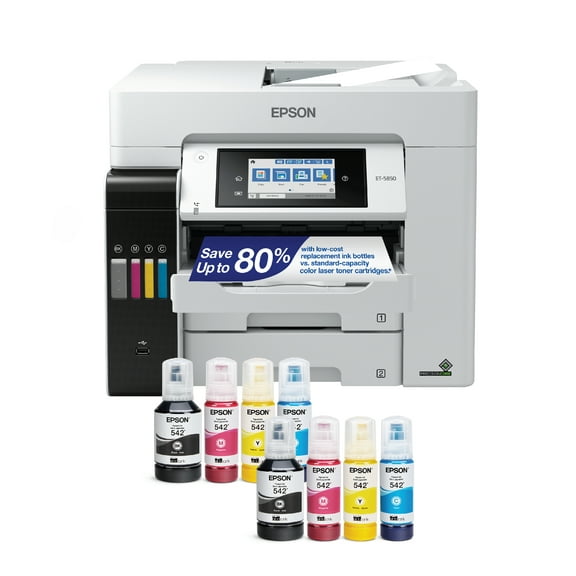 $84999current price $849.99
Epson EcoTank Pro ET-5850 Wireless Color All-in-One Supertank Printer with Scanner, Copier, Fax and Ethernet
784.3 out of 5 Stars. 78 reviewsSave withShipping, arrives tomorrowEpson EcoTank Pro ET-16650 Wireless Wide-format Color All-in-One Supertank Printer with Scanner, Copier, Fax and Ethernet $1,159.99
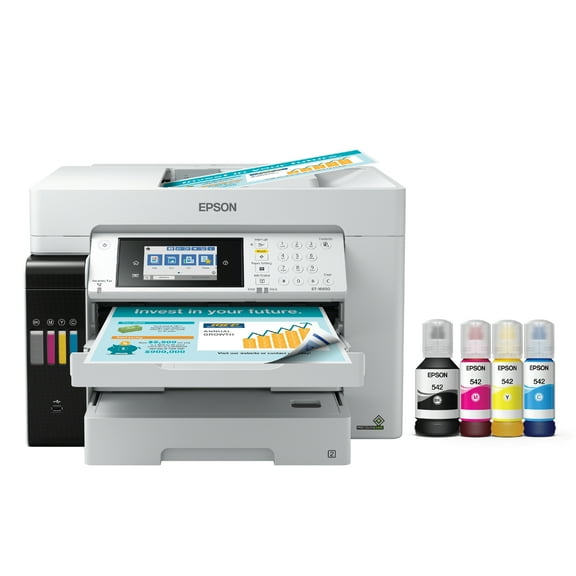 $1,15999current price $1,159.99
Epson EcoTank Pro ET-16650 Wireless Wide-format Color All-in-One Supertank Printer with Scanner, Copier, Fax and Ethernet
684.4 out of 5 Stars. 68 reviewsSave withShipping, arrives in 2 daysEpson WorkForce Pro WF-4830 Wireless All-in-One Printer with Auto 2-sided Print, Copy, Scan and Fax, 50-page ADF, 500-sheet Paper Capacity, and 4.3" Color Touchscreen $259.95 Was $279.99
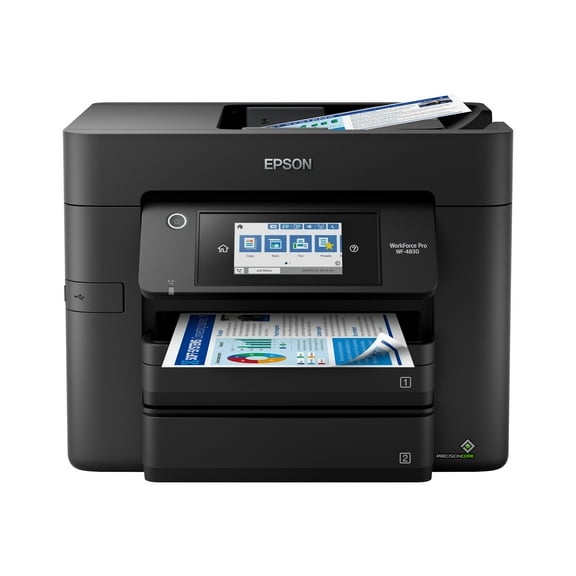 Now$25995current price Now $259.95, Was $279.99$279.99
Epson WorkForce Pro WF-4830 Wireless All-in-One Printer with Auto 2-sided Print, Copy, Scan and Fax, 50-page ADF, 500-sheet Paper Capacity, and 4.3" Color Touchscreen
2073.6 out of 5 Stars. 207 reviewsShipping, arrives in 3+ daysEpson EcoTank ET2760SE All-in-One Supertank Inkjet Color All-in-One Printer $333.38
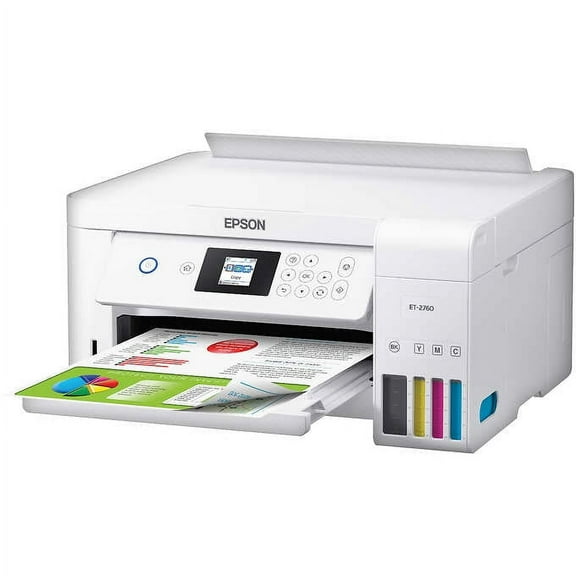 $33338current price $333.38
Epson EcoTank ET2760SE All-in-One Supertank Inkjet Color All-in-One Printer
9834.3 out of 5 Stars. 983 reviewsShipping, arrives in 3+ daysEpson EcoTank Pro ET-16600 Wireless Wide-format Color All-in-One Supertank Printer with Scanner, Copier, Fax and Ethernet $1,049.99
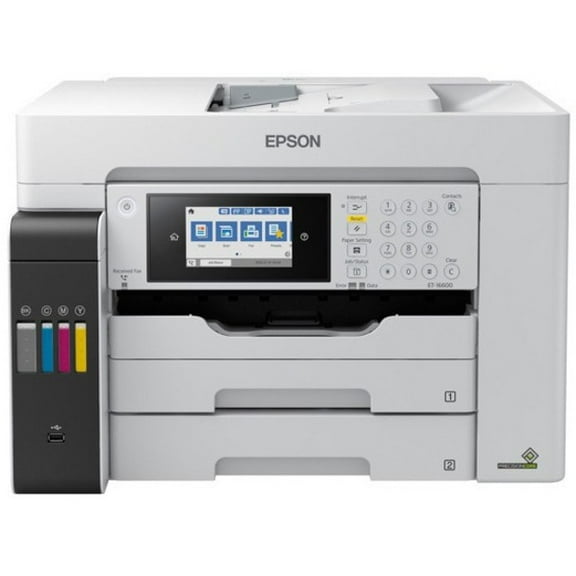 $1,04999current price $1,049.99
Epson EcoTank Pro ET-16600 Wireless Wide-format Color All-in-One Supertank Printer with Scanner, Copier, Fax and Ethernet
413.4 out of 5 Stars. 41 reviewsSave withShipping, arrives tomorrowEpson EcoTank ET-M3170 Wireless Monochrome All-in-One Supertank Printer, Plus ADF, Fax and Ethernet $419.99
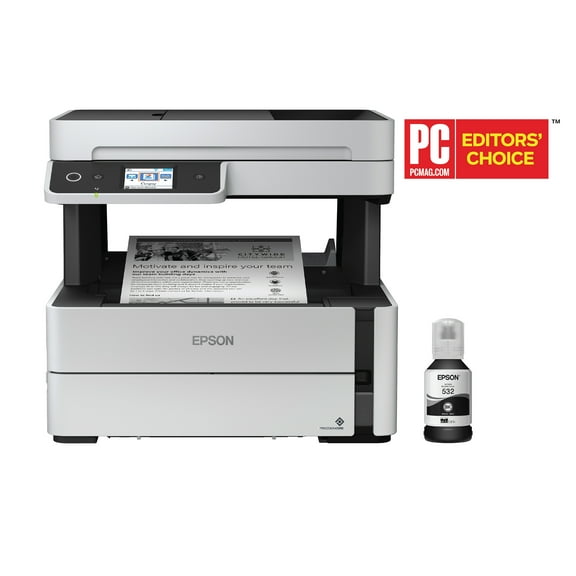 $41999current price $419.99
Epson EcoTank ET-M3170 Wireless Monochrome All-in-One Supertank Printer, Plus ADF, Fax and Ethernet
694.4 out of 5 Stars. 69 reviewsSave withShipping, arrives tomorrowEpson EcoTank ET-3830 Wireless All-in-One Supertank Printer, Copy/Print/Scan $398.99
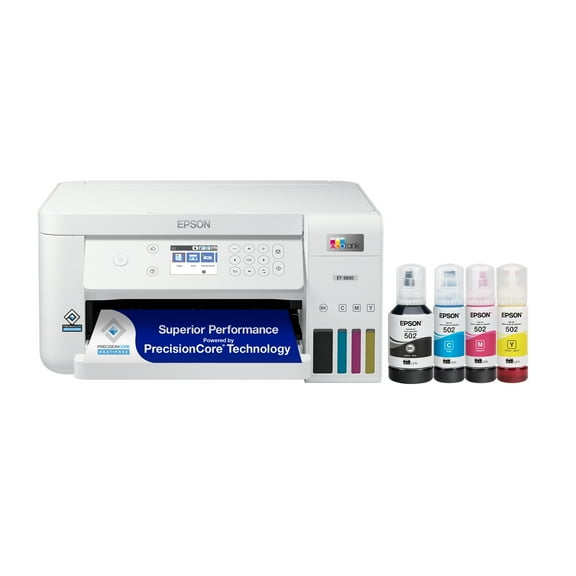 $39899current price $398.99
Epson EcoTank ET-3830 Wireless All-in-One Supertank Printer, Copy/Print/Scan
1504.3 out of 5 Stars. 150 reviewsShipping, arrives in 3+ daysEpson EcoTank ET-3850 Wireless Color All-in-One Cartridge-Free Supertank Printer with Scanner, Copier, ADF and Ethernet $459.00
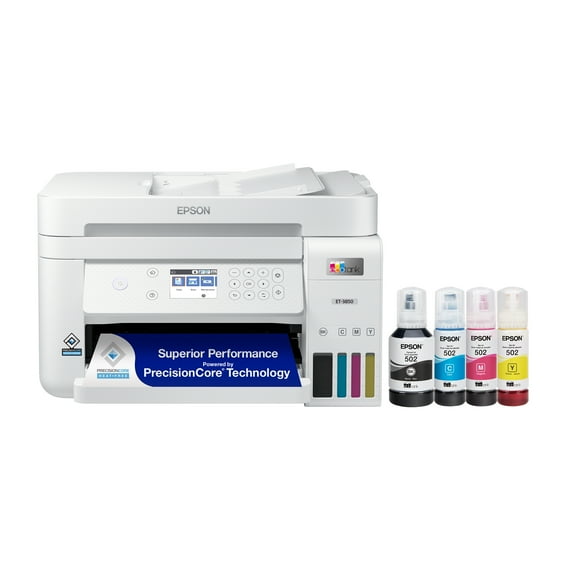 $45900current price $459.00
Epson EcoTank ET-3850 Wireless Color All-in-One Cartridge-Free Supertank Printer with Scanner, Copier, ADF and Ethernet
2253.4 out of 5 Stars. 225 reviewsShipping, arrives in 3+ daysEpson WorkForce Pro WF-4820 Wireless All-in-One Printer with Auto 2-sided Printing, 35-page ADF, 250-sheet Paper Tray and 4.3" Color Touchscreen $249.99
 $24999current price $249.99
Epson WorkForce Pro WF-4820 Wireless All-in-One Printer with Auto 2-sided Printing, 35-page ADF, 250-sheet Paper Tray and 4.3" Color Touchscreen
2313.9 out of 5 Stars. 231 reviewsSave withShipping, arrives tomorrowRollback Epson WorkForce WF-2950 All-in-One Wireless Color Printer with Scanner, Copier and Fax $69.00 Was $79.00
Rollback Now$6900current price Now $69.00, Was $79.00$79.00
Epson WorkForce WF-2950 All-in-One Wireless Color Printer with Scanner, Copier and Fax
37383.9 out of 5 Stars. 3738 reviewsSave withPickup todayDelivery todayShipping, arrives todayEpson EcoTank ET-15000 Wireless Color All-in-One Supertank Printer with Scanner, Copier, Fax, Ethernet, Bundle with AIEC Printer Cable $559.00
 $55900current price $559.00
Epson EcoTank ET-15000 Wireless Color All-in-One Supertank Printer with Scanner, Copier, Fax, Ethernet, Bundle with AIEC Printer Cable
194.6 out of 5 Stars. 19 reviewsShipping, arrives in 3+ daysRollback Epson EcoTank ET-4810 Wireless All-in-One Cartridge-Free Supertank Printer with Scanner, Copier, Fax, ADF and Ethernet $269.00 Was $299.99
Rollback Now$26900current price Now $269.00, Was $299.99$299.99
Epson EcoTank ET-4810 Wireless All-in-One Cartridge-Free Supertank Printer with Scanner, Copier, Fax, ADF and Ethernet
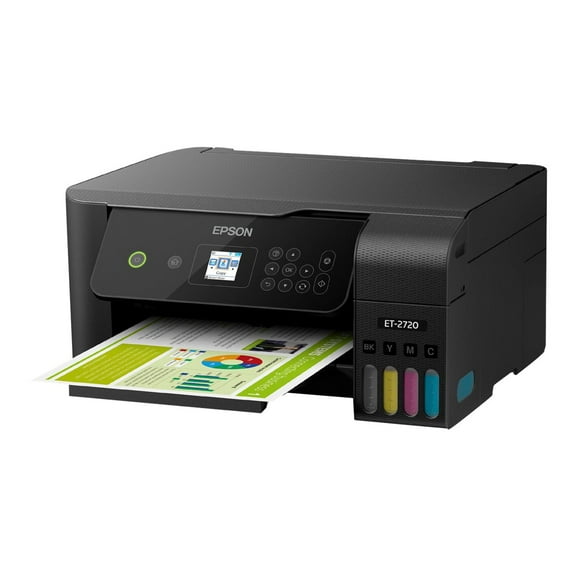
9654.2 out of 5 Stars. 965 reviewsSave withShipping, arrives todayEpson EcoTank ET-2720 Wireless All-in-One Color Supertank Printer $339.99

 $33999current price $339.99
Epson EcoTank ET-2720 Wireless All-in-One Color Supertank Printer
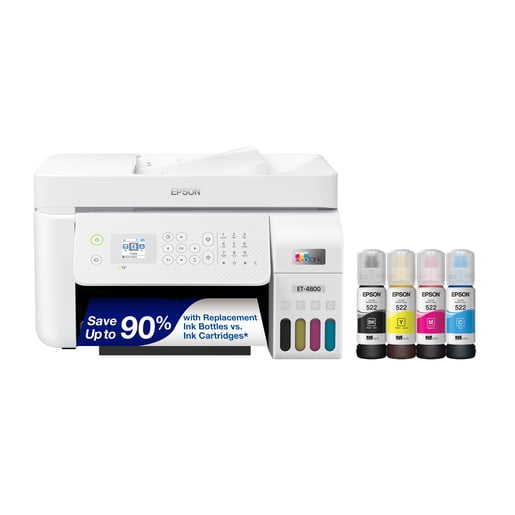
10724.1 out of 5 Stars. 1072 reviewsShipping, arrives in 3+ daysEpson EcoTank ET-4800 Wireless All-in-One Cartridge-Free Supertank Printer with Scanner, Copier, Fax, ADF and Ethernet $299.99
 $29999current price $299.99
Epson EcoTank ET-4800 Wireless All-in-One Cartridge-Free Supertank Printer with Scanner, Copier, Fax, ADF and Ethernet
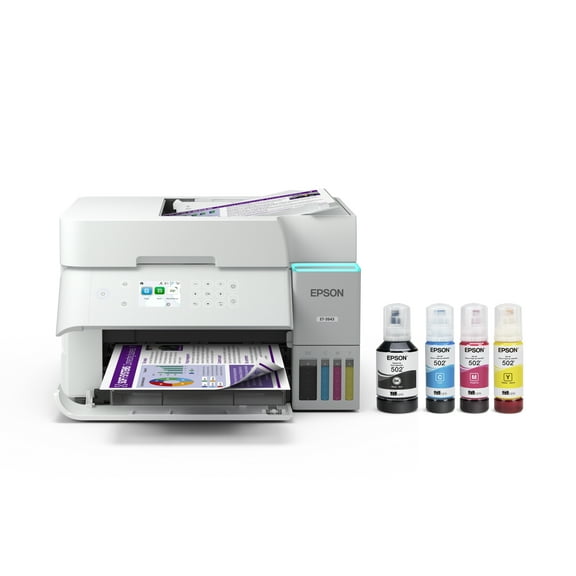
6663.9 out of 5 Stars. 666 reviewsSave withShipping, arrives tomorrowEpson EcoTank ET-3943 Wireless All-in-One Color Supertank Printer – White $369.99
 $36999current price $369.99
Epson EcoTank ET-3943 Wireless All-in-One Color Supertank Printer – White
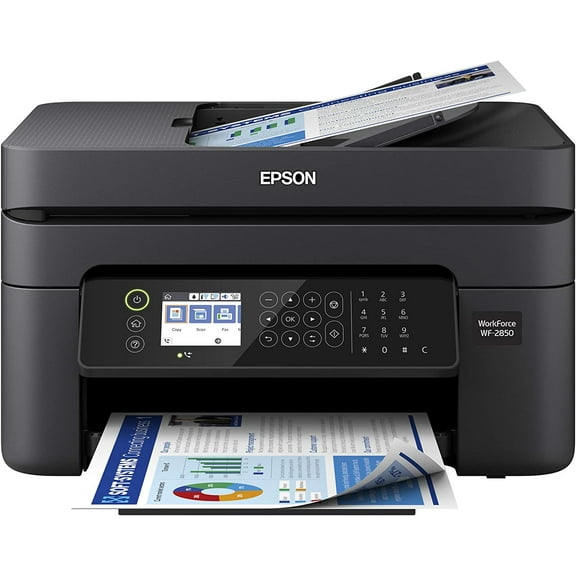
1044.3 out of 5 Stars. 104 reviewsSave withShipping, arrives tomorrowEpson Workforce WF-2830 All-in-One Wireless Color Printer with Scanner, Copier and Fax $157.94
 $15794current price $157.94
Epson Workforce WF-2830 All-in-One Wireless Color Printer with Scanner, Copier and Fax
163 out of 5 Stars. 16 reviewsShipping, arrives in 3+ days
Customer ratings & reviews
Reviews summary
- : Produces excellent prints with balanced speed.
- : Printer has tanks that allow easy monitoring of ink levels.
- : Requires minimal effort.
- : Scanning function works efficiently.
- : Produces detailed prints with accurate color representation.
- : Can be fast for quality prints, but slower for high-volume use.
Customer images
- +8 images
Showing 1-3 of 30 reviews
Seller Verified Purchase
Great printer! Super fast!
This printer is great! I love the EcoTank and the concept. It's prints super fast and the quality is great. I would recommend for any home office.
Maybe the best printer I've ever owned?!
This is a review for the Epson EcoTank Pro ET-5180 Wireless Supertank Printer that I received free of charge to do a beta test and review. To say I was blown away by this printer would be an understatement. As I said in the title, I think this might be the best printer I've ever owned. There are a few things I look for in a printer: quality prints, good technology and, above all else, affordable ink that will last as long as possible. The Epson EcoTank Pro ET-5180 Wireless SuperTank Printer checks all of these boxes and exceeded my expectations across the board. First, when it comes to quality prints, the printer creates very high-quality prints but it also prints them FAST! I was excited to see that it also offered two-sided printing, which is great to conserve paper. At nearly 20 pages a minute, the printer creates sharp prints, lighting fast! Next, when it comes to the printers technology, it is second-to-none. Many printer apps for desktop and mobile will contain bloatware or other unnecessary applications. Not only are the apps incredibly useful, they have functionality that I found to provide value that I am not used to with other applications. Functionality, like document capture, Google Classroom integration and even fun projects I was able to print for my kids were really impressive to see. Even printing from mobile worked seamlessly and effortlessly. Really great to see! Finally, the feature that put this printer over the top for me, is the EcoTank ink. It couldn't have been easier to add the ink to the printer and I absolutely can not get over how long the ink will last! Normally, I will be very cautious with how much I print based solely on the fact that it seems like I fly through ink like crazy. One set of ink will last nearly 2,000 pages. WHAT!? Sure enough though, it's true. The quality (as I mentioned above) is very very high AND the ink lasts so much longer than "traditional" cartridges - unreal! I can't recommend this printer enough. It will easily pay for itself quickly in just the amount of money you are saving not having to buy (and re-buy, and re-buy, and re-buy) ink cartridges.
Difficult Setup, Great Printer
This is a review for the Epson EcoTank Pro ET-5180 Wireless Supertank Printer that I received free of charge to do a beta test and review. The printer arrived a few days before I wound up in the hospital from a heart attack. The setup and operation was done while recovering from that hospital stay. First upon unpacking the printer I have to warn you there is a lot of blue tape that you have to remove from the printer to get it set up, make sure you get all of it, you don't want to force a part to move that still has tape on it. There are 2 ways to set up the printer, you can use the mobile app or the web app on a computer. I started with the web app and was having no luck. I went to power cycle the printer during setup and had my heart attack during the process, the printer display showed "powering down unit" on it's screen for 3 days until I returned from the hospital. When I went to work on the printer again I decided to unplug the printer and start over. This cleared the message on the display and the printer returned to a setup mode. At this point I decided to try the web interface on my laptop to continue with the setup. The web setup was simple one only has to follow the prompts and the software does everything. My only complaint about this process is that is seemed very slow for such a new product and the setup software looked and felt dated. Before you start the setup process make sure you have the printer physically setup. One thing I was worried about was having a mess with the ink bottles and such, much to my relief these were very simply to use and fill the printer tanks with no mess. The web app Epson Smart Panel, is what I have been using a great deal of since I got the printer. This app is great as you are able to perform many printer functions with it from scanning to copying and printing various types of documents and projects. I also had to download the Epson Printer Enabler on my android smart phone to get everything working just right. Printing from my laptop was without any problems and just took the adding of a printer in Windows. Regular printing and operation of the printer is not as noisy as other printers I have owned which is always a plus for when you are printing something and on the phone. Another feature that this printer has but is not really noted is the ability to use a hard connection if you do not want to use it as a wireless printer. I prefer to have a hardline network connection on my devices as much as possible and this printer allows me to do that, unlike most wireless printers these days that no longer offer this option. While I have not been able to do an excessive amount of printing during my recovery I have done a good amount of scanning using the mobile app and I will say that it had been a breeze with the app and printer both working together easily. Overall I would highly recommend this printer, just wish the setup went easier, hopefully it will for you without the heart attack I experienced during it. Oh and the heart attack was totally unrelated to the printer except for timing.
