

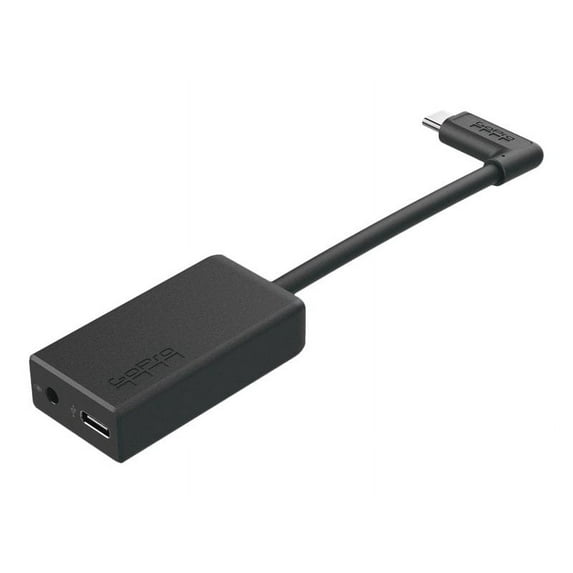
GoPro Microphone 3.5mm Adapter for HERO5 Camera
Key item features
- Superior Audio: Captures high-quality audio using an external microphone with HERO5 Black or HERO5 Session, enhancing sound for professional-grade recordings.
- Versatile Compatibility: Connects any standard 3.5mm microphone or line-in connector, supporting both powered and non-powered mics for flexible audio solutions.
- Advanced Connectivity: Features a 3.5mm analog stereo audio input and USB Type-C ports for power input and camera connection.
- Pristine Sound: Benefits from an A/D converter with 106dB headroom, delivering clear and crisp audio with minimal noise.
- Dedicated Accessory: Specifically designed for HERO5 Black and HERO5 Session cameras, ensuring optimal performance and integration.
- Durable Construction: Constructed from high-quality materials, this compact adapter is designed for reliable and seamless integration.
Specs
- Connector genderMale
- Headset adapter typeHeadset Adapter
- ColorBlack & White
- Has written warrantyNo
- ManufacturerGoPro
- Multipack quantity100
Reviews summary
- : Adapter's cost is a significant limitation for many users.
- : Connection issues and inconsistent sound quality hinder audio recording.
- : Adapter size and connection stability can be improved.
- : Prone to loosening or dropping signal during use.
- : Prone to picking up background noise and interference.
- : Difficult to attach and maneuver due to size and shape.
- Free shipping
 Free 30-day returns
How do you want your item?


About this item
Product details
- SUPERIOR AUDIO - Capture high-quality audio when using an external microphone with your HERO5 Black or HERO5 Session enhancing sound for professional-grade recordings.
- VERSATILE COMPATIBILITY - Seamlessly connect any standard 3.5mm microphone or line-in connector compatible with both powered and non-powered mics for flexible audio solutions.
- ADVANCED CONNECTIVITY - Features a 3.5mm analog stereo audio input plus USB Type-C ports for power input and camera connection ensuring reliable and efficient operation.
- PRISTINE SOUND QUALITY - Benefit from an A/D converter with 106dB headroom delivering clear and crisp audio with minimal noise for exceptional sound clarity in every recording.
- DEDICATED ACCESSORY - Specifically designed for HERO5 Black and HERO5 Session cameras this adapter ensures optimal performance and integration maximizing your audio capture.
- PEACE OF MIND - Comes with a GoPro 1 Year Warranty providing assurance and support for your microphone adapter ensuring long-term reliability and satisfaction with your purchase.
Specifications
Electronic end connection 1
Connector gender
Headset adapter type
Brand
Warranty
Warranty information
Please be aware that the warranty terms on items offered for sale by third party Marketplace sellers may differ from those displayed in this section (if any). To confirm warranty terms on an item offered for sale by a third party Marketplace seller, please use the 'Contact seller' feature on the third party Marketplace seller's information page and request the item's warranty terms prior to purchase.
Similar items you might like
Based on what customers bought
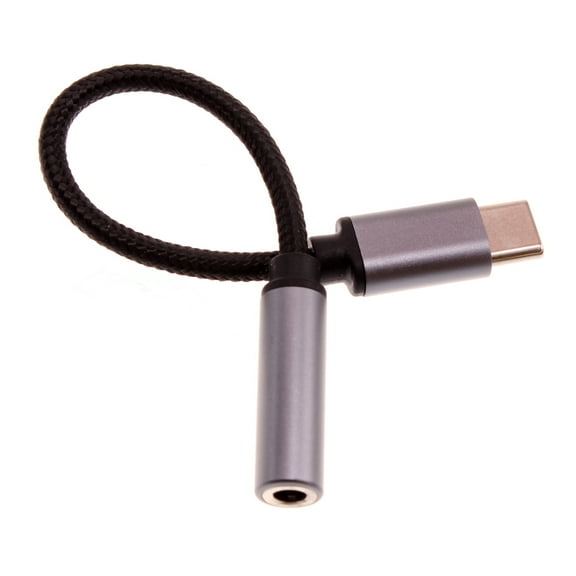
USB-C Earphone Adapter Headphone Audio Jack for Samsung Galaxy A24/A25 5G/A34 5G/A35 5G/A54 5G/A55 5G - Port Converter 3.5mm Female to USB-C Male Adaptor Mic Support $22.99
 $2299current price $22.99
USB-C Earphone Adapter Headphone Audio Jack for Samsung Galaxy A24/A25 5G/A34 5G/A35 5G/A54 5G/A55 5G - Port Converter 3.5mm Female to USB-C Male Adaptor Mic Support
EASTIN 3.5Mm Mic Microphone Adapter Cable for Gopro Hd Hero 3 3 4 Camera Black $10.02
 $1002current price $10.02
EASTIN 3.5Mm Mic Microphone Adapter Cable for Gopro Hd Hero 3 3 4 Camera Black
Clearance 5V Micro USB Female to DC Male Adapter Set with 4.0mm 3.5mm 2.5mm Adapter Plugs for Routers and Cameras $7.74 Was $8.64
Clearance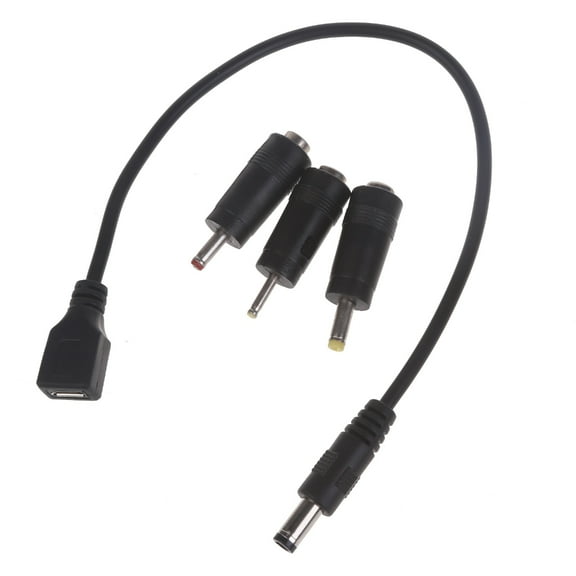 $774current price $7.74, Was $8.64$8.64
5V Micro USB Female to DC Male Adapter Set with 4.0mm 3.5mm 2.5mm Adapter Plugs for Routers and Cameras
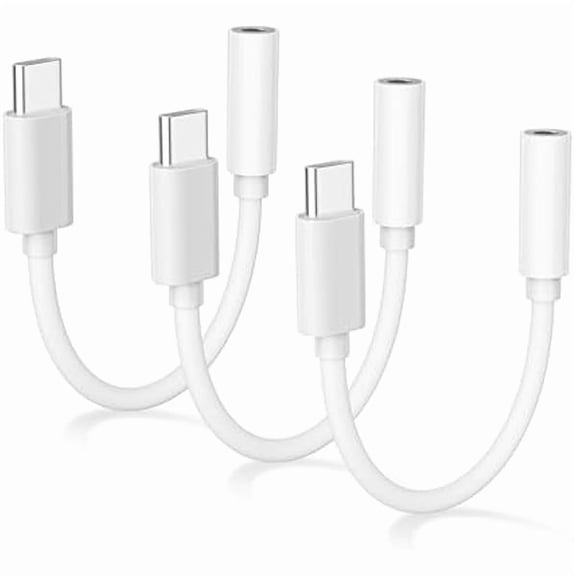
3Pack USB C to 3.5mm Headphone Jack Adapter,Headphone Adapter for iPhone 16,USB C to Aux Audio Dongle Cable for iPhone 16/16 Pro/16 Pro Max/15/15 Pro/15 Pro Max,Galaxy S23 S22 Ultra $16.99
 $1699current price $16.99
3Pack USB C to 3.5mm Headphone Jack Adapter,Headphone Adapter for iPhone 16,USB C to Aux Audio Dongle Cable for iPhone 16/16 Pro/16 Pro Max/15/15 Pro/15 Pro Max,Galaxy S23 S22 Ultra
Masteelf Trrs To Trs Headphone Adapter Cable Stereo Audio Adapter For Headphones Computers Dslr Cameras,3.5mm Phones $9.81
 $981current price $9.81
Masteelf Trrs To Trs Headphone Adapter Cable Stereo Audio Adapter For Headphones Computers Dslr Cameras,3.5mm Phones
DJI Mic Mini Mobile Phone Adapter For iPhone 14/13/12/11/XS MAX/XR 8 7 $35.59
 $3559current price $35.59
DJI Mic Mini Mobile Phone Adapter For iPhone 14/13/12/11/XS MAX/XR 8 7
PRO ELEC - Telephone Headset Training Adaptor $58.95
 $5895current price $58.95
PRO ELEC - Telephone Headset Training Adaptor
USB C to 3.5mm Headset Adapter $6.99
 $699current price $6.99
USB C to 3.5mm Headset Adapter
422.7 out of 5 Stars. 42 reviews2.5mm to 3.5mm Headphone Adapter for Cricket Outlast 5G, Ovation 3, Magic 2 5G - Earphone Jack Converter Earbud Headset $15.99 Was $17.99
 $1599current price $15.99, Was $17.99$17.99
2.5mm to 3.5mm Headphone Adapter for Cricket Outlast 5G, Ovation 3, Magic 2 5G - Earphone Jack Converter Earbud Headset
USB-C to 3.5mm Headphone Jack Adapter for Apple iPad Pro 11 Inch, White $5.89
 $589current price $5.89
USB-C to 3.5mm Headphone Jack Adapter for Apple iPad Pro 11 Inch, White
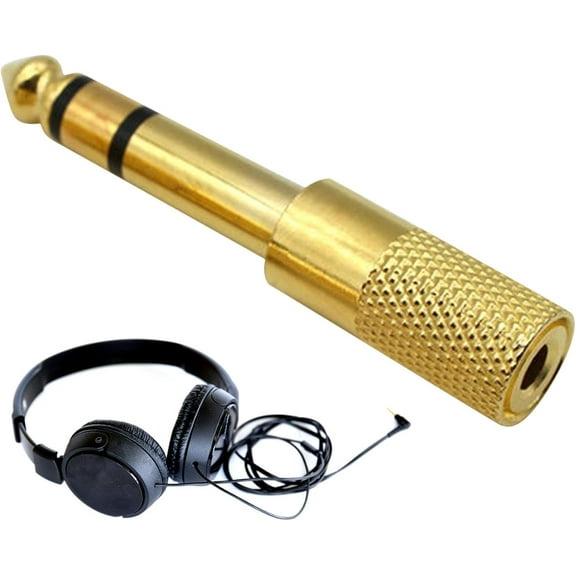
14 out of 5 Stars. 1 reviews1/4 to 1/8 Audio Adapter - Gold Plated Buniq, 6.35mm Male to 3.5mm Female Headphone Jack Plug $4.39
 $439current price $4.39
1/4 to 1/8 Audio Adapter - Gold Plated Buniq, 6.35mm Male to 3.5mm Female Headphone Jack Plug
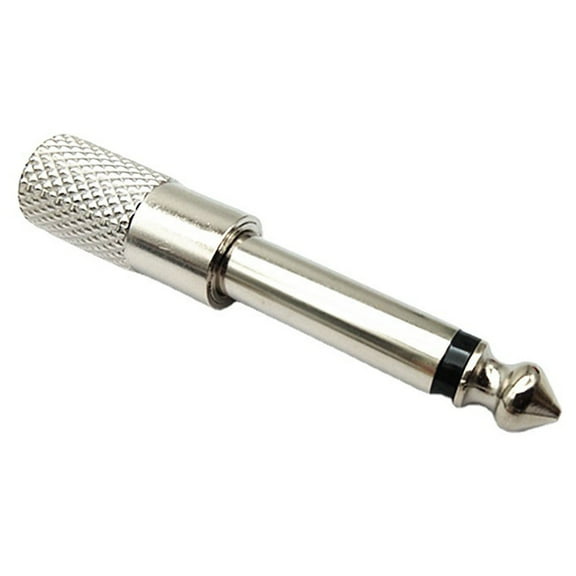
Professional 1/4 inch Male to 1/8 inch Female Headphone Adapter Converter 6.35mm to 3.5mm Conversion Easy to Carry $6.49 Was $7.36
 $649current price $6.49, Was $7.36$7.36
Professional 1/4 inch Male to 1/8 inch Female Headphone Adapter Converter 6.35mm to 3.5mm Conversion Easy to Carry
3.5mm Mini USB Microphone Adapter Cable for Hero 3 4 Camera $8.72
 $872current price $8.72
3.5mm Mini USB Microphone Adapter Cable for Hero 3 4 Camera
USB C Male to Double 3.5mm Female Headphones Splitters, TypeC to AUX 2-in-1 Music Adapters for USB C Smartphones, Laptops $9.26
 $926current price $9.26
USB C Male to Double 3.5mm Female Headphones Splitters, TypeC to AUX 2-in-1 Music Adapters for USB C Smartphones, Laptops
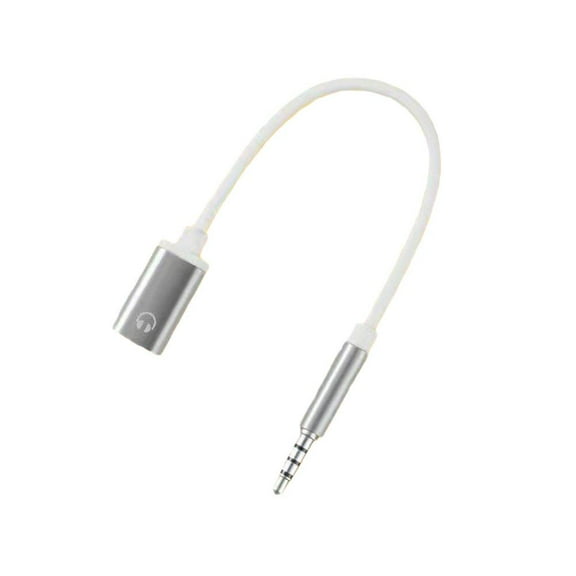
Headphone Jack Adapter,3.5mm Male to TypeC Female Audio Cable Cord,USB C to Aux Audio Dongle Cable Cord, Analog Headsets $6.09

 $609current price $6.09
Headphone Jack Adapter,3.5mm Male to TypeC Female Audio Cable Cord,USB C to Aux Audio Dongle Cable Cord, Analog Headsets
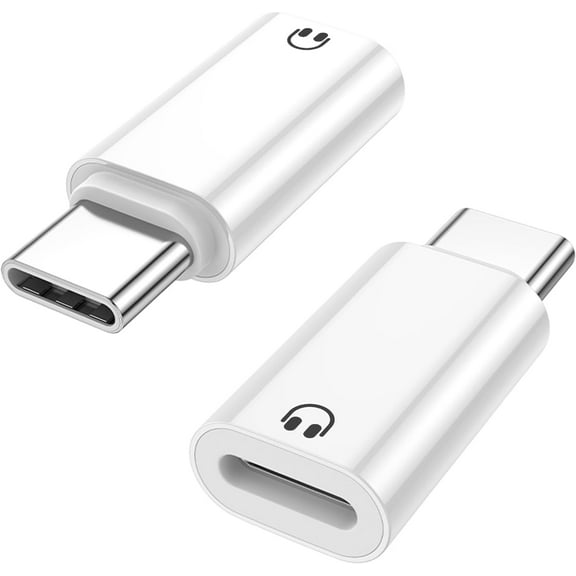
2 Pack USB C to Light-ning Earphone Audio Adapter Converter for iPhone 16/15, iPad Pro/Air, MacBook and More, Not for Charging/Lavalier Mic/Speakers/Data Transfer (Only for Headphone) $24.99
 $2499current price $24.99
2 Pack USB C to Light-ning Earphone Audio Adapter Converter for iPhone 16/15, iPad Pro/Air, MacBook and More, Not for Charging/Lavalier Mic/Speakers/Data Transfer (Only for Headphone)
Charging USB-C Audio Adapter For Insta360 X5 Camera Extended Mic & Power Ba $11.30
 8 optionsAvailable in additional 8 options$1130current price $11.30
Charging USB-C Audio Adapter For Insta360 X5 Camera Extended Mic & Power Ba
[4 Packs] USB Type C to 3.5mm Female Headphone Jack Adapter, USB C to Aux Audio Dongle Cable Cord $6.09
![[4 Packs] USB Type C to 3.5mm Female Headphone Jack Adapter, USB C to Aux Audio Dongle Cable Cord](https://i5.walmartimages.com/asr/b02eaa9f-0169-4e88-a6e3-f0ea8071dbe1.dc6e1469eaf8c7b2bae76dfdb5b56904.jpeg?odnHeight=576&odnWidth=576&odnBg=FFFFFF) $609current price $6.09
$609current price $6.09[4 Packs] USB Type C to 3.5mm Female Headphone Jack Adapter, USB C to Aux Audio Dongle Cable Cord
USB-A to 3.5mm Microphone Headset Adapter USB Sound Card Male to 2 Female Adapter for 10/8.1/8/7 $9.61
 $961current price $9.61
USB-A to 3.5mm Microphone Headset Adapter USB Sound Card Male to 2 Female Adapter for 10/8.1/8/7


Customer ratings & reviews
Reviews summary
- : Adapter's cost is a significant limitation for many users.
- : Connection issues and inconsistent sound quality hinder audio recording.
- : Adapter size and connection stability can be improved.
- : Prone to loosening or dropping signal during use.
- : Prone to picking up background noise and interference.
- : Difficult to attach and maneuver due to size and shape.
Customer photos




 +1 image
Showing 1-3 of 309 reviews
Verified Purchase
works great, adds external audio to my gopro 11 black mini, and charges at the same time.
Works well with my GoPro 7 Black
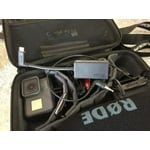
I use the Pro 3.5mm Mic Adapter to connect the RODE GO II to the GoPro 7 Black. It is difficult to use without a means of attaching it either to the GoPro or another piece of equipment, such as, motorcycle, bicycle or helmet. I purchased a third party case that holds the Mic Adapter and enables connection to the GoPro. The RODE GO II wireless receiver clips into the cold shoe of the case with the RODE short 3.5mm cable connecting the receiver with the adapter. The set up is reasonably compact and importantly one unit that can be mounted on a selfie pole or helmet mount. The case is NOT waterproof but then neither is the GoPro as the connector door has to be removed to attach the adaptor cable. The adaptor and RODE GO II wireless mics work well. Only downside is that the adaptor is rather large and awkward to mount.
Problems and workarounds
This product is very well if... There are more IFs, so I think the Gopro's firmware is the main problem or the adapter itself. I use a Stilo WRC-03 intercom* with this adapter and I connected some version of Gopros (Hero 5, 6, and 8, all were black edition). I had problems with all of these. Many times had no audio at all on the record and do not know why. I read some advice about using this adapter, for example to switch the quick capture off, and switch the auto power to NEVER (as it is always connected to a charger while the races, it is not problem for me). First I connected everything and set the POWERED MIC on the Gopro. The followings happened with the mentioned settings: * what is working (switch on) only if one of the two helmets (a specified one) is plugged in I tested and noted many cases what we did in the past when recorded the race. I hope now I know how to workaround this problem, hope it helps to others. 1. case WORKING If I plug in the helmets and the Gopro is on, after I plug in the adapter (while the USB-C and the jack are plugged)to the adapter), I have audio on the record. (I can see in the settings 'AUDIO INPUT POWERED MIC') 2. case WORKING if I reconnect the audio cable or the adapter while everything is plugged in and switched on. 3. case WORKING If I plug everything in, set AUDIO INPUT to LINE IN, I have audio on the record. BUT it is very quiet. It is not option for me, because the car is very noise while racing, the co-driver speach can not be heard with this settings. 4. case NOT WORKING I connect the helmets first and after this plug in the Gopro, after switch it on, but there is no audio at all on the records. In the settings there were 'AUDIO INPUT N/A' 5. case NOT WORKING I plug in the adapter to the Gopro first and switch the Gopro on, after plug in the helmets (or just the specified one what is switch the amplifier on when it is plugged), there is no audio at all on the records. In the settings there was 'AUDIO INPUT N/A' There are more cases when audio is not on the records, but who bought it, can try to make videos with external mic.
