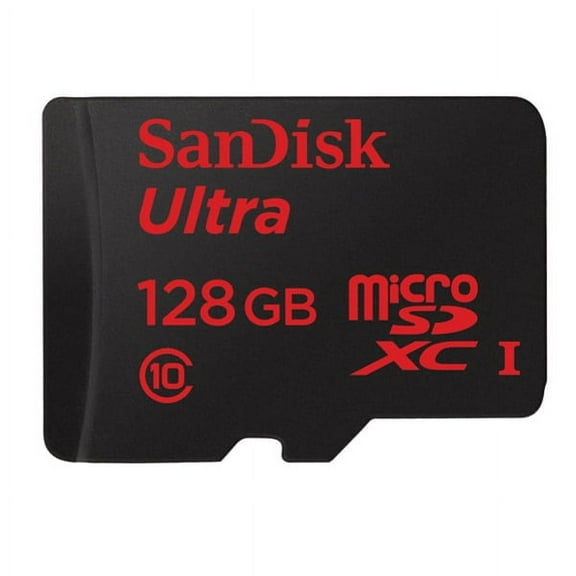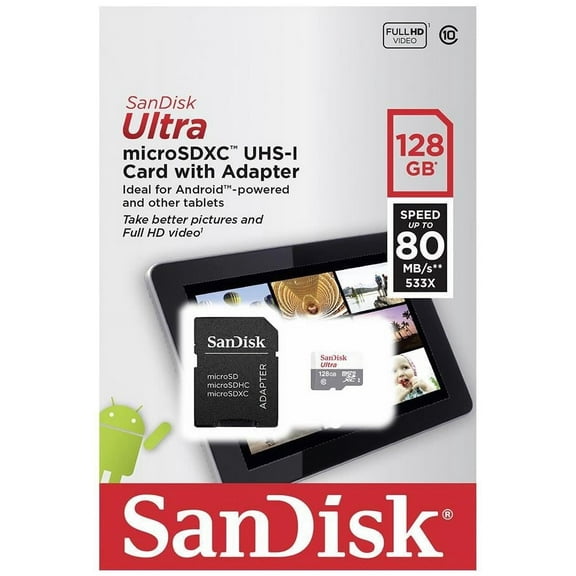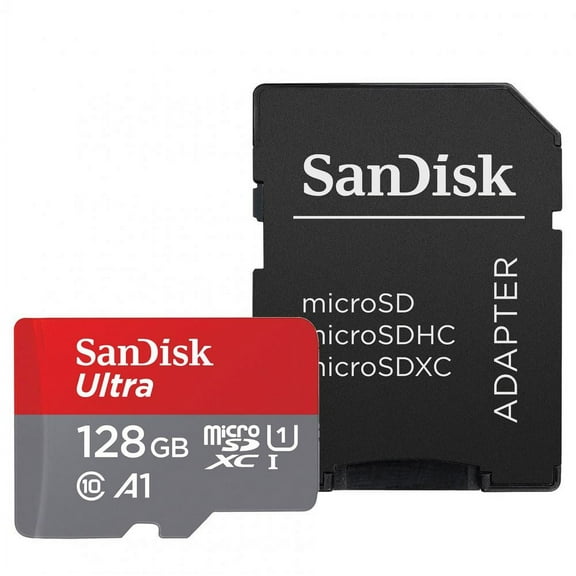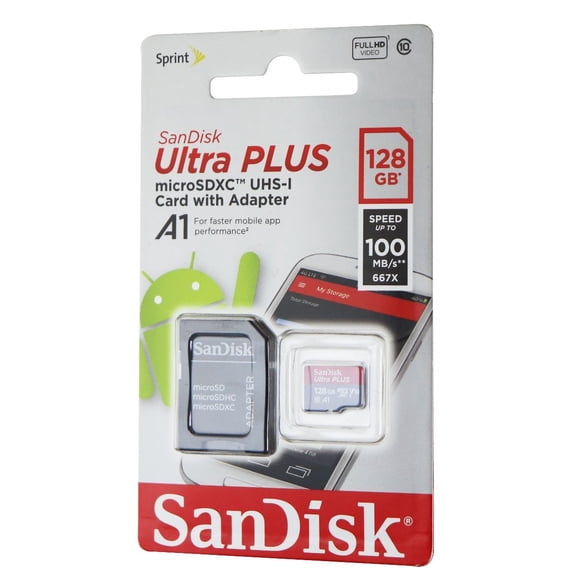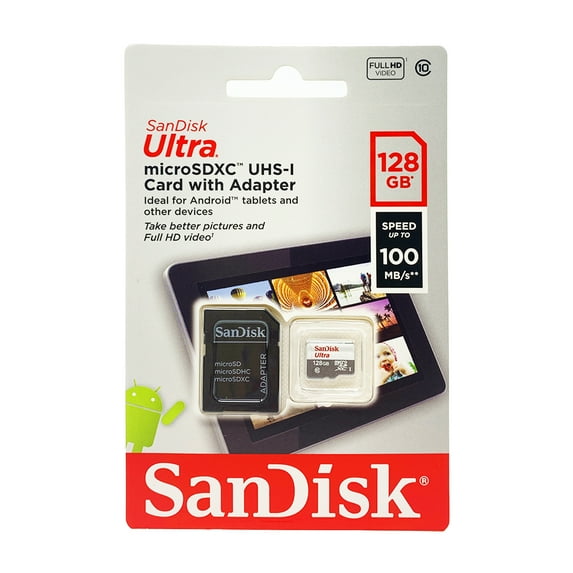
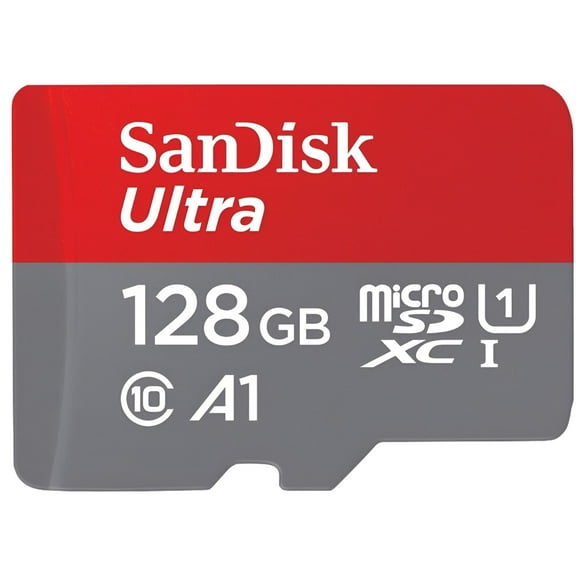
Sandisk Imaging Ultra microSDXC 128GB UHS Class 10 Memory Card w/ Adapter
Hero image 0 of Sandisk Imaging Ultra microSDXC 128GB UHS Class 10 Memory Card w/ Adapter, 0 of 7

Sandisk Imaging Ultra microSDXC 128GB UHS Class 10 Memory Card w/ Adapter

Key item features

  • Ample Storage: This 128GB microSDXC UHS-I flash memory card allows users to capture, carry, and store numerous photos and videos on mobile devices.
  • Full HD Video: Features a Class 10 video rating, enabling high-quality Full HD video recording without interruptions or stuttering.
  • Rugged Durability: Designed to be waterproof, shockproof, x-ray proof, and temperature proof, protecting stored memories from various environmental mishaps.
  • Versatile Adapter: Includes an SD adapter, facilitating easy transfer of digital files between the microSDXC card and other SD-compatible devices like digital cameras and computers.
  • Mobile Compatibility: Specifically designed to expand storage for smartphones and tablets, eliminating the need to delete content.
Generated by AI
Current price is $29.00
Price when purchased online
  • Free 30-day returns

How do you want your item?

Plus, get 50% off an annual plan at checkout!
How do you want your item?
Ships to
Arrives by Tomorrow
Fulfilled by Walmart
4.559165858389913 stars out of 5, based on 2064 seller reviews(4.6)
Free 30-day returns

walmart plus

Get 50% off a year of Walmart+

Exclusions, T&C apply.

About this item
Product details

Specifications

Warranty

Customer ratings & reviews

4.9 out of 5 stars
stars18 ratings10 reviews
How item rating is calculated
Filtered and sorted results would be available on the new 'Customer ratings & reviews' page.
Sort by |

Showing 1-3 of 10 reviews

Apr 27, 2026
Sally
Sold byFirst Choice OnlineDelivered byWalmart
5 out of 5 stars review

Verified Purchase

Sandisk Imaging Ultra microSDXC 128GB UHS Class 10

I used the SIM tool that came with my Samsung Galaxy A16: Power off your Galaxy A16 completely before removing the SIM tray. Locate the SIM/MicroSD tray on the upper left side of the device. Insert your SIM tool (or straightened paperclip) straight into the small, pin-sized hole on the tray. Push gently until the tray pops out, then carefully slide the tray out to insert. I inserted the microSDXC card. Turned my phone back on and it was instantly recognized. You can access it via Samsung "My Files" in the Samsung App. I backed up my phone to the SD card ...worked flawlessly. I've always stuck with the name brand media options and have never had a problem/

Incentivized Review
Helpful?3WU7ACL4ZAKM46549607
Mar 9, 2026
Saundra
Sold byFirst Choice OnlineDelivered byWalmart
5 out of 5 stars review

Verified Purchase

Gave storage expansion for my granddaughter's tablet and freed up internal storage for the tablet. User friendly; easy to install and remove.

Incentivized Review
Helpful?3WU7ACL4ZAKM46549607
Mar 1, 2026
Lokimom
Sold byFirst Choice OnlineDelivered byWalmart
5 out of 5 stars review

Verified Purchase

SanDisk is a great brand. That's why I buy it. Works great and easy-to-use.

Incentivized Review
Helpful?3WU7ACL4ZAKM46549607