

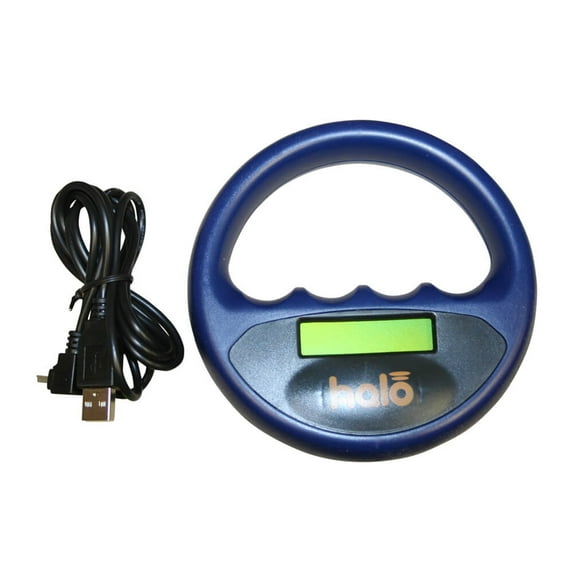
Hero image 0 of Halo Microchip Scanner Blue, 0 of 1
Halo Microchip Scanner Blue
Halo Microchip Scanner BlueHalo Microchip Scanner BlueHalo Microchip Scanner Magenta reads all 15 digit ISO and FDX A 10 digit microchips will display if the 9 digit Avid Friendchip is detectedHalo Microchip Scanner Green
Actual Color:Blue-Out of stock
Animal Type:Dog-Out of stock
Key item features
- Lightweight, ergonomic design
- Affordable so you can keep multiple scanners on premises
- Comes with rechargable USB lead
- Reads 15-digit ISO and 10-digit FDX-A microchips
- Your choice of black, white or magenta scanner
Specs
- BrandHalo
- FeaturesErgonomic Design
- ConnectionUSB
- ColorBlue
- Accessoriesrechargable USB lead
- Inputs/OutputsUSB
Current price is USD$78.09
Price when purchased online
Out of stock
How do you want your item?
Out of stock
About this item
Product details
Halo Microchip Scanner The Halo Microchip Scanner is: Cost effective, so you can afford to have a scanner in each consulting room. Halo will immediately alert the operator if the microchip being scanned belongs to an animal that has been reported missing. No batteries needed. Comes with rechargable USB lead that can be used to charge in the wall or in a car 12V USB charger. Ergonomic design is small, lightweight, and robust. Reads all 15 digit ISO and FDX-A (FECAVA) 10 digit microchips, and will display if the 9 digit Avid Friendchip is detected. Features an effective read range the entire outer edge is the scanning area so that a large scanning area is covered in one go. Rechargeable battery lasts for up to 800 scans Works with Windows 98 or later software. NOT COMPATIBLE WITH MAC.
- Lightweight, ergonomic design
- Affordable so you can keep multiple scanners on premises
- Comes with rechargable USB lead
- Reads 15-digit ISO and 10-digit FDX-A microchips
- Your choice of black, white or magenta scanner
info:
We aim to show you accurate product information. Manufacturers, suppliers and others provide what you see here, and we have not verified it.
Specifications
Brand
Halo
Features
Ergonomic Design
Compatibility
Windows 98 or later software
Connection
USB
Directions
Instructions
Software Installation:
We recommend that you install the software BEFORE plugging your Halo in for the first time.
The software can be downloaded from www.haloscanner.com by following the instructions on the screen. On completion you will be prompted to register your Halo for the warranty; please enter the relevant details on the screen. Once the registration is complete please connect your Halo to an available USB port on your computer and leave to charge.
Recharging:
Before using your Halo for the first time it will need to be charged for 3 ½ hours.
Battery symbol will appear on the display when the battery is running low with the message “Battery Lowâ€. To recharge the battery plug the USB cable into the back of the Halo and into an available USB port on your computer. During the charging cycle the display will switch off. To see if the battery has finished charging press the start button and the display screen will inform you if it is “charging†or “chargedâ€. Please note that a fully discharged battery will take 3 ½ hours to fully recharge. A full battery symbol will appear on the display when the battery is fully charged.
Scanning:
To start your Halo scanner simply push the on/off symbol on the back of the panel and release. The display will show “Halo Scanner Scanning†and the scanner will emit a single beep. If no valid microchip is found within 20 seconds then the display will show “No Tag Found†and the scanner will again emit a single beep. To start scanning again just press the on/off symbol again.
The outer surface of your Halo is the scanning area and when a valid microchip is found the scanner will emit a double beep and the microchip number will be shown on the display.
As the Halo is Scanner Angel compatible if the microchip has been reported as missing to Scanner Angel the display will also show “Reported missing by…†and will give the organizations name and phone number for you to call and report that you have scanned this animal. If there is no activity your Halo will automatically switch off after 40 seconds.
Cleaning:
Your Halo should never be immersed in liquid or placed in any sterilization equipment. It can be wiped with an antibacterial wipe.
We recommend that you install the software BEFORE plugging your Halo in for the first time.
The software can be downloaded from www.haloscanner.com by following the instructions on the screen. On completion you will be prompted to register your Halo for the warranty; please enter the relevant details on the screen. Once the registration is complete please connect your Halo to an available USB port on your computer and leave to charge.
Recharging:
Before using your Halo for the first time it will need to be charged for 3 ½ hours.
Battery symbol will appear on the display when the battery is running low with the message “Battery Lowâ€. To recharge the battery plug the USB cable into the back of the Halo and into an available USB port on your computer. During the charging cycle the display will switch off. To see if the battery has finished charging press the start button and the display screen will inform you if it is “charging†or “chargedâ€. Please note that a fully discharged battery will take 3 ½ hours to fully recharge. A full battery symbol will appear on the display when the battery is fully charged.
Scanning:
To start your Halo scanner simply push the on/off symbol on the back of the panel and release. The display will show “Halo Scanner Scanning†and the scanner will emit a single beep. If no valid microchip is found within 20 seconds then the display will show “No Tag Found†and the scanner will again emit a single beep. To start scanning again just press the on/off symbol again.
The outer surface of your Halo is the scanning area and when a valid microchip is found the scanner will emit a double beep and the microchip number will be shown on the display.
As the Halo is Scanner Angel compatible if the microchip has been reported as missing to Scanner Angel the display will also show “Reported missing by…†and will give the organizations name and phone number for you to call and report that you have scanned this animal. If there is no activity your Halo will automatically switch off after 40 seconds.
Cleaning:
Your Halo should never be immersed in liquid or placed in any sterilization equipment. It can be wiped with an antibacterial wipe.
Warranty
Warranty information
Please be aware that the warranty terms on items offered for sale by third party Marketplace sellers may differ from those displayed in this section (if any). To confirm warranty terms on an item offered for sale by a third party Marketplace seller, please use the 'Contact seller' feature on the third party Marketplace seller's information page and request the item's warranty terms prior to purchase.
Similar items you might like
Based on what customers bought
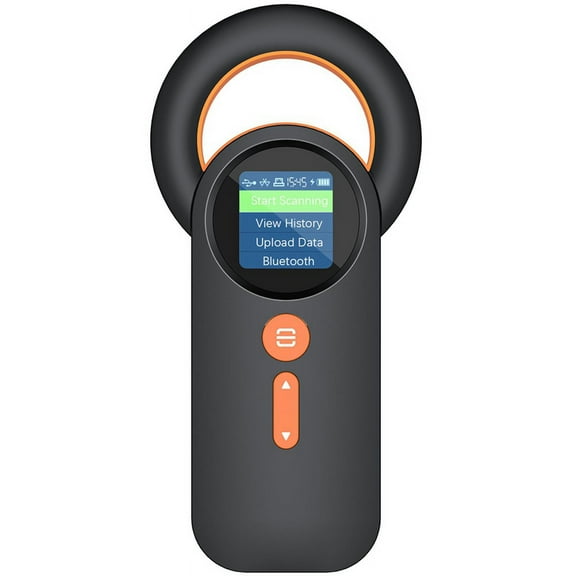
Bluetooth Pet Micro-Chip Reader,(2.4GHz Wireless Bluetooth USB) Animal Universal -Tag Reader Scanner ,Q30 $26.20
 $2620current price $26.20
Bluetooth Pet Micro-Chip Reader,(2.4GHz Wireless Bluetooth USB) Animal Universal -Tag Reader Scanner ,Q30
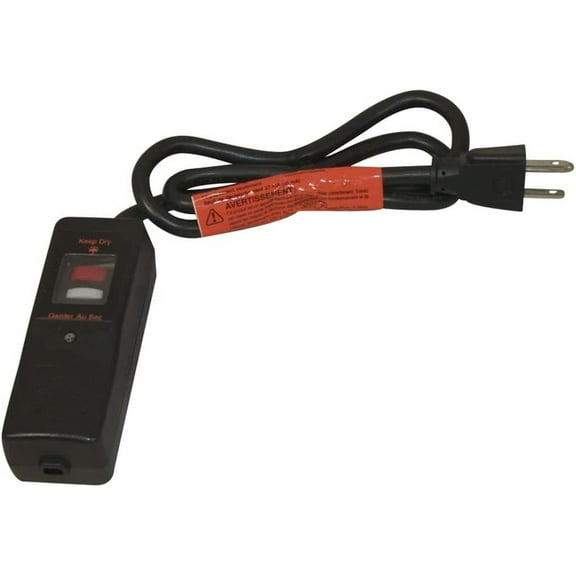
33.7 out of 5 Stars. 3 reviews382471-000 Frostex Plug Kit, Black $47.17
 $4717current price $47.17
382471-000 Frostex Plug Kit, Black
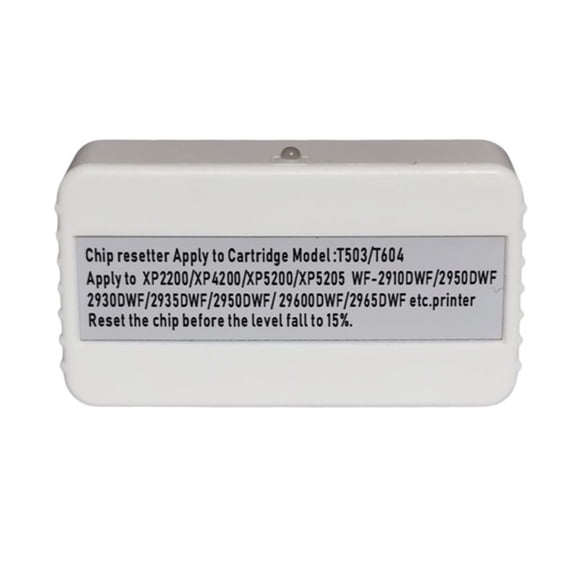
Yammee T604 Maintenance Box Compartment Chip Resetter Decoders for Expressioni $32.31
 $3231current price $32.31
Yammee T604 Maintenance Box Compartment Chip Resetter Decoders for Expressioni
11 out of 5 Stars. 1 reviewsBarjan 0499016P 4 in. Round Lens - Purple $19.38
 $1938current price $19.38
Barjan 0499016P 4 in. Round Lens - Purple
MMOBIEL Ear Pads for Bose SoundLink & SoundTrue OE2 Grey $8.54
 $854current price $8.54
MMOBIEL Ear Pads for Bose SoundLink & SoundTrue OE2 Grey
LEORX Back to School Electronics Work Mat Dark Grey 1Set 13.8x9.8in Silicone $19.62
 $1962current price $19.62
LEORX Back to School Electronics Work Mat Dark Grey 1Set 13.8x9.8in Silicone
For 17 R4 17R5 17R4 Tobii Eye tracker module board 0XCMKD $48.21
 $4821current price $48.21
For 17 R4 17R5 17R4 Tobii Eye tracker module board 0XCMKD
Scanner Retractor,36 in. L,Plastic,Snap RT3-4518 $36.74
 $3674current price $36.74
Scanner Retractor,36 in. L,Plastic,Snap RT3-4518
MMOBIEL Ear Pads for Sony WH-1000XM4 Blue $13.49
 $1349current price $13.49
MMOBIEL Ear Pads for Sony WH-1000XM4 Blue
Wurth Elektronik XMC Digital Power Explorer Design Kit KITXMCDPEXP01TOBO1 $75.00
 $7500current price $75.00
Wurth Elektronik XMC Digital Power Explorer Design Kit KITXMCDPEXP01TOBO1
MMOBIEL Ear Pads for Plantronics BackBeat PRO 1 Black $9.49
 $949current price $9.49
MMOBIEL Ear Pads for Plantronics BackBeat PRO 1 Black
Apple AirTag Protective Case Waterproof Anti Lost Tracking Device Cover Blue $4.44
 $444current price $4.44
Apple AirTag Protective Case Waterproof Anti Lost Tracking Device Cover Blue
Sharp GCOVPA027WRPZ Antenna Cover $21.40
 $2140current price $21.40
Sharp GCOVPA027WRPZ Antenna Cover
IR Emitter for BlastIR Systems – Dual-Band IR Blaster for Hidden AV Components $8.95
 2 optionsAvailable in additional 2 options$895current price $8.95
IR Emitter for BlastIR Systems – Dual-Band IR Blaster for Hidden AV Components
Customer ratings & reviews
How item rating is calculated
Filtered and sorted results would be available on the new 'Customer ratings & reviews' page.
Sort by |
Showing 1-1 of 1 review
Jun 10, 2021
Kelly
5 out of 5 stars review
Verified Purchase
Works great. Glad I finally bought it.
I volunteer for a local rescue so this will come in handy. I had been trying to decide which scanner to buy for months, but happy with this one. It scanned and read the chip for everyone of my furbabies easily. My oldest girl has an older 9 digit chip, but the Halo read it no problem. Thanks!
Helpful?6F58FT69X92F434737460
