
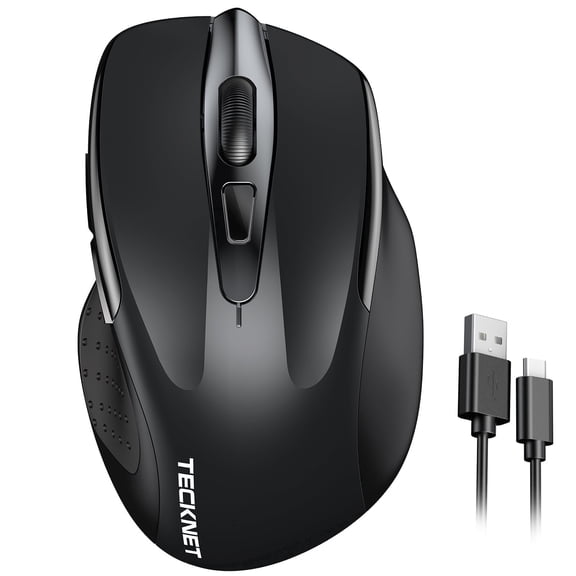
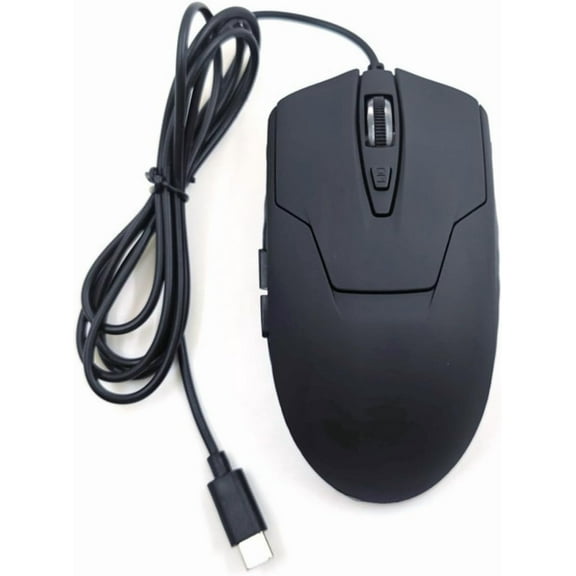


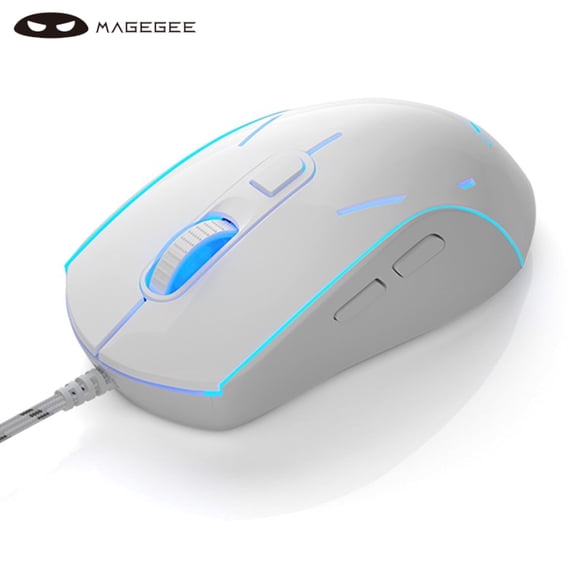


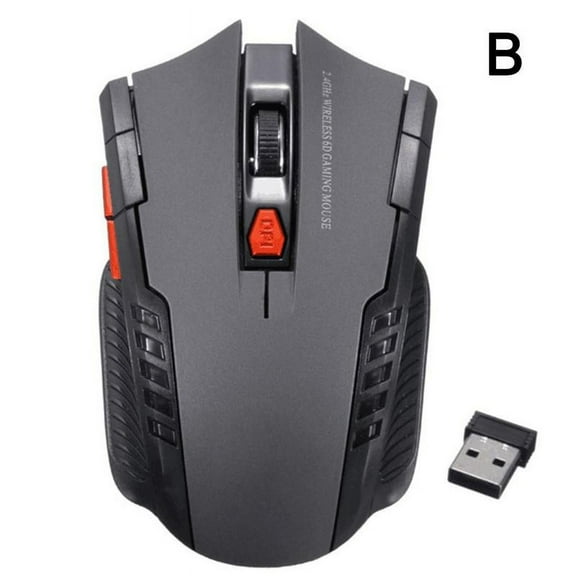
Lenovo IdeaPad Gaming M100 RGB Gaming Mouse

Lenovo IdeaPad Gaming M100 RGB Gaming Mouse

|6 ratings
Price when purchased online
Not Available

How do you want your item?

How do you want your item?
Not available

About this item

Product details

Specifications

Warranty

Warnings

Customer ratings & reviews

4.2 out of 5 stars
stars6 ratings3 reviews
How item rating is calculated

Customer photos

Filtered and sorted results would be available on the new 'Customer ratings & reviews' page.
Sort by |

Showing 1-3 of 3 reviews

Jan 9, 2024
Nath
5 out of 5 stars review

Seller Verified Purchase

Good for the buck

Cheap but my fingers get too low. It gets hard to click quickly for shootes

Review from walmart.ca
Helpful?5AIFVO57EJRL918336679
May 11, 2024
Riley
4 out of 5 stars review

Seller Verified Purchase

Best gaming

[Employee of walmartcanada] It's good I gotta buy a bigger mouse pad tho because it's a pretty big mouse other than that it's cheap great for beginner gamers and smooth has multiple dpi settings

International review
Review from walmart.ca
Helpful?5AIFVO57EJRL918336679
Nov 4, 2020
Roman
3 out of 5 stars review

Seller Verified Purchase

Good size, confused about button programmability

Nice and big size mouse which is comfortable ti use . The only problem i cannot understand how to customize the programmable buttons . Even the attached docs in the package are not clear enough

Review from lenovo.com
Helpful?5AIFVO57EJRL918336679
reply from Supplier Response

Hi, Apologies for the lack of details regarding the programmable buttons. Please install the Lenovo Legion Accessory Central software from the below link, to allow for the buttons to be assigned commands. https://support.lenovo.com/id/id/downloads/ds539788-legion-accessory-central-for-windows-7-10-64-bit If you need any additional help, please make contact by visiting support.lenovo.com, enter your mouse's serial/model number and select 'contact us'. Best wishes Joe-Lenovo
