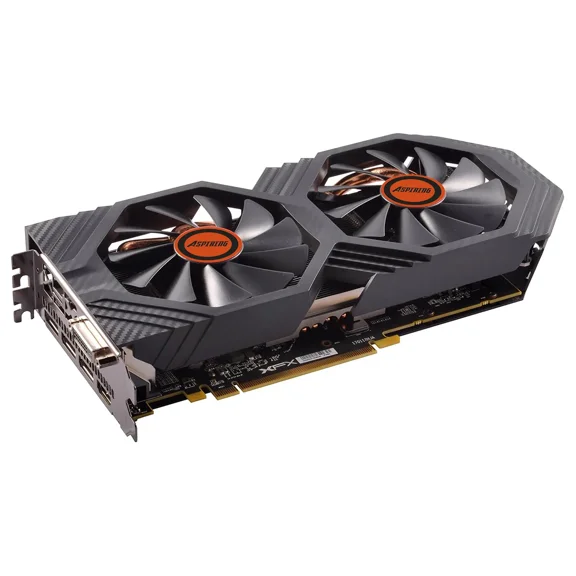
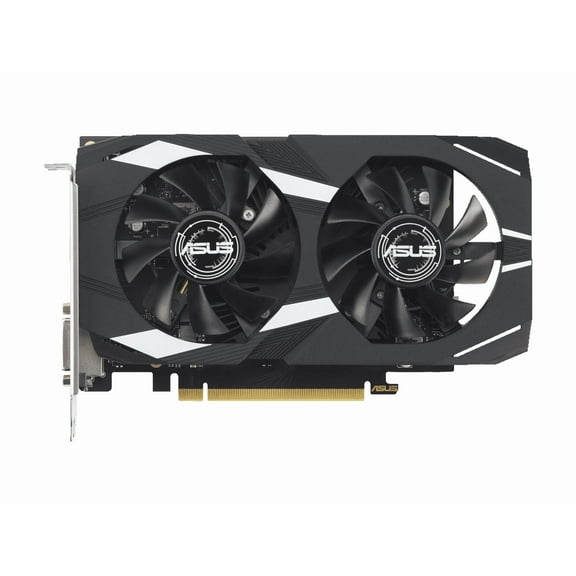
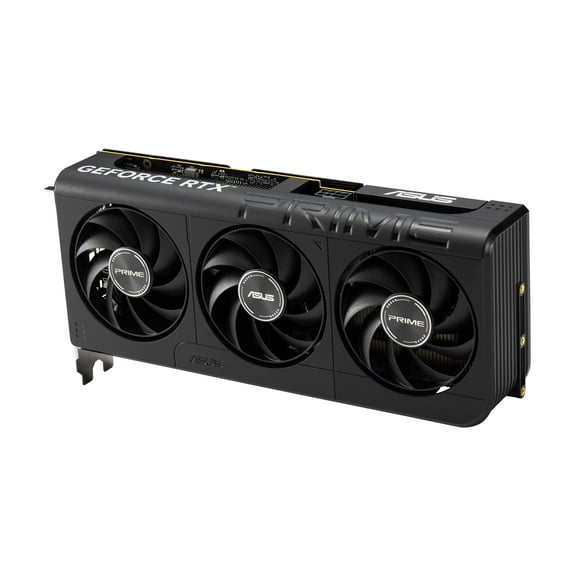
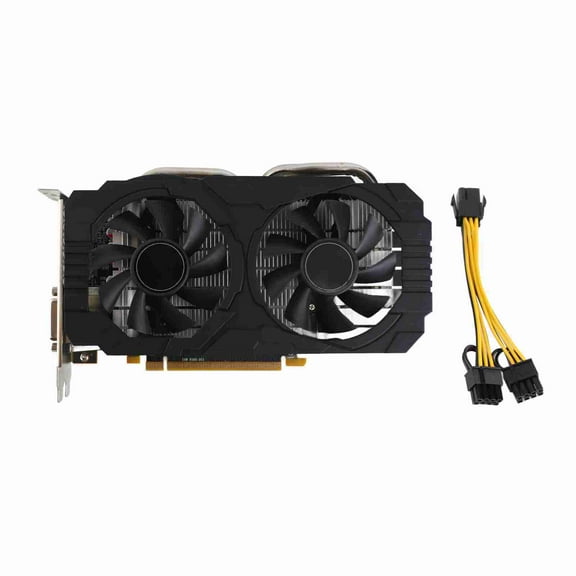
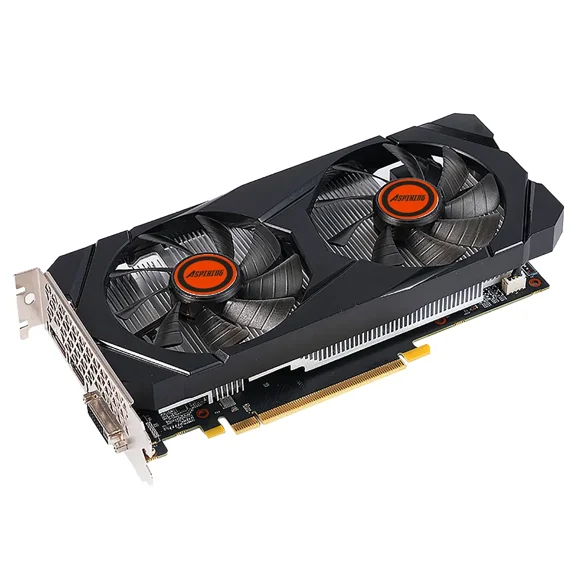
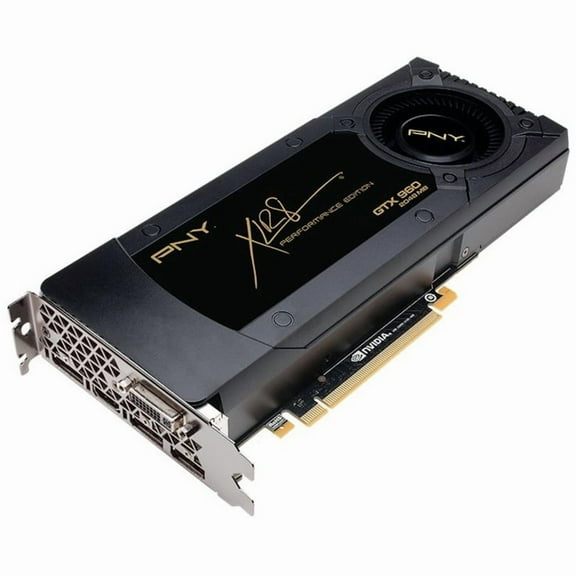
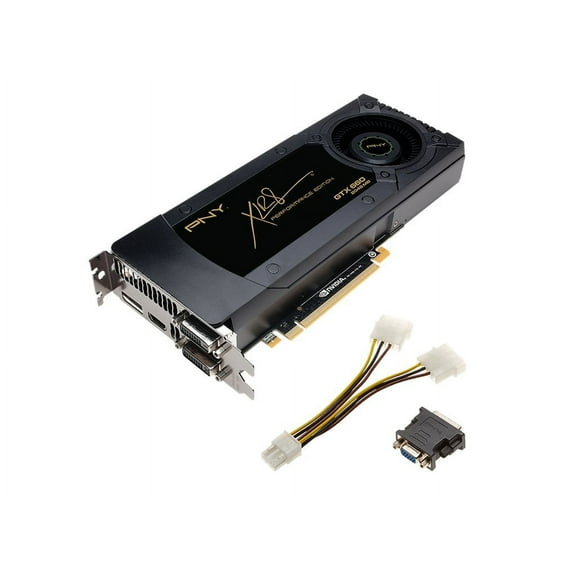
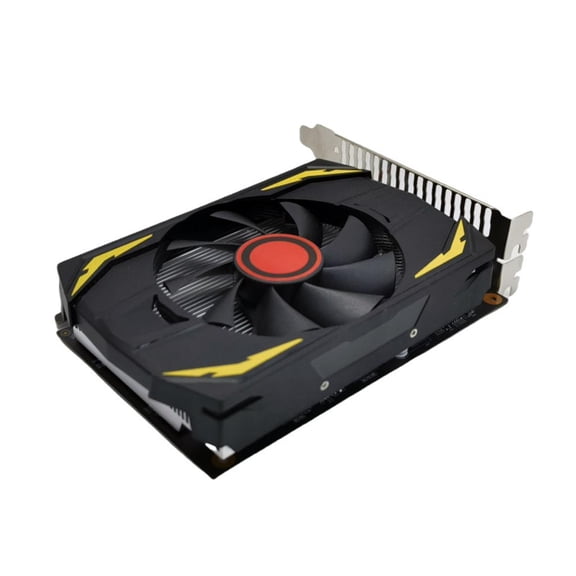
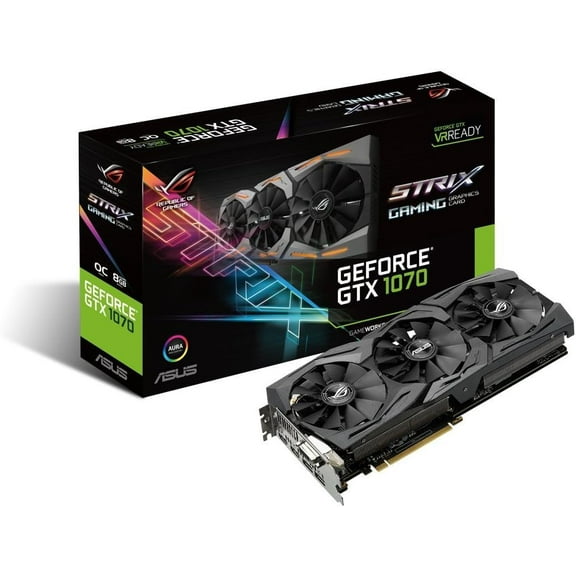
Got this in November 2020 at a fantastic price (it now sells for double). It has performed very well. Lots of performance, easy to overclock the GPU and the memory. The fans can be customized for your own temperature curve.
One issue I ran into was that the primary monitor (in a dual monitor setup) started to randomly go black for a few seconds, and then come back normally. At first it happened very rarely, like once a week maybe. As time went on, and driver updates kept coming, the random black screens increased in frequency. Sometimes several per day.
Maybe it's related to the later driver updates, I don't know for sure. I did try re-installing a few earlier driver revisions, but the problem didn't go away.
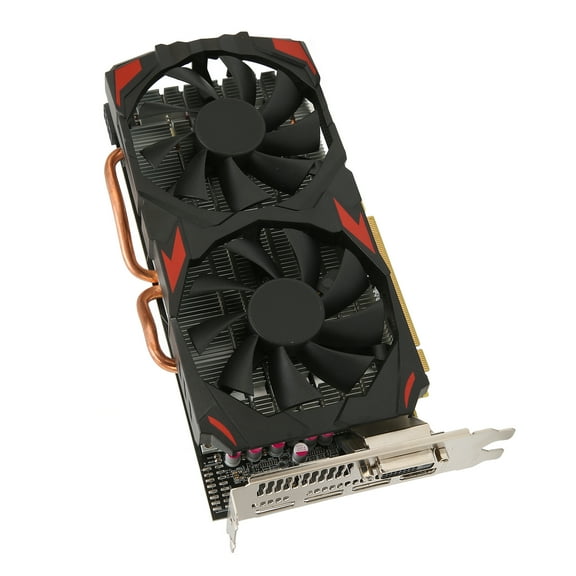
Instead of playing the driver update lottery, I tried other troubleshooting ideas. I noticed the black screens only happened on the primary monitor (both monitors are identical models). The primary monitor always used the HDMI port from the video card. The secondary monitor used the DVI-D port.
After a lot of swapping cables and primary/secondary monitor roles, I concluded that the problem follows the HDMI signal from the graphics card. The DVI-D port never has the problem.
The HDMI connection with the first monitor always gets the blackouts, the HDMI connected to the second monitor never has blackouts. And the DVI-D connected to either monitor never has blackouts.
It looks like the HDMI signal is maybe weak and the first monitor has an issue with the weak signal. The HDMI weak signal doesn't bother the second monitor. So I ended up with my primary monitor on DVI-D and secondary monitor on HDMI, and I get no black screens any longer. The only issue left is that the graphics card insists on displaying BIOS and startup on the monitor connected to the HDMI port.