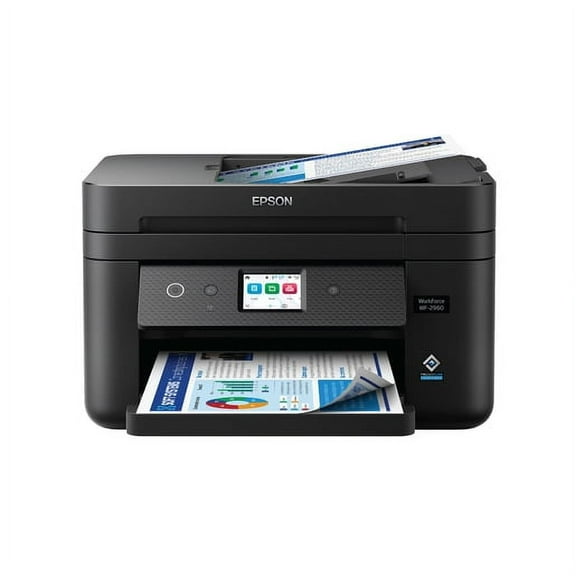
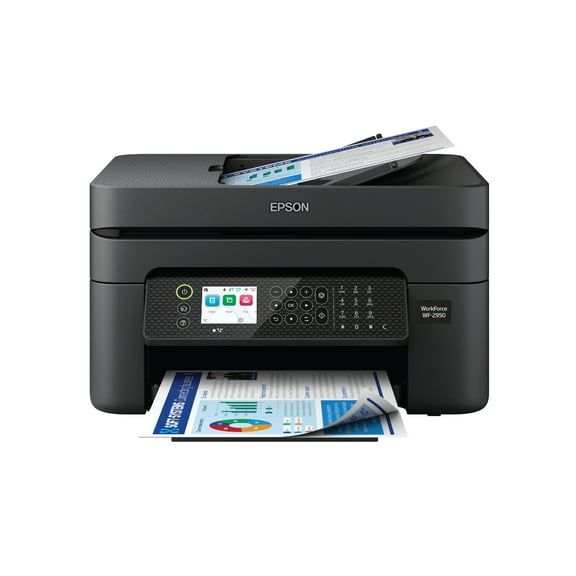
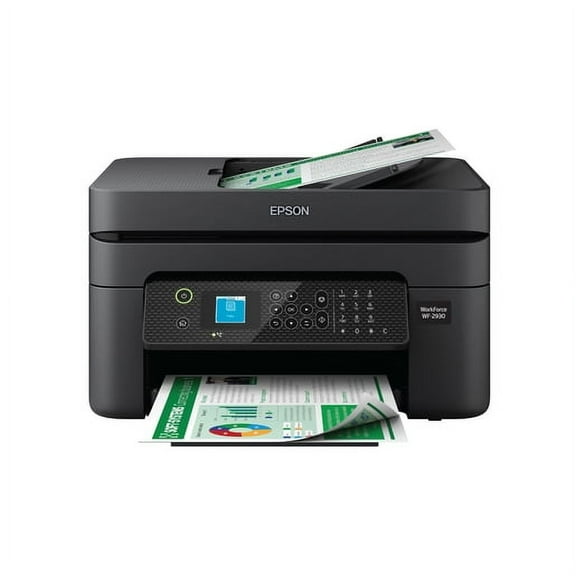
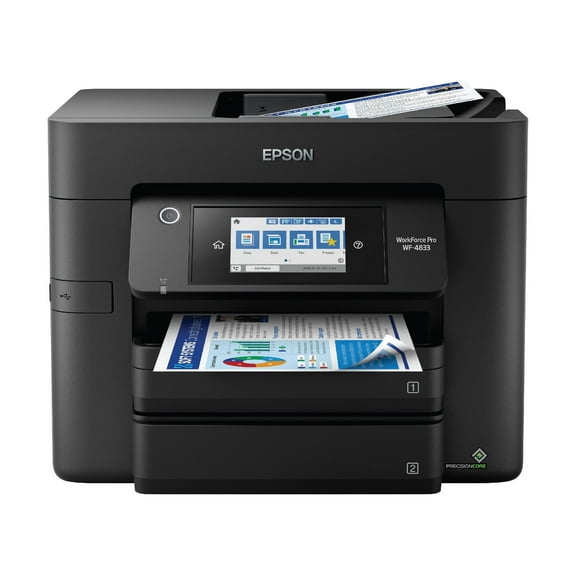
Epson Workforce Pro WF-3823 Wireless All-in-One Printer with Auto 2-Sided Print, 250-Sheet Tray and 2.7" Color Touchscreen - Black
Hero image 0 of Epson Workforce Pro WF-3823 Wireless All-in-One Printer with Auto 2-Sided Print, 250-Sheet Tray and 2.7" Color Touchscreen - Black, 0 of 6

Epson Workforce Pro WF-3823 Wireless All-in-One Printer with Auto 2-Sided Print, 250-Sheet Tray and 2.7" Color Touchscreen - Black

Key item features

  • High-Speed Printing: Precision Core Heat-Free Technology delivers fast, high-volume printing with speeds of 21 (black)/11 (color) ISO ppm.
  • Wireless Convenience: Easy wireless setup using a smartphone or mobile device with Bluetooth Low Energy (BLE), plus built-in wireless, Wi-Fi Direct, and Ethernet networking.
  • Efficient Scanning: Epson ScanSmart supports seamless scanning and editing with a user-friendly interface.
  • Large Capacity: Maximize efficiency with a 250-sheet paper capacity and auto 2-sided printing.
  • User-Friendly Interface: 2.7" color touchscreen for quick navigation and control, plus the Epson Smart Panel app for enhanced connectivity and productivity.
  • Comprehensive Security: Features secure wireless and Secure Data Erase for comprehensive security.
  • Energy Efficient: Low energy consumption with Precision Core Heat-Free Technology.
  • Professional Quality: High-precision printing with accurate dot placement and DURABrite Ultra instant-dry pigment inks for professional-quality prints.
Generated by AI
Current price is Now $99.99
You save $50.00
was $149.99
Price when purchased online
  • Free shipping
  • Free 30-day returns
Walmart Protection Plan by Allstate

(Only one option can be selected at a time)

How do you want your item?

Try 30 days for just $1! Choose a plan at checkout.
How do you want your item?
Columbus, 43215
Arrives by Fri, May 8
Sold and shipped by Walmart.com
Free 30-day returns

walmart plus

Try 30 days of Walmart+ for just $1!

T&C apply.

About this item
Product details

Specifications

Customer ratings & reviews

4.1 out of 5 stars
stars311 ratings144 reviews
How item rating is calculated

Reviews summary

Pros

  • : Prints at high volume quickly.

Neutral

  • : Can be long-lasting, but may require frequent replacements.
  • : Can be economical, but may run out quickly depending on usage.
Generated by AI

Customer photos

  • +42 images
Filtered and sorted results would be available on the new 'Customer ratings & reviews' page.
Sort by |

Showing 1-3 of 144 reviews

Apr 3, 2026
Jody from Colorado
5 out of 5 stars review

Seller Verified Purchase

WF3823 is a gem for the money

I like the update from my previous WF2750. This WH3823 has a touch screen and is more user friendly. The paper tray also holds more paper than my previous Epson. Set up took about 1/2 hour and was pretty easy to follow via the online downloading software.

Review from epson.com
Helpful?68KHEDCBNSQ0866176241
May 13, 2025
Larry
5 out of 5 stars review

Verified Purchase

This unit works flawless. I bought one of those no cartridge printers, where you pour the correct color in yourself. I wasted almost 3 hundred bucks. I tried to do everything the manual said but it will not print. These packed feature printers are not reliable. Printers donot need to be complicated.

Helpful?68KHEDCBNSQ0866176241
Nov 30, 2025
Jeffrey
5 out of 5 stars review

Verified Purchase

Not a techie, but was able to figure out how to set it up - though it took about 45 minutes. What I was most impressed with was that I was able to get this printer to recognize the Wi-Fi hotspot on my Pixel 8a and print flawlessly and beautifully. The printer also remembers the password of the Wifi hotspot on the Pixel 8a when I turn it back on. I did not use the CD because I only use smartphones. All I did was touch the wifi icon on the printer screen and after putting in my password, the two were instantly connected. I then went into the Pixel settings on the web page I wanted to print and clicked share, then print and then went to the top of the menu to highlight the printer and then clicked. I was able to print on any webpage, along with my Gmail and Yahoo mail . No special apps to install.. Very easy and intuitive. There is a lot of talk online about whether or not one should download the firmware update as that will restrict you to buying replacement ink solely from Epson. Others have claimed that by not downloading the firmware update, you can save money by buying rebranded Epson ink by a third party vendor. I would be careful doing this. Thirty years ago I was buying rebranded ink from a third party vendor at a substantial discount and it worked out fine for a couple of years and then one day the rebranded ink cartridge splattered all over the inside of my printer, destroying my printer. So, I would think twice about buying rebranded ink. Yes, the ink cartridges are expensive. Maybe you can find another retailer like Walmart or other third party selling Epson ink cartridges at a slight discount to what Epson is selling it for. The bottom line here is this printer is compatible with my Pixel 8a, which likely means it is compatible with other Pixel models too. But I can only vouch for the Pixel 8a using the Wi-Fi hotspot on the US Mobile, T-Mobile network.

Helpful?68KHEDCBNSQ0866176241