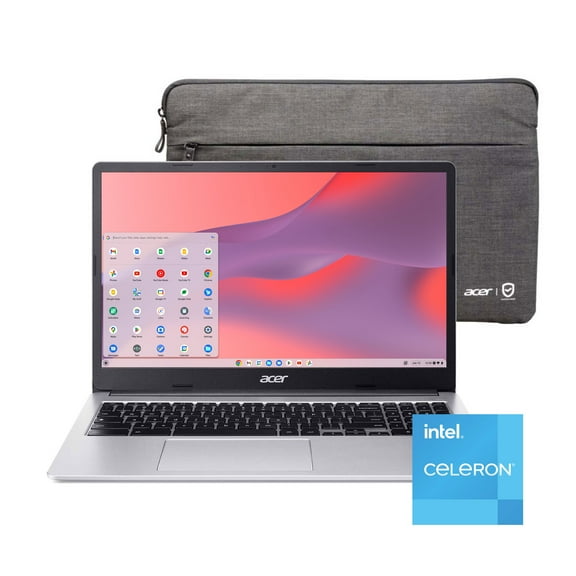
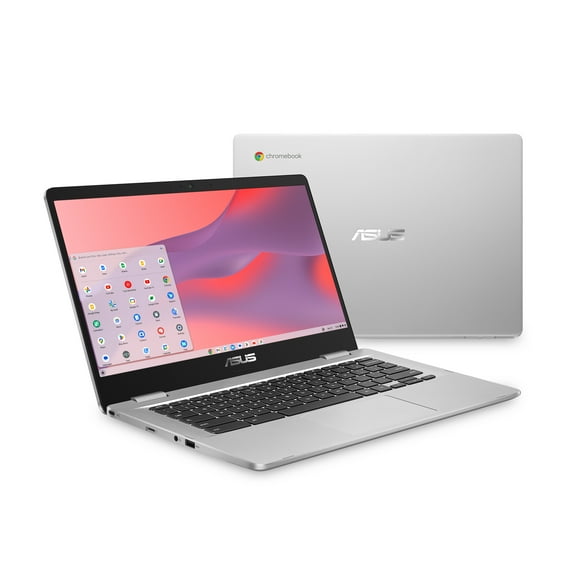
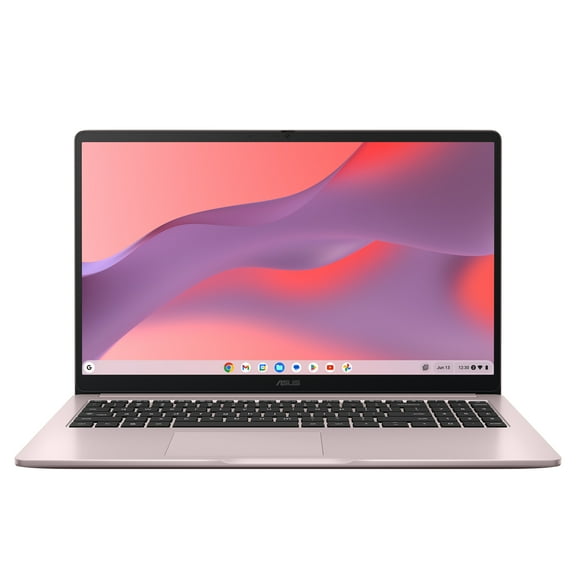
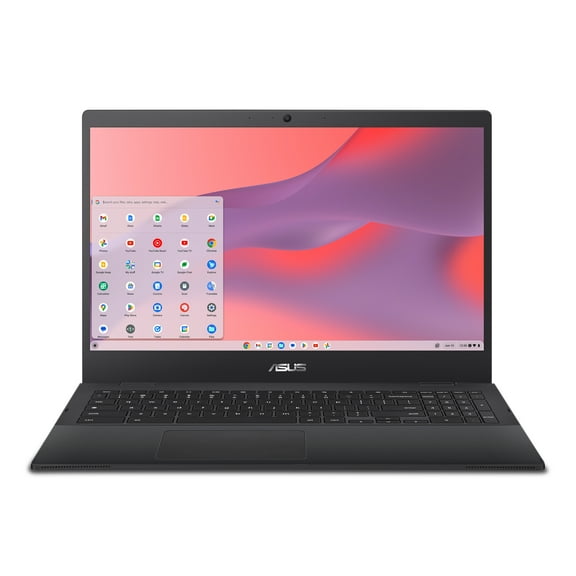
ASUS CX1500 Chromebook, 15.6" FHD, Intel Celeron N3350, 4GB RAM, 64GB eMMC, Chrome OS, Mineral Gray, CX1500CNA-WS44F
Hero image 0 of ASUS CX1500 Chromebook, 15.6" FHD, Intel Celeron N3350, 4GB RAM, 64GB eMMC, Chrome OS, Mineral Gray, CX1500CNA-WS44F, 0 of 7
Clearance

ASUS CX1500 Chromebook, 15.6" FHD, Intel Celeron N3350, 4GB RAM, 64GB eMMC, Chrome OS, Mineral Gray, CX1500CNA-WS44F

Key item features

  • Flexible Hinge: With its 180-degree hinge, the ASUS Chromebook CX1500 can be laid flat to share content easily with friends and colleagues.
  • Lightweight Design: Weighing only 3.97lbs, this Chromebook is built for an on-the-go lifestyle with up to 11 hours of battery life.
  • Full HD Display: Features a stunning 15.6" Full HD 1920x1080 screen with anti-glare for a larger screen and better viewing experience.
  • Intel Processor: Powered by the Intel Celeron N3350 Processor (2M Cache, up to 2.4GHz, 2 cores) for efficient performance.
  • Durable Build: Constructed with Military-Grade standard MIL-STD 810H US for enhanced durability.
  • Comprehensive Ports: Includes 1x audio jack, 2x USB Type-C (Gen 1) ports, 2x USB 3.2 Type-A (Gen 1), and a Micro SD Card reader.
  • Chrome OS: Runs on Chrome OS with access to Google apps, allowing you to edit, download, and convert Microsoft Office files in Google Docs, Sheets, and Slides.
  • Cloud Storage: Comes with 100GB of cloud storage for 12 months with Google One, providing ample space for files and photos.
Generated by AI
Current price is Now $171.00
You save $19.05
was $190.05
Price when purchased online
Out of stock
Out of stock
Out of stock

How do you want your item?

How do you want your item?
Out of stock

About this item

Product details

Specifications

Warnings

Customer ratings & reviews

4.3 out of 5 stars
stars640 ratings559 reviews
How item rating is calculated

Reviews summary

Pros

  • : Simple to set up and operate.
  • : Priced lower than similar products.
  • : Ideal for portable use with sufficient screen space.
  • : Lasts around 7-12 hours with mixed usage.

Neutral

  • : Can be comfortable and responsive, but may feel cheap and loud.
Generated by AI

Customer photos

  • +95 images
Filtered and sorted results would be available on the new 'Customer ratings & reviews' page.
Sort by |

Showing 1-3 of 559 reviews

Feb 10, 2022
Augusto Valderrama
5 out of 5 stars review

Seller Verified Purchase

Opinion of an experienced user of Windows 42 years

In summary, ASUS Chromebook CX1 (CX1500) is very reliable for the following: a) The new Chromebook Operating System is excellent, very secure because I don't need to use an Antivirus Program, also, it is very fast. My opinion is based in my experience as an IT specialist / Trainer using Microsoft Windows since 1980, and finally somebody created another better Operating System than Windows. I am very happy about it.

Review from https://www.asus.com
Helpful?10N3POZAEMO4862552395
Aug 26, 2023
Charlene
5 out of 5 stars review

Verified Purchase

FAST DELIVERY AND FAST SET UP

I purchased 2 ordered Thursday received Saturday the only thing you can tell it's used is the bottom other than that everything else looks new got these for 7 and 5 year old couldn't register laptops because it's the weekend but my daughter will do it on Monday oh yea also the ear plugs wasn't included

Helpful?10N3POZAEMO4862552395
Mar 26, 2022
Olivia C.
5 out of 5 stars review

Seller Verified Purchase

Loving My Asus

I am loving my Chromebook. I actually prefer this over windows. With windows you have to buy the Microsoft subscription and everything and with Chromebook you get the same features, plus more for free with your gmail, i love it. Also whatever your working on in google automatically saves, do you know how many school papers I've lost in the past messing with Microsoft word? LOL. Oh and this computer has the new C-port jack for my Iphone charger, I love it. Oh and the fact that there is ports on both sides of the computer so i can always plug the charger up on the side nearest an outlet (I hate when the charger port is on the right but the way you may be positioned and the outlet is on the left so the cord is overlaping).

Review from https://www.asus.com
Helpful?10N3POZAEMO4862552395