

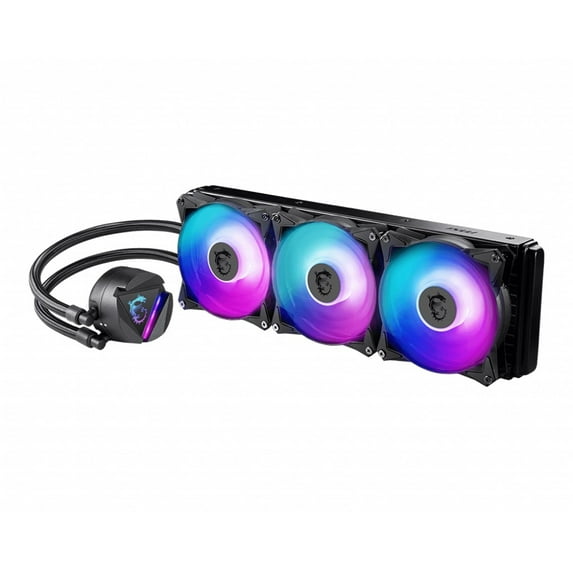
Hero image 0 of MSI CL360R MAG Series 360R Liquid Water CPU Cooler, 0 of 3
MSI CL360R MAG Series 360R Liquid Water CPU Cooler
Key item features
- The newly introduced MAG CORELIQUID has everything you're looking for in a liquid cooler, ranging from quality materials that provide reliable durability to heat dissipation technologies that are extremely effective. Users can even enjoy perks like ARGB lighting and a 270-degree rotating blockhead that is simple to use. On top of that, the blockhead boasts a unique irregular aesthetic that is both stylish and artistic. Every single component of the MAG CORELIQUID is designed with the end goal in mind: to provide effective cooling without any compromise.
- Rotatable Blockhead Mount the cold plate at any orientation, turn the blockhead up to 270 degrees, and keep it upright.
- RADIATOR PUMP DESIGN The pump has been integrated into the radiator for sound dampening and noise reduction. Additionally, placing the pump into the radiator also increases the pump's life expectancy by moving it away from the heat source.
- Pump Motor Resonance Elimination A durable three phase motor at the core of the pump generates minimal vibrations for long-lasting operation.
- High Thermal Dissipation A split pathway through the radiator rapidly dissipates heat, cooled liquid is then pumped back into the loop.
- Evaporation Proof Tubing Constructed with three layers of netted plastic tubing and a reinforced mesh exterior.
- DIY 2.0 – INTEGRATING WITH THE SYSTEM ENVIRONMENT Connect and synchronize with MSI coolers and cases with strategically positioned pin-header locations including a dedicated pump-fan header.
- MORE SILENCE THAN EXPECTED MAG CORELIQUID 360R's noise level is significantly lower than that of competitor's by 10%.
- Cooling You Can't Hear For those who prefer a quieter environment, a bundled noise reducer cable changes the fans’ speed to produce less sound while still providing good airflow.
- EXTENSIVE COMPATIBILITY Robust yet built for flexibility, MAG CORELIQUID has been designed with a secure installation bundle with compatibility on a number of Intel and AMD motherboards.
- Number of Fans 3 Fan Dimensions 120 x 120 x 25mm / 4.7 x 4.7 x 0.98 inches Fan Speed 500 ~ 2000 RPM
- Fan Power Consumption 1.8 W Fan Rated Current 0.15 A Fan Rated Voltage 12V DC
- Fan Bearing Two Ball Bearing Fan Air Pressure 0.23 ~ 2.39 mmH2O Fan Noise Level 14.3 ~ 34.3 dBA
- Fan Air Flow 21.63 ~ 78.73 CFM Fan Lighting ARGB Fan ARGB Cable Connector Pin + Socket
- PWM Mode Yes Fan Cable Length (5V ARGB / PWM cable) 550 / 350mm; 21.65 / 13.78 inches
- Radiator Material Aluminum Radiator Dimensions 394 x 120 x 27mm / 15.5 x 4.7 x 1.06 inches Radiator Water Cooling Pipe Length 400mm / 15.75 inches
- Block Dimensions 80.57x 66.82 x 48.58mm / 3.17 x 2.63 x 1.91 inches Block Lighting ARGB Block ARGB 5V Cable Length 400mm / 15.75 inches Block ARGB Cable Connector Pin + Socket
- Pump Load Current 0.34 A Pump Rated Voltage 12V DC
- Pump Speed 4200 RPM Pump Power Consumption 4.08W
- Intel Socket LGA 1150/1151/1155/1156/1200 LGA 1366/2011/2011-3/2066
- AMD Socket AM4/FM2+/FM2/FM1/AM3+/AM3/AM2+/AM2 SocketTR4/sTRX4/SP3
- Accessories 1 to 3 Fan PWM cable x 1 PSU Molex 4-Pin to 4-Pin(2 Pin Wired) Fan cable x 1 Noise reducer cable x 1
Specs
- Computer cooling typeCPU Fans
- BrandMSI
- Installed fan sizes119.89 mm
- Air flow78.7 CFM, 78.73 CFM
- Fan speed2000 rpm
- FeaturesAdjustable Fan Speed
Current price is USD$161.39
Price when purchased online
Out of stock
How do you want your item?
Out of stock
About this item
Product details
Conquer the Battlefield The MAG series was born through rigorous quality testing and designed to be a symbol of sturdiness and durability. Focused on providing the best user experience, the MAG series has a simple installation process coupled with a friendly user interface making it the best choice for entry level gamers
- The newly introduced MAG CORELIQUID has everything you're looking for in a liquid cooler, ranging from quality materials that provide reliable durability to heat dissipation technologies that are extremely effective. Users can even enjoy perks like ARGB lighting and a 270-degree rotating blockhead that is simple to use. On top of that, the blockhead boasts a unique irregular aesthetic that is both stylish and artistic. Every single component of the MAG CORELIQUID is designed with the end goal in mind: to provide effective cooling without any compromise.
- Rotatable Blockhead Mount the cold plate at any orientation, turn the blockhead up to 270 degrees, and keep it upright.
- RADIATOR PUMP DESIGN The pump has been integrated into the radiator for sound dampening and noise reduction. Additionally, placing the pump into the radiator also increases the pump's life expectancy by moving it away from the heat source.
- Pump Motor Resonance Elimination A durable three phase motor at the core of the pump generates minimal vibrations for long-lasting operation.
- High Thermal Dissipation A split pathway through the radiator rapidly dissipates heat, cooled liquid is then pumped back into the loop.
- Evaporation Proof Tubing Constructed with three layers of netted plastic tubing and a reinforced mesh exterior.
- DIY 2.0 – INTEGRATING WITH THE SYSTEM ENVIRONMENT Connect and synchronize with MSI coolers and cases with strategically positioned pin-header locations including a dedicated pump-fan header.
- MORE SILENCE THAN EXPECTED MAG CORELIQUID 360R's noise level is significantly lower than that of competitor's by 10%.
- Cooling You Can't Hear For those who prefer a quieter environment, a bundled noise reducer cable changes the fans’ speed to produce less sound while still providing good airflow.
- EXTENSIVE COMPATIBILITY Robust yet built for flexibility, MAG CORELIQUID has been designed with a secure installation bundle with compatibility on a number of Intel and AMD motherboards.
- Number of Fans 3 Fan Dimensions 120 x 120 x 25mm / 4.7 x 4.7 x 0.98 inches Fan Speed 500 ~ 2000 RPM
- Fan Power Consumption 1.8 W Fan Rated Current 0.15 A Fan Rated Voltage 12V DC
- Fan Bearing Two Ball Bearing Fan Air Pressure 0.23 ~ 2.39 mmH2O Fan Noise Level 14.3 ~ 34.3 dBA
- Fan Air Flow 21.63 ~ 78.73 CFM Fan Lighting ARGB Fan ARGB Cable Connector Pin + Socket
- PWM Mode Yes Fan Cable Length (5V ARGB / PWM cable) 550 / 350mm; 21.65 / 13.78 inches
- Radiator Material Aluminum Radiator Dimensions 394 x 120 x 27mm / 15.5 x 4.7 x 1.06 inches Radiator Water Cooling Pipe Length 400mm / 15.75 inches
- Block Dimensions 80.57x 66.82 x 48.58mm / 3.17 x 2.63 x 1.91 inches Block Lighting ARGB Block ARGB 5V Cable Length 400mm / 15.75 inches Block ARGB Cable Connector Pin + Socket
- Pump Load Current 0.34 A Pump Rated Voltage 12V DC
- Pump Speed 4200 RPM Pump Power Consumption 4.08W
- Intel Socket LGA 1150/1151/1155/1156/1200 LGA 1366/2011/2011-3/2066
- AMD Socket AM4/FM2+/FM2/FM1/AM3+/AM3/AM2+/AM2 SocketTR4/sTRX4/SP3
- Accessories 1 to 3 Fan PWM cable x 1 PSU Molex 4-Pin to 4-Pin(2 Pin Wired) Fan cable x 1 Noise reducer cable x 1
info:
We aim to show you accurate product information. Manufacturers, suppliers and others provide what you see here, and we have not verified it.
Specifications
Computer cooling type
CPU Fans
Brand
MSI
Installed fan sizes
119.89 mm
Air flow
78.7 CFM, 78.73 CFM
Warranty
Warranty information
5 YEARS
Please be aware that the warranty terms on items offered for sale by third party Marketplace sellers may differ from those displayed in this section (if any). To confirm warranty terms on an item offered for sale by a third party Marketplace seller, please use the 'Contact seller' feature on the third party Marketplace seller's information page and request the item's warranty terms prior to purchase.
Please be aware that the warranty terms on items offered for sale by third party Marketplace sellers may differ from those displayed in this section (if any). To confirm warranty terms on an item offered for sale by a third party Marketplace seller, please use the 'Contact seller' feature on the third party Marketplace seller's information page and request the item's warranty terms prior to purchase.
Warnings
 WARNING: Both
Similar items you might like
Based on what customers bought
MSI MAG CoreLiquid 240R V2 AIO Liquid CPU Cooler, 240mm Radiator, Dual PWM Fans, ARGB Lighting Controlled by Software - LGA 1700/1851 / AM5/AM4 Compatible $109.99
 $10999current price $109.99
MSI MAG CoreLiquid 240R V2 AIO Liquid CPU Cooler, 240mm Radiator, Dual PWM Fans, ARGB Lighting Controlled by Software - LGA 1700/1851 / AM5/AM4 Compatible
12 out of 5 Stars. 1 reviewsCooler Master MasterLiquid ML360R Cooling Fan/Radiator - Processor $84.99
 $8499current price $84.99
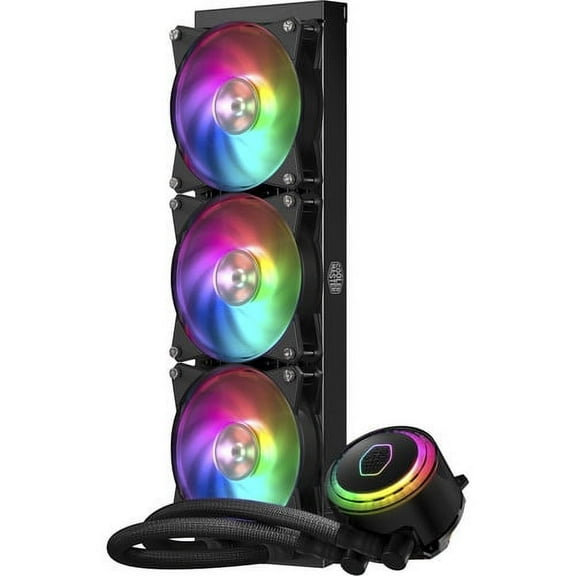
Cooler Master MasterLiquid ML360R Cooling Fan/Radiator - Processor
13 out of 5 Stars. 1 reviewsCooler Master MasterLiquid ML240L RGB V2, Close-Loop AIO CPU Liquid Cooler, 240 Radiator, Dual SickleFlow 120mm, RGB Lighting, 3rd Gen Dual Chamber Pump for AMD Ryzen/Intel LGA1151 $89.99
 $8999current price $89.99
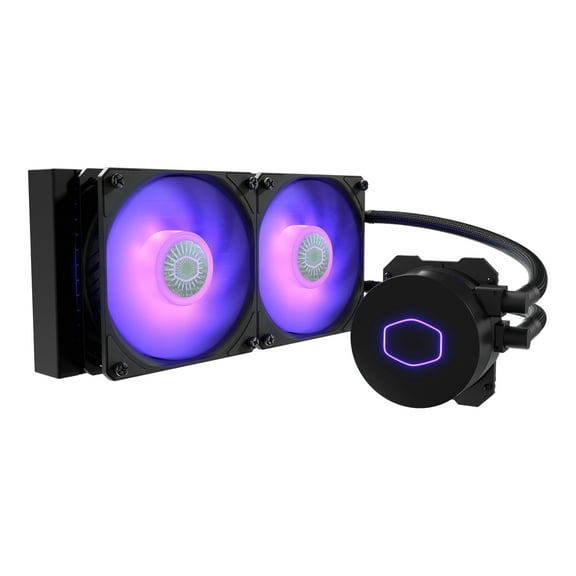
Cooler Master MasterLiquid ML240L RGB V2, Close-Loop AIO CPU Liquid Cooler, 240 Radiator, Dual SickleFlow 120mm, RGB Lighting, 3rd Gen Dual Chamber Pump for AMD Ryzen/Intel LGA1151
134 out of 5 Stars. 13 reviewsCooler Master Elite Liquid 360 Cooling Fan/Radiator/Pump $89.99
 $8999current price $89.99
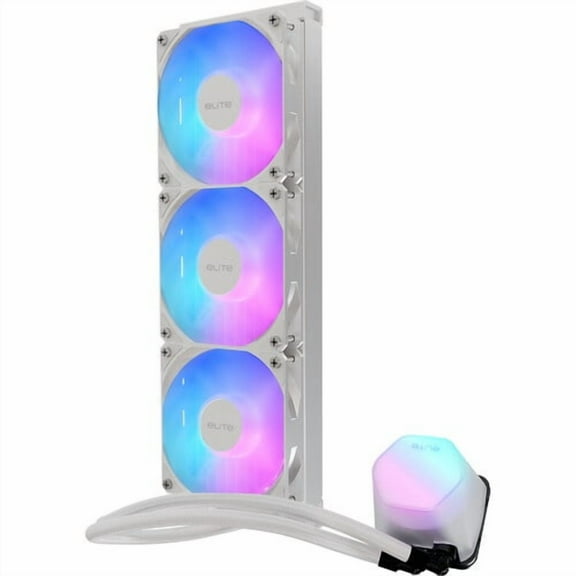
Cooler Master Elite Liquid 360 Cooling Fan/Radiator/Pump
14 out of 5 Stars. 1 reviewsNZXT Kraken X73 360mm - RL-KRX73-01 - AIO RGB CPU Liquid Cooler - Rotating Infinity Mirror Design - Powered By CAM V4 - RGB Connector - 3 x Aer P120 120mm Radiator Fans LGA 1700 Compatible $299.99
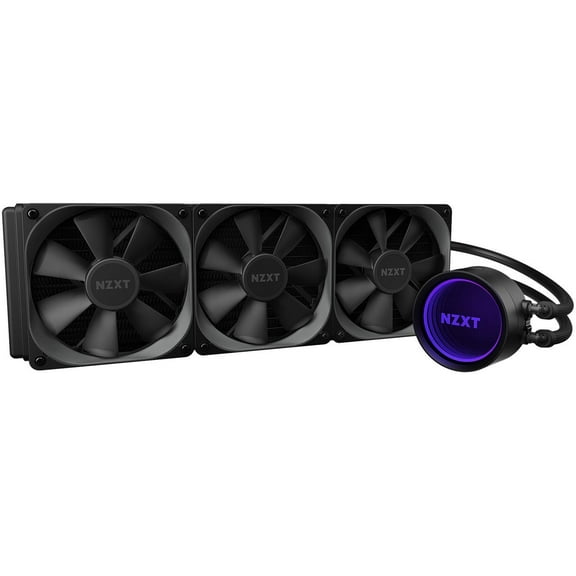 $29999current price $299.99
NZXT Kraken X73 360mm - RL-KRX73-01 - AIO RGB CPU Liquid Cooler - Rotating Infinity Mirror Design - Powered By CAM V4 - RGB Connector - 3 x Aer P120 120mm Radiator Fans LGA 1700 Compatible
15 out of 5 Stars. 1 reviewsNZXT Kraken RL-KRZ73-01 Cooling Fan/Radiator/Water Block $399.90
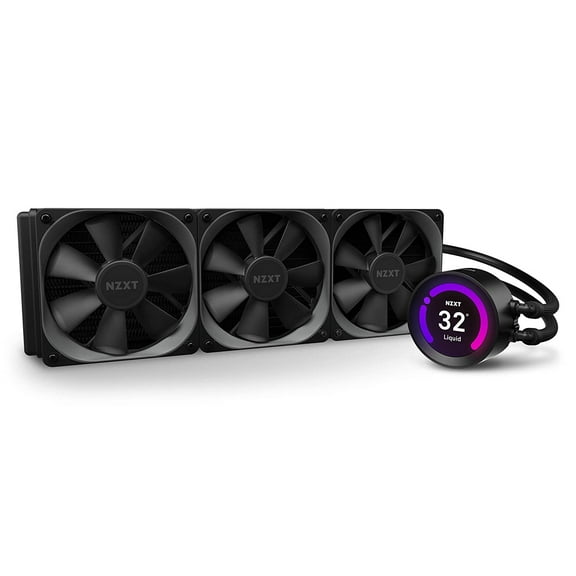 $39990current price $399.90
NZXT Kraken RL-KRZ73-01 Cooling Fan/Radiator/Water Block
13 out of 5 Stars. 1 reviewsCoolerMaster MasterLiquid PL360 Flux RGB CPU Liquid Cooler, Black $142.50
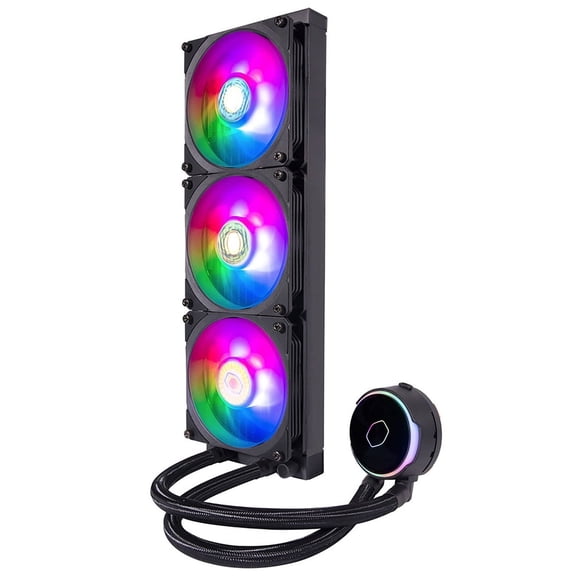 $14250current price $142.50
CoolerMaster MasterLiquid PL360 Flux RGB CPU Liquid Cooler, Black
25 out of 5 Stars. 2 reviewsEK 360mm AIO Elite, D-RGB All-in-One Liquid CPU Cooler with EK-Vardar High-Performance PMW Fans, 120mm Fan, Intel 115X/1200/2066, AMD AM4 (360mm AIO) LGA 1700 Compatible(Requires purchase of LGA $127.59
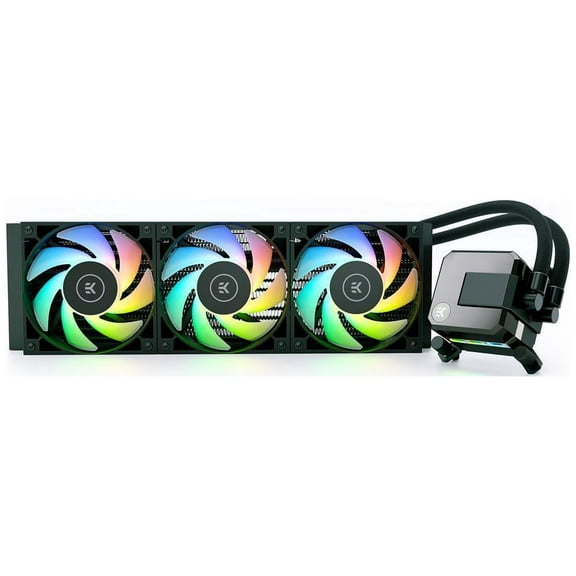 11 optionsAvailable in additional 11 options$12759current price $127.59
EK 360mm AIO Elite, D-RGB All-in-One Liquid CPU Cooler with EK-Vardar High-Performance PMW Fans, 120mm Fan, Intel 115X/1200/2066, AMD AM4 (360mm AIO) LGA 1700 Compatible(Requires purchase of LGA
84.6 out of 5 Stars. 8 reviewsThermaltake Floe Dual Riing RGB 280 TT Premium Edition PWM TR4 AM4 LGA1200 Ready AIO Liquid Cooling System 280mm High Efficiency Radiator CPU Cooler CL-W167-PL14SW-A, Black $89.99
 $8999current price $89.99
Thermaltake Floe Dual Riing RGB 280 TT Premium Edition PWM TR4 AM4 LGA1200 Ready AIO Liquid Cooling System 280mm High Efficiency Radiator CPU Cooler CL-W167-PL14SW-A, Black
Customer ratings & reviews
How item rating is calculated
Filtered and sorted results would be available on the new 'Customer ratings & reviews' page.
Sort by |
Showing 1-1 of 1 review
Dec 3, 2020
Billstrum
5 out of 5 stars review
Easy install for noob doing first build.
This was for my first build. Never installed an aio before but was super easy and had no problems getting it all installed in a Phanteks p500a. Haven't really used under load yet because my 3080 isn't coming for another 10 days but with on board igpu stays around 45 c, and 25 c idle with an i9 10900k so so far so good. I will try to update when I get a chance to test it after a gaming session.
Helpful?4VLACO0I1LS5817874704
