

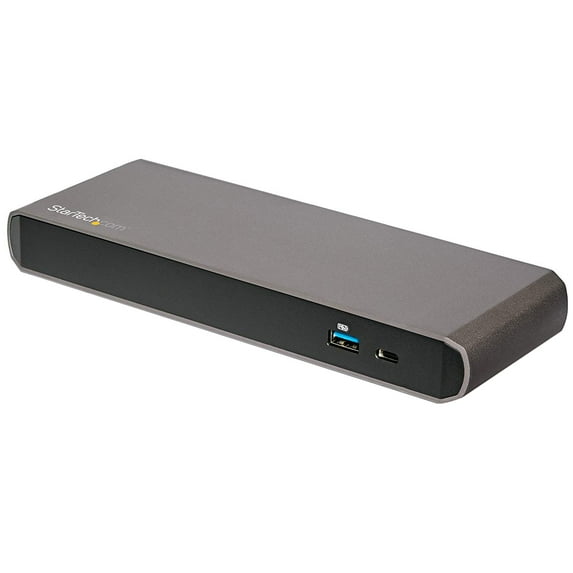
StarTech Thunderbolt 3 Dock 4K Dual Monitor, Black
Key item features
- Dual 4K Monitor Thunderbolt 3 Dock with 3x USB 3.0 Ports
- 1 x Thunderbolt 3 Cable
- 1 x USB-C to DP Cable
- 1 x Universal Power Adapter
- 2 x Power Cords
- 1 x Instruction Manual
- Apple MacBook Pro (2016) Notebooks
- XPS 13
- XPS 15
Specs
- CompatibilityMac, PC
- Maximum number of monitors2
- Resolution4K UHD
- Usb version3.0
- BrandStarTech.com
- Has written warrantyNo
- Free shipping
 Free 30-day returns

(Only one option can be selected at a time)
How do you want your item?



Get free delivery, shipping and more*
About this item
Product details
- Dual 4K Monitor Thunderbolt 3 Dock with 3x USB 3.0 Ports
- 1 x Thunderbolt 3 Cable
- 1 x USB-C to DP Cable
- 1 x Universal Power Adapter
- 2 x Power Cords
- 1 x Instruction Manual
- Apple MacBook Pro (2016) Notebooks
- XPS 13
- XPS 15
Specifications
Compatibility
Maximum number of monitors
Inputs/Outputs
Resolution
Warranty
Warranty information
Please be aware that the warranty terms on items offered for sale by third party Marketplace sellers may differ from those displayed in this section (if any). To confirm warranty terms on an item offered for sale by a third party Marketplace seller, please use the 'Contact seller' feature on the third party Marketplace seller's information page and request the item's warranty terms prior to purchase.
Warnings
Warning Text
State Chemical Disclosure
Similar items you might like
Based on what customers bought
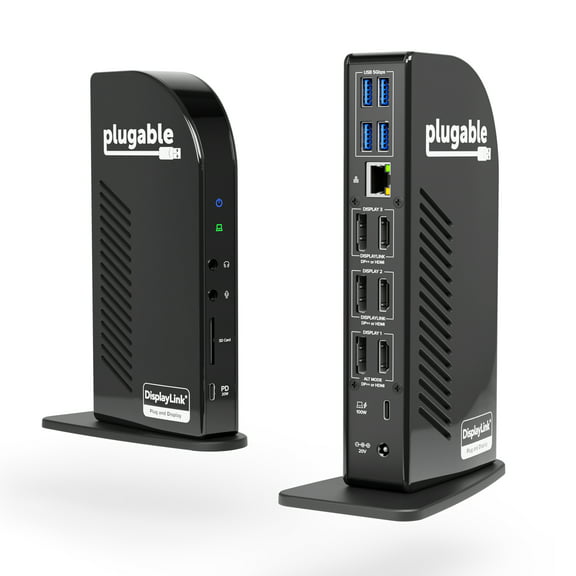
Plugable 4K USB C Docking Station Triple Monitor with 100W Power Delivery, USB C Dock for Thunderbolt 3/4, and USB-C Windows and Mac $233.95
 Sponsored$23395current price $233.95
Plugable 4K USB C Docking Station Triple Monitor with 100W Power Delivery, USB C Dock for Thunderbolt 3/4, and USB-C Windows and Mac
354.7 out of 5 Stars. 35 reviewsSave with Shipping, arrives in 2 days
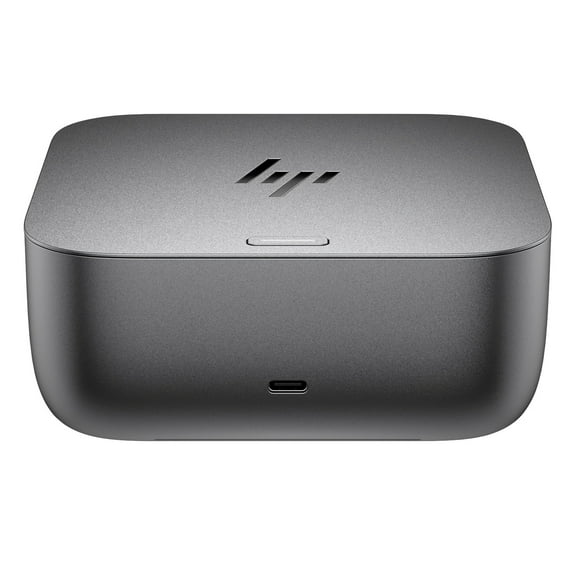
HP Thunderbolt 4 Ultra 180W G6 Dock $309.99
 $30999current price $309.99
HP Thunderbolt 4 Ultra 180W G6 Dock
103.7 out of 5 Stars. 10 reviewsDell Thunderbolt Dock WD22TB4 / K20A Thunderbolt 4 USB-C 19.5V 9.23A Docking Station MT6V9 K20A001 w/ 180w AC Adapter $129.99
 $12999current price $129.99
Dell Thunderbolt Dock WD22TB4 / K20A Thunderbolt 4 USB-C 19.5V 9.23A Docking Station MT6V9 K20A001 w/ 180w AC Adapter
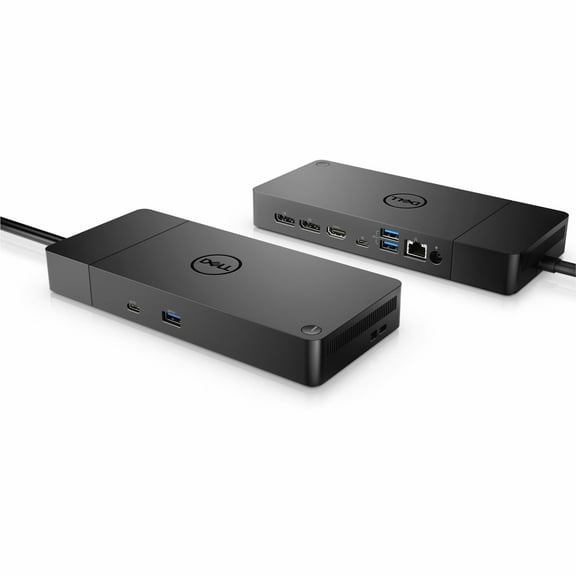
15 out of 5 Stars. 1 reviewsDell Performance Dock - WD19DCS Docking Station with 240W Power Adapter For Monitors (Provides 210W Power Delivery; 90W to Non-Dell Systems) $198.99
 $19899current price $198.99
Dell Performance Dock - WD19DCS Docking Station with 240W Power Adapter For Monitors (Provides 210W Power Delivery; 90W to Non-Dell Systems)
15 out of 5 Stars. 1 reviewsThunderbolt 3 Dual 4k Docking Station, Silver $116.82 Was $136.64
 $11682current price $116.82, Was $136.64$136.64
Thunderbolt 3 Dual 4k Docking Station, Silver
StarTech.com Thunderbolt 4 Multi-Display Docking Station 132N-TB4USB4DOCK $248.99
 $24899current price $248.99
StarTech.com Thunderbolt 4 Multi-Display Docking Station 132N-TB4USB4DOCK
Best seller v AV Access Docking Station KVM Switch Dual Monitor for Laptop & Desktop - USB-C Charge, Full Aluminum, KVM Switcher for 2 PCs with Ethernet, EDID, 4K@60Hz/2K@144Hz/1080P@240Hz, 3xUSB 3.0(iDock-C10) $189.99 Was $229.99
Best seller 9 optionsAvailable in additional 9 options$18999current price $189.99, Was $229.99$229.99
v AV Access Docking Station KVM Switch Dual Monitor for Laptop & Desktop - USB-C Charge, Full Aluminum, KVM Switcher for 2 PCs with Ethernet, EDID, 4K@60Hz/2K@144Hz/1080P@240Hz, 3xUSB 3.0(iDock-C10)
294.4 out of 5 Stars. 29 reviewsTargus USB-C Universal DV4K Docking Station with 100W Power Delivery $149.99 Was $329.99
 $14999current price $149.99, Was $329.99$329.99
Targus USB-C Universal DV4K Docking Station with 100W Power Delivery
224.2 out of 5 Stars. 22 reviewsiVANKY FusionDock 20 in 1 DisplayLink Docking Station for MacBook Pro with 180W Power Adapter, Triple 4K@60Hz Monitor Display Dock $299.99
 $29999current price $299.99
iVANKY FusionDock 20 in 1 DisplayLink Docking Station for MacBook Pro with 180W Power Adapter, Triple 4K@60Hz Monitor Display Dock
Dell Pro Smart Dock SD25 $169.99 Was $189.99
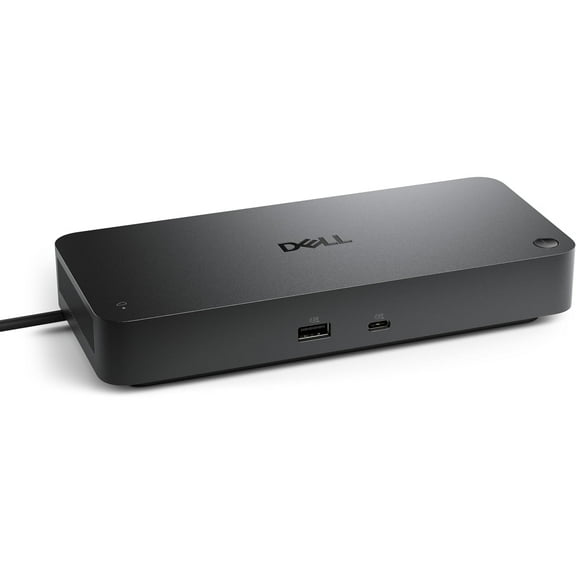 2 optionsAvailable in additional 2 options$16999current price $169.99, Was $189.99$189.99
Dell Pro Smart Dock SD25
124.4 out of 5 Stars. 12 reviewsBest seller j5create USB-C Dual 4K HDMI 10Gbps Mini Dock (2.24x5.8in and 4oz) 100W, JCD398 $59.99
Best seller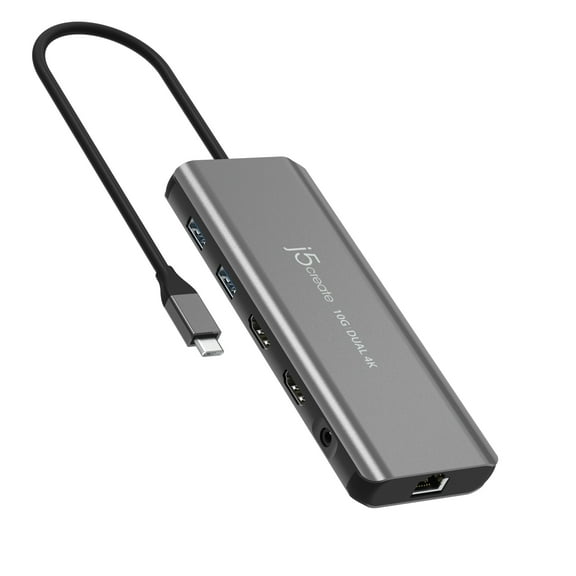 $5999current price $59.99
j5create USB-C Dual 4K HDMI 10Gbps Mini Dock (2.24x5.8in and 4oz) 100W, JCD398
1564 out of 5 Stars. 156 reviewsHP Thunderbolt Dock 280W G4 w/Combo Cable $299.89
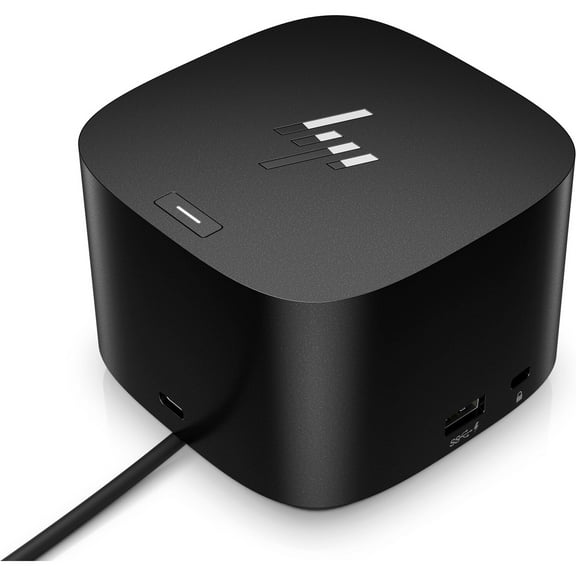 $29989current price $299.89
HP Thunderbolt Dock 280W G4 w/Combo Cable
64.3 out of 5 Stars. 6 reviewsWAVLINK Laptop Dock Station, 8K Displayport & HDMI Triple Display USB Dock with 140W Charging, RJ45, Up to 10Gbps USB-C Data Transmission $209.98
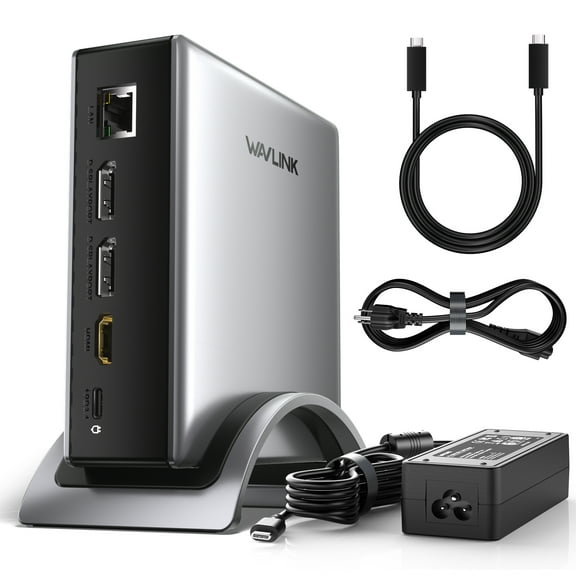 $20998current price $209.98
WAVLINK Laptop Dock Station, 8K Displayport & HDMI Triple Display USB Dock with 140W Charging, RJ45, Up to 10Gbps USB-C Data Transmission
AV Access Docking Station KVM Switch 2 Monitors 2 Laptops, 4K KVM Switch Dual Monitor, 100W PD for Each PC, 1G Ethernet, EDID Emulation, Ideal for Home Office & Gaming(KD-E20) $119.99 Was $139.99


 $11999current price $119.99, Was $139.99$139.99
AV Access Docking Station KVM Switch 2 Monitors 2 Laptops, 4K KVM Switch Dual Monitor, 100W PD for Each PC, 1G Ethernet, EDID Emulation, Ideal for Home Office & Gaming(KD-E20)
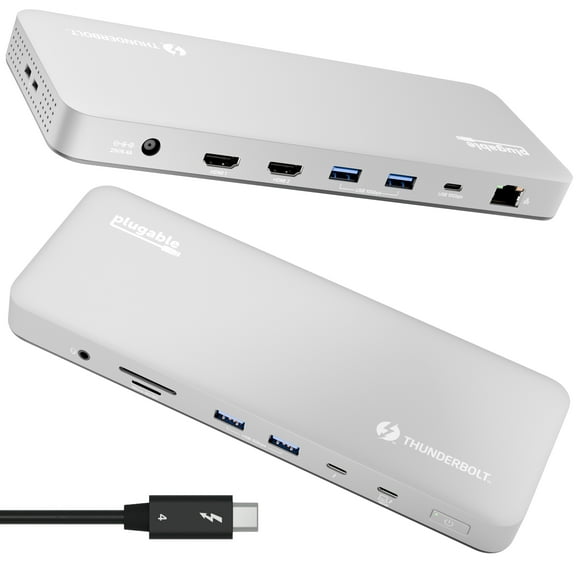
44.5 out of 5 Stars. 4 reviewsPlugable Thunderbolt 4 and USB4 Dual HDMI Display Docking Station $199.95
 $19995current price $199.95
Plugable Thunderbolt 4 and USB4 Dual HDMI Display Docking Station
ACASIS 40Gbps Mac mini M4 Dock & Stand with Dual-Bay NVMe SSD Enclosure,11-in-1 Docking Station for Mac mini M4/M4 Pro $151.99 Was $169.92
 $15199current price $151.99, Was $169.92$169.92
ACASIS 40Gbps Mac mini M4 Dock & Stand with Dual-Bay NVMe SSD Enclosure,11-in-1 Docking Station for Mac mini M4/M4 Pro
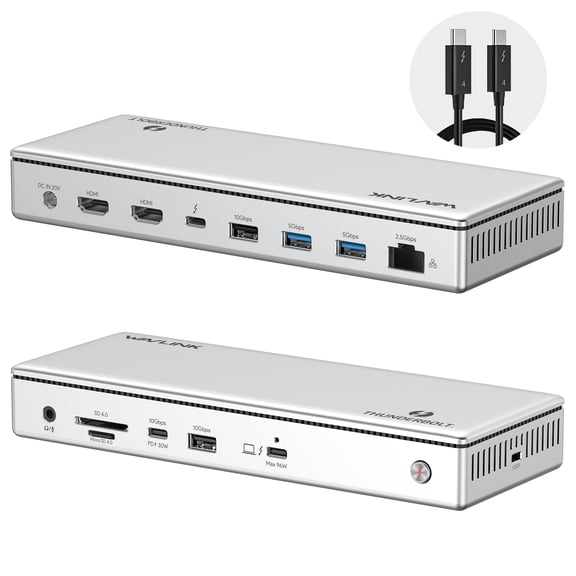
54 out of 5 Stars. 5 reviewsWAVLINK Thunderbolt 4 Docking Station, Single 8K@60Hz/ Triple 4K@60Hz Display, 96W Charging Laptop Dock for TBT 4/3 Mac & TBT 4 Windows Laptop with 40Gbps, 2.5G RJ45 $259.99
 $25999current price $259.99
WAVLINK Thunderbolt 4 Docking Station, Single 8K@60Hz/ Triple 4K@60Hz Display, 96W Charging Laptop Dock for TBT 4/3 Mac & TBT 4 Windows Laptop with 40Gbps, 2.5G RJ45
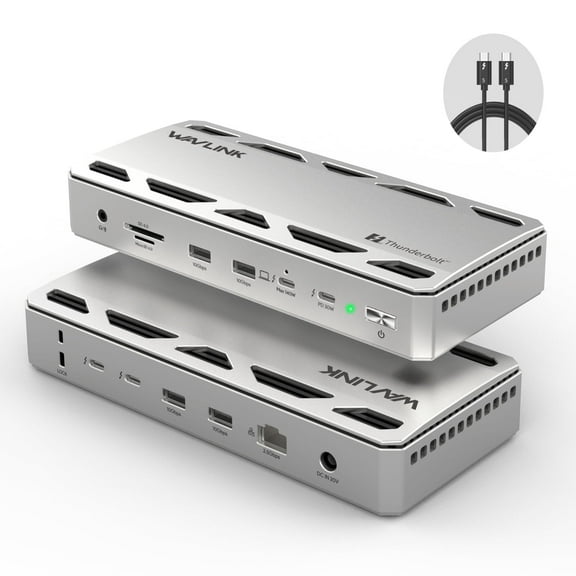
WAVLINK Thunderbolt 5 Dock Station, 12-in-1 Hub with 6K/8K Display, 140W Charging for Mac & Windows Laptops, 80Gbps USB-C, 10Gbps USB-A $340.99
 $34099current price $340.99
WAVLINK Thunderbolt 5 Dock Station, 12-in-1 Hub with 6K/8K Display, 140W Charging for Mac & Windows Laptops, 80Gbps USB-C, 10Gbps USB-A
Plugable 16-in-1 Thunderbolt 4 Dock with 100W Charging, 4K Quad Monitor Setup for Thunderbolt 4 Windows Laptops $269.50
 $26950current price $269.50
Plugable 16-in-1 Thunderbolt 4 Dock with 100W Charging, 4K Quad Monitor Setup for Thunderbolt 4 Windows Laptops
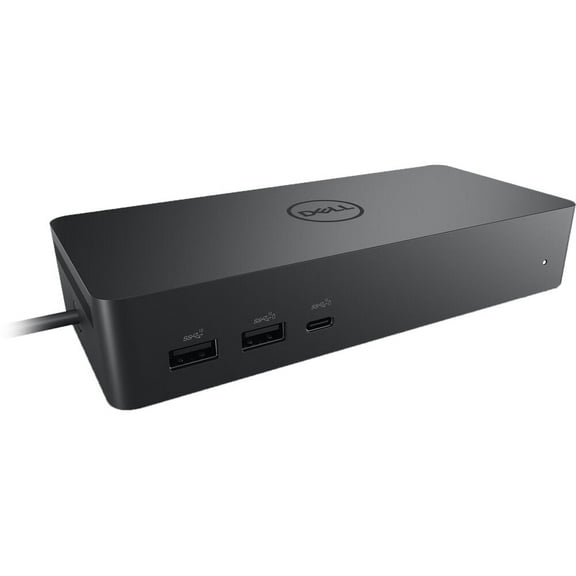
194.9 out of 5 Stars. 19 reviewsDell Universal 10-in-1 Docking Station UD22, Black $204.99
 $20499current price $204.99
Dell Universal 10-in-1 Docking Station UD22, Black
194.7 out of 5 Stars. 19 reviews

Check out these related products
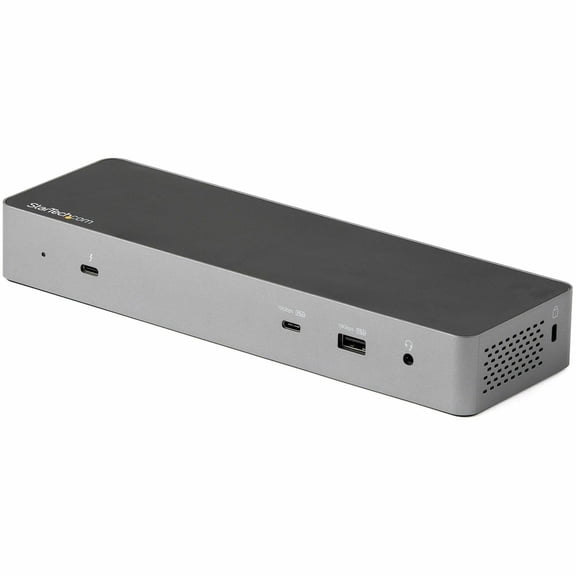
StarTech.com Thunderbolt 3 Dock w/USB-C Host Compatibility - Dual 4K 60Hz DP 1.4 or HDMI TB3/USB-C Docking Station - 1x 8K - 96W PD/5xUSB $176.99 Was $204.60
 $17699current price $176.99, Was $204.60$204.60
StarTech.com Thunderbolt 3 Dock w/USB-C Host Compatibility - Dual 4K 60Hz DP 1.4 or HDMI TB3/USB-C Docking Station - 1x 8K - 96W PD/5xUSB
24 out of 5 Stars. 2 reviewsStarTech Dual Monitor Hybrid Universal Laptop Docking Station DK30C2DPEP $253.19
 $25319current price $253.19
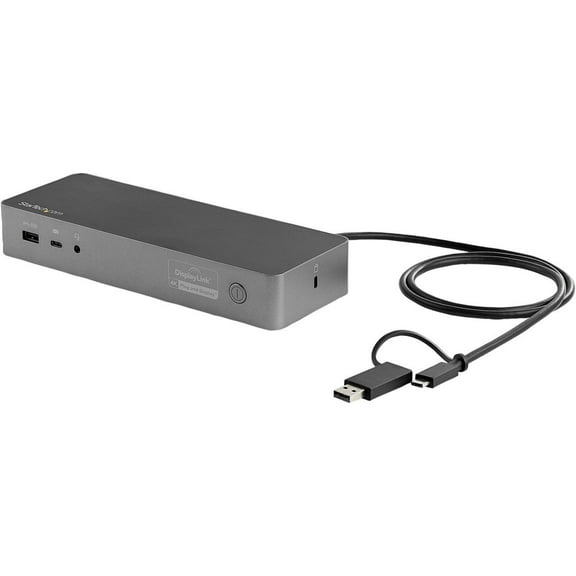
StarTech Dual Monitor Hybrid Universal Laptop Docking Station DK30C2DPEP
42.8 out of 5 Stars. 4 reviewsStarTech Thunderbolt 3 Dual-4K Docking Station for Mac and Windows $79.99
 $7999current price $79.99
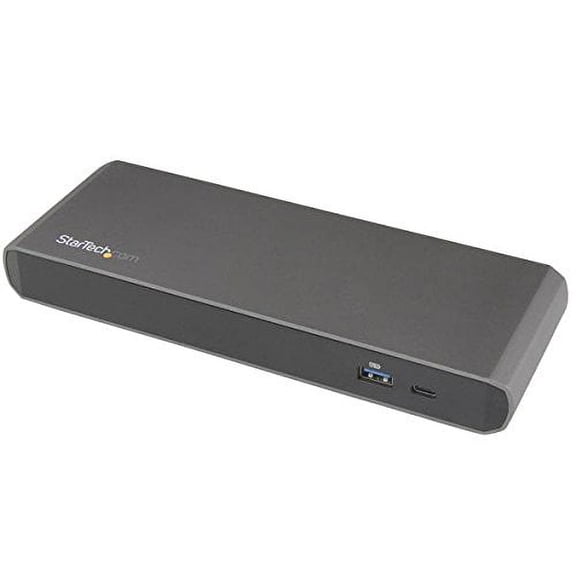
StarTech Thunderbolt 3 Dual-4K Docking Station for Mac and Windows
113.2 out of 5 Stars. 11 reviewsStartech Universal Usb 3.0 Laptop Docking Station W/ Dual Dvi Video - Hdmi® & Vga Adapters $56.90
 $5690current price $56.90
Startech Universal Usb 3.0 Laptop Docking Station W/ Dual Dvi Video - Hdmi® & Vga Adapters
124.4 out of 5 Stars. 12 reviewsStarTech.com Thunderbolt 3 Dock with USB 3.0 Ports, Black $112.99 Was $127.48
 $11299current price $112.99, Was $127.48$127.48
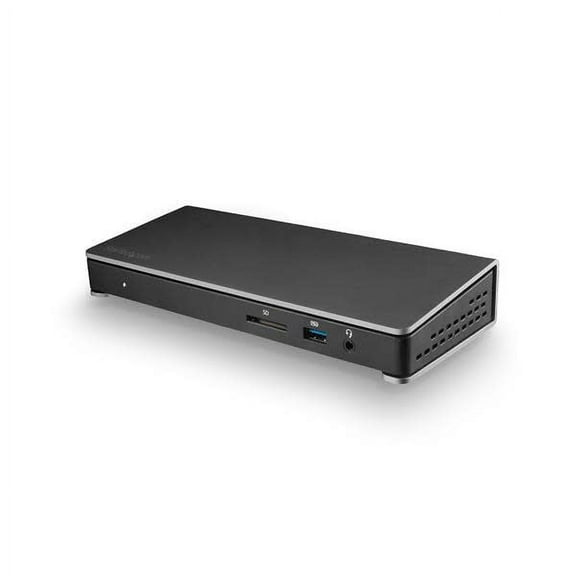
StarTech.com Thunderbolt 3 Dock with USB 3.0 Ports, Black
143.5 out of 5 Stars. 14 reviews2X 4K UNIVERSAL LAPTOP DOCKING $241.99 Was $262.00
 $24199current price $241.99, Was $262.00$262.00
2X 4K UNIVERSAL LAPTOP DOCKING
15 out of 5 Stars. 1 reviewsWavlink USB C Dual 4K HDMI&DP Universal Docking, with 100W Power Delivery, Dual 4K@60Hz and 5K@60Hz Displaylink Dock have HDMI and DisplayPort, Gigabit Ethernet, USB-C Ports, USB 3.0, Audio $156.99
 $15699current price $156.99
Wavlink USB C Dual 4K HDMI&DP Universal Docking, with 100W Power Delivery, Dual 4K@60Hz and 5K@60Hz Displaylink Dock have HDMI and DisplayPort, Gigabit Ethernet, USB-C Ports, USB 3.0, Audio
15 out of 5 Stars. 1 reviewsDUAL MONITOR USB C DOCK MST $151.61 Was $224.99
 $15161current price $151.61, Was $224.99$224.99
DUAL MONITOR USB C DOCK MST
83.9 out of 5 Stars. 8 reviewsStarTech.com DK30CH2DEP Triple-Monitor 4K USB-C Dock with 5x USB 3.0 Ports 100W PD - Black & Silver $140.99
 $14099current price $140.99
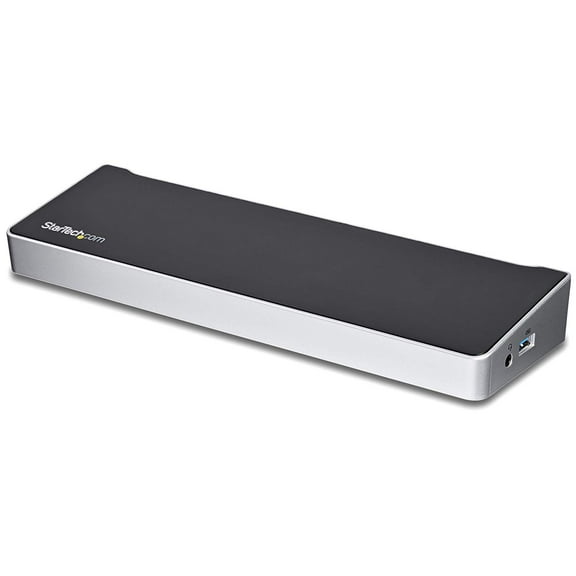
StarTech.com DK30CH2DEP Triple-Monitor 4K USB-C Dock with 5x USB 3.0 Ports 100W PD - Black & Silver
203.1 out of 5 Stars. 20 reviewsStarTech USB 3.0 Docking Station Compatible with Windows / macOS Support $82.73
 $8273current price $82.73
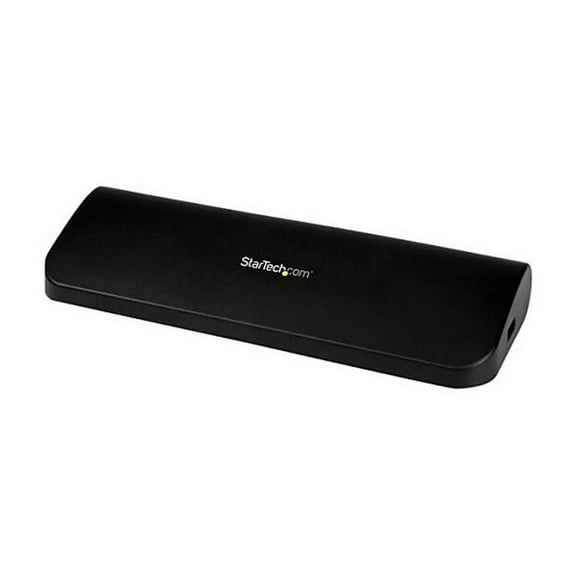
StarTech USB 3.0 Docking Station Compatible with Windows / macOS Support
213 out of 5 Stars. 21 reviewsStarTech USB-C Triple Monitor Docking Station with 100W PD 116N-USBC-DOCK $248.49
 $24849current price $248.49
StarTech USB-C Triple Monitor Docking Station with 100W PD 116N-USBC-DOCK
54.4 out of 5 Stars. 5 reviewsUSB C Dual HDMI Adapter for 2 Monitors - 3-in-1 Type C Hub with Dual HDMI and USB 3.0, Extended Display Splitter for Laptop, Multiple Monitor Docking Station Compatible with MacBook, Windows, Dell, H $14.99
 $1499current price $14.99
USB C Dual HDMI Adapter for 2 Monitors - 3-in-1 Type C Hub with Dual HDMI and USB 3.0, Extended Display Splitter for Laptop, Multiple Monitor Docking Station Compatible with MacBook, Windows, Dell, H
43 out of 5 Stars. 4 reviewsUsb3 4k Laptop Docking Station $94.99
 $9499current price $94.99
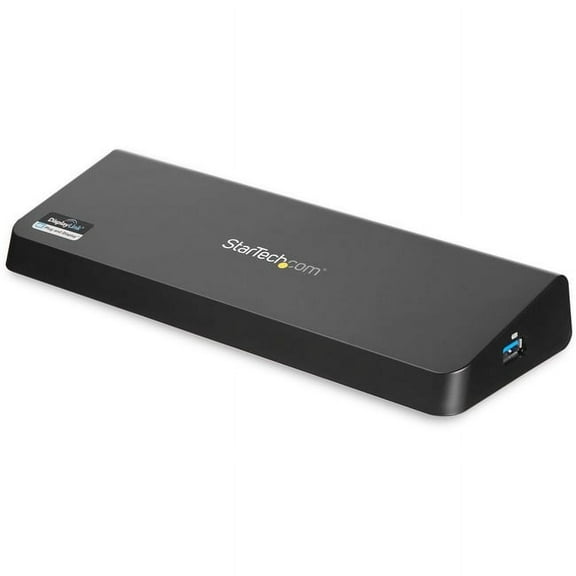
Usb3 4k Laptop Docking Station
44.5 out of 5 Stars. 4 reviewsStarTech USB-C Multiport Dual-Monitor USB-C to 4K DisplayPort Adapter $61.99 Was $72.95
 $6199current price $61.99, Was $72.95$72.95
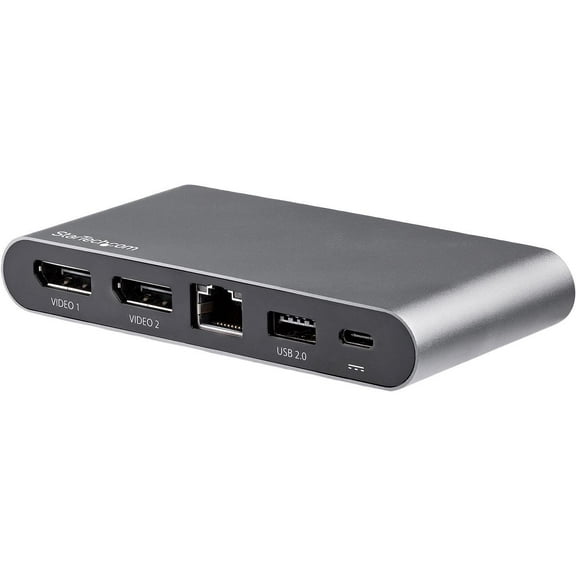
StarTech USB-C Multiport Dual-Monitor USB-C to 4K DisplayPort Adapter
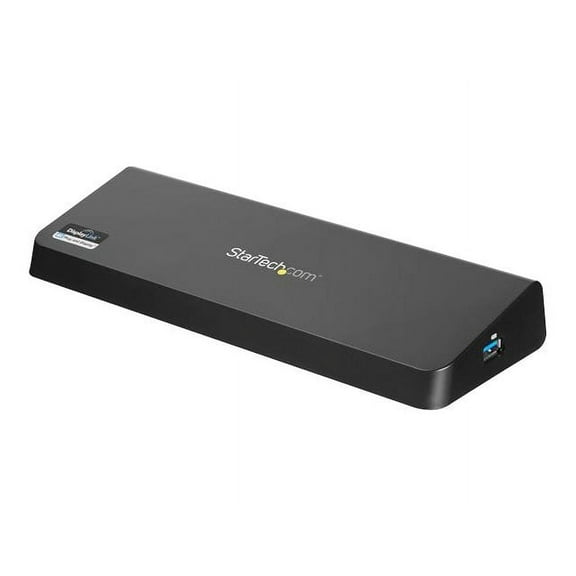
42.8 out of 5 Stars. 4 reviewsStarTech.com USB 3.0 Docking Station Dual Monitor with HDMI & 4K DisplayPort - USB 3.0 to 4x USB-A, Ethernet, HDMI and DP - USB Type A Universal Laptop Docking Station for Mac & Windows (USB3DOCKHDPC) $142.77
 $14277current price $142.77
StarTech.com USB 3.0 Docking Station Dual Monitor with HDMI & 4K DisplayPort - USB 3.0 to 4x USB-A, Ethernet, HDMI and DP - USB Type A Universal Laptop Docking Station for Mac & Windows (USB3DOCKHDPC)
44.5 out of 5 Stars. 4 reviewsStarTech.com USB 3.0 Mini Dock - Dual Monitor USB-A Docking Station with DisplayPort 4K 60Hz Video & Gigabit Ethernet - 1ft (30cm) cable - Portable USB 3.1 Gen 1 Type-A Laptop Adapter (USBA2DPGB) $43.25
 $4325current price $43.25
StarTech.com USB 3.0 Mini Dock - Dual Monitor USB-A Docking Station with DisplayPort 4K 60Hz Video & Gigabit Ethernet - 1ft (30cm) cable - Portable USB 3.1 Gen 1 Type-A Laptop Adapter (USBA2DPGB)
C2G Black C2G54535 USB-C 14-in-1 Triple Display Docking Station with HDMI, DisplayPort, Ethernet, USB, 3.5mm Audio and Power Delivery up to 85W - 4K 30Hz (TAA Compliant) $126.99 Was $150.82
 $12699current price $126.99, Was $150.82$150.82
C2G Black C2G54535 USB-C 14-in-1 Triple Display Docking Station with HDMI, DisplayPort, Ethernet, USB, 3.5mm Audio and Power Delivery up to 85W - 4K 30Hz (TAA Compliant)
35 out of 5 Stars. 3 reviews
Customer ratings & reviews
Filtered and sorted results would be available on the new 'Customer ratings & reviews' page.
Showing 1-3 of 24 reviews
Bit pricey but works! My wallet docked a star :P
My laptop requires a min of 85W so this fits the bill and it does work on Linux. Tested with kernel 5.0.8. Remember to add the dock to approved Thunderbolt ACL list. :~$ sudo tbtadm approve-all Found domain "/sys/bus/thunderbolt/devices/domain0" Found child "/sys/bus/thunderbolt/devices/domain0/0-0/0-3" Authorizing "/sys/bus/thunderbolt/devices/domain0/0-0/0-3" Added to ACL Authorized
Best one out there, but...
I bought this to use with my Macbook Pro 15, 2017. After reading the issues that primarily involved (Windows) drivers and cabling, I paired it with a Nekteck TB3 cable to the dock, and a Club3d CAC-1066 DP cable to a ThinkVision L27q (4k, 60Hz). Plus a Cat6 cable and a Logitech wireless USB receiver. Audio jacks are recognized and work fine. Can't speak to dual displays, but if you do, watch what HDMI port you use on your monitor, not all of them support 4k60Hz. (Ran into that with a Samsung 4k monitor + Radeon Pro card.) Here's my gripe, and I'm not sure where the breakdown is: The USB 3.0 ports on the monitor do not work unless the monitor is driven by the USB 3.0 connection, not DP. When both DP and USB cables are connected, the MBP thinks there are three displays, even though I only have one selected (obviously). Maybe its a firmware issue with the L27u, maybe the Dock, maybe the MBP. Not sure. This means that I can't plug in my factory USB soundbar, the Logitech receiver, or anything else into the 4 USB ports on the monitor. And since there's only 2 USB 2.0 ports on the dock, it limits the number of devices I can use at once. Just something to think about, but overall its a very good dock. Looks great on my desk too!
Great but...
I love the simplicity of this device. I plug in one USB-C connection on my Mac and it supports two monitors. Everything works as expected. I just have one complaint (let me know if you have a solution). When I plug it in in the morning, sometimes it ignores my screen organization. It will put my left screen image on the right monitor and my right screen image on the left monitor. I can usually fix it by unplugging it and plugging it back in, but I'd like the screens to just come up correctly all the time.
