


HP 22-b010 All-in-One Desktop PC with AMD A6-7310 Processor, 4GB Memory, 21.5" Monitor, 1TB Hard Drive and Windows 10 Home
Key item features
- All-in-One Computer is the single answer to all your desired computation needs
- AMD A-Series 2 ghz APU delivers awesome performance and best-in-class internet gaming with an easy upgrade path for your desktop
- Working in different apps while keeping an eye on social media has never been easier; with Windows 10 Home OS, you can now snap up to four apps to any location on the screen for effortless multitasking. You can even create individual desktops for specific projects and tasks.
- 21.5" diagonal display delivers colorful images whether you are the web surfing, watching movies or playing games
- 1 TB HDD provides you enough space to store all your documents and multimedia content
- DVD-Writer drive for all your optical media and video recording needs
- AMD Radeon R4 Graphics shared graphic card for watching HD videos, editing pictures, and complex office applications
- 4 GB memory seamlessly handle multiple programs simultaneously
- Increases efficiency with the quicker transfer and sharing of information
- Desktop form factor allows hassle-free and easy usage with increased efficiency
Specs
- Proc. brandAMD
- Graphic cardIntegrated Graphics
- HD typeNo Drive, Hard Disk
- BrandHP
- HD capacity1 TB, 1000 GB
- Rec. useGaming
How do you want your item?
About this item
Product details
- All-in-One Computer is the single answer to all your desired computation needs
- AMD A-Series 2 ghz APU delivers awesome performance and best-in-class internet gaming with an easy upgrade path for your desktop
- Working in different apps while keeping an eye on social media has never been easier; with Windows 10 Home OS, you can now snap up to four apps to any location on the screen for effortless multitasking. You can even create individual desktops for specific projects and tasks.
- 21.5" diagonal display delivers colorful images whether you are the web surfing, watching movies or playing games
- 1 TB HDD provides you enough space to store all your documents and multimedia content
- DVD-Writer drive for all your optical media and video recording needs
- AMD Radeon R4 Graphics shared graphic card for watching HD videos, editing pictures, and complex office applications
- 4 GB memory seamlessly handle multiple programs simultaneously
- Increases efficiency with the quicker transfer and sharing of information
- Desktop form factor allows hassle-free and easy usage with increased efficiency
Specifications
Proc. brand
Graphic card
HD type
Brand
Similar items you might like
Based on what customers bought
Restored HP ProDesk 600 G4 Mini PC | Intel Core i5-8500T | 16GB RAM | 512GB NVMe | Built in AX210 Wi-Fi BT | Windows 11 Pro | Mini Desktop Computer (Refurbished) $374.99
 Sponsored$37499current price $374.99
Restored HP ProDesk 600 G4 Mini PC | Intel Core i5-8500T | 16GB RAM | 512GB NVMe | Built in AX210 Wi-Fi BT | Windows 11 Pro | Mini Desktop Computer (Refurbished)
Shipping, arrives in 3+ daysRestored: Like NewRestored HP ProDesk 600 G4 Mini PC | Intel Core i5-8500T | 32GB RAM | 1TB NVMe | Built in AX210 Wi-Fi BT | Windows 11 Pro | Mini Desktop Computer (Refurbished) $405.61
Sponsored$40561current price $405.61Restored HP ProDesk 600 G4 Mini PC | Intel Core i5-8500T | 32GB RAM | 1TB NVMe | Built in AX210 Wi-Fi BT | Windows 11 Pro | Mini Desktop Computer (Refurbished)
Shipping, arrives in 3+ daysRestored: Like NewIn 50+ people's carts HP 21.45 inch All-in-One Desktop FHD Display Intel Pentium 8G/128SSD Windows 11 Home in S Mode Jet Black $410.95 Was $469.00
In 50+ people's carts $41095current price $410.95, Was $469.00$469.00
HP 21.45 inch All-in-One Desktop FHD Display Intel Pentium 8G/128SSD Windows 11 Home in S Mode Jet Black
4184.1 out of 5 Stars. 418 reviewsHP 24-cr0000a 24-cr0410 All-in-One Computer, AMD Athlon Silver 7120U, 8 GB, 256 GB SSD, 23.8" Full HD, Desktop, Shell White $699.99
 $69999current price $699.99
HP 24-cr0000a 24-cr0410 All-in-One Computer, AMD Athlon Silver 7120U, 8 GB, 256 GB SSD, 23.8" Full HD, Desktop, Shell White
214.3 out of 5 Stars. 21 reviewsHP 21.5" Full HD All-in-One Intel Celeron J4025, 4 GB Memory, 128 GB SSD, Windows 11 Home $478.00
 $47800current price $478.00
HP 21.5" Full HD All-in-One Intel Celeron J4025, 4 GB Memory, 128 GB SSD, Windows 11 Home
15 out of 5 Stars. 1 reviewsHP 24-cr0000a 24-cr0210 All-in-One Computer - AMD Athlon Silver 7120U - 8 GB - 256 GB SSD - 23.8" Full HD Touchscreen - Desktop - Shell White - AMD Chip - 1920 x 1080 - Windows 11 Home - AMD Radeon... $599.99
 $59999current price $599.99
HP 24-cr0000a 24-cr0210 All-in-One Computer - AMD Athlon Silver 7120U - 8 GB - 256 GB SSD - 23.8" Full HD Touchscreen - Desktop - Shell White - AMD Chip - 1920 x 1080 - Windows 11 Home - AMD Radeon...
214.4 out of 5 Stars. 21 reviewsRestored HP G5 Windows 11 Pro Desktop Computer Intel Quad Core i3 CPU 16GB RAM 2TB HDD Dual 22" LCD Monitors with Wireless Keyboard and Mouse (Refurbished) $338.00
 Sponsored$33800current price $338.00
Restored HP G5 Windows 11 Pro Desktop Computer Intel Quad Core i3 CPU 16GB RAM 2TB HDD Dual 22" LCD Monitors with Wireless Keyboard and Mouse (Refurbished)
Restored: Like NewRestored HP ProDesk 400 G4 Windows 11 Pro Desktop Computer | Intel Core i3-8100T (3.1 GHz) Processor | 8GB RAM | 128GB SSD | 22" LCD | Home or Office PC (Refurbished) $338.00
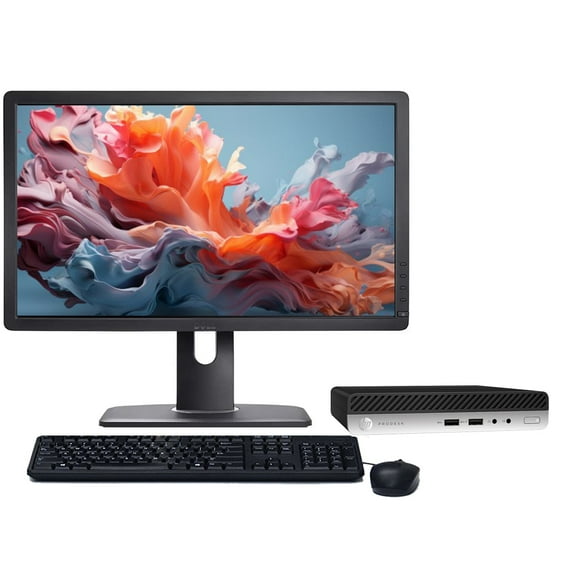 Sponsored$33800current price $338.00
Restored HP ProDesk 400 G4 Windows 11 Pro Desktop Computer | Intel Core i3-8100T (3.1 GHz) Processor | 8GB RAM | 128GB SSD | 22" LCD | Home or Office PC (Refurbished)
Shipping, arrives in 3+ daysRestored: Like NewHP 2025 22" FHD All-in-One Desktop Computer, The New Version for Everyday Use, Latest 13th Gen Intel Quad-Core CPU, 8GB DDR5, 128GB Storage, HDMI, Type-C, Wi-Fi, HD Webcam, Win11 Pro, Black $459.99
 3 optionsAvailable in additional 3 options$45999current price $459.99
HP 2025 22" FHD All-in-One Desktop Computer, The New Version for Everyday Use, Latest 13th Gen Intel Quad-Core CPU, 8GB DDR5, 128GB Storage, HDMI, Type-C, Wi-Fi, HD Webcam, Win11 Pro, Black
42.8 out of 5 Stars. 4 reviewsHP EliteDesk 805 G8 Mini Business Desktop, AMD Ryzen 5 5650G (6 Cores, Up to 4.4GHz), 16GB RAM, 512GB SSD, Dual 4K Support, USB-C, DP Port, Wi-Fi, Bluetooth, Windows 11 Pro, Keyboard & Mouse Included $599.99
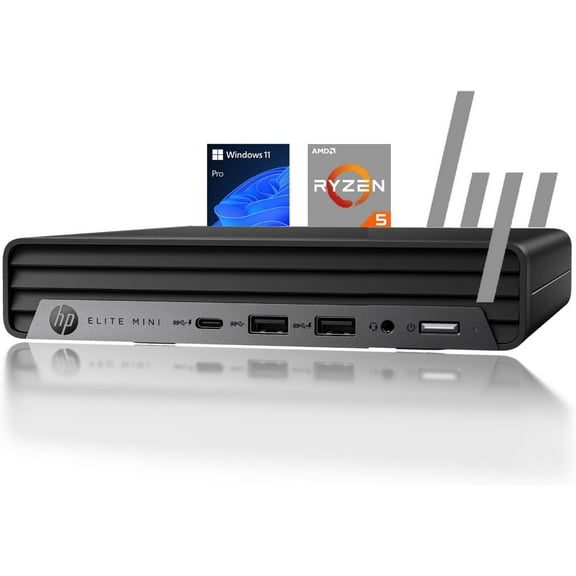 6 optionsAvailable in additional 6 options$59999current price $599.99
HP EliteDesk 805 G8 Mini Business Desktop, AMD Ryzen 5 5650G (6 Cores, Up to 4.4GHz), 16GB RAM, 512GB SSD, Dual 4K Support, USB-C, DP Port, Wi-Fi, Bluetooth, Windows 11 Pro, Keyboard & Mouse Included
HP 21.5" Full HD All-In-One Computer, Intel Core i3 i3-N300, 8GB RAM, 256GB SSD, Windows 11 Home, 22-dg0007c $429.00
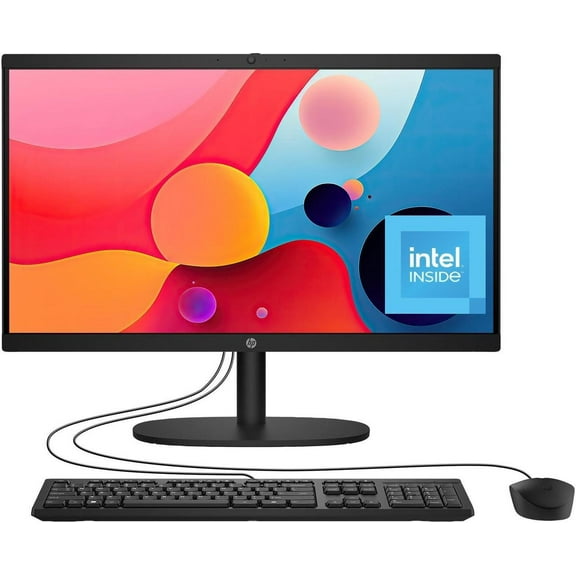 $42900current price $429.00
HP 21.5" Full HD All-In-One Computer, Intel Core i3 i3-N300, 8GB RAM, 256GB SSD, Windows 11 Home, 22-dg0007c
524.5 out of 5 Stars. 52 reviewsHP - 21.5" All-in-One - Intel N100 - 8GB Memory - 128GB UFS - Cashmere White $529.00
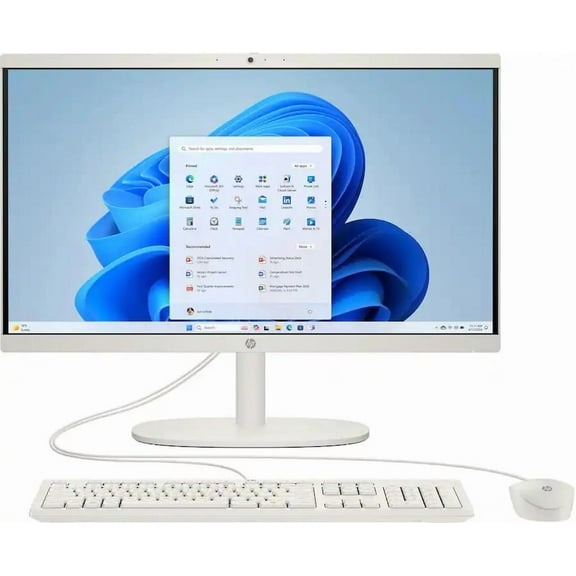 $52900current price $529.00
HP - 21.5" All-in-One - Intel N100 - 8GB Memory - 128GB UFS - Cashmere White
104.7 out of 5 Stars. 10 reviewsReduced price GMKtec Gaming PC, AMD Ryzen 9-8945HS(Up to 5.2GHz), 32GB RAM 2TB SSD, Mini Desktop Computer, Dual NIC 2.5GbE LAN, HDMI/Oculink/USB4x2, NucBox K11 $899.99 Was $999.99
Reduced price SponsoredNow$89999current price Now $899.99, Was $999.99$999.99You save $100.00You save$100.00
GMKtec Gaming PC, AMD Ryzen 9-8945HS(Up to 5.2GHz), 32GB RAM 2TB SSD, Mini Desktop Computer, Dual NIC 2.5GbE LAN, HDMI/Oculink/USB4x2, NucBox K11
204.5 out of 5 Stars. 20 reviewsSave with Shipping, arrives tomorrow
Best seller STGAubron Gaming PC Desktop, AMD Ryzen 5 5500, RX 6500 4G, 16G DDR4, 512G SSD, WiFi 6, BT 5.2, RGB Fan x4, Win 11 Home $659.99
Best seller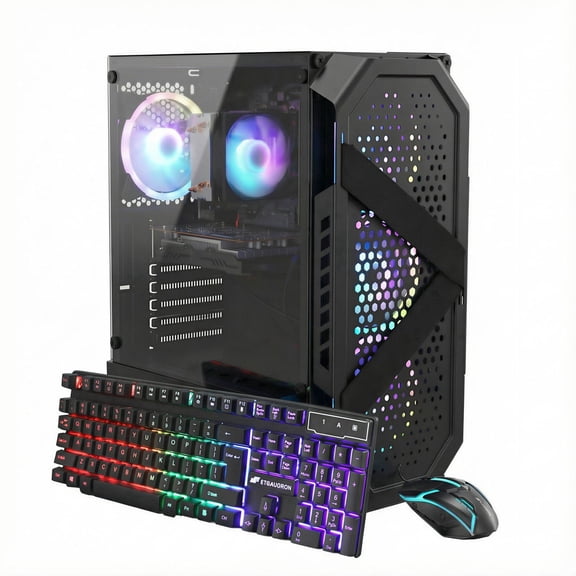 Sponsored$65999current price $659.99
STGAubron Gaming PC Desktop, AMD Ryzen 5 5500, RX 6500 4G, 16G DDR4, 512G SSD, WiFi 6, BT 5.2, RGB Fan x4, Win 11 Home
1243.7 out of 5 Stars. 124 reviewsSave withShipping, arrives tomorrowIn 50+ people's carts HP 21.45 inch All-in-One Desktop PC FHD Pentium 8GB 128 SSD Windows 11 Home in S Mode Cashmere White $399.00
In 50+ people's carts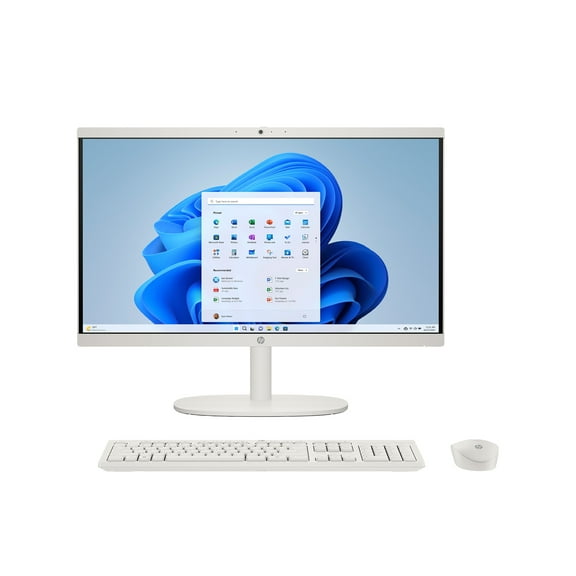 $39900current price $399.00
HP 21.45 inch All-in-One Desktop PC FHD Pentium 8GB 128 SSD Windows 11 Home in S Mode Cashmere White
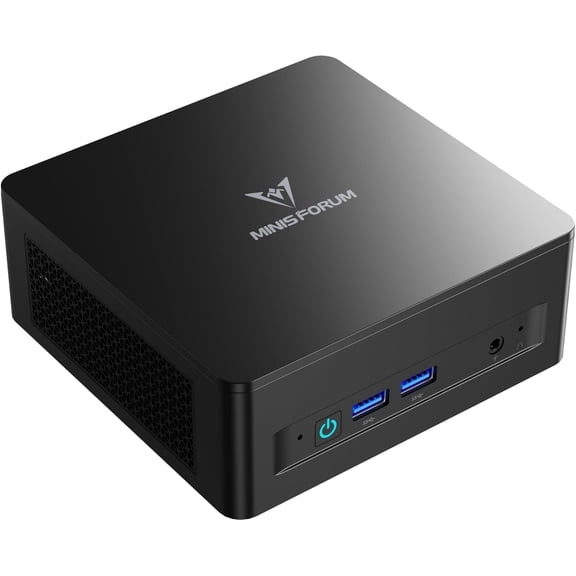
6314.2 out of 5 Stars. 631 reviewsMINISFORUM UM690L Slim Mini PC AMD Ryzen 9 6900HX 32GB RAM 1TB SSD, HDMI/DP/USB4 Outputs, 2.5G LAN $431.00
 11 optionsAvailable in additional 11 options$43100current price $431.00
MINISFORUM UM690L Slim Mini PC AMD Ryzen 9 6900HX 32GB RAM 1TB SSD, HDMI/DP/USB4 Outputs, 2.5G LAN
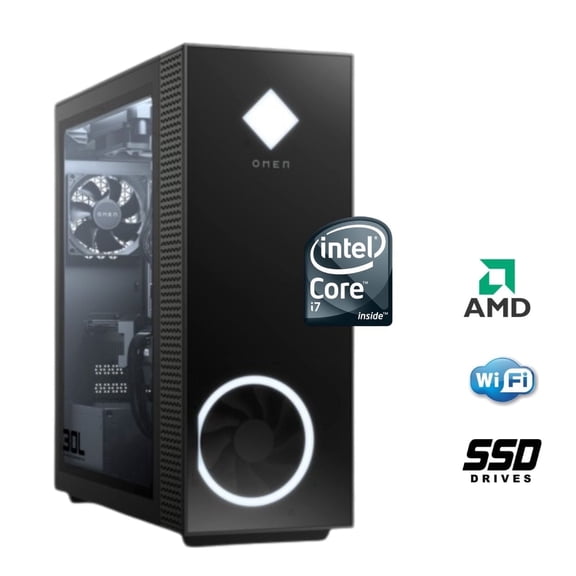
74.9 out of 5 Stars. 7 reviewsRGB Gaming PC Computer Desktop i5-10600KF RX580 16GB RAM 512GB SSD 1TB HDD WiFi6 BT 5.4 Windows 11 $668.88
 $66888current price $668.88
RGB Gaming PC Computer Desktop i5-10600KF RX580 16GB RAM 512GB SSD 1TB HDD WiFi6 BT 5.4 Windows 11
HP - OmniDesk Desktop - AMD Ryzen 5 - 16GB DDR5 Memory - 512GB SSD - Gray Wood $848.00
 $84800current price $848.00
HP - OmniDesk Desktop - AMD Ryzen 5 - 16GB DDR5 Memory - 512GB SSD - Gray Wood
214.7 out of 5 Stars. 21 reviewsSTGAubron Gaming PC Desktop, Intel Core I5 up to 3.7G, RX 550 4G, 16GB RAM, 512GB SSD, WiFi 6, BT 5.0, RGB Fan x 2, Win 11 Home $519.99
 Sponsored$51999current price $519.99
STGAubron Gaming PC Desktop, Intel Core I5 up to 3.7G, RX 550 4G, 16GB RAM, 512GB SSD, WiFi 6, BT 5.0, RGB Fan x 2, Win 11 Home
Save withShipping, arrives tomorrowSTGAubron Gaming PC Computer Desktop, AMD Ryzen 5 3400G up to 4.2GHz, 16G DDR4, 512G SSD, WiFi 6 & BT 5.2, RGB Fan x4, Windows 11 Home $569.99
 Sponsored$56999current price $569.99
STGAubron Gaming PC Computer Desktop, AMD Ryzen 5 3400G up to 4.2GHz, 16G DDR4, 512G SSD, WiFi 6 & BT 5.2, RGB Fan x4, Windows 11 Home
123.3 out of 5 Stars. 12 reviewsSave withShipping, arrives tomorrow

Customer ratings & reviews
Customer photos
Showing 1-3 of 10 reviews
Verified Purchase
Great Computer
Bought for Daughter and she loves the white color and the all in one, no cords hanging all over the place. Performance is excellent.
Verified Purchase
Excellent
Great pc for the price! Easy to use and wonderfully sized monitor
Great All in One and affordable too.
Despite some negative reviews about I bought this for my home PC and very glad I did. This thing has a big, bright 21.5 inch monitor which is great. Good CPU and decent graphics too. Other offerings had similar hardware but the 1 terabyte HD clinched it for me. There are several small issues like to few UBS 2.0 ports, could use 4 because the keyboard and mouse use both of them but a inexpensive port replicator fixes this easily. Same with the USB 3.0 ports as well. All other access ports are in the back too but this does give a clean desktop look and reduces the clutter. Positives, CPU runs fast and the graphics are great. USB 3.0 ports are very fast. Included keyboard and mouse are decent too. Some say this gets really slow but I beg to differ. Mine runs great, here are some tips. By the way, expect a 2 to 3 hour setup and update so fire it up ahead of any real work. 1. Don't setup your internet connection on first boot. Be it wireless or Ethernet cable. Let the PC boot and go through the setup process, this will take a while, let it do it. 2. Once this is done go through the installed bloatware (Programs) and uninstall anything you know you wont use, especially the included McAfee anti virus. 3. Now reboot and setup the internet connection. Once this is done it will go to downloading and installing the Win 10 updates. This took over an hour for mine so walk away and let it do it. You may have to redo the initial setup after the big win 10 update. 4. Once all the update are done, now install a good anti-virus like Avast or AVG. They both have good free versions. 5. Now, run the rescue DVD creation program included on the PC and make your restore disks. Put them up in a safe place. 6. Install any DVD based software you use. 7. Finally, we all love free stuff off the internet but when you download those programs remember to chose the "Advanced" install and READ the install screens, don't just click yes, yes,yes. Many programs are laden with other bloatware which is what slows your system down and fast. In a week or so like other reviews here your system will be snail slow because of these parasitic programs. Expect it to be a bit slow for a week or so as it updates itself but within a week my system was running great and after 2 months now it still is. Thanks
