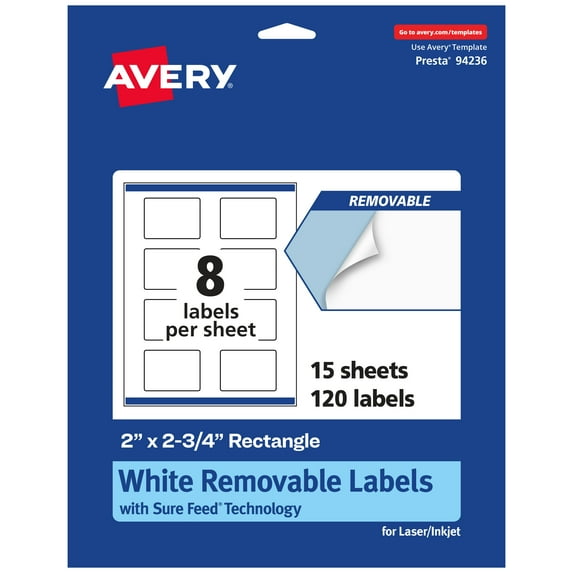
Avery Removable Rectangle Labels, 2" x 2.75", 120ct
Hero image 0 of Avery Removable Rectangle Labels, 2" x 2.75", 120ct, 0 of 10

Avery Removable Rectangle Labels, 2" x 2.75", 120ct

2 stars out of 1 review
(2.0)|
1 rating

Key item features

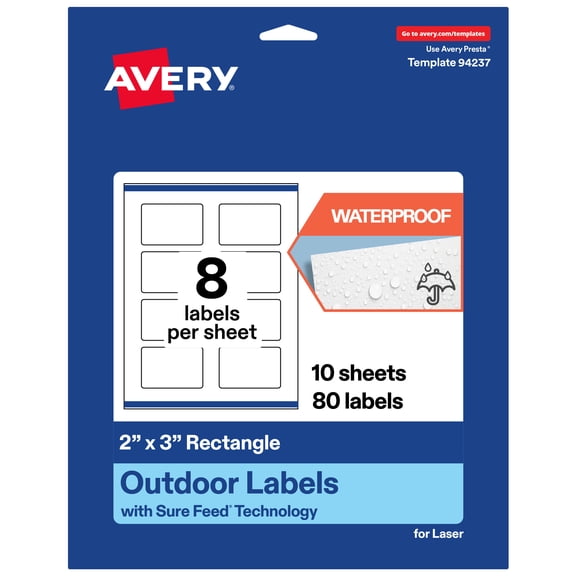
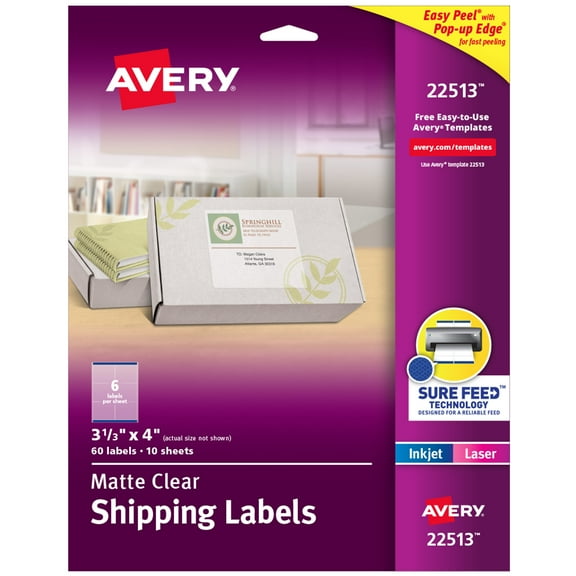
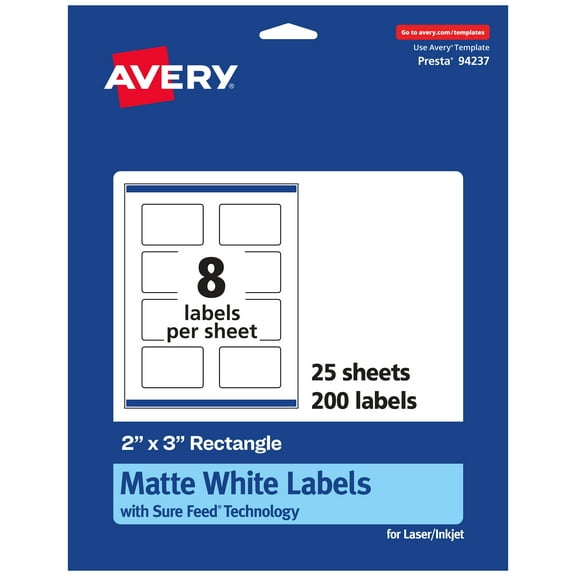
  • Create your own custom labels with Avery blank label template Presta 94236 and a laser or inkjet printer
  • Avery Removable Labels stick, stay, and remove cleanly from flat smooth surfaces, including paper, plastic, cardboard, glass, and metal
  • Avery labels with patented Sure Feed technology provide a more reliable feed through your printer, reducing misalignments and jams
  • Customize your own rectangle labels with beautiful, full-bleed designs that fill the entire label with the print-to-the-edge design
  • Personalize price tags, home organization labels, product labels and more with your own logo, graphics or unique images with the designs in Design & Print
Current price is $17.72
Price when purchased online
  • Free 30-day returns

How do you want your item?

How do you want your item?
Columbus, 43215
Arrives between Apr 10 - Apr 14
|
Shipping fee $4.95
Sold and shipped by Avery Products
4.728187919463087 stars out of 5, based on 298 seller reviews(4.7)
Report an issue with this seller
Free 30-day returns

About this item

Product details

Specifications

Warranty

Customer ratings & reviews

2 out of 5 stars
stars1 rating1 review
How item rating is calculated
Filtered and sorted results would be available on the new 'Customer ratings & reviews' page.
Sort by |

Showing 1-1 of 1 review

Jan 19, 2024
Richard
2 out of 5 stars review

Seller Verified Purchase

Unsatisfied

Using the Avery website to print my labels and they never line up, and half the labels on the sheet are wasted.

Review from avery.com
Helpful?10TKF2UHAW7F5090877832
reply from Customer Care

Hello Richard, I am so sorry that these labels are printing misaligned. Some tips I have found helpful is to first keep the image within the safety area, and the background to the bleed. Next, when you open the PDF, the Page Size should be set to Letter or 8.5x11" and the scale should be Custom 100%. Another tip is to check if your printer has a Labels paper setting, as this can help your printer grab the paper correctly. If you need additional assistance, we are happy to help. You can chat with us on avery.com/help or you can call our Care Team at 800-462-8379. Our hours: 6am-5pm PST, Mon-Fri.