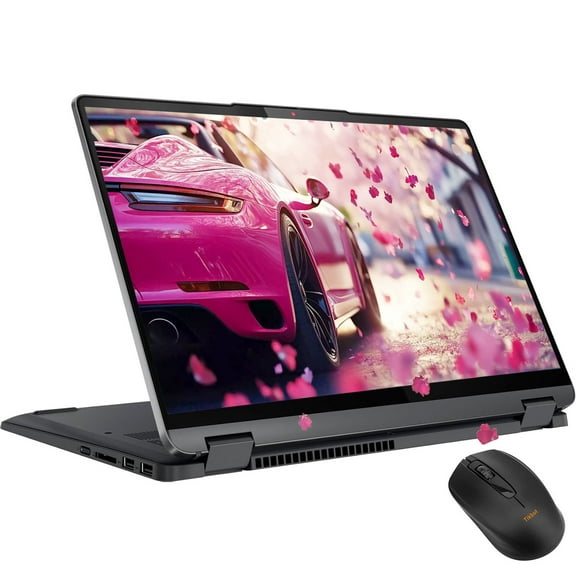
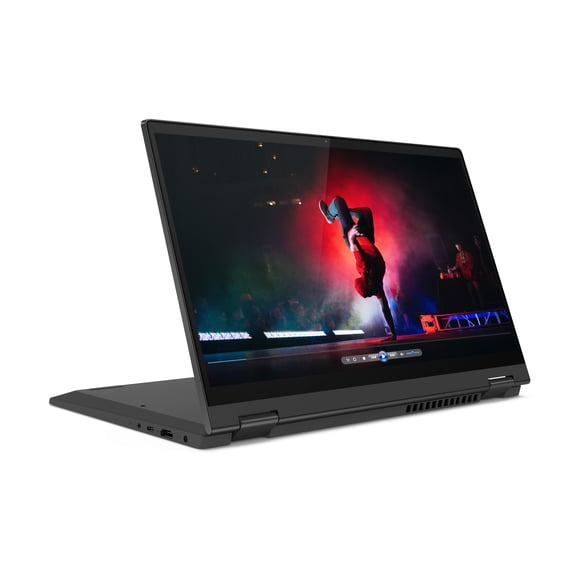
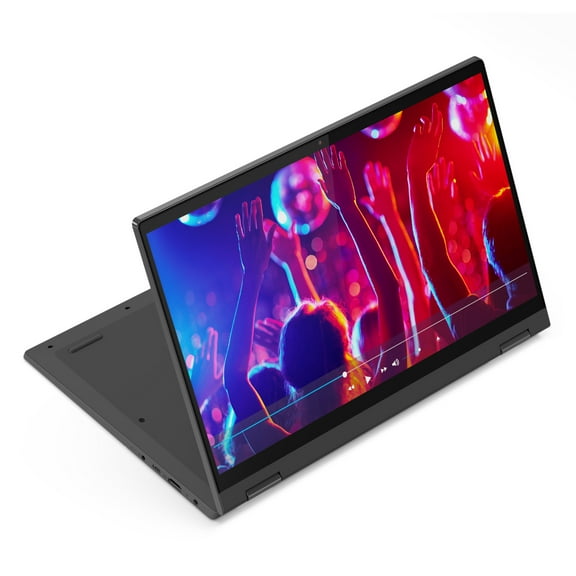
Lenovo Ideapad Flex 5i, 15.6", Intel Core i5-1135G7, 8GB, 512GB M.2 NVMe SSD, Platinum Grey, Windows 11 Home, 82HT007VUS
Hero image 0 of Lenovo Ideapad Flex 5i, 15.6", Intel Core i5-1135G7, 8GB, 512GB M.2 NVMe SSD, Platinum Grey, Windows 11 Home, 82HT007VUS, 0 of 21

Lenovo Ideapad Flex 5i, 15.6", Intel Core i5-1135G7, 8GB, 512GB M.2 NVMe SSD, Platinum Grey, Windows 11 Home, 82HT007VUS

Key item features

  • 2.4GHz Intel Core i5-1135G7 Quad-Core
  • 8GB DDR4 RAM
  • 512GB M.2 NVMe SSD
  • 15.6" 1920 x 1080 FHD Touch Display
Current price is $499.00
Price when purchased online
  • Free shipping
  • Free 30-day returns
Walmart Accident Plan by Allstate

(Only one option can be selected at a time)

Tech Support

How do you want your item?

How do you want your item?
Ships to
Arrives by Thu, May 14
|
Sold and shipped by deal catcher
4.166666666666667 stars out of 5, based on 90 seller reviews(4.2)
Report an issue with this seller
Free 30-day returns

More seller options (1)

Starting from $498.00

About this item

Product details

Specifications

Warranty

Warnings

Customer ratings & reviews

4 out of 5 stars
stars83 ratings55 reviews
How item rating is calculated

Customer photos

Filtered and sorted results would be available on the new 'Customer ratings & reviews' page.
Sort by |

Showing 1-3 of 55 reviews

Aug 11, 2023
Christy
Item details
Edition: 8GB RAM|512GB SSD
1 out of 5 stars review

Verified Purchase

Dissappointed!

I am not happy with this item, the hinge pin has broken exactly the same as it did on the last one I had. Barely a year old and Lenovo is saying my warranty has expired, will not purchase from them again, there is obviously a defect as I'm reading online about others having the same issue.

Incentivized Review
Helpful?2Y9YNY7G8WIC497431377
Dec 13, 2024
shravan
Item details
Edition: 8GB RAM|512GB SSD
Sold and shipped byBDR LLC
5 out of 5 stars review

Verified Purchase

works perfect for my need. ideal for home usage with basic stuff. Lovely screen and keyboard is smooth.. little heavy though but works great.

Incentivized Review
Helpful?2Y9YNY7G8WIC497431377
Oct 10, 2022
Meli
1 out of 5 stars review

Verified Purchase

This laptop is awful unless you like daily restart

I bought this computer thinking it would be a good one but I guess I was wrong. I've had it a week and a half and it is asking me to restart it every day for updates. That my system needs to update in order to properly work. I was a Mac user and the only time we updated was when a macOS update came out. Which wasn't every day. This is irritating having to restart constantly. Don't buy this computer

Helpful?2Y9YNY7G8WIC497431377
reply from Supplier Response

We are sorry to hear that you are having issues with Windows 11 updates to your Lenovo Flex 5i 15, model number 82HT007VUS. It is possible that the reason you are being asked to update your computer daily is because the updates have not been successfully downloaded and installed and your computer is trying to complete the original update. You can manually check for Windows 11 updates. To check to be sure you have the latest version of Windows 11 on the computer, then update all BIOS files and drivers up to that latest version of Windows 11. You can easily accomplish this by scanning the computer with the Lenovo Utility software available on this computer. This system has Lenovo utilities installed to help maintain the health of the device and keep the operating system software up to date. Type "Lenovo Vantage" in the Cortana Search window (if Lenovo Vantage is not installed on your device, you can download the APP and install it now). Select Lenovo Vantage from the list. In the window that opens, click on "Health and Support". In the expanded menu, select "Hardware Scan" In the window that opens, select "Run Quick Tests". This will scan your entire system for errors. Follow any directions that may pop up. If the problem continues after this scan, now click on "System Update". First select Windows update from the menu. Scan your system to be sure you have the latest version of Windows 11. Once that scan is complete, select "Additional Updates". This will scan your device to be sure there are no new BIOS/Driver updates needed. Follow any instructions that may pop up. If the issue continues after these updates, we recommend you call Lenovo Tech Support at: 877-453-6686 for additional help.