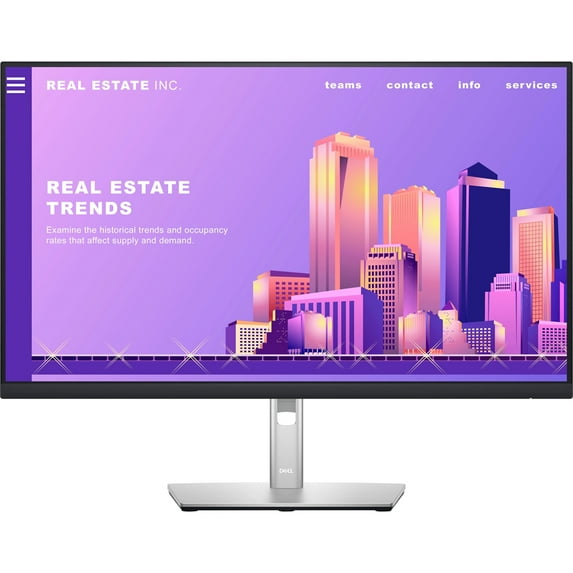
DELP2722H
- Dell 27" Monitor with Stand
- Power Cable
- DisplayPort to DisplayPort Cable (1.8m)
- SuperSpeed USB 5Gbps (USB3.2 Gen1) Upstream Cable
- Quick Setup Guide
- Safety and Regulatory Information
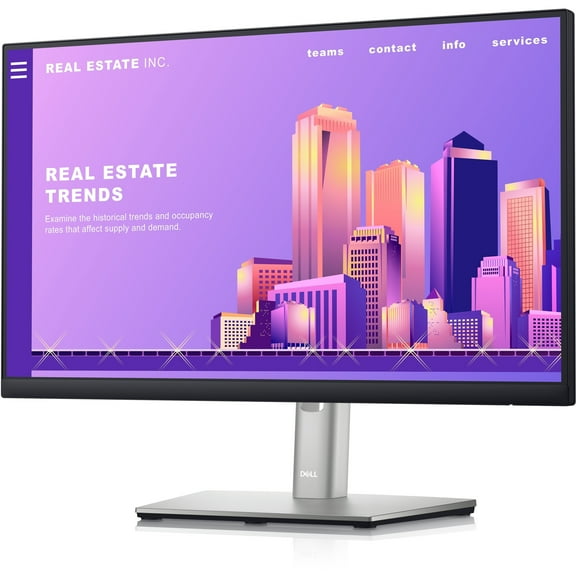
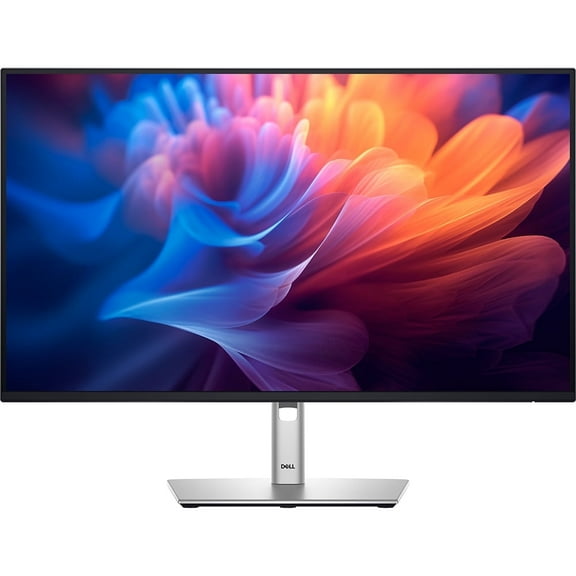
Dell 27" Monitor P2722H - A Better View From Anywhere
Stay productive, no matter where you work. Reduce harmful blue light with this sleek 27" FHD monitor featuring ComfortView Plus technology.
Product Features:
A Better View From Anywhere
Comfort Without Sacrificing Color: Optimize eye comfort with Comfort View Plus, an always-on, built-in screen that reduces potentially harmful blue light emissions while delivering excellent color accuracy.
Color Consistency Comes Standard: See consistent, vibrant colors across a wide viewing angle enabled by In-Plane Switching (IPS) technology. With 99 percent sRGB coverage, you get precise color right out of the box.
Sleek, Stylish and Organized: Hide cords in the monitor riser to keep things organized. This sleek monitor has a three-sided ultrathin bezel, small base, and an improved, easy-to-use cable management system.
Comfort Is Key: Tilt, swivel, pivot and adjust the height of your monitor (150mm height adjustment range) for extra comfort during work.
Connect to Productivity
Extensive Connectivity: Easily connect to a variety of devices with extensive connectivity ports, including DisplayPort, HDMI, VGA and 4x SuperSpeed USB 5Gbps.
Quick-Access Ports: Easily share and deliver content via quick-access ports conveniently placed at the front of the display.
Expand Your Efficiency: The three-sided ultrathin bezel design lets you enjoy an uninterrupted view of your content across multiple monitors. Furthermore, you can boost your productivity by up to 21 percent with a dual monitor setup.
Dell Display Manager
Productive at Every Level: Easy Arrange allows you to easily tile multiple applications across one or more screens with 38 pre-set window partitions and the ability to personalize up to five windows, giving you improved multitasking abilities.
Seamless Transitions: The auto-restore feature remembers where you left off, so applications will go back to where you left them, even after you've unplugged.
The Key to Convenience: Shortcut keys can save you even more time, letting you easily configure your display management settings so you can get to work faster.
More Ways to Manage: Asset management reports allow IT managers to quickly capture and track monitor information as well as configure multiple monitors at once through a single setup.
Green Thinking for Today and Tomorrow
Environmental Standards: This monitor meets the latest regulatory and environmental standards such as EnergyStar, EPEAT Gold and TCO Certified Edge Displays.
Eco-Conscious Packaging: To reduce our manufacturing impact on the environment, this monitor is shipped Styrofoam-free and the packaging is made of at least 75 percent recycled cardboard.
Energy Conservation: Save energy when your monitor is not ...




 WARNING: