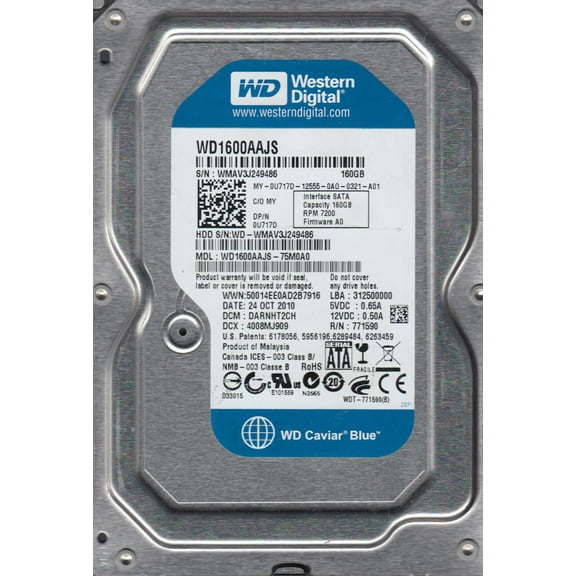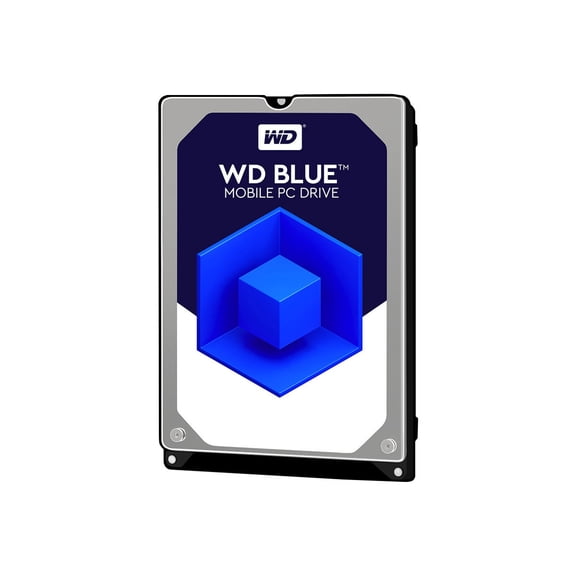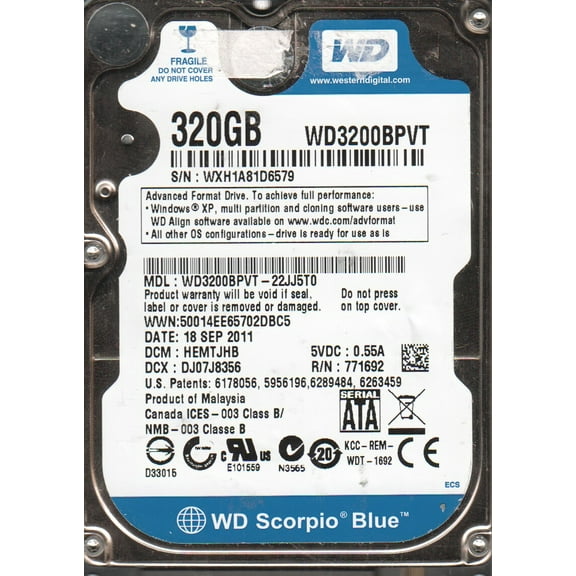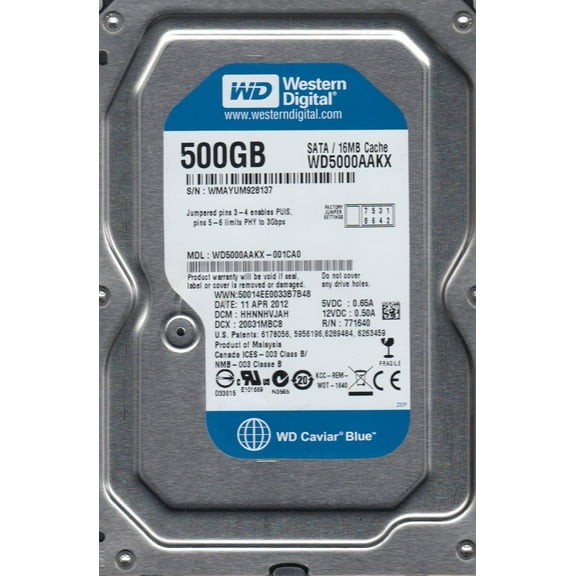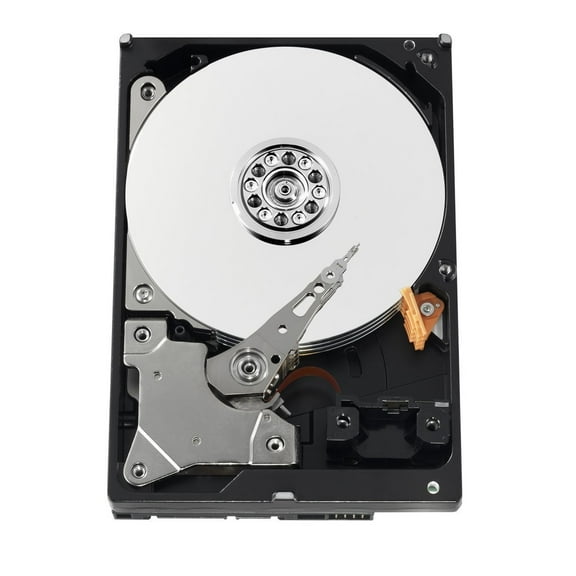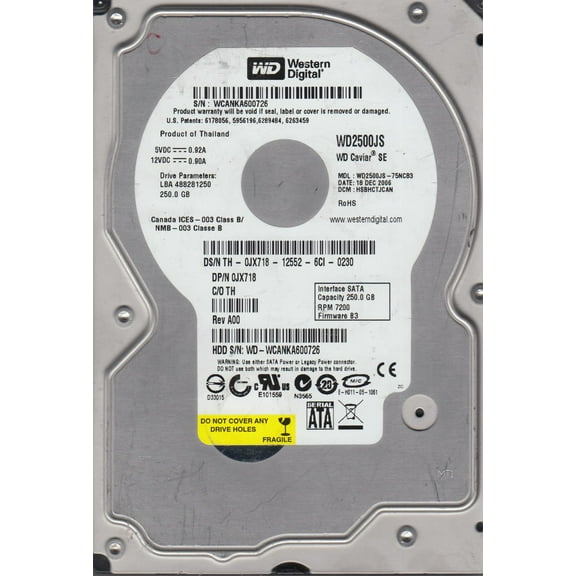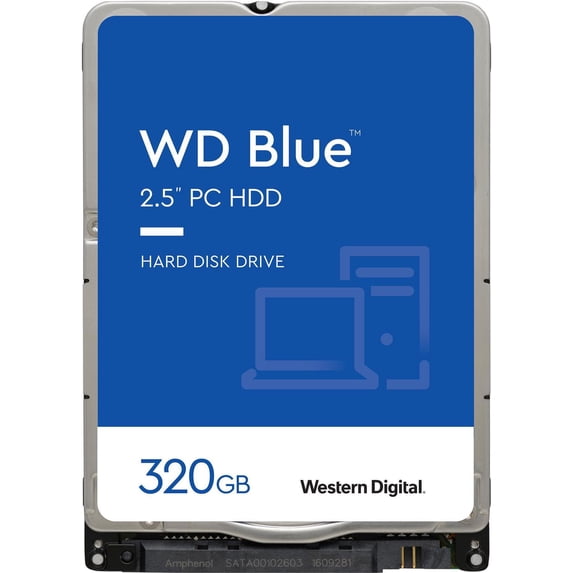
Western Digital 320GB WD Blue SATA HDD, 2.5" Mobile Hard Drive, 5400 RPM, 8 MB Cache - WD3200LPCX
Hero image 0 of Western Digital 320GB WD Blue SATA HDD, 2.5" Mobile Hard Drive, 5400 RPM, 8 MB Cache - WD3200LPCX, 0 of 2

Western Digital 320GB WD Blue SATA HDD, 2.5" Mobile Hard Drive, 5400 RPM, 8 MB Cache - WD3200LPCX

2.4 stars out of 7 reviews
(2.4)|
7 ratings

Key item features

  • Low power consumption with advanced power management
  • Exclusive noise-reducing technology for quiet use
  • SATA interface for greater flexibility with the latest chipsets
Price when purchased online
Not Available

How do you want your item?

How do you want your item?
Not available
Report an issue with this seller

About this item

Product details

Specifications

Warranty

Warnings

Customer ratings & reviews

2.4 out of 5 stars
stars7 ratings7 reviews
How item rating is calculated
Filtered and sorted results would be available on the new 'Customer ratings & reviews' page.
Sort by |

Showing 1-3 of 7 reviews

Jun 17, 2021
Ron S.
5 out of 5 stars review

Seller Verified Purchase

Worked flawlessly.

Drive was easy to install and worked with no issues at all.

Review from Western Digital
Helpful?3PBB5LNT590F47920122
Jan 14, 2022
Bazsi84
4 out of 5 stars review

hdd in caddy not work

Hello I have a lenovo ideapad 110 15isk with wd5000lpcx hdd. I upgrade it with 250 gb ssd. I wanted to use hdd the 2nd drive in a caddy instead of odd. The bios detects it, but not in the windows. 2 piece hdd from another manufacturer (1.5 TB SATA3 and 250 GB SATA2) works properly. Why not works it in the wd5000lpcx caddy? What is the reason?

Review from Western Digital
Helpful?3PBB5LNT590F47920122
Mar 17, 2022
yaser
3 out of 5 stars review

yaser

Hello. I bought a Western Blue hard drive that sounds like a dripping water when it sounds like it 's broken or not.

Review from Western Digital
Helpful?3PBB5LNT590F47920122
reply from Supplier Response

Hello, We're sorry to hear your user experience with the WD Blue Hard disk drive and appreciate your time for providing this review. Based on your concern, if the drive is not showing up on the computer then it could be due to insufficient power supply to the drive for operation. To isolate the cause of the drive failure, it is recommended to connect the drive as secondary storage via SATA port to the computer and check the drive for any damage or defect by following the information provided in the link below. "How to check an internal drive for defects, problems, corruption, or a power issue": https://support-en.wd.com/app/answers/detail/a_id/15514 We recommend connecting the drive as secondary storage via SATA port to the computer, to test the health of the drive using Data Lifeguard Diagnostic for Windows. "Testing a drive for problems using Data Lifeguard Diagnostics for Windows": https://support-en.wd.com/app/answers/detail/a_id/6226 "Why is my hard disk drive making noise" https://support-en.wd.com/app/answers/detail/a_id/16588/kw/noise If the test is unfortunately inconclusive and you just purchased the drive then you should be able to return it to the place of purchase. However, if you are past their return policy, you can create an RMA through WD and replace the drive under warranty if necessary. "How to Get an RMA to Replace a Defective Product, Obtain a Power Supply, or USB Cable for a WD Product": https://support-en.wd.com/app/answers/detail/a_id/10336 All our products must pass our stringent quality standards before leaving our factory to be free from defects in materials and craftsmanship. We stand behind our products throughout the device's factory warranty period. Please contact us via the phone to ensure an overall good experience with Western Digital. We'd be happy to help. Need Help? Please see our "'Contact Us" page for information.