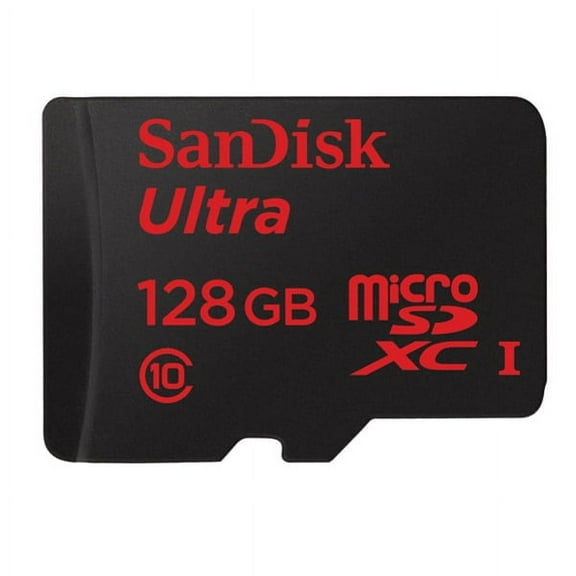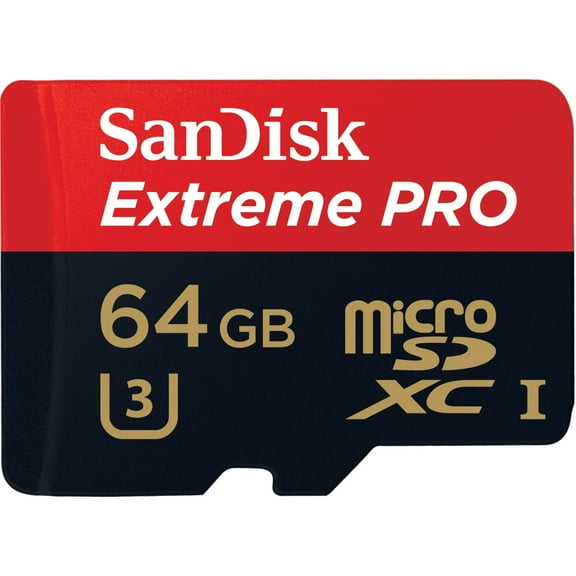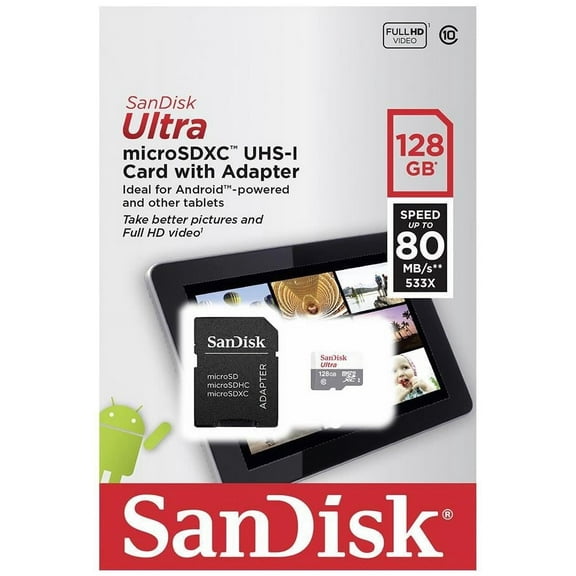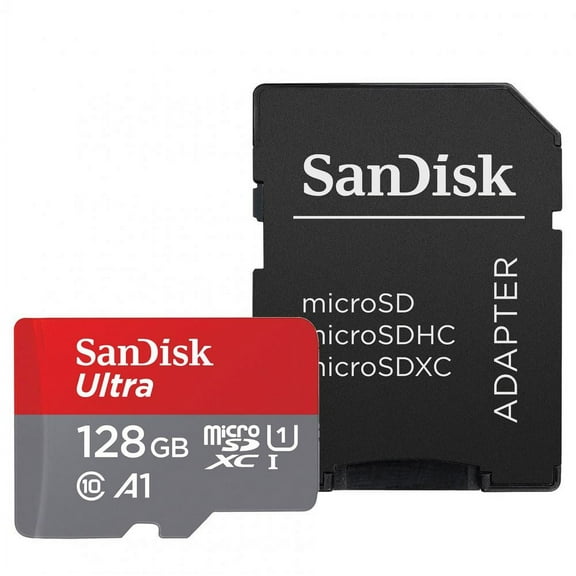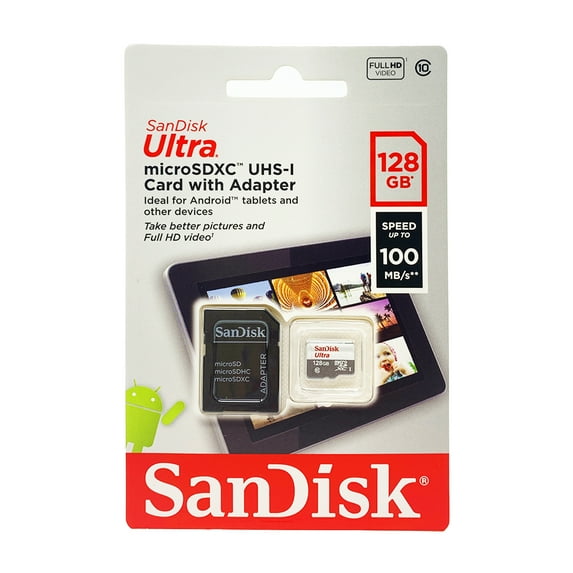
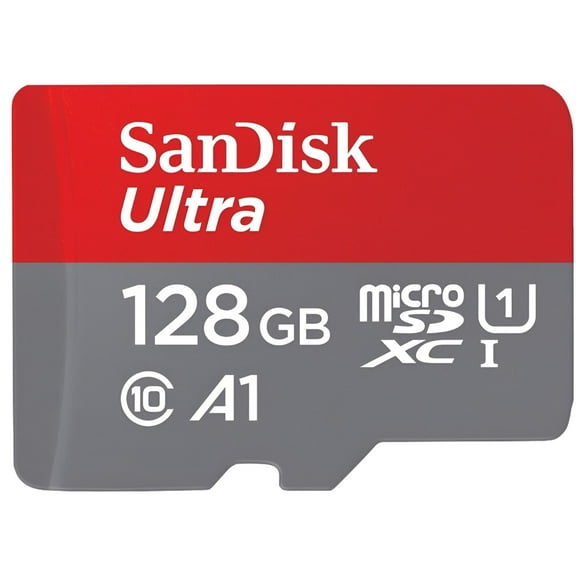
Sandisk Imaging Ultra microSDXC 128GB UHS Class 10 Memory Card w/ Adapter
Hero image 0 of Sandisk Imaging Ultra microSDXC 128GB UHS Class 10 Memory Card w/ Adapter, 0 of 7

Sandisk Imaging Ultra microSDXC 128GB UHS Class 10 Memory Card w/ Adapter

Key item features

  • Ample Storage: This 128GB microSDXC UHS-I flash memory card allows users to capture, carry, and store numerous photos and videos on mobile devices.
  • Full HD Video: Features a Class 10 video rating, enabling high-quality Full HD video recording without interruptions or stuttering.
  • Rugged Durability: Designed to be waterproof, shockproof, x-ray proof, and temperature proof, protecting stored memories from various environmental mishaps.
  • Versatile Adapter: Includes an SD adapter, facilitating easy transfer of digital files between the microSDXC card and other SD-compatible devices like digital cameras and computers.
  • Mobile Compatibility: Specifically designed to expand storage for smartphones and tablets, eliminating the need to delete content.
Generated by AI
Current price is $29.00
Price when purchased online
  • Free 30-day returns

How do you want your item?

Plus, get 50% off an annual plan at checkout!
How do you want your item?
Ships to
Arrives by Tomorrow
.
Order within 1 hr 30 min
Fulfilled by Walmart
4.55873786407767 stars out of 5, based on 2062 seller reviews(4.6)
Free 30-day returns

walmart plus

Get 50% off a year of Walmart+

Exclusions, T&C apply.

About this item
Product details

Specifications

Warranty

Customer ratings & reviews

4.9 out of 5 stars
stars18 ratings10 reviews
How item rating is calculated
Filtered and sorted results would be available on the new 'Customer ratings & reviews' page.
Sort by |

Showing 1-3 of 10 reviews

Apr 27, 2026
Sally
Sold byFirst Choice OnlineDelivered byWalmart
5 out of 5 stars review

Verified Purchase

Sandisk Imaging Ultra microSDXC 128GB UHS Class 10

I used the SIM tool that came with my Samsung Galaxy A16: Power off your Galaxy A16 completely before removing the SIM tray. Locate the SIM/MicroSD tray on the upper left side of the device. Insert your SIM tool (or straightened paperclip) straight into the small, pin-sized hole on the tray. Push gently until the tray pops out, then carefully slide the tray out to insert. I inserted the microSDXC card. Turned my phone back on and it was instantly recognized. You can access it via Samsung "My Files" in the Samsung App. I backed up my phone to the SD card ...worked flawlessly. I've always stuck with the name brand media options and have never had a problem/

Incentivized Review
Helpful?3WU7ACL4ZAKM46549607
Mar 9, 2026
Saundra
Sold byFirst Choice OnlineDelivered byWalmart
5 out of 5 stars review

Verified Purchase

Gave storage expansion for my granddaughter's tablet and freed up internal storage for the tablet. User friendly; easy to install and remove.

Incentivized Review
Helpful?3WU7ACL4ZAKM46549607
Mar 1, 2026
Lokimom
Sold byFirst Choice OnlineDelivered byWalmart
5 out of 5 stars review

Verified Purchase

SanDisk is a great brand. That's why I buy it. Works great and easy-to-use.

Incentivized Review
Helpful?3WU7ACL4ZAKM46549607