


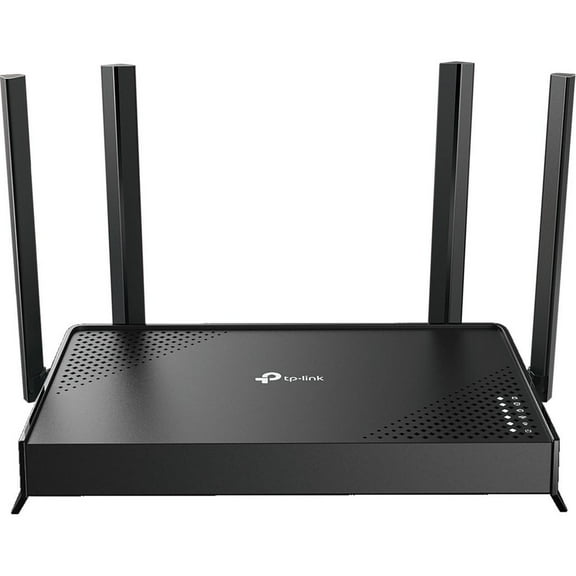
TP-LINK Archer C5 Wireless Router 4 port switch GigE 802.11a/b/g/n/ac Dual Band
Key item features
- 4 x 10/100/1000Mbps LAN ports
- 1 x 10/100/1000Mbps WAN port
- 2 x USB 2.0 ports
- 12VDC/2.5A
- 64/128-bit WEP, WPA/WPA2, WPA-PSK/WPA2-PSK encryption
- Dynamic IP/Static IP/PPPoE/L2TP (Dual Access)/PPTP (Dual Access)
- TP-LINK gigabit router includes 2 detachable antennas, power supply unit, resource CD, Ethernet cable and quick-installation Guide
- Data-transfer rate of up to 1.2Gbps
- Use the wireless gigabit router for HD streaming, online gaming and other bandwidth-intensive tasks
Specs
- Router typeHome Router
- BrandTP-Link
- Wireless performanceAC1200
- Number of wireless frequency bandsDual-Band
- WirelessEthernet, Fast Ethernet, Gigabit Ethernet, IEEE 802.11n, IEEE 802.11ac, IEEE 802.11b, IEEE 802.11a, IEEE 802.11g
- Interface typeEthernet
How do you want your item?
About this item
Product details
- 4 x 10/100/1000Mbps LAN ports
- 1 x 10/100/1000Mbps WAN port
- 2 x USB 2.0 ports
- 12VDC/2.5A
- 64/128-bit WEP, WPA/WPA2, WPA-PSK/WPA2-PSK encryption
- Dynamic IP/Static IP/PPPoE/L2TP (Dual Access)/PPTP (Dual Access)
- TP-LINK gigabit router includes 2 detachable antennas, power supply unit, resource CD, Ethernet cable and quick-installation Guide
- Data-transfer rate of up to 1.2Gbps
- Use the wireless gigabit router for HD streaming, online gaming and other bandwidth-intensive tasks
Specifications
Router type
Brand
Wireless performance
Number of wireless frequency bands
Warranty
Warranty information
Similar items you might like
Based on what customers bought
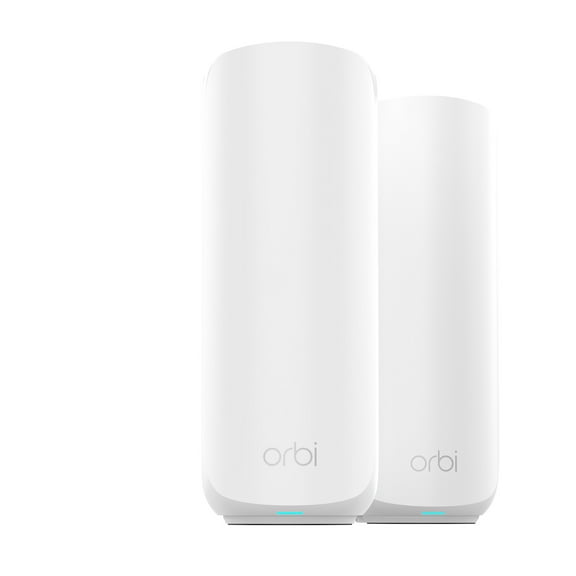
NETGEAR Orbi 360 Series Dual-band WiFi 7 Mesh Network System for Home (RBE362) – Wireless Router 1 Extender, Security Features, 5 Gbps, Covers 4,000 sq. ft., 70 Devices, 2.5GB Internet Port, BE5000 $198.00
 Sponsored$19800current price $198.00
NETGEAR Orbi 360 Series Dual-band WiFi 7 Mesh Network System for Home (RBE362) – Wireless Router 1 Extender, Security Features, 5 Gbps, Covers 4,000 sq. ft., 70 Devices, 2.5GB Internet Port, BE5000
774.4 out of 5 Stars. 77 reviewsSave with Shipping, arrives today
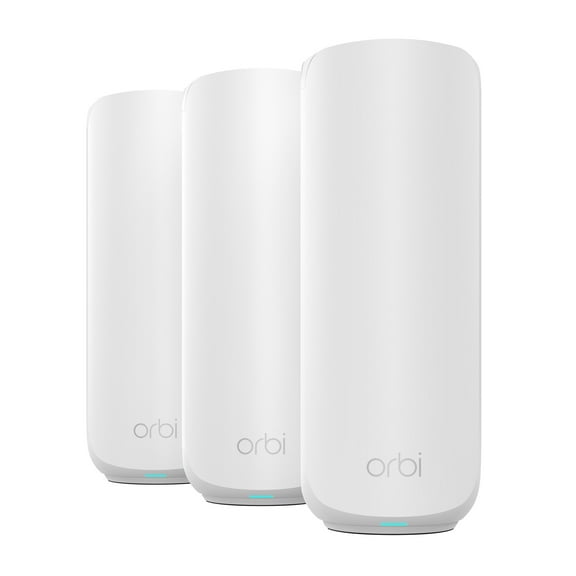
NETGEAR Orbi 260 Series Dual-band WiFi 7 Mesh Network System for Home –(RBE263) – Wireless Router 2 Extenders, Security Features, 3.6 Gbps, Covers 5,000 Sq. ft., 70 Devices, 2.5GB Internet Port $223.00 Was $248.00
 SponsoredNow$22300current price Now $223.00, Was $248.00$248.00You save $25.00You save$25.00
NETGEAR Orbi 260 Series Dual-band WiFi 7 Mesh Network System for Home –(RBE263) – Wireless Router 2 Extenders, Security Features, 3.6 Gbps, Covers 5,000 Sq. ft., 70 Devices, 2.5GB Internet Port
1434.3 out of 5 Stars. 143 reviewsSave withPickup todayDelivery todayShipping, arrives todayBest seller TP-Link Deco X25 AX1800 Wi-Fi 6 Dual Band 3 Pack System - Replaces Individual Routers and Extenders, Connects over 150 devices, Indoor coverage up to 5,800 sq. ft. $111.99 Was $127.00
Best seller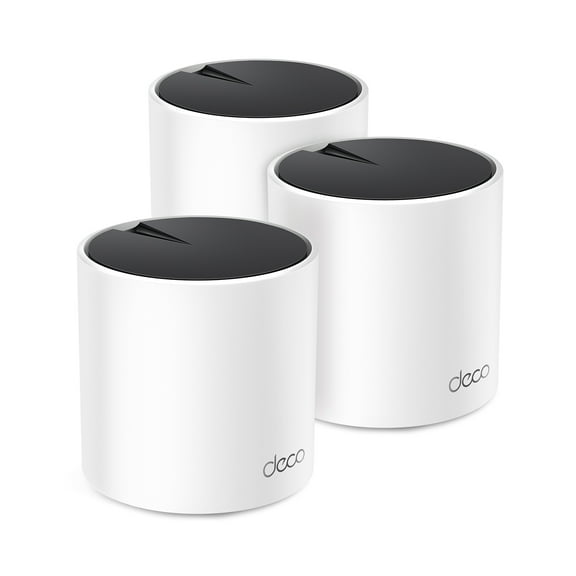 $11199current price $111.99, Was $127.00$127.00
TP-Link Deco X25 AX1800 Wi-Fi 6 Dual Band 3 Pack System - Replaces Individual Routers and Extenders, Connects over 150 devices, Indoor coverage up to 5,800 sq. ft.
2324.5 out of 5 Stars. 232 reviewsRollback TP-Link BE3200 Wi-Fi 7 Dual-Band, Range Extender with Fast 3.2 Gbps Transfer Rate, Smart Roaming for Seamless Home Wireless Coverage and Direct Connection through Gigabit Ethernet Port – RE3200BE $87.00 Was $99.00
Rollback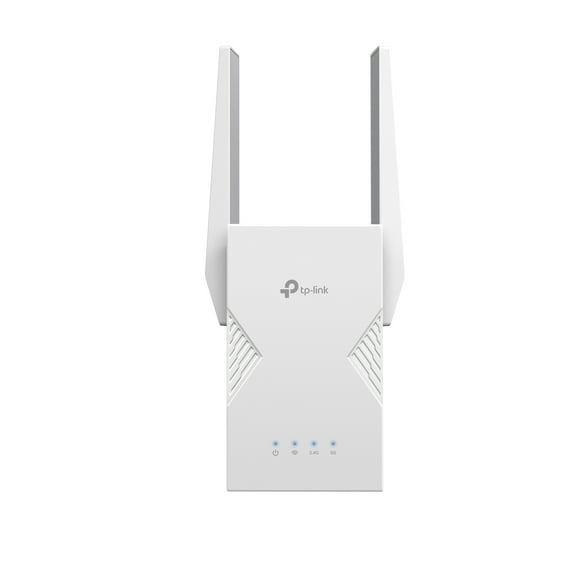 $8700current price $87.00, Was $99.00$99.00
TP-Link BE3200 Wi-Fi 7 Dual-Band, Range Extender with Fast 3.2 Gbps Transfer Rate, Smart Roaming for Seamless Home Wireless Coverage and Direct Connection through Gigabit Ethernet Port – RE3200BE
364.3 out of 5 Stars. 36 reviewsBest seller TP-Link AX1500 Wi-Fi 6 Dual-Band, Range Extender with Quick 1.5 Gbps Transfer Rate, Smart Roaming for Steady Wireless Coverage and Also Connect a Device Through the Ethernet Port - RE1500X $49.47
Best seller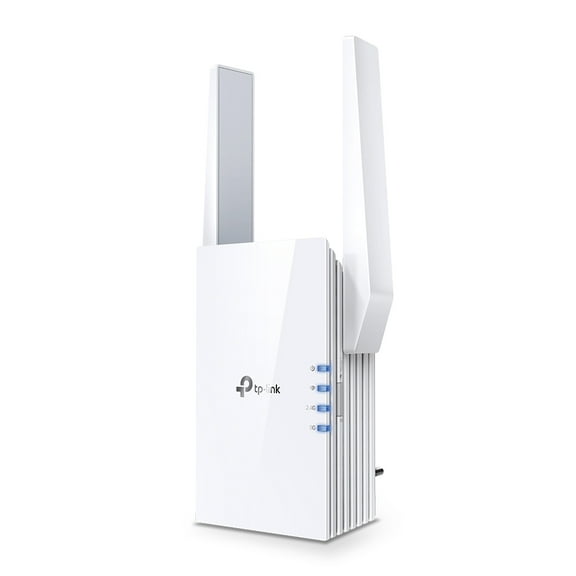 $4947current price $49.47
TP-Link AX1500 Wi-Fi 6 Dual-Band, Range Extender with Quick 1.5 Gbps Transfer Rate, Smart Roaming for Steady Wireless Coverage and Also Connect a Device Through the Ethernet Port - RE1500X
3744.1 out of 5 Stars. 374 reviewsTP-Link Tri-Band Wi-Fi 6 Mesh Router System | 2- Mesh Routers | Coverage up to 5,500 Sq. ft. | Deco W7200 (2-Pack) $104.99
 $10499current price $104.99
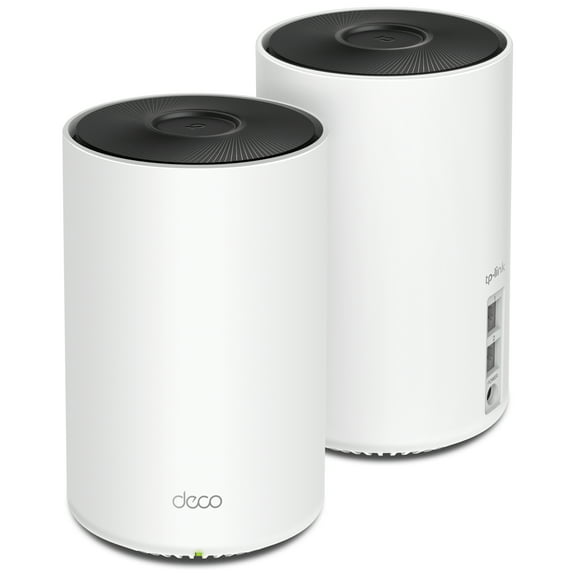
TP-Link Tri-Band Wi-Fi 6 Mesh Router System | 2- Mesh Routers | Coverage up to 5,500 Sq. ft. | Deco W7200 (2-Pack)
4354.4 out of 5 Stars. 435 reviewsNETGEAR Orbi 360 Series Dual-band WiFi 7 Mesh Network System for Home (RBE363) – Wireless Router 2 Extenders, Security Features, 5 Gbps, Covers 6,000 sq. ft., 70 Devices, 2.5GB Internet Port, BE500 $269.00
 Sponsored$26900current price $269.00
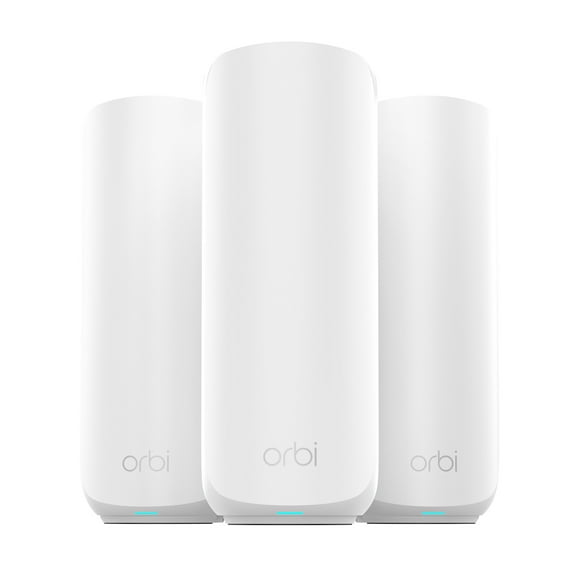
NETGEAR Orbi 360 Series Dual-band WiFi 7 Mesh Network System for Home (RBE363) – Wireless Router 2 Extenders, Security Features, 5 Gbps, Covers 6,000 sq. ft., 70 Devices, 2.5GB Internet Port, BE500
1454.4 out of 5 Stars. 145 reviewsSave withShipping, arrives todayNETGEAR Orbi 260 Series Dual-band WiFi 7 Mesh Network System for Home (RBE262) – Wireless Router 1 Extender, Security Features, 3.6 Gbps, Covers 3,500 sq. ft., 70 Devices, 2.5GB Internet Port $149.00 Was $179.00
SponsoredNow$14900current price Now $149.00, Was $179.00$179.00You save $30.00You save$30.00NETGEAR Orbi 260 Series Dual-band WiFi 7 Mesh Network System for Home (RBE262) – Wireless Router 1 Extender, Security Features, 3.6 Gbps, Covers 3,500 sq. ft., 70 Devices, 2.5GB Internet Port
1004.6 out of 5 Stars. 100 reviewsSave withPickup todayDelivery todayShipping, arrives todayTP-Link Archer AX5400 Pro Wi-Fi 6 Router $99.59
 $9959current price $99.59
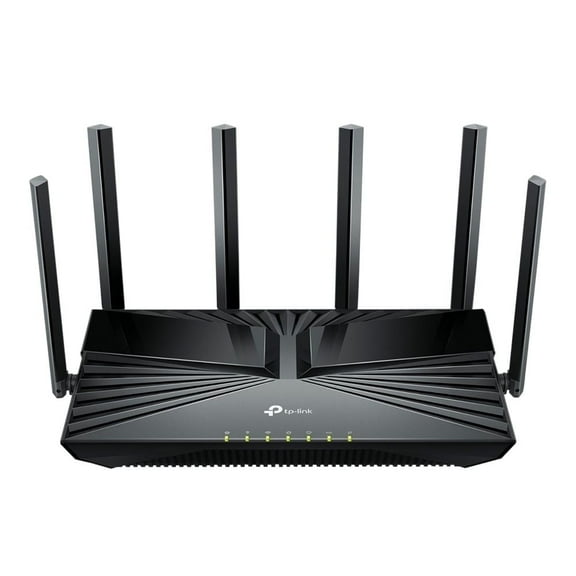
TP-Link Archer AX5400 Pro Wi-Fi 6 Router
794.4 out of 5 Stars. 79 reviewsBest seller NETGEAR Nighthawk BE3100 WiFi 7 Dual-band Router (RS70) $109.00
Best seller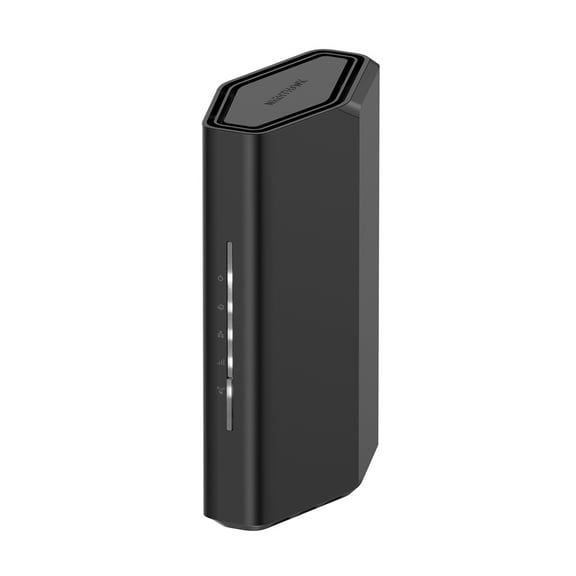 $10900current price $109.00
NETGEAR Nighthawk BE3100 WiFi 7 Dual-band Router (RS70)
8454.4 out of 5 Stars. 845 reviewsTP-LINK Archer C7 AC1750 Wireless Dual Band Gigabit Router $99.00
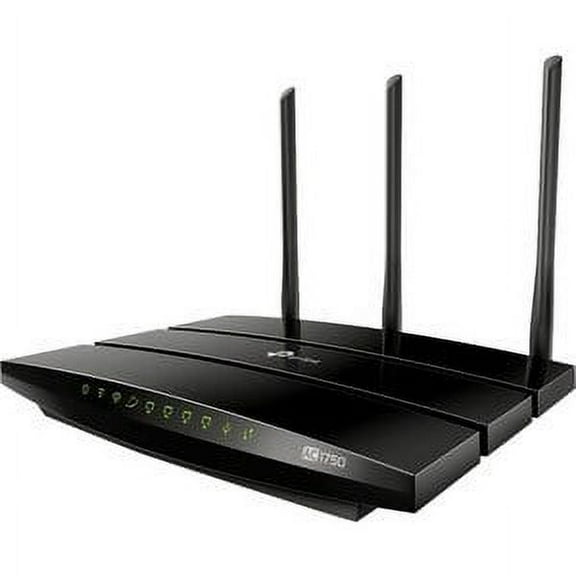 $9900current price $99.00
TP-LINK Archer C7 AC1750 Wireless Dual Band Gigabit Router
2884.2 out of 5 Stars. 288 reviewsTP-Link AC1900 Wireless MU-MIMO Gigabit Router $69.00
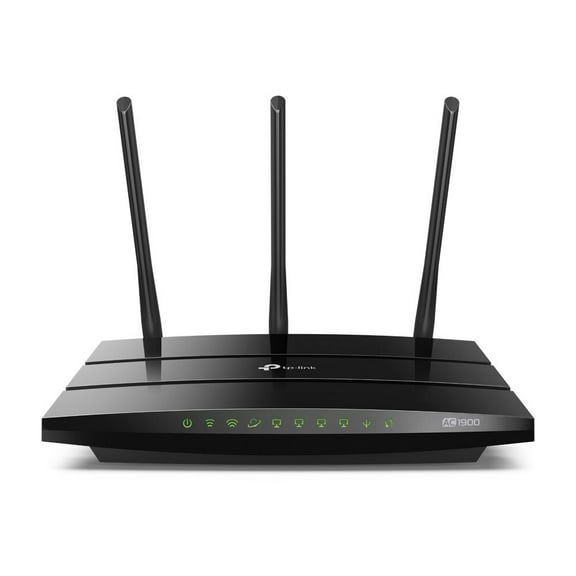 $6900current price $69.00
TP-Link AC1900 Wireless MU-MIMO Gigabit Router
334.5 out of 5 Stars. 33 reviewsZyxel C4000BZ 3.0 Gbps DSL Modem Router $84.99
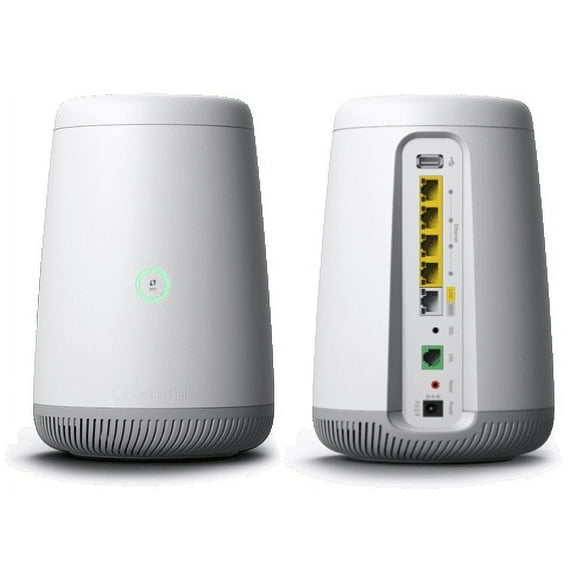 $8499current price $84.99
Zyxel C4000BZ 3.0 Gbps DSL Modem Router
1294.3 out of 5 Stars. 129 reviewsTP-Link HB810 Wi-Fi 7 IEEE 802.11 a/b/g/n/ac/ax/be Ethernet Wireless Router $544.76
 $54476current price $544.76
TP-Link HB810 Wi-Fi 7 IEEE 802.11 a/b/g/n/ac/ax/be Ethernet Wireless Router
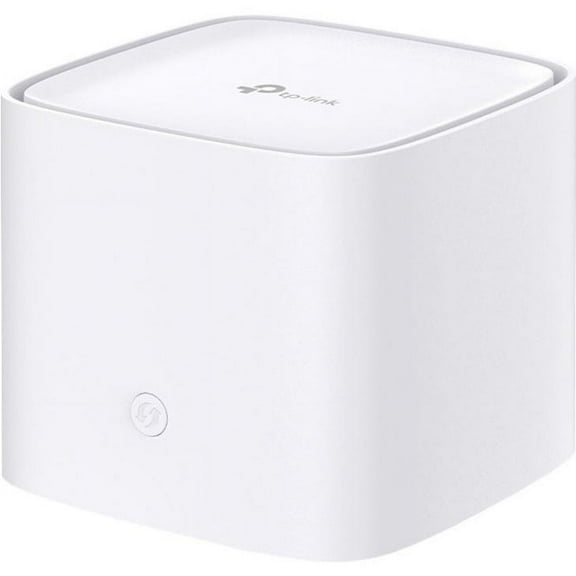
TP-Link Ax3000 Whole Home Mesh Wi-Fi Router $112.33
 $11233current price $112.33
TP-Link Ax3000 Whole Home Mesh Wi-Fi Router
15 out of 5 Stars. 1 reviewsTP-Link RE715X AX3000 Mesh WiFi 6 Extender $99.99
 $9999current price $99.99
TP-Link RE715X AX3000 Mesh WiFi 6 Extender
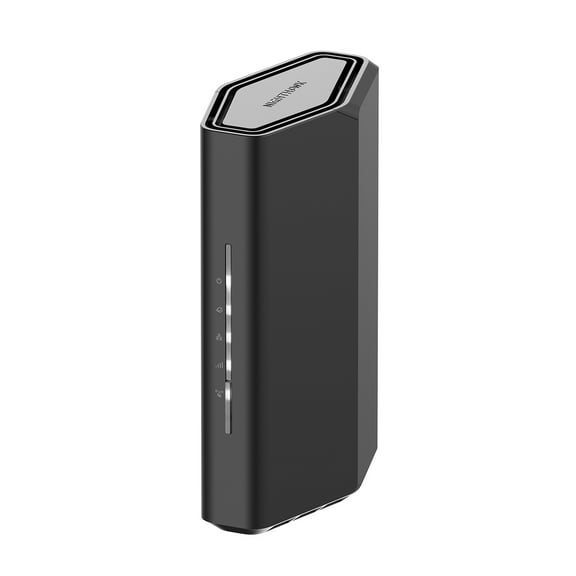
284.6 out of 5 Stars. 28 reviewsNETGEAR Nighthawk Dual-Band WiFi 7 Router (RS90) – Security Features, BE3600 Wireless Speed (up to 3.6 Gbps) – Covers up to 2,000 sq. ft., 50 Devices - 2.5 Gig Internet Port $129.00
 $12900current price $129.00
NETGEAR Nighthawk Dual-Band WiFi 7 Router (RS90) – Security Features, BE3600 Wireless Speed (up to 3.6 Gbps) – Covers up to 2,000 sq. ft., 50 Devices - 2.5 Gig Internet Port
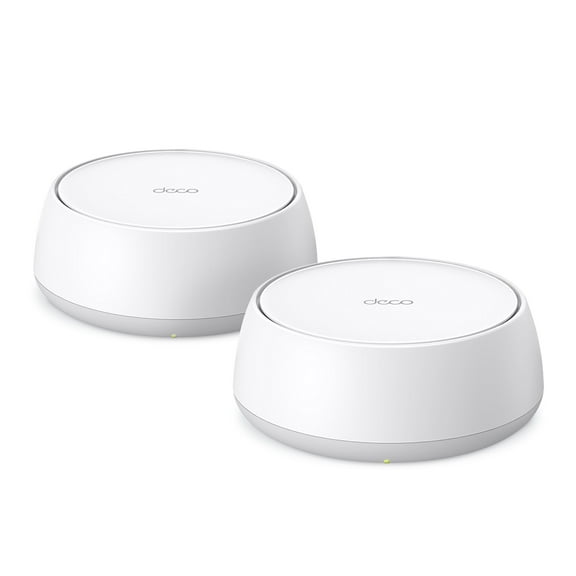
7614.6 out of 5 Stars. 761 reviewsTP-Link Deco BE3600 Next-Generation AI-Driven Dual Band Wi-Fi 7 Home Mesh Router System, 2-Pack (Deco WB7200) - Covers up to 4,500 Sq Ft, Replaces Wi-Fi Router and Extender $128.00
 $12800current price $128.00
TP-Link Deco BE3600 Next-Generation AI-Driven Dual Band Wi-Fi 7 Home Mesh Router System, 2-Pack (Deco WB7200) - Covers up to 4,500 Sq Ft, Replaces Wi-Fi Router and Extender
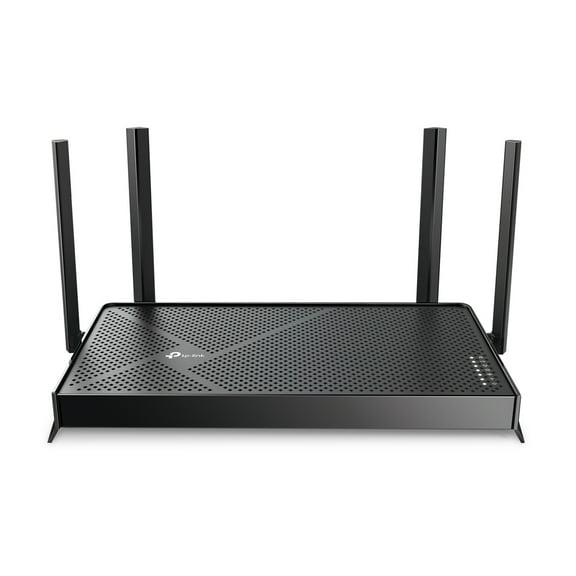
464.1 out of 5 Stars. 46 reviewsTP-Link Dual-Band BE4800 Wi-Fi 7 Router, Dual 2.5 Gbps Ports, USB 3.0 ,4× External Antennas, Parental Controls, Easy Mesh, HomeShield, Private IoT Network - Archer BE4800 $97.00
 $9700current price $97.00
TP-Link Dual-Band BE4800 Wi-Fi 7 Router, Dual 2.5 Gbps Ports, USB 3.0 ,4× External Antennas, Parental Controls, Easy Mesh, HomeShield, Private IoT Network - Archer BE4800
314.5 out of 5 Stars. 31 reviewsTP-Link Dual-Band BE3200 Wi-Fi 7 Router with dual Gigabit Ports, 4x External Antennas, Parental Controls, and HomeShield. Archer BE3200. $78.00
 $7800current price $78.00
TP-Link Dual-Band BE3200 Wi-Fi 7 Router with dual Gigabit Ports, 4x External Antennas, Parental Controls, and HomeShield. Archer BE3200.
734.4 out of 5 Stars. 73 reviews

Customer ratings & reviews
Customer photos


Showing 1-3 of 12 reviews
TP-Link C5
I first want to say that I received the TP-Link AC1200 Dual band wireless router for rating a review purposes. Now with that said, I was please when offered to review this product because I live in a apartment complex and have been having connection issues using my single cable wireless router. My family uses the Internet for everything and has many devices going at the same time and noticed slow connections, and sometimes disconnection. I jumped when offered to review this dual wireless router. The Tp-Link 1200 C5 comes with 2.4 and 5 GHz bands that can be managed separately. Supports a “guest” access interface, which is nice for when you have guests, but don't want to give away your password. Includes parental controls, and time controls so you can limit children's computers, tablets and phones to only have wifi access when you'd like. It also Includes bandwidth control in case you have a limited or expensive ISP, you can keep your bill down. Supports attaching a USB disk drive for shared network storage. This can be good for backing up your computers. Also supports several advanced features such as interfacing with a dynamic DNS server (allows you to host websites, without an expensive static address from your ISP), and working with a Radius server for WPA/ WPA2 security. This unit has 3 external and 3 internal antennas that provide good signal strength and coverage throughout our home. My family and I are very have we switched to this product and recommend it giving it 5 stars.
Verified Purchase
Very good value
Purchased based on rating of "Best router under $100". I am quite pleased, easy to configure right out of the box. Speed test indicates it is providing the speeds that I am paying for. Overall good deal.
I left the Stone Age
I can sum up my experience with this wireless router in 5 words: "I left the Stone Age." Sort of. Our previous router was purchased in about 2007 and it worked pretty well. But as it is often said, you can't miss something you don't know about (Gigabit). I would never complain about the old router at this time if I didn't see the difference for myself. We have two desktop PCs and a laptop in our household. The laptop uses wireless to connect to the Internet while the desktops are connected via Ethernet ports. I had already known the fact that your Internet connection speed is reduced somewhat when you go through a router compared to a direct connection from a PC to the Cable Modem. "Good enough" was what I usually said. Until now, that is. Before installing and connecting to the Internet with the TP-LINK AC1200, the desktops "achieved" a download speed of about 35 Mbps and an upload speed of about 10 Mbps. The wireless-connected laptop was around 25 Mbps down. Not bad for our usual activities and I usually blamed my ISP for whatever bottlenecks occurred at times. After installing the TP-LINK AC1200, the difference was amazing! Each desktop received a download speed of about 88 Mbps and 12 Mbps up while the laptop increased its download speed to about 65 Mbps. Streaming video sites such as YouTube worked a lot better with nary a glitch. Okay -- what else is "new" in this deal for a household coming out of their self-imposed "Stone Age?" The 2 USB ports in the TP-LINK AC1200 for shared network files and media. Previously, my NAS (Network Addressed Storage) was a separate device that plugged into an Ethernet port on the old router and had its own power supply and 2 USB ports to plug portable external hard drives. Wires galore! This device was also from around 2004 or 2005 and only fully supported the FAT file system. You could read an NTFS drive but could not add files or delete files. The TP-LINK AC1200 fully supports both FAT and NTFS as well as giving you the ability to hook up a printer (which I have not tried at this time). You can also set up your own FTP server to access your files from elsewhere on the Internet. What I can tell you right now is that setting up the external hard drives to the TP-LINK AC1200 is very simple to do and works beautifully. While the TP-LINK AC1200 comes with a mini-resources 'Setup Wizard' CD for installing the system, I chose to use the Web browser-based installation method following the included directions in the Quick Installation Guide. It was all configured and up and running in about 15 minutes time or less. Quick tip: Always set up a new admin name and password rather than leaving the default "admin/admin" factory settings. Security is only as strong as your own willingness to make it such and leaving the defaults is just asking for trouble. This wireless router not only looks great, it works great and almost anyone could set it up without having to call on the help of a geek. I love this thing!
