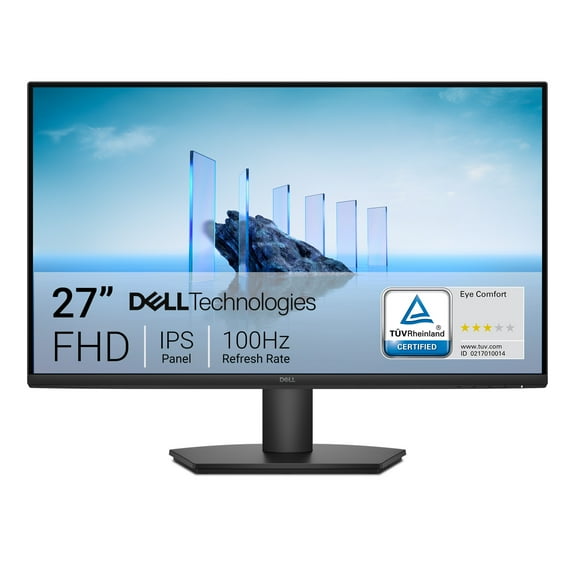
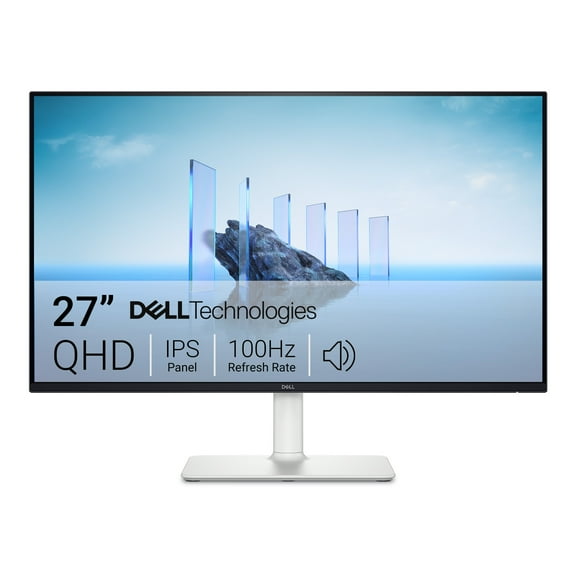
I initially connected this with the DVI cable I already had connected from my older monitor. I was disappointed using the recommended settings @ 2560x1440 as the text was not clear. When adjusting down to the 1920x1080 all was good... but this was not what I bought the monitor for! I then tried the included HDMI cable and had the exact same results. Next I tried the included Display Port cable... that was the ticket! Make sure to disconnect any separate audio plug you might have as the monitor speakers won't work if plugged in, the audio passes thru the DP connection.
I use my PC mainly for general uses (internet, MSoffice, etc.) as well as heavy use of Adobe Lightroom for photography review, editing & printing (which was the main reason for me selecting an IPS monitor). I calibrated the monitor using my old Spyder2PRO "puck" and found that the monitor as delivered was very close to proper calibration except the brightness was way too high!
During the calibration you have to use the onboard menu buttons which are definitely a challenge as they are on the back lower RH side of the monitor. It is very difficult to select the correct button for the aligned feature on the screen. I eventually got somewhat use to the button-to-screen alignment and got the screen calibrated. Make sure to adjust the OSD (on screen display) setting to "30 seconds" so you have time to find the right button or the display will go off and you'll be stating over!
Getting quality prints to look like what's on the display requires much less brightness & contrast. I was attempting to achieve Black Lum=0.50 & White Lum=90.0. I ended up at these values when Brightness=39 & Contrast=32. The first print was spot on with my HP B9180 printer. (Picture>Color Temp>User>Red99Green87Blue90)
Other points to consider about this monitor; nice matte screen finish that does not reflect, but the perimeter trim edge is shinny... which does reflect! There are no USB ports on the sides, speakers are small but adequate . The menu buttons on the back are definitely a pain... but not something you'll use much for the average user. The stand I can not comment on as I am not using it as the monitor is mounted to an arm. But for an inexpensive 27" IPS monitor... the price was right for my needs... I'll live with the minor issues as the display picture is AWESOME!