

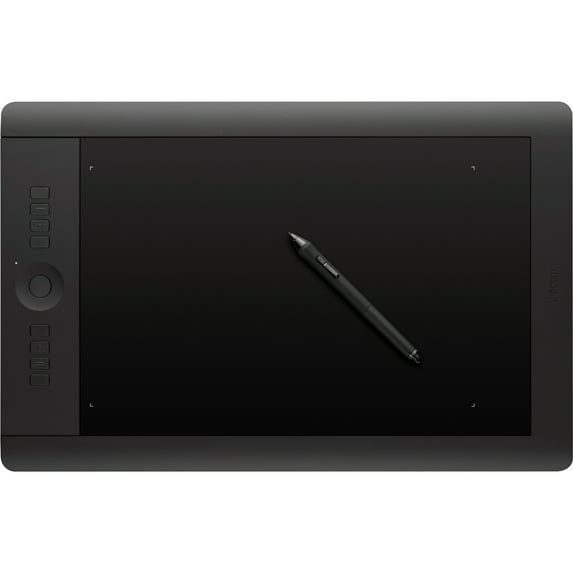
Wacom Intuos Pro Pen and Touch (PTH841)
Key item features
Key Features and Benefits:
- Designed for creativity - just the right tools
The Wacom Intuos Pro pen tablet combines Wacom's fine pen capabilities and intuitive multi-touch gestures. It gives you the power to produce professional results with the precision and control you demand from your professional software. Designed for creative work, it delivers a natural and intuitive experience that extends your creative capabilities. - Your endless creative toolbox
8192 levels of pen pressure sensitivity and tilt recognition let you create with the accuracy and precision of traditional brushes, pens and markers, while multi-touch gestures allow you to position and navigate your work intuitively. - Stay focused and enjoy the creative experience
Get the most from your creative software with your favorite pre-selected shortcuts. The Intuos Pro even detects the software you're using and offers optimal selections. Quickly access all your shortcuts through the customizable ExpressKeys and touch ring. Stay focused with the express view display and radial menu. Discover intuitive navigation at the touch of your fingers: pan, zoom, rotate and navigate naturally with gestures, or create your own multi-touch shortcuts. - Enjoy wireless flexibility and ergonomics
Cut down on cord clutter and enjoy the freedom of creating wirelessly. Intuos Pro is designed ergonomically for both right and left hand use, so you'll be comfortable all day. - Creative breathing room
The generous workspace is designed to accommodate artistic styles that require a full-range of motion and creative professionals who work in large formats.
What's Included:
- Wacom Intuos Pro Large
- Pen stand, pen tip nib removal tool, nibs (10 pcs.), color identification rings, stylus pen
- Software
Specs
- Screen size12.80" x 8"
- OSMac
- BrandWacom
- Resolution5080 lpi
- Color depth16.7 Million Colors
- Inputs/OutputsWireless, Wired, Electromagnetic
How do you want your item?
About this item
Product details
Key Features and Benefits:
- Designed for creativity - just the right tools
The Wacom Intuos Pro pen tablet combines Wacom's fine pen capabilities and intuitive multi-touch gestures. It gives you the power to produce professional results with the precision and control you demand from your professional software. Designed for creative work, it delivers a natural and intuitive experience that extends your creative capabilities. - Your endless creative toolbox
8192 levels of pen pressure sensitivity and tilt recognition let you create with the accuracy and precision of traditional brushes, pens and markers, while multi-touch gestures allow you to position and navigate your work intuitively. - Stay focused and enjoy the creative experience
Get the most from your creative software with your favorite pre-selected shortcuts. The Intuos Pro even detects the software you're using and offers optimal selections. Quickly access all your shortcuts through the customizable ExpressKeys and touch ring. Stay focused with the express view display and radial menu. Discover intuitive navigation at the touch of your fingers: pan, zoom, rotate and navigate naturally with gestures, or create your own multi-touch shortcuts. - Enjoy wireless flexibility and ergonomics
Cut down on cord clutter and enjoy the freedom of creating wirelessly. Intuos Pro is designed ergonomically for both right and left hand use, so you'll be comfortable all day. - Creative breathing room
The generous workspace is designed to accommodate artistic styles that require a full-range of motion and creative professionals who work in large formats.
What's Included:
- Wacom Intuos Pro Large
- Pen stand, pen tip nib removal tool, nibs (10 pcs.), color identification rings, stylus pen
- Software
Specifications
Pressure level
Screen size
OS
Brand
Warranty
Warranty information
Please be aware that the warranty terms on items offered for sale by third party Marketplace sellers may differ from those displayed in this section (if any). To confirm warranty terms on an item offered for sale by a third party Marketplace seller, please use the 'Contact seller' feature on the third party Marketplace seller's information page and request the item's warranty terms prior to purchase.
Similar items you might like
Based on what customers bought
Wacom MovinkPad 11 $476.69
 $47669current price $476.69
Wacom MovinkPad 11
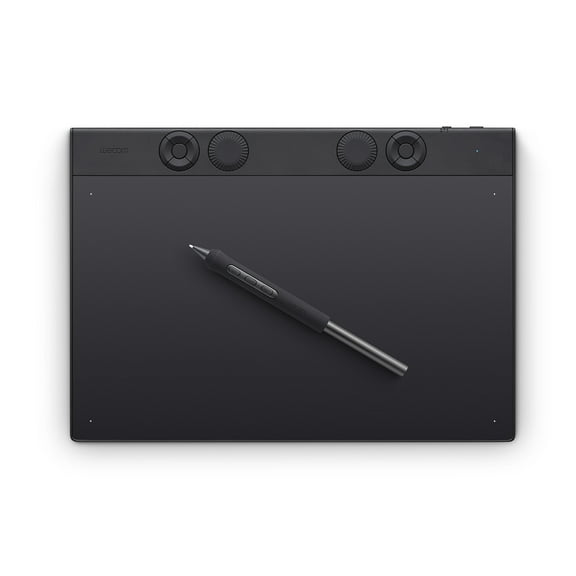
15 out of 5 Stars. 1 reviewsWacom Intuos Pro Medium Bluetooth Professional Graphic Drawing Tablet with Pro Pen 3, compatible with Mac, Windows - 2025 edition $379.95
 $37995current price $379.95
Wacom Intuos Pro Medium Bluetooth Professional Graphic Drawing Tablet with Pro Pen 3, compatible with Mac, Windows - 2025 edition
Wacom Intuos Graphics Drawing Tablet, 3 Bonus Software Included, 7.9"x 6.3", Black, Small (CTL4100) $57.16 Was $69.95
 2 optionsAvailable in additional 2 options$5716current price $57.16, Was $69.95$69.95
Wacom Intuos Graphics Drawing Tablet, 3 Bonus Software Included, 7.9"x 6.3", Black, Small (CTL4100)
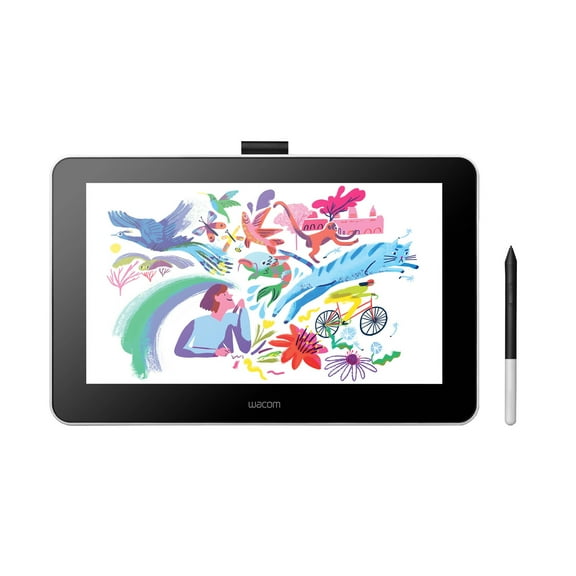
934.5 out of 5 Stars. 93 reviewsWacom One Digital Drawing Tablet, 13.3in Graphics Display, '19in Length x 14in Width x 5in Height' $249.94 Was $399.95
 $24994current price $249.94, Was $399.95$399.95
Wacom One Digital Drawing Tablet, 13.3in Graphics Display, '19in Length x 14in Width x 5in Height'
634 out of 5 Stars. 63 reviewsWacom One 12 Drawing Tablet 11.6" Full HD Graphics Tablet with Wacom One Pen $299.95 $199.97/lb
 $29995current price $299.95$199.97/lb
Wacom One 12 Drawing Tablet 11.6" Full HD Graphics Tablet with Wacom One Pen
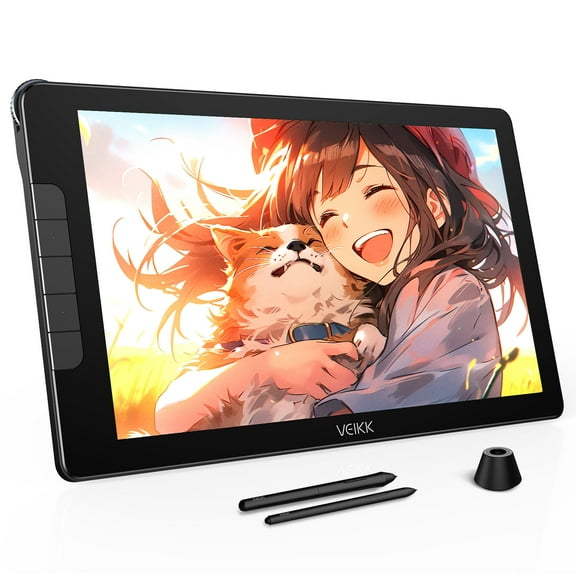
52.4 out of 5 Stars. 5 reviewsVEIKK Studio 16 Drawing Tablet with Screen 15.6 Inch Pen Display (125% sRGB),16K Pen Pressure,for Window Mac Linux $216.59 Was $227.99
 $21659current price $216.59, Was $227.99$227.99
VEIKK Studio 16 Drawing Tablet with Screen 15.6 Inch Pen Display (125% sRGB),16K Pen Pressure,for Window Mac Linux
75 out of 5 Stars. 7 reviewsHuion Kamvas 13 (Gen 3) 13.3" Full-Laminated Drawing Tablet with Screen, 99% sRGB, PenTech 4.0 16384 Pen Pressure, Dual Dial for PC,Mac,Android, Black $242.10 Was $269.00
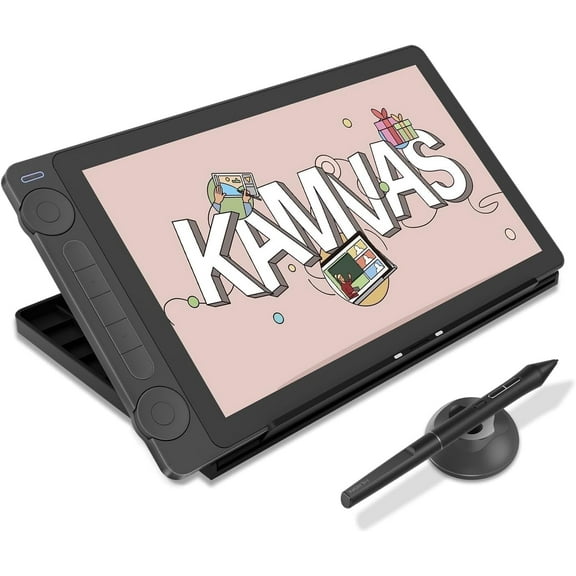 2 optionsAvailable in additional 2 options$24210current price $242.10, Was $269.00$269.00
Huion Kamvas 13 (Gen 3) 13.3" Full-Laminated Drawing Tablet with Screen, 99% sRGB, PenTech 4.0 16384 Pen Pressure, Dual Dial for PC,Mac,Android, Black
124.2 out of 5 Stars. 12 reviewsWacom PTK870K0A Intuos Pro Large Drawing Tablet with Wacom Pro Pen 3, Black $499.95
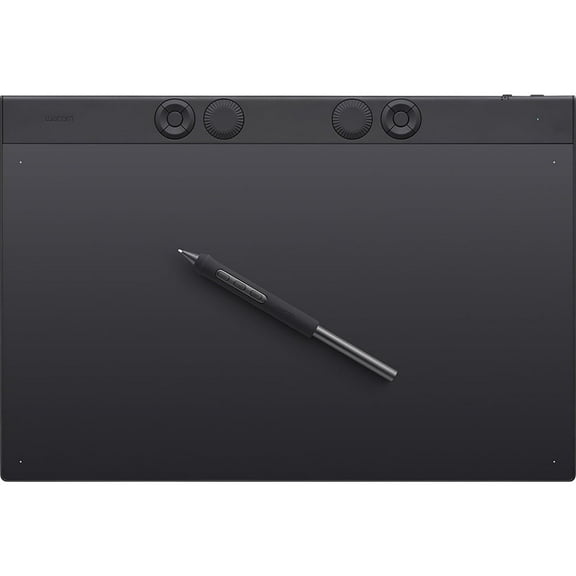 $49995current price $499.95
Wacom PTK870K0A Intuos Pro Large Drawing Tablet with Wacom Pro Pen 3, Black
VEIKK VK2200Pro Drawing Tablet with Screen 21.5 inch Full HD Pen Display ,2 Dials, 8 Shortcut Keys, Adjustable Stand $298.99 Was $349.99
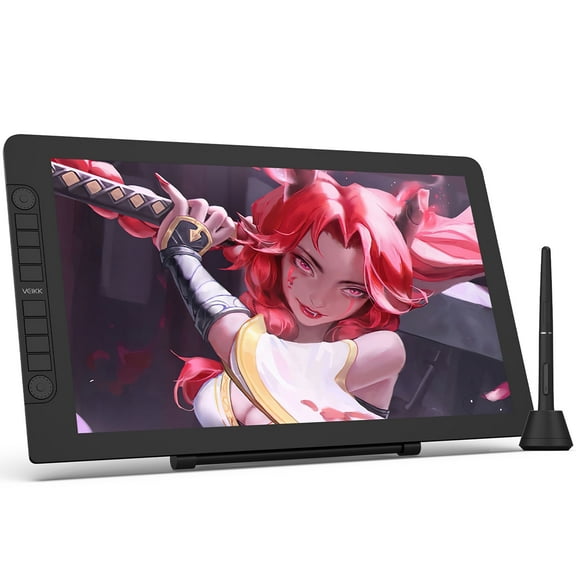 $29899current price $298.99, Was $349.99$349.99
VEIKK VK2200Pro Drawing Tablet with Screen 21.5 inch Full HD Pen Display ,2 Dials, 8 Shortcut Keys, Adjustable Stand
224.7 out of 5 Stars. 22 reviewsWacom One 14 $316.47
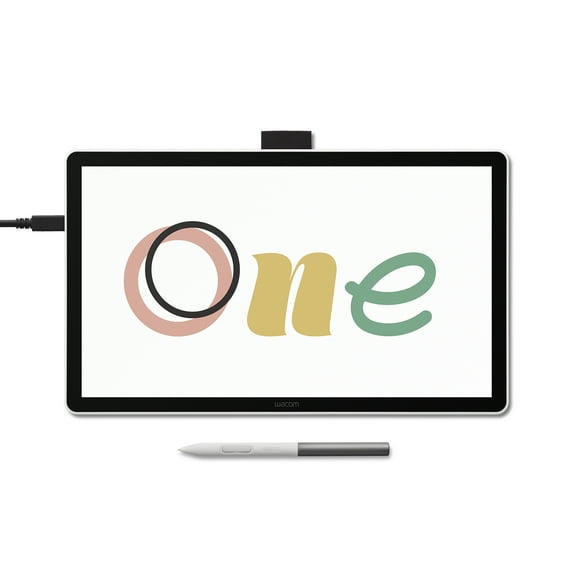 $31647current price $316.47
Wacom One 14
14 out of 5 Stars. 1 reviewsXPPen Artist Pro 14 (Gen 2) Drawing Tablet with 16384 Pressure Sensing Stylus, WUXGA 1920P Graphic Drawing Display, Pen Tablet for Computer $399.99
 2 optionsAvailable in additional 2 options$39999current price $399.99
XPPen Artist Pro 14 (Gen 2) Drawing Tablet with 16384 Pressure Sensing Stylus, WUXGA 1920P Graphic Drawing Display, Pen Tablet for Computer
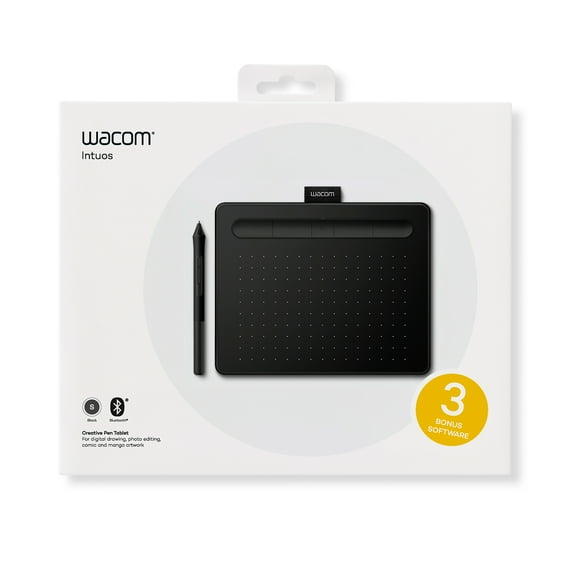
15 out of 5 Stars. 1 reviewsWacom CTL4100WLK0 Intuos Wireless Graphic Tablet, 7.9" x 6.3", Black $79.95

 $7995current price $79.95
Wacom CTL4100WLK0 Intuos Wireless Graphic Tablet, 7.9" x 6.3", Black
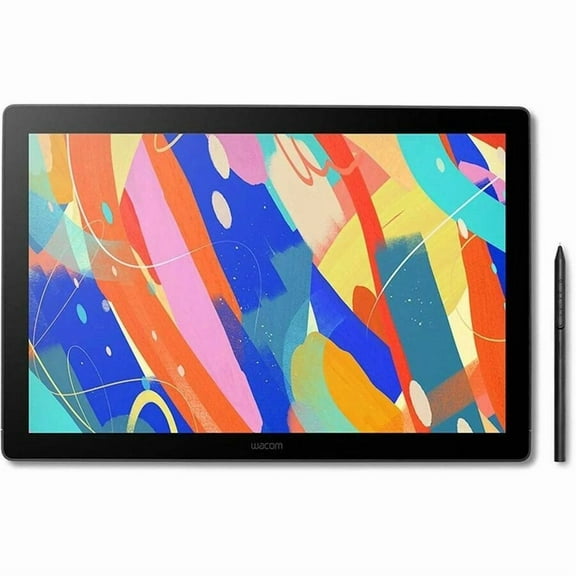
794.2 out of 5 Stars. 79 reviewsWacom DTK168K0A Cintiq 16 Pen Tablet with 16" Display, Wacom Pro Pen 3 $699.95
 $69995current price $699.95
Wacom DTK168K0A Cintiq 16 Pen Tablet with 16" Display, Wacom Pro Pen 3
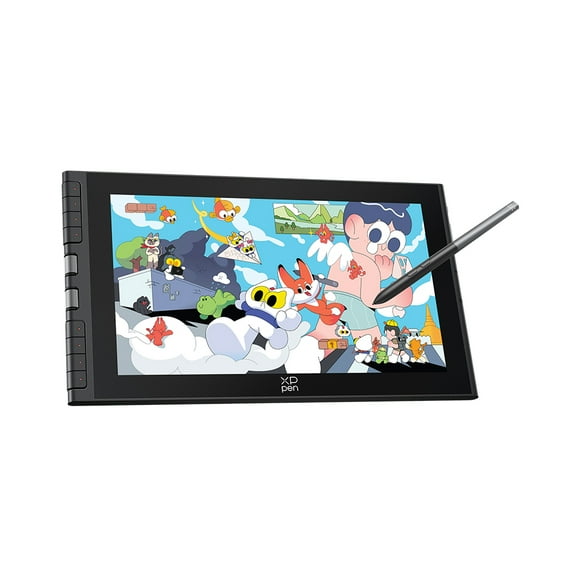
XPPen Artist 12 3rd 11.9" Drawing Tablet with Screen | X4 Pen 16K Pressure | Dial Wheels 8 Keys | AG Etched Glass Portable Art Drawing Tablet Compatible with Windows/macOS/Android/ChromeOS/Linux $239.99
 $23999current price $239.99
XPPen Artist 12 3rd 11.9" Drawing Tablet with Screen | X4 Pen 16K Pressure | Dial Wheels 8 Keys | AG Etched Glass Portable Art Drawing Tablet Compatible with Windows/macOS/Android/ChromeOS/Linux
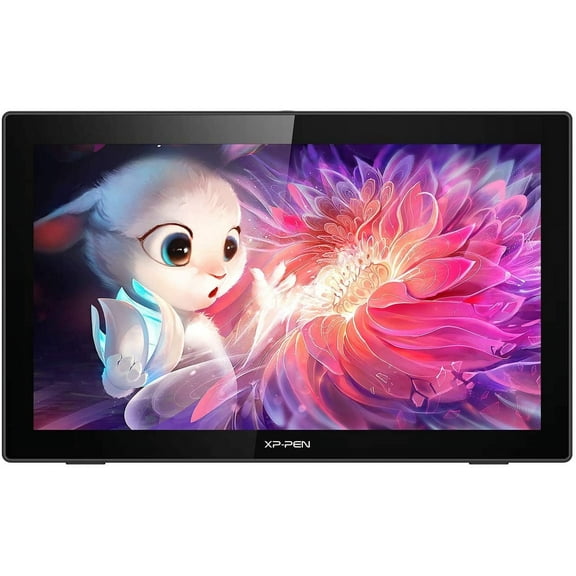
XP Pen Artist22 2nd Graphics Drawing Tablet, 1080P 21.5inch Screen, 8192 Pressure Sensitivity, Black $499.99
 $49999current price $499.99
XP Pen Artist22 2nd Graphics Drawing Tablet, 1080P 21.5inch Screen, 8192 Pressure Sensitivity, Black
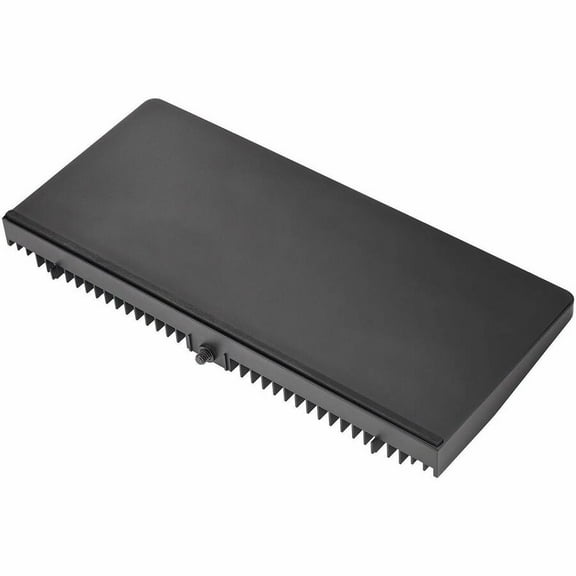
Wacom Cintiq Pro 27, Extension Table $58.08
 $5808current price $58.08
Wacom Cintiq Pro 27, Extension Table
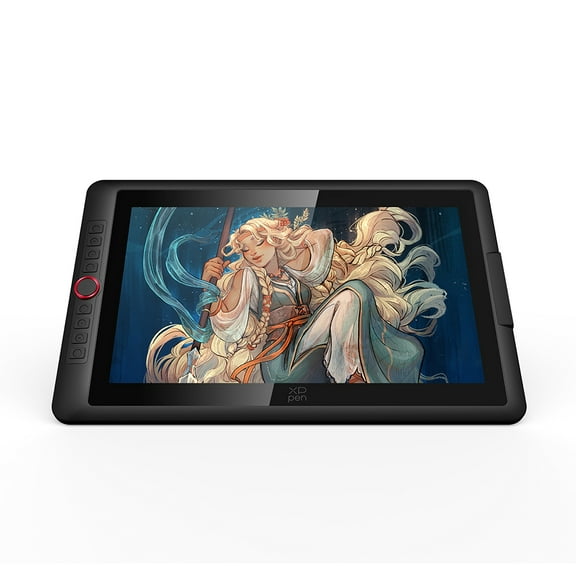
XPPen Latest Artist15.6 Pro V2 Graphic Tablet with Screen, 15.4in Drawing Display with Stand for Computers, 16384 Pen Pressure Stylus, 99% sRGB Full-Laminated Pen Display,8 Shortcut Keys $379.99
 $37999current price $379.99
XPPen Latest Artist15.6 Pro V2 Graphic Tablet with Screen, 15.4in Drawing Display with Stand for Computers, 16384 Pen Pressure Stylus, 99% sRGB Full-Laminated Pen Display,8 Shortcut Keys
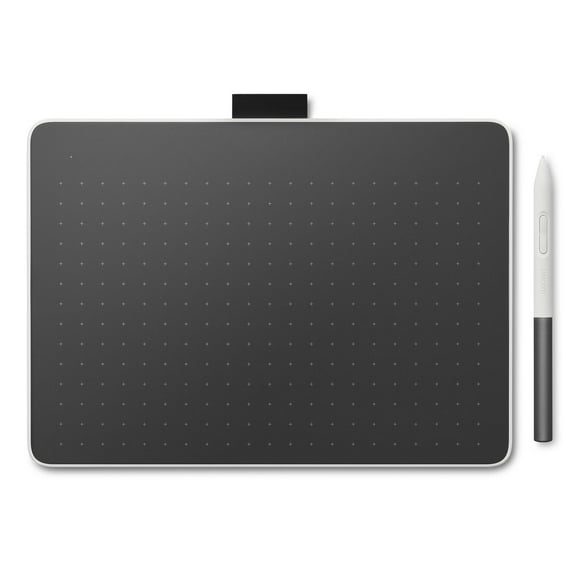
33.7 out of 5 Stars. 3 reviewsWacom One Medium Bluetooth Graphics Drawing Tablet, 9.9x7.1 inch; Compatible with Chromebook, Mac, Windows and Android for digital art, photo editing, design; Includes creative software and training $149.95 Was $176.81 $197.30/lb
 $14995current price $149.95, Was $176.81$176.81$197.30/lb
Wacom One Medium Bluetooth Graphics Drawing Tablet, 9.9x7.1 inch; Compatible with Chromebook, Mac, Windows and Android for digital art, photo editing, design; Includes creative software and training
15 out of 5 Stars. 1 reviewsVEIKK VK430 Drawing Tablet 4x3 inch OSU Tablet Ultra-Thin for Windows/Mac/Linux $17.99 Was $19.99
 $1799current price $17.99, Was $19.99$19.99
VEIKK VK430 Drawing Tablet 4x3 inch OSU Tablet Ultra-Thin for Windows/Mac/Linux
324.6 out of 5 Stars. 32 reviewsWacom ACK153312Z Texture Sheet Large $16.70
 $1670current price $16.70
Wacom ACK153312Z Texture Sheet Large
Customer ratings & reviews
Filtered and sorted results would be available on the new 'Customer ratings & reviews' page.
Showing 1-3 of 17 reviews
Verified Purchase
Great tablet for beginners and professionals
I just upgraded from and old tablet to the Wacom and it is all that I expected. Love the hand gestures and pen action. Easy setup. The software that comes with the package is awesome. adobe Photoshop elements 12, sketchbook pro, and anime 8 just to name a few. Great Value.
Verified Purchase
Amazing Product
Walmart did a poor job with the packaging and when it arrived the box was barely taped shut and the Wacom box itself inside the package was not stable and held in place. That i blame on whomever provided the shipping and handling. But the product itself is AMAZING! The amount of free software alone that Wacom offers you with the purchase of this product is simply amazing. The touch pro pen comes with a bunch of extra nips, and the pressure sensitivity is on point amazing! Definitely an artists "tool delite" A must have for anyone who wants to experiment with digital painting and saving time in their work. Would definitely recommend this product.
Verified Purchase
Great value for the graphics professional
This is a great value for the professional graphics designer! It has high end capabilities at an affordable price. I'm using it for web design graphics with CorelDRAW. It's everything that I expected. A nice feature is that you can configure the working area to any size that you find personally comfortable. For example, the default working area is about 9" x 5.5". I changed mine to a tighter 5" x 3" for most of my work. But I can always change back to the default configuration depending on the application. It's great for beginners who have professional aspirations. It comes bundled with 4 free and one trial graphics packages.
