

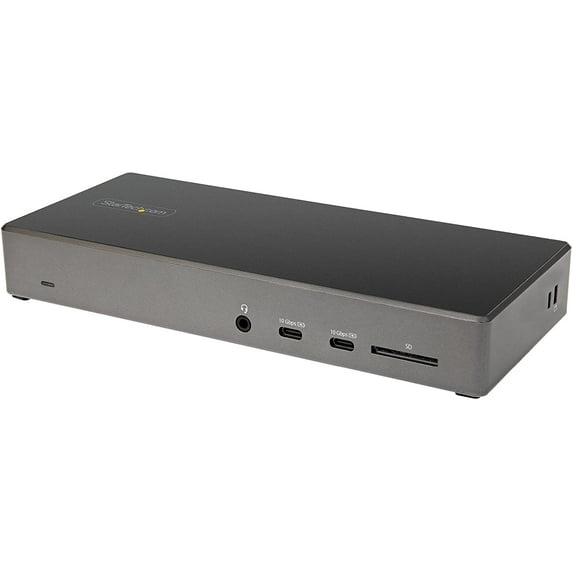
StarTech 100W USB-C Triple 4K Monitor Docking Station with DP 1.4 DK31C2DHSPD
Key item features
- Docking Station
- AC Adapter
- 2 x Power Cable NA/JP & ANZ
- 1 x USB-C Cable (1 m)
- Quick-Start Guide
- Lenovo X1 Carbon
- Lenovo ThinkPad P Series
- Dell Latitudes Series
- Dell Precision Series
- Dell XPS 15
- HP Spectre
- HP ZBook
- Google Chromebook
Specs
- CompatibilityLenovo X1 Carbon, Lenovo ThinkPad P Series, Dell Latitudes Series, Dell Precision Series, Dell XPS 15, HP Spectre, HP ZBook, Google Chromebook
- Maximum number of monitors3
- Resolution4K 30Hz
- Usb version3.2 Gen 2
- BrandStarTech.com
- Model nameDK31C2DHSPD
- Free shipping
 Free 30-day returns

(Only one option can be selected at a time)
How do you want your item?


More seller options (14)
About this item
Product details
| This USB-C Gen 2 10Gbps docking station turns your USB-C ® or Thunderbolt™ 3 Windows laptop or Chromebook into a powerful workstation. A USB 3.2 Gen 2 Type-C dock features everything you need, from triple video outputs up to 4K 60Hz to 10Gbps USB-C & USB-A downstream peripheral ports to 100W Power Delivery. HDMI & DisplayPort for Multiple Monitor Outputs This USB-C Gen 2 docking station with DP 1.4 and HDMI 2.0 HBR3 support, is a perfect choice for dual or triple monitor setup, supporting up to triple 4K 30Hz nearly uncompressed video resolution output , with two DisplayPort and one HDMI outputs. Maximum dual and triple 4K display performance is supported on USB-C 11th Gen Intel-based (DP 1.4 HBR3 with DSC support) Windows Thunderbolt 3 or USB-C laptops, but backwards compatibility to older laptop generations and lower resolution monitor requirements. DP 1.4 HBR3 with DSC Enabled DP 1.4 HBR3 (without DSC) DP 1.2 HBR2 Triple Display Up to 4096 x 2160 @ 30Hz Up to 1920 x 1080 @ 60Hz Up to 1600 x 900 @ 60Hz Dual Display Up to 4096 x 2160 @ 60Hz* *HDMI port + DP port or 2 DP ports Up to 2560 x 1440 @ 60Hz Up to 1920 x 1080 @ 60Hz Single Display Up to 4096 x 2160 @ 60Hz Up to 3840 x 2160 @ 60Hz Up to 3840 x 2160 @ 30Hz Power & Charge with 100W Power Delivery Power and charge USB-C/Thunderbolt 3 workstation laptops & ultrabooks with 100 watt power delivery, to keep high performance laptops sufficiently charged during heavy productivity usage. Charge smartphones and other devices with USB-C downstream charging ports featuring BC 1.2 charging specification. Fast-charge ports support always-on charging so devices will charge whether or not a host laptop is connected. Integrated 6-Port USB Hub & SD Card Reader This USB-C Gen 2 docking station features 6 downstream USB ports in total to connect USB peripherals and an SD (4.0) card reader for media storage. 2x USB-C 3.2 Gen 2 - 10 Gbps (BC 1.2 Fast-Charge + Aways-On) 2x USB-A 3.2 Gen 1 - 5 Gbps 2x USB-A 2.0 - 480 Mbps SD 4.0 Card Reader Also included, is a gigabit Ethernet port with PXE Boot, as well as 4-position TRRS stereo audio for a headset and mic. Additional Security Features This USB-C docking station comes with plenty of security features two K-slots for a Kensington style laptop lock. Enhance Productivity and Device Management with the StarTech.com Connectivity Tools Application Developed to improve performance and security, StarTech.com Connectivity Tools is the only software suite on the market that works with a wide range of IT connectivity accessories. The software suite includes: Advanced Windows Layout Utility: To setup and save custom windows layouts. Mac Address Pass-Through Utility: To improve network security. USB Event Monitoring Utility: To track and log connected USB devices Wi-Fi Auto Switch Utility: Enabling users to quickly access faster network speeds via wired LAN. For more information and to download the StarTech.com Connectivity Tools application, please visit: www.StarTech.com/Connectivity-Tools More from the Manufacturer More from the Manufacturer |
| Connectivity Technology: | Wired |
| Device Supported: | Tablet |
| Device Supported: | Workstation |
| Device Supported: | Monitor |
| Device Supported: | Notebook |
| Memory Card Reader: | Yes |
| Memory Card Supported: | SD |
| Number of Displays Supported: | 3 |
| Screen Mode Supported: | 4K |
| Supported Resolutions: | 4096 x 2160 |
| Supported Resolutions: | 3840 x 2160 |
| Supported Resolutions: | 2560 x 1440 |
| Supported Resolutions: | 1920 x 1080 |
| Supported Resolutions: | 1600 x 900 |
| Ethernet Technology: | Gigabit Ethernet |
| Host Interface: | USB 3.1 Type C |
| Total Number of USB Ports: | 6 |
| USB Type-A: | Yes |
| Number of USB 3.1 Gen 1 Type-A Ports: | 2 |
| Number of USB Type-A Ports: | 4 |
| USB Type-C: | Yes |
| USB Type-C Detail: | 2 x USB Type-C (Fast-Charge, 24 pin) USB 3.0, 1 x USB 3.1 USB Type C (10 pin, Gen 2, 10 Gbps) |
| Number of USB Type-C Ports: | 2 |
| Number of USB 3.1 Type-C Ports: | 1 |
| Network (RJ-45): | Yes |
| Number of RJ-45 Ports: | 1 |
| DisplayPort: | Yes |
| Number of DisplayPorts: | 2 |
| Headphone/Microphone Combo Port: | Yes |
| HDMI: | Yes |
| Number of HDMI Ports: | 1 |
| Operating System Supported: | Windows 10 |
| Operating System Supported: | Windows 11 |
| Operating System Supported: | Windows 8.1 |
| Height: | 1.20" |
| Operating System Supported: | ChromeOS 78.x |
| Maximum Power Supply Wattage: | 100 W |
| Color Family: | Dual Color |
| Product Color: | Black |
| Product Color: | Space Gray |
| Width: | 3.50" |
| Weight (Approximate): | 10.60 oz |
| Package Contents: |
|
| Kensington Security Slot: | Yes |
| Compatibility: | Compatible Notebook/Tablet PC:
|
| Brand Compatibility: | |
| Brand Compatibility: | HP |
| Brand Compatibility: | Dell |
| Brand Compatibility: | Lenovo |
| Environmentally Friendly: | Yes |
| Environmental Certification: | EU RoHS |
| Environmental Compliance: | Restriction of Hazardous Substances (RoHS) 2 |
| Environmental Compliance: | Registration, Evaluation, Authorization and Restriction of Chemicals (REACH) |
| Environmental Compliance: | Waste Electrical and Electronic Equipment Directive (WEEE) |
| Country of Origin: | Thailand |
| End of Life Manual Availability: | Yes |
| REACH free of SVHC: | Yes |
| Limited Warranty: | 3 Year |
- Docking Station
- AC Adapter
- 2 x Power Cable NA/JP & ANZ
- 1 x USB-C Cable (1 m)
- Quick-Start Guide
- Lenovo X1 Carbon
- Lenovo ThinkPad P Series
- Dell Latitudes Series
- Dell Precision Series
- Dell XPS 15
- HP Spectre
- HP ZBook
- Google Chromebook
Specifications
Compatibility
Maximum number of monitors
Inputs/Outputs
Resolution
Warranty
Warranty information
Please be aware that the warranty terms on items offered for sale by third party Marketplace sellers may differ from those displayed in this section (if any). To confirm warranty terms on an item offered for sale by a third party Marketplace seller, please use the 'Contact seller' feature on the third party Marketplace seller's information page and request the item's warranty terms prior to purchase.
Warnings
State Chemical Disclosure
Similar items you might like
Based on what customers bought
StarTech USB-C USB-A Dock Hybrid Universal Laptop Docking Station DK30A2DHU $98.99
 $9899current price $98.99
StarTech USB-C USB-A Dock Hybrid Universal Laptop Docking Station DK30A2DHU
53.6 out of 5 Stars. 5 reviewsDual 4K Universal USB-C Docking Station, Black $146.72
 $14672current price $146.72
Dual 4K Universal USB-C Docking Station, Black
Lenovo ThinkPad Universal USB-C Dock $165.00 Was $239.99
 $16500current price $165.00, Was $239.99$239.99
Lenovo ThinkPad Universal USB-C Dock
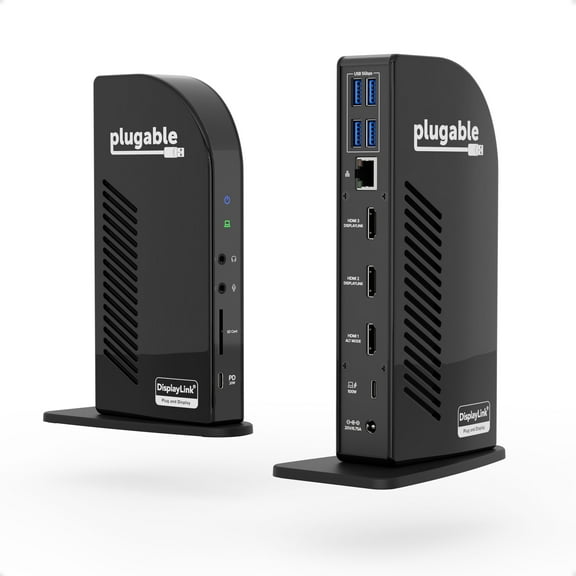
6954.4 out of 5 Stars. 695 reviewsPlugable 13-in-1 USB-C Triple Monitor Docking Station with 100W Charging, Compatible with Windows, Mac, and Chrome with Thunderbolt 3 / 4 or USB-C $185.95
 $18595current price $185.95
Plugable 13-in-1 USB-C Triple Monitor Docking Station with 100W Charging, Compatible with Windows, Mac, and Chrome with Thunderbolt 3 / 4 or USB-C
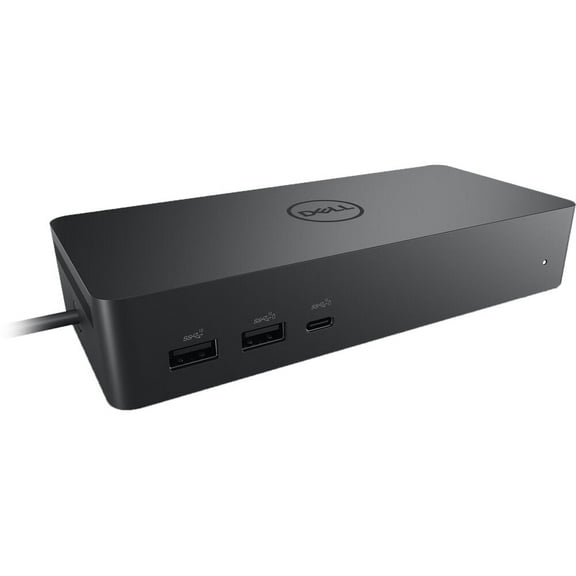
324.7 out of 5 Stars. 32 reviewsDell Universal 10-in-1 Docking Station UD22, Black $204.99
 $20499current price $204.99
Dell Universal 10-in-1 Docking Station UD22, Black
194.7 out of 5 Stars. 19 reviewsC2G USB C Triple 4K Monitor Docking Station HDMI DisplayPort Ethernet C2G54538 $128.88
 $12888current price $128.88
C2G USB C Triple 4K Monitor Docking Station HDMI DisplayPort Ethernet C2G54538
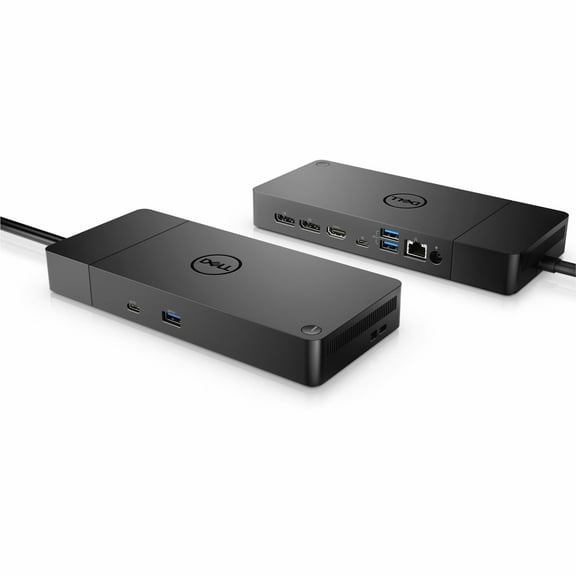
Dell Performance Dock - WD19DCS Docking Station with 240W Power Adapter For Monitors (Provides 210W Power Delivery; 90W to Non-Dell Systems) $198.99
 $19899current price $198.99
Dell Performance Dock - WD19DCS Docking Station with 240W Power Adapter For Monitors (Provides 210W Power Delivery; 90W to Non-Dell Systems)
15 out of 5 Stars. 1 reviewsPlugable TBT4-UD5 USB Type-C Dual Display Laptop Docking Stations $199.95
 $19995current price $199.95
Plugable TBT4-UD5 USB Type-C Dual Display Laptop Docking Stations
54 out of 5 Stars. 5 reviewsThunderbolt Dock- WD19TBS 130w Power Delivery $94.99
 $9499current price $94.99
Thunderbolt Dock- WD19TBS 130w Power Delivery
33.3 out of 5 Stars. 3 reviewsBest seller j5create USB-C Dual 4K HDMI 10Gbps Mini Dock (2.24x5.8in and 4oz) 100W, JCD398 $59.99
Best seller $5999current price $59.99
j5create USB-C Dual 4K HDMI 10Gbps Mini Dock (2.24x5.8in and 4oz) 100W, JCD398
1564 out of 5 Stars. 156 reviewsStarTech.com DK30CH2DEP Triple-Monitor 4K USB-C Dock with 5x USB 3.0 Ports 100W PD - Black & Silver $140.99
 $14099current price $140.99
StarTech.com DK30CH2DEP Triple-Monitor 4K USB-C Dock with 5x USB 3.0 Ports 100W PD - Black & Silver
203.1 out of 5 Stars. 20 reviewsDell Pro Smart Dock SD25 $169.99 Was $189.99
 2 optionsAvailable in additional 2 options$16999current price $169.99, Was $189.99$189.99
Dell Pro Smart Dock SD25
124.4 out of 5 Stars. 12 reviewsLenovo ThinkPad Hybrid USB-C with USB-A Dock $135.00
 $13500current price $135.00
Lenovo ThinkPad Hybrid USB-C with USB-A Dock
5554.4 out of 5 Stars. 555 reviewsStartech Dual HDMI Monitor USB-C Docking Station with 60W Power Delivery $95.99 Was $122.75
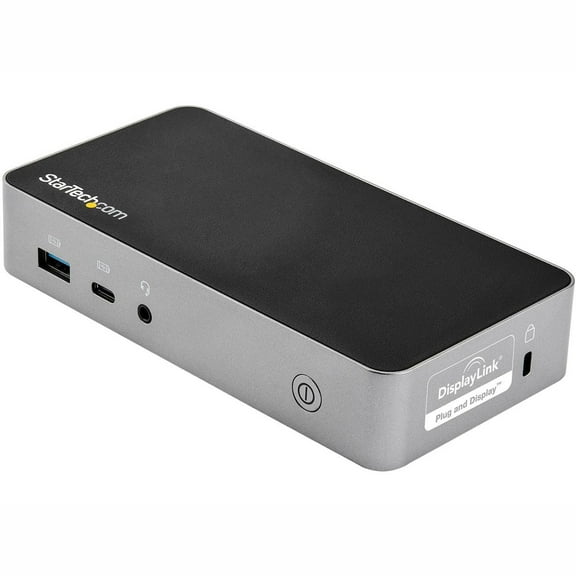 $9599current price $95.99, Was $122.75$122.75
Startech Dual HDMI Monitor USB-C Docking Station with 60W Power Delivery
14 out of 5 Stars. 1 reviewsRocstor Premium RD15 USB-C 11-in-1 Tripple Display Docking Station (y10p027-s1) $105.99
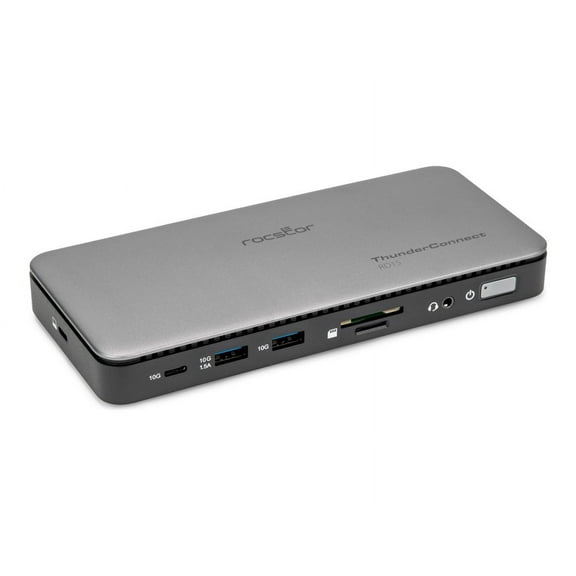 $10599current price $105.99
Rocstor Premium RD15 USB-C 11-in-1 Tripple Display Docking Station (y10p027-s1)
Dell Thunderbolt Dock WD22TB4 / K20A Thunderbolt 4 USB-C 19.5V 9.23A Docking Station MT6V9 K20A001 w/ 180w AC Adapter $129.99
 $12999current price $129.99
Dell Thunderbolt Dock WD22TB4 / K20A Thunderbolt 4 USB-C 19.5V 9.23A Docking Station MT6V9 K20A001 w/ 180w AC Adapter
15 out of 5 Stars. 1 reviewsStarTech USB-C to DisplayPort 4K 30Hz Docking Station DKM30CHDPD $129.37
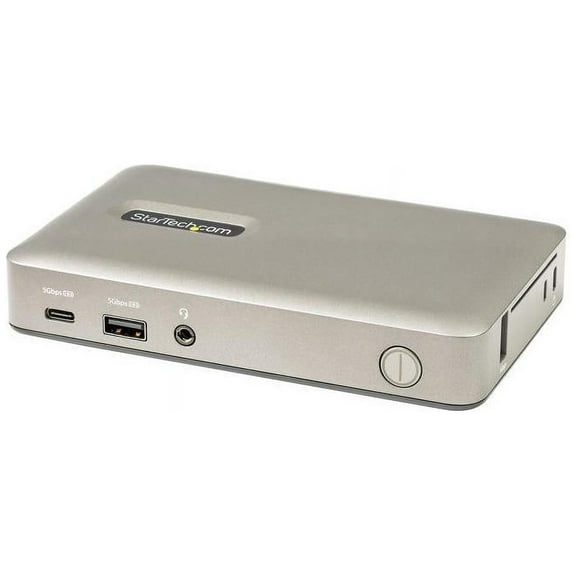 $12937current price $129.37
StarTech USB-C to DisplayPort 4K 30Hz Docking Station DKM30CHDPD
StarTech Dual Monitor Hybrid Universal Laptop Docking Station DK30C2DPEP $253.19
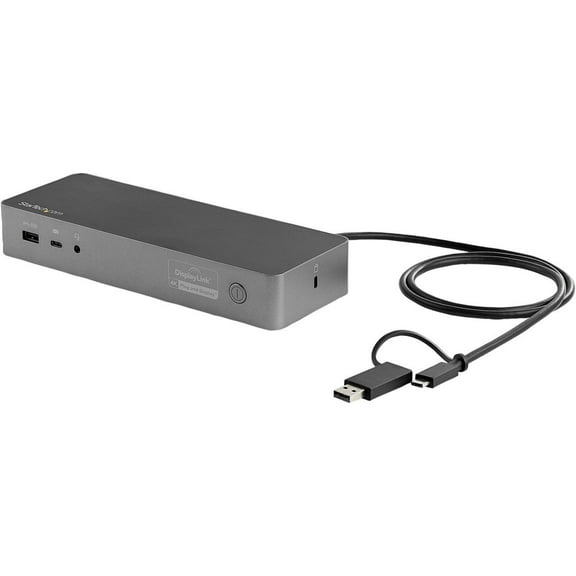 $25319current price $253.19
StarTech Dual Monitor Hybrid Universal Laptop Docking Station DK30C2DPEP
42.8 out of 5 Stars. 4 reviewsCODi Centro 1202 Multi-Display 100W MST USB-C Docking Station for Laptops and Monitors $128.39
 $12839current price $128.39
CODi Centro 1202 Multi-Display 100W MST USB-C Docking Station for Laptops and Monitors
15 out of 5 Stars. 1 reviewsRocstor ThunderConnect RD12 Thunderbolt 4 Multi-Display Docking Station - Locking Slots (y10p036-s1) $189.99
 $18999current price $189.99
Rocstor ThunderConnect RD12 Thunderbolt 4 Multi-Display Docking Station - Locking Slots (y10p036-s1)
Check out these related products
Usb3 4k Laptop Docking Station $94.99
 $9499current price $94.99
Usb3 4k Laptop Docking Station
44.5 out of 5 Stars. 4 reviewsDual-4K Monitor Docking Station $89.99 Was $162.99
 $8999current price $89.99, Was $162.99$162.99
Dual-4K Monitor Docking Station
213.2 out of 5 Stars. 21 reviewsStarTech.com USB-C Multiport Adapter w/USB-C DP Alt Mode Video/4K HDMI/VGA, USB-C Dual Monitor Docking Station $36.03
 $3603current price $36.03
StarTech.com USB-C Multiport Adapter w/USB-C DP Alt Mode Video/4K HDMI/VGA, USB-C Dual Monitor Docking Station
64.8 out of 5 Stars. 6 reviewsStar Tech USB C Multiport Adapter - USB Type-C 10Gbps Mini Dock 4K 60Hz HDMI/DisplayPort/1080p VGA - 75W PD Passthrough $46.57
 $4657current price $46.57
Star Tech USB C Multiport Adapter - USB Type-C 10Gbps Mini Dock 4K 60Hz HDMI/DisplayPort/1080p VGA - 75W PD Passthrough
2X 4K UNIVERSAL LAPTOP DOCKING $241.99 Was $262.00
 $24199current price $241.99, Was $262.00$262.00
2X 4K UNIVERSAL LAPTOP DOCKING
15 out of 5 Stars. 1 reviewsStarTech 85W USB-C & USB-A Dock with DisplayPort & 4K @ 60Hz HDMI DK31C3HDPD $212.97
 $21297current price $212.97
StarTech 85W USB-C & USB-A Dock with DisplayPort & 4K @ 60Hz HDMI DK31C3HDPD
15 out of 5 Stars. 1 reviewsStarTech USB-C Triple Monitor Docking Station with 100W PD 116N-USBC-DOCK $248.49
 $24849current price $248.49
StarTech USB-C Triple Monitor Docking Station with 100W PD 116N-USBC-DOCK
54.4 out of 5 Stars. 5 reviewslaptop dock station Dual 4K HDMI&DP with Power Delivery, Dual 4K@60Hz & 5K@60Hz, Gigabit Ethernet, Display, HDMI, USB3.0,Universal Docking Station $145.99
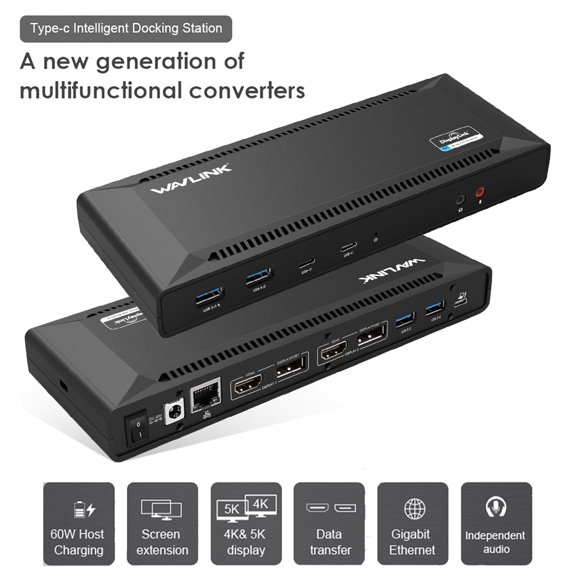 $14599current price $145.99
laptop dock station Dual 4K HDMI&DP with Power Delivery, Dual 4K@60Hz & 5K@60Hz, Gigabit Ethernet, Display, HDMI, USB3.0,Universal Docking Station
55 out of 5 Stars. 5 reviewsStarTech USB-C Multiport Dual-Monitor USB-C to 4K DisplayPort Adapter $61.99 Was $72.95
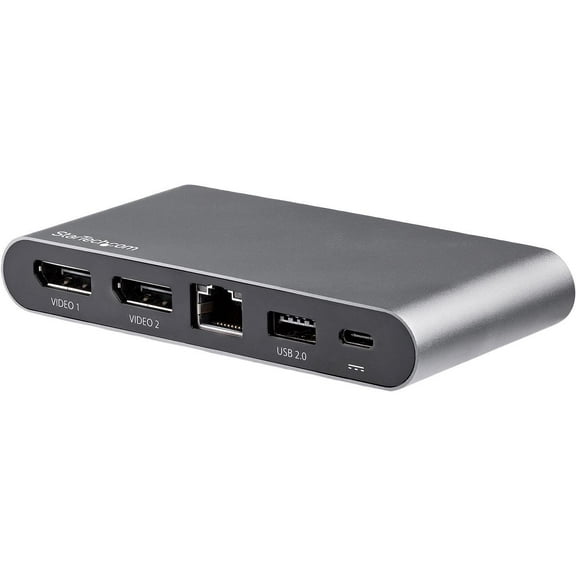 $6199current price $61.99, Was $72.95$72.95
StarTech USB-C Multiport Dual-Monitor USB-C to 4K DisplayPort Adapter
42.8 out of 5 Stars. 4 reviewsStarTech 4K 60Hz Quad Monitor DisplayPort & HDMI USBC Docking Station DK31C4DPPD $231.09
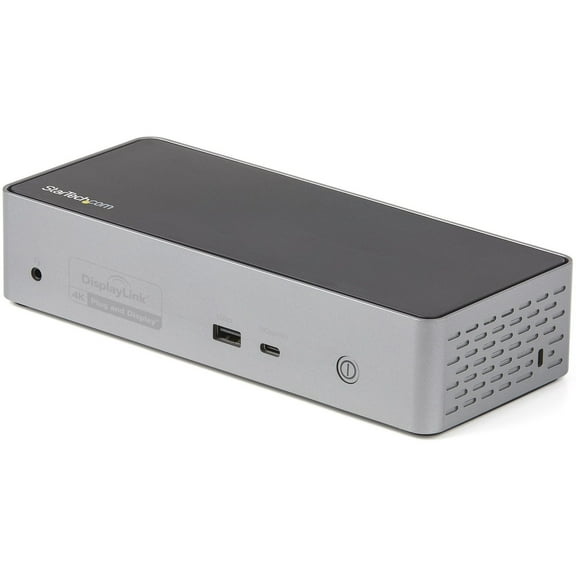 $23109current price $231.09
StarTech 4K 60Hz Quad Monitor DisplayPort & HDMI USBC Docking Station DK31C4DPPD
134.5 out of 5 Stars. 13 reviewsManhattan USB-C PD 10-in-1 Dual Monitor 8K Docking Station 130714 $108.99
 $10899current price $108.99
Manhattan USB-C PD 10-in-1 Dual Monitor 8K Docking Station 130714
Plugable Thunderbolt Dock, 40Gbps and USB C Docking Station with 96W Charging $224.59
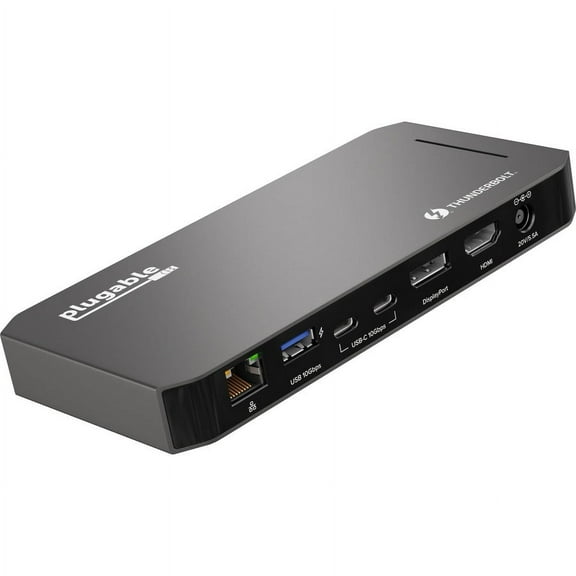 $22459current price $224.59
Plugable Thunderbolt Dock, 40Gbps and USB C Docking Station with 96W Charging
134.8 out of 5 Stars. 13 reviewsWAVLINK 19-in-1 USB C or USB A 10G Universal Quad 4K QV4K Docking Station with 100W Power Delivery Charging for MacBook and Windows Laptop, 4 HDMI, 4 DP, SD 4.0 Card Reader, 2.5Gbps Ethernet $299.99
 $29999current price $299.99
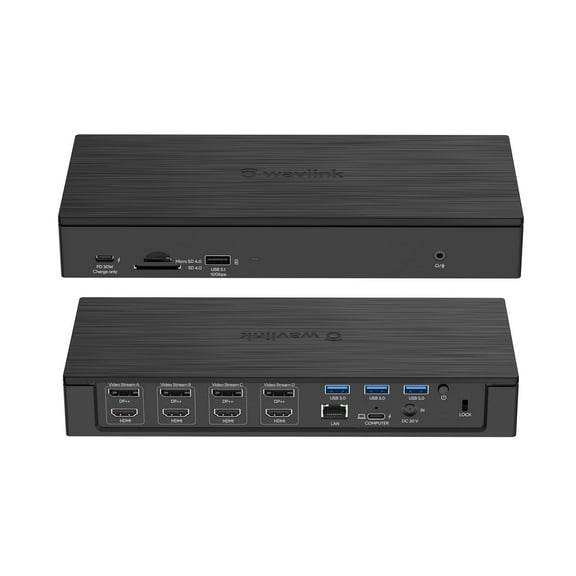
WAVLINK 19-in-1 USB C or USB A 10G Universal Quad 4K QV4K Docking Station with 100W Power Delivery Charging for MacBook and Windows Laptop, 4 HDMI, 4 DP, SD 4.0 Card Reader, 2.5Gbps Ethernet
64.8 out of 5 Stars. 6 reviewsBelkin Thunderbolt 4 Docking Station with 90W Power Delivery for MacBook & Windows - 8K/Dual 4K Display, Thunderbolt 4 Cable, HDMI, Ethernet, SD & Audio Ports, Gray $239.98 Was $299.95
 $23998current price $239.98, Was $299.95$299.95
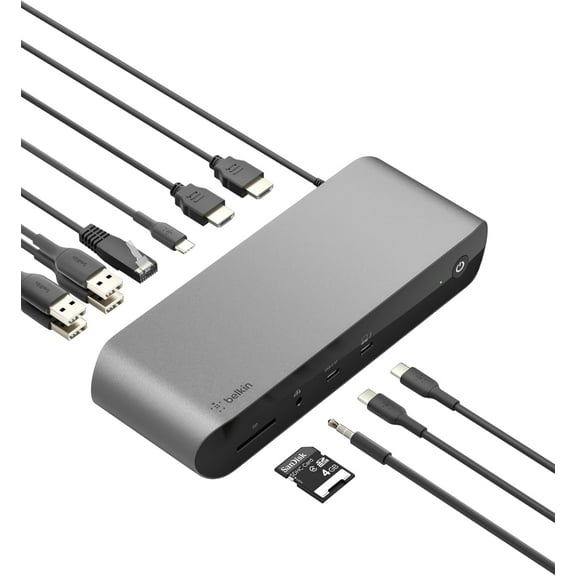
Belkin Thunderbolt 4 Docking Station with 90W Power Delivery for MacBook & Windows - 8K/Dual 4K Display, Thunderbolt 4 Cable, HDMI, Ethernet, SD & Audio Ports, Gray
534.1 out of 5 Stars. 53 reviews
Customer ratings & reviews
Filtered and sorted results would be available on the new 'Customer ratings & reviews' page.
Showing 1-3 of 7 reviews
Works great with 11th Gen processor chromebook
I ran into the same problem where video didn't work with one chromebook, I connected up my other chromebook which is a newer version of the same model and it worked perfectly. Determined difference between two chromebooks was 10th Gen vs 11th Gen Intel processor and one of Startech's prerequisites for this Docking station is in fact an 11th Gen proc. Will be testing some more before buying a second Docking station for other office.
Outstanding Dock, using 3 monitors now
Not a gamer here. Just heavy business apps, Solidworks, Labview, etc. Just bought a dell laptop with NVIDIA A400 from the factory. Not cheap. And I wanted to run tripple monitors at home. This thing does it! I had to go into the bios (or whatever they call it now), and have USBC direct video output enabled. Occasionally windows forgets I have 3 external monitors. Oh well. But this thing rocks! One monitor refuses to go below 50Hz, so that's an issue. From the documentation, I need to run all 3 at 30Hz to get the 4k from each. But I'll figure it out. I'm still playing with it. To get 3 x 4k,
Monitors get dropped when computer sleeps.
I use this unit to drive an external monitor for a MS Surface Studio 2. It is great as long as the computer does not go to sleep. When it does and I come back to it, I have to either unplug the monitor or reboot the computer. Drivers are updated regularly.
Thank you for taking the time to leave a review for our DK31C2DHSPD. This is not expected behavior for our DK31C2DHSPD. I see one of our technical advisors is currently working with you on gathering information on the setup and assisting with the reported issue.
