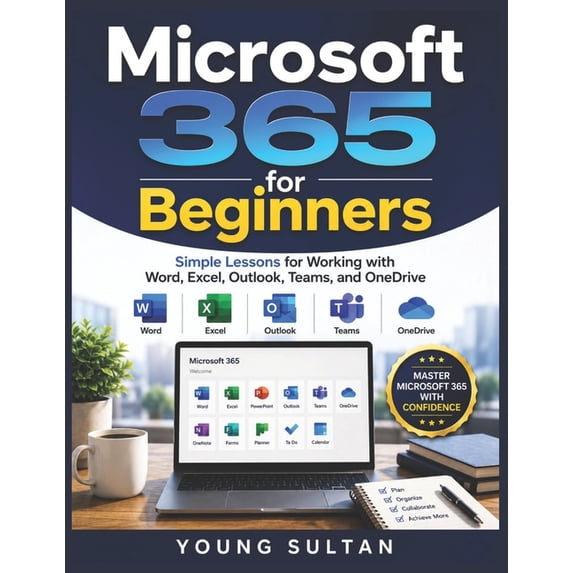
Microsoft 365 for Beginners
Do you feel overwhelmed by Microsoft 365 and wish someone would simply show you what to do, step by step?
Have you ever opened Microsoft Word, Excel, Outlook, Teams, or OneDrive only to feel confused by all the options, menus, and features? Do you want to become more productive, stay organized, manage files with confidence, and collaborate effectively without spending hours watching random online tutorials?
If so, this book is exactly what you need.
Microsoft 365 for Beginners is a practical, easy-to-follow user guide designed specifically for new users who want to learn Microsoft's most essential productivity tools without frustration or technical jargon. Whether you're a student, professional, remote worker, small business owner, retiree, or everyday computer user, this guide will help you build confidence and develop real-world Microsoft 365 skills from the ground up.
Written in a clear and beginner-friendly style, this book provides simple lessons, step-by-step instructions, helpful examples, productivity tips, and practical exercises that make learning Microsoft 365 straightforward and enjoyable.
Inside this comprehensive guide, you'll learn how to:
- Set up and navigate Microsoft 365 with confidence
- Create professional documents using Microsoft Word
- Build spreadsheets, organize data, and perform calculations in Excel
- Manage emails, contacts, appointments, and calendars in Outlook
- Communicate and collaborate effectively using Microsoft Teams
- Store, organize, sync, and share files securely with OneDrive
- Work across multiple devices and access files from anywhere
- Improve productivity with practical workflows and time-saving techniques
- Avoid common beginner mistakes and troubleshoot everyday problems
- Use Microsoft 365 tools together to create a more efficient digital workspace
- Protect your files and account with essential security best practices
- Develop long-term productivity habits that save time and reduce stress
Unlike many technical manuals that assume prior knowledge, this beginner's guide explains everything in plain English, making it easy to follow along even if you've never used Microsoft 365 before.
By the end of this book, you'll understand how Microsoft's powerful productivity ecosystem works, how the major applications connect with one another, and how to use them effectively for work, school, business, and personal projects.
You don't need to be a technology expert to master Microsoft 365. You simply need the right guide.
Stop feeling intimidated by unfamiliar software and start building practical skills that can improve your productivity, organization, communication, and confidence every day.
Scroll up and get your copy today to begin your Microsoft 365 learning journey and unlock the full potential of Word, Excel, Outlook, Teams, and OneDrive.