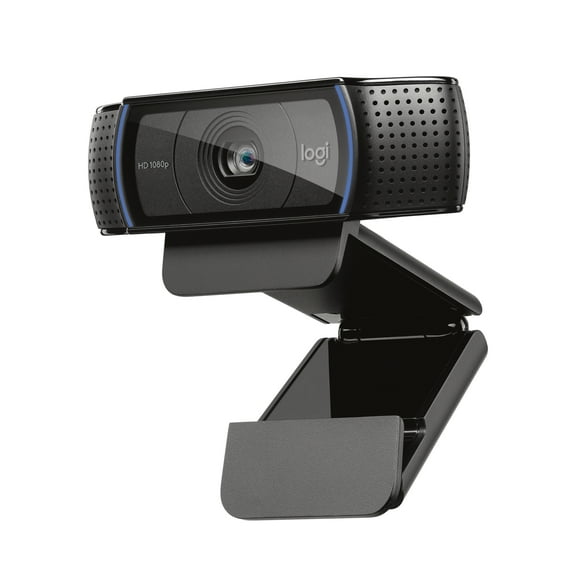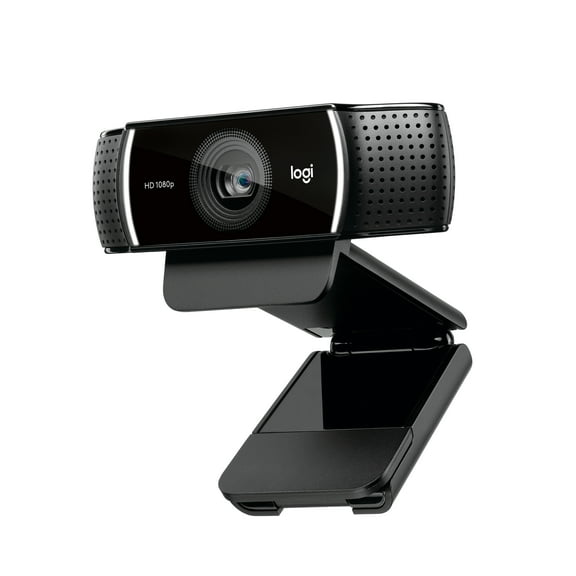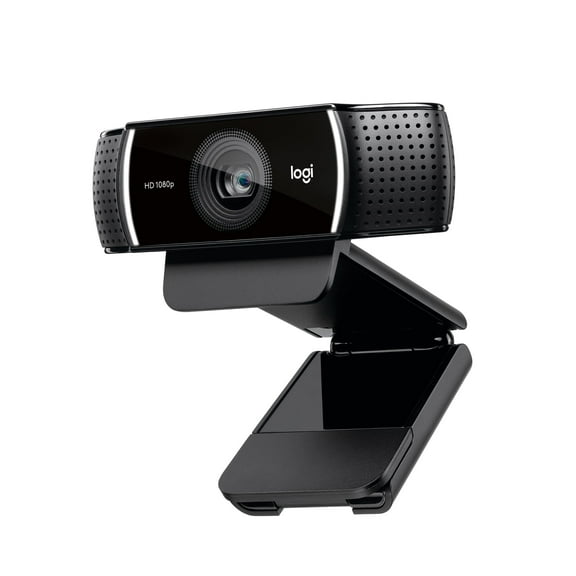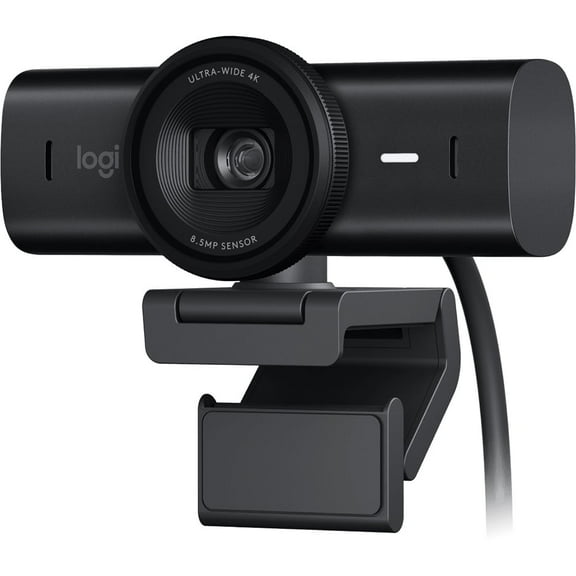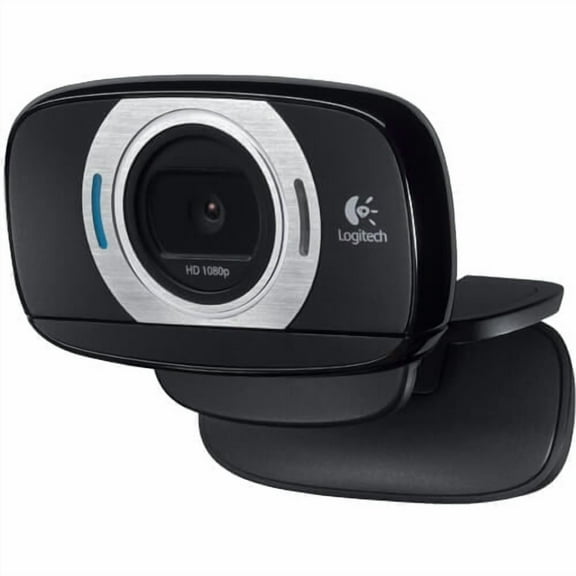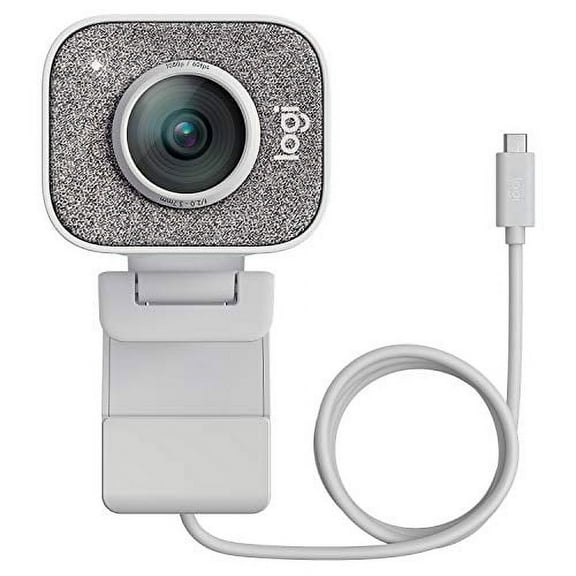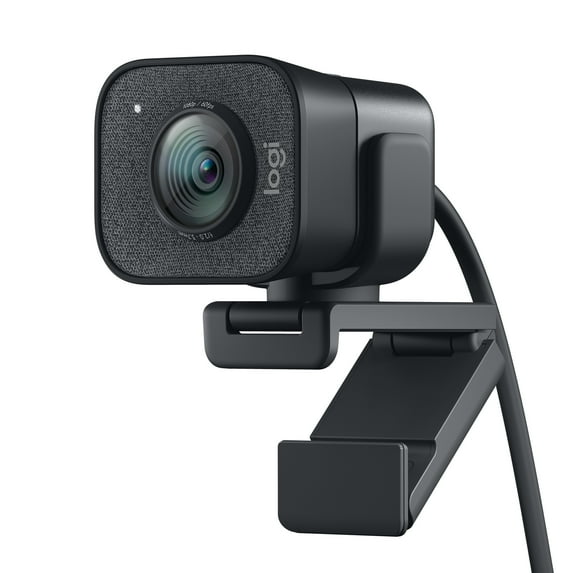
Logitech StreamCam Plus Full HD Live Streaming Webcam, Graphite
Hero image 0 of Logitech StreamCam Plus Full HD Live Streaming Webcam, Graphite, 0 of 14

Logitech StreamCam Plus Full HD Live Streaming Webcam, Graphite

3.3 stars out of 36 reviews
(3.3)|
36 ratings

Key item features

  • Seamless Streaming: Utilizes Logitech Capture software for intuitive video recording and streaming, simplifying content creation.
  • Smooth HD: Delivers full HD 1080p resolution at 60 frames per second for an ultra-smooth and high-quality streaming experience.
  • Smart Automation: Features advanced facial-tracking AI for auto-focus and auto-exposure, allowing users to concentrate on content.
  • Versatile Orientation: Supports full HD 9:16 vertical video by simply rotating the webcam, ideal for Instagram and Facebook stories.
  • Stable Mounting: Includes a monitor mount and tripod adapter for optimal positioning, complemented by built-in electronic image stabilization to reduce camera shake.
  • Clear Audio: Provides premium audio performance, ensuring authentic and vibrant sound for the audience.
Generated by AI
Current price is Now $89.95
You save $63.25
was $153.20
Price when purchased online
Selected option out of stock
More options available

How do you want your item?

How do you want your item?
Out of stock
Report an issue with this seller

About this item

Product details

Specifications

Warranty

Warnings

Customer ratings & reviews

3.3 out of 5 stars
stars36 ratings24 reviews
How item rating is calculated

Customer photos
Filtered and sorted results would be available on the new 'Customer ratings & reviews' page.
Sort by |

Showing 1-3 of 24 reviews

Aug 13, 2022
Walmart customer
5 out of 5 stars review

Download ghub if youre using type c female to usb 3.0 male.

It worked fine when I had my motherboard with type c. Then i upgraded and got a new one without a type c port. I bought a usb to type c bridge and it didnt work. Tried many other usb ports. Then i figured it might have to do with drivers needing to be installed. Came onto this website and they had a GHUB program and then it worked and the camera is read onto discord and webcam services.

Review from Logitech
Helpful?6CUED855GYCL620044248
Dec 8, 2022
RobG
3 out of 5 stars review

Seller Verified Purchase

Great camera with a usb compatibility issue - ymmv

I am experiencing the same well-described flickering problem that many others have. I've tried adapting the usb-c connector to a compatible usb-a to try another port but that didn't help. (I'm honestly not sure what bandwidth the usb-a ports are on this laptop so it might not have worked anyway - it's supposed to work with the usb-c!) Tried with both AC power and on battery as some have suggested it happens only on AC power... not true. Flicker, flicker. I can't install the Logi software on this laptop to attempt to mitigate it - it's a work laptop and I don't have admin privs. I can't manipulate the usb port parameters via Device Manager either as some have suggested. Disappointed it doesn't work properly by default. Too bad because the quality of the image is quite impressive, imo.

International review
Review from walmart.ca
Helpful?6CUED855GYCL620044248
Jun 7, 2023
P J.
3 out of 5 stars review

Works Well Mostly - No Auto Framing in G Hub

I've had this camera for over a year now. The picture quality is good and it primarily works well for Zoom. I do however get an occasional glitch in which the screen flashes off and on for just an instant. Sadly, the Auto Framing feature is accessible only in the Logitech Capture software which is no longer supported and I currently have lagging issues when using it. G Hub offers no Auto Framing in its settings. So, essentially, I paid for a feature that is very nice, but unusable with the current software.

Review from Logitech
Helpful?6CUED855GYCL620044248
reply from Supplier Response

Hi P J, Thank you for your review - we're sorry our Logitech StreamCam not meet your expectations. We will pass your feedback along to our team. We always want to ensure we are providing our customers with the best products and experience. If you need additional assistance, we will be happy to help at https://support.logi.com/