

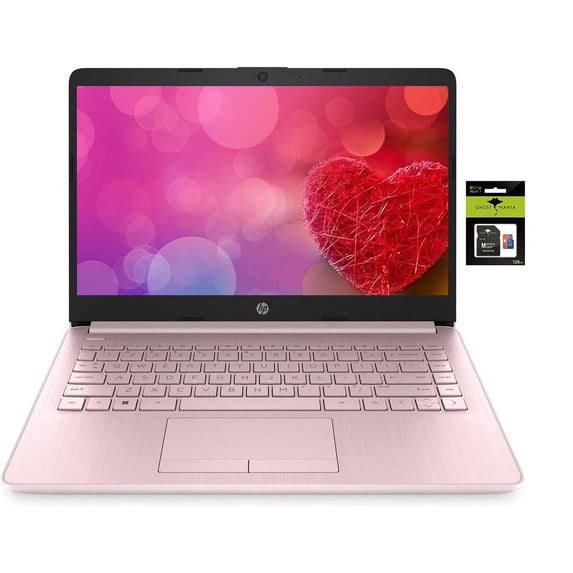
Hero image 0 of HP 14 Computer-Laptop, Quad-Core Intel Celeron Processor Premium Portable 16GB RAM 256GB Storage(64GB eMMC+ 256GB Ghost Manta SD Card) Student-laptop with 1 Year Office 365 HDMI Win11, 0 of 6
HP 14 Computer-Laptop, Quad-Core Intel Celeron Processor Premium Portable 16GB RAM 256GB Storage(64GB eMMC+ 256GB Ghost Manta SD Card) Student-laptop with 1 Year Office 365 HDMI Win11
(No ratings yet)
Key item features
- 【14-inch HD Laptop Pre-Installed Microsoft Office 365】HP 14" Laptop with HD, micro-edge, BrightView display. Enjoy an immersive multimedia experience with a slim bezel design and maximized viewing area. Work efficiently with essential productivity tools like Word, Excel, and PowerPoint, ready to use upon setup.
- 【Fast & Efficient Intel Celeron N4120 Processor】 The quad-core Intel Celeron N4120 CPU delivers reliable speed for everyday computing, web browsing, and light productivity tasks.
- 【Powerful 16GB RAM】 Enjoy seamless multitasking with upgraded 16GB memory, allowing smooth performance for work, study, and entertainment without lag.
- 【Windows 11 Home in S mode】You may switch to regular windows 11: Press "Start button" bottom left of the screen; Select "Settings" icon above "power" icon;Select "Activation", then Go to Store; Select Get option under "Switch out of S mode"; Hit Install. (If you also see an "Upgrade your edition of Windows" section, be careful not to click the "Go to the Store" link that appears there.)
- Activate pre-installed Office 365: 1.Launch any Office app > 2.Start your activation by signing in with your Microsoft account(Create a account if you don't have one yet) > 3.Click "Activative Office" > 4.Sign in your account and follow the next prompts. > 5.Complete Step 1,2 and 3 > 6.Click on Refresh once Office is ready > 7.Open a document and accept the license agreement.
Specs
- BrandHP
- Proc. brandIntel
- ProcessorCeleron N4000
- OSWindows 11
- RAM memory16 GB
- Screen size14 in
Current price is USD$599.99
Price when purchased online
- Free shipping
 Free 30-day returns

Walmart Accident Plan by Allstate
(Only one option can be selected at a time)

Tech Support
How do you want your item?
Ships to
Arrives by Thu, Jun 25
|
Sold and shipped by Yeaher Inc
4.087976539589443 stars out of 5, based on 341 seller reviews(4.1)341 seller reviews

Free 30-day returns
About this item
Product details
Switching out of S mode in Windows 11
Windows 11 in S mode is designed for security and performance, exclusively running apps from the Microsoft Store. If you want to install an app that isn't available in the Microsoft Store, you'll need to switch out of S mode
1. On your PC running Windows 11 in S mode, open Settings > System > Activation.
2. In the Switch to Windows 11 Pro section, select Go to the Store. (If you also see an "Upgrade your edition of Windows" section, be careful not to click the "Go to the Store" link that appears there.)
3. On the Switch out of S mode (or similar) page that appears in the Microsoft Store, select the Get button. After you see a confirmation message on the page, you'll be able to install apps from outside of the Microsoft Store.
Activate pre-installed Office 365:
1.Launch any Office app >
2.Start your activation by signing in with your Microsoft account(Create a account if you don't have one yet) >
3.Click "Activative Office" >
4.Sign in your account and follow the next prompts. >
5.Complete Step 1,2 and 3 >
6.Click on Refresh once Office is ready >
7.Open a document and accept the license agreement.
Memory: Upgraded to 16GB RAM
Storage:64GB eMMC + 256GB SD Card
Display: 14.0-inch diagonal, HD (1366 x 768), micro-edge, BrightView
Processor: Intel Celeron N4120, up to 2.6 GHz, 4 Cores & 4 Threads
Battery Life: Up to 10 hours
Graphics: Intel UHD Graphics 600
Webcam: HP True Vision 720p HD camera with integrated dual array digital microphones
Connectivity: 802.11a/b/g/n/ac Wi-Fi and Bluetooth
Operating System: Windows 11 Home in S mode
Windows 11 in S mode is designed for security and performance, exclusively running apps from the Microsoft Store. If you want to install an app that isn't available in the Microsoft Store, you'll need to switch out of S mode
1. On your PC running Windows 11 in S mode, open Settings > System > Activation.
2. In the Switch to Windows 11 Pro section, select Go to the Store. (If you also see an "Upgrade your edition of Windows" section, be careful not to click the "Go to the Store" link that appears there.)
3. On the Switch out of S mode (or similar) page that appears in the Microsoft Store, select the Get button. After you see a confirmation message on the page, you'll be able to install apps from outside of the Microsoft Store.
Activate pre-installed Office 365:
1.Launch any Office app >
2.Start your activation by signing in with your Microsoft account(Create a account if you don't have one yet) >
3.Click "Activative Office" >
4.Sign in your account and follow the next prompts. >
5.Complete Step 1,2 and 3 >
6.Click on Refresh once Office is ready >
7.Open a document and accept the license agreement.
Memory: Upgraded to 16GB RAM
Storage:64GB eMMC + 256GB SD Card
Display: 14.0-inch diagonal, HD (1366 x 768), micro-edge, BrightView
Processor: Intel Celeron N4120, up to 2.6 GHz, 4 Cores & 4 Threads
Battery Life: Up to 10 hours
Graphics: Intel UHD Graphics 600
Webcam: HP True Vision 720p HD camera with integrated dual array digital microphones
Connectivity: 802.11a/b/g/n/ac Wi-Fi and Bluetooth
Operating System: Windows 11 Home in S mode
- 【14-inch HD Laptop Pre-Installed Microsoft Office 365】HP 14" Laptop with HD, micro-edge, BrightView display. Enjoy an immersive multimedia experience with a slim bezel design and maximized viewing area. Work efficiently with essential productivity tools like Word, Excel, and PowerPoint, ready to use upon setup.
- 【Fast & Efficient Intel Celeron N4120 Processor】 The quad-core Intel Celeron N4120 CPU delivers reliable speed for everyday computing, web browsing, and light productivity tasks.
- 【Powerful 16GB RAM】 Enjoy seamless multitasking with upgraded 16GB memory, allowing smooth performance for work, study, and entertainment without lag.
- 【Windows 11 Home in S mode】You may switch to regular windows 11: Press "Start button" bottom left of the screen; Select "Settings" icon above "power" icon;Select "Activation", then Go to Store; Select Get option under "Switch out of S mode"; Hit Install. (If you also see an "Upgrade your edition of Windows" section, be careful not to click the "Go to the Store" link that appears there.)
- Activate pre-installed Office 365: 1.Launch any Office app > 2.Start your activation by signing in with your Microsoft account(Create a account if you don't have one yet) > 3.Click "Activative Office" > 4.Sign in your account and follow the next prompts. > 5.Complete Step 1,2 and 3 > 6.Click on Refresh once Office is ready > 7.Open a document and accept the license agreement.
info:
We aim to show you accurate product information. Manufacturers, suppliers and others provide what you see here, and we have not verified it.
Specifications
Brand
HP
Proc. brand
Intel
Processor
Celeron N4000
OS
Windows 11
Warranty
Warranty information
Please be aware that the warranty terms on items offered for sale by third party Marketplace sellers may differ from those displayed in this section (if any). To confirm warranty terms on an item offered for sale by a third party Marketplace seller, please use the 'Contact seller' feature on the third party Marketplace seller's information page and request the item's warranty terms prior to purchase.
Similar items you might like
Based on what customers bought
In 200+ people's carts HP 15.6 inch HD Windows Laptop AI Intel Core Ultra 5 225U 8GB 512GB SSD Natural Silver $517.00 Was $599.00
In 200+ people's carts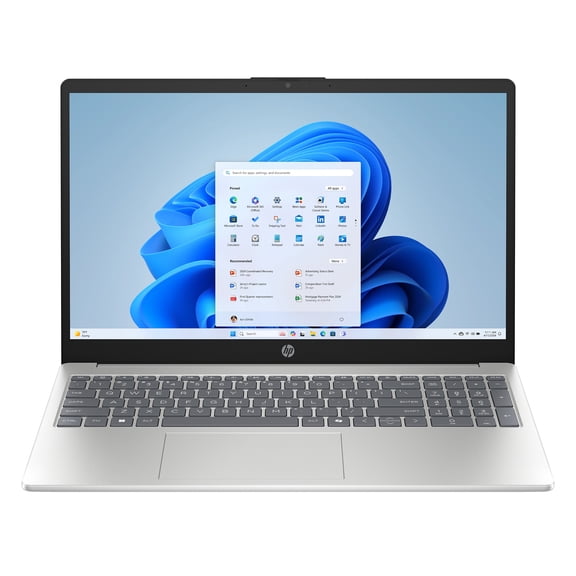 $51700current price $517.00, Was $599.00$599.00
HP 15.6 inch HD Windows Laptop AI Intel Core Ultra 5 225U 8GB 512GB SSD Natural Silver
514.3 out of 5 Stars. 51 reviewsBest seller HP Omnibook 5 16 inch Touch Windows 11 Laptop Intel Core Ultra 7 AI PC 16GB RAM 1TB SSD Silver $769.00
Best seller $76900current price $769.00
HP Omnibook 5 16 inch Touch Windows 11 Laptop Intel Core Ultra 7 AI PC 16GB RAM 1TB SSD Silver
17304.2 out of 5 Stars. 1730 reviewsIn 50+ people's carts HP 15.6 inch Win 11 Laptop Intel Processor N200 4GB RAM 128GB UFS Moonlight Blue (12-mo. Microsoft 365 included) $299.00
In 50+ people's carts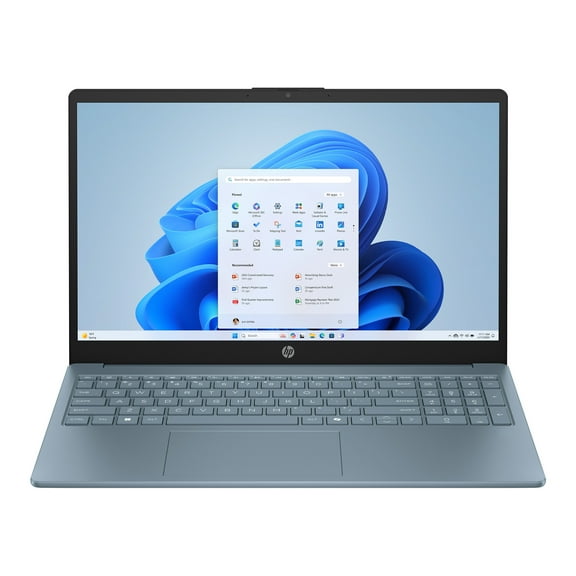

 $29900current price $299.00
HP 15.6 inch Win 11 Laptop Intel Processor N200 4GB RAM 128GB UFS Moonlight Blue (12-mo. Microsoft 365 included)
43014.2 out of 5 Stars. 4301 reviewsBest seller HP Omnibook 5 16 inch Windows 11 Laptop AMD Ryzen 7 AI PC 16GB RAM 512GB SSD Glacier Silver $658.98
Best seller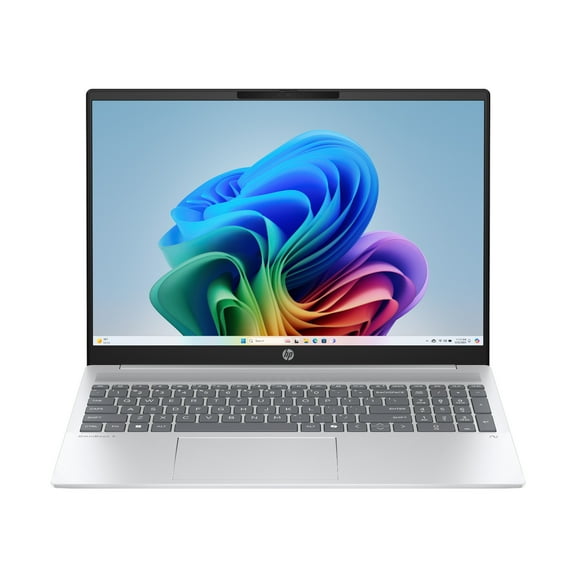 $65898current price $658.98
HP Omnibook 5 16 inch Windows 11 Laptop AMD Ryzen 7 AI PC 16GB RAM 512GB SSD Glacier Silver
10454.2 out of 5 Stars. 1045 reviewsBest seller HP 15.6 inch Windows 11 Laptop intel Core i3-N305 8GB RAM 256GB SSD Natural Silver $365.00
Best seller $36500current price $365.00
HP 15.6 inch Windows 11 Laptop intel Core i3-N305 8GB RAM 256GB SSD Natural Silver
27194.2 out of 5 Stars. 2719 reviewsHP 15.6 inch Windows 11 Touch Laptop Intel Core i3-N305 8GB RAM 256GB SSD Moonlight Blue $359.99
 $35999current price $359.99
HP 15.6 inch Windows 11 Touch Laptop Intel Core i3-N305 8GB RAM 256GB SSD Moonlight Blue
20824.3 out of 5 Stars. 2082 reviewsHP Omnibook 5 16 inch Windows Laptop AMD Ryzen 5-8540U AI PC 8GB RAM 512GB SSD Glacier Silver $513.88
 $51388current price $513.88
HP Omnibook 5 16 inch Windows Laptop AMD Ryzen 5-8540U AI PC 8GB RAM 512GB SSD Glacier Silver
2264.3 out of 5 Stars. 226 reviewsBest seller HP 15.6 inch Windows 11 Laptop intel Core i7-1355U 16GB RAM 1TB SSD Natural Silver $698.98
Best seller $69898current price $698.98
HP 15.6 inch Windows 11 Laptop intel Core i7-1355U 16GB RAM 1TB SSD Natural Silver
3154.3 out of 5 Stars. 315 reviewsIn 100+ people's carts HP Stream 14 inch Win 11 Laptop Intel Processor N150 4GB 128GB eMMC Pink (12-mo. Microsoft 365 included) $234.99
In 100+ people's carts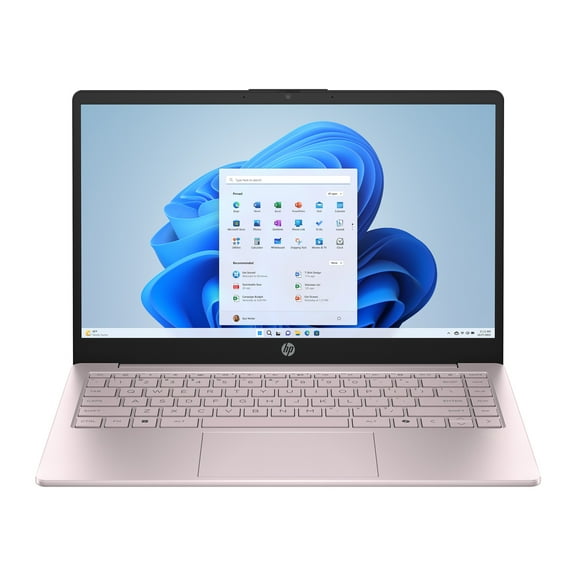 2 optionsAvailable in additional 2 options$23499current price $234.99
HP Stream 14 inch Win 11 Laptop Intel Processor N150 4GB 128GB eMMC Pink (12-mo. Microsoft 365 included)
115314.2 out of 5 Stars. 11531 reviewsHP OmniBook 7 Laptop Computer 16" 2K Touch Screen Intel Core Ultra 5 16 GB $899.99 Was $1,199.99
 $89999current price $899.99, Was $1,199.99$1,199.99
HP OmniBook 7 Laptop Computer 16" 2K Touch Screen Intel Core Ultra 5 16 GB
874.4 out of 5 Stars. 87 reviewsBest seller HP 15.6 inch Windows 11 Laptop Intel Core i5-1334U 8GB RAM 512GB SSD Natural Silver $499.00
Best seller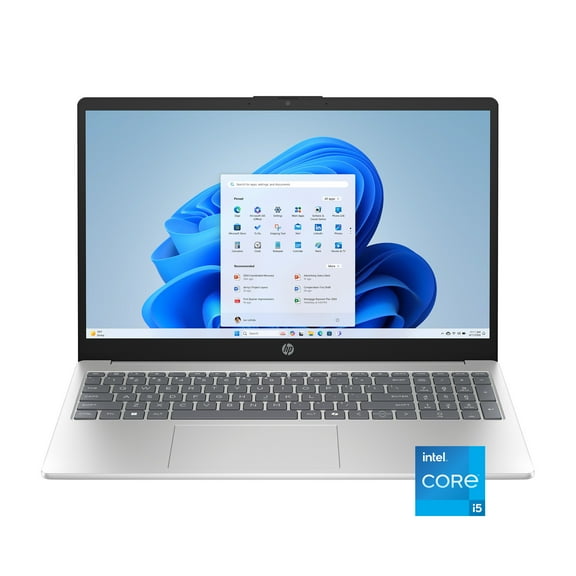 $49900current price $499.00
HP 15.6 inch Windows 11 Laptop Intel Core i5-1334U 8GB RAM 512GB SSD Natural Silver
1704.3 out of 5 Stars. 170 reviewsBest seller HP OmniBook 3 16 inch 2K IPS Windows Laptop Intel Core 3 N355 8GB 256GB SSD Mica Silver $449.00
Best seller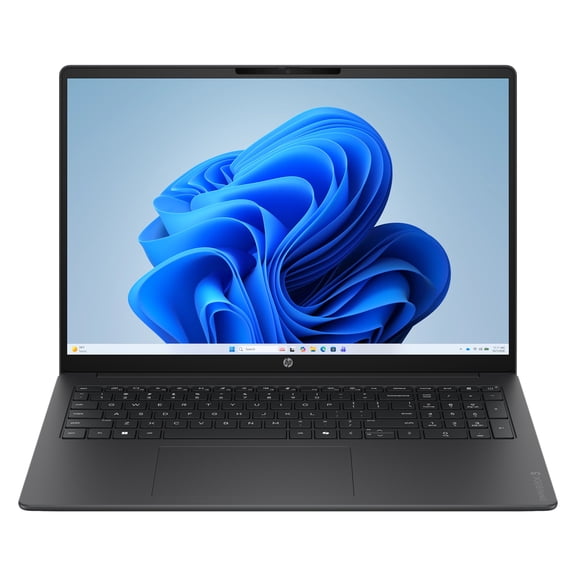 $44900current price $449.00
HP OmniBook 3 16 inch 2K IPS Windows Laptop Intel Core 3 N355 8GB 256GB SSD Mica Silver
11 out of 5 Stars. 1 reviewsHP 15.6 inch FHD IPS Touch Windows 11 Laptop Intel Core i5-1334U 8GB 512GB SSD Natural Silver $339.99
3 optionsAvailable in additional 3 options$33999current price $339.99HP 15.6 inch FHD IPS Touch Windows 11 Laptop Intel Core i5-1334U 8GB 512GB SSD Natural Silver
12814.1 out of 5 Stars. 1281 reviewsHP 15.6 inch HD Windows 11 Laptop Intel Processor N200 4GB RAM 128GB UFS Glimmer Garnet $288.00
 $28800current price $288.00
HP 15.6 inch HD Windows 11 Laptop Intel Processor N200 4GB RAM 128GB UFS Glimmer Garnet
10764.2 out of 5 Stars. 1076 reviewsHP OmniBook 5 Flip 14” Full HD 2-in-1 Touchscreen Laptop, Intel Core 5 120U, 8GB RAM, 512GB SSD, Windows 11 Home $679.99
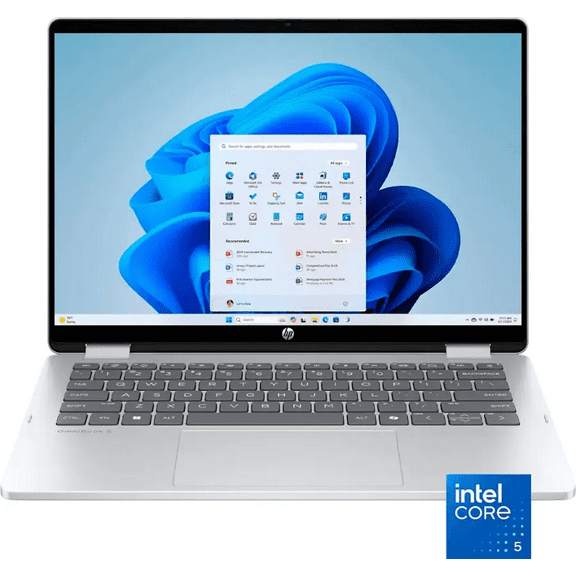 $67999current price $679.99
HP OmniBook 5 Flip 14” Full HD 2-in-1 Touchscreen Laptop, Intel Core 5 120U, 8GB RAM, 512GB SSD, Windows 11 Home
454.5 out of 5 Stars. 45 reviewsHP Newest 17 17.3" Full HD Laptop Computer For Student and Business, Intel Core i3-N305, Copilot AI Laptop, 16GB RAM, 256 GB PCIe SSD, Intel Iris Xe, Windows 11 Pro,MS Lifetime Office,Gift Set $588.79
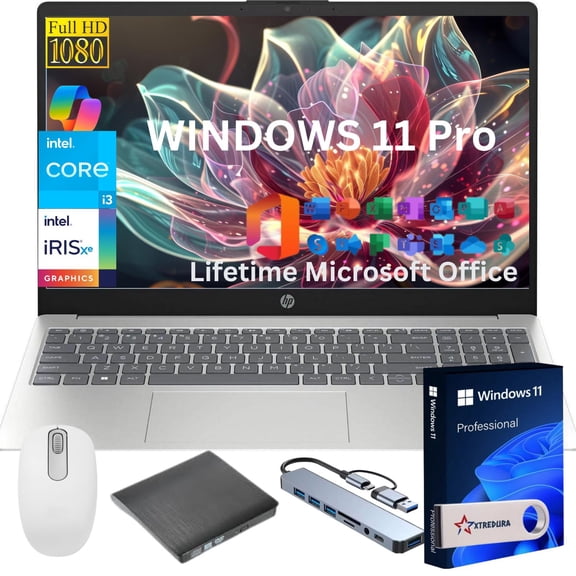 8 optionsAvailable in additional 8 options$58879current price $588.79
HP Newest 17 17.3" Full HD Laptop Computer For Student and Business, Intel Core i3-N305, Copilot AI Laptop, 16GB RAM, 256 GB PCIe SSD, Intel Iris Xe, Windows 11 Pro,MS Lifetime Office,Gift Set
63.8 out of 5 Stars. 6 reviewsHP 15 Touchscreen Laptop Computer for College Student & Business, 15.6" LED, Intel 13th Gen Core i3-1315U, 32GB RAM, 1TB SSD, Copilot AI, Windows 11 Home $679.00
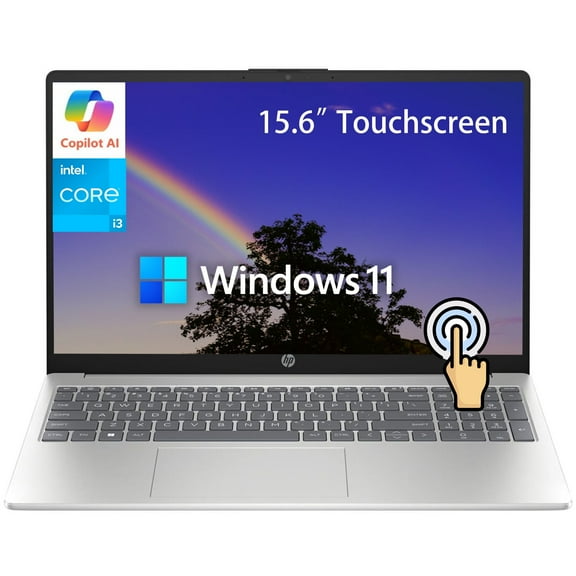 $67900current price $679.00
HP 15 Touchscreen Laptop Computer for College Student & Business, 15.6" LED, Intel 13th Gen Core i3-1315U, 32GB RAM, 1TB SSD, Copilot AI, Windows 11 Home
184.8 out of 5 Stars. 18 reviewsHP Newest 14" Laptop, Slim Light Laptop Computer for Students and Business, Intel 12th N150,1 Year Office 365, Webcam, HDMI, WiFi,8GB RAM,256GB Storage(128GB eMMC 128GB SD) Windows 11 Home $315.90


 $31590current price $315.90
HP Newest 14" Laptop, Slim Light Laptop Computer for Students and Business, Intel 12th N150,1 Year Office 365, Webcam, HDMI, WiFi,8GB RAM,256GB Storage(128GB eMMC 128GB SD) Windows 11 Home
824.2 out of 5 Stars. 82 reviewsBest seller HP 17-CP2025DX 17.3, FHD IPS Laptop - AMD Ryzen 5 7000 series 8GB RAM 512GB SSD WIN11 $549.00
Best seller $54900current price $549.00
HP 17-CP2025DX 17.3, FHD IPS Laptop - AMD Ryzen 5 7000 series 8GB RAM 512GB SSD WIN11
5434.3 out of 5 Stars. 543 reviewsHP OmniBook 5 Flip 14” Full HD 2-in-1 Touchscreen Laptop, Intel Core 7 150U, 16GB RAM, 512GB SSD, Windows 11 Home $838.88
 $83888current price $838.88
HP OmniBook 5 Flip 14” Full HD 2-in-1 Touchscreen Laptop, Intel Core 7 150U, 16GB RAM, 512GB SSD, Windows 11 Home
454.4 out of 5 Stars. 45 reviews
Customer ratings & reviews
0 ratings|0 reviews
This item does not have any reviews yet
