

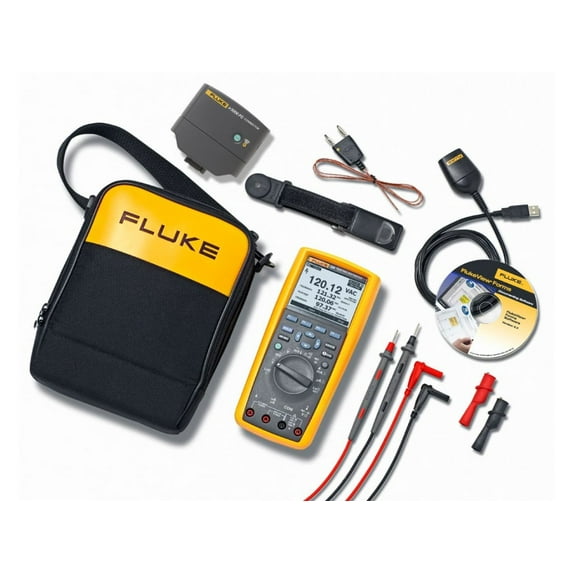
Fluke 289 Multimeter With Software And Wireless Connectivity Kit
Key item features
- NEW - Now compatible with Fluke Connect mobile app and all Fluke FC enabled test tools with the included ir3000 FC infrared connector.
- NEW - Let your team see what you see in an instant with ShareLive™ video call using the Fluke Connect mobile app and ir3000 FC wireless connector.
- TrendCapture graphically displays logged data session to quickly determine whether anomalies may have occurred.
- Zoom on trend provides unprecedented ability to view and analyze TrendCapture data; zoom in up to 14 times.
- Selectable AC filter (smoothing mode) helps display a steadier reading when the input signal is changing rapidly or noisy.
- Adjustable recording and auto hold thresholds, specify a percentage change in the readings that begins a new event.
- Large 50,000 count, 1/4 VGA dot matrix display with white backlight.
- Logging function with expanded memory for unattended monitoring of signals over time. Using on-board TrendCapture users can graphically review logged readings without needing a PC. Store up to 15,000 recorded events.
- Save multiple logging sessions before PC download is necessary.
- Two terminal 50 ohm range with 1 milliohm resolution, 10 mA source current. Useful for measuring and comparing differences in motor winding resistance or contact resistance.
- Low Pass filter for accurate voltage and frequency measurements at the same time on adjustable speed motor drives and other electrically noisy equipment.
- LoZ Volts. Low impedance voltage function for eliminating ghost voltages. Also recommended when testing for absence or presence of live power.
- On board help screens for measurement functions. Unsure about a function - go to that function and press the "i" button.
- Real time clock for automatic time stamping of saved readings.
- Relative mode to remove test lead resistance from low ohms or capacitance measurements.
- True-RMS AC voltage and current for accurate measurements on non-linear signals.
- Measure up to 10 A (20 A for 30 seconds).
- 100 mF capacitance range.
- Peak capture to record transients as fast as 250 µs.
- Premium test leads and alligator clips included.
- Amp jack plugs included.
- Optional magnetic hanger for easy setup and viewing while freeing your hands for other tasks.
- FlukeView forms enable you to document, store and analyze individual readings or a series of measurements, then convert them into professional-looking documents.
- Limited lifetime warranty
Specs
- Multimeter typeDigital
- FeaturesEasy To Use, Adjustable
- BrandFluke
- DisplayDigital
- Power typeBattery
- ModelFLK-289/FVF/IR3000
- Free shipping
 Free 30-day returns

(Only one option can be selected at a time)
How do you want your item?


About this item
Product details
Now compatible with Fluke Connect® Mobile App
Maximize productivity with the combined Fluke 289 and FlukeView® Forms Combo Kit. With built-in data logger and TrendCapture capability, the 289 helps you track down elusive, intermittent problems, monitoring equipment with any of its functions while you do other jobs. Using FlukeView Forms software allows you to overlay your logged data from six meters or six time periods to find cause and affect relationships or for condition monitoring. Turn your data into meaningful graphs and tables for a professional report or analyze individual readings or series of measurements.
The 289 is compatible with the Fluke ir3000 FC Infrared Connector, allowing you to share live measurements on your iOS or Android smart device with the Fluke Connect mobile app. The 289/FVF combo kit, which now includes the ir3000 FC Connector, gives you a practical and affordable approach to predictive maintenance.
- NEW - Now compatible with Fluke Connect mobile app and all Fluke FC enabled test tools with the included ir3000 FC infrared connector.
- NEW - Let your team see what you see in an instant with ShareLive™ video call using the Fluke Connect mobile app and ir3000 FC wireless connector.
- TrendCapture graphically displays logged data session to quickly determine whether anomalies may have occurred.
- Zoom on trend provides unprecedented ability to view and analyze TrendCapture data; zoom in up to 14 times.
- Selectable AC filter (smoothing mode) helps display a steadier reading when the input signal is changing rapidly or noisy.
- Adjustable recording and auto hold thresholds, specify a percentage change in the readings that begins a new event.
- Large 50,000 count, 1/4 VGA dot matrix display with white backlight.
- Logging function with expanded memory for unattended monitoring of signals over time. Using on-board TrendCapture users can graphically review logged readings without needing a PC. Store up to 15,000 recorded events.
- Save multiple logging sessions before PC download is necessary.
- Two terminal 50 ohm range with 1 milliohm resolution, 10 mA source current. Useful for measuring and comparing differences in motor winding resistance or contact resistance.
- Low Pass filter for accurate voltage and frequency measurements at the same time on adjustable speed motor drives and other electrically noisy equipment.
- LoZ Volts. Low impedance voltage function for eliminating ghost voltages. Also recommended when testing for absence or presence of live power.
- On board help screens for measurement functions. Unsure about a function - go to that function and press the "i" button.
- Real time clock for automatic time stamping of saved readings.
- Relative mode to remove test lead resistance from low ohms or capacitance measurements.
- True-RMS AC voltage and current for accurate measurements on non-linear signals.
- Measure up to 10 A (20 A for 30 seconds).
- 100 mF capacitance range.
- Peak capture to record transients as fast as 250 µs.
- Premium test leads and alligator clips included.
- Amp jack plugs included.
- Optional magnetic hanger for easy setup and viewing while freeing your hands for other tasks.
- FlukeView forms enable you to document, store and analyze individual readings or a series of measurements, then convert them into professional-looking documents.
- Limited lifetime warranty
Specifications
Multimeter type
Measurement type
Features
Brand
Warranty
Warranty information
Please be aware that the warranty terms on items offered for sale by third party Marketplace sellers may differ from those displayed in this section (if any). To confirm warranty terms on an item offered for sale by a third party Marketplace seller, please use the 'Contact seller' feature on the third party Marketplace seller's information page and request the item's warranty terms prior to purchase.
Warnings
Ingestion Hazard
 WARNING: “⚠ WARNING: This product can expose you to some chemicals, which is known to the State of California to cause For more information, go to www.P65Warnings.ca.gov.”
Similar items you might like
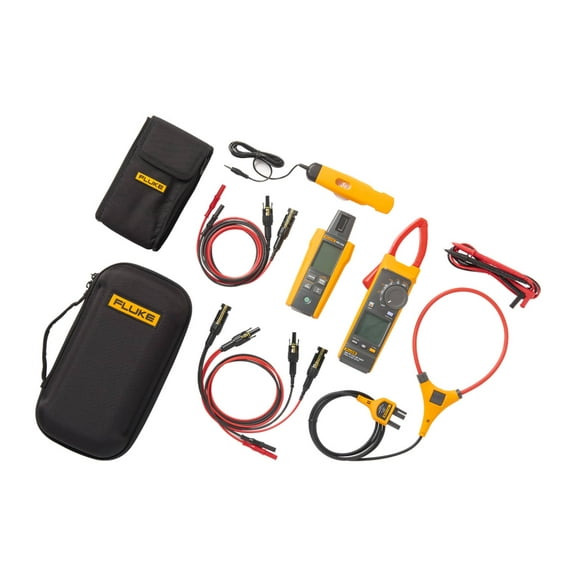
FLK-393-IRR-PVLEAD - Fluke 393 FC CAT III 1500 V Clamp Meter, IRR1 Irradiance Me $1,303.99
 $1,30399current price $1,303.99
FLK-393-IRR-PVLEAD - Fluke 393 FC CAT III 1500 V Clamp Meter, IRR1 Irradiance Me
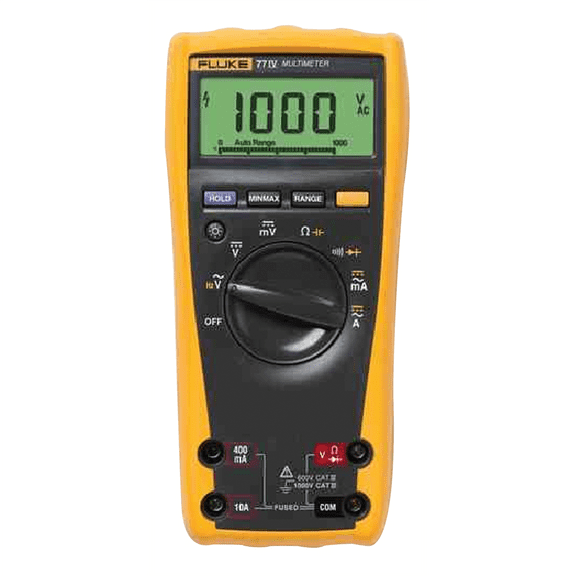
Fluke 77-4 Digital Multimeter $348.08 Was $382.99
 $34808current price $348.08, Was $382.99$382.99
Fluke 77-4 Digital Multimeter
234.8 out of 5 Stars. 23 reviewsFluke 179ESFP True Rms Multimeter with Light And Temp $716.75
 $71675current price $716.75
Fluke 179ESFP True Rms Multimeter with Light And Temp
Fluke Fluke-1577 MULTIMETER $1,011.91
 $1,01191current price $1,011.91
Fluke Fluke-1577 MULTIMETER
74.7 out of 5 Stars. 7 reviewsFluke 177 ESFP True RMS Digital Multimeter $454.78 Was $488.04
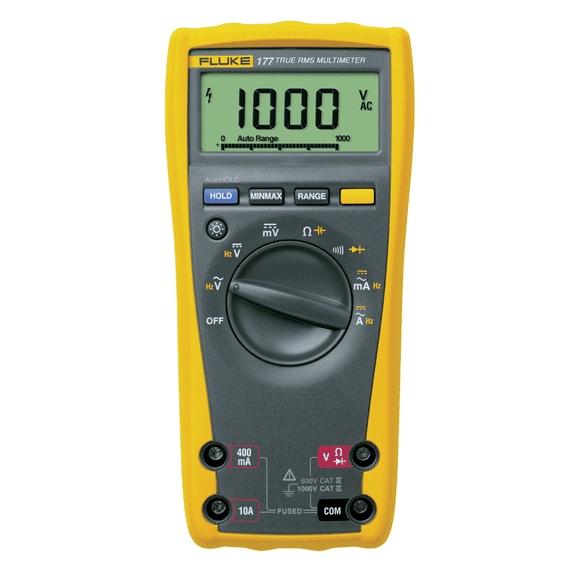 $45478current price $454.78, Was $488.04$488.04
Fluke 177 ESFP True RMS Digital Multimeter
194.9 out of 5 Stars. 19 reviewsDigital Multimeter Wristband,Rechargeable Portable Multimeter Tester with LCD Display, AC/ Voltage 200mV-300V,Professional Electrician Testing Tool $17.40
 $1740current price $17.40
Digital Multimeter Wristband,Rechargeable Portable Multimeter Tester with LCD Display, AC/ Voltage 200mV-300V,Professional Electrician Testing Tool
Clearance Clearance For Multimeter Test With 10V 10A Compatibility $3.90 Was $4.59
Clearance
 $390current price $3.90, Was $4.59$4.59
Clearance For Multimeter Test With 10V 10A Compatibility
Fluke 15B 1000 V LCD Multimeter $117.00
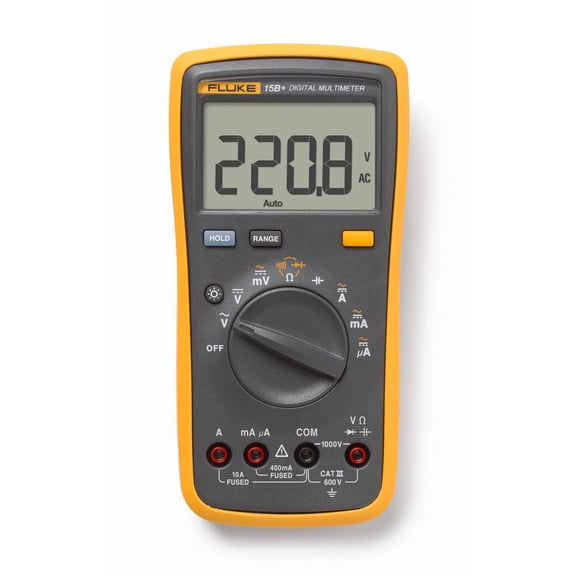 $11700current price $117.00
Fluke 15B 1000 V LCD Multimeter
Professional Digital Electrical Multimeter For Voltage Current Resistance Capacitance Testing Multifunction Clamp Meter $17.96
 $1796current price $17.96
Professional Digital Electrical Multimeter For Voltage Current Resistance Capacitance Testing Multifunction Clamp Meter
A3008 Pen Multimeter High-Precision Voltage Tester, NCV,Phase Detection,Auto-Off $23.87
 2 optionsAvailable in additional 2 options$2387current price $23.87
A3008 Pen Multimeter High-Precision Voltage Tester, NCV,Phase Detection,Auto-Off
HOMEMAXS 18 pcs Multimeter Testing Lead Extension Back Probes Multimeter Test $11.13
 $1113current price $11.13
HOMEMAXS 18 pcs Multimeter Testing Lead Extension Back Probes Multimeter Test
12 out of 5 Stars. 1 reviewsFluke 1663 Installation Multifunction Tester $2,407.99
 $2,40799current price $2,407.99
Fluke 1663 Installation Multifunction Tester
13 out of 5 Stars. 1 reviewsUSB 3.0 Tester, IPS Color Display Digital Multimeter $12.93
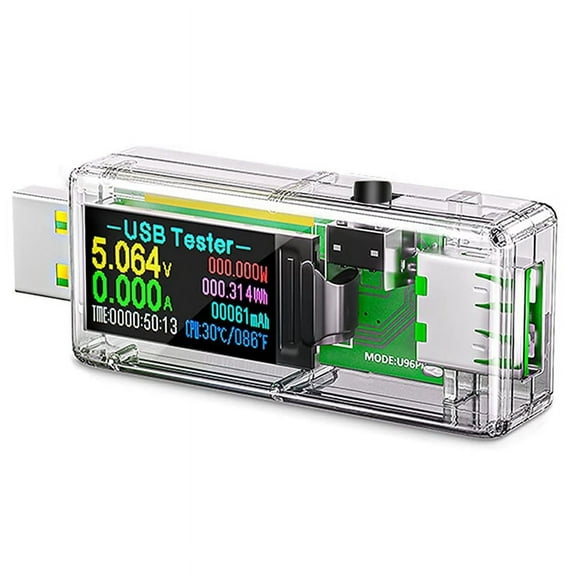 $1293current price $12.93
USB 3.0 Tester, IPS Color Display Digital Multimeter
FELTECHELECTR 1Set Digital Multimeter Accessory Testing in Workshops Electronics Tools $7.50
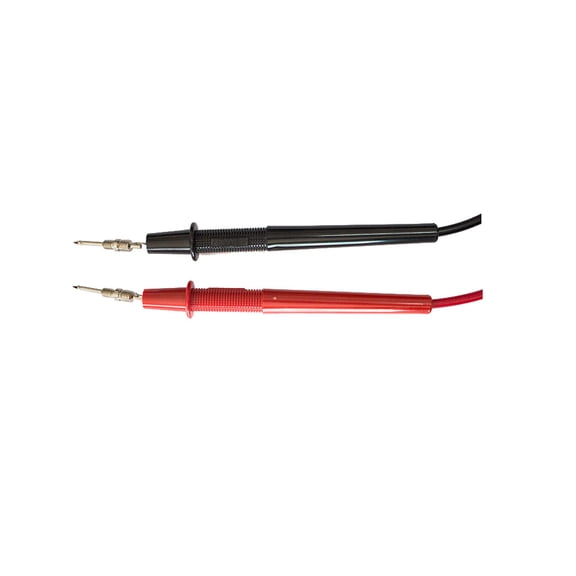 $750current price $7.50
FELTECHELECTR 1Set Digital Multimeter Accessory Testing in Workshops Electronics Tools
Fluke AS400 Assorted Instrument Accessory Kits $213.63
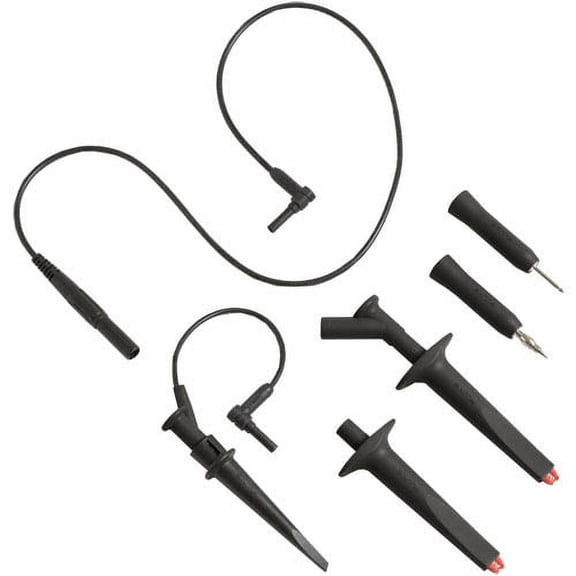 $21363current price $213.63
Fluke AS400 Assorted Instrument Accessory Kits
TOP! XB866 Mini Auto Range LCD Voltmeter Tester Tool AC/for DC Pocket Digital Multime $13.46
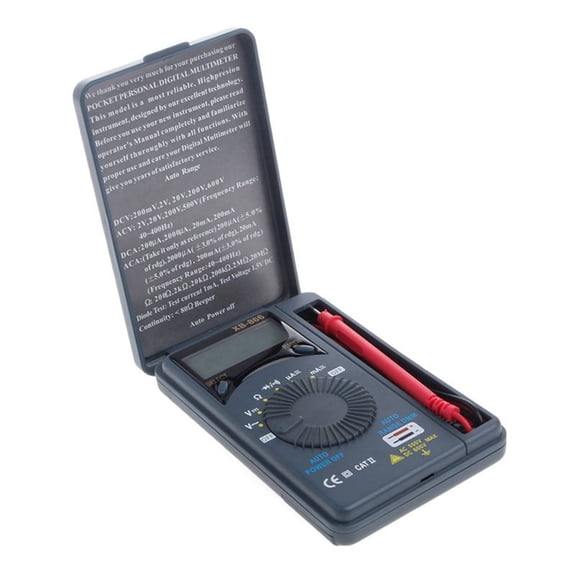 $1346current price $13.46
TOP! XB866 Mini Auto Range LCD Voltmeter Tester Tool AC/for DC Pocket Digital Multime
KM601 Digital Multimeter Voltmeter Smart Electrical Tester Measures Voltage $36.94
 $3694current price $36.94
KM601 Digital Multimeter Voltmeter Smart Electrical Tester Measures Voltage
15 out of 5 Stars. 1 reviewsClearance 2 Pieces Multimeter Test Leads Digital Multimeter 13.9X7.45cm Orange $15.74 Was $17.68
Clearance $1574current price $15.74, Was $17.68$17.68
2 Pieces Multimeter Test Leads Digital Multimeter 13.9X7.45cm Orange
Clearance 2 Pieces LED Indication Multimeter 8.50X5.50X3.00CM Black $10.77 Was $13.59
Clearance $1077current price $10.77, Was $13.59$13.59
2 Pieces LED Indication Multimeter 8.50X5.50X3.00CM Black


Customer ratings & reviews
Filtered and sorted results would be available on the new 'Customer ratings & reviews' page.
Showing 1-3 of 3 reviews
Seems like a good meter, data transfer is clunky.
I purchased the Fluke 289 kit primarily for data logging over 24 hours. I have been able to achieve my goal, but not easily. 1st the instructions in the manual for logging data are incorrect, but I was able to see where the error was and I found the correct way to start logging the data. Next, I was hoping the Bluetooth adapter would allow for data transfer from a mobile devices, but it doesn't. I seems it is for watching the meter or sharing the meter readings at a distance with others. Next, I hooked up the data transfer cable to my PC (there is no software for the Mac as far as I can tell). This resulted in a UART driver to load on my PC. Since my laptop has no CD/DVD drive (and many laptops/notebooks eliminated them many years ago) I could not load the file transfer software that came with the meter on a DVD. So I visited the web site and discovered that I could not download the software from there either. Fluke, do you really think your file transfer software is so desirable that you can't just post a download link for your customers for fear someone will steal it? Anyway, after striking out here, I called customer support and that worked very well. The agent sent me a link to a shared file on the Microsoft OneDrive cloud storage service and I was able to download it. Pausing here for a moment. This process feels like it was developed in the 1990s and hasn't changed in 30 years. I am a retired IT guy and even I found it to be unreasonably cumbersome. I can't imagine how painful this must be for a regular person with average PC skills. Next I ran the application and I figured out how to both transfer the data to the application on my PC and how to export it to a CSV file. The latter is what I really wanted all along, so I can manipulate the data myself in Excel. When I imported the data from the CSV file to Excel, I realized that the meter readings included the units in the same cell as the numeric value of the reading. This is a pain for analyzing the data. Try adding “10 V AC” and “20 V AC”. Nope. So I had to format these cells as text and then extract the numeric value from the text and place it in a new column as a number. Standard database practices dictate that fields not be overloaded. One field should be used for each value or attribute. Given the evolution of capabilities in a simple mobile phone, light switch or coffee maker over the past 10 years, I think the data transfer capabilities of this meter are pretty archaic and overly complicated for the intended user. I still like the meter, but the documentation needs to be corrected and this data transfer process needs a fresh development effort. This should all be done over Bluetooth or wifi these days. Or even use something like digital cameras do ... where the device looks like a USB disk drive to the computer and the files can be easily copied. I guess I'd still recommend the meter because I trust the Fluke brand in terms of accuracy and overall capabilities, but if someone wanted to log data and analyze it on a regular basis, I'd likely shop a round to see if anyone does this in a more modern and user friendly manner.
Great Meter - Poor Documentation
I just received my new Fluke 289 Kit today and was very disappointed that there was no printed User Manual. The manual comes on a CD; I suppose they expect me to carry a computer around so I can refer to the manual! I docked Fluke two stars for being cheap and not providing a manual. I also gave an average rating for ease of use because without a manual it's not easy to use!
Download 289 Memory
Zero success in being able to use the IR3000 and Fluke app to download the stored series of readings on the 298. Searched Google, YouTube and called Fluke - with no success. Not a useful tool if all I can do is see the meter display on my phone. How do I get my 1400 data points into a spreadsheet so I can do some analysis?
