











Wide Format Paper in Paper

















About Wide Format Paper in Paper - Walmart.com
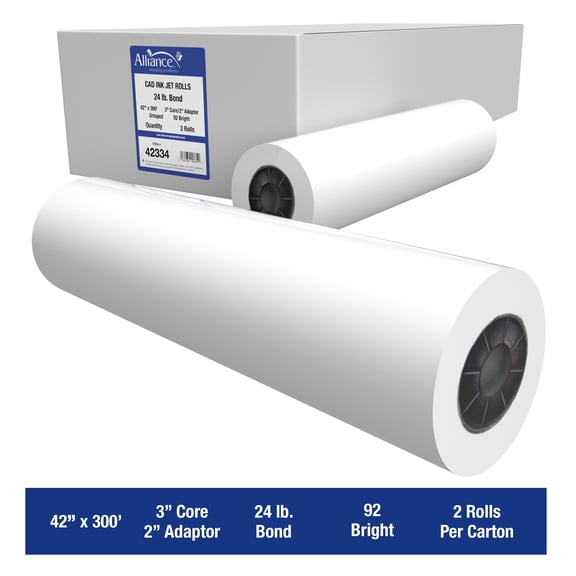
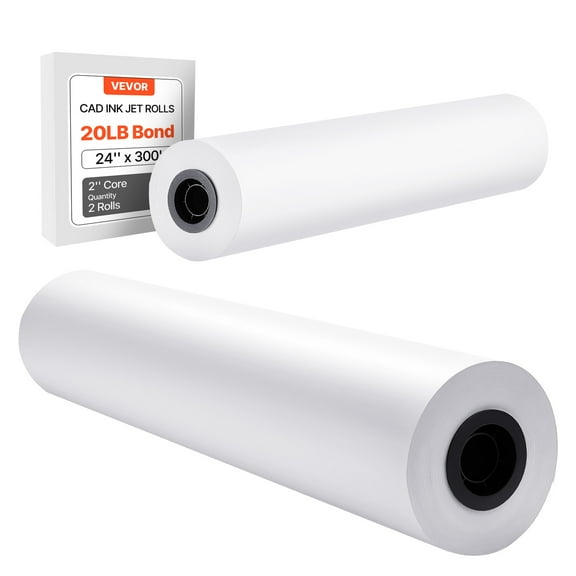
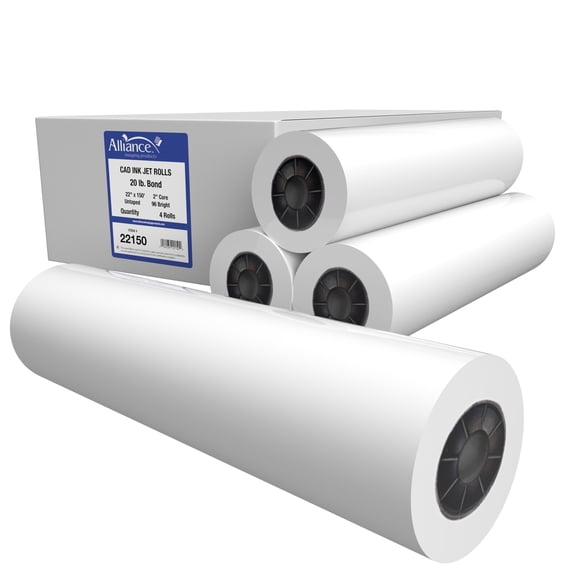
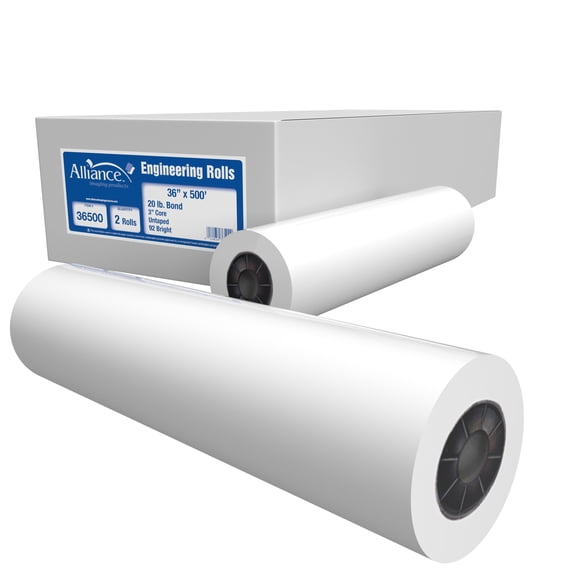
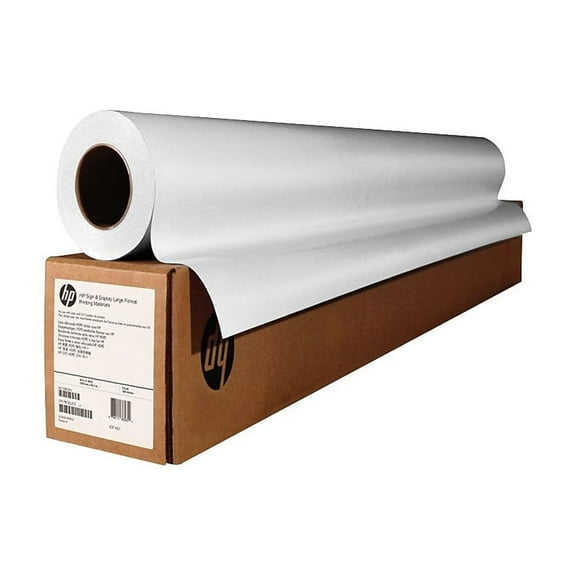
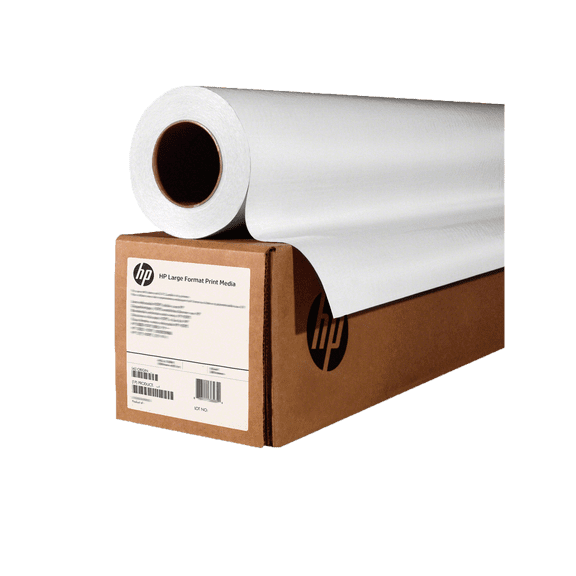
Wide format paper helps you print blueprints, posters, and CAD drawings with the sizing your equipment expects. You can compare rolls, sheets, coatings, and core sizes to match your printer setup.
How to choose wide format paper
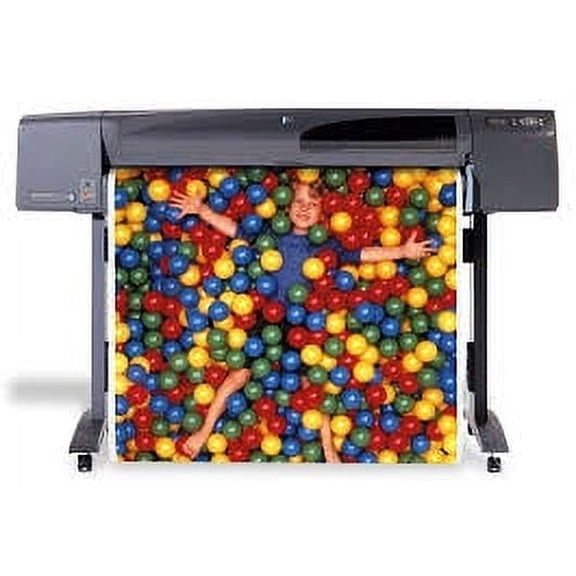
When you shop wide format paper, you should start with the format your printer accepts. You can choose rolls for continuous output or sheets for flat loading and shorter runs.
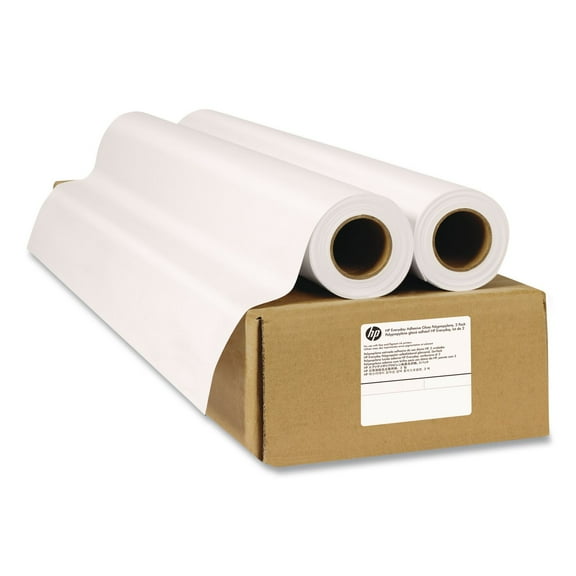
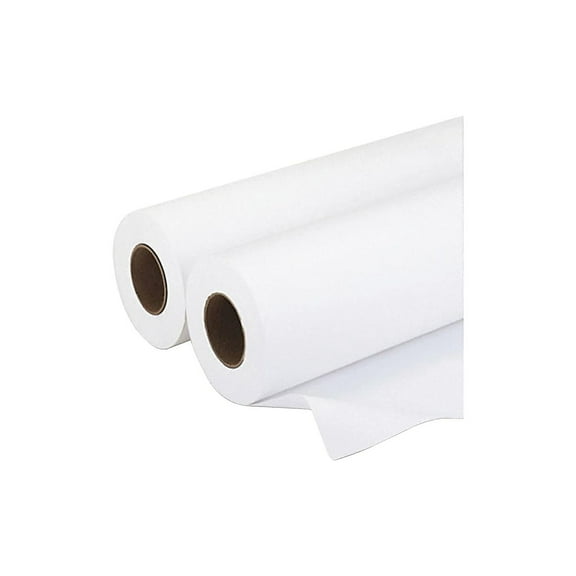
If your printer uses a spindle, you’ll likely need wide format paper rolls for steadier feeding. If your printer loads cut media, you may prefer sheets for simpler handling.
You should also compare paper width before you print full-size plans or display graphics. You can use standard wide sizes for everyday documents or extra wide options for larger layouts.
- You can use rolls for long print jobs, repeated drafts, and fewer media changes.
- You can use sheets when your printer tray supports cut paper and quick swaps.
- You can choose lightweight paper for drafting and heavier stock for presentation prints.
- You can match extra wide media to posters, maps, and larger engineering output.
Choosing wide format paper rolls and sheets
You should check whether your printer feeds from a roll holder or a sheet tray first. That step helps you avoid ordering a format your machine won’t accept.
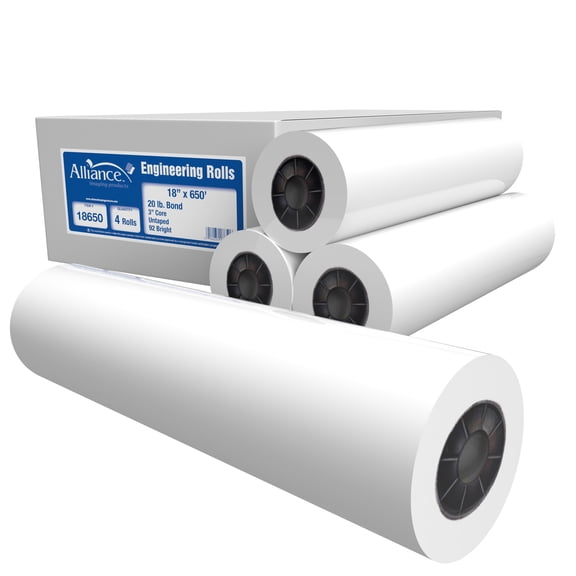
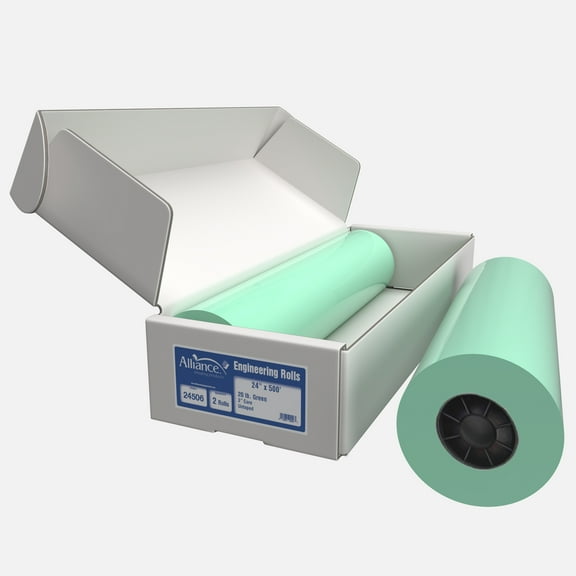
Rolls work well when you print blueprints, CAD drawings, or banner-length layouts in sequence. You can keep output moving with fewer interruptions during busy project work.
Sheets can make sense when you print occasional posters or single design proofs. You can load one size at a time and handle flat media with less setup.
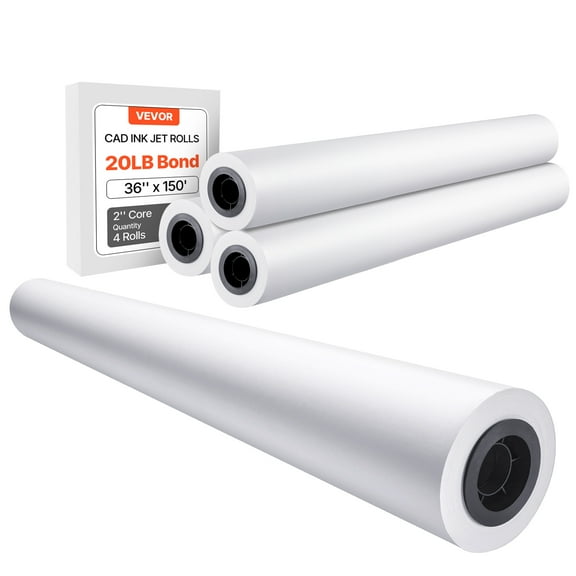
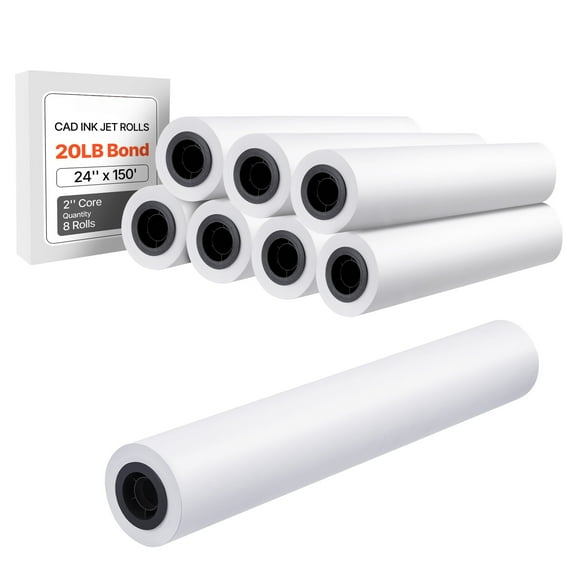
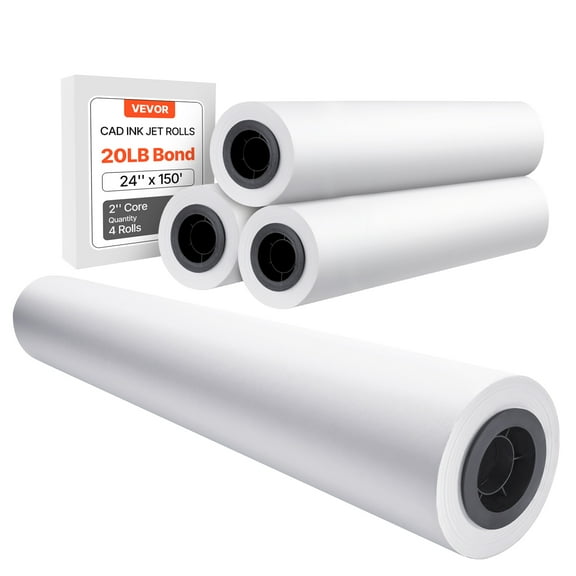
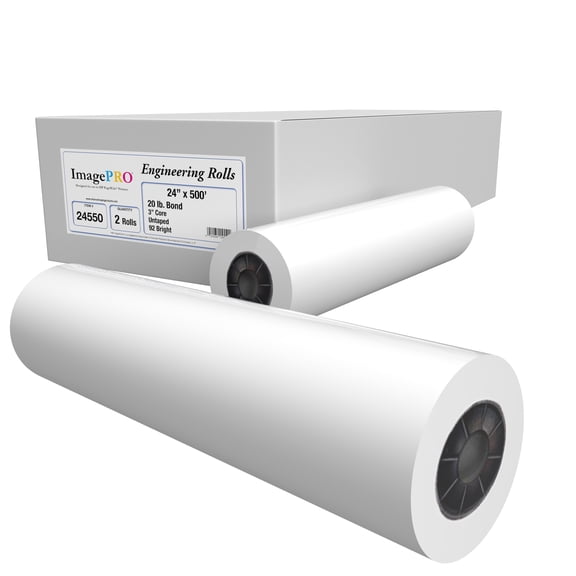
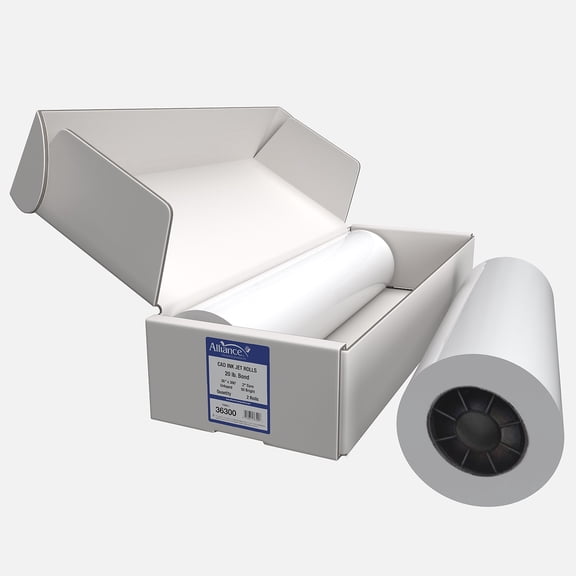
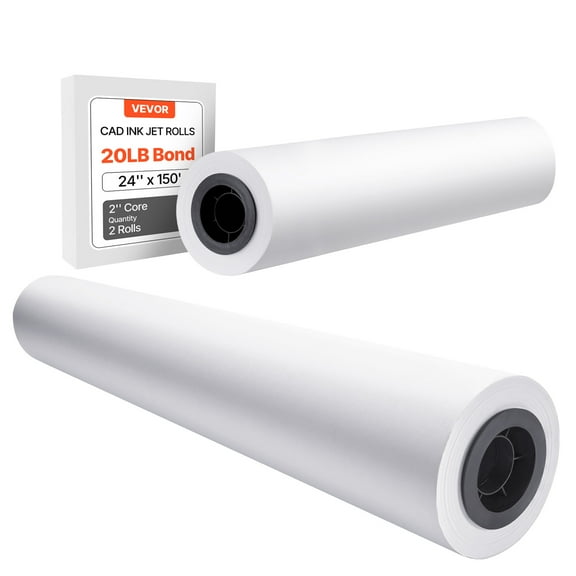
You should also measure core size when you choose large format paper rolls. Many plotters use a 2-inch or 3-inch core, and your spindle must match.
If your spindle fits a 2-inch core, you’ll want media built for that diameter. If your printer uses a 3-inch spindle, you should check that spec before checkout.
What to look for in wide format printer paper
You’ll want to match wide format printer paper to your printer technology before anything else. Inkjet and laser printers handle media differently, so compatibility matters for print results.
For inkjet machines, you should look for wide format inkjet paper with a surface designed for liquid inks. That coating can help you get sharper lines and more even color.
For laser equipment, you should check whether the paper supports heat-based printing. That construction helps you choose media suited to toner transfer and fuser temperatures.
You can also compare paper weight when you decide between drafts and display prints. Lighter paper usually suits everyday plotting, while heavier paper feels more substantial for presentations.
Thickness matters when you want a sturdier sheet or a more polished hand feel. You should confirm your printer’s media range so the paper feeds as intended.
Finish is another decision point when you compare large format paper for different projects. You may prefer matte surfaces for readable plans and glossy options for photo-style posters.
Matching large format paper to your projects
You can use large format paper for architectural plans, engineering sets, classroom visuals, and retail signage. Each project type may call for a different width, finish, and weight.
For blueprints and CAD drawings, you may want lighter rolls with precise line clarity. That choice can support frequent revisions and easier stacking during review sessions.
For engineering documents, you might need dependable roll feeding and clear black-and-color output. You should compare width and core size carefully when your workflow depends on a plotter.
For posters and presentation boards, you may prefer heavier stock or coated paper. That combination can give your graphics a cleaner appearance and a more polished finish.
If you print maps, renderings, or training charts, you should consider extra wide media options. You can fit more detail on one page and reduce the need for tiling.
You may also compare large printer paper by frequency of use and storage space. Rolls can support ongoing output, while sheets can simplify occasional printing and filing.
Key checks before you pick your paper
You should confirm printer compatibility, media width, core size, and paper weight before you choose. Those details can narrow your options faster than color or finish alone.
If you print technical drawings every day, you may lean toward lighter roll media for consistent plotting. If you print display graphics, you may choose heavier coated stock for stronger presentation impact.
With the right wide format paper, you can keep plans legible, posters clean, and printer setup straightforward. You’ll get a category built around the specs your projects actually require.