

VR Accessories in Virtual Reality





























About VR Accessories in Virtual Reality - Walmart.com
VR accessories help you refine comfort, storage, and connection around your headset. You can compare fit, materials, and cable needs in one place for a more organized setup.
Whether you use Meta Quest 3, Meta Quest 2, PlayStation VR2, or PC VR, you need compatibility first. You can avoid mismatch issues when you check headset shape, controller design, and port type before choosing add-ons.
Choosing vr accessories by device compatibility
Start with your exact headset model before you compare any accessory type. You can see important differences between Quest 3, Quest 2, PlayStation VR2, and PC VR in shell shape and connection needs.
Quest 3 and Quest 2 often need different facial interface shapes and dock clearances. PlayStation VR2 uses a halo-style layout, so you may want accessories shaped around that specific profile.
When you compare virtual reality accessories, check whether each item fits your headset alone or fits attached add-ons too. Your setup feels simpler when dimensions match your headset and controller layout.
How to choose a vr head strap
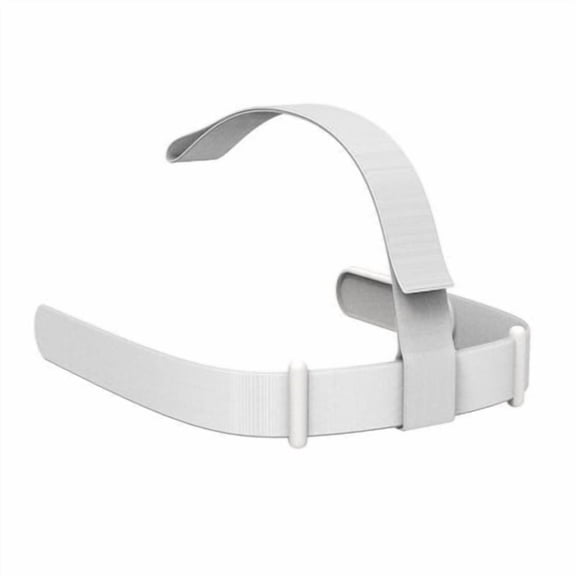
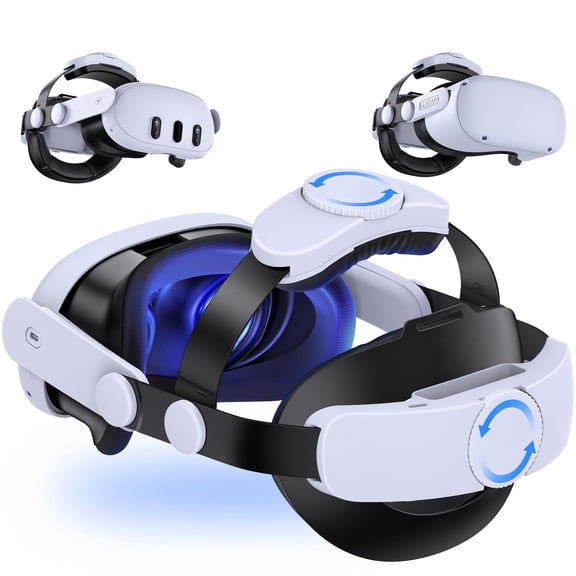
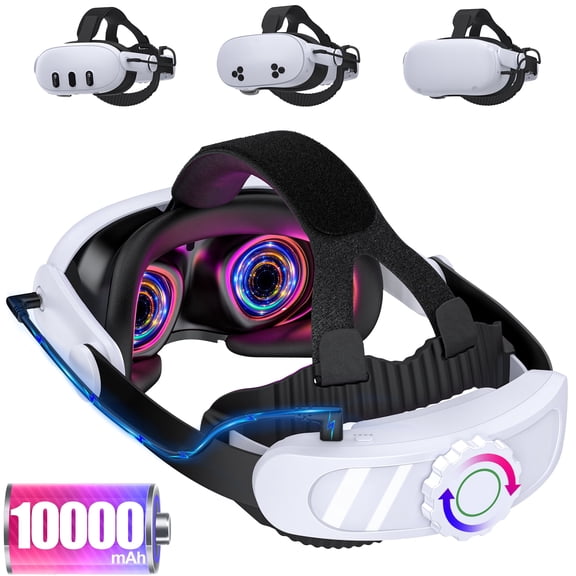
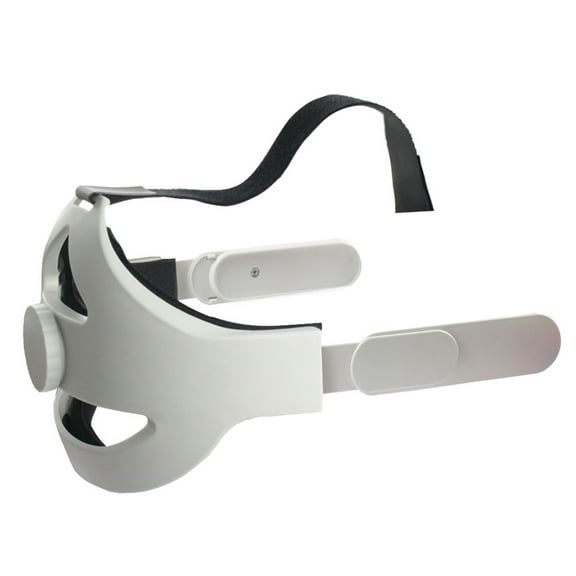
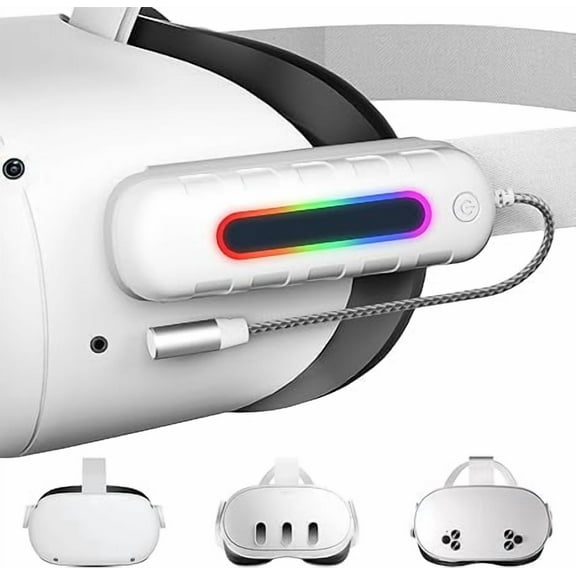
A vr head strap changes how weight sits across your head during longer sessions. You can look for adjustable dial systems or counterweight designs when you want a steadier, less front-heavy feel.
Padding also changes how your headset rests against your face and forehead. In shared spaces, your household may prefer multiple adjustment points for quicker handoffs between users.
For active games, sweat-resistant finishes and easy-clean surfaces can matter just as much as fit. Between sessions, your routine stays easier to manage when contact areas wipe clean.
- You can reduce facial pressure with a balanced strap design.
- You can fine-tune fit with rear supports and dial adjustments.
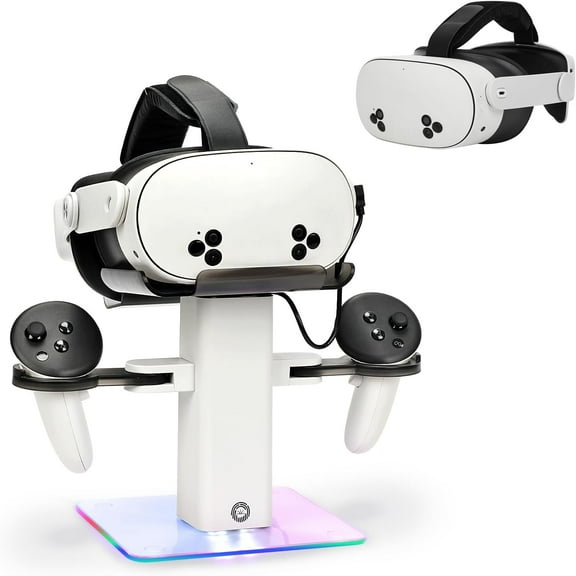
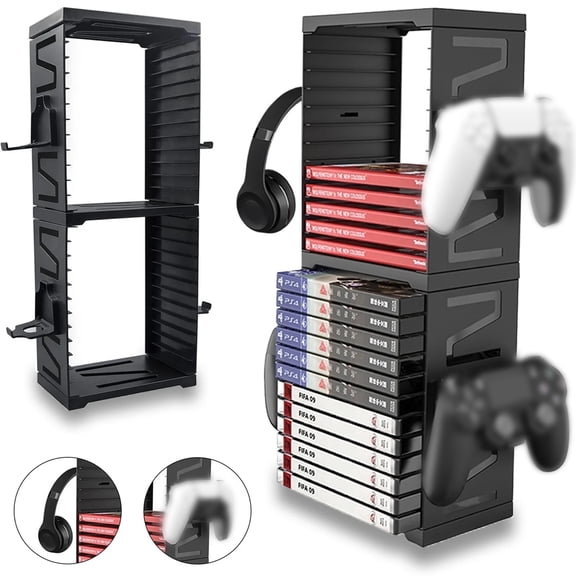
- You can keep gear organized with fitted storage options.
- You can maintain a steadier hold with vr controller grips.
Choosing a vr carrying case that fits your setup
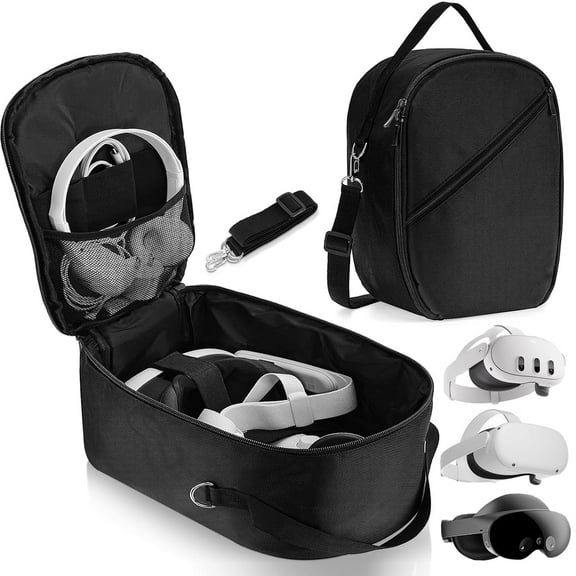
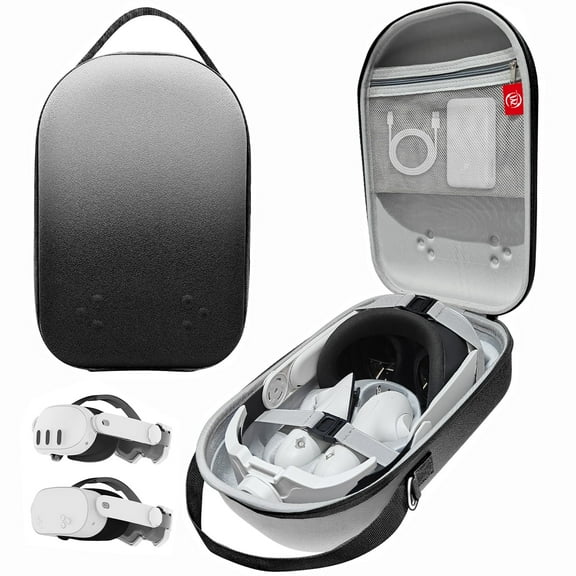
A vr carrying case works well when you measure your headset with any upgraded strap attached. You can check interior space for controllers, cables, and charging parts before you pick a case shape.
Hard shell EVA construction gives your gear more structure during travel and shelf storage. You may also want molded sections or dividers that keep pieces from shifting inside.
Case size matters when you use a bulkier strap instead of a stock strap. Your storage routine feels smoother when the zipper closes without pressing against your headset or controllers.
Comparing materials and contact points
Material choice affects how your accessories feel, clean up, and hold shape over time. You can compare silicone, PU leather, memory foam, and hard shell EVA by where each material touches your setup.
Silicone often suits grips and covers when you want an easy-wipe surface. Memory foam may add a softer contact point, while PU leather can feel smooth and simple to maintain.
For storage pieces, hard shell EVA helps your case keep its form around your headset. You can also look for interior cutouts that match your controllers and accessories closely.
Understanding vr controller grips and face cushions
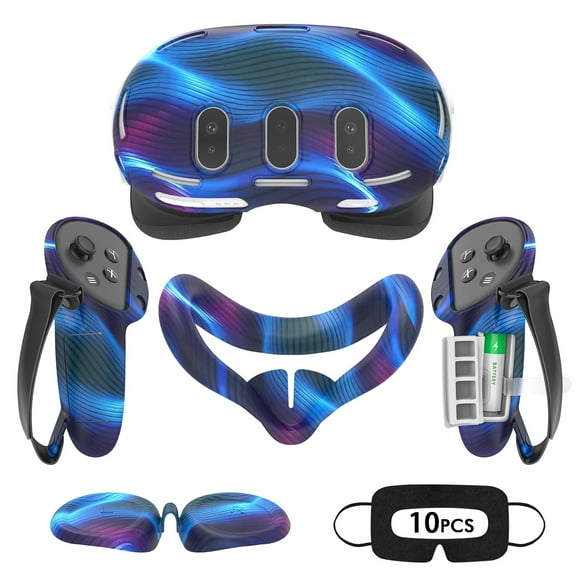
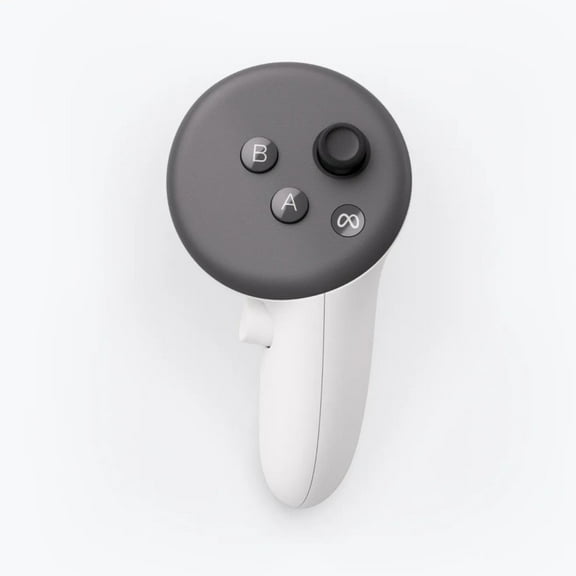
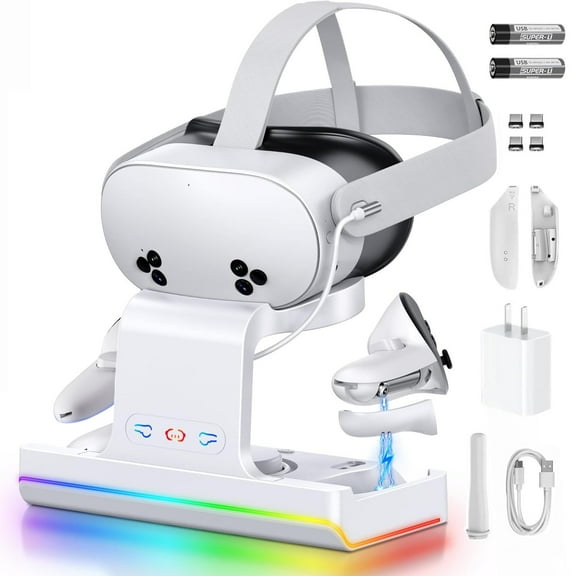
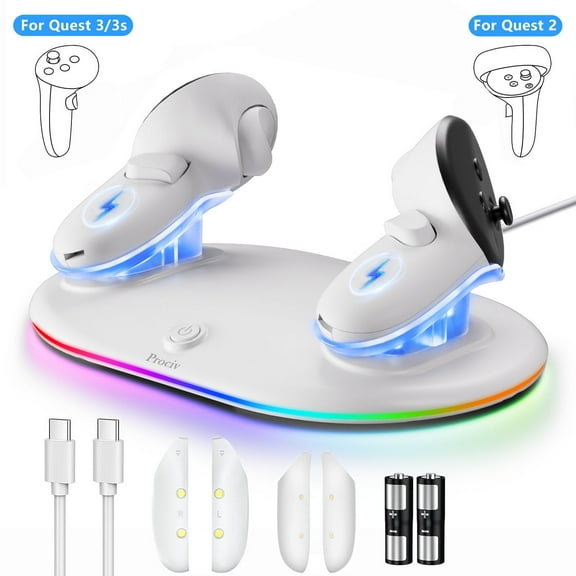
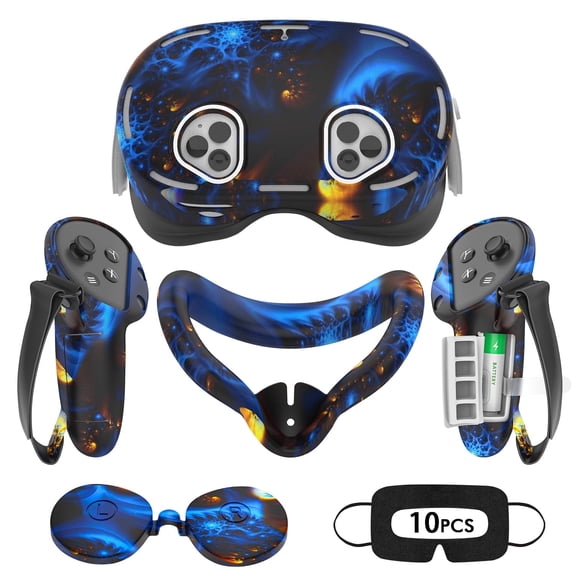
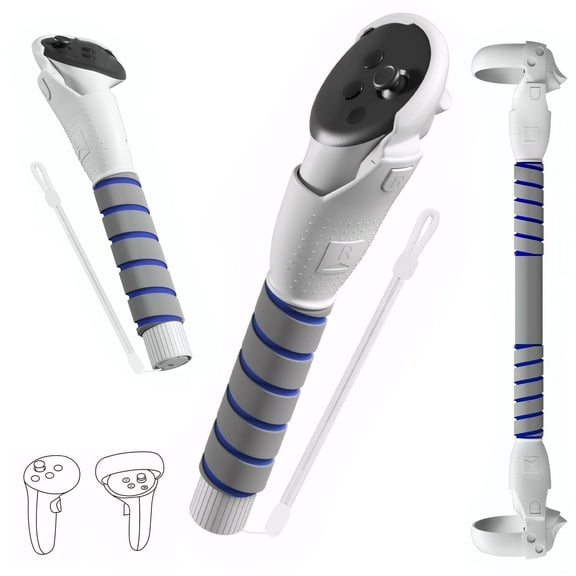
Vr controller grips need to match your controller generation and tracking layout. You can check button access, charging access, and wrist strap routing before you choose a grip style.
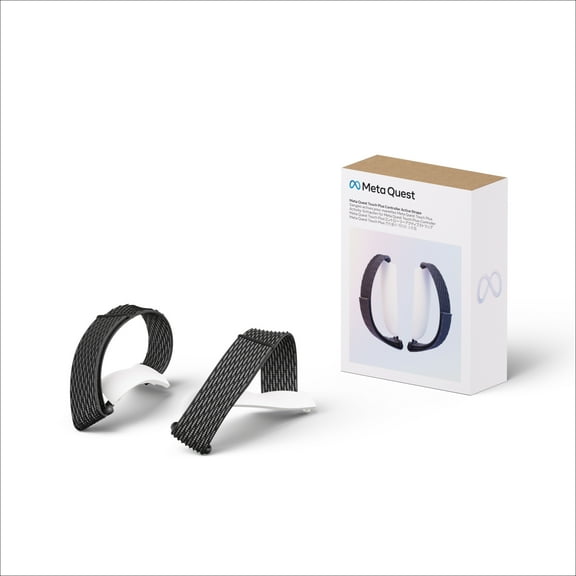
Some grip designs include hand straps that support a more relaxed hold between motions. During swings, reaches, and quick turns, your hands may feel more secure.
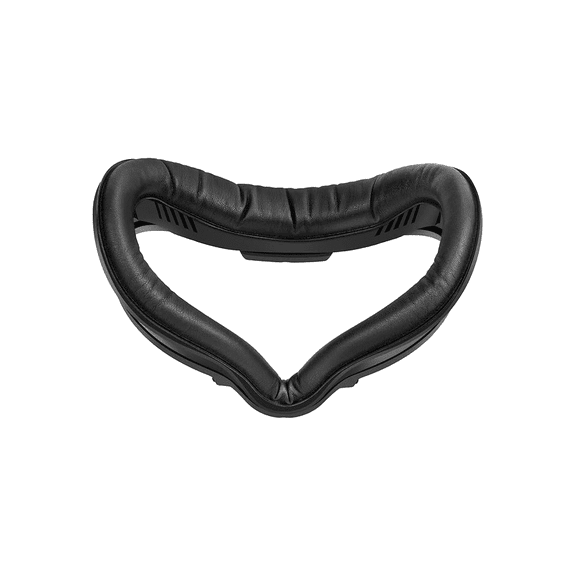
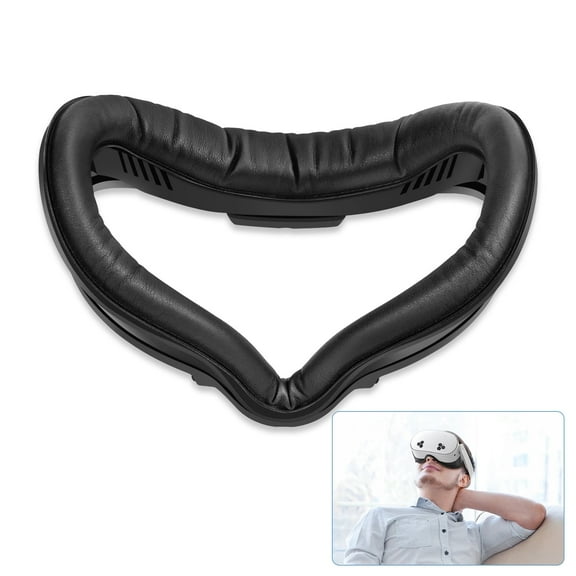
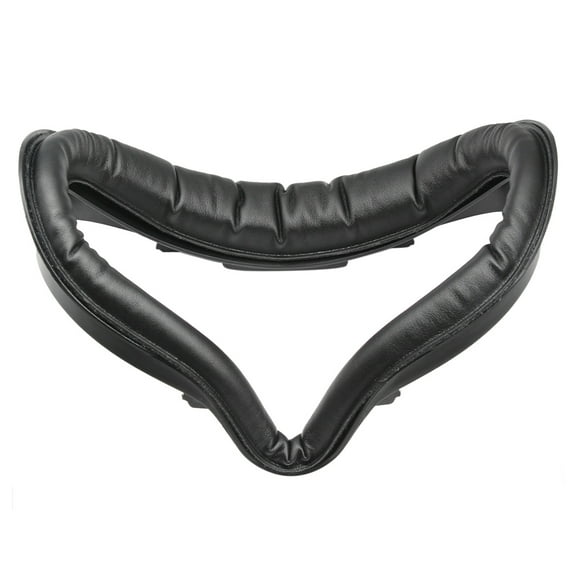
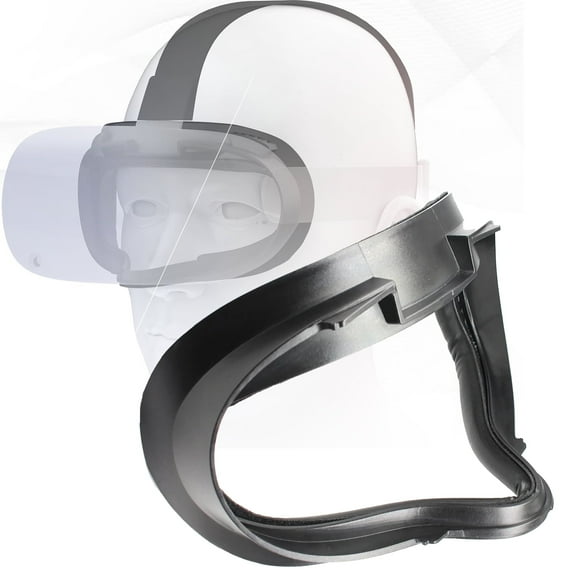
A vr face cushion can change comfort, spacing, and cleanup during repeat use. You can compare padding depth, surface feel, and attachment style when you want an easier fit update.
How to compare vr link cable details
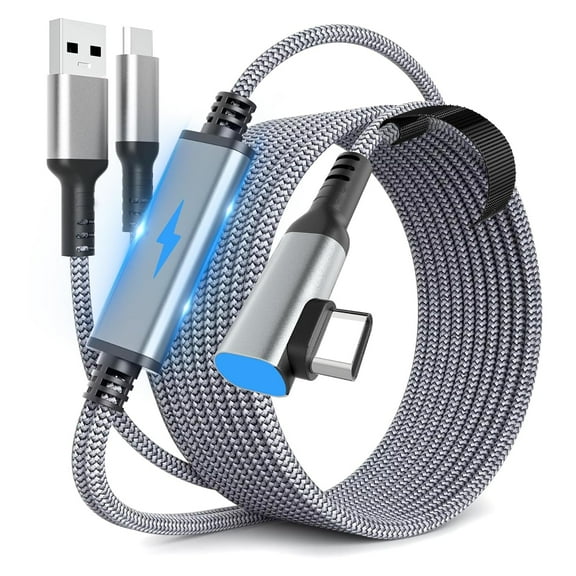
A vr link cable needs the right connector type, cable length, and charging support for your setup. You can check plug format first, then compare whether your computer ports match.
Data transfer speed in Gbps is a key detail for PC VR setups. You can use that spec as a guide when you want smoother connection support between your headset and computer.
Cable flexibility also matters when you play seated games or room-scale titles. Your movement feels less restricted when cable length matches your play area and routing path.
Matching accessory types to how you play
If you travel with your headset, consider pairing a fitted case with compact grips and a shorter cable. You can keep each piece easier to pack when the full setup stores together cleanly.
For longer home sessions, a balanced strap, a softer face cushion, and a compatible cable can create a more stable routine. Your setup may feel easier to wear, store, and reconnect across repeat use.
Shared headsets often benefit from adjustable straps and easy-clean contact materials. You can switch between users faster when fit controls and face padding are simple to manage.
With vr accessories, your decision comes down to compatibility, comfort, storage, and cable performance. You can choose with more confidence when each add-on fits your headset and your play style.