


Find auto parts that fit
Let’s search for parts that fit your vehicle.TPMS Tools & Tire Pressure Scanners | Walmart
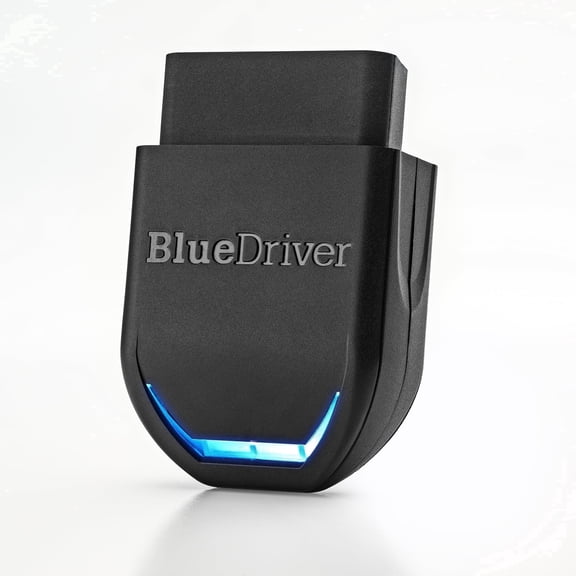

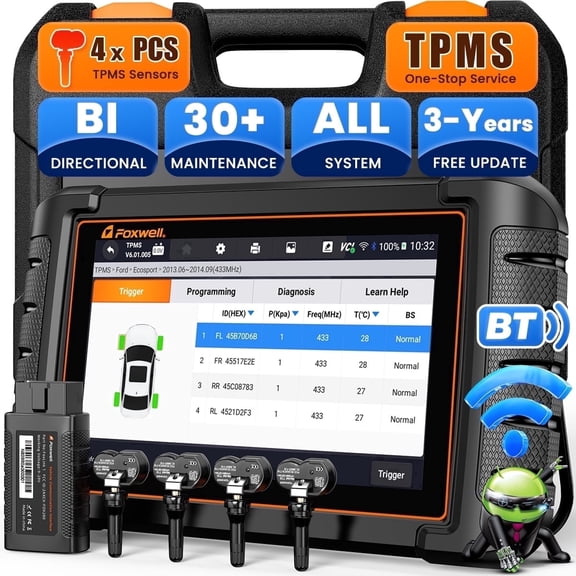
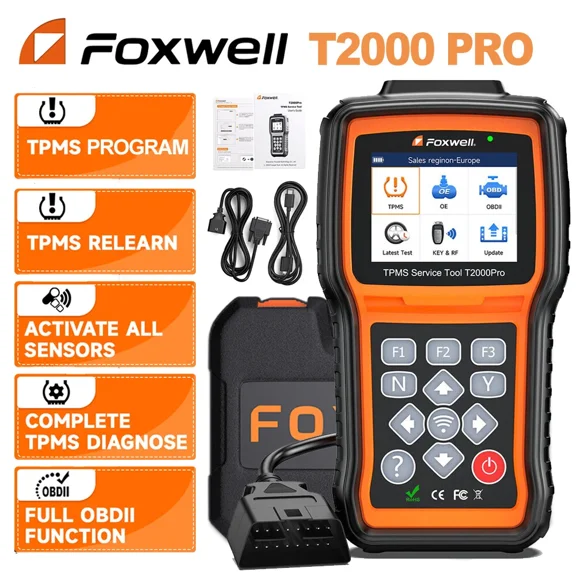
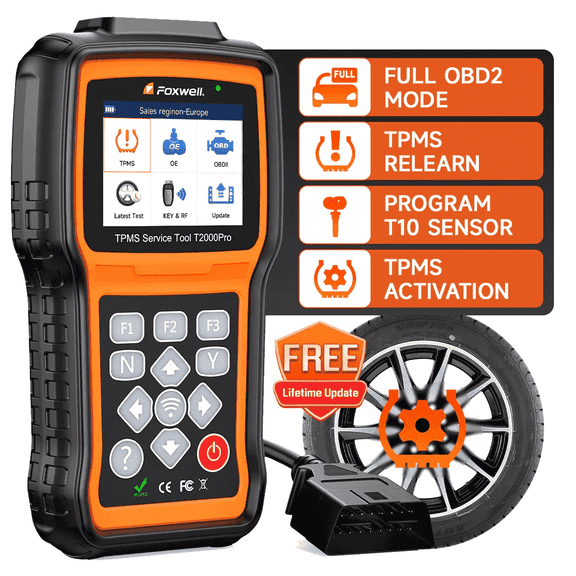






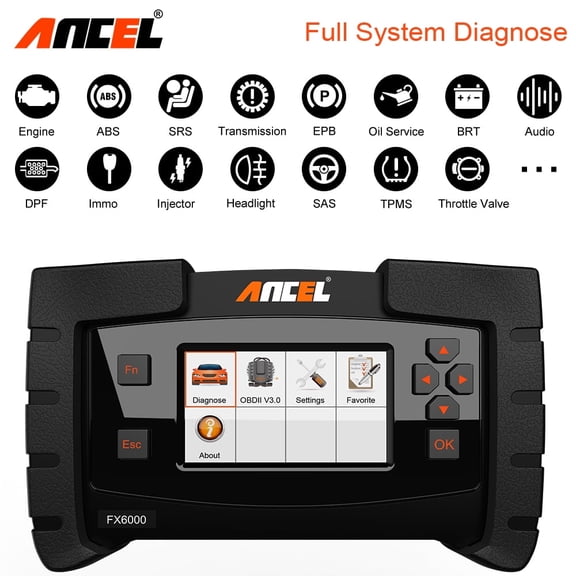
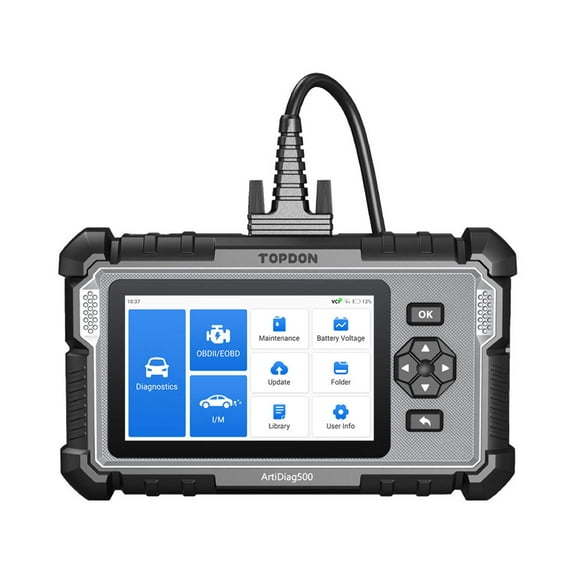
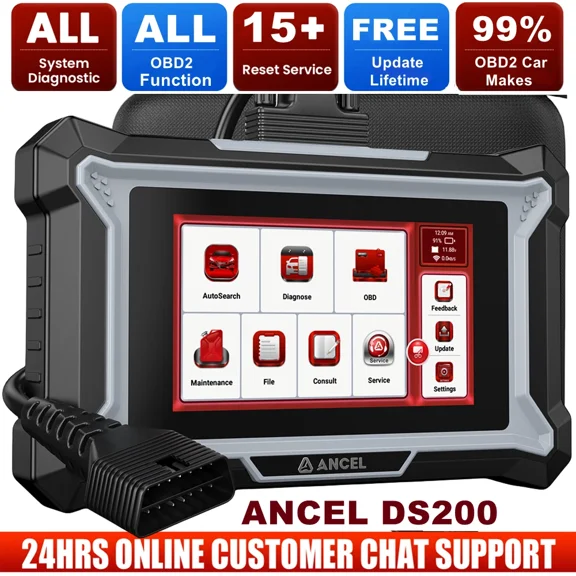

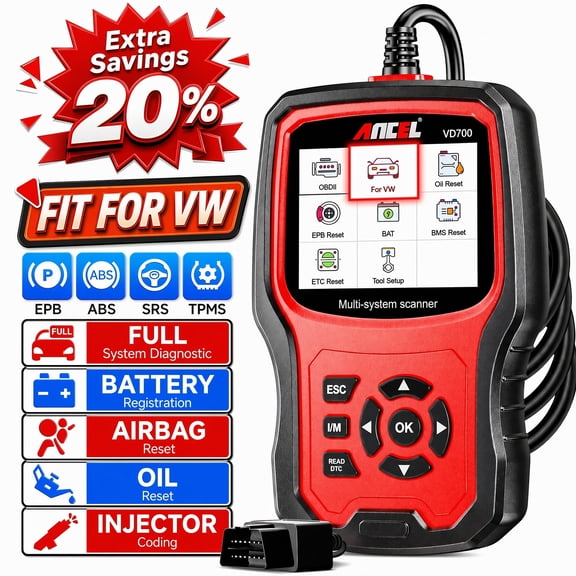
About TPMS Tools & Tire Pressure Scanners | Walmart - Walmart.com
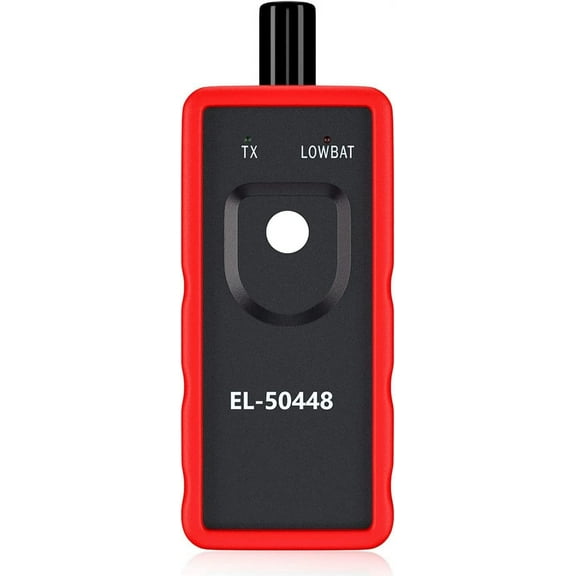
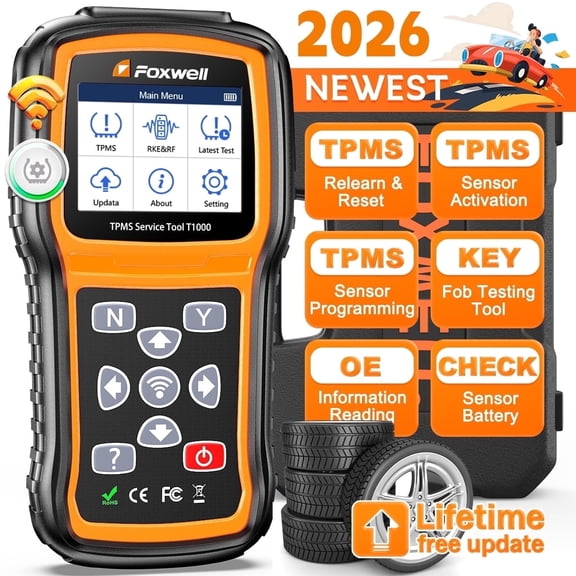
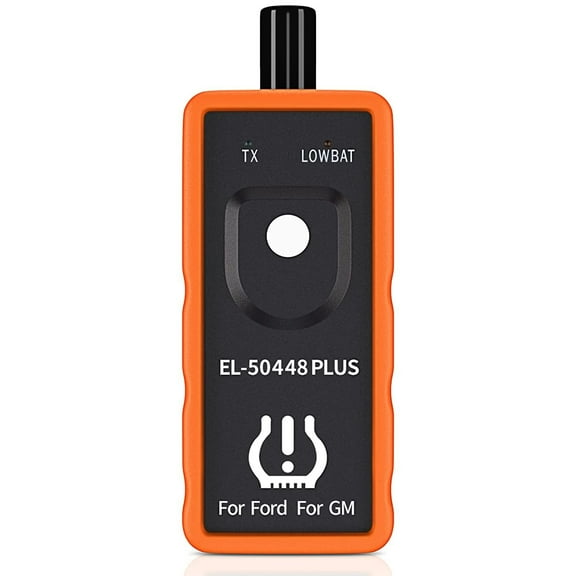
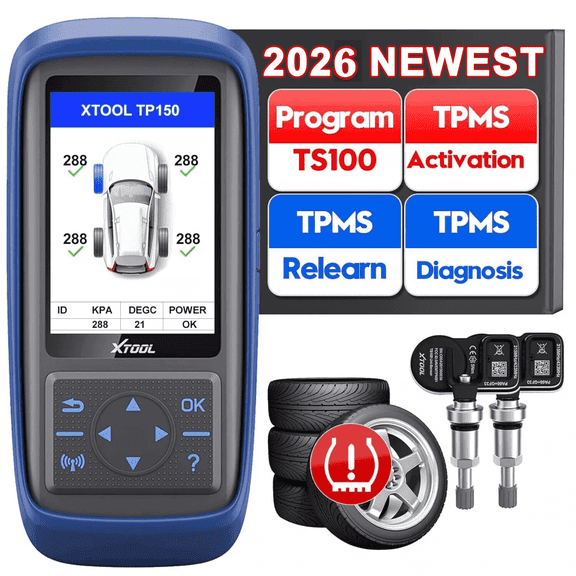
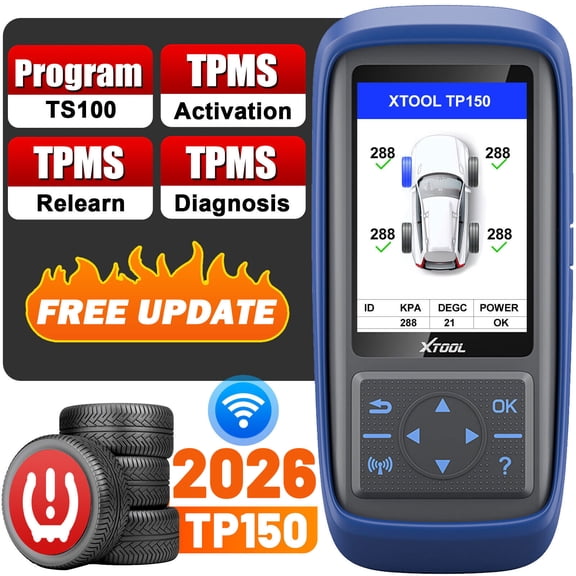
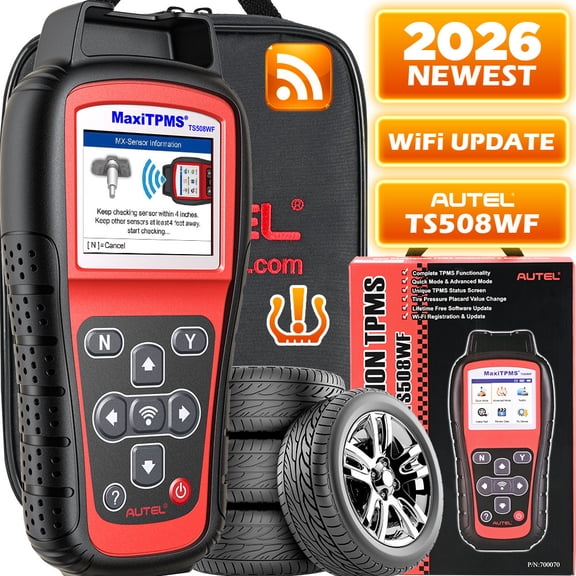
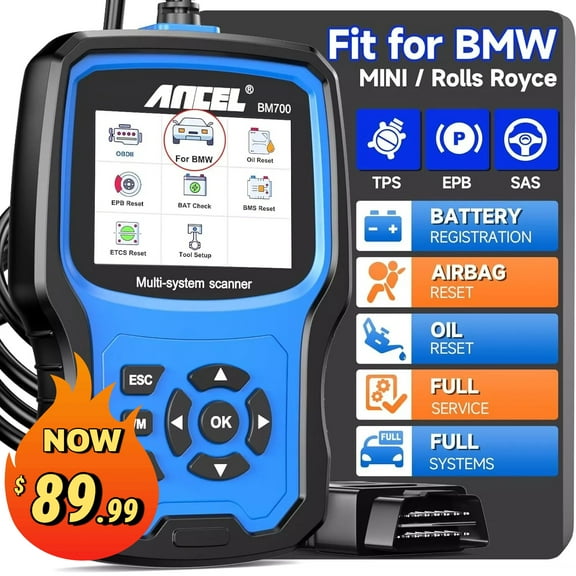
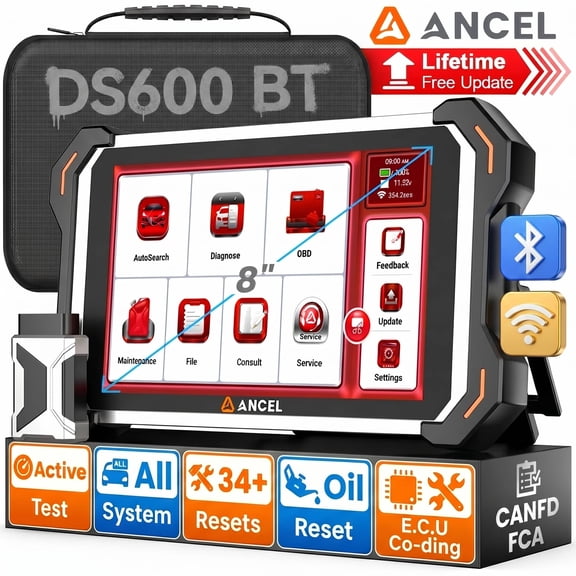
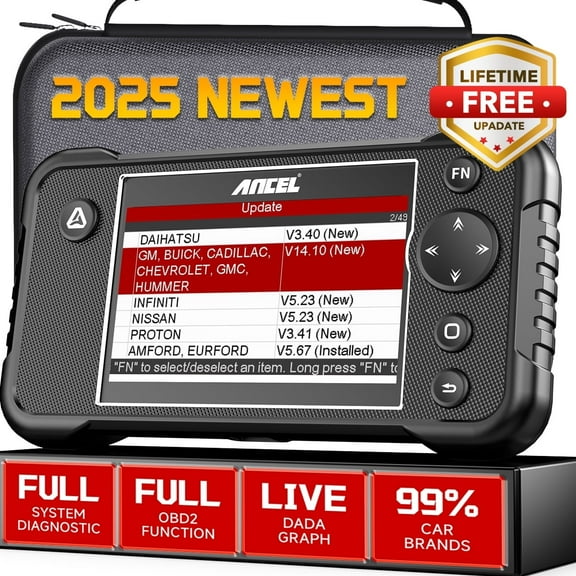
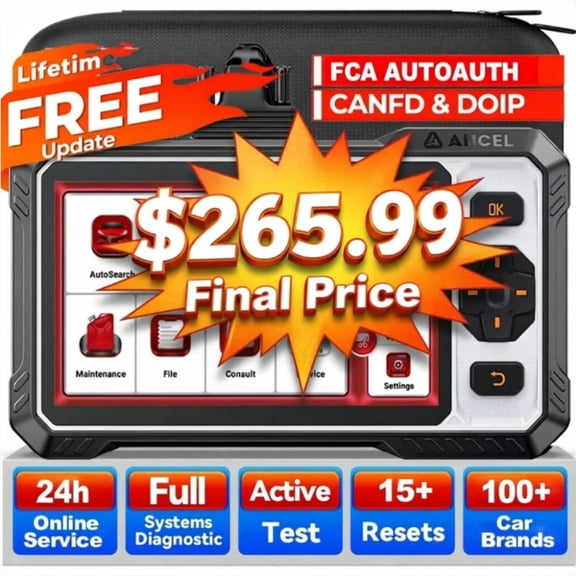
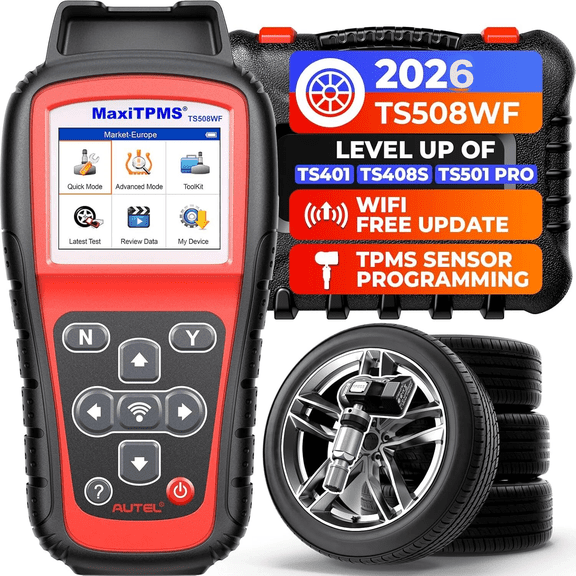
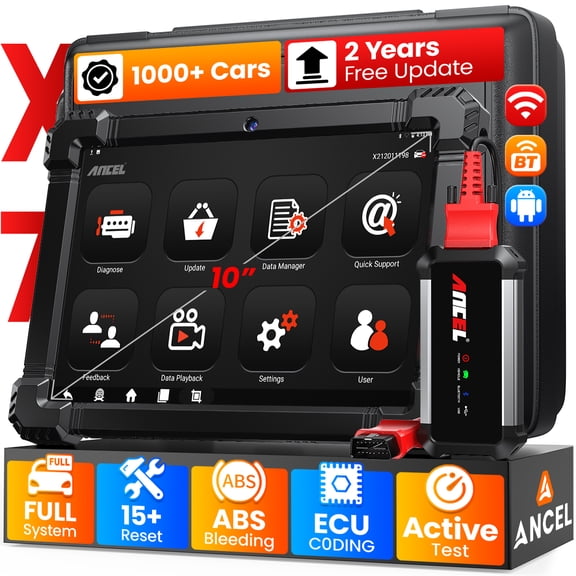
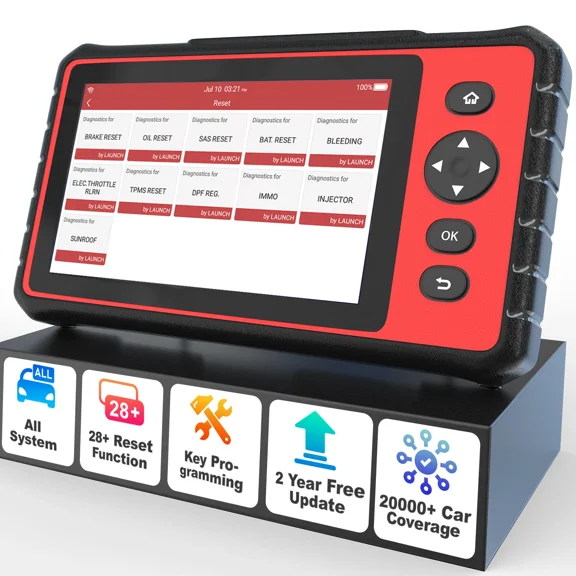
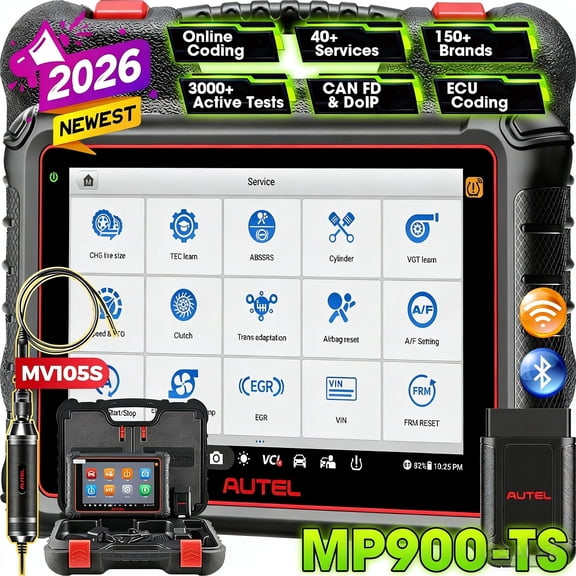
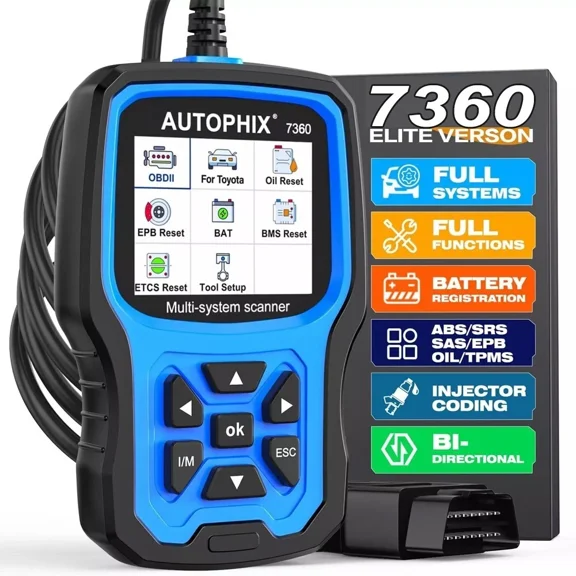
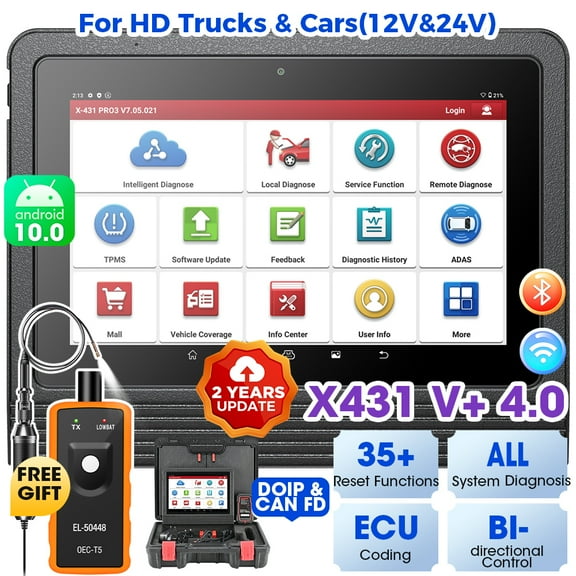
TPMS tools help you reset warning lights, relearn sensors, and check compatibility before you return to regular driving. You can compare activation devices, diagnostic scanners, and programming units in one place.
If you searched for tpm tools, you'll also find the standard TPMS category here. You can narrow your choice by vehicle fitment, connection type, and the tasks you need to complete.
How to choose TPMS tools
You should start with the job you need to do most often. You may only need a simple reset after tire rotation, or you may need full sensor programming.
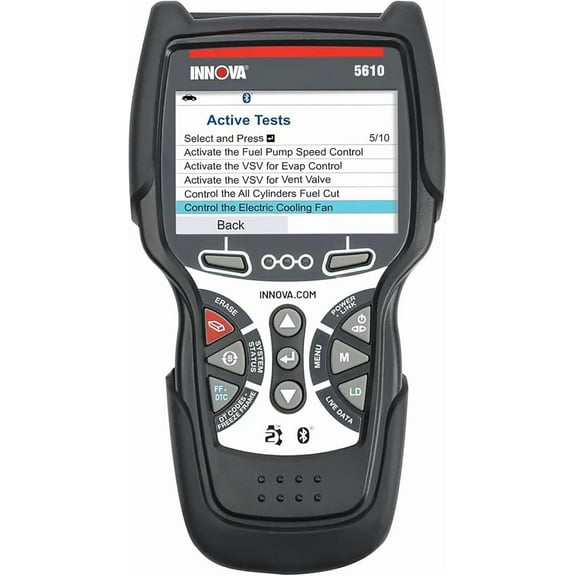
Basic activation tools help you wake up tire sensors and trigger a relearn process. Diagnostic units help you read sensor data, confirm IDs, and review system status on screen.
Programming models matter when you install replacement sensors or clone existing sensor information. You can use that added capability when your shop handles sensor swaps across different vehicles.
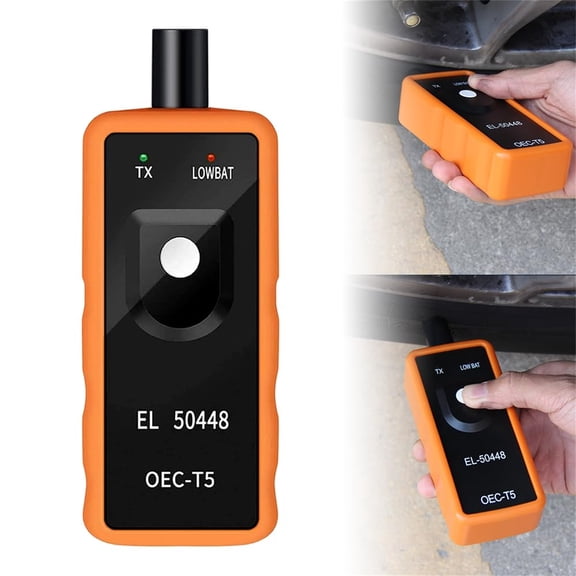
- You can use activation tools for quick relearn steps after service.
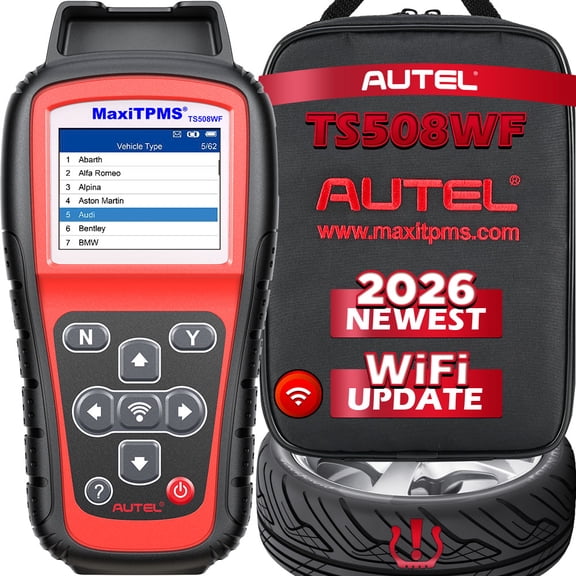
- You can choose a TPMS tester when you want sensor status and ID information.
- You can select a tpms scanner for guided diagnostics and reset support.
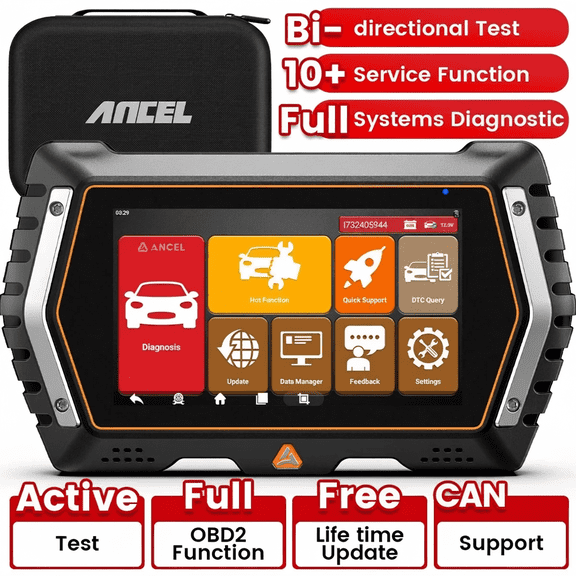
- You can look for a TPMS computer when you need broader menus and update options.
Choosing the right TPMS scanner and TPMS computer
You should compare tool type first because not every unit handles the same tasks. You can work efficiently by matching activation, reset, programming, or diagnostic functions to your routine.
Vehicle compatibility is your next decision point. You should check whether your tool is universal or make-and-model specific before you connect it.
OBD2 protocol support can affect what you can do from the vehicle port. You should confirm that your tool supports your vehicle communication system for reset and relearn steps.
Sensor frequency also matters when you work with different wheels and sensors. You should look for 315MHz and 433MHz support if your garage sees a wide mix of vehicles.
Connection type changes how you complete each task. You can use OBD2 for direct vehicle communication, wireless or RF for sensor reading, and USB for updates.
Updateability deserves a close look before you choose. You should check whether software updates are included, time-limited, or tied to a subscription plan.
Screen guidance can make a big difference during setup. You can work efficiently when your tpms scanner shows step-by-step prompts instead of short code lists.
What to look for in a tire pressure monitor diagnostic tool
You should look for clear readouts that show sensor ID, battery status, pressure, and temperature data when supported. You can make quick decisions when the screen explains each result.
A tire pressure scanner with relearn guidance helps you after tire rotation or seasonal wheel changes. You can follow on-screen steps instead of guessing the order at each wheel.
If you install new sensors, a tpms learning tool can help you write or copy sensor information. You should confirm that the tool supports the sensor brand and vehicle coverage you need.
An obd2 scanner tpms reset function helps when a relearn requires both sensor activation and vehicle communication. You can complete multiple procedures with one device instead of switching tools.
You may also want a tps sensor reader or tpms checker for quick confirmation work. You can verify whether a sensor responds before you move into deeper diagnostics.
USB update support matters when vehicle coverage changes over time. You should check how updates are installed and whether your shop computer setup is compatible.
Matching tool features to your everyday use
You can choose a compact reset tool if you mainly rotate tires and clear service-related alerts. You won't need advanced programming menus for that lighter workflow.
You may want a diagnostic scanner if you inspect several vehicles each week. You can review sensor data, compare wheel positions, and follow guided relearn steps efficiently.
If you replace damaged or aging sensors, you should consider programming support. You can clone sensor IDs or program blank sensors when your workflow includes new installs.
You might prefer universal compatibility if you work across many makes in one garage. You can choose make-specific coverage if you focus on a smaller group of vehicles.
Wireless or RF reading helps when you want to trigger sensors without plugging into the vehicle first. You can then use OBD2 only when the relearn procedure requires port communication.
You should also think about ease of use before you commit. You can get started quickly with a menu layout that uses guided steps, readable buttons, and simple prompts.
A tire pressure monitor diagnostic tool can also support seasonal wheel swaps. You can confirm which sensor is active and complete relearn steps after mounting another wheel set.
When you compare TPMS tools by fitment, function, and update path, you can choose with confidence. You end up with a tool that matches your vehicles and keeps service steps straightforward.