

Thinkware Dash Cams in Dash Cam Brands











About Thinkware Dash Cams in Dash Cam Brands - Walmart.com
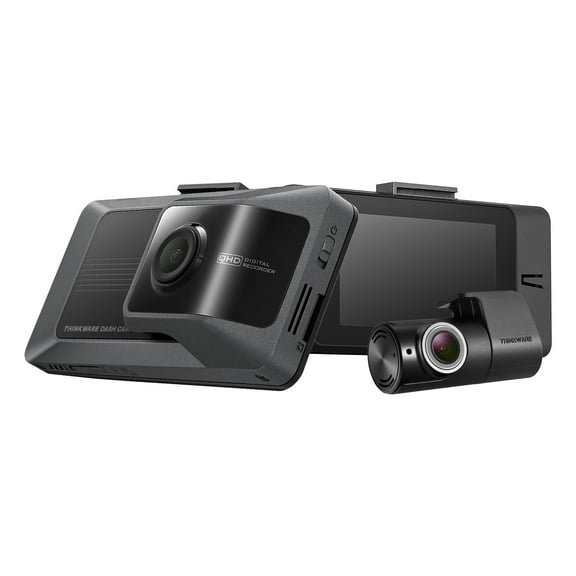
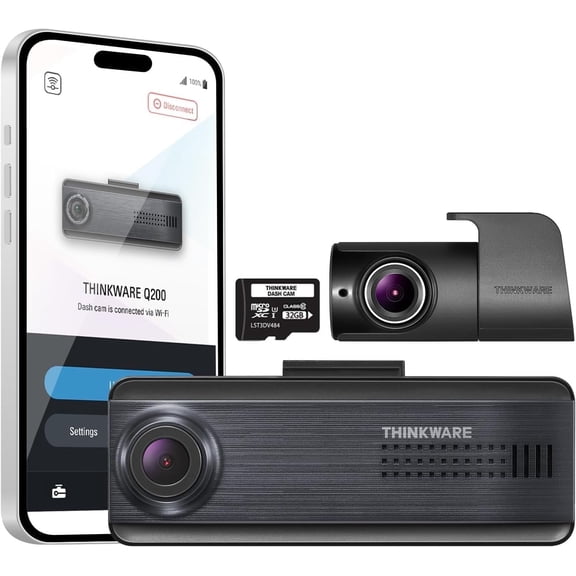
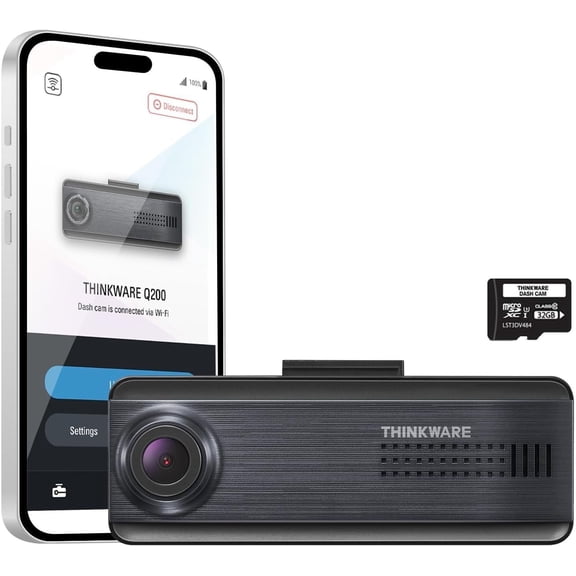
You can compare Thinkware dash cams by recording detail, channel setup, and power options, so your vehicle coverage fits your driving routine. You can also see choices like 4K capture, app connectivity, and parking mode support that matter for everyday use.
How to choose Thinkware dash cams for your vehicle
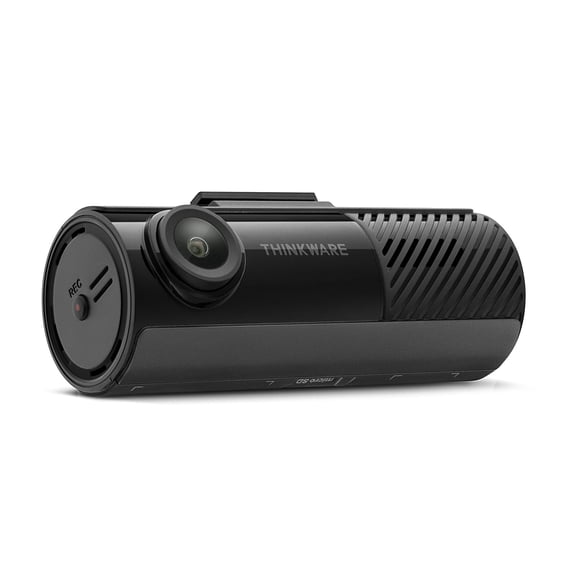
Start with the camera view you want during daily trips and parked hours. You may prefer a front-only setup for a simpler install, or your front and rear dash cam setup for wider coverage.
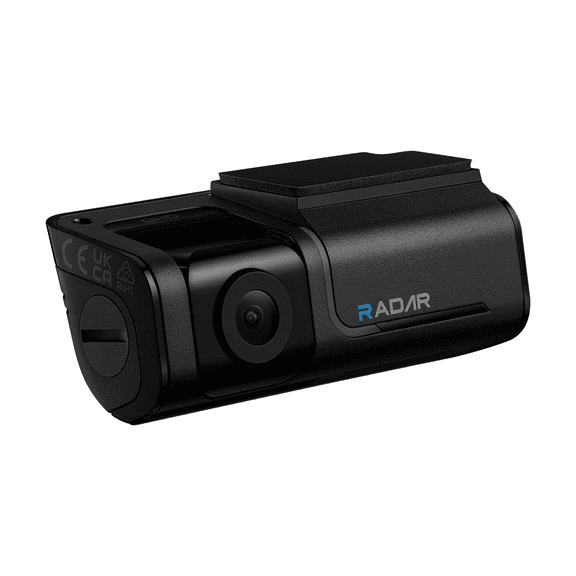
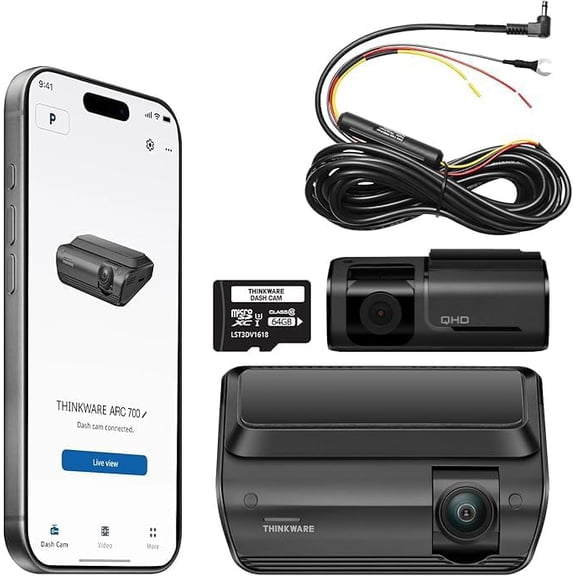
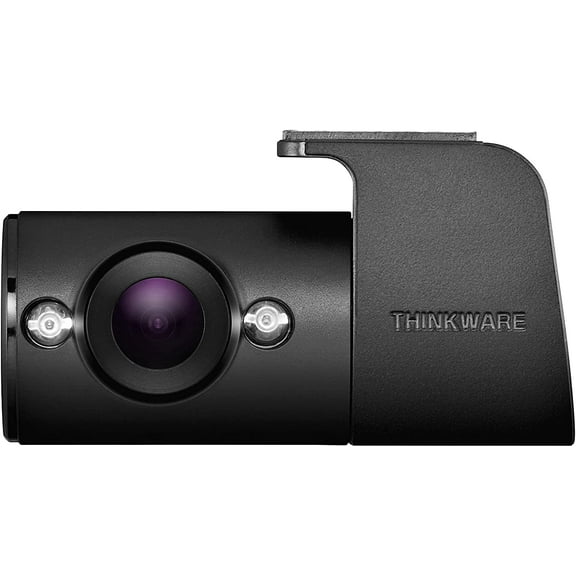
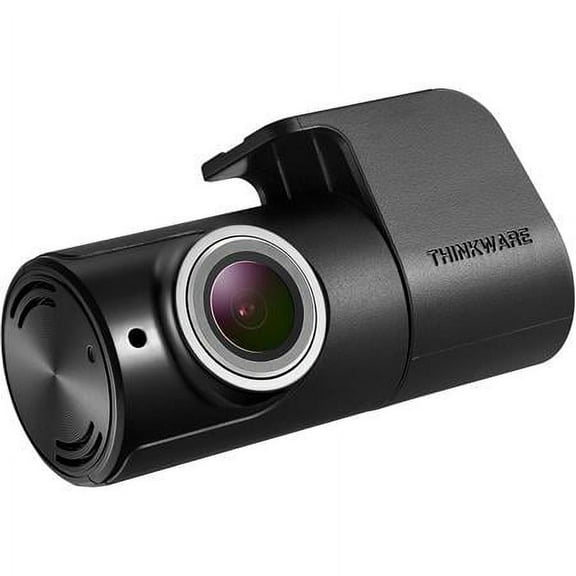
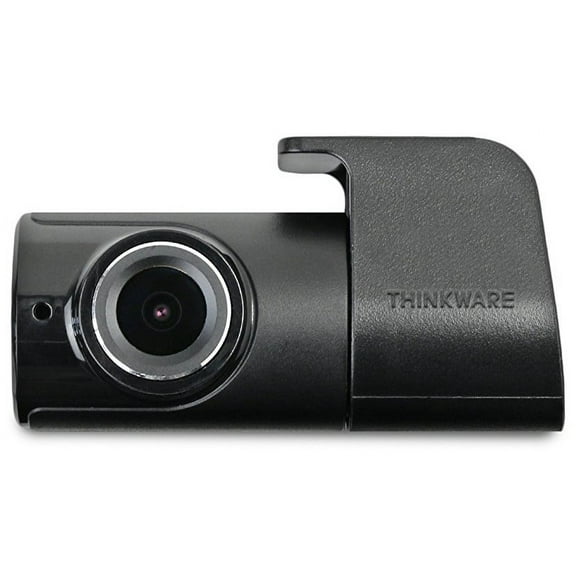
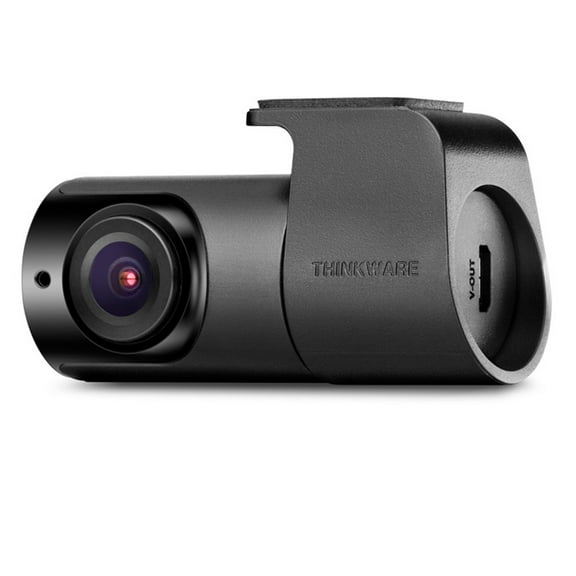
A single channel model records the road ahead and keeps your windshield setup straightforward. A dual dash cam adds a rear camera, so you can review activity behind your vehicle as well.
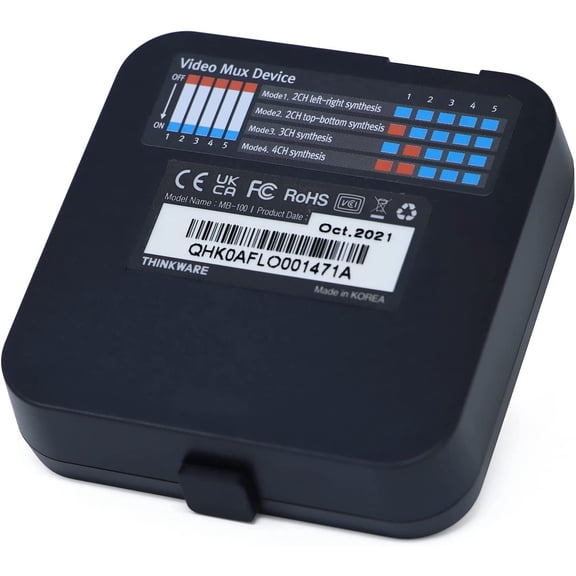
You can also compare multi-channel options when your vehicle needs broader interior or rearward coverage. That setup can make more sense when your driving pattern includes rideshare use or larger vehicles.
- You can choose front-only recording when your priority is a clean, simple setup.
- You can choose a front and rear dash cam when you want footage from both directions.
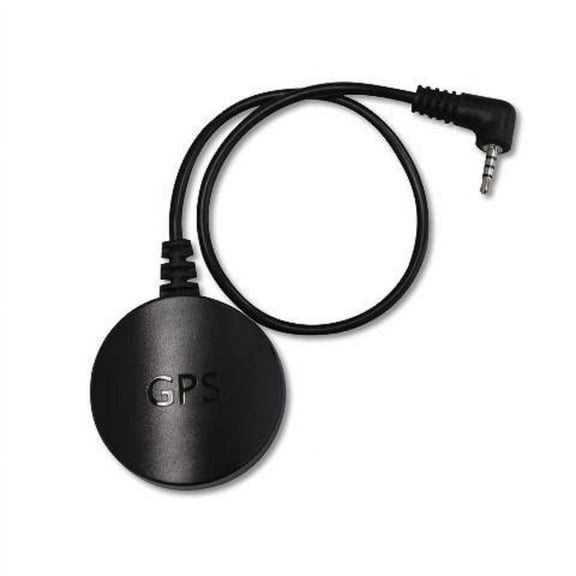
- You can choose built-in GPS when you want route and speed data attached to clips.
- You can choose Wi-Fi or Bluetooth when you want faster access through your phone.
Choosing resolution in a Thinkware dash camera
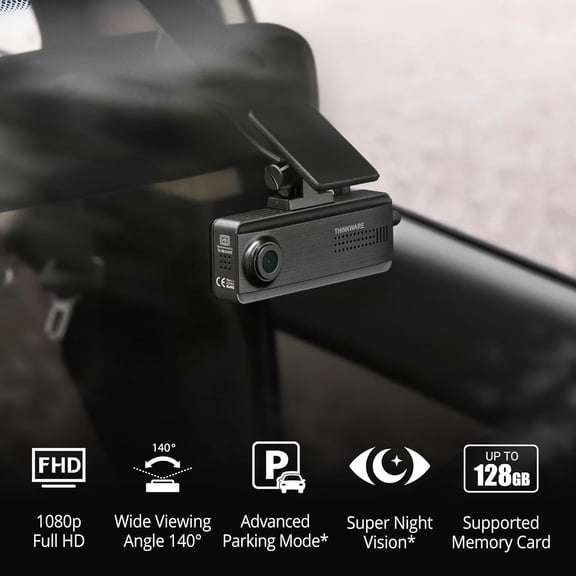
Resolution affects how much detail you can review when you pause footage. You should compare 4K UHD, 2K QHD, and 1080p Full HD based on where and when you drive.
If you commute on busy highways, you may want 4K because you can capture finer detail across a wider scene. If your driving is shorter and slower, 1080p may cover your daily recording needs.
You should also consider frame rate along with resolution when you compare models. A balanced mix of sharpness and smooth motion can help you review passing traffic more clearly.
When you want stronger clarity after dark, you should compare low-light recording and night vision support. Those features matter because your evening footage can look very different from daytime footage.
Comparing camera configuration and coverage
Your camera configuration shapes how much of each trip gets recorded. You can narrow your options quickly by deciding between a Thinkware car camera for the front or a dual dash cam layout.
Front-only models work well when your priority is the road ahead and a quicker install. Front and rear setups fit drivers who want to monitor traffic behind the vehicle too.
If you park on streets or in shared lots, you may want rear coverage for a fuller view. If you mostly drive short daytime routes, you may find a single front camera easier to manage.
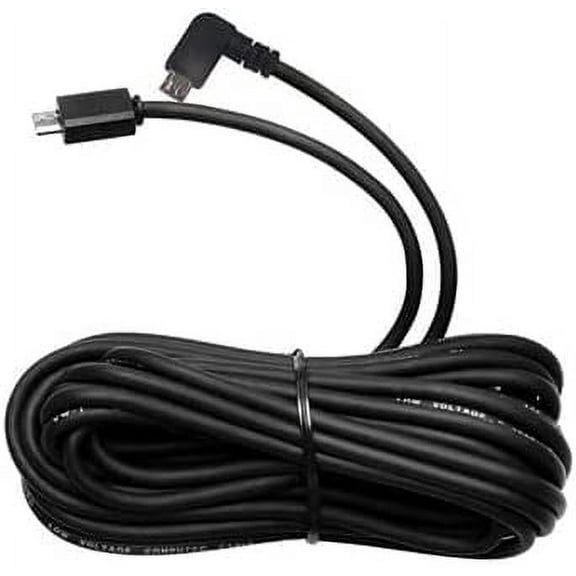
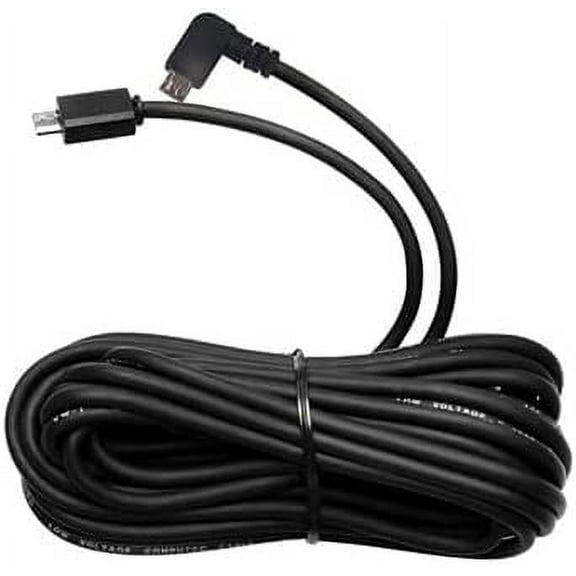
You should also check cable routing needs before you choose a rear unit. That step helps you match your vehicle size and interior layout to the installation effort.
Understanding connectivity and footage access
Connectivity features change how easily you can review clips and adjust settings. You may want Wi-Fi, Bluetooth, cloud connected tools, or GPS built-in depending on how you use your recordings.
Wi-Fi helps you move footage to your phone without pulling the memory card each time. Bluetooth can simplify the first connection and help you reach settings more quickly.
Cloud connected features may suit you when your vehicle spends long hours away from home. Built-in GPS can attach trip data to recordings, which gives your saved files added context.
If you check clips often, you should compare mobile app support closely. That choice can affect how quickly you review video, change sensitivity, or format storage.
Picking power and parking mode options
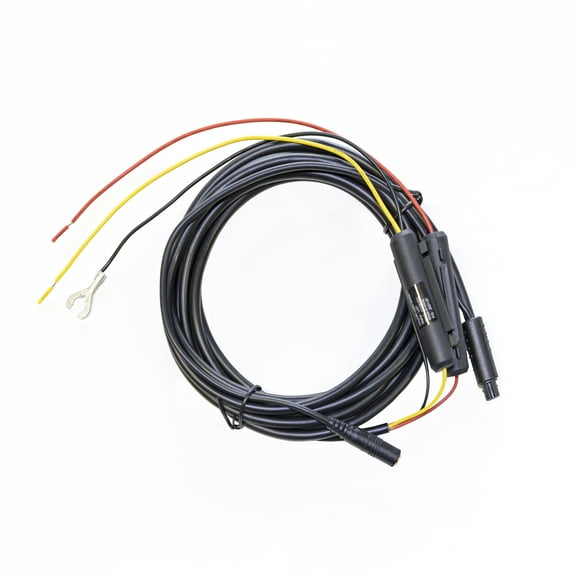
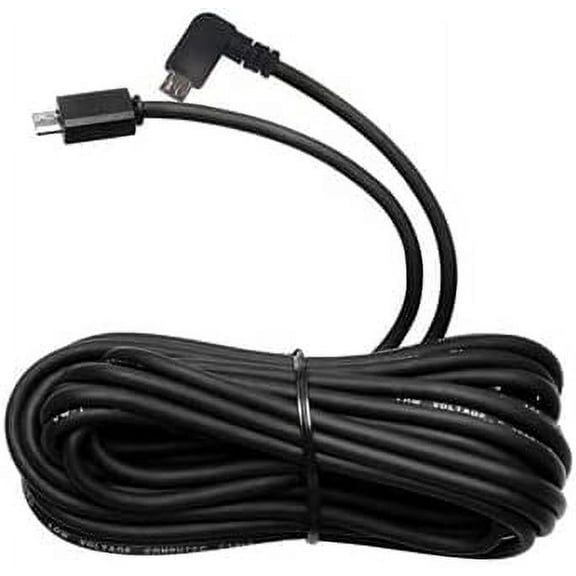
Power choice matters because parking mode depends on how your camera stays powered after you leave the vehicle. You should compare hardwire kit, 12V auxiliary power, and OBD-II cable options before you decide.
A hardwire kit can suit you when you want a tidy installation and regular parking mode use. An OBD-II cable may suit you when you want a more direct setup without the same wiring path.
A 12V auxiliary connection can work for active driving sessions and simpler installation needs. You should confirm your preferred power method before you choose features designed for parked recording.
If parking coverage matters to you, measure your installation comfort before you compare models. That step helps you avoid choosing recording functions that don’t match your planned power setup.
Checking storage capacity and everyday use
Storage capacity affects how much footage your camera can hold before older files cycle out. You can compare 32GB, 64GB, 128GB, and 256GB options based on your recording habits.
If you drive longer routes, you may want more card capacity for extended recording time. If you review clips often, a smaller card may still fit your routine well.
You should also confirm dash cam memory card compatibility before you complete your choice. That check can help you match video resolution, recording length, and file size expectations.
When you compare Thinkware dash cams with these decision points, you can choose a setup that matches your vehicle, footage habits, and installation plan. This helps you achieve clearer recording coverage and easier access to the clips you want to keep.