

Digital Tachometers & RPM Gauges






















About Digital Tachometers & RPM Gauges - Walmart.com
You can compare a tachometer quickly when you understand measurement type, display style, and logging options before you test rotating equipment. You need this category for motors, fans, shafts, engines, and shop machines where RPM readings guide setup and verification.
If you're replacing guesswork with measured numbers, you should focus on contact tips, laser targeting, and readable screens first. You can also use this guide to compare an automotive tachometer tool with industrial, HVAC, and marine testing needs.
How to choose a tachometer for your work
You should start with measurement type because it changes how you capture RPM on moving equipment. You can choose contact, non-contact laser, or dual-mode options based on access, surface conditions, and testing distance.
When you use a contact model, you place the tip against a rotating shaft or wheel for direct RPM measurement. You may prefer this method when you can reach the equipment easily and want steady readings.
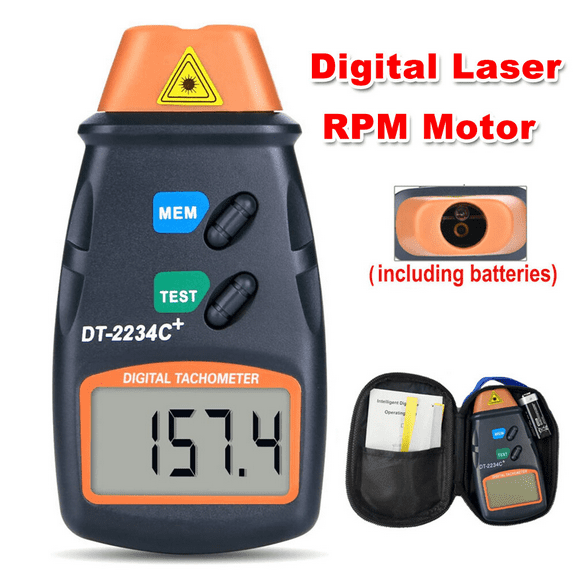
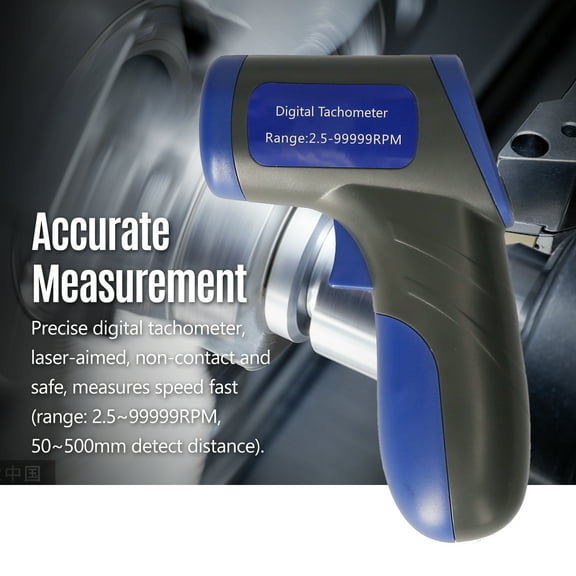
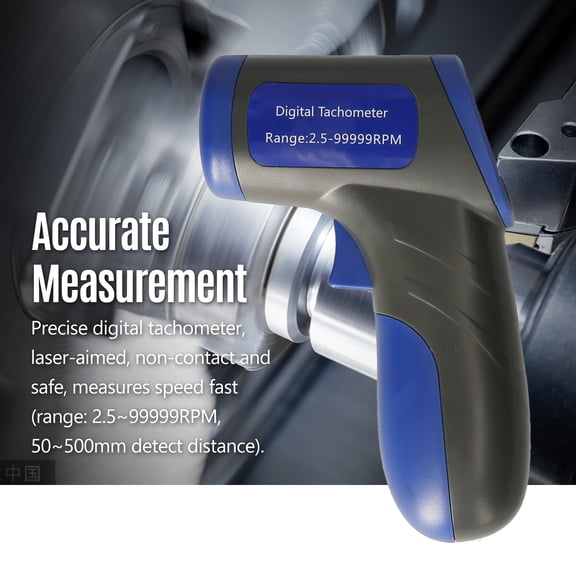
If you choose a non-contact laser model, you read speed from a distance with reflective tape on the target. You should check whether your setup has a clear sight line and whether your tape placement matches the tool's aiming range.
You may want dual-mode designs when your tasks shift between enclosed machinery and exposed shafts. You can switch methods without changing tools, which helps when one rpm device needs to cover mixed jobs.
You should also compare practical benefits before you narrow your options for daily testing. You can use the points below to match your tool to the equipment you inspect most often.
- You can measure fans, motors, pulleys, and spindles with confidence.
- You can compare contact and laser methods for the way you position your equipment.
- You can track engine or machine speed before setup changes affect output.
- You can choose memory features when you need to review your readings later.
Choosing display, power, and tachometer digital features
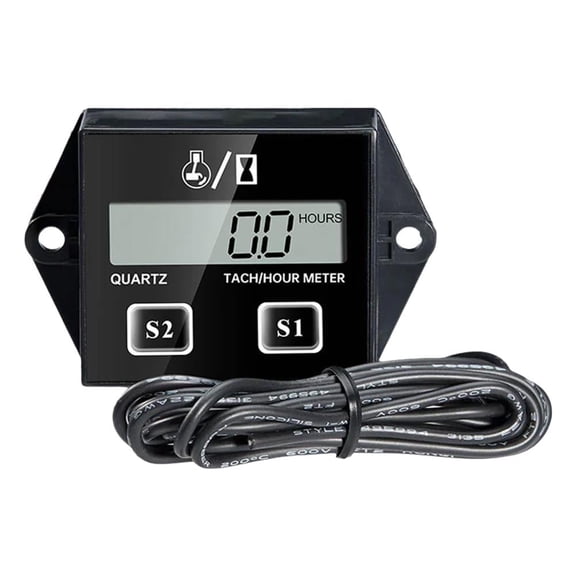
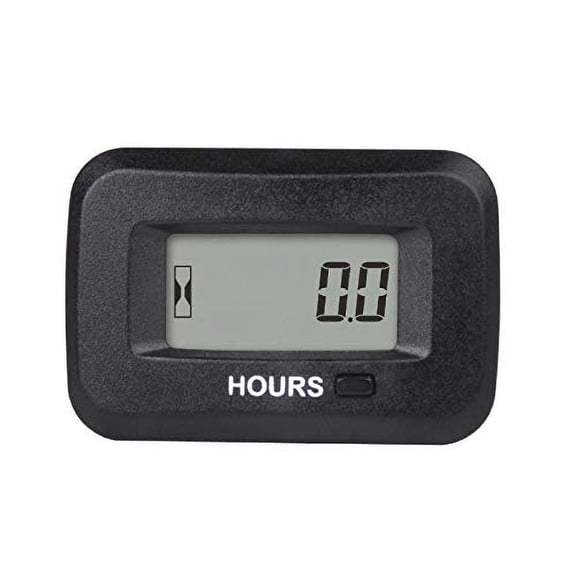
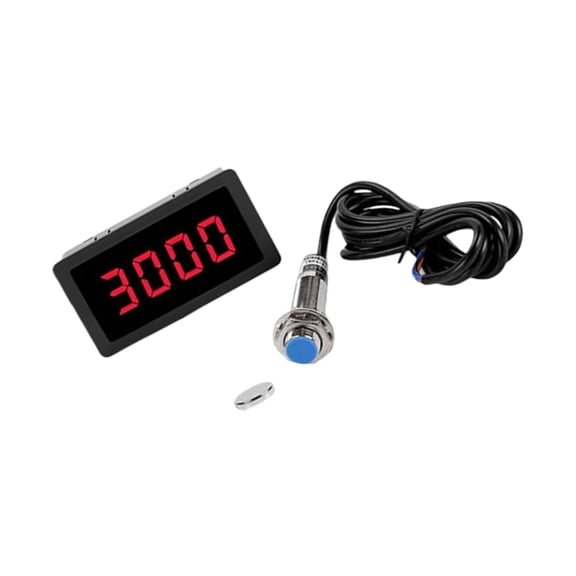
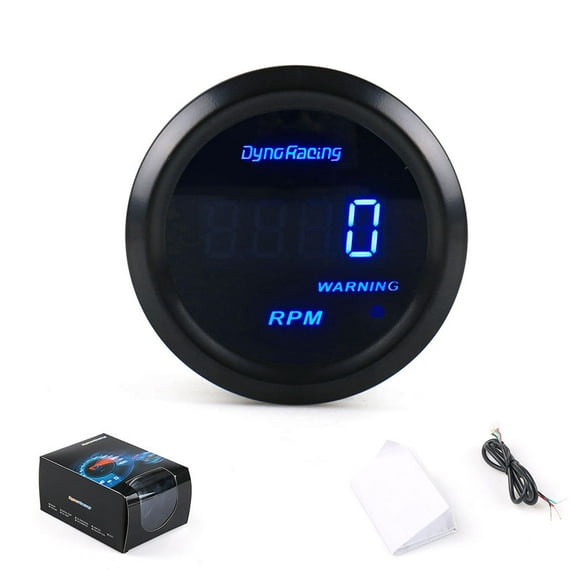
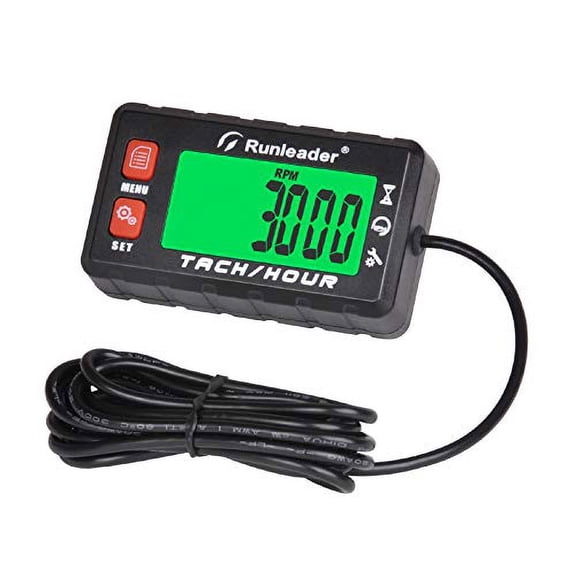
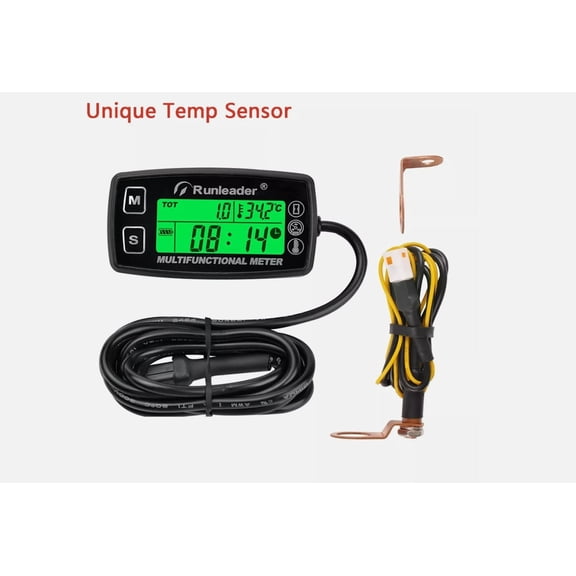
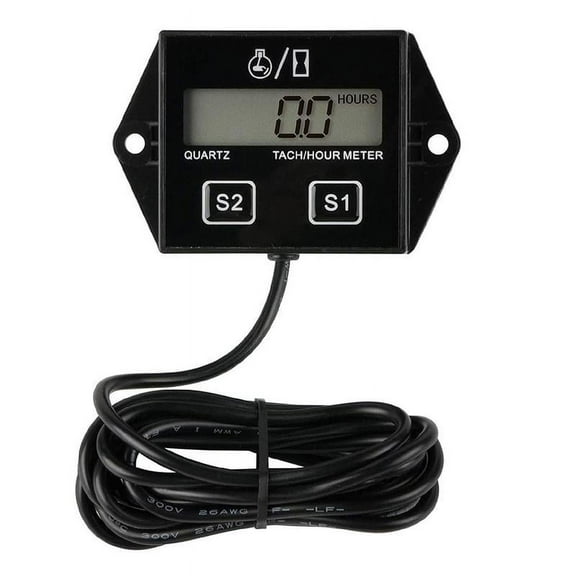
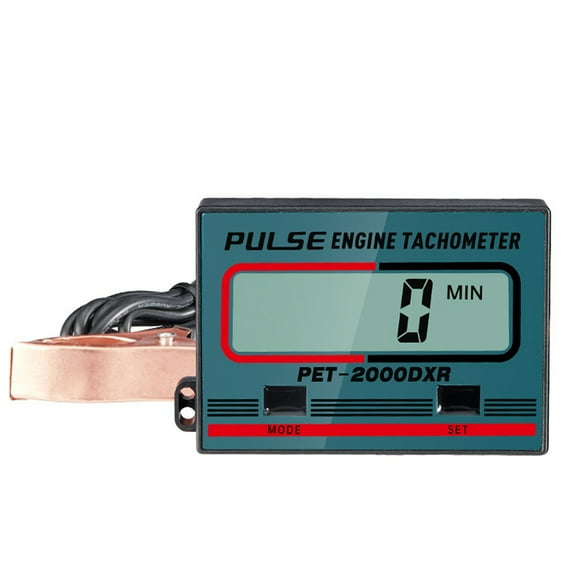
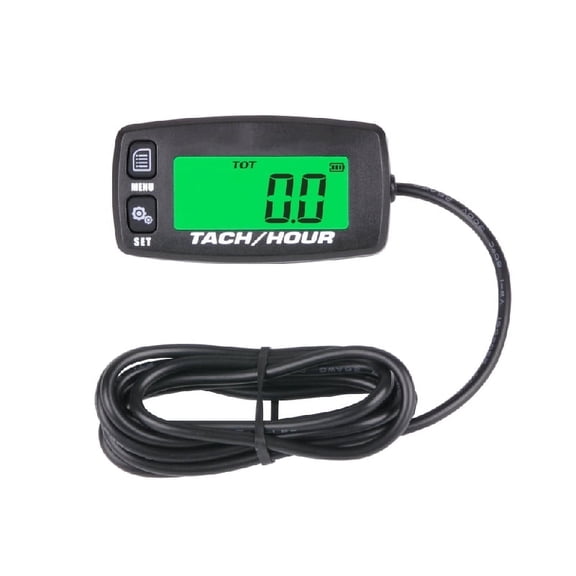
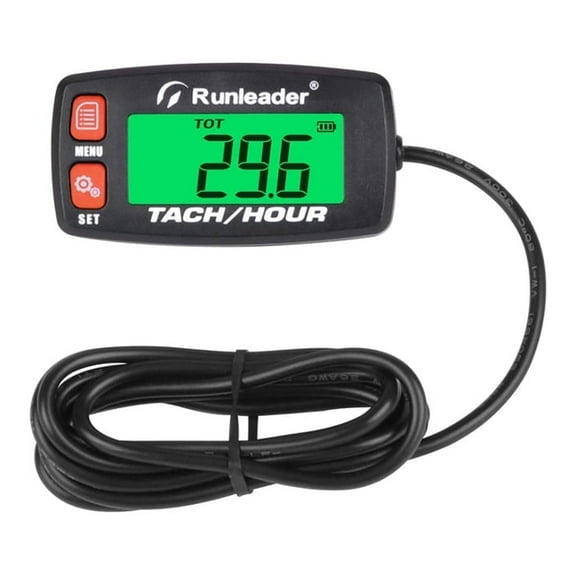
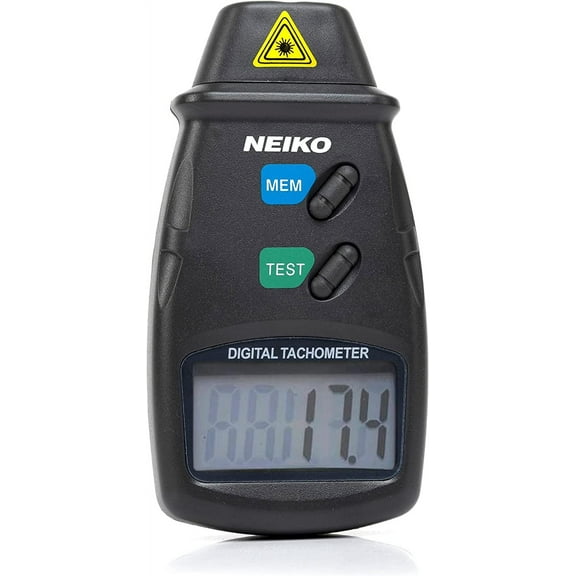
You should compare display type next because screen style changes how quickly you read RPM during testing. You may prefer a tachometer digital screen when you need exact figures at a glance.
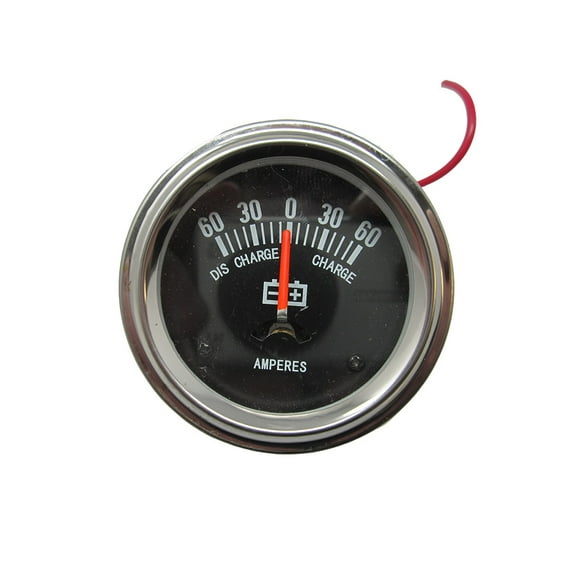
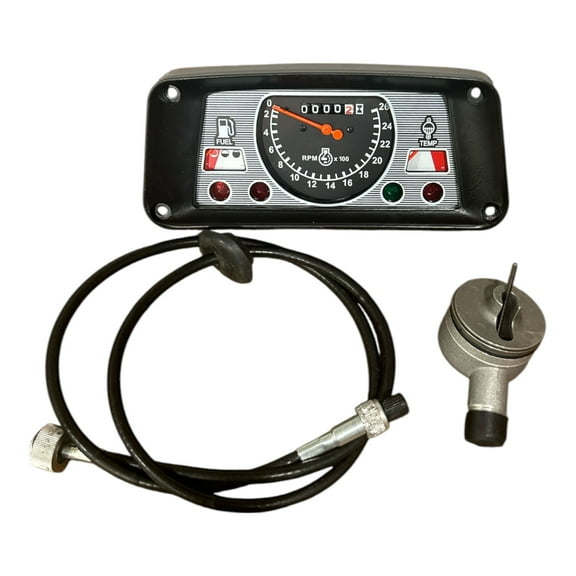
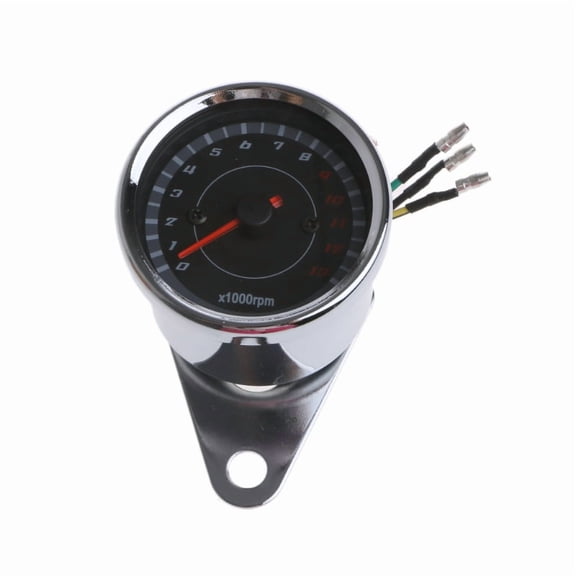
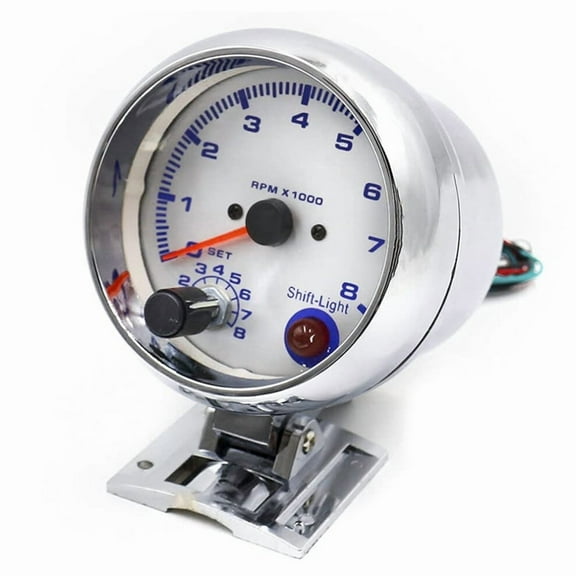
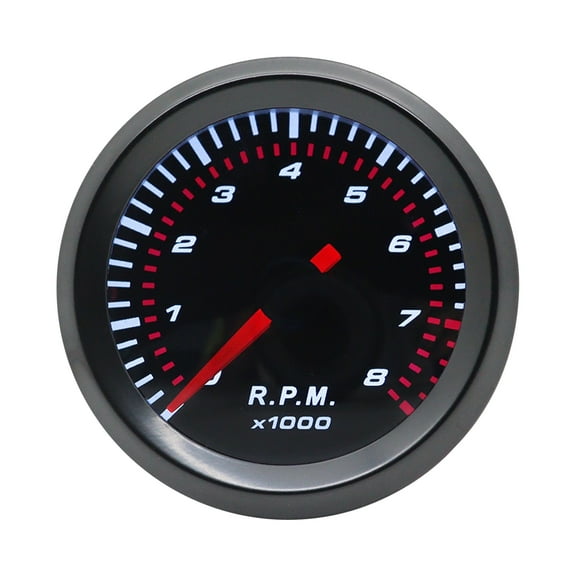
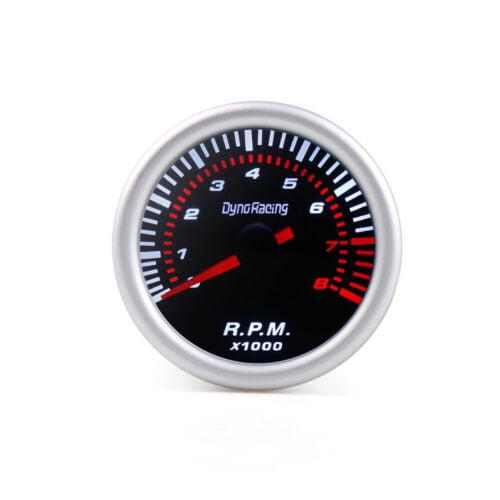
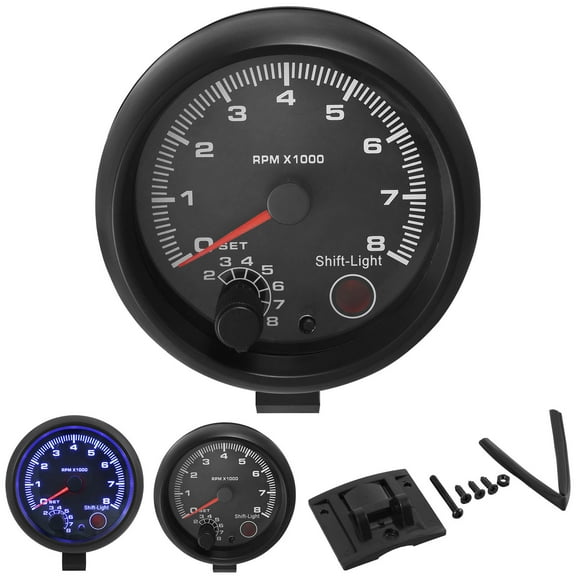
If you work in dim spaces, you should look for an LED display that stays easy to read. You may choose analog styles when you want to watch needle movement during speed changes.
You should also compare power source because battery powered, rechargeable, and electric corded models fit different routines. You may pick rpm electric designs for fixed benches, while portable units fit field checks and service calls.
When you review specs, you should look for RPM range, resolution, and stated accuracy percentage. You can use 0.1 RPM resolution for fine changes, while broader ranges suit larger motors and mixed equipment.
You should check whether a laser model lists reflective tape requirements, target distance, and laser safety class details. You can make informed choices when those details align with your testing space and target size.
If your work involves repeated testing, you should compare housing shape, button layout, and included accessories. You may want carrying cases, contact wheels, spare cones, or extra reflective strips for efficient setup.
Choosing an automotive tachometer tool or industrial model
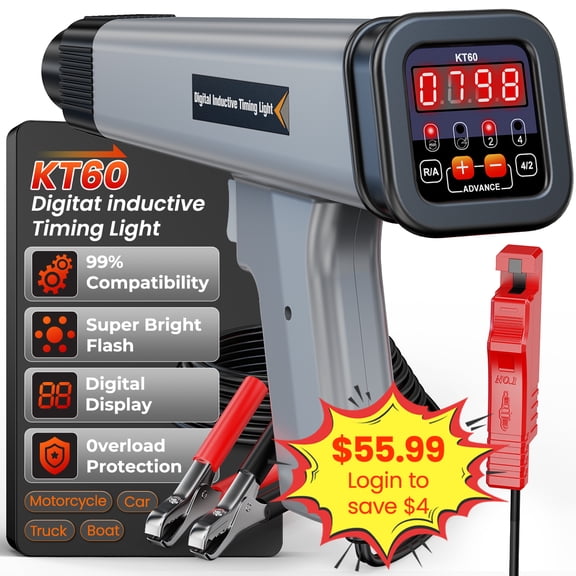
You should match application to the way you collect speed data, not just the number on the screen. You can use an automotive tachometer tool for engine diagnostics, tuning checks, and shop verification tasks.
For automotive work, you may compare tools that connect to engine signals or read rotating parts during service. You should consider how you access the engine bay and whether you need quick spot checks or stored readings.
If you test pumps, conveyors, drill presses, or production equipment, you may want an industrial rpm machine option. You can measure shaft rotation, belt-driven systems, and motor output without relying on visual estimates.
For HVAC work, you may use a tachometer on blower motors and fan assemblies during maintenance visits. You should look for compact shapes and clear screens when you're working in tighter service areas.
If your setup involves marine equipment, you should compare tools that fit engine spaces and rotating components on board. You can use portable formats when space is limited and reading angles are awkward.
You may also notice the term tacometro when you're comparing RPM tools across bilingual teams or parts lists. You can stay focused on matching measurement style, display, and application to your workflow.
Choosing rpm data logger and memory options
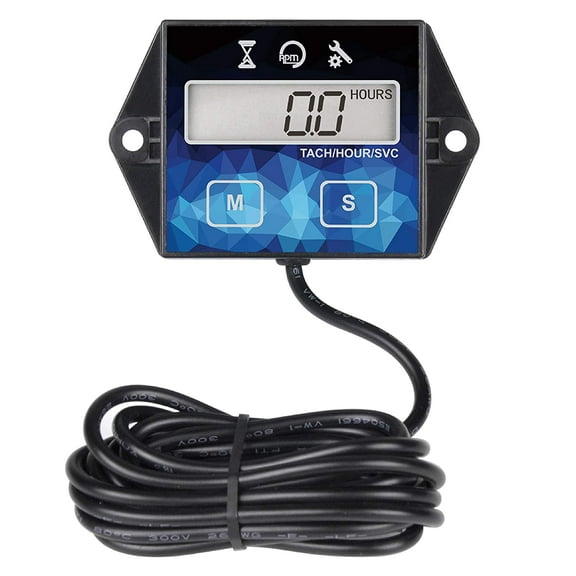
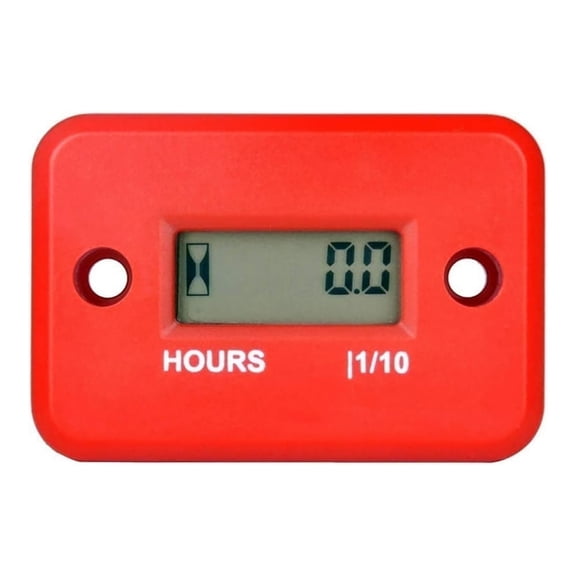
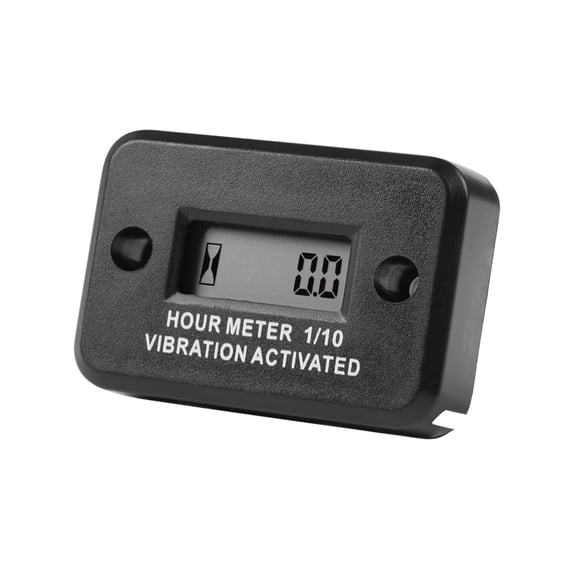
You should decide whether single readings are enough or whether you need stored results across a full test period. You can choose an rpm data logger when your speed changes over time and records matter.
If you troubleshoot inconsistent output, you may want max and min memory for quick comparisons. You can review peak changes without writing every number by hand during a busy inspection.
You should look for data storage when you document setup checks, maintenance baselines, or repeated machine tests. You may find stored readings useful when you're comparing before-and-after adjustments on the same equipment.
When you compare tachometer price, you should weigh storage, display, and measurement type against your actual testing routine. You can avoid extra complexity when you know whether you need occasional spot checks or repeat logging.
You should also confirm how readings transfer, clear, or hold between sessions if records are part of your process. You can work consistently when your tool supports the way you review and compare RPM results.
With the right tachometer setup, you can measure rotating speed with confident decisions across automotive, industrial, HVAC, and marine work. You can narrow your choice by matching contact method, display, memory, and power to the equipment you test.