




All Sonos in Sonos



























About All Sonos in Sonos - Walmart.com
Sonos helps you build a connected audio setup for music, TV, and multi-room listening. You can compare speaker formats and key features, so your space and habits stay in focus.
If you want a simple entry into wireless audio, you can start with one piece and expand later. You can also choose matching components that sync through the Sonos app for a more unified setup.
How to choose Sonos by speaker type
When you compare speaker type first, you can narrow your options faster. You should match your pick to how you listen, where you place it, and whether your setup centers on music or TV.
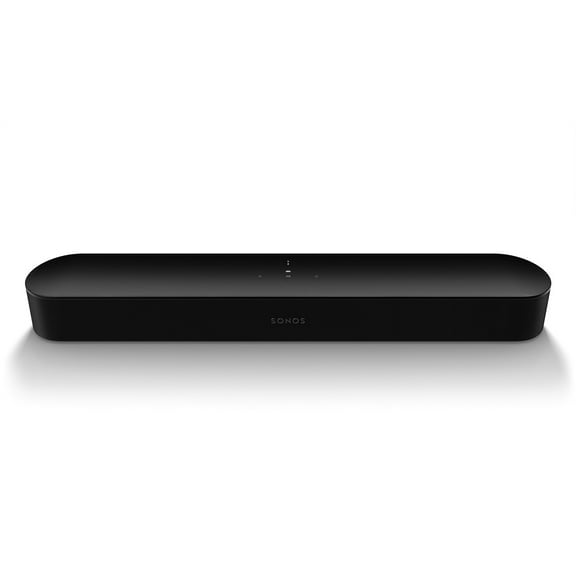
If your main goal is clearer TV audio, you may want a Sonos soundbar. You should check your room size and HDMI eARC compatibility, because that connection can simplify control through your TV.
For shelf or tabletop listening, you may prefer Sonos speakers designed for stereo pairing. You can place two compatible units in the same room for wider left and right separation.
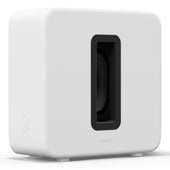
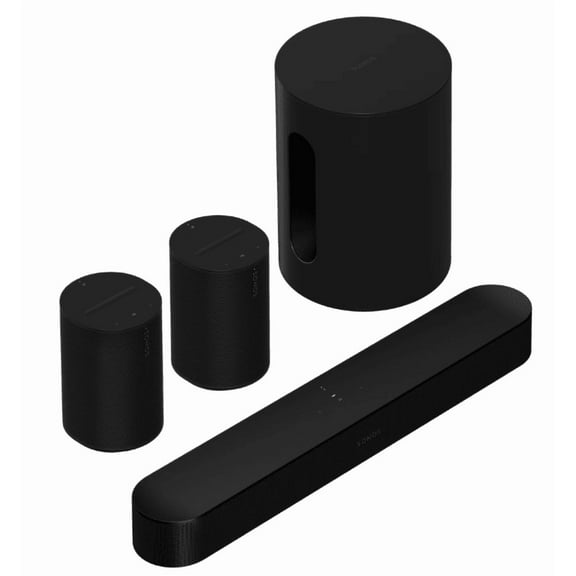
When you want deeper low-end sound, you can add a subwoofer to your system. You may notice that separate bass support gives movies, games, and concert recordings more weight.
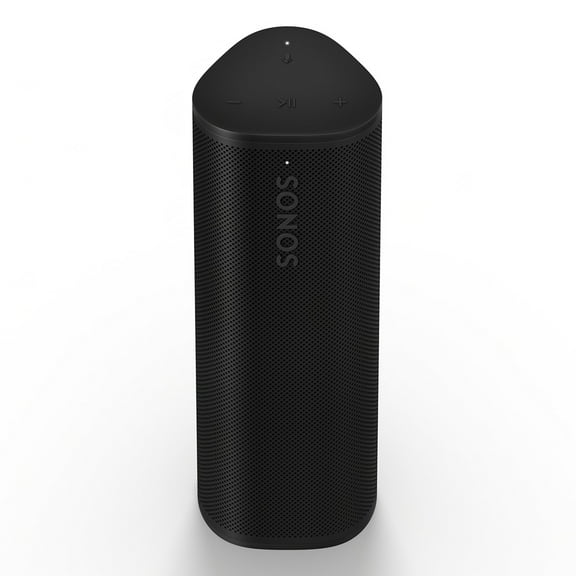
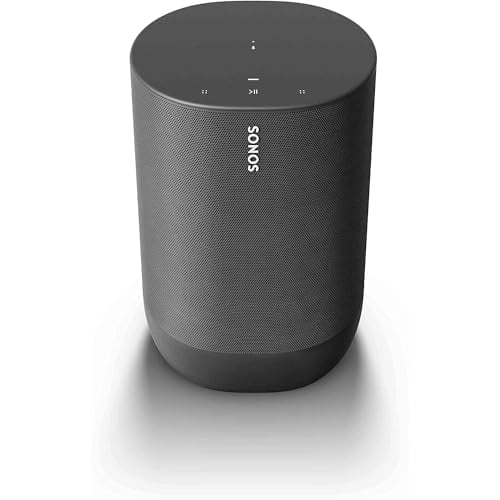
If you move your music from room to room, you may want a Sonos portable speaker. You can carry a battery-powered model indoors or outside without rebuilding your whole setup.
- You can choose a soundbar when your TV is the center of your room.
- You can choose bookshelf-style speakers when your music listening comes first.
- You can choose a portable speaker when you want flexible placement and battery power.
- You can choose a subwoofer when you want fuller bass in your Sonos home theater.
Choosing connectivity for Sonos wireless speakers
You should compare connectivity next, because it shapes how you start playback and where you use each speaker. You can find options with Wi-Fi, Bluetooth, Apple AirPlay 2, and HDMI eARC.
With Wi-Fi, you can stream through your home network and group rooms together. You may prefer that route when you want Sonos wireless speakers playing the same track across several spaces.
Bluetooth can matter when you want quicker pairing away from your main network. You may find it useful for a Sonos portable speaker on a patio, in a kitchen, or while moving around.
Apple AirPlay 2 can fit smoothly into your Apple device routine. You can send audio from compatible devices without changing how you already listen.
HDMI eARC is especially important when you connect a Sonos soundbar to your TV. You should look for it if you want simpler cable management and support for formats like Dolby Atmos.
What to look for in power and placement
You should think about power source before you commit to a room plan. You can choose battery-powered models for flexibility or plug-in models for a more fixed setup.
Battery-powered speakers can suit patios, kitchens, offices, and rooms where outlets aren't convenient. You may like that freedom when your listening spot changes throughout the week.
Plug-in speakers can make sense when you want a steady home base for daily listening. You can keep them in living rooms, media spaces, or bedrooms where your placement stays consistent.
Placement also affects how your system grows over time. You should measure shelves, TV consoles, and open floor space before you add speakers or Sonos subwoofers.
Comparing audio technology for Sonos home theater
You should compare audio features by what they mean in your room, not just by the terms themselves. You can use those details to decide how immersive or adjustable you want your setup.
Dolby Atmos can add a more dimensional effect to supported movies and shows. You may want that feature if your viewing habits focus on cinematic sound and a room-filling presentation.
Trueplay tuning helps adjust sound to your room layout and placement. You can benefit when furniture, wall distance, or shelf position affects how audio reaches your seat.
Stereo pairing matters when you want music to sound broader and more separated. You can use two compatible speakers together for a more intentional listening arrangement.
If you're building Sonos home theater over time, you can start with a soundbar first. You can then add surrounds or a subwoofer later as your room and listening goals evolve.
Using Sonos in real listening setups
For a smaller TV room, you may want a compact soundbar with HDMI eARC compatibility. You can keep setup simple and still get clearer dialogue and a stronger screen-centered soundstage.
In a larger media room, you may want a Sonos soundbar paired with a separate subwoofer. You can create fuller movie nights when bass presence and room coverage matter more.
If your focus is whole-home music, you may prefer Sonos smart speakers on Wi-Fi in multiple rooms. You can group playback through the app and keep your audio moving with you.
For casual outdoor listening, you may want a Sonos portable speaker with Bluetooth and battery power. You can bring music outside without depending on a fixed entertainment area.
If you're upgrading gradually, you can begin with one speaker and expand when needed. You can add Sonos speakers room by room instead of replacing your entire setup at once.
When you want a cleaner Apple listening flow, you may look for Apple AirPlay 2 support. You can stream from compatible devices while keeping your home audio system consistent.
Sonos gives you a flexible path from single-room listening to a fuller connected system. You can choose the speaker type, connectivity, and audio features that fit your space from the start.
As your setup grows, you can keep your rooms aligned through one ecosystem. You end up with audio that fits your TV, your music habits, and your placement needs.