

Smart Efficiency Devices for Connected Homes

























About Smart Efficiency Devices for Connected Homes - Walmart.com
Smart home efficiency helps you cut wasted power with connected devices that automate lighting, temperature, and outlets. You can compare device types, compatibility, connectivity, and installation needs before you choose a setup.
How to choose smart home efficiency devices
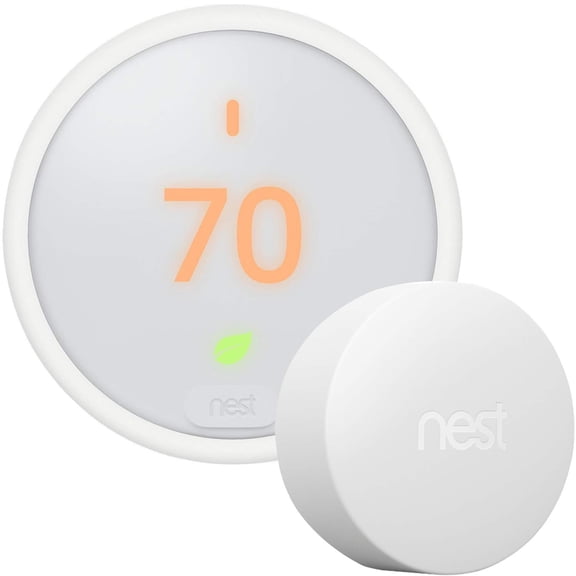
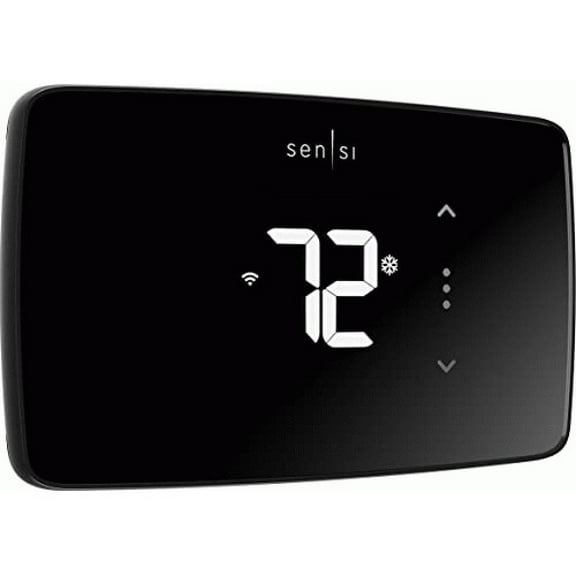
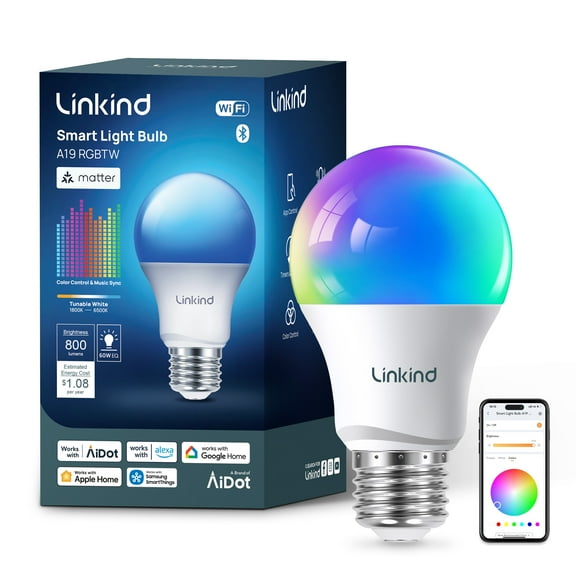
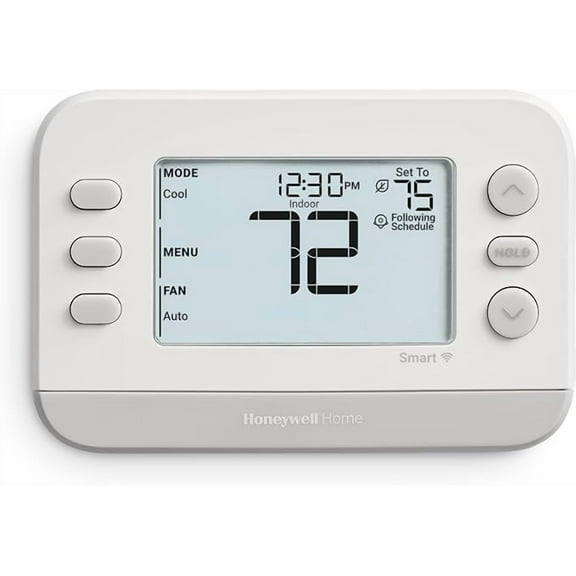
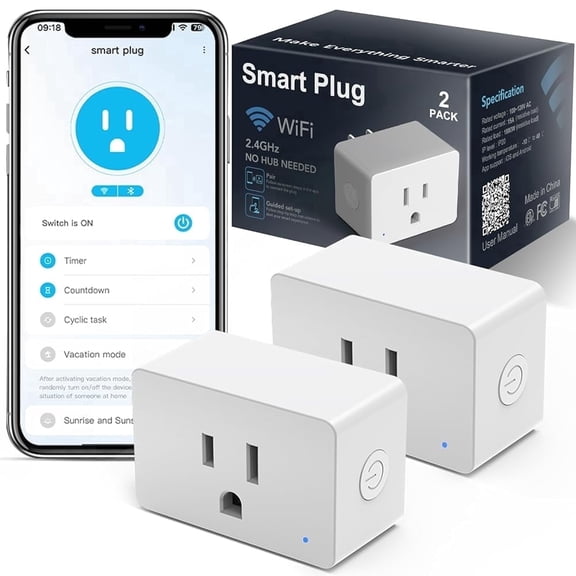
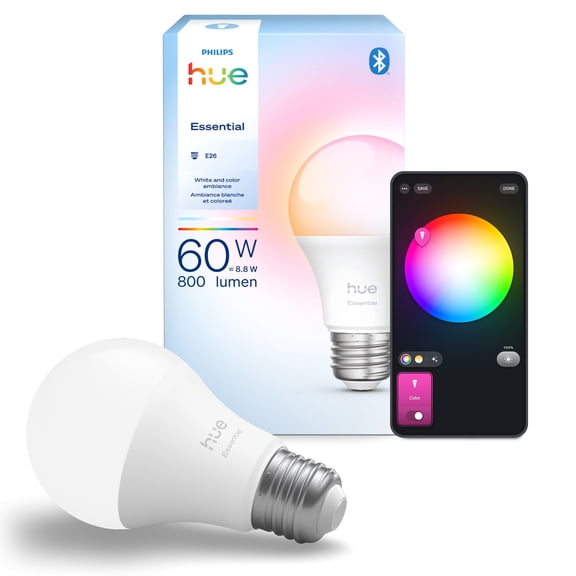
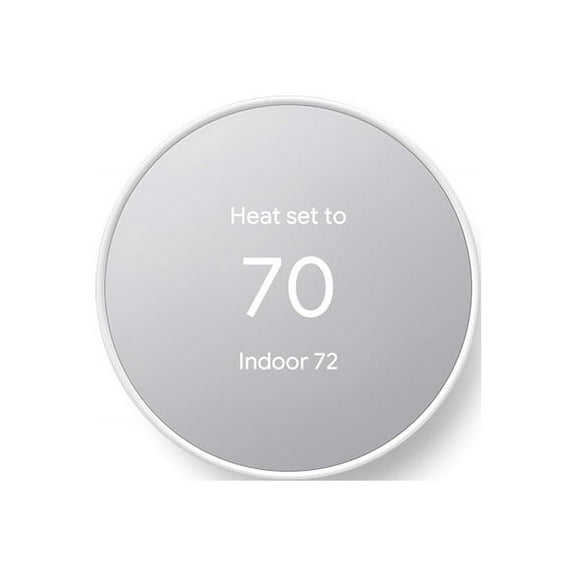
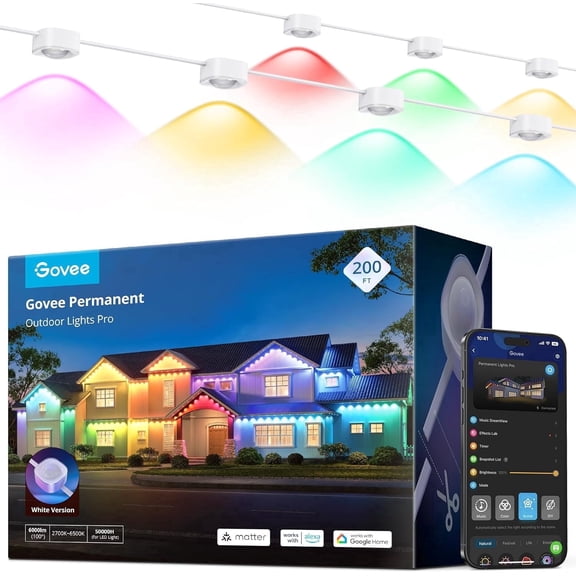
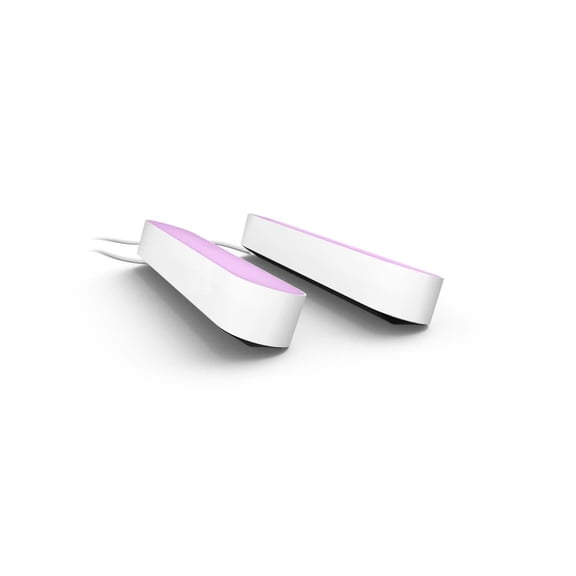
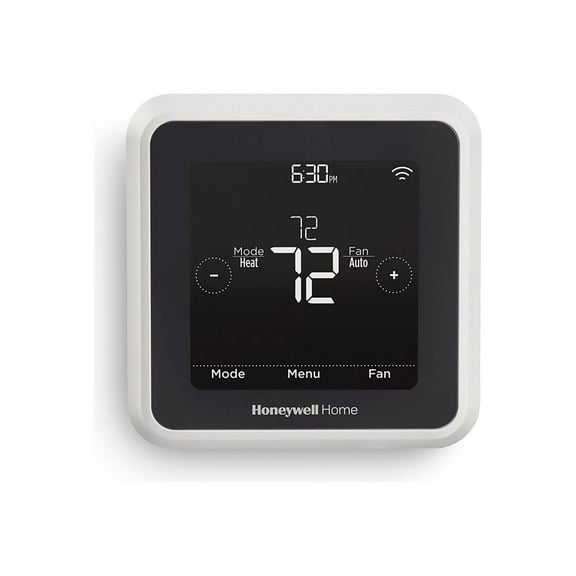
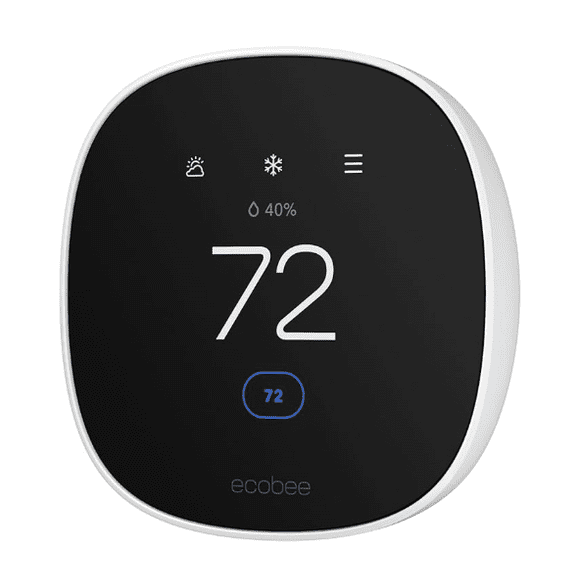
You’ll usually start with device type because each option manages energy in a different way. You can use smart plugs for lamps, smart thermostats for heating schedules, smart light bulbs for room-by-room control, and energy monitors for usage tracking.
When you compare these categories, you can match each one to the habits you want to change. You may prefer a thermostat for daily scheduling, or you may want plugs that turn off coffee makers and fans automatically.
You can narrow choices faster by checking the tasks each device handles in your home. You’ll get targeted results when you focus on standby power, lighting routines, or heating patterns.
Key benefits of smart home energy saving
You can reduce wasted electricity by automating devices that often stay on longer than needed. You’ll notice that timers, schedules, and app controls help your home follow your routine.
Another benefit is visibility because you can see which rooms or devices use a large amount of power. You can make clearer choices when a smart energy monitor shows patterns by hour or by day.
You also gain convenience because you can control multiple devices from one app or voice assistant. You’ll spend less time checking switches, outlets, and thermostat settings during busy mornings or evenings.
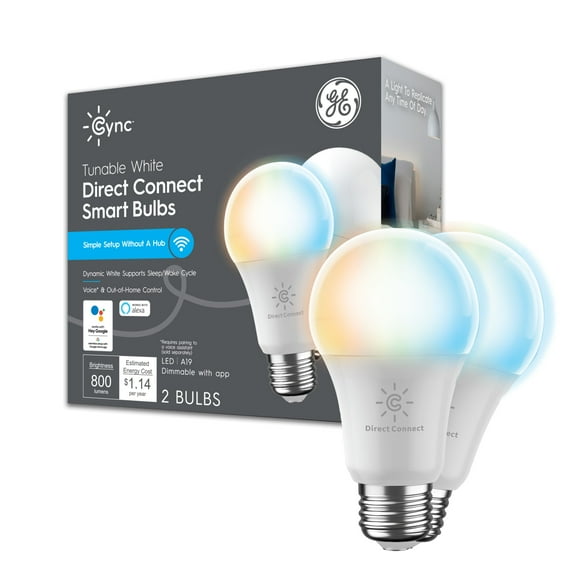
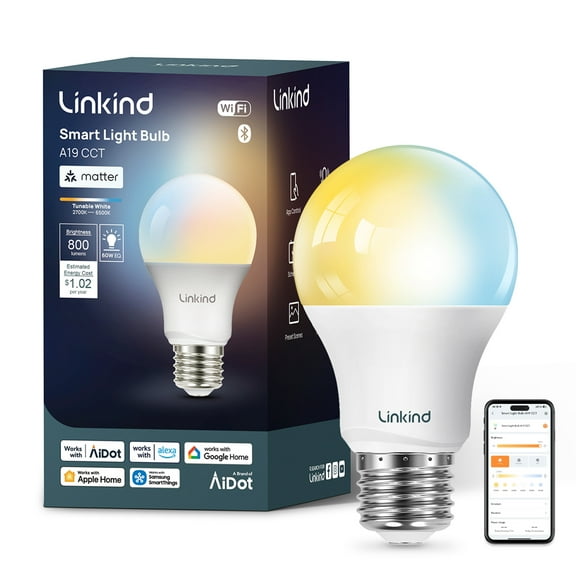
- You can schedule lights to run only when you need them.
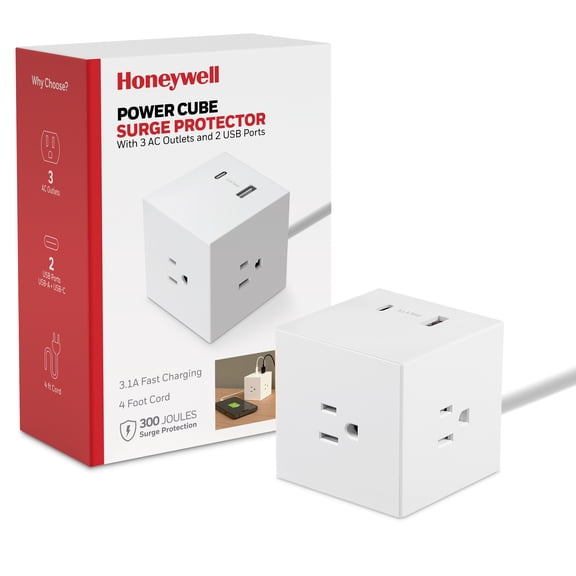
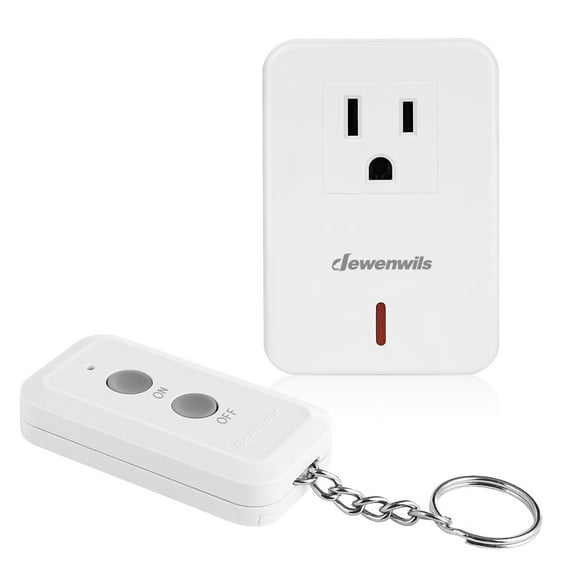
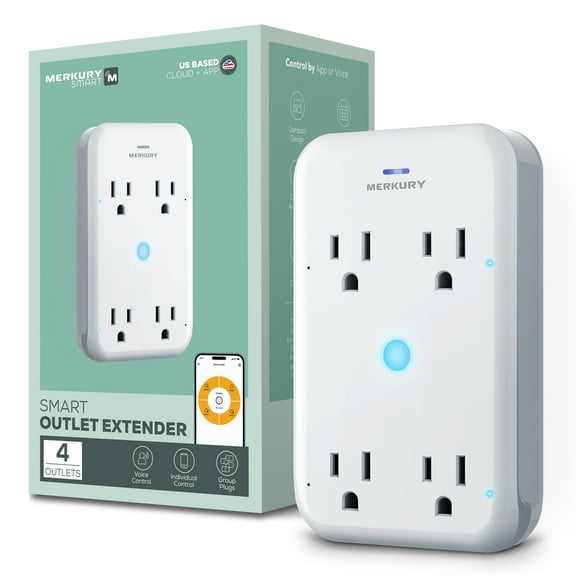
- You can use energy efficient smart plugs to manage small appliances and chargers.
- You can set smart thermostats to adjust around sleep, work, or travel hours.
- You can track usage with an energy monitor and spot repeat patterns.
If you share your home with family members, you can create routines that keep settings consistent. You’ll avoid constant manual changes when scenes handle common daily actions.
Choosing compatibility and connectivity
You should check compatibility first because your devices need to work with your existing ecosystem. You can look for Alexa, Google Assistant, Apple HomeKit, or SmartThings support before you commit.
Connectivity matters too because Wi-Fi, Bluetooth, Zigbee, and Z-Wave work differently in everyday use. You can choose Wi-Fi for simple setup, while Zigbee or Z-Wave often fit larger systems with many connected devices.
Bluetooth can work well when you want short-range control without relying on a full hub. You should compare whether your setup needs direct phone control, voice control, or a broader smart home automation energy network.
You’ll also want to check if any product requires a hub, bridge, or separate app subscription. You can avoid setup surprises when you confirm ongoing app features and cloud options before purchase.
Comparing installation and power source options
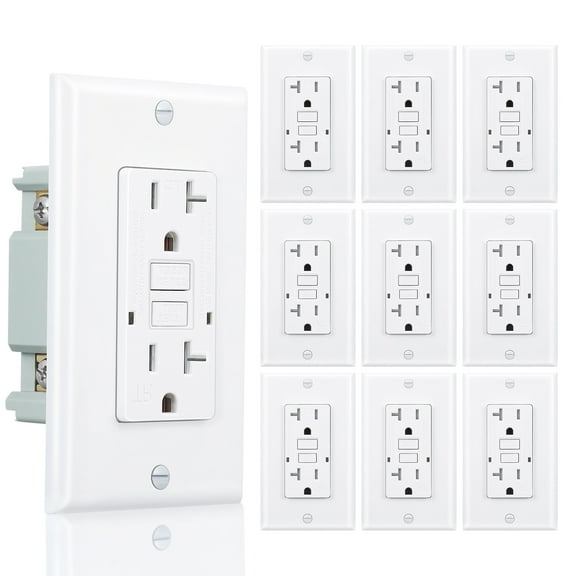
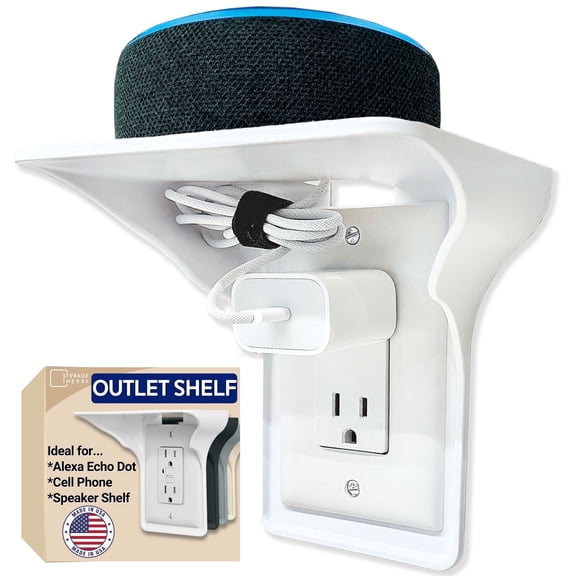
You can choose plug-in devices when you want a quick setup with minimal effort. You’ll usually find smart plugs and some energy monitors easy to install without tools.
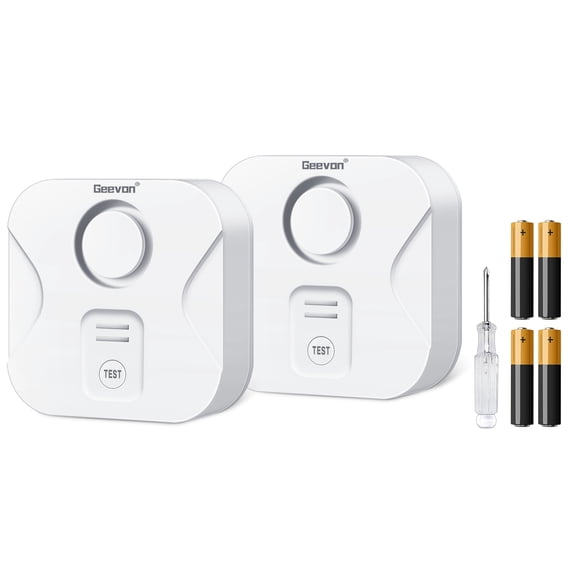
Battery-powered devices can fit spots where outlets or wiring aren’t convenient. You can place them more flexibly, though you should check battery life and replacement needs.
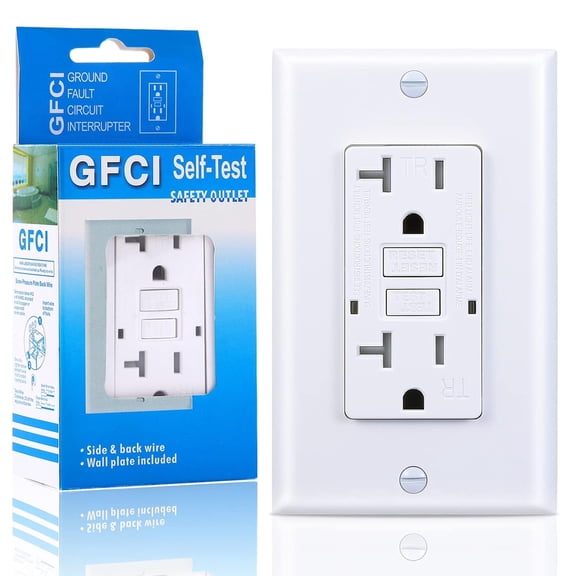
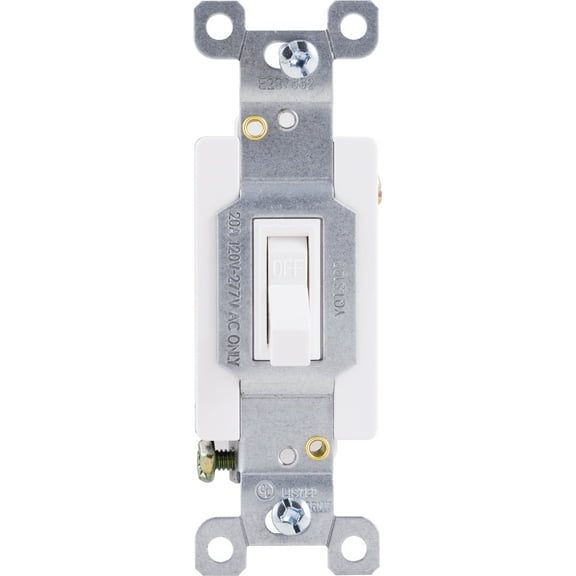
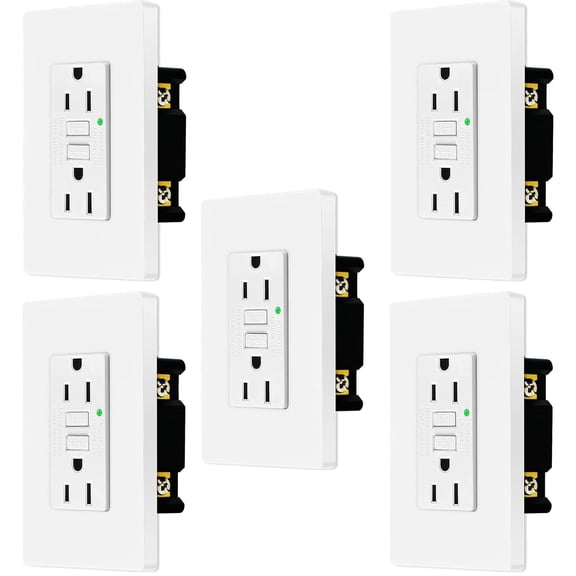
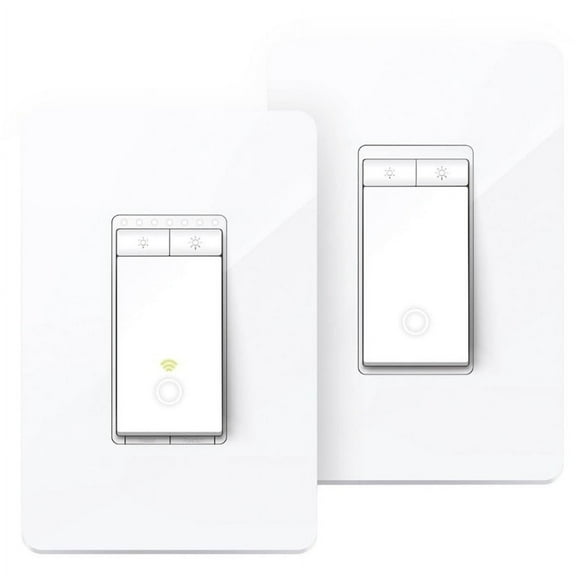
Hardwired options often suit permanent setups like certain thermostats or in-wall controls. You should review wiring requirements carefully if your home uses older connections or specialized HVAC systems.
Installation style affects how quickly you can start using your system every day. You can often begin with plug-and-play devices, then expand into hardwired controls as your needs grow.
What to look for in a smart energy monitor
You can use a smart energy monitor to understand where your electricity goes throughout the day. You’ll get detailed insights from one when you compare real-time tracking, historical reports, and device-level insights.
Some monitors focus on whole-home data, while others highlight specific outlets or appliances. You should decide whether you want broad household trends or targeted information for one room.
You can also compare app dashboards, alert settings, and export options for longer-term tracking. You’ll find these details useful when you want to follow seasonal changes in cooling, heating, or lighting use.
If you plan to build a larger system later, you should check whether the monitor works with your other devices. You can create a more connected smart home efficiency setup when monitoring data supports your automations.
Matching device combinations to your routine
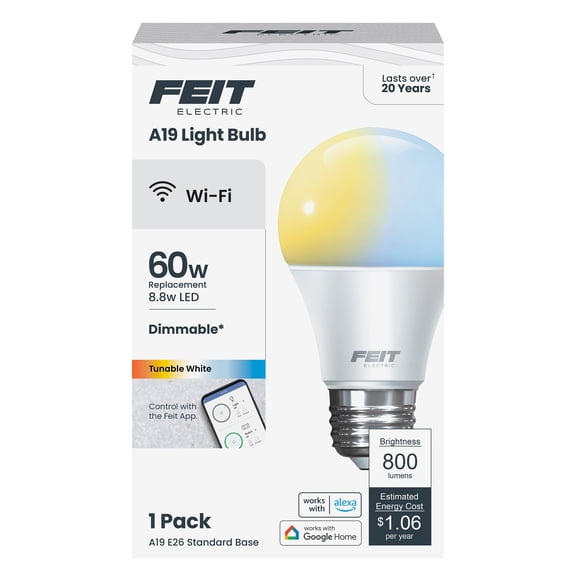
You can pair smart plugs with smart light bulbs when you want room-by-room control in living spaces. You’ll get flexible scheduling for lamps, accent lighting, and entertainment setups.
If your energy use changes throughout the week, you can combine a thermostat with an energy monitor. You can compare heating or cooling patterns and then adjust schedules based on actual household activity.
You may prefer smart plugs and voice assistant compatibility for apartments or smaller homes. You can start with simple outlet control, then add bulbs or monitors without changing your whole setup.
For larger homes, you can look at mixed connectivity options like Wi-Fi plus Zigbee or Z-Wave. You’ll have more ways to support broader coverage, stable automation, and future device expansion.
When you choose smart home efficiency tools around your ecosystem, wiring comfort, and tracking needs, you make setup simpler. You’ll end with connected controls that fit your routine and help reduce everyday energy waste.