

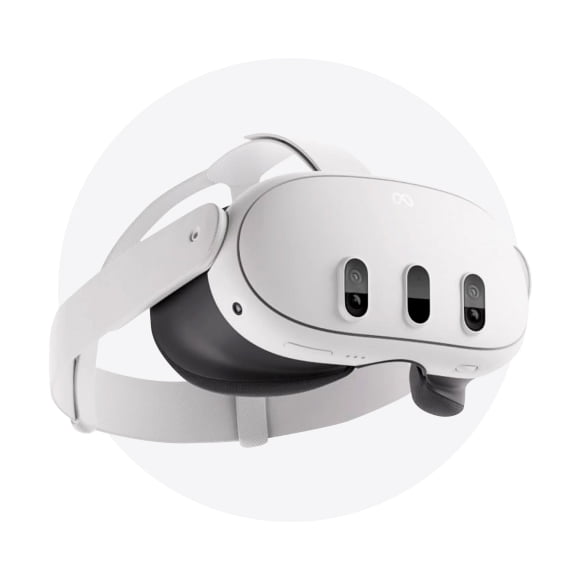
Oculus Headsets in Oculus VR
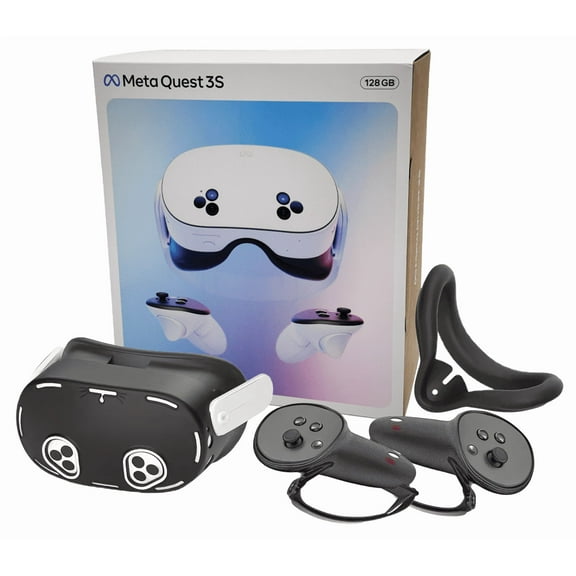
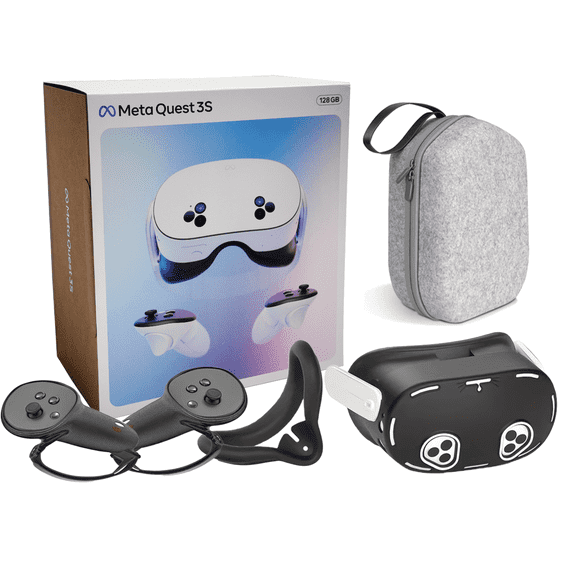
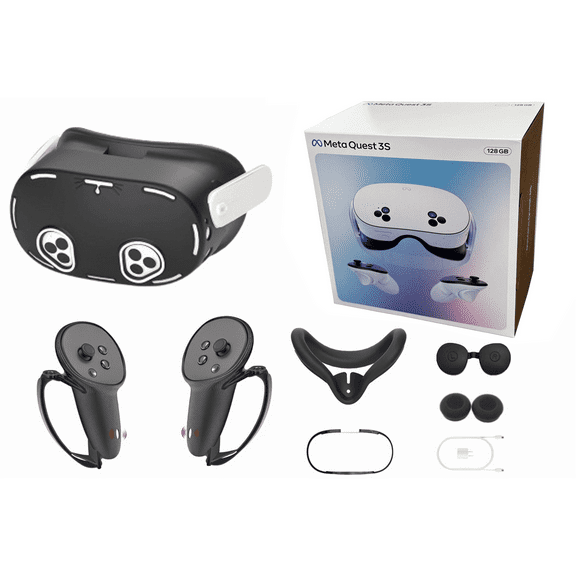
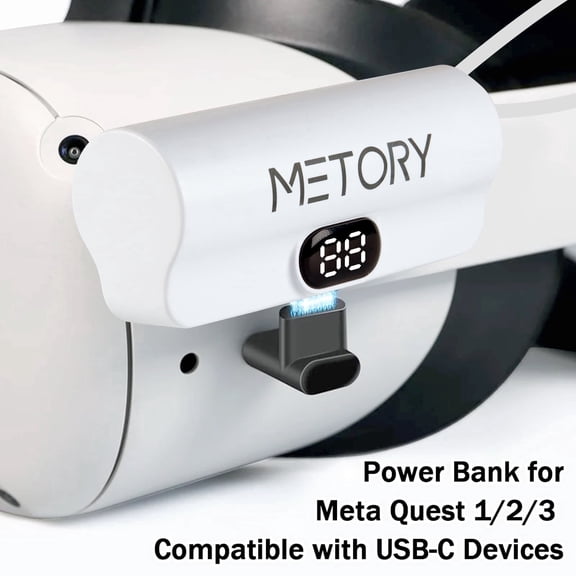

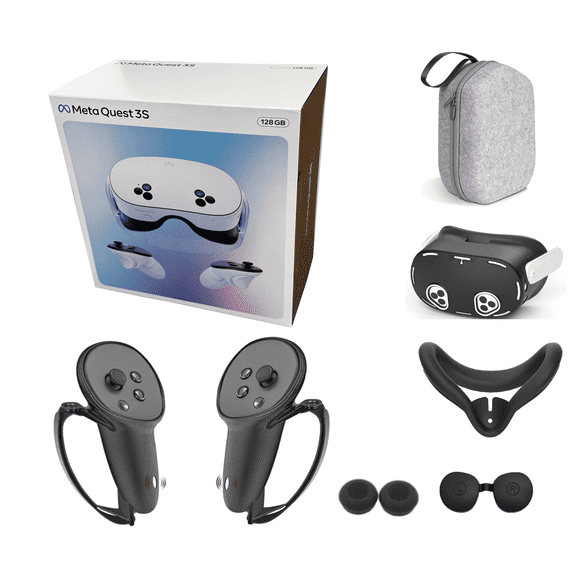
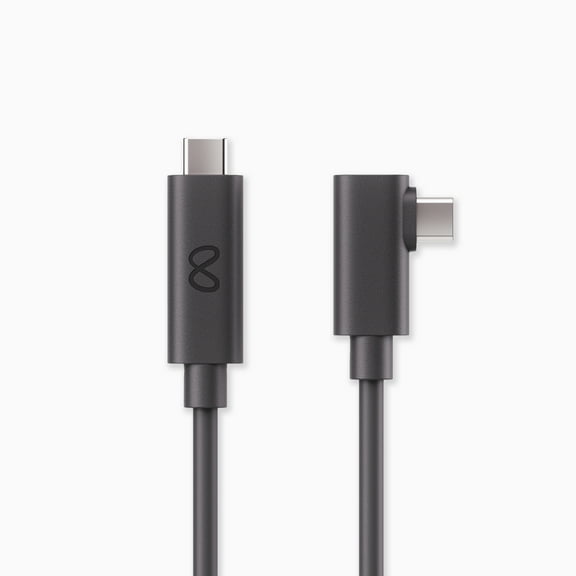

About Oculus Headsets in Oculus VR - Walmart.com
Your oculus headset choice shapes how you play, stream, and move through VR. You can compare generations, storage sizes, and accessory options here with clearer buying guidance.
How to choose an oculus headset
You should start with the kind of VR experience you prefer. You may want standalone play, PC VR gaming, or media streaming in one setup.
You can use standalone VR when you want quick setup without extra hardware. You can choose PC-connected play when your gaming computer powers more demanding titles and visual settings.
You’ll also want to compare comfort details before you decide. You can look for balanced weight, adjustable straps, and fit options that support longer sessions.
- You can jump into standalone VR with fewer setup steps.
- You can expand your game library by choosing the right storage capacity.
- You can improve fit and carrying convenience with compatible accessories.
- You can compare generations to match your preferred graphics and mixed reality features.
When you compare all oculus headsets, you’ll notice each generation fits a different routine. You may prefer a simpler headset for casual play or a newer model for sharper visuals.
Choosing the new oculus generation
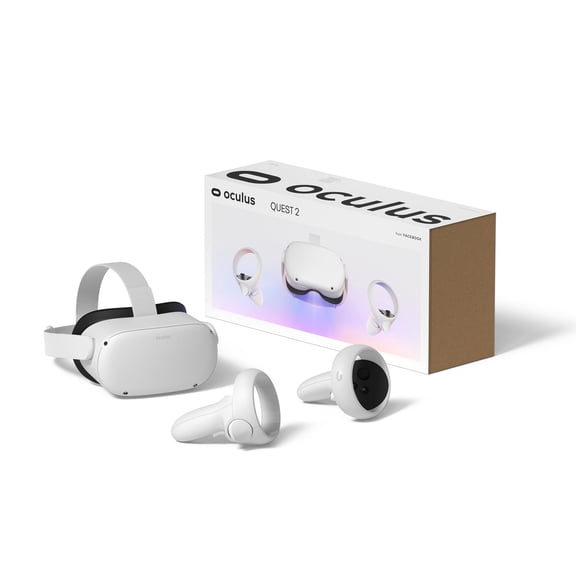
You should compare Quest 1, Quest 2, Quest 3, and Quest Pro by how you plan to play. You can use that comparison to narrow your shortlist quickly.
If you’re upgrading from an older device, you’ll want to check generation differences first. You can expect newer models to focus on updated displays, processing, and passthrough features.
You may also care about backward compatibility with your existing library. You can look for support that lets your newer headset access many Quest 2 games.
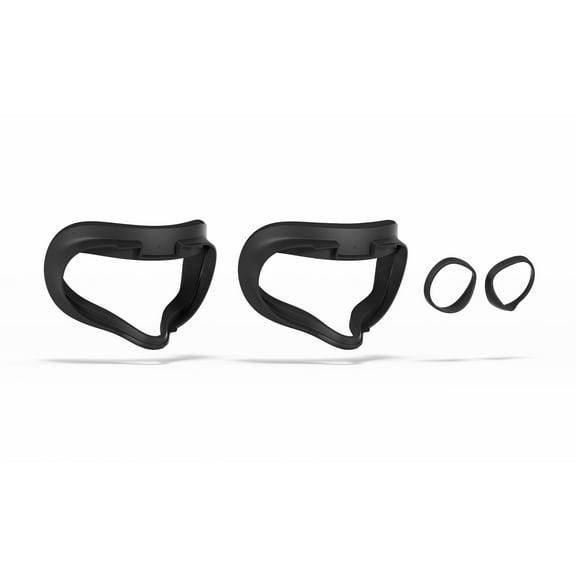
If you’re searching for a new oculus model, you should weigh comfort alongside visual updates. You can notice fit changes through strap design, facial interface shape, and overall balance.
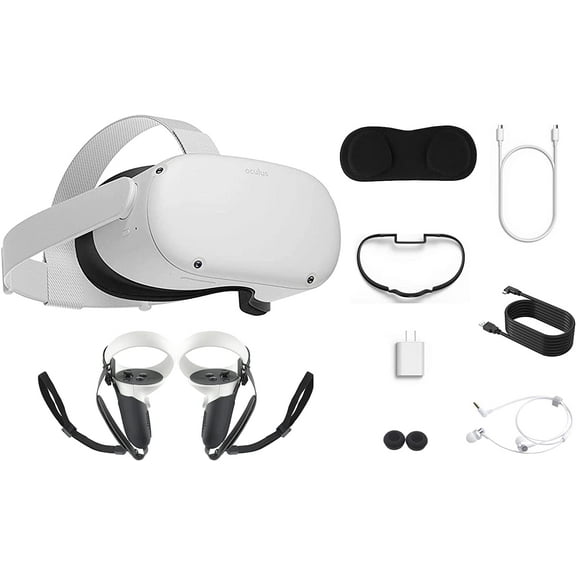
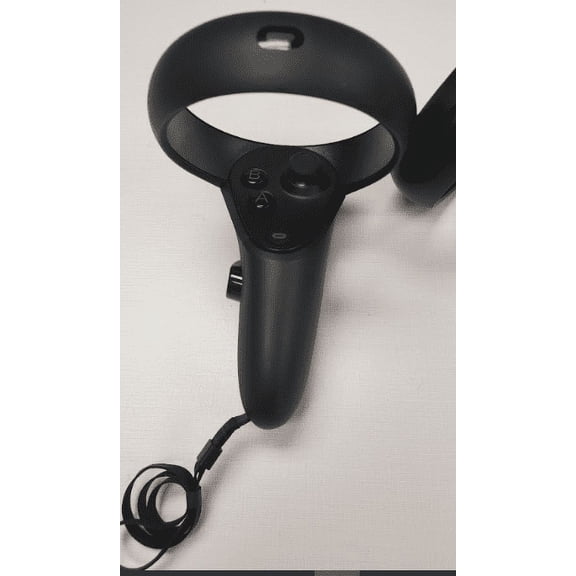
You’ll want to compare controllers too, because tracking style affects play feel. You can also pair your headset choice with carrying cases or strap upgrades for everyday use.
Finding the right storage capacity and quest 64 price context
You should treat storage as a key buying decision, not a small detail. You can keep more games, apps, and downloaded media on higher-capacity models.
If you’re comparing 64GB, 128GB, 256GB, and 512GB, you should match capacity to your library habits. You may need more room if you rotate through several larger games.
You might search quest 64 price when you want an entry point for lighter use. You can also compare 128GB or higher when you expect your library to grow.
If you mostly stream content and keep fewer installed titles, you may feel comfortable with lower storage. If you download many games, you’ll appreciate extra space sooner.
You should also compare oculus headset price expectations by generation and storage together. You can avoid confusion when you separate model updates from capacity increases.
An oculus gaming headset setup feels more flexible when your storage matches your habits. You can spend less time deleting games and more time moving between experiences.
Comparing use cases and setup needs
You should decide whether convenience or connected performance matters more in your routine. You can get started faster with standalone VR, or connect to a gaming PC for expanded play.
If you choose standalone VR, you can play without staying near a computer. You’ll appreciate that format when you want easy setup in a living room or shared space.
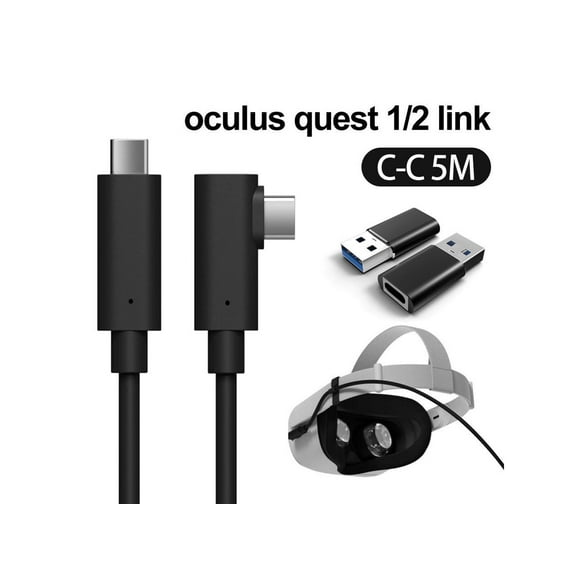
If you choose PC VR gaming, you should check connection requirements and compatible hardware. You can use a cable or supported wireless methods, depending on your setup.
You may want media streaming if you watch concerts, movies, or immersive videos. You can compare storage and display generation based on how often you download or stream content.
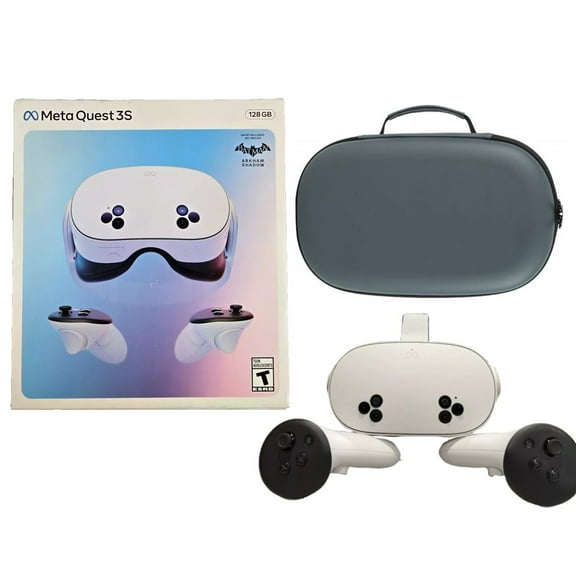
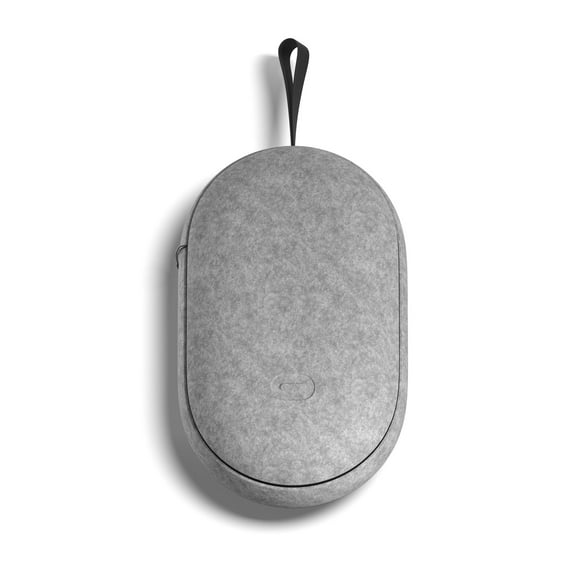
You should also think about room scale, seated play, and travel use. You can pair headsets with carrying cases when you move your device between rooms or homes.
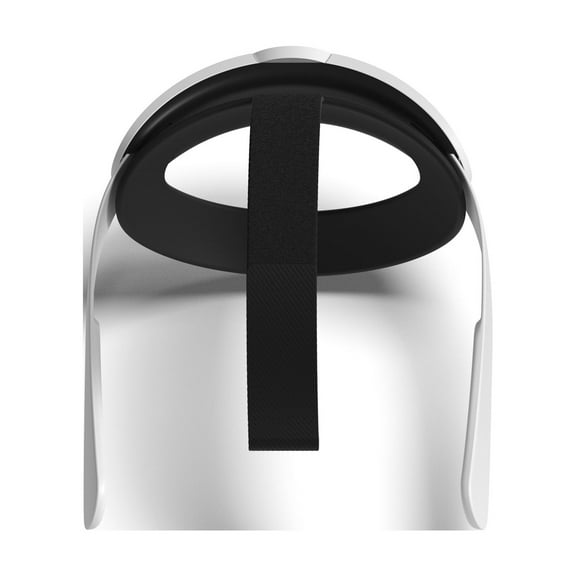
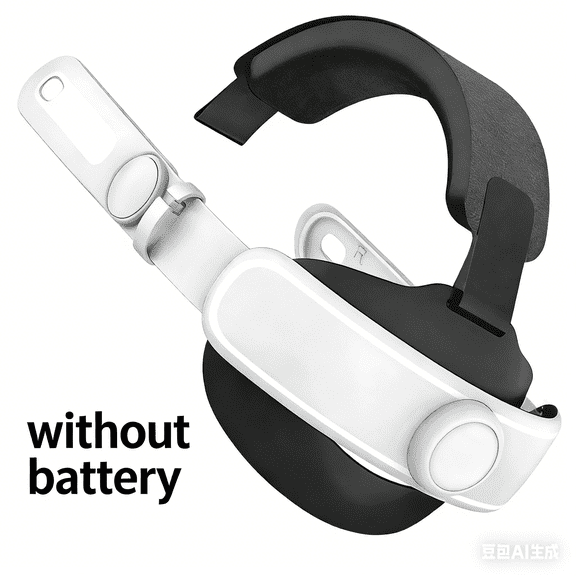
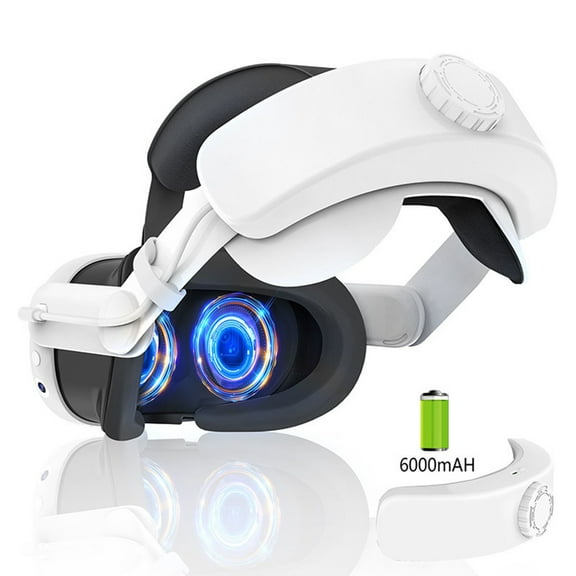
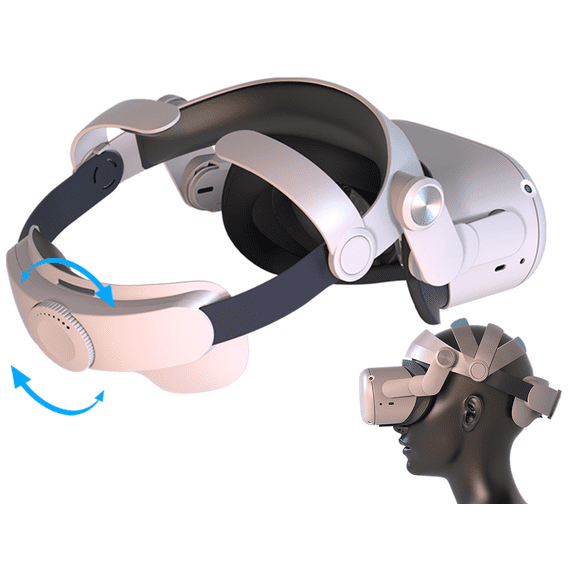
For longer sessions, you’ll want to compare strap upgrades and fit adjustments. You can improve comfort with designs that spread weight more evenly around your head.
What to look for in accessories and compatibility
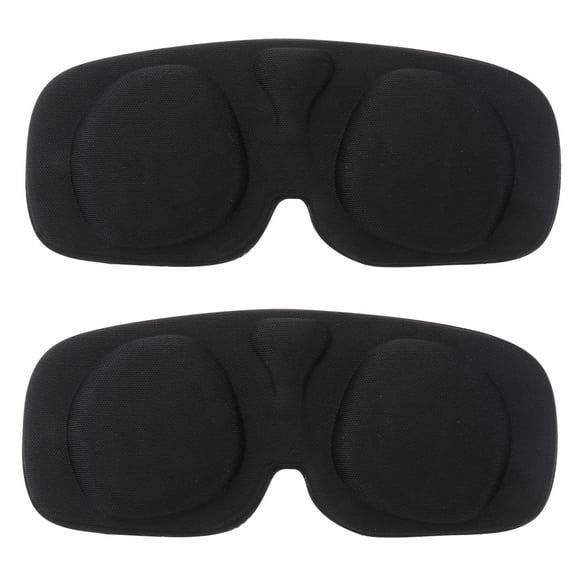
You shouldn’t stop at the headset alone when building your setup. You can improve transport, controller storage, and long-session comfort with the right accessories.
If you replace worn parts or customize fit, you should look at strap upgrades first. You can make your headset feel more secure during active games and movement-heavy sessions.
You may also want extra controllers or a carrying case for organization. You can keep your gear together and make setup feel simple between uses.
When you compare accessories across generations, you should confirm compatibility before choosing. You can avoid mismatched cases, straps, or controller fit by checking model support.
Your oculus headset works hard when your generation, storage, and use case align. You can get a smooth VR experience when your setup fits your library, space, and comfort needs.