

Microscopes in Telescopes and Microscopes








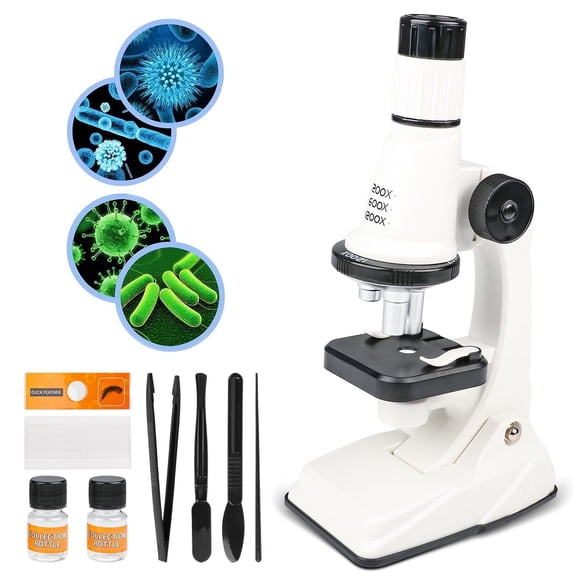
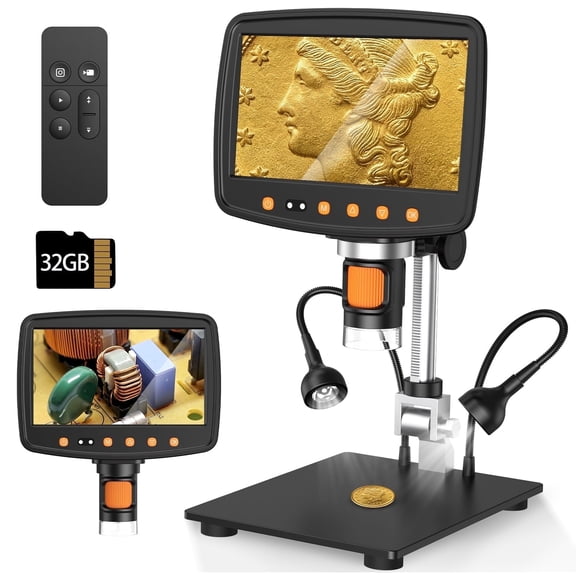

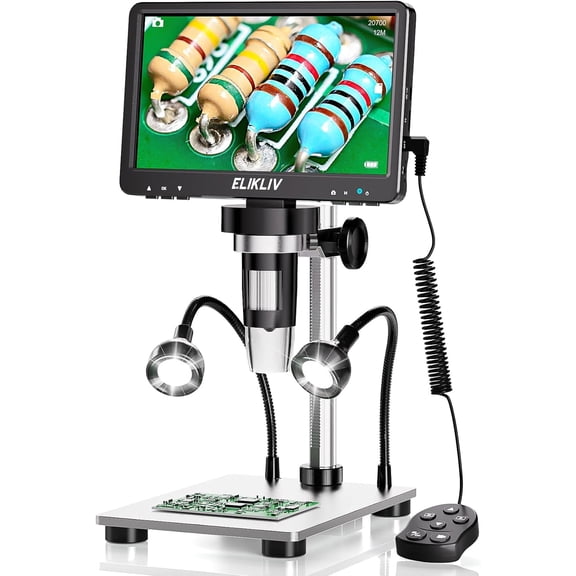


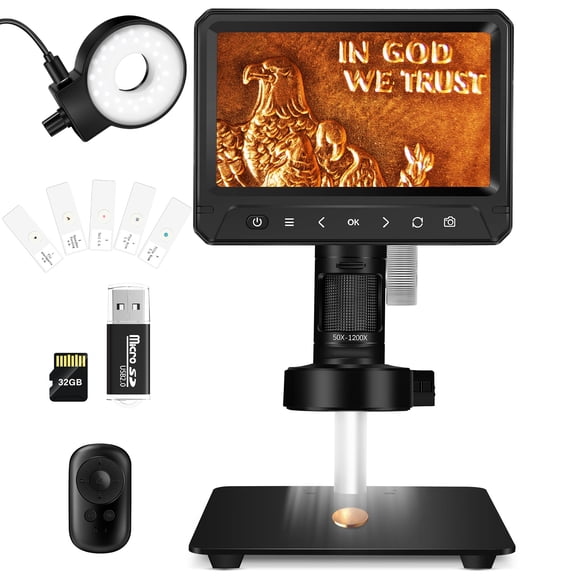



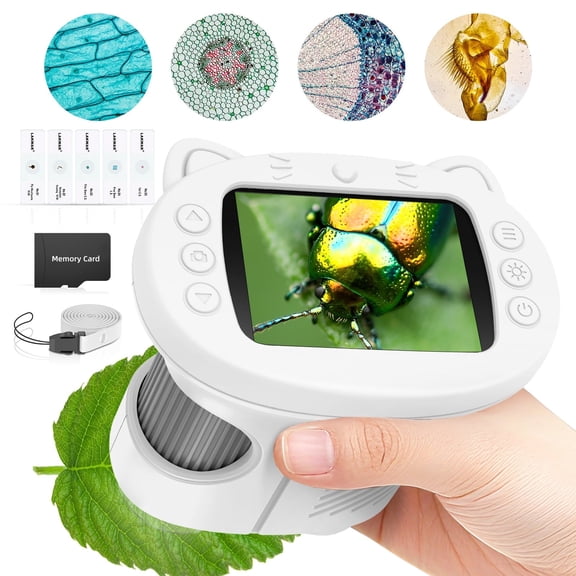
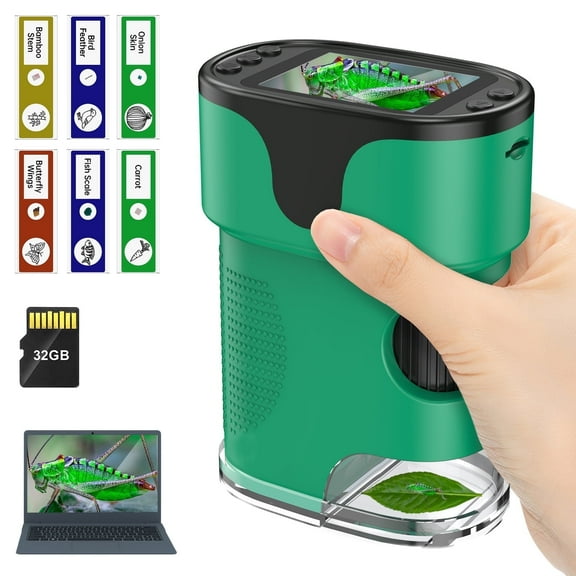
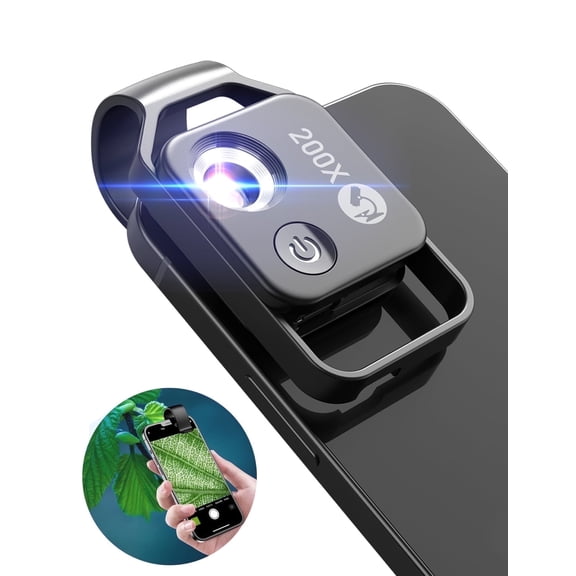
About Microscopes in Telescopes and Microscopes - Walmart.com
When you need a handheld microscope near me, you can compare portable viewing tools for schoolwork, field observation, and close-up inspection. You can choose faster when you compare magnification, size, lighting, and connectivity before you pick a model.
If you're deciding where to buy a microscope near me, you may want options that support shipping or store pickup. You can also compare pocket tools, USB models, and optical designs in one place on Walmart.com.
How to choose a handheld microscope near me
You should start with magnification range because it affects the details you can view. You may prefer 50x-1000x for everyday inspection, while 1200x or 2000x can fit finer detail work.
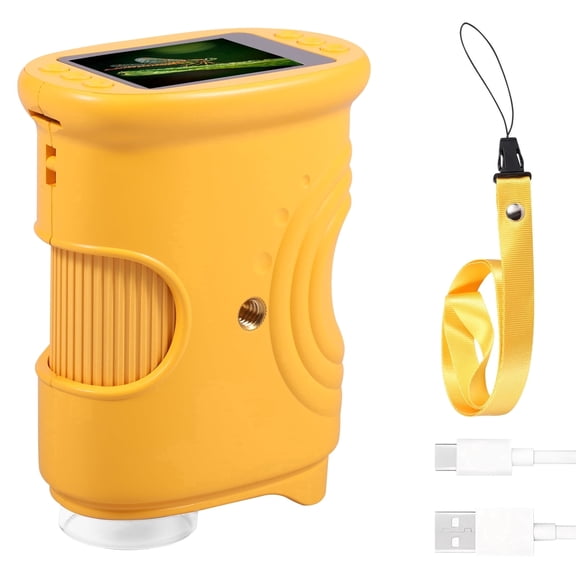
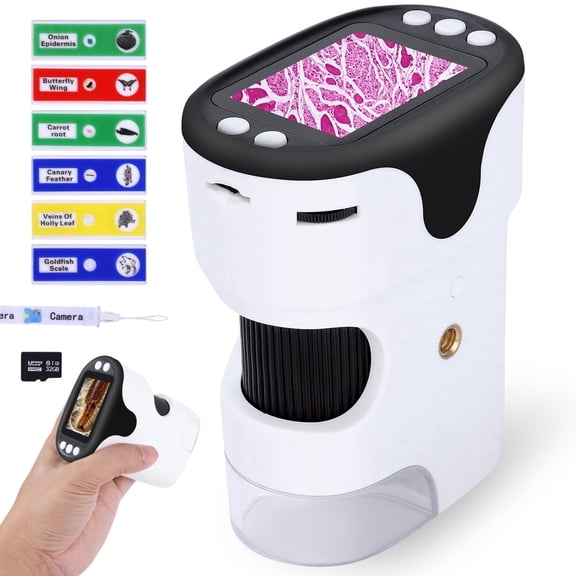
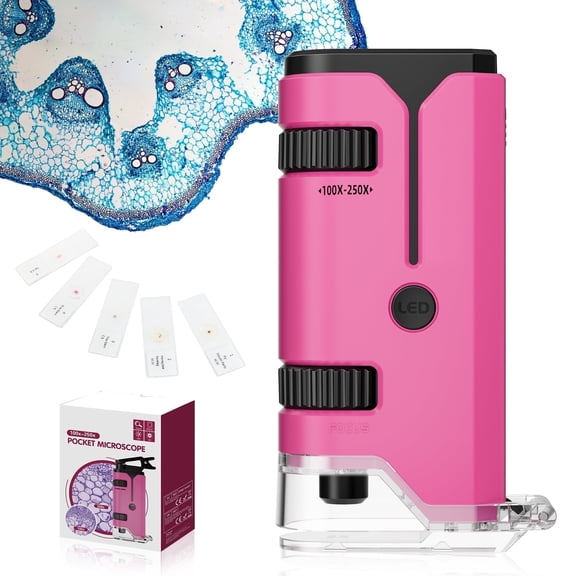
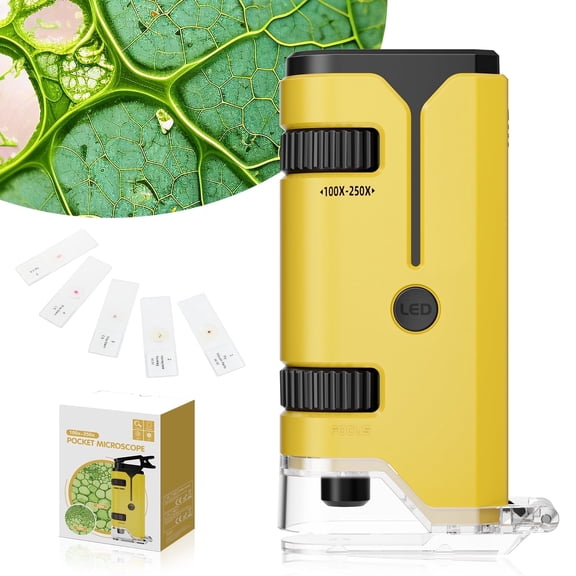
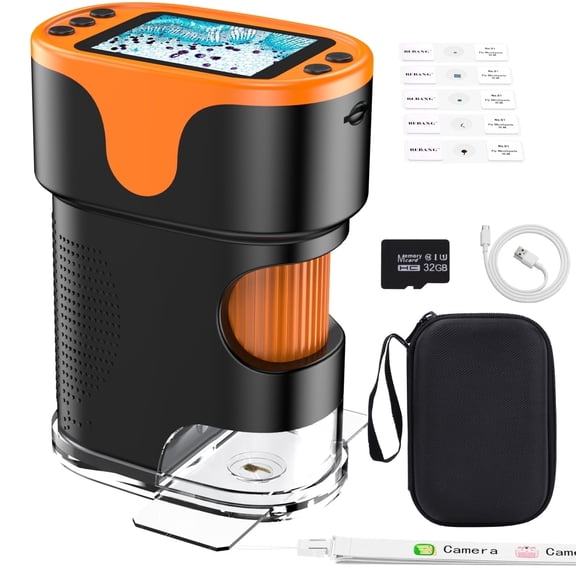
If you want a pocket microscope near me, you should balance portability with viewing power. You can carry a smaller unit easily, but you may want a desktop model for steadier positioning.
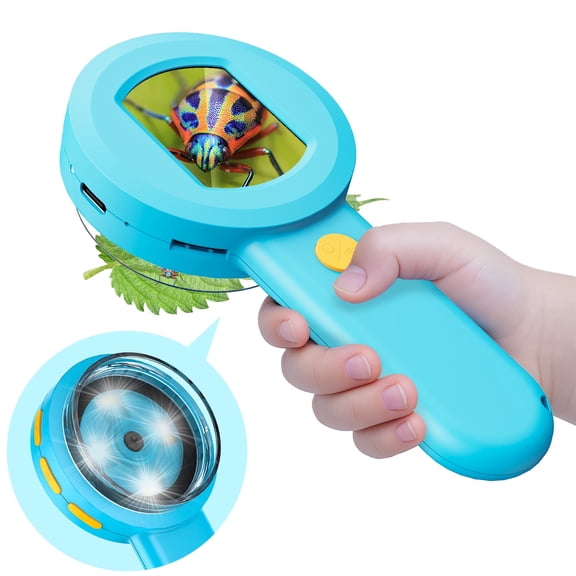
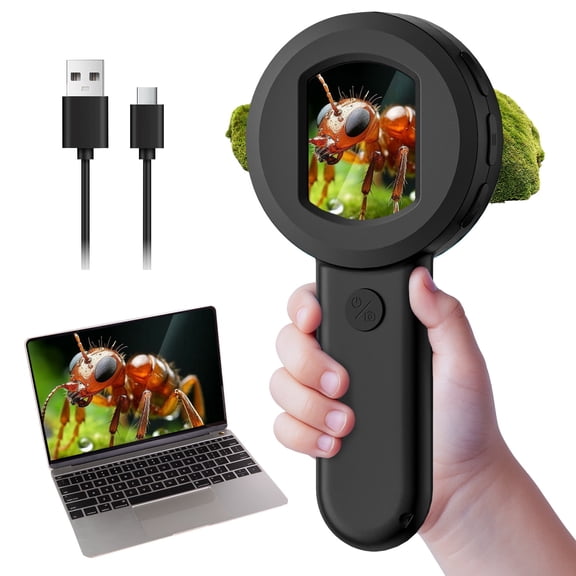
- You can use handheld models for quick spot checks on coins, leaves, fabric, and circuit boards.
- You can choose pocket designs when your bag space is limited and your work happens away from a desk.
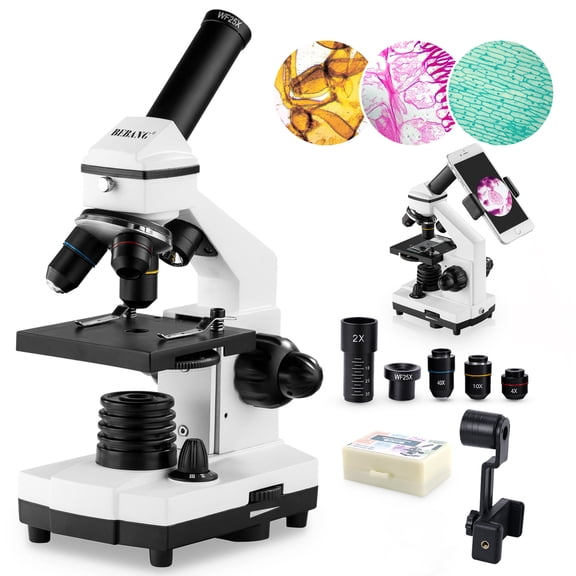
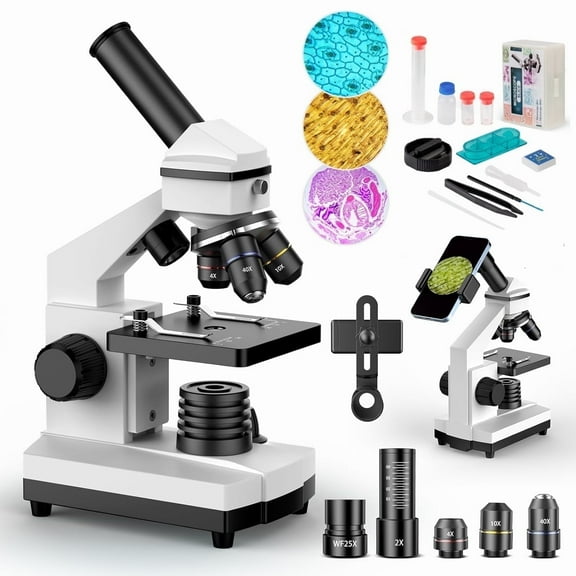
- You can pick desktop or stereo styles when you need a wider viewing area and steadier focus.
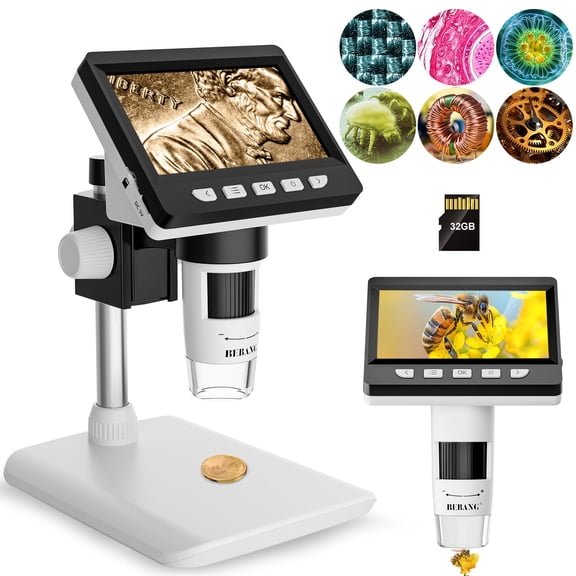
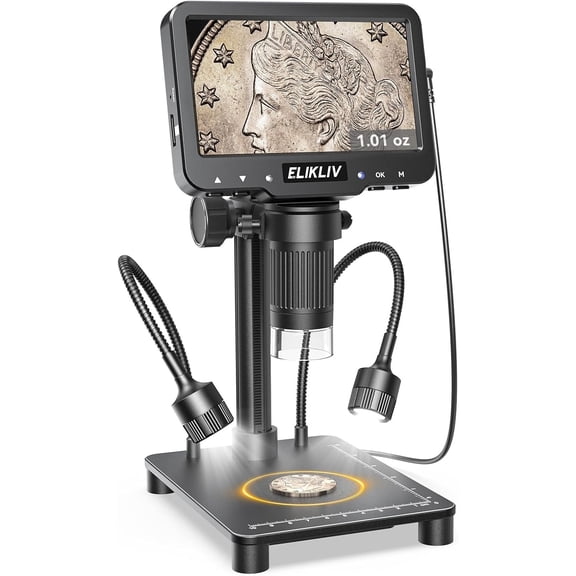
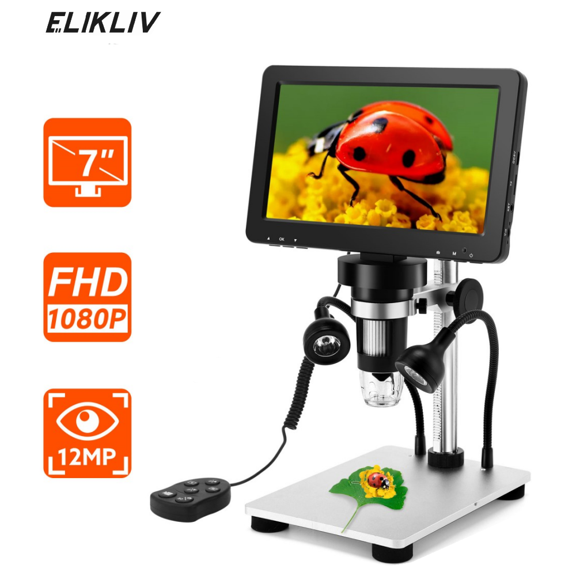
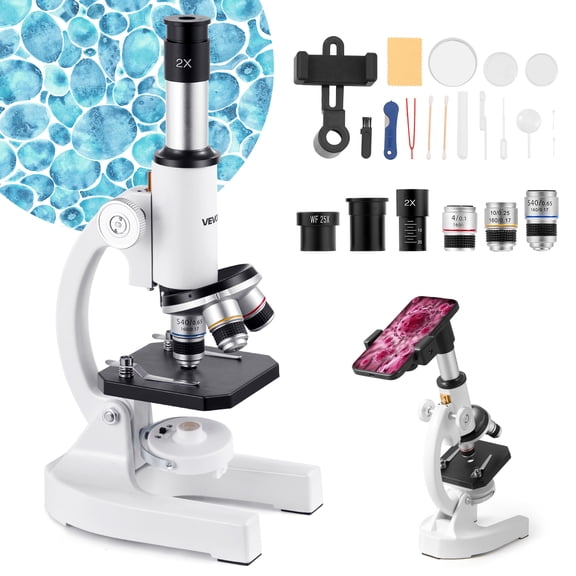
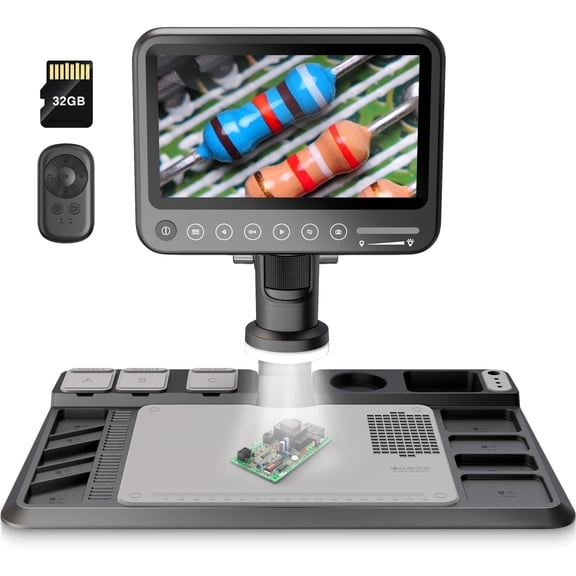
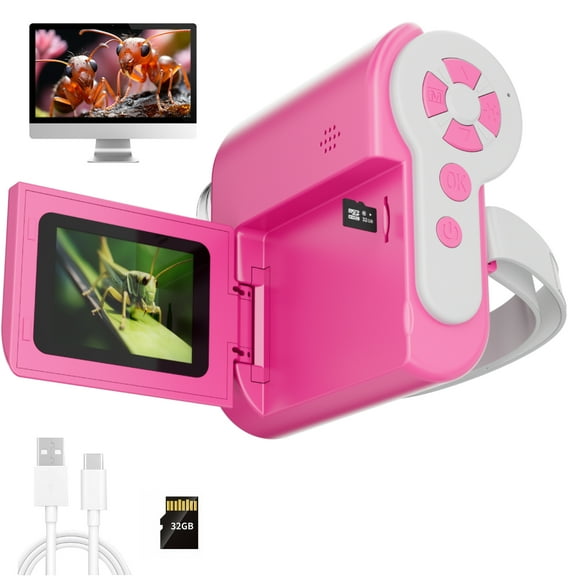
- You can compare optical and digital options based on whether you want direct viewing or screen viewing.
You may also compare form factor with who uses the microscope frequently. If you're buying for students, you may want simple controls and a compact shape.
Choosing magnification and form factor
You should think about what you're viewing before you choose 1200x or 2000x. If you're checking printed textures or insects, you may find 50x-1000x gives you practical range.
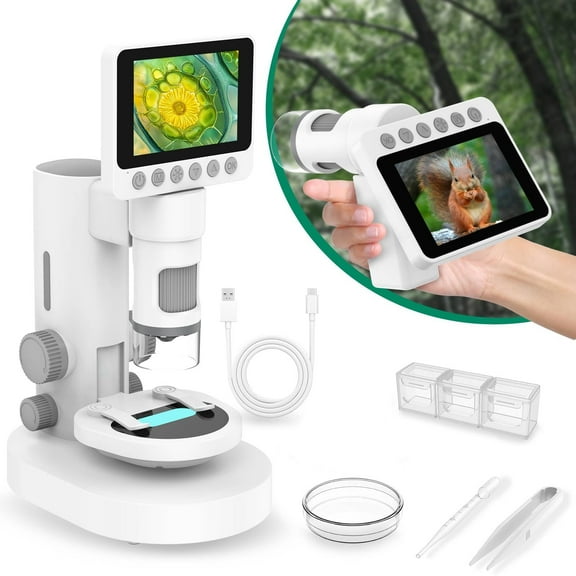
For field use, you may want handheld or pocket microscopes near me because they travel easily. For table use, you may prefer desktop designs that help you keep the subject centered.
If you're comparing stereo microscopes, you may want added depth perception for solid objects. You can find that especially useful when you're viewing rocks, plants, or small mechanical parts.
Comparing USB, Wi-Fi, HDMI, and optical viewing
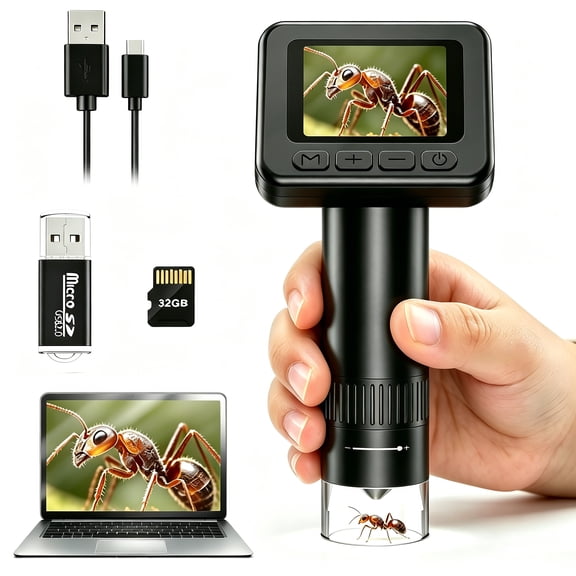
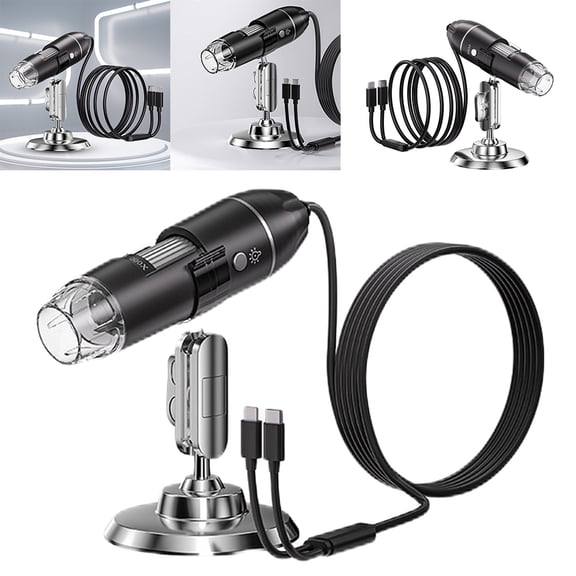
You should choose connectivity based on how you want to view and capture images. If you want a usb microscope near me, you may prefer direct connection to a laptop or desktop.
You can use a USB interface when you want to save photos, enlarge details on-screen, or share live views. You should check your device compatibility, because driver support and ports still matter.
If you're considering Wi-Fi models, you may want added freedom to move around a sample. If you prefer HDMI, you may want a direct display connection for larger screens.
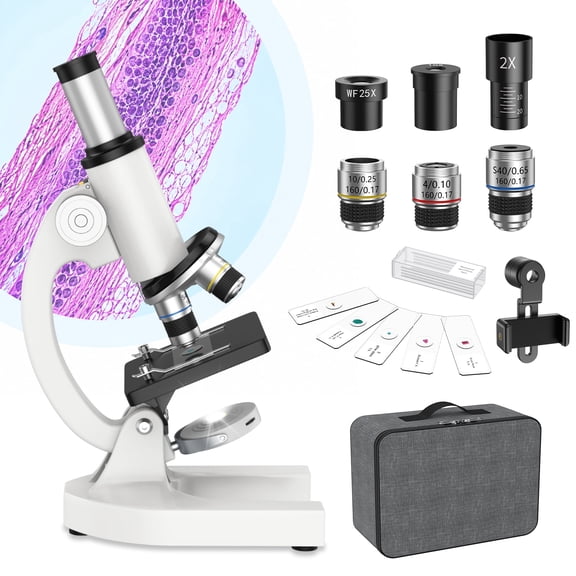
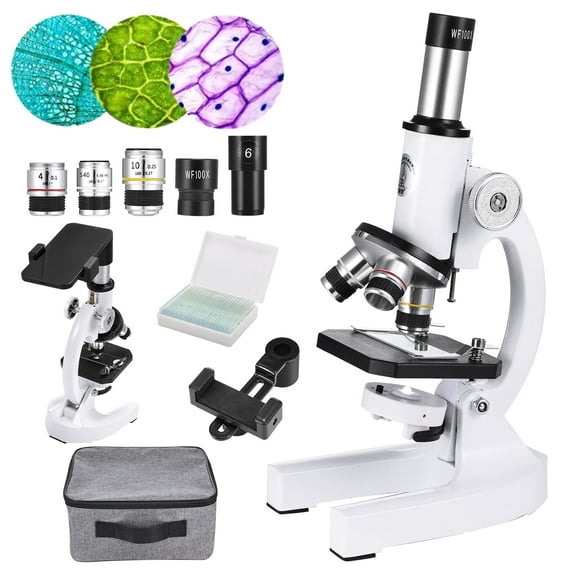
You may still prefer optical viewing when you want a straightforward setup with no software. You can simply look through the eyepiece and focus on the sample without screen setup.
What to look for in microscope lighting
You should compare illumination carefully because lighting changes what details you can actually see. If you're viewing solid objects, built-in LED lights can make textures and edges easier to observe.
You may want dual light when you need flexibility for different sample types. If you're considering a pocket microscope nearby, you may appreciate lighting that's already built into the body.
You can also choose natural mirror lighting when you want a classic optical setup. If you're working in variable spaces, you may prefer LED options that give you consistent brightness.
Matching microscopes to your use case
If you're shopping for classroom work, you may want compact models with simple focus and clear lighting. You can move them easily between desks, backpacks, and kitchen-table study spaces.
For hobby use, you may want microscopes near me that handle coins, stamps, minerals, or electronics. You can benefit from handheld designs for quick checks and desktop styles for longer sessions.
If you're comparing a pocket microscope near me for outdoor observation, you may want lighter weight and fast setup. You can slip it into a small bag and inspect leaves, bark, or insects on the go.
When you're reviewing parts, fabric weaves, or printed surfaces, you may want a usb microscope near me with image capture. You can document details on a screen and share them during projects or lessons.
If you're choosing for mixed use, you should compare magnification, connectivity, and illumination together. You can avoid guesswork when you match those dimensions to where and how you'll use it.
You can choose microscopes with added confidence when you understand how size, magnification, lighting, and digital connection work together. That approach helps you choose a model that fits your viewing tasks from the first use.