







Marine Electronics in Fishing






![Blue Sea 8210 Toggle Panel Switch [8210]](https://i5.walmartimages.com/seo/Blue-Sea-Systems-8210_d46cd889-5edc-492b-835d-fd1d904e30b3_1.cc339348cb4d4f65e9db513d8a96b5a4.jpeg?odnHeight=576&odnWidth=576&odnBg=FFFFFF)












![Blue Sea 8234 Water Resistant Contura III Switch - (ON)-OFF-(ON) - Grey [8234]](https://i5.walmartimages.com/seo/Blue-Sea-Systems-Water-Resistant-Black-Gray-Contoura-III-Switches_00077f15-d813-4d1c-a3cf-5287c891b6ef_1.a26632007b9ffcd3843428a082c9f665.jpeg?odnHeight=576&odnWidth=576&odnBg=FFFFFF)

About Marine Electronics in Fishing - Walmart.com
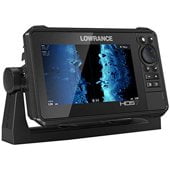
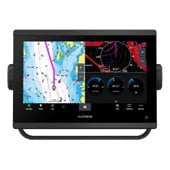
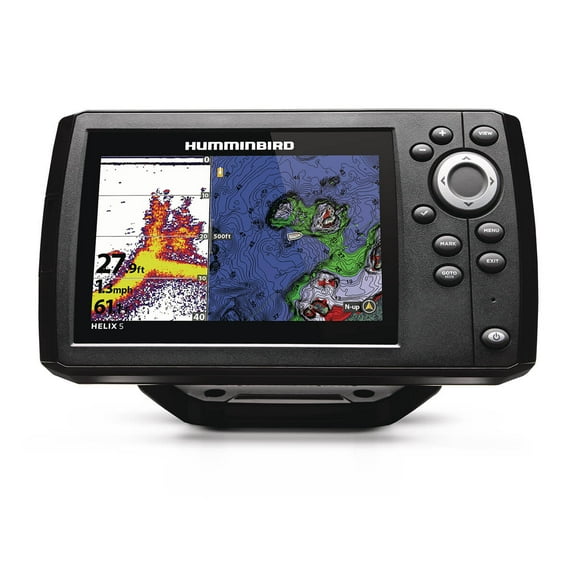
You can compare marine electronics efficiently when you focus on sonar, screen size, mapping, and mounting before your next trip. You’ll find this category covers fish finders, GPS chartplotters, depth finders, and VHF radios for boating conditions.
If you fish inland, run coastal routes, or outfit a small center console, you’ll want gear that fits your water and helm. You can narrow your options by checking sonar technology, device type, installation style, and screen size first.
How to choose marine electronics for your boat
You’ll make an informed choice when you start with the job your unit needs to handle. You may want a fish finder for sonar, a GPS chartplotter for navigation, or a depth finder for quick readings.
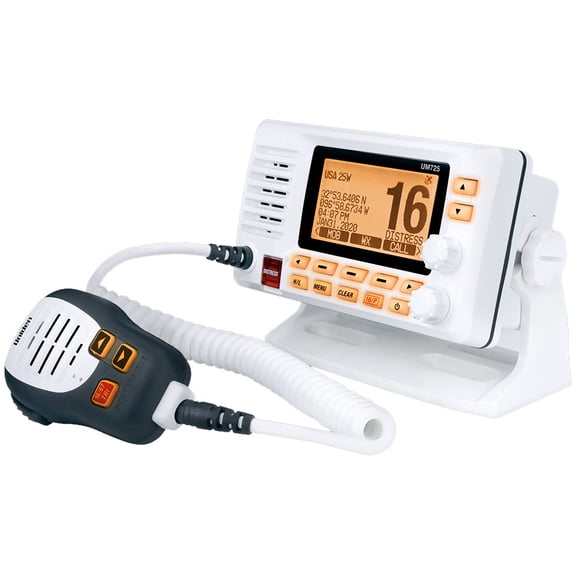
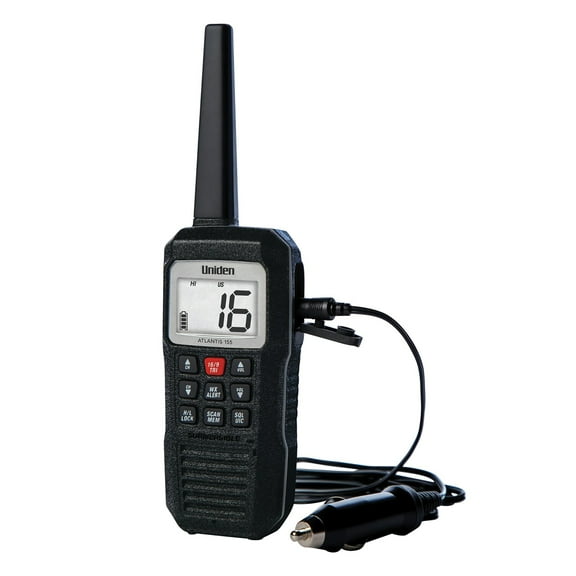
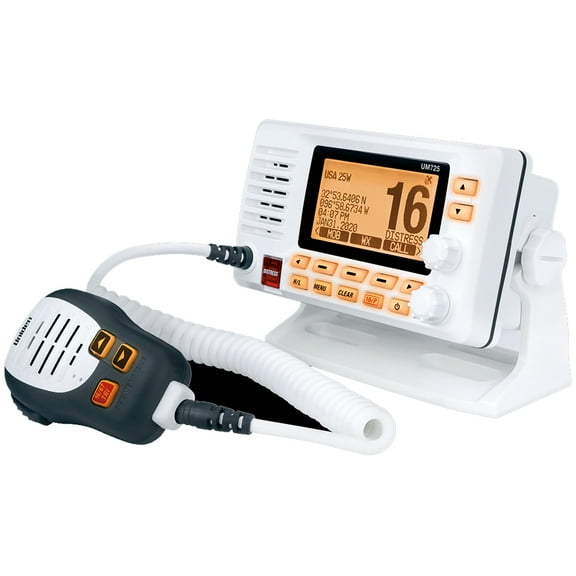
You may choose a VHF radio when you want dedicated communication at the helm. When you compare categories this way, you can avoid extra functions that don’t match your routine.
This also helps you match your helm space, wiring setup, and time on the water. You can keep your search practical by comparing category attributes before you compare specific models.
- You can use CHIRP sonar when you want clearer target separation and more detailed returns.
- You can use side-scan when you want a side view depth finder for structure along docks, ledges, and shorelines.
- You can use down-imaging when you want a sharper look below your boat around timber, brush, and rock.
- You can choose GPS chartplotters when you need route guidance, map views, and waypoint tracking.
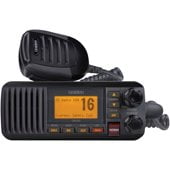
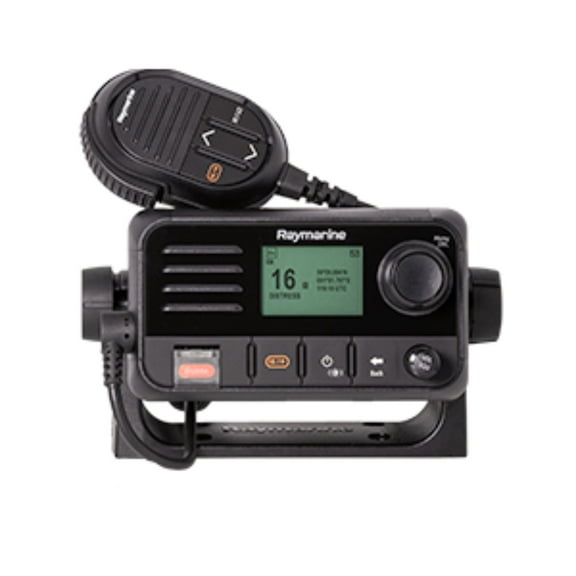
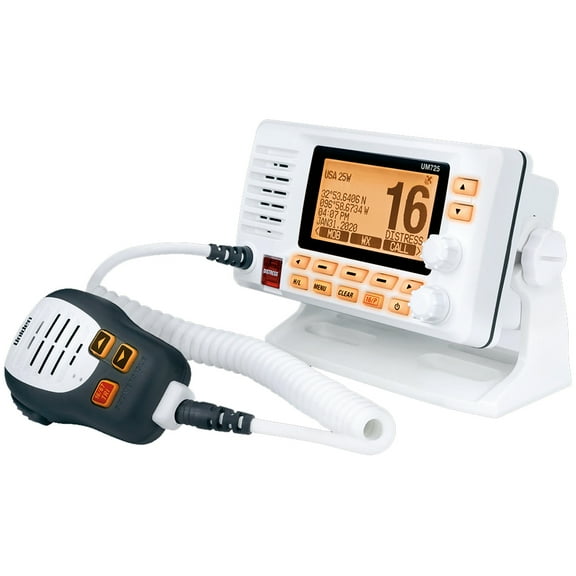
- You can compare VHF radios when you want dedicated communication at your helm.
You’ll also benefit from marine-ready designs that fit open decks, spray, and bright daylight. You can focus on displays, controls, and mounts that work smoothly while your boat is moving.
Choosing marine electronics by sonar technology and screen size
You should compare sonar technology based on where and how you fish. You’ll usually prefer CHIRP for clearer arches, while side-scan helps you search wider water.
You can use down-imaging when you want a sharper picture below. If you target brush piles, drop-offs, or dock lines, you may want a side view depth finder that scans beyond your hull.
You can cover more water without driving directly over every piece of structure. Screen size matters because you need readable data in sun glare and rough motion.
You may prefer a 5-inch display for compact helms, while 7-inch, 9-inch, and 12-inch screens show more data. When you compare larger screens, you can view sonar and charts at the same time.
You can reduce squinting when extra display space shows waypoints, contour lines, and menu options more clearly. You should also check resolution, because sharper pixels help you read returns in direct sunlight.
Interface layout shapes your daily use at the helm. You should look for menus and buttons that let you adjust gain, range, and chart pages without slowing your trip.
Choosing device type, GPS, and mapping features
You can choose device types by matching them to your boating habits. You may want a fish finder for search work, a GPS chartplotter for navigation, or a depth finder for simple readings.
You may choose a VHF radio when you want onboard communication. If you run unfamiliar water, you’ll want GPS and mapping features that help you track routes and mark fishing spots.
You can compare preloaded charts, waypoint storage, and coastal or inland map coverage. Chart support matters because your lake setup may differ from your coastal setup.
You should check whether your unit fits inland contours, coastal navigation, or mixed-use boating before you choose. You may also compare recognized lines like simrad go xse when you want chartplotter-focused layouts.
You can use that research to judge screen organization, mapping priorities, and accessory compatibility. For consumer marine electronics, you’ll often want a balance between clear navigation and straightforward controls.
You can compare boat electronics and fishing electronics by looking at charts, sonar views, and key controls together. You can make a more practical decision when those details match your water and routine.
Checking installation type and add a depth options
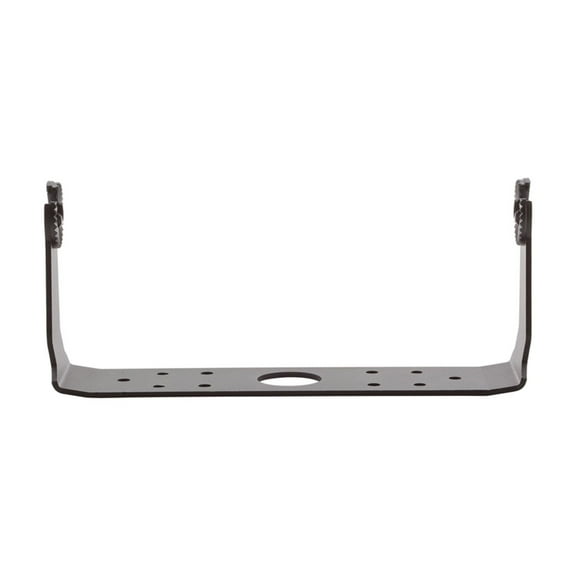
You should measure your helm and transom before you choose a unit. You can compare in-dash mount options for a built-in look, gimbal mount styles for easier angle adjustment, and transom mount setups for common sonar installs.
Mounting style affects how your unit fits your boat and how easily you can reposition the display. You’ll want enough clearance for cables, connectors, and viewing angles from your normal steering position.
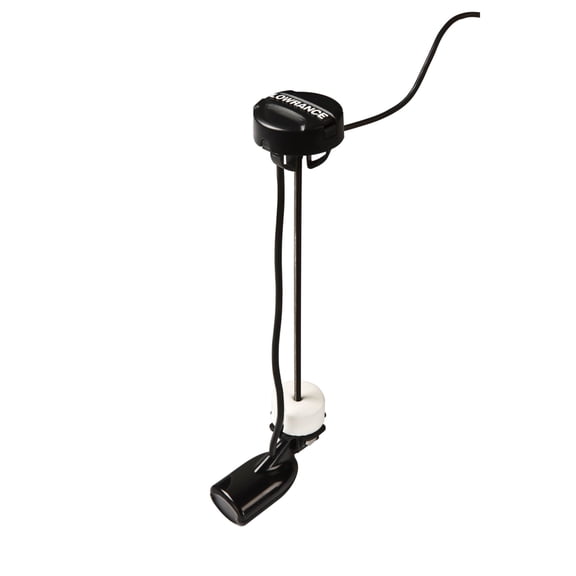
Transducer compatibility is a major decision when you want to add a depth function or upgrade sonar detail. You should check whether your unit supports the transducer type, frequency range, and sonar views you plan to use.
If you’re replacing older boating electronics, you may need to compare connector styles and mounting footprints. You can avoid extra drilling when your new unit matches your existing layout more closely.
You should also think about power requirements and accessory links before installation day. You can have a smoother setup when your display, transducer, charts, and networking options align from the start.
Matching marine electronics to real boating use
You can build a smart setup by pairing features with your usual trips. You may want CHIRP and a 7-inch fish finder for freshwater structure, or a chartplotter with coastal maps for route planning.
If you fish narrow creeks or stump fields, you may appreciate down-imaging and a compact screen that fits a smaller console. You can keep controls within reach while still seeing bottom detail clearly.
For larger boats, you may prefer a 9-inch or 12-inch display with split-screen views. You can track charts, sonar, and waypoint data at once without changing pages constantly.
If you’ve searched for fishing electronics, you’re likely trying to compare pickup convenience, fit, and availability quickly. You can use this category to sort key functions first, then narrow choices by mount, screen, and sonar style.
You can feel confident when your setup matches your fishing style, helm space, and map needs. You can make faster decisions when you compare sonar type, display size, device role, and installation method together.
You can choose with more confidence when your marine electronics match your boat, your water, and your display preferences. You can find a setup that supports clear navigation, detailed sonar views, and smoother time at the helm.