

Laptops with Intel inside in PC and Laptop Finder


































About Laptops with Intel inside in PC and Laptop Finder - Walmart.com
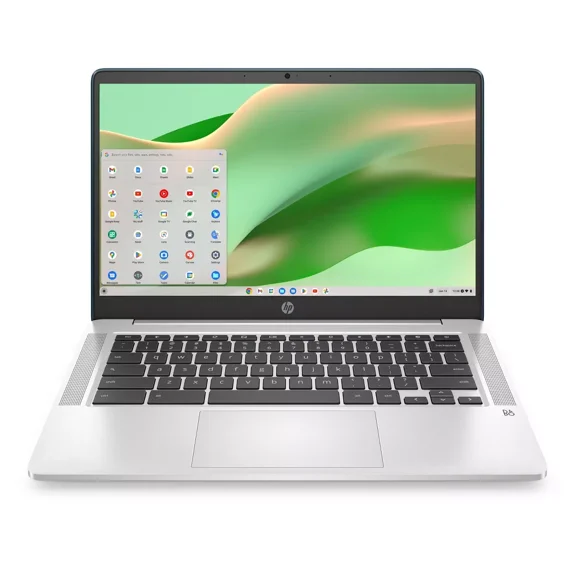
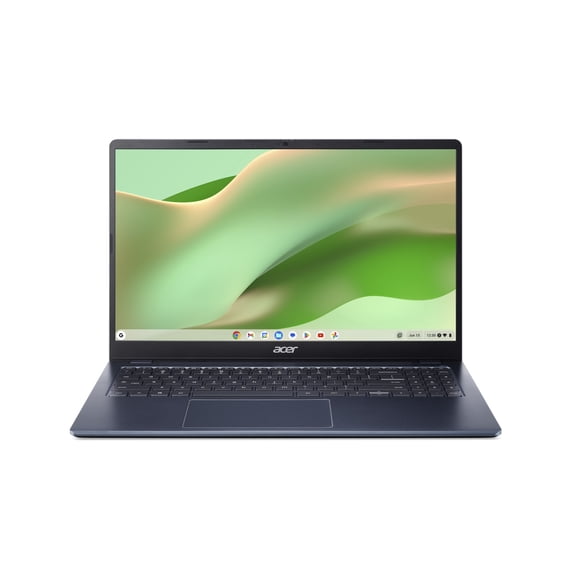
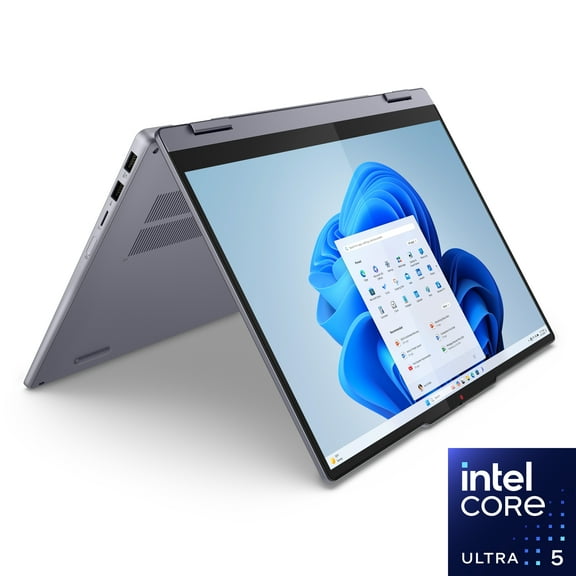
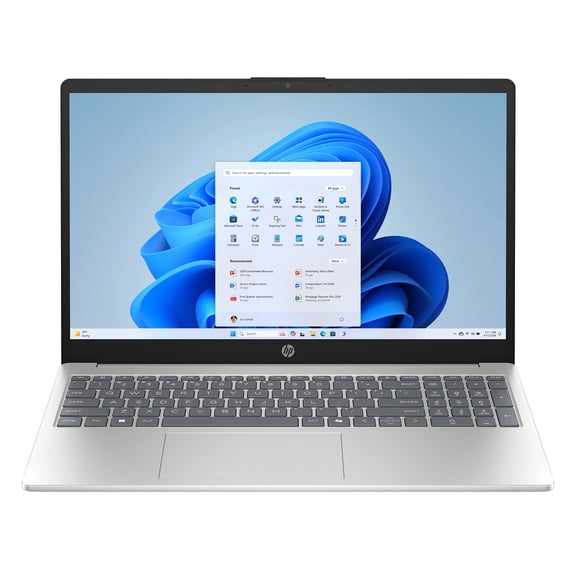
An intel inside laptop helps you match everyday speed, schoolwork, and streaming with the processor tier and device style you actually need. You can compare notebook, Chromebook, and 2-in-1 options at Walmart while narrowing down memory, storage, and brand preferences.
If you're replacing an older computer, you can use this page to sort Intel choices by processor family, price segment, and screen format. You can also see why an intel inside notebook fits homework, remote work, light creative tasks, or simple daily browsing.
Choosing the right intel inside laptop
You should start with processor type because it shapes how smoothly your laptop handles tabs, video calls, and office apps. If your routine stays simple, you may find Celeron or Pentium fits basic browsing, email, and document work.
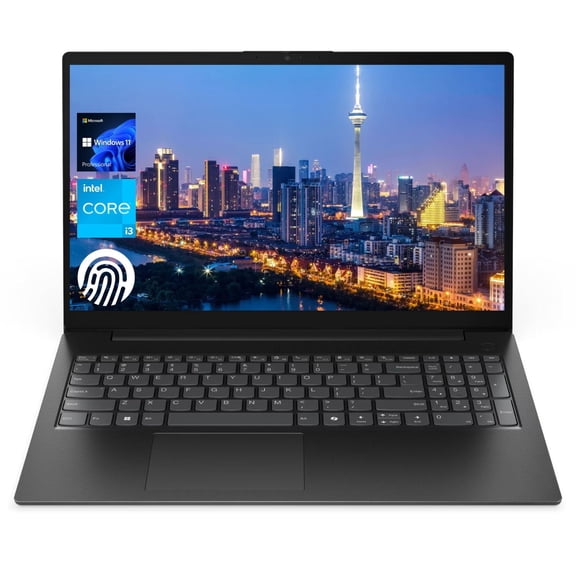
When your day includes more multitasking, you should compare Core i3 and Core i5 models for steadier performance. If your workload includes heavier editing or larger spreadsheets, you may prefer Core i7 for extra headroom.
You should also check memory and storage before you decide on a laptop intel inside configuration. With 4GB RAM, you can cover light tasks, while 8GB RAM gives you more room for multiple apps.
If you want quicker startup and app loading, you should look for SSD storage instead of eMMC. When you keep many files locally, you may want higher capacity so your intel notebook computer feels less cramped.
- You can keep web browsing, email, and homework simple with Celeron or Pentium models.
- You can handle multitasking more comfortably with Core i3 or Core i5 processors and 8GB RAM.
- You can choose SSD storage when you want faster boot times and smoother everyday responsiveness.
- You can compare notebook, Chromebook, and 2-in-1 formats based on how you study, work, or travel.
How to compare device type, operating system, and intel laptop price
You should compare device type early because shape and operating system affect your daily routine as much as processor speed. If you type often, you may lean toward a traditional laptop or notebook intel design.
When you want touchscreen flexibility, you should consider a 2-in-1 laptop for switching between typing and tapping. If you mostly use web-based tools, you may prefer a Chromebook with ChromeOS for a simpler setup.
You should choose Windows when your work depends on broader software compatibility and familiar desktop tools. If your tasks center on browser apps, you may find ChromeOS easier to manage and quicker to start.
As you compare intel laptop price ranges, you should connect each budget band to your workload. Under $300 often fits basic use, while $300 to $500 can add stronger multitasking and roomier storage.
If you're shopping over $500, you may be looking for a faster processor, more memory, or a more versatile form factor. You should check whether those upgrades match your actual routine before moving up a price segment.
What to look for in HP and Acer intel inside notebook options
You may already have a preferred brand, so you should compare design priorities across HP, Acer, Lenovo, ASUS, and Dell. Some shoppers focus on a slim build, while others want more ports, a larger display, or a full keyboard.
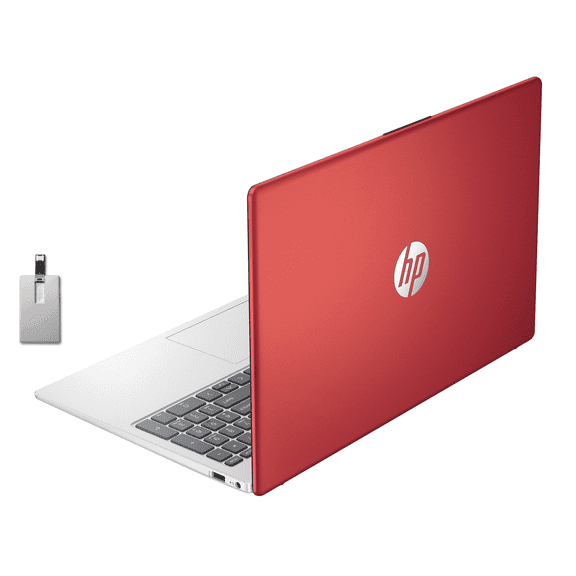
If you're researching hp intel inside laptop price results, you should compare processor tier, RAM, and storage together. You can get a clearer picture when you separate brand preference from the features that affect daily speed.
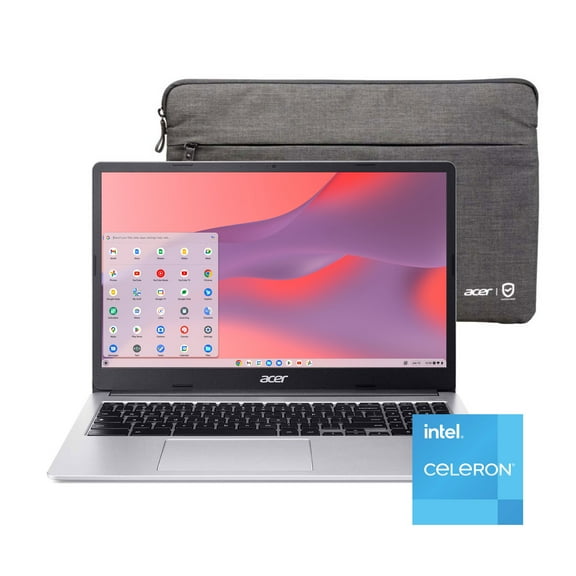
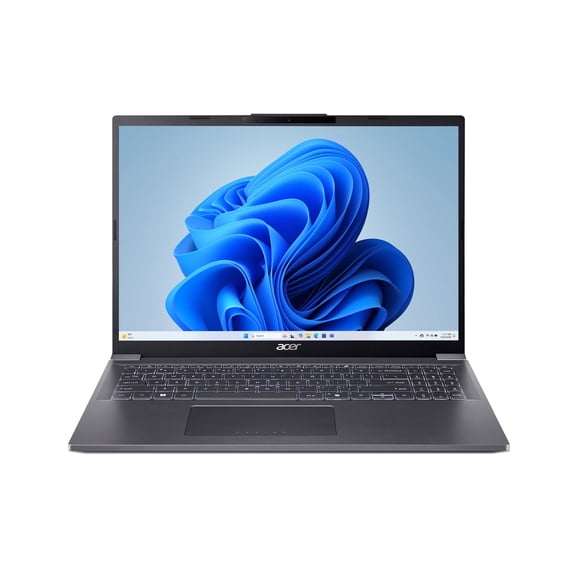
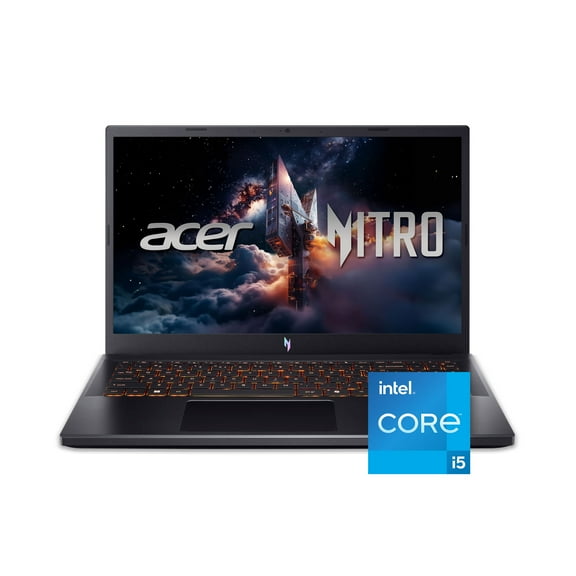
When you review acer intel inside laptop choices, you should check device type and screen size for school or travel needs. You may prefer a lighter notebook for commuting, or a larger laptop for desk-based work.
You should also compare keyboard layout, webcam placement, and port selection across brands before deciding. If you connect external displays, flash drives, or a mouse often, those details can shape your experience every day.
Matching an intel inside laptop to school, work, and home use
If you need a laptop for classes, you should start with battery life, portability, and enough memory for research tabs. A lightweight intel inside laptop with 8GB RAM can make long school days easier to manage.
When your work includes video meetings and spreadsheets, you should look for a Core i3 or Core i5 system. You may also want SSD storage, because quicker wake times help you move between tasks with less waiting.
If your household uses one computer for browsing, streaming, and occasional printing, you can stay focused on practical specs. A Pentium or Celeron system may fit shared everyday use when your needs stay light.
When you want a flexible family device, you should compare a touchscreen 2-in-1 against a standard notebook. You may appreciate tablet mode for casual viewing, while a clamshell design can feel steadier for typing.
If intel inside price and intel inside laptop price matter in your search, you should balance processor level with memory first. You can often feel a bigger difference from enough RAM and SSD storage than from chasing a higher chip tier alone.
You can feel confident comparing processor families, device types, and operating systems. Each choice ties directly to how you use your computer.
You can narrow your options faster when you match Intel processing, memory, and format to your routine. You end up with a laptop that feels smoother for everyday tasks and easier to keep using over time.