

Ethernet Cables for Computers and Networks



















About Ethernet Cables for Computers and Networks - Walmart.com
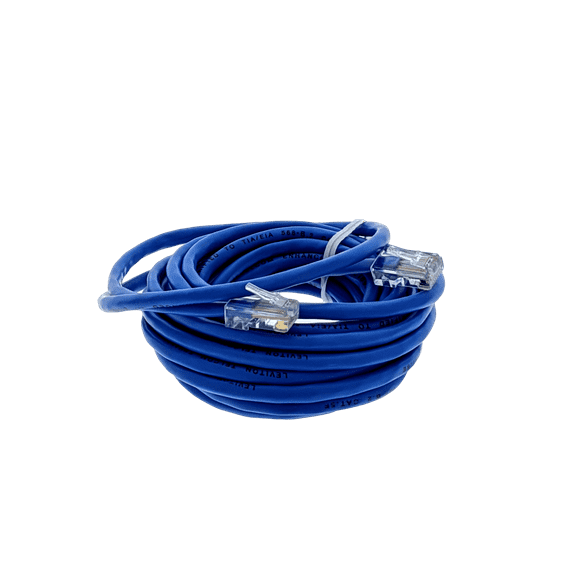
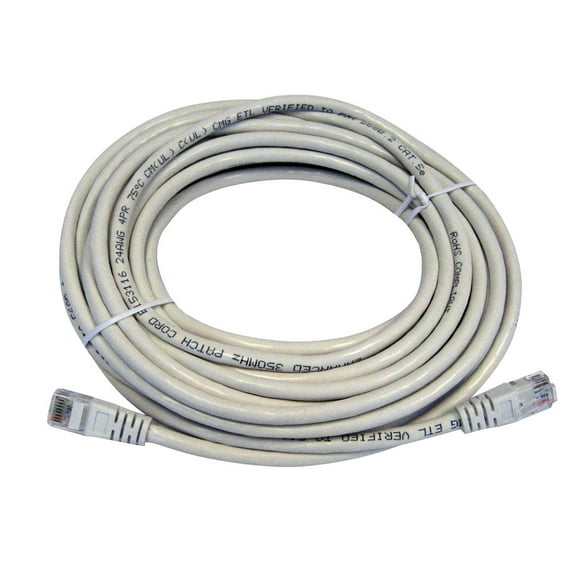
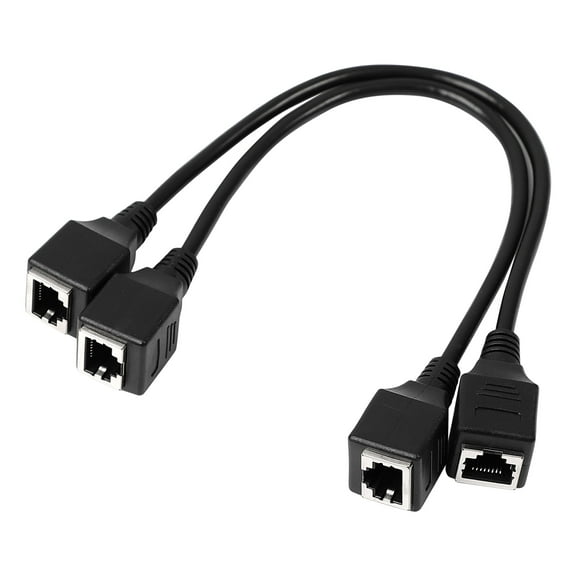
Ethernet cables help you build a fast, stable wired connection for gaming, streaming, work setups, and smart home gear. You can compare cable category, length, shape, shielding, and connector style to match your space and your devices.
Choosing ethernet cables by cable category
When you compare ethernet cables, you'll want to start with the cable category because it affects speed and bandwidth. You can use Cat5e for everyday browsing, while your cat6 ethernet cable often fits newer routers and busy home networks.
If you need extra headroom, you can consider Cat6a for longer runs and stronger performance across demanding setups. You may also compare Cat7 and cat8 ethernet cable options when your network supports very fast transfers.
MHz ratings can help you understand how much data your cable can handle at once. When you choose a higher category, you can support smoother gaming sessions, sharper streaming, and quicker file movement between connected devices.
- You can use Cat5e for basic home internet connections and everyday devices.
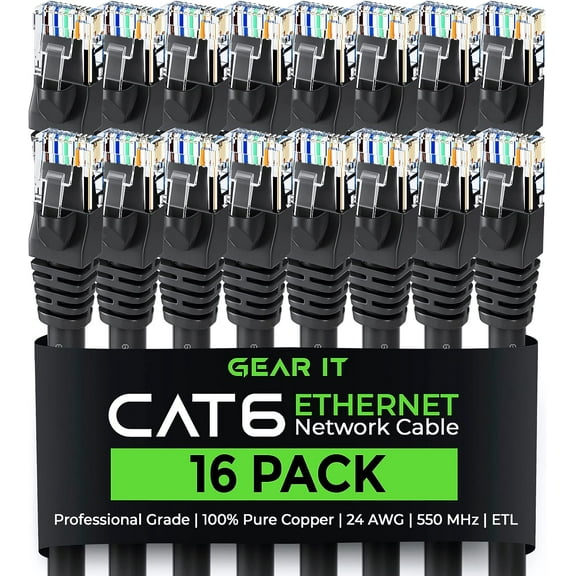
- You can choose Cat6 for modern routers, workstations, and many gaming setups.
- You can consider Cat6a when your longer cable runs need stronger performance.
- You can look at Cat7 or Cat8 when your gear supports very high network speeds.
Choosing the right cable length
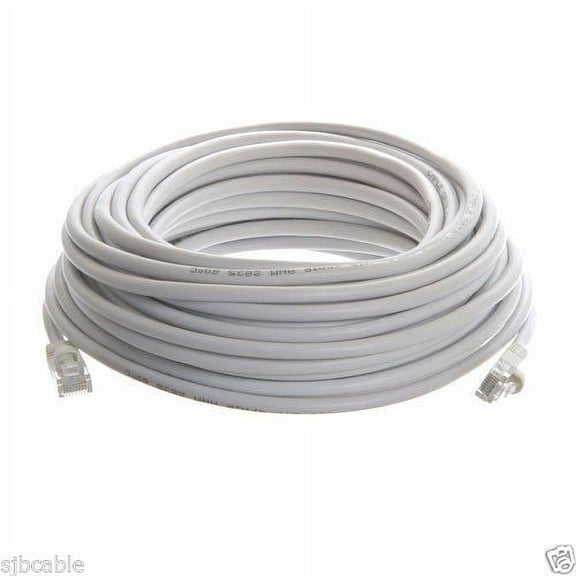
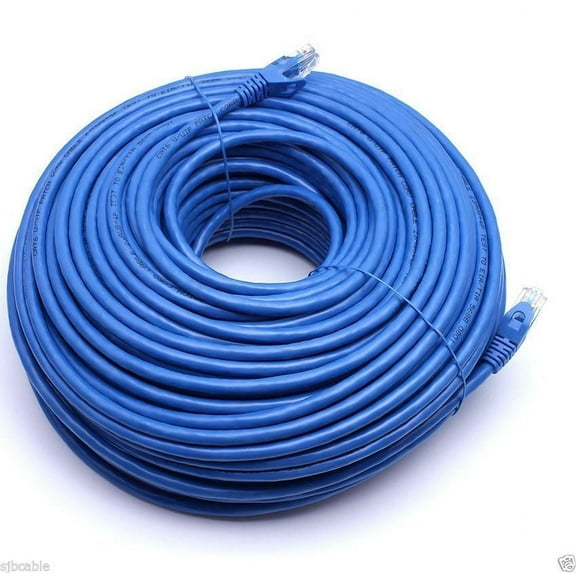
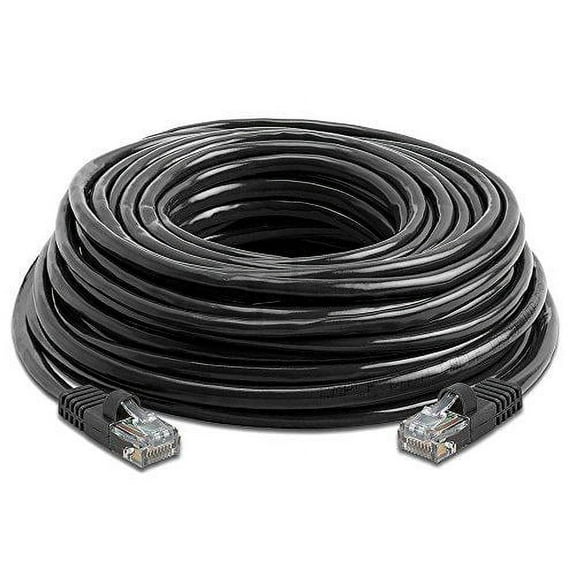
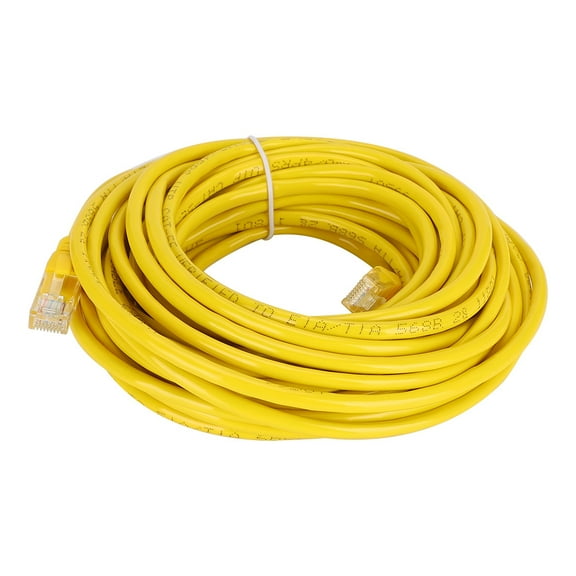
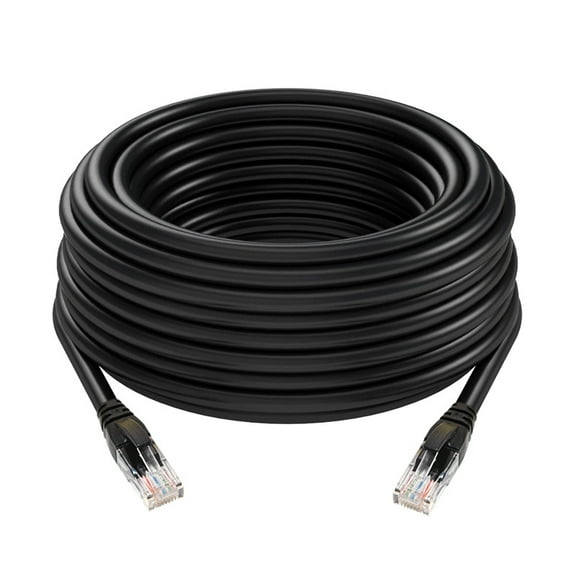
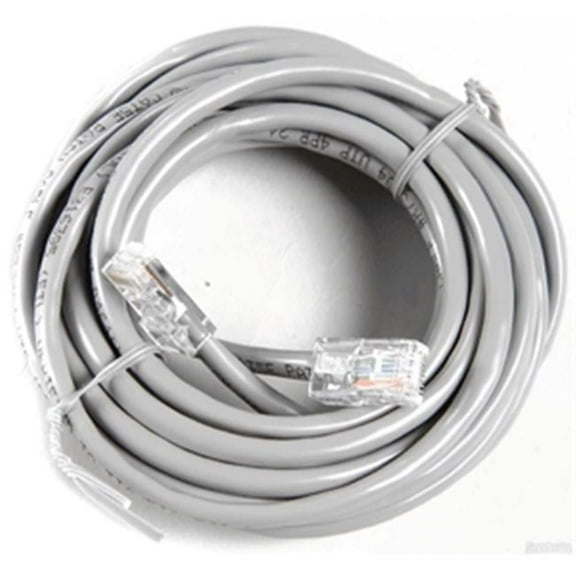
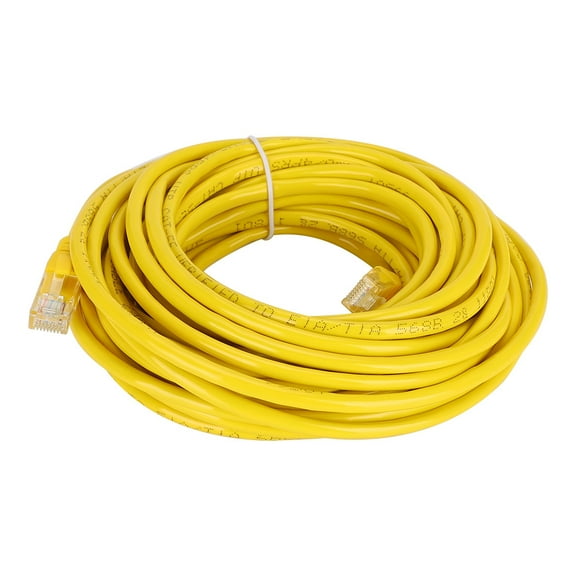
Your cable length matters because you need enough reach without leaving excess slack around your desk or entertainment center. You can find short options like three ft for tidy placements and longer options like a 100 ft ethernet cable for extended runs.
When you measure first, you can route your cable more cleanly around furniture, walls, and equipment racks. You should also leave a little extra room so your cable can reach ports without pulling tightly.
Longer runs can work well when you choose the right category for your setup and intended speed. If you connect a router to a smart TV in another room, you'll appreciate the flexibility of longer lengths.
Flat ethernet cable, round, or slim
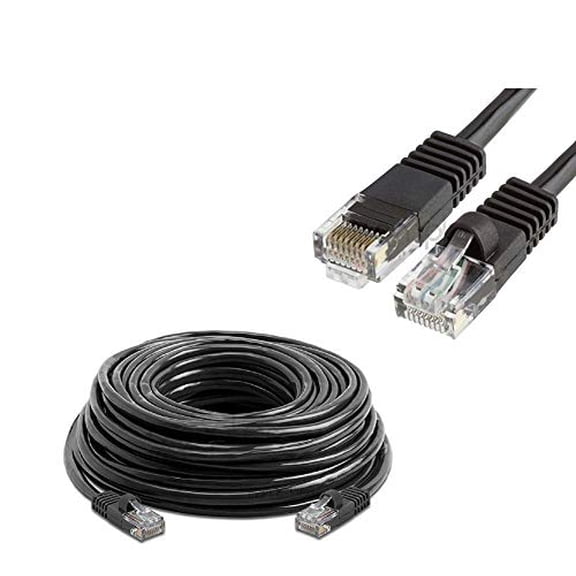
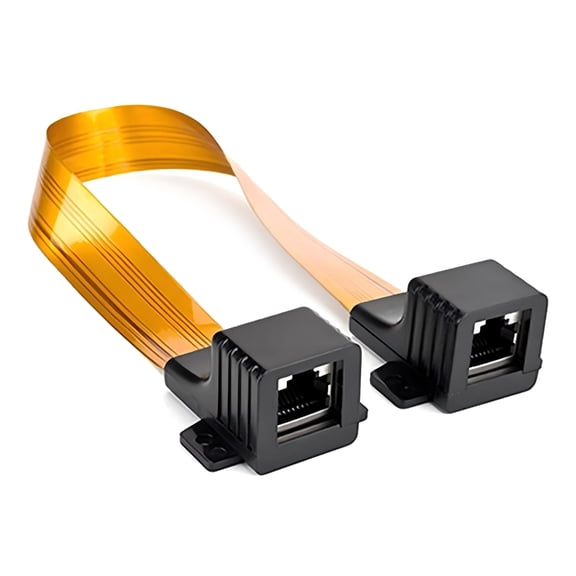
Your installation path helps you decide between round, flat, and slim designs. A flat ethernet cable can sit neatly along baseboards, under rugs, or behind furniture where you want a lower-profile look.
You may prefer round cables when you want a traditional shape for open desk setups or equipment shelves. You can choose slim designs when you need easier cable management in tighter spaces or crowded network panels.
When you think about where your cable will run, you can avoid awkward bends and bulky routing. You can also keep your workspace cleaner when the cable shape matches your room layout.
Comparing shielding for your environment
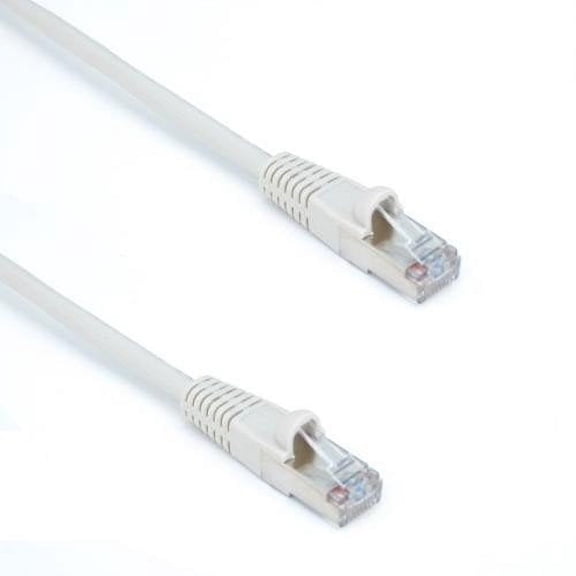
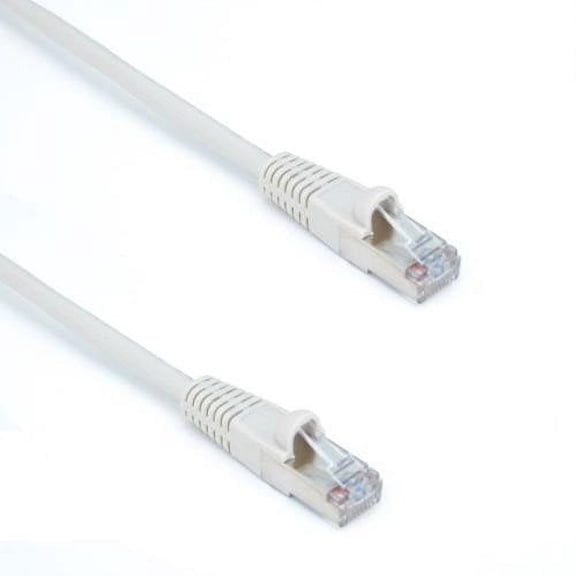
You should compare UTP and STP options based on where your cable will run and what equipment surrounds it. UTP works for many home setups, while shielded ethernet cable options can suit spaces with more nearby electronics.
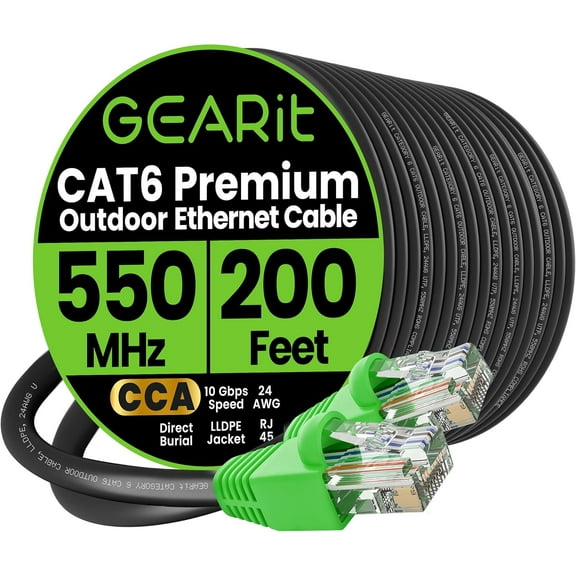
If you plan an outdoor ethernet cable run, you should check the product details for weather-ready construction and the intended environment. You can also look for shielding when your cable passes near power equipment or dense wiring.
For indoor rooms with basic networking needs, you may not need extra shielding at all. For garages, workshops, or longer routed paths, you might prefer added protection around the cable design.
Checking RJ45 connectors and snagless boots
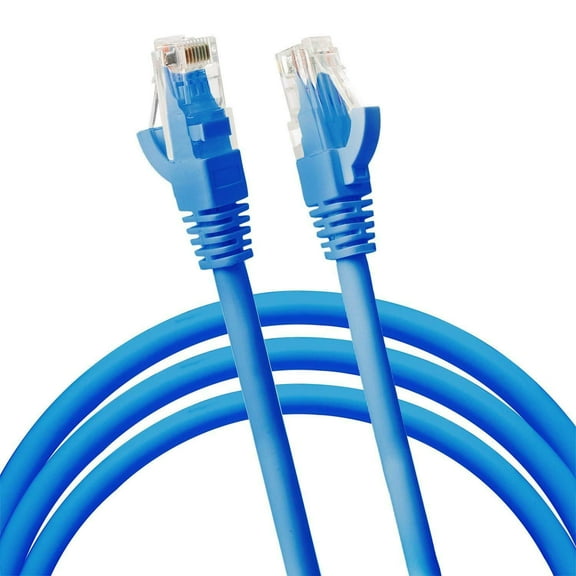
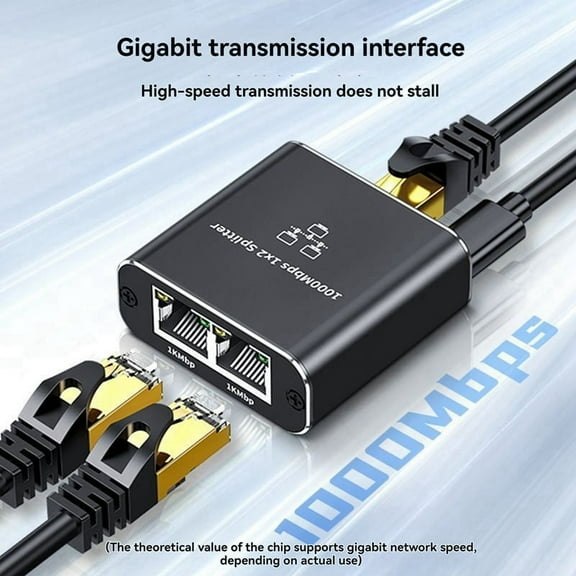
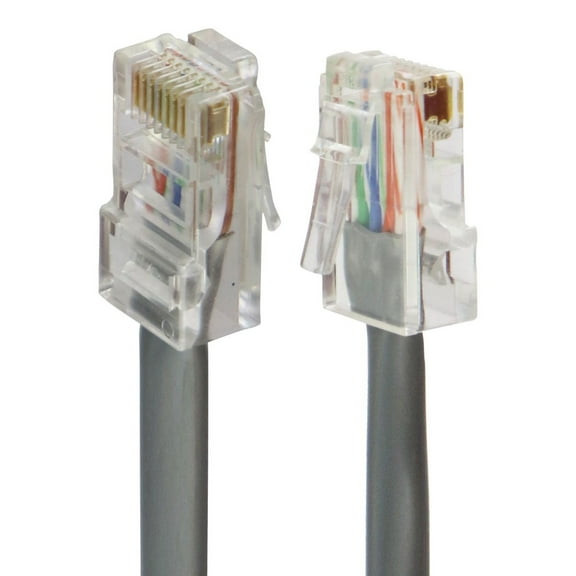
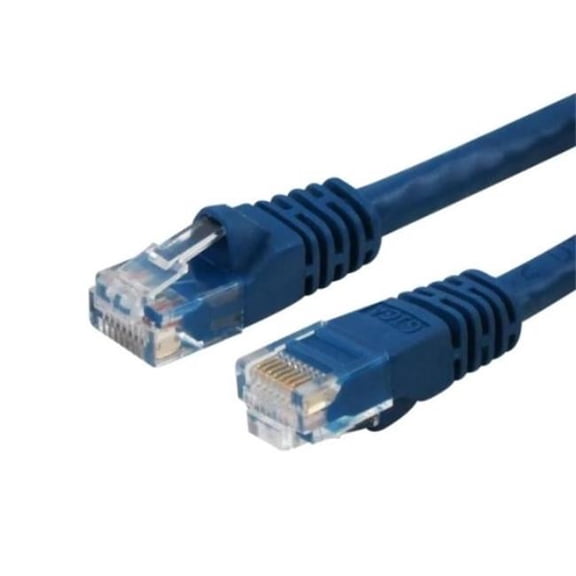
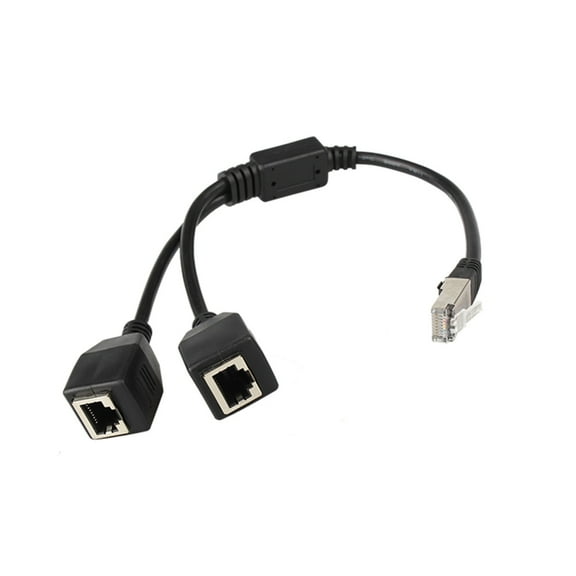
You can make device setup easier when you check connector details before you choose. Most home networking gear uses RJ45 ends, so an rj45 ethernet cable can connect routers, modems, switches, PCs, and smart TVs.
Snagless boot designs can help you route cables through tighter spaces without catching on edges as easily. When you move equipment often, you'll appreciate connectors that are easier to plug in and remove.
You should also confirm that the cable ends fit the ports on your devices and accessories. That quick check can help you avoid setup delays when your new cable arrives.
How to match ethernet cables to your setup
If you game online, you can choose a cable category that supports fast data handling and a steady wired connection. You may also want a shorter run for a cleaner desk and less visible cable routing.
When you stream movies or shows on a smart TV, you can use a high speed internet cable to support smooth playback. A longer cable can help when your router sits across the room from your screen.
For home offices, you can compare Cat6 or higher options when you move large files or join video meetings often. If you need a discreet path, you can choose a flat ethernet cable along walls or under furniture.
In workshops or exterior spaces, you can look for an outdoor ethernet cable built for the intended route and conditions. You should also review shielding and length together so your cable fits the full path.
When you compare category, length, shape, shielding, and connector type, you can narrow your options with more confidence. The right ethernet cables help you keep your network organized, connected, and ready for everyday use.