

Computer Cables & Connectors in Computer Accessories










![BENFEI USB C to VGA 6 Feet Cable, USB Type-C to VGA Cable [Thunderbolt 3/4 Compatible] with iPhone 15 Pro/Max, MacBook Pro/Air 2023, iPad Pro, iMac, S23, XPS 17, Surface Book 3 and More](https://i5.walmartimages.com/seo/BENFEI-USB-C-VGA-6-Feet-Cable-USB-Type-C-VGA-Cable-Thunderbolt-3-4-Compatible-iPhone-15-Pro-Max-MacBook-Pro-Air-2023-iPad-Pro-iMac-S23-XPS-17-Surface_af429b6d-7aa9-4795-a1d1-6b1e05a5fd60.555d37262ea711e23c3a31e4fb8bcd81.jpeg?odnHeight=576&odnWidth=576&odnBg=FFFFFF)










About Computer Cables & Connectors in Computer Accessories - Walmart.com
Computer cables and connectors help you power devices, link displays, and move data without guesswork. You can compare cable types, connector shapes, lengths, and signal support to match your setup.
How to choose computer cables and connectors
You should start with the exact port on your computer, monitor, drive, or router. You can avoid mismatch issues by checking connector type and gender before you order.
You'll often compare HDMI, DisplayPort, USB, SATA, power, and Ethernet options for different jobs. You can use HDMI cables for many monitors, USB cables for PC accessories, and ethernet connectors for wired networking.
You can narrow choices faster when you match each cable to one task. Your video line, data line, and power line often need different specs.
Choosing the right cable type
You should compare display cables first if your desk setup includes one or two screens. You can use PC monitor cables like HDMI or DisplayPort for video output and refresh support.
You may prefer HDMI cables when your monitor and computer share common ports. You may choose DisplayPort when your setup needs higher refresh rates or multiple display features.
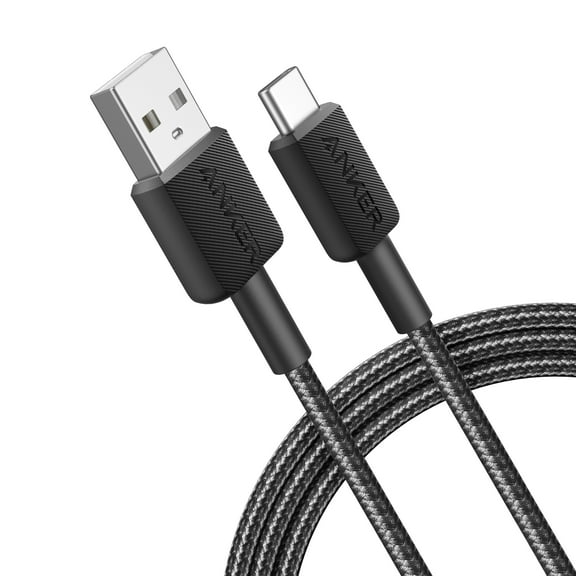
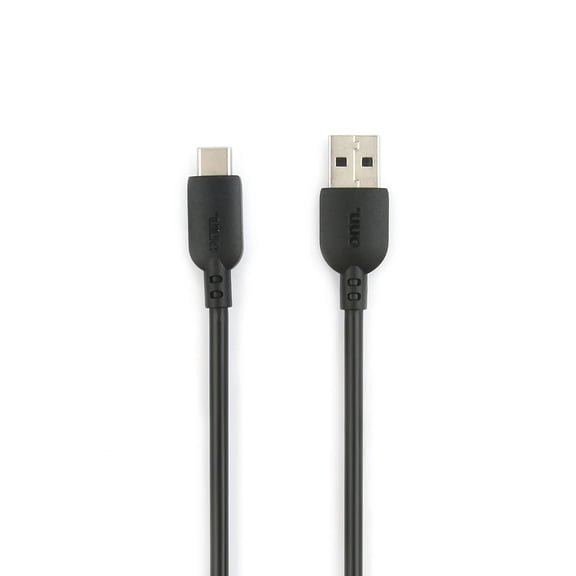
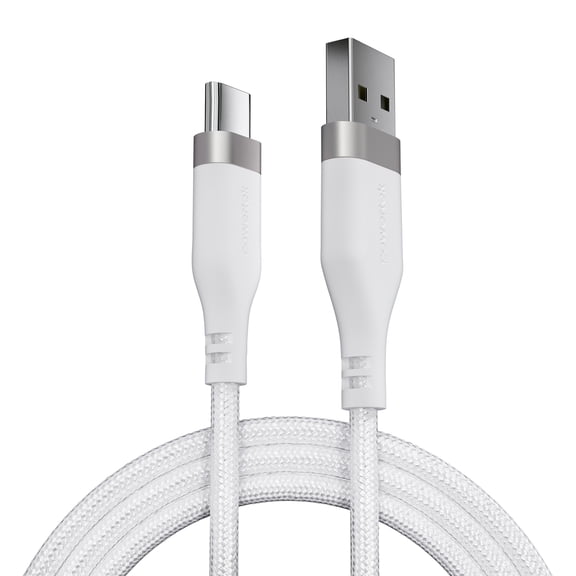
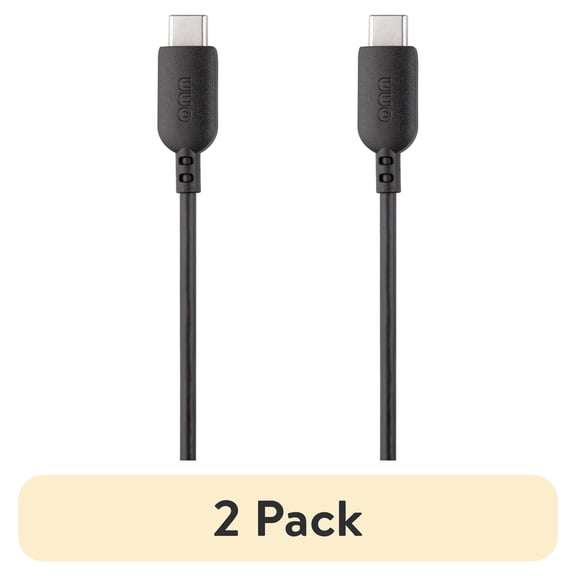
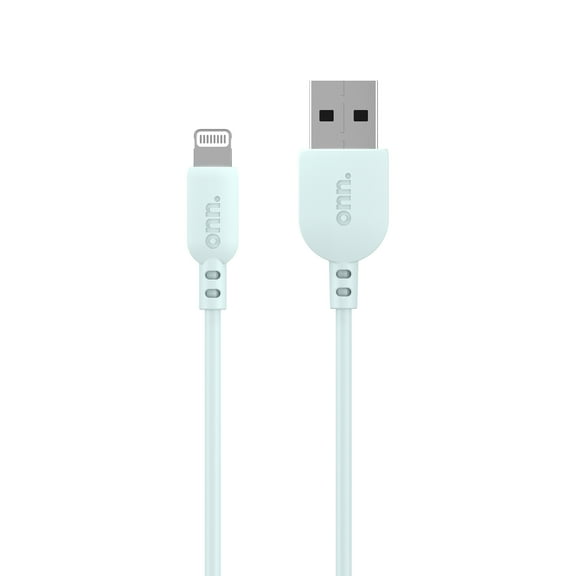
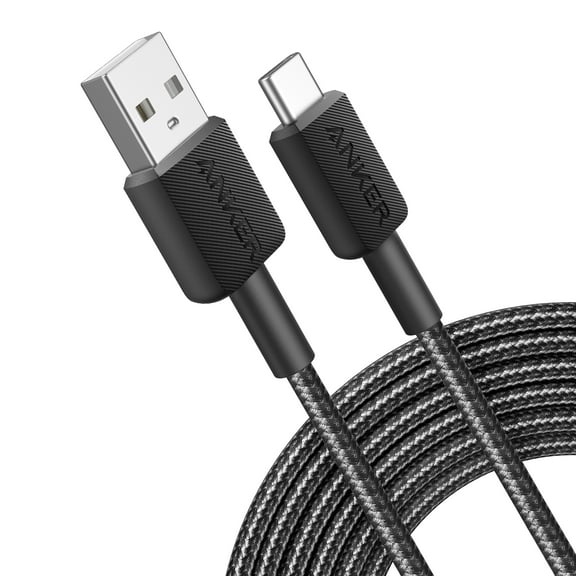
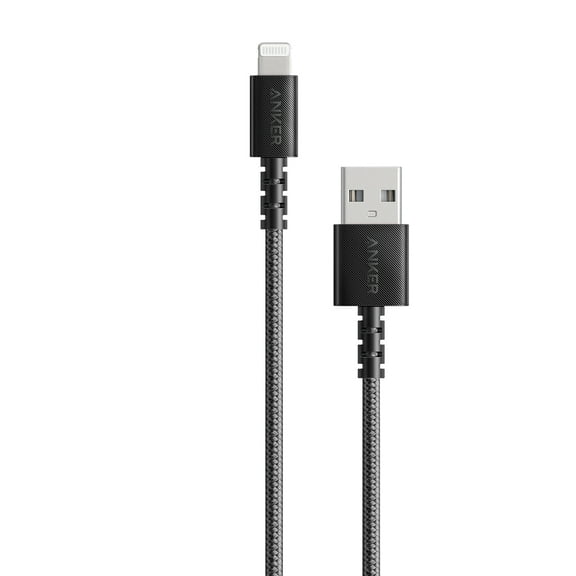
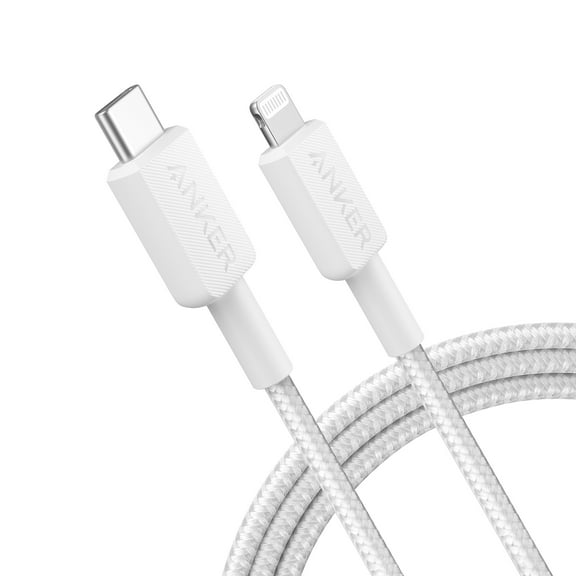
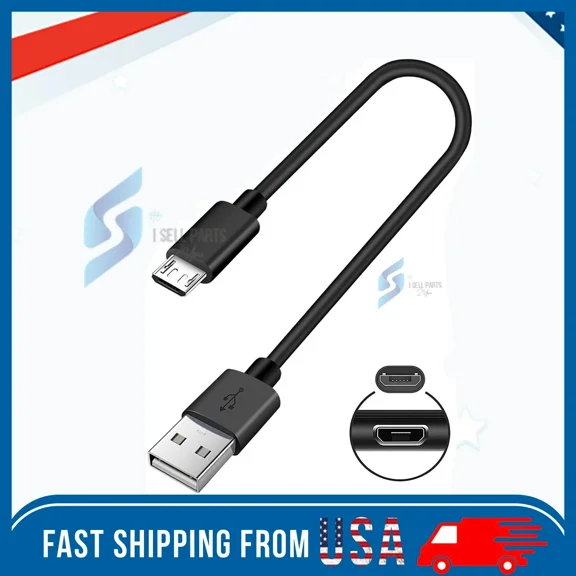
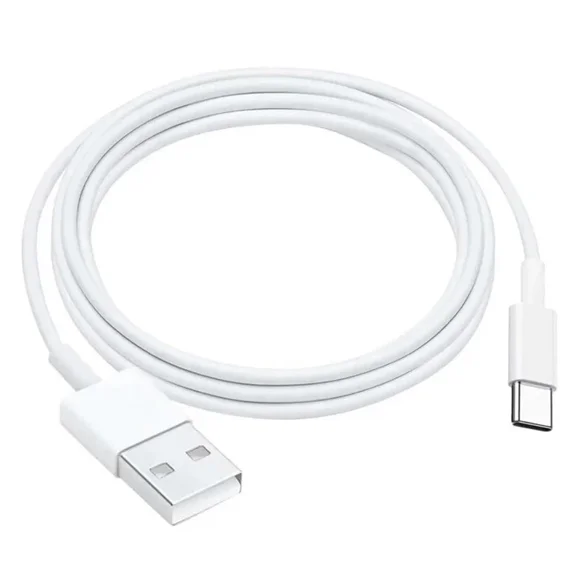
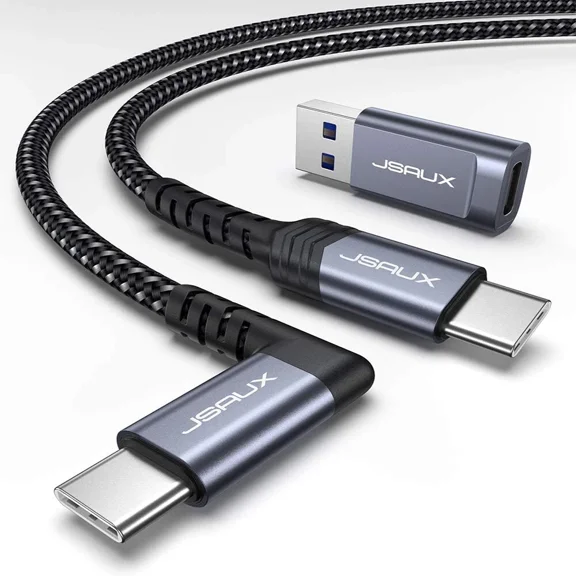
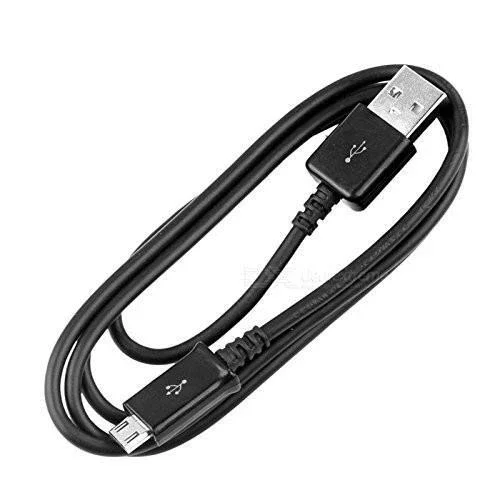
You can use USB cables for PC keyboards, mice, docks, printers, and external drives. You should check whether your device uses USB-A, USB-C, or a smaller legacy connector.
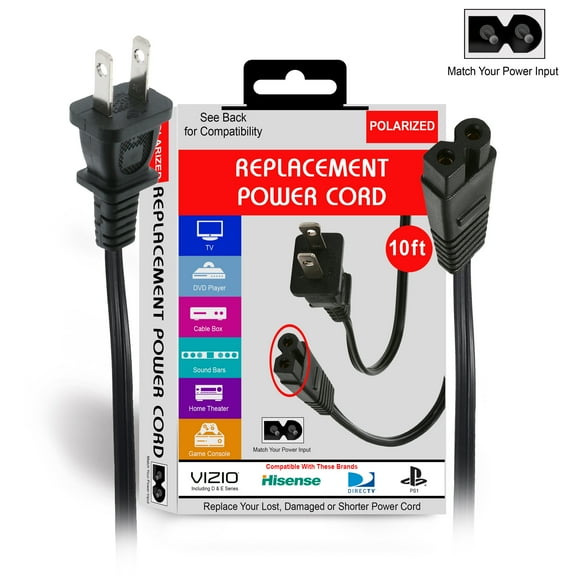
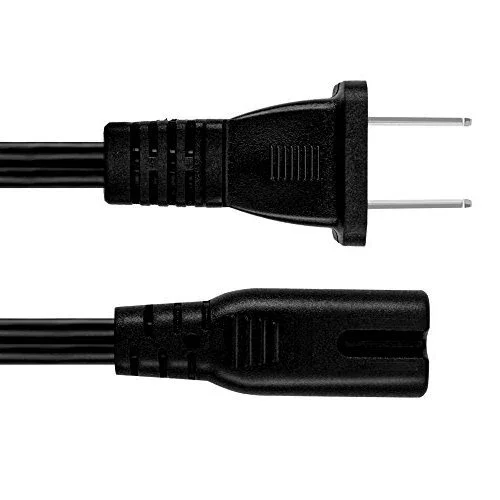
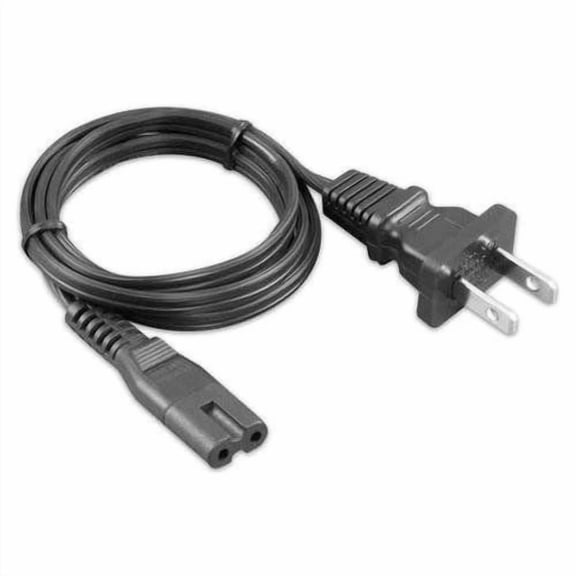
Your internal storage build may need internal computer cables like SATA data and SATA power connections. You can also compare computer power cables for desktops, monitors, and replacement power needs.
- You can use HDMI for common monitor and media connections.
- You can choose DisplayPort for many desktop graphics setups.
- You can pick USB cables for charging, syncing, and peripherals.
- You can select SATA options for internal drives and storage upgrades.
- You can use Ethernet for stable wired internet connections.
Comparing connector gender and fit
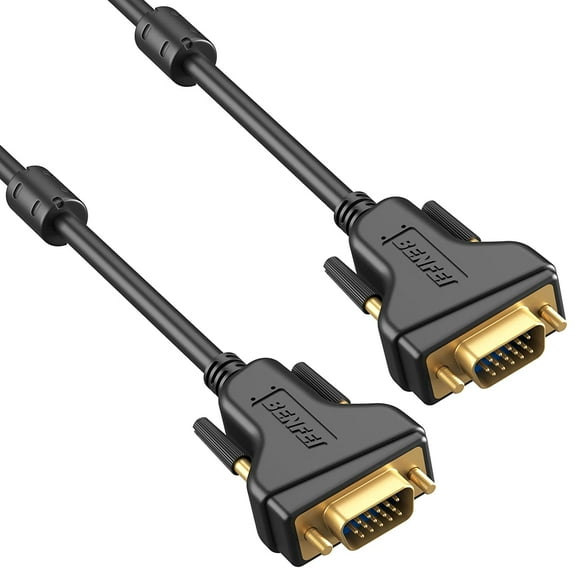
You should check whether your connection needs male to male, male to female, or female to female ends. You can prevent adapter confusion by matching the plug and port style exactly.
You may need male to female extensions when your port sits behind furniture or under a desk. You can use female to female couplers only when your setup calls for two cable ends to join.
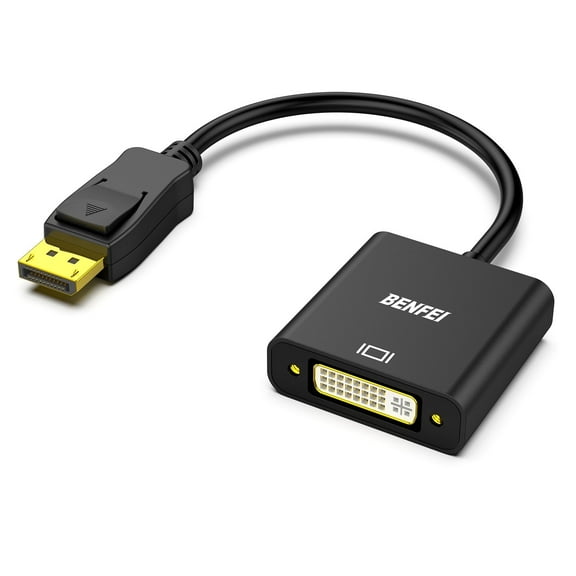
Your fit also depends on connector housing size and nearby ports. You should compare straight plugs, tighter clearances, and adapter shapes before you connect crowded devices.
Choosing the right length and signal support
You should measure the route from device to device before you pick 3 ft, 6 ft, 10 ft, or 15 ft+ lengths. You can avoid tight bends and desk strain by adding a little slack.
You may like shorter PC cables for cleaner desks and easier cable management. You may need longer runs for wall-mounted monitors, standing desks, or room-spanning network connections.
You should also compare signal demands when your cable run gets longer. You can look for active designs on runs over 15 ft when your video signal needs more consistent performance.
Your monitor choice may require 1080p, 4K, or 8K resolution support. You should confirm both your cable and your connected devices support the same resolution target.
What to look for in power, shielding, and transfer specs
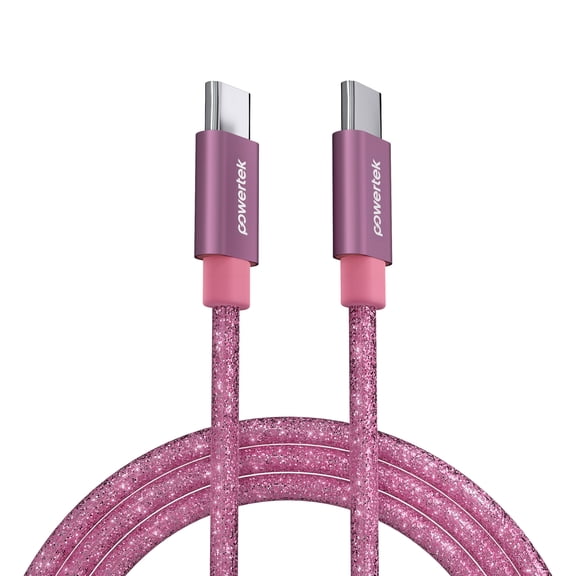
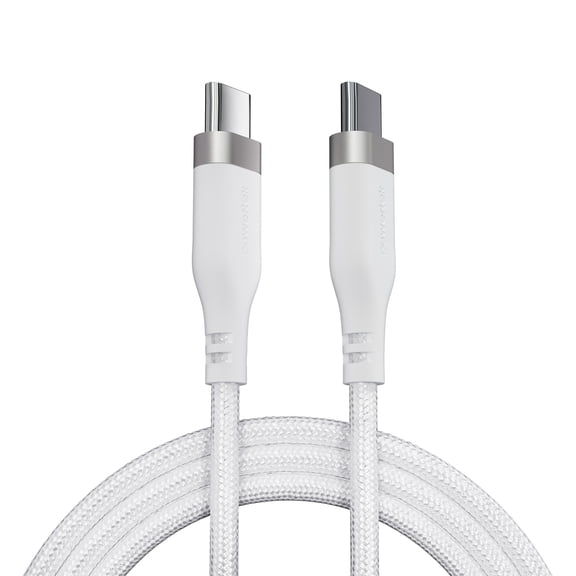
You should check wattage ratings when you compare USB-C charging lines or internal power leads. You can match power delivery capacity to laptops, docks, or components that need specific output.
You may notice that not every USB cable handles data and charging the same way. You should review transfer support if your cable connects external drives, hubs, or high-speed accessories.
Your environment can also affect shielding needs. You can choose shielded or double-shielded cables when your setup sits near many electronics or longer cable paths.
You may find unshielded options work for simple, short connections in low-interference spaces. You should compare shielding type with your room layout, cable length, and signal sensitivity.
Matching combinations to your setup
You can pair a 6 ft HDMI cable with 4K support for a home office monitor. You can also choose DisplayPort for a desktop graphics setup with higher refresh needs.
You may want a 10 ft USB extension for a printer or webcam placed away from your tower. You should verify connector gender and data support before you connect peripherals.
Your storage upgrade may call for SATA data and power lines inside a desktop case. You can measure internal reach and check port placement before you finish the build.
You can use shielded Ethernet runs for dependable wired networking across a room. You may choose shorter unshielded patch cables for a nearby router or switch.
Your replacement computer power cables should match the device connection and cord style exactly. You can confirm plug shape, voltage compatibility, and intended device type before use.
You can shop with more confidence when your cable choices match ports, distance, resolution, and power needs. Your setup works more smoothly when each connection fits correctly the first time.