

Dash Cam Features in Dash Cams















About Dash Cam Features in Dash Cams - Walmart.com
Dash cam features help you compare recording quality, camera coverage, and smart tools before you choose a setup for daily driving. You can narrow your options faster when you understand resolution, night visibility, phone access, and parking monitoring.
How to choose dash cam features that fit your drive
When you compare dash cam features, you should start with the moments you want to capture most often. You may need clearer highway footage, wider vehicle coverage, or simple video access from your phone.
Many shoppers focus first on dark roads, crowded parking lots, and front-to-rear coverage during routine commutes. You can choose more confidently when each feature matches your vehicle, route, and recording habits.
- You can use higher resolution for clearer license plates, street signs, and lane details.
- You can choose front and rear coverage when you want recording from more than one angle.
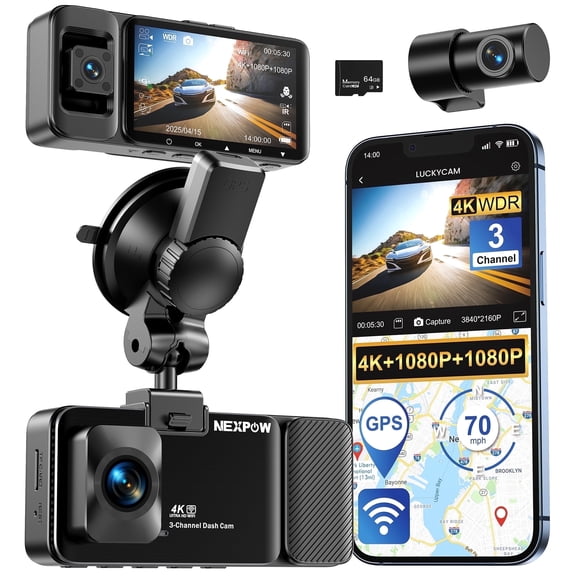
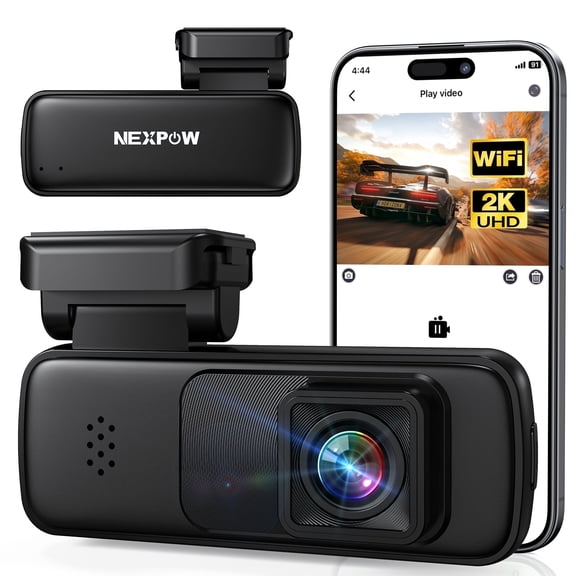
- You can use Wi-Fi access when you want faster video review on your phone.
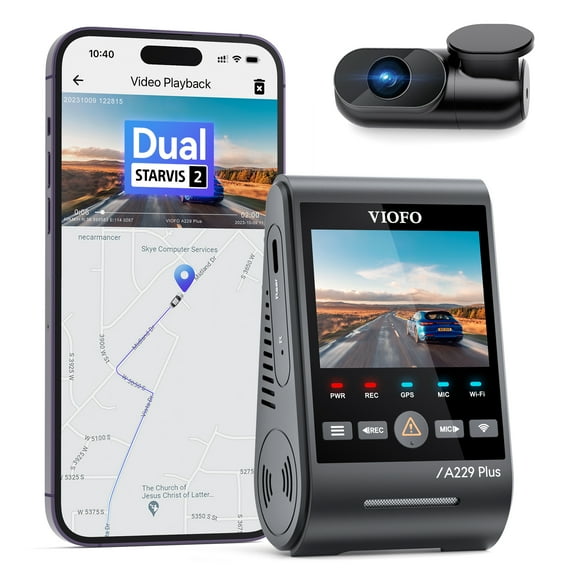
- You can look for GPS, G-sensor tools, and parking mode for more complete trip records.
If you drive early mornings or late evenings, you may want a dash cam with night vision for dim streets. You can also look for balanced low-light recording when storefront glare or headlights fill the frame.
Choosing resolution from 1080p to 4k dash cam options
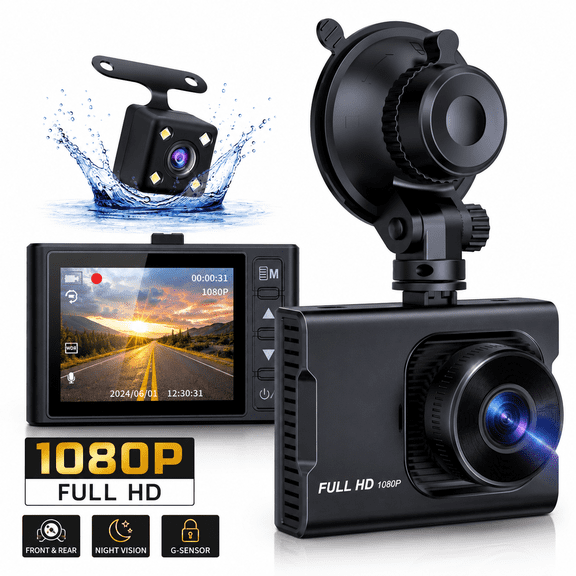
Resolution affects how much detail you can review after a drive, so you should compare it early. You can start with 1080p Full HD for everyday recording and move up when you want sharper playback.
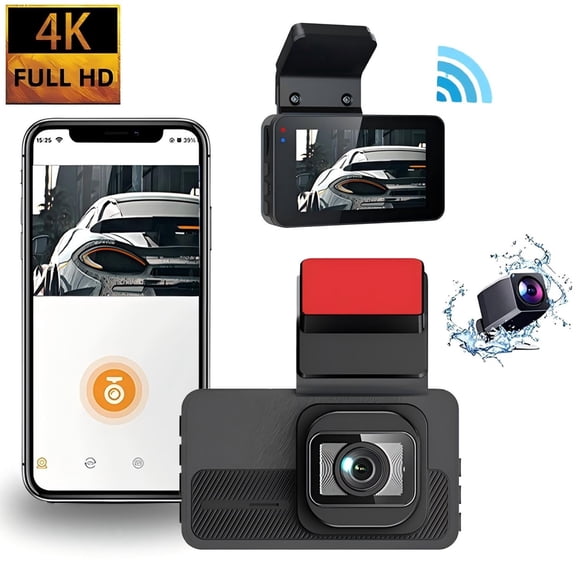
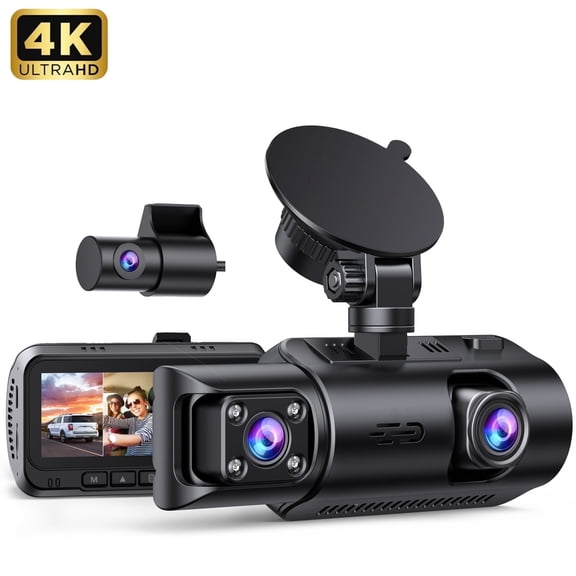
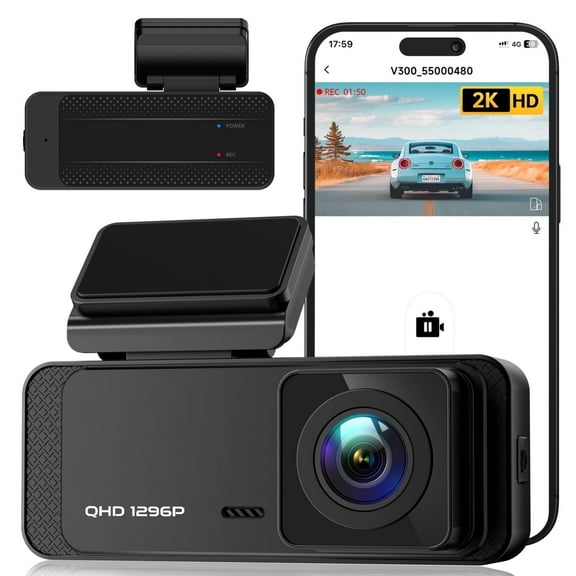
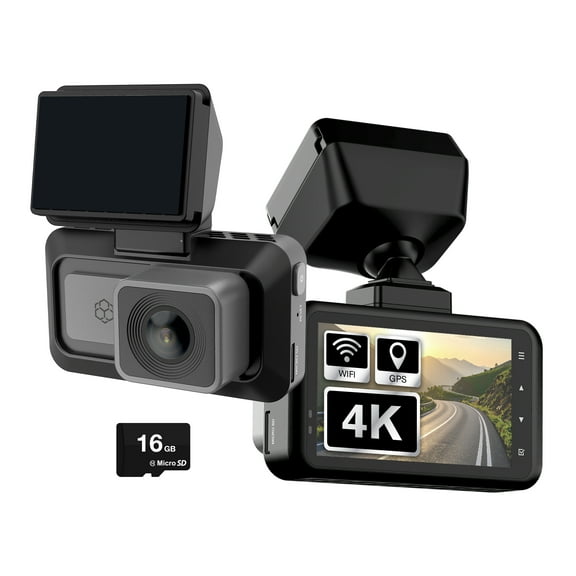
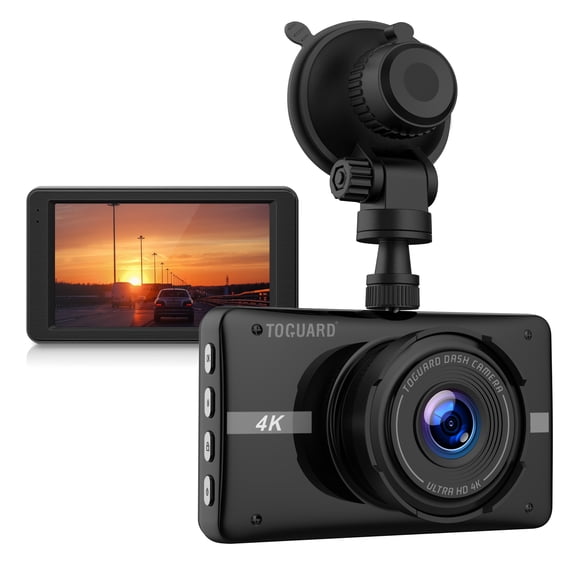
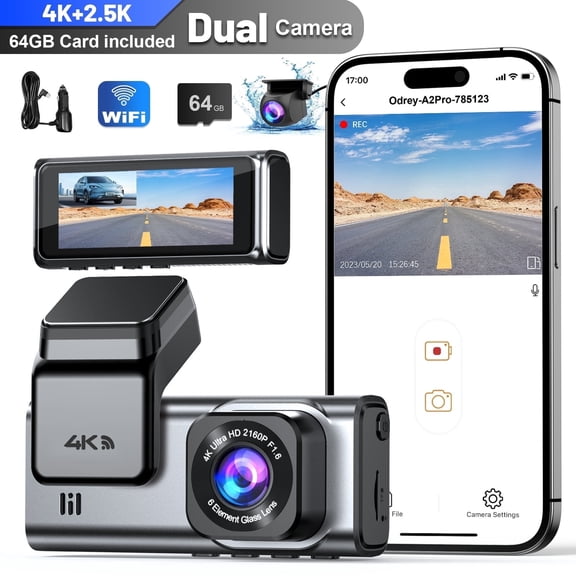
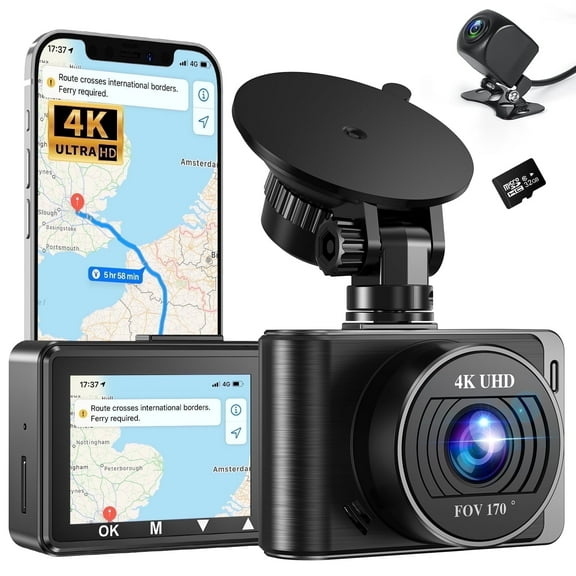
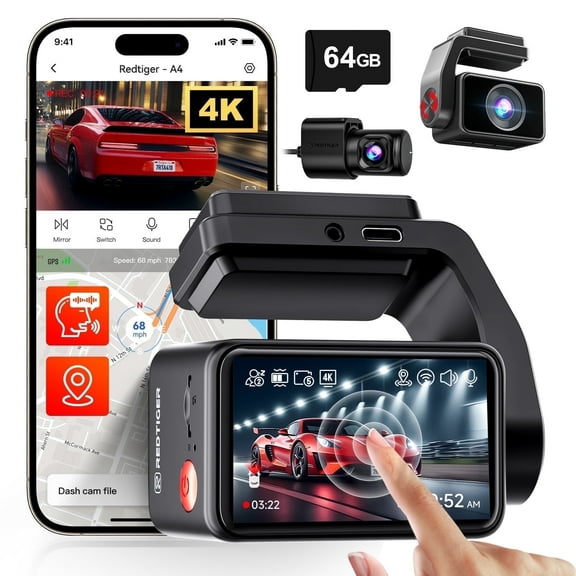
A 2K model gives you a middle step if you want extra detail without jumping to the largest files. If you want very crisp footage, a 4k dash cam can help you capture finer road details.
You should also consider storage needs because higher resolution usually creates larger video files. You can pair that choice with loop recording, which lets your camera keep recording by replacing older clips.
Loop recording matters when you drive often and want continuous coverage without manual file cleanup. You can keep your setup simple while still recording regular trips, errands, and long drives.
Comparing single, dual dash cam, and cabin coverage
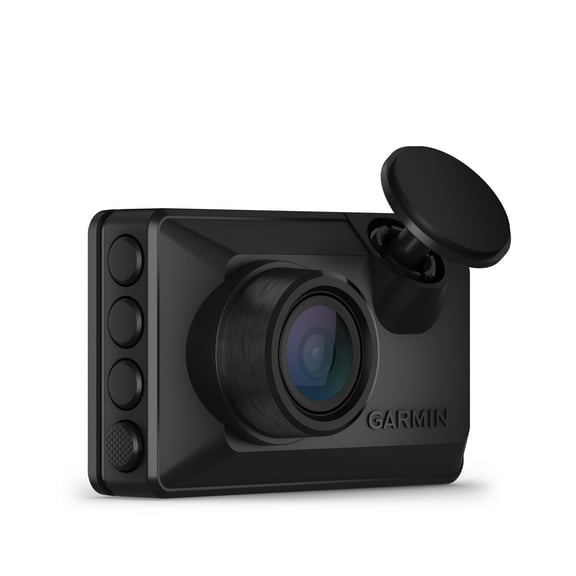
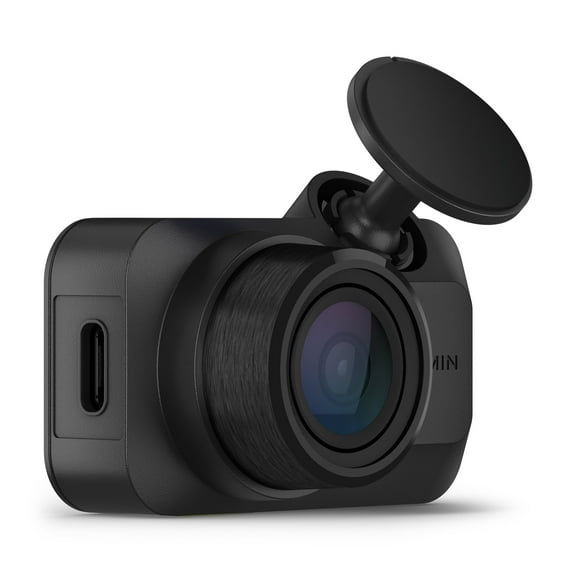
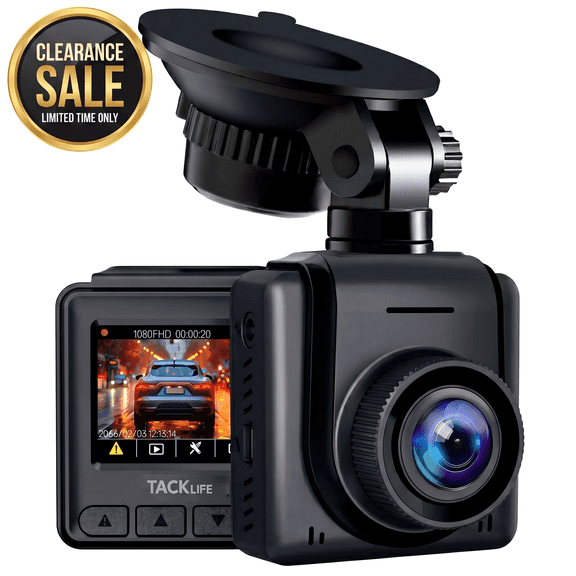
Camera channels decide how much of your vehicle surroundings you record at one time. You can choose a single front camera for straightforward forward-facing footage and cleaner installation.
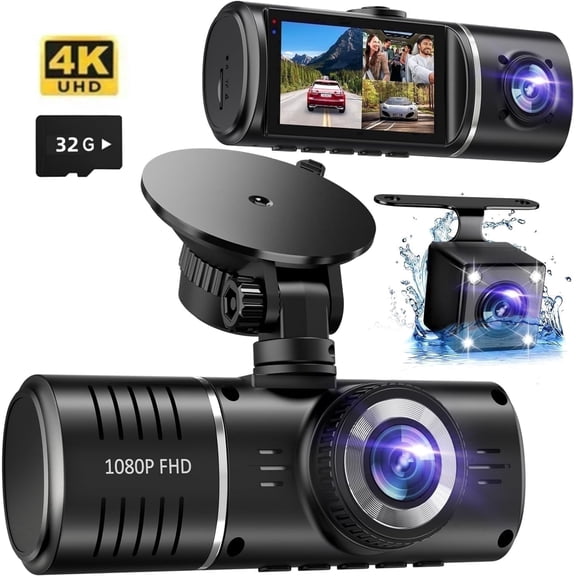
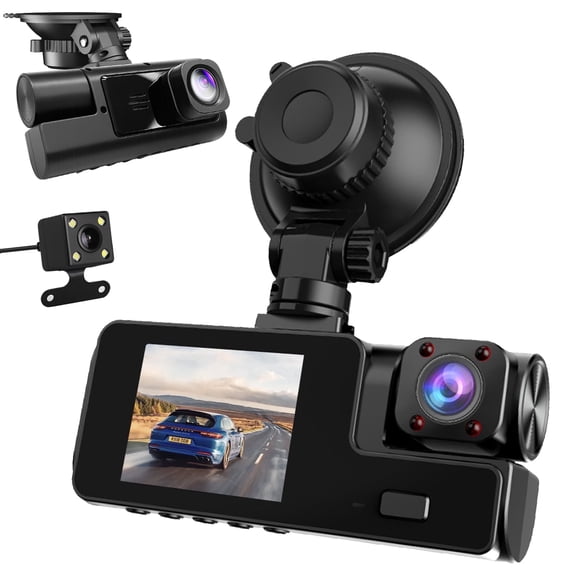
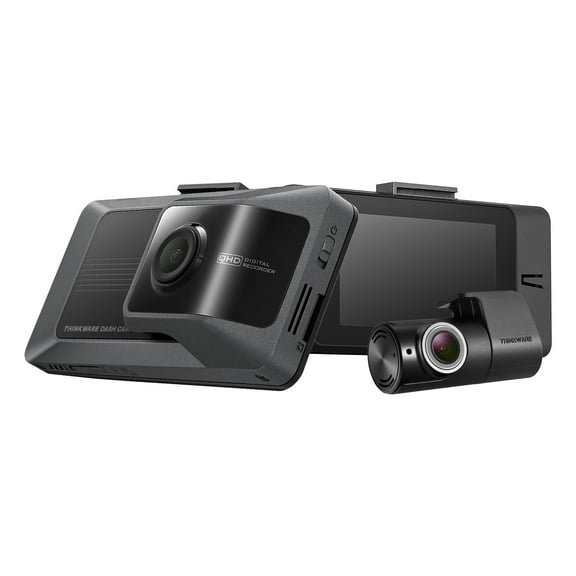
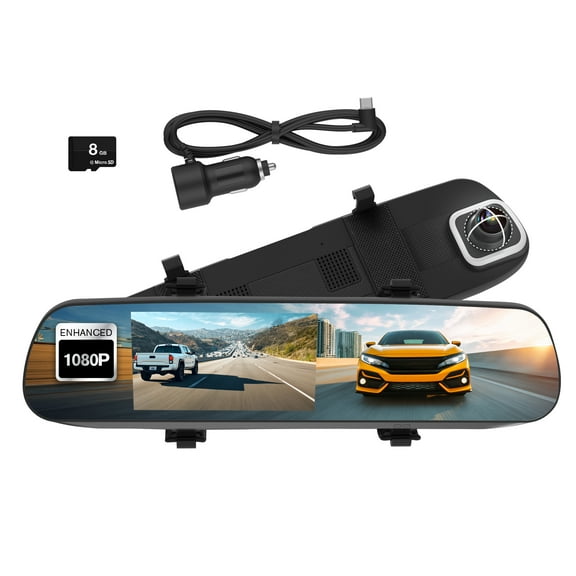
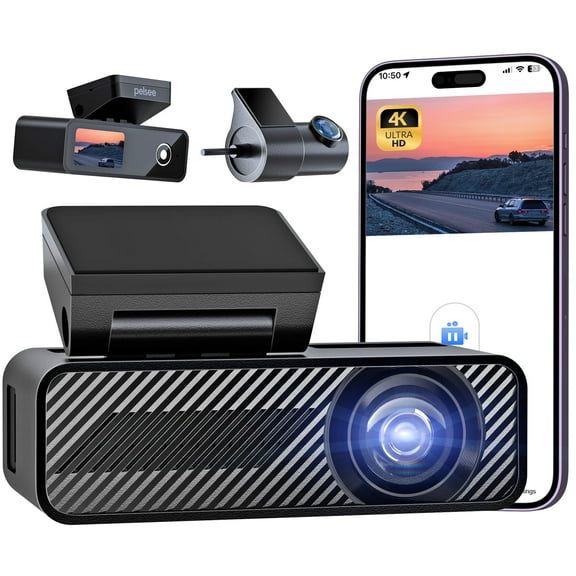
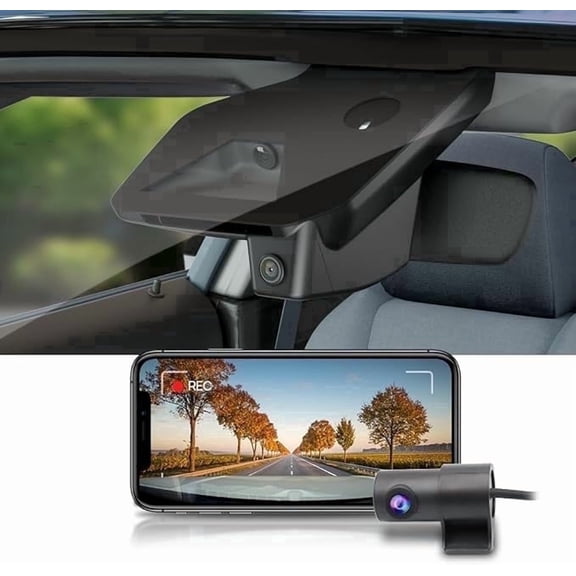
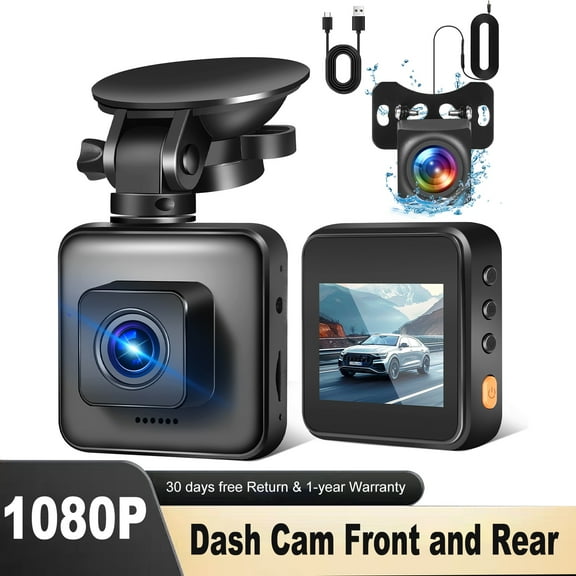
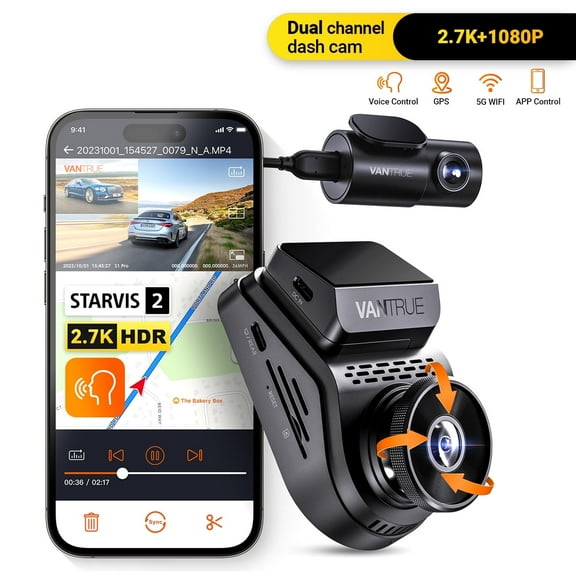
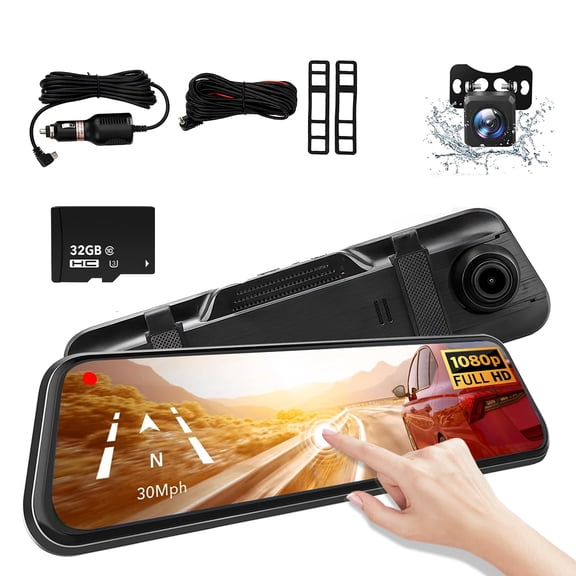
If you want coverage behind your vehicle too, a dual dash cam gives you front and rear recording. You may also see a front and rear dash cam setup described as dual-channel coverage.
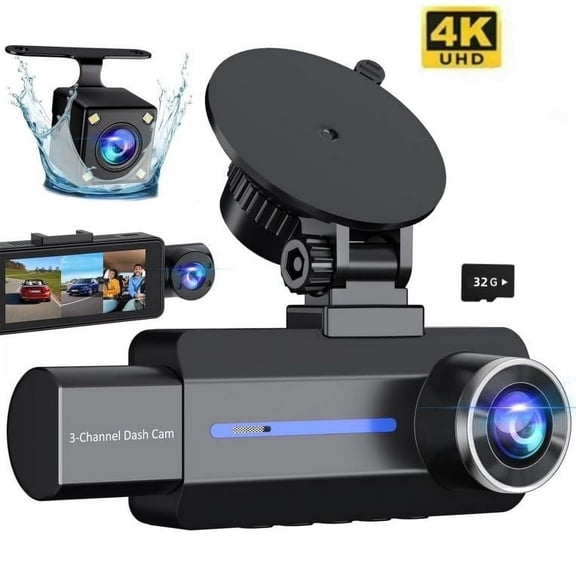
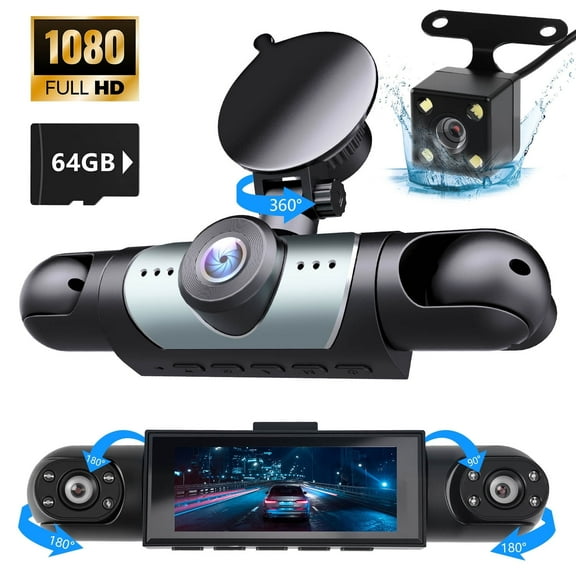
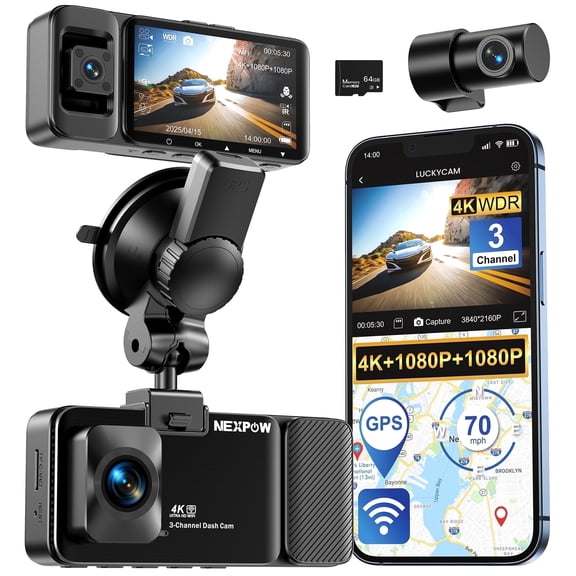
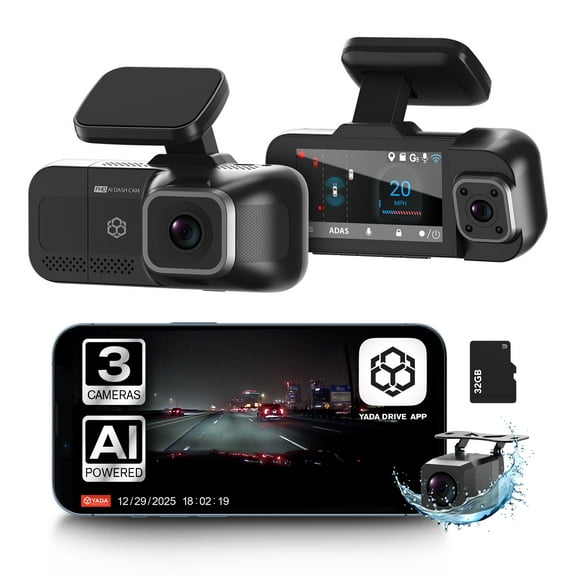
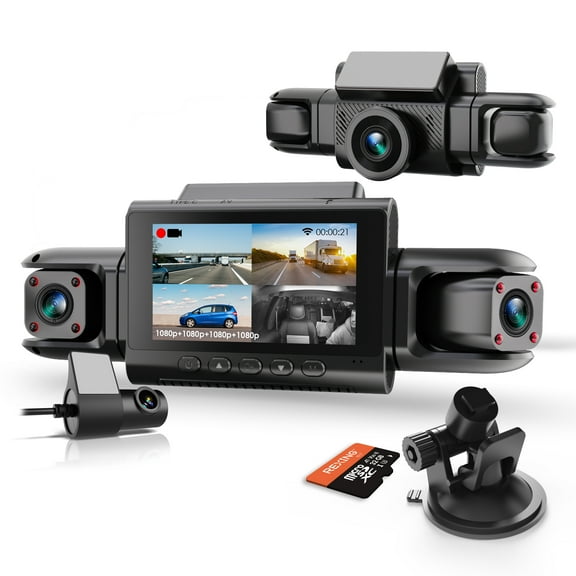
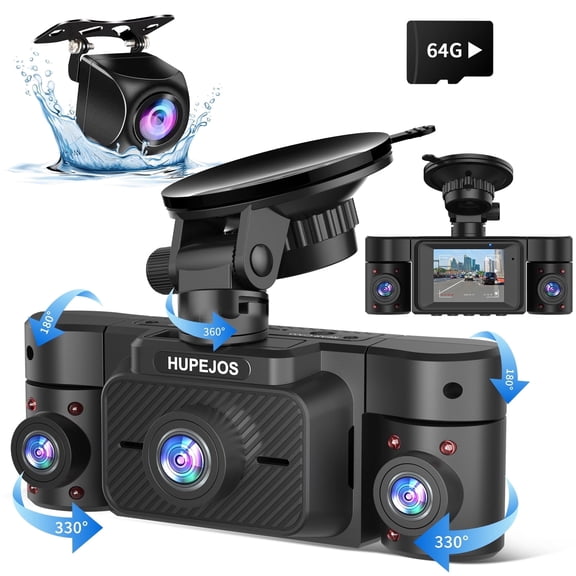
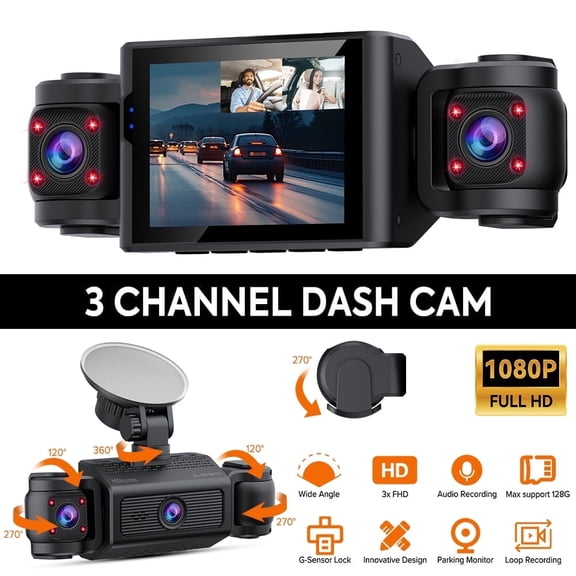
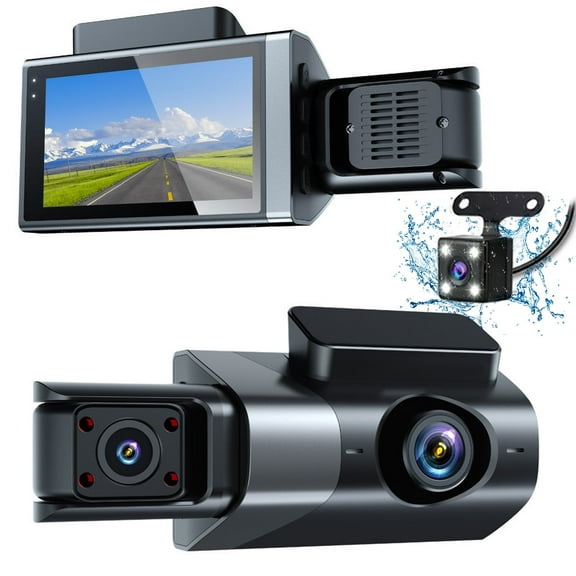
That extra camera can help you review traffic behind you during lane changes, stops, and parking lot movement. You can also compare three-channel options when you want cabin footage alongside road views.
Before you choose, you should think about where you drive and how much installation effort you prefer. You may want a simpler windshield setup or more complete coverage across several viewpoints.
Looking at a dash cam with night vision, GPS, and parking mode
If low-light driving is part of your routine, a dash cam with night vision deserves close attention. You can look for recording that stays usable on darker roads, in garages, and under streetlights.
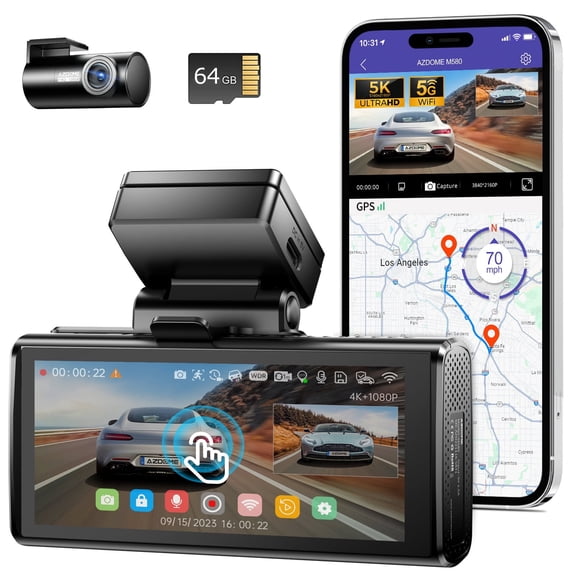
Smart tools add context to your footage, and a gps dash cam can log route and location details. You can use that extra trip information when you want a fuller record of where footage was captured.
You may also want G-sensor impact detection, which is a key feature during sudden motion events. When your camera detects a jolt, you can have important clips marked apart from routine loop files.
Parking mode is another decision point if your vehicle spends time parked outside or in public lots. You can look for dash cam parking mode options that monitor activity when your car is not moving.
Checking connectivity, apps, and everyday setup
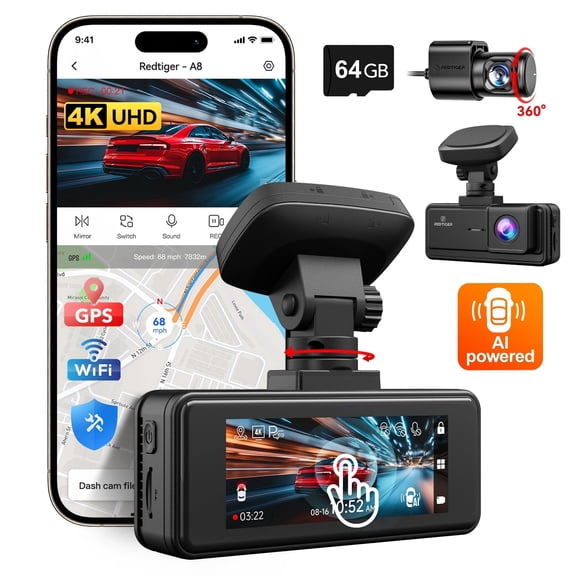
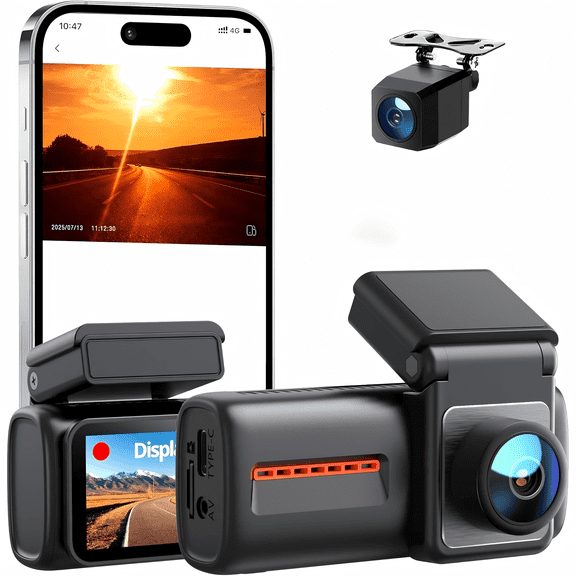
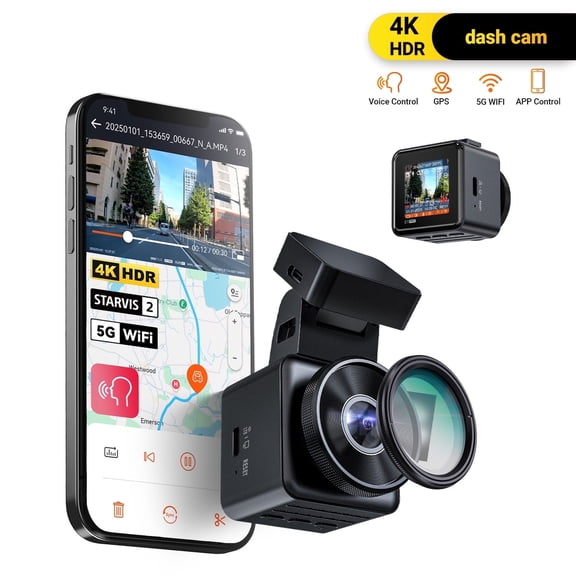
A dash cam with wifi can make file access easier because you can review clips on your phone. You can skip removing the memory card each time you want to check or share footage.
Some shoppers also compare Bluetooth or 4G LTE connections based on how they prefer to manage recordings. You should check whether the app experience, pairing steps, and transfer method fit your routine.
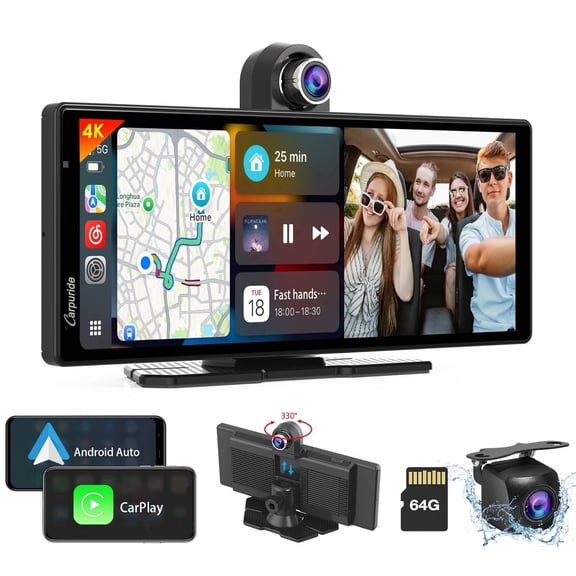
If you want a smart dash cam experience, you may prefer app controls, alerts, and organized clip access. You can compare how each connectivity option supports setup, playback, and file management.
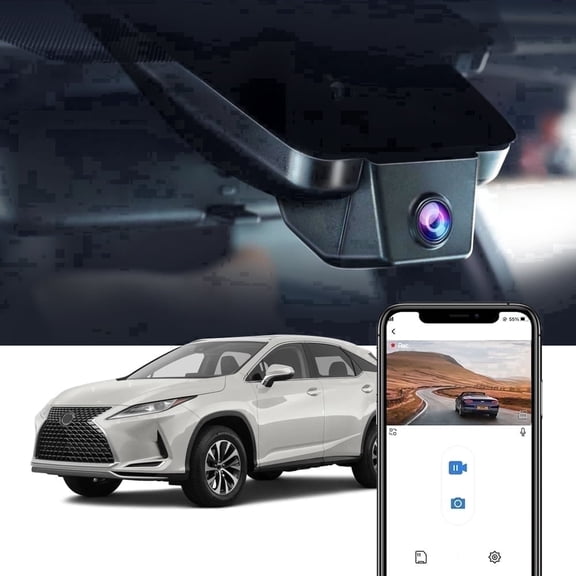
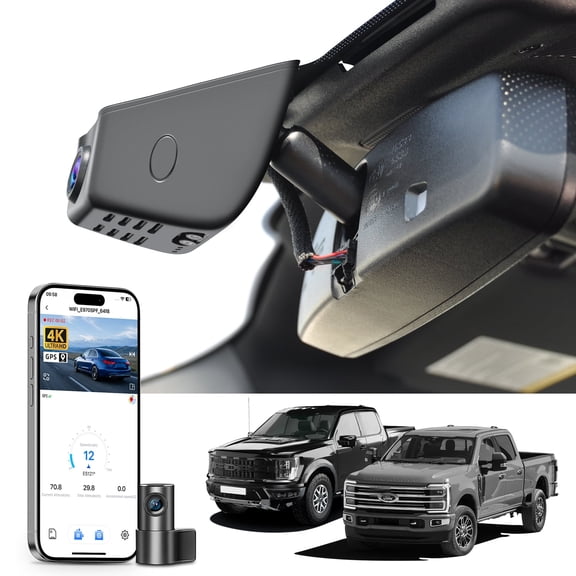
Mounting style and power source matter too, especially if you want a neater install. You should check cable routing, windshield placement, and whether your vehicle setup suits front-only or multi-camera recording.
Matching dash cam features to real driving situations
If you commute on busy highways, you may want higher resolution and a wide front view. You can pair that with GPS logging when route details matter during frequent travel.
If you park on city streets, you may prefer parking mode and a compact design. You can add rear coverage when you want more visibility around your vehicle after you step away.
For rideshare or family driving, you may want three-channel recording with cabin coverage and easy app review. You can compare Wi-Fi access and storage handling when several drivers use one vehicle.
If you drive often after sunset, you should prioritize low-light clarity and balanced exposure. You can focus on a dash cam with night vision and front-to-rear coverage for broader recording support.
When you compare these feature combinations, you can narrow your search with less guesswork and stronger confidence. You’ll end up with recording tools that fit your vehicle, your routine, and your footage priorities.